Gameserver plan
ZAP Spawn
€5.99/ 30 days
- 2 GB RAM
- 2 CPU
- 15 GB NVMe
- Unlimited Slots
You decide which services we may enable for analytics, personalization, and external content.
We use cookies and similar technologies on our website to personalize content, embed external media, and better understand how individual areas are used.
Necessary cookies
These entries support essential functions such as security, stability, and form processing.
Optional sections
Your data may be processed with your consent or on the basis of legitimate interests. In the cookie settings, you can reject or explicitly allow each optional category.
Some services process personal data in third countries. By consenting, you also agree to this transfer. You can find more information in our Privacy Policy.
You can reopen and change your selection at any time. · 1.0.2
 Minecraft Create modpack server
All of Create Aeronautics · Your Create Aeronautics server with the modpack pre-installed, DDoS protection and RAM that scales as your airships grow.
Packages 1–3 of 9
 minecraft
Configure yourself
No package fits? Choose your RAM, CPU and storage—you only pay for the performance your community actually needs.
Powerful CPUs
100 Gbit/s host network
DDoS protection
Modpack pre-installed
Daily Backup
 Visa
 Mastercard
 American Express
 PayPal
 Google Pay
 Apple Pay
 Klarna
 Amazon Pay
About the modpack
All of Create Aeronautics is a Minecraft modpack built around the Create mod: gears, belts, trains and huge automated factories, extended with a large set of Create addons and Create: Aeronautics. Aeronautics runs on the Sable physics engine, so your contraptions take off as airships, planes and cars that really fly, steer and collide. The pack runs on NeoForge, and with your own Create Aeronautics server you and your friends build in one shared world that keeps running when you log off.
With your own server you set the rules for the sky fleet: invite your whole crew with unlimited player slots, drop extra Create addons into the mods folder, bring your existing world and pick a location close to your players. This is modded Minecraft server hosting tuned to physics: every moving contraption, airship and loaded chunk is simulated on the server, so RAM matters far more for this pack than the number of players.

Locations worldwide
8 data centers worldwide — choose the location closest to your community.


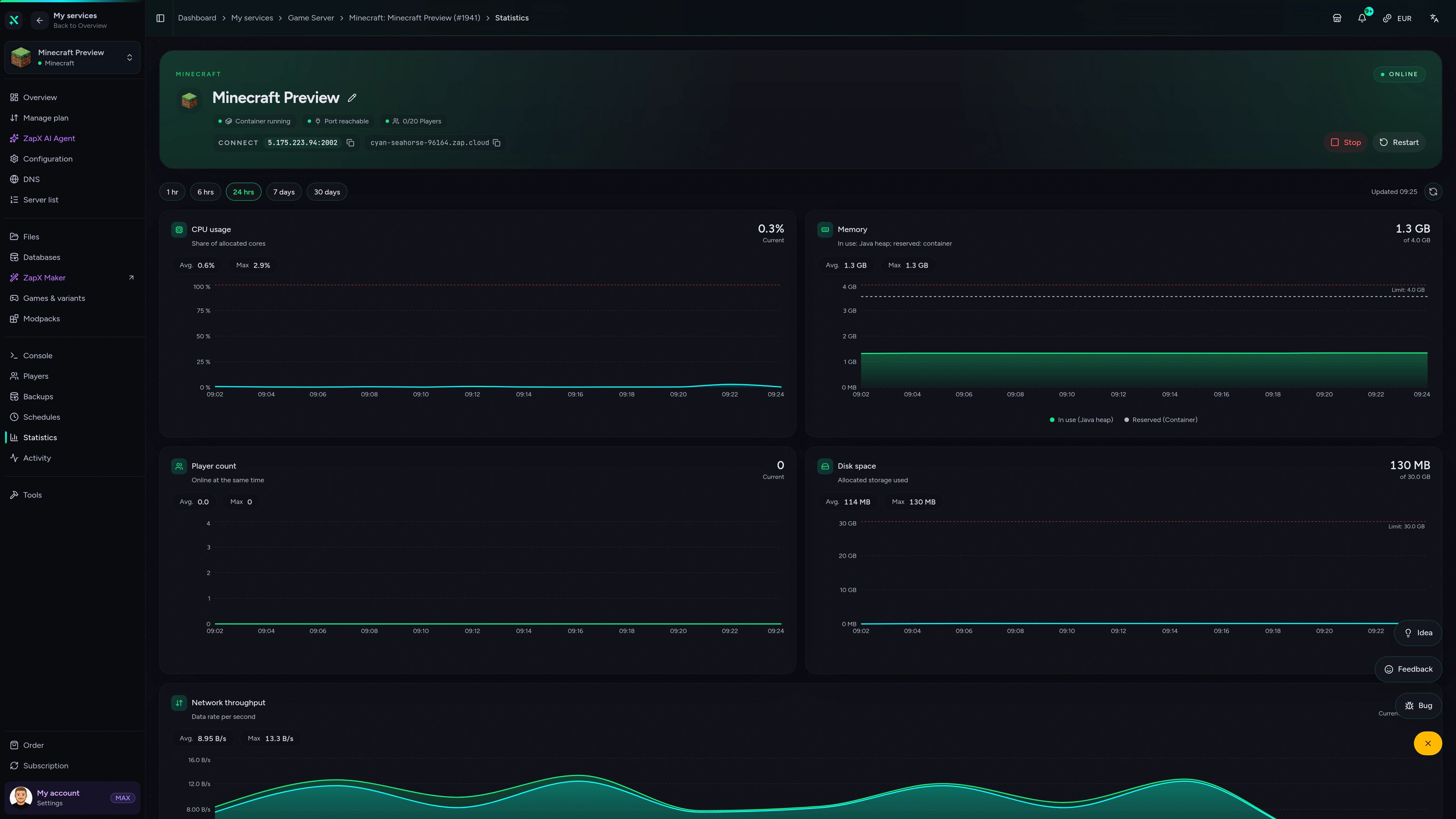
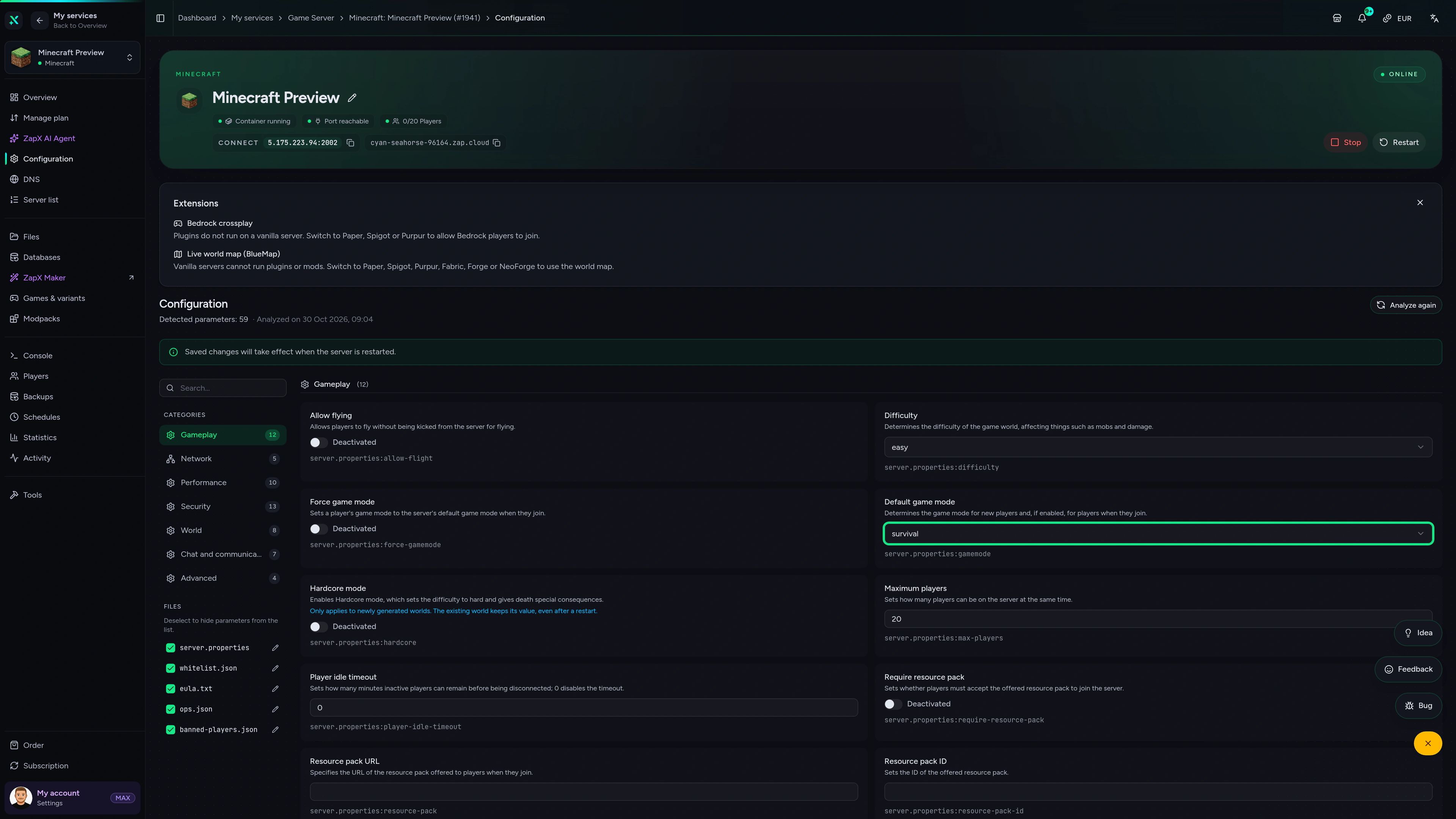
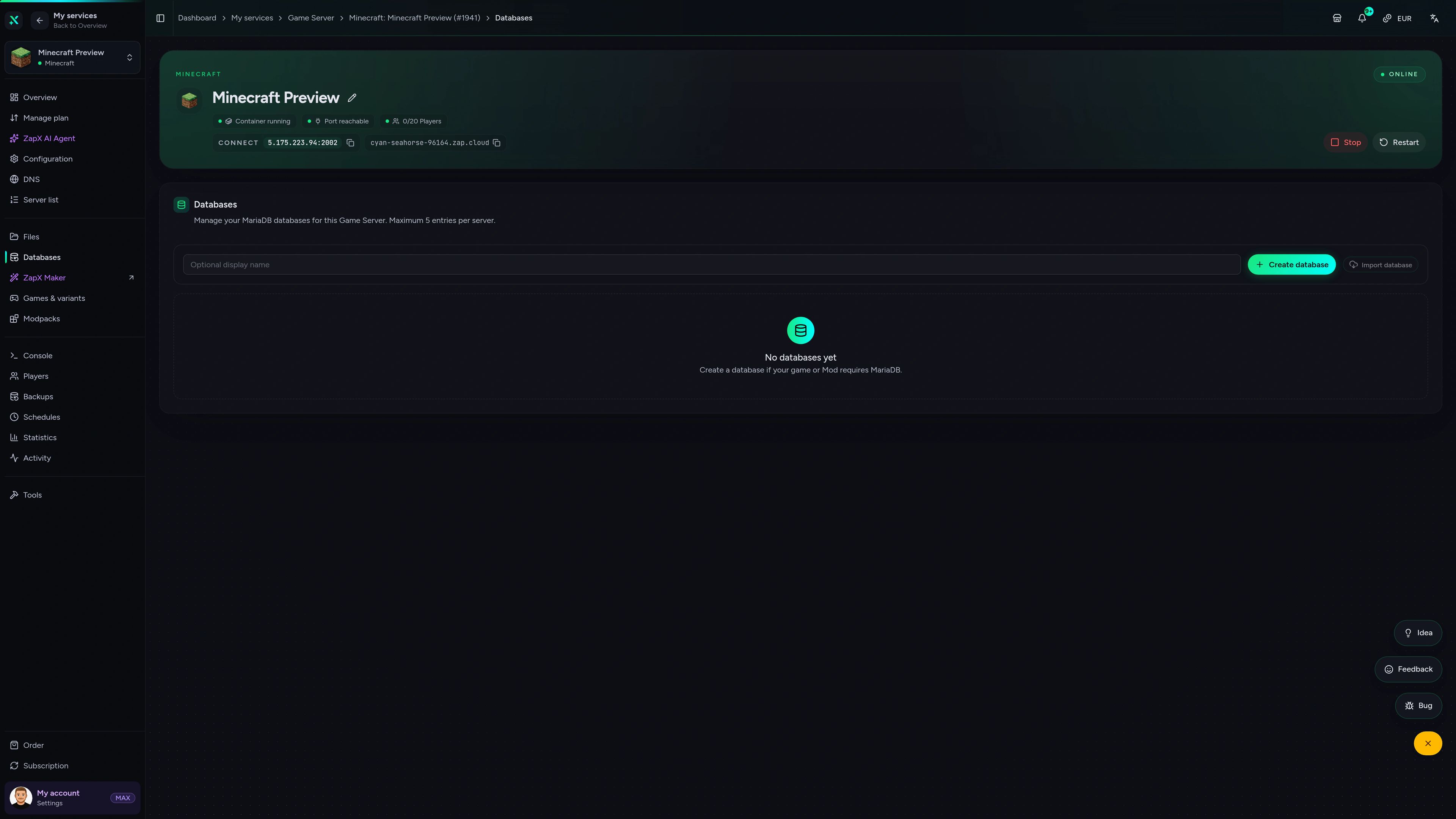
ZapX Panel
Activity, Backups, DDoS manager and DNS: everything you need to run your All of Create Aeronautics server in one place.
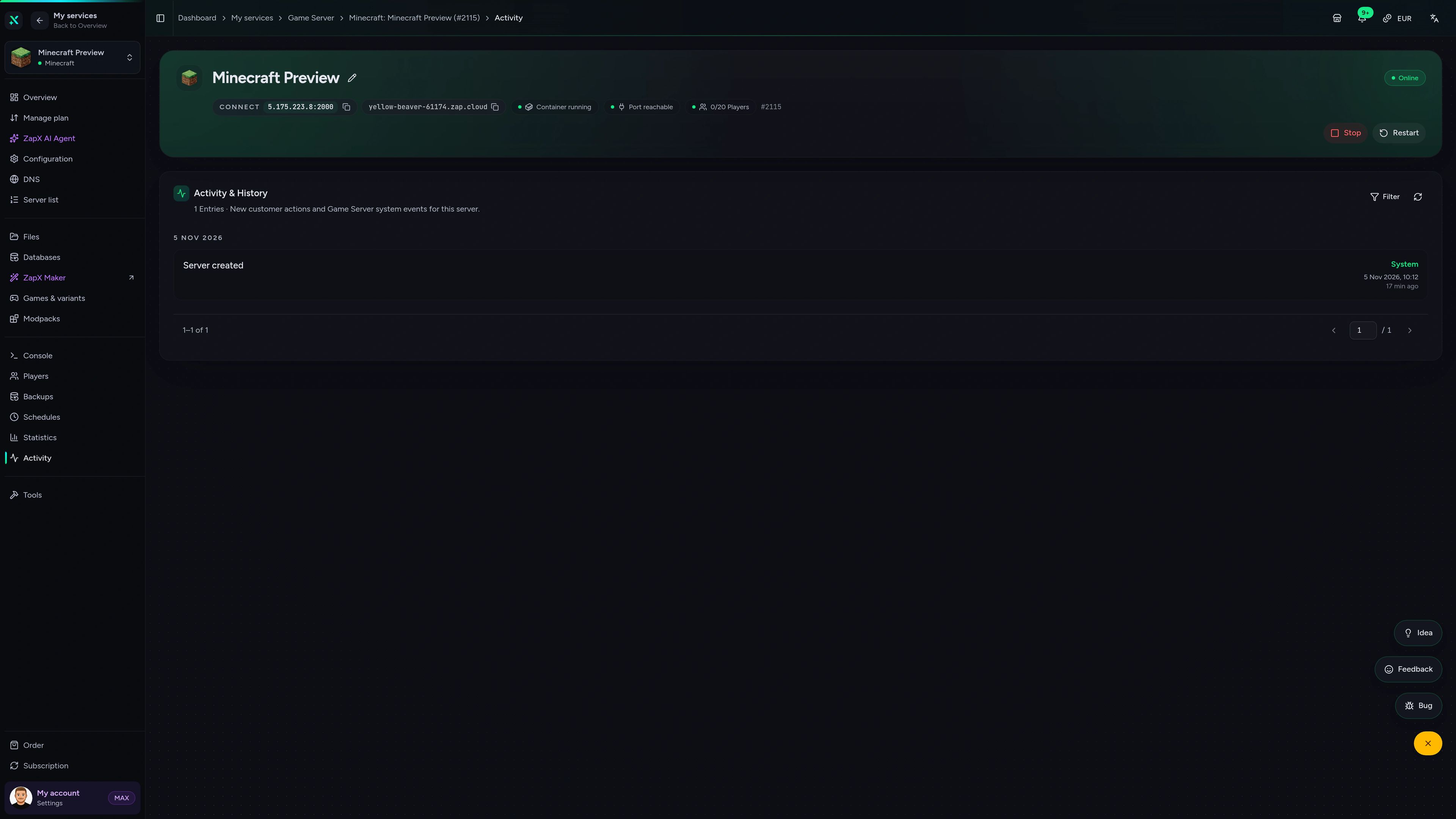
Minecraft Game Server – Activity
Activity of the Minecraft game server in the ZapX customer panel.
Benchmark
Measured values for your Create Aeronautics server next to typical market offers, so you can judge performance before you order.
High-performance VPS, CPU model depends on the location
Typical VPS plans without a published host CPU
confirmed 2026-07-01
Use cases
From survival with airships to creative contraption labs: a Create mod server for every kind of crew, with RAM that scales as your builds get bigger.
Ready for take-off
Get your Create Aeronautics server online
Impressionen
A glimpse into the game world—its atmosphere, exploration, and the moments your community will experience on the server.
Order your All of Create Aeronautics server: the modpack installs automatically and your crew can join within 60 seconds.
No setup. No risk. Online in seconds.
Features
From the pre-installed modpack to the live console: the tools you need to keep contraptions, trains and airships running.
Your pack is ready on first start, without uploading a server pack or setting up NeoForge.
Airships, trains and moving contraptions stay responsive on powerful server CPUs.
Bigger airships and factories get room to run when you add more RAM.
Bring your whole crew aboard; packages scale by RAM, never by player count.
Upload your existing save and keep building right where your crew left off.
Read startup logs, spot mod errors and run commands straight from your browser.
Panel extras
Switch packs from four catalogs, build custom mods with AI and manage players without console commands.


Minecraft
Install other packs from CurseForge, Modrinth, Feed the Beast or Technic in one click.
Kick, ban, whitelist players and set operator levels right in the panel.
Describe a mod in plain language and ZapX Maker builds it and deploys it to your server.
Reviews
Real feedback on support and setup.
FAQ
Answers to the most important questions before you start.
Order your server and pick a RAM package. All of Create Aeronautics is installed automatically while your server is set up, so you don't upload a server pack or set up NeoForge yourself. Then start the server, copy the IP and port from the panel and connect with the same pack version in your launcher. How to connect to your server
Host it on your own ZAP-Hosting Minecraft server: the pack installs automatically and your friends join with the IP and port from the panel. Size RAM for physics, not players: Sable simulates every moving airship, train and contraption on the server, so allow RAM headroom and add more as your builds and loaded chunks grow. As a guideline: about 6 GB for 2 players, 10 GB for around 10 players. How upgrades work
Like all our Minecraft modpack server hosting, the price depends on the package, term and location you choose; the pricing section on this page shows live prices for every package. Player slots are always unlimited, so you never pay per player. Terms range from 3 to 365 days, and you can cancel anytime: the cancellation takes effect at the end of your term.
Minecraft has no technical player limit, so every package comes with unlimited player slots. How many people play smoothly together depends on RAM and on what they build: a crew flying large airships needs more headroom than a few players running a small factory.
No. All of Create Aeronautics is a NeoForge modpack for Minecraft Java Edition, so everyone joins from a PC with Java Edition and the same modpack version as the server. Bedrock, mobile and console editions can't load Java mods.
Yes. You have full file access, so you can drop extra Create addons into the mods folder or upload an existing All of Create world. Keep the client side in sync: every player needs the same addons and versions as the server. To switch to another pack later, use the modpack installer in the panel. How to upload your world
Yes, DDoS protection is included with every package. It filters attack traffic before it reaches your server, so your crew can keep flying when someone targets your IP. You can follow the activity in the DDoS manager in the panel.
ZAP-Hosting has data centers worldwide, so pick the location closest to you and your friends for the best ping. Groups in North America often start with Ashburn, Dallas or Los Angeles, while players in other regions choose a location near their own community.
Any more questions?
Contact SupportThe ZapX AI Agent explains crash logs, RAM sizing and mod conflicts for your pack and suggests safe next steps. You stay in control of every change.
The ZapX AI Agent is part of ZapX Pass. It gives advice and explanations; you decide what changes on your server.
Discover ZapX PassZapX AI Agent
panel.zap-hosting.com
ZapX appComing soon
Restart after adding an addon, check the console or watch RAM during a big build, right from your phone.
Discord management
Check status, start, stop, and restart via slash command — without leaving your community Discord.
34 free tools—right in your browser, no sign-up required.
Also available
Popular Minecraft Modpacks — ATM, RLCraft, Pixelmon, and more. See prices in the configurator.

Modpack
ATM10 · Tech
Ready in ~2 min

Modpack
BMC4 · Vanilla+
Ready in ~2 min

Modpack
RLCraft · Hardcore
Ready in ~2 min
Also available
Popular Minecraft Modpacks — ATM, RLCraft, Pixelmon, and more. See prices in the configurator.
116,857
Available modpacks
Benefit
Modrinth & CurseForge packs with instant setup in the Minecraft configurator.
Choose a pack and get started in 60 seconds.
© 2026 ZAP-Hosting GmbH
 Preferred source on Google