
 Minecraft
 Plugin Generator: Create plugins with AI
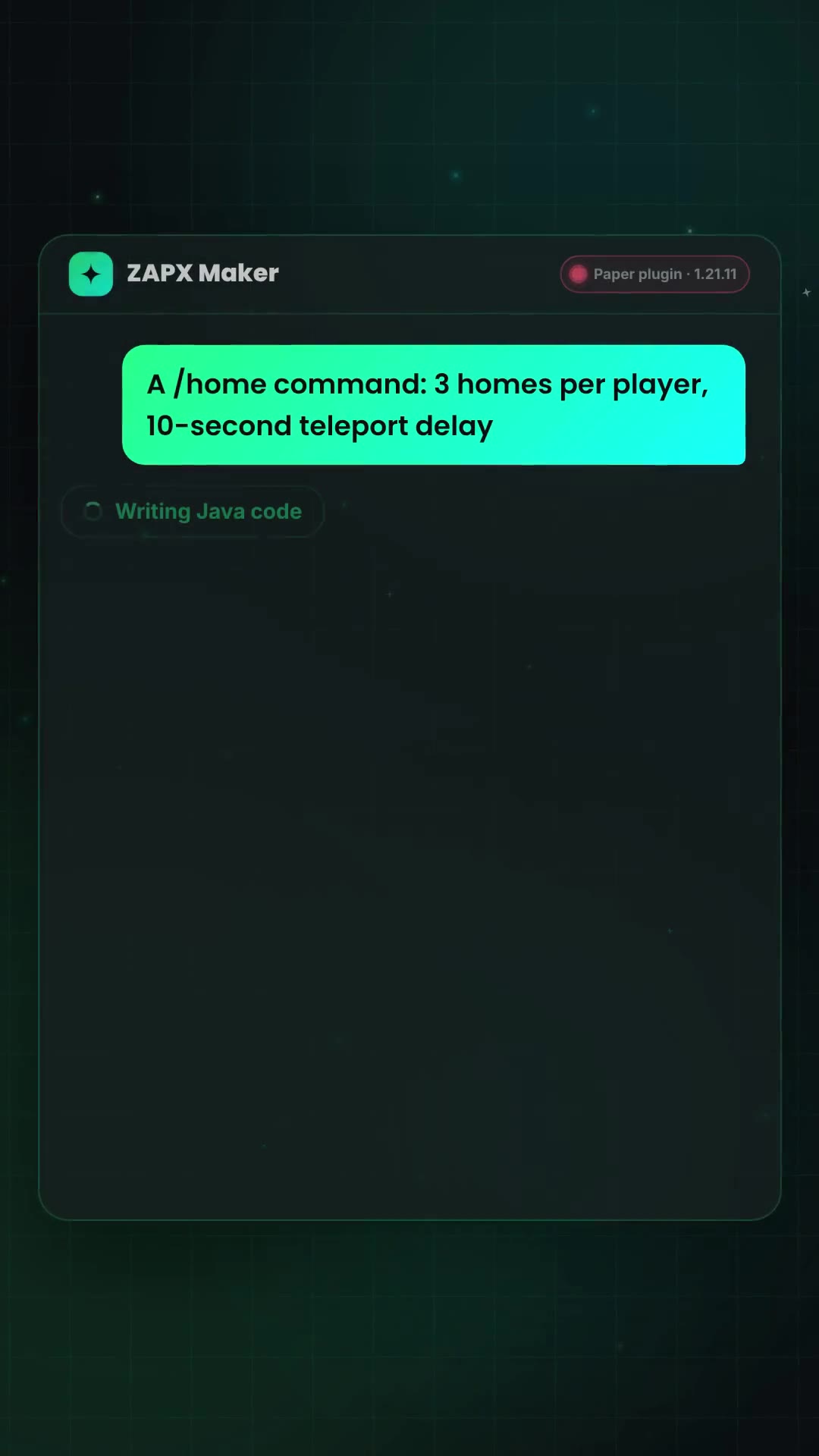
Use this Minecraft Plugin Generator to create a Minecraft plugin with AI, without writing code. Describe what your plugin should do in your own words, such as “a /home command that lets each player save up to 3 locations.” The AI writes Java code for Paper, Spigot, or Bukkit, compiles it automatically, and lets you download the finished .jar for your server's plugins folder. Free, no sign-up: three generations per 24 hours.
Built by Luca Stanek
Plugin built? Run it on your own Minecraft server.
ZapX Plugin Maker
Paper · Spigot · Bukkit
AI follow-up questions are free — only actual generations count.
Inspiration
Plugin ideas to try
One click adds the idea to the generator—customize it, then submit it yourself.
€0
No registration, no credit card
3×
Generations per 24 hours
Paper · Spigot · Bukkit
All common versions
.jar
Automatically compiled and checked
Features
What your plugin can do
Custom commands with arguments, cooldowns, and permissions
Reactions to events such as joining, chat, combat, mining, and building
Scoreboards, boss bars, titles, and chat messages
Economy via Vault and placeholders via PlaceholderAPI
Teleports, kits, rewards, protection, and moderation rules
Paper, Spigot, and Bukkit in all common versions
Guide
How to create a Minecraft plugin with the generator
From idea to a working plugin on your server, without writing Java yourself.
Step 1
Describe your idea
Describe what your plugin should do in your own words in the input field, such as commands, events, or rewards. You can also click a plugin idea to add it to the input field and customize it.
Step 2
Choose server software and version
Choose Paper, Spigot, or Bukkit below the input field; Paper is selected by default. Pick a Minecraft version from the list or leave it on “Automatic” and the AI will ask you.
Step 3
Generate plugin
Click “Generate plugin.” If the AI needs more information, it will ask a follow-up question first, which does not count as a generation. It then writes the complete Java code, which can take 1–2 minutes. As long as you have generations remaining, you can request changes in the chat.
Step 4
Build and download
“Build & download” automatically compiles the code into a .jar. Once the build is complete, download the file using “Download .jar.”
Step 5
Install the plugin on your server
Place the .jar in your server's plugins folder and restart the server. Players do not need to install anything. It's best to test the plugin on a test server before using it live.
Plugin or Mod?
What do you actually need?
The choice depends on your server software — you can generate both here.
Plugin
Paper · Spigot · Bukkit
- Runs only on the server
- Players don't need to install anything
- Ideal for commands, rules, and server features
Mod
Fabric · NeoForge · Forge
- Installed on the server and usually on the player's device
- Can modify game mechanics more deeply
- Ideal for Modpacks and survival customizations
After downloading
More Minecraft tools for your plugin
Server Configuration Generator
Describe your server.properties in your own words using the ZapX AI Agent or set each option manually — with a live preview to copy or download.
Built by Florian Galz
Log Analyzer
Paste a crash report or log to get automatically detected causes and suggested fixes, plus a shareable link.
Built by Luca Stanek
RAM calculator
How much RAM your Minecraft server or Modpack needs—a clearly labeled estimate based on server variant and player count, using ZAP server usage data when enough is available.
Built by Luca Stanek
ZapX Mod Maker
Describe your Mod in your own words — AI writes the Java code for Fabric, NeoForge, or Forge and builds the finished .jar. Try it for free.
Built by Luca Stanek
Startup script and command generator
Create a Java startup command or startup script for your Minecraft server—with RAM and Aikar's Flags.
Built by Luca Stanek
Color Codes
All 16 color codes and 6 formatting codes, with chat, MOTD, and MiniMessage syntax and HEX values in one reference.
Built by Rugile Rutkauskaite
FAQ
Frequently asked questions about the Minecraft Plugin Generator
Quick answers about pricing, server software, installation, and the generator's limitations.
Yes. Without an account or credit card, you get three generations within 24 hours. Only responses that actually generate code count; follow-up questions from the AI (such as asking for the Minecraft version) are free. Saved projects and one-click deployment are available in the full builder with ZapX Pass.
No. You describe your plugin in your own words, and the AI writes the complete Java code and asks follow-up questions if information is missing. Compilation is automatic, and you can download a finished .jar at the end.
Paper, Spigot, and Bukkit—server software for Minecraft Java Edition. Bedrock servers are not supported. Paper is selected by default, but a Paper plugin will not run on a server using only Spigot or Bukkit. Choose the software your server runs.
For example, it can add custom commands with arguments, cooldowns, and permissions; respond to events such as joining, chat, combat, breaking blocks, and building; display scoreboards, boss bars, and titles; handle economy features through Vault and placeholders through PlaceholderAPI; and implement teleports, kits, rewards, protection rules, and moderation rules.
A general-purpose chatbot can write Java code for you too, but you then have to compile and package it as a .jar yourself. Here, the code is compiled automatically after generation, and you can download the finished .jar directly.
No one can guarantee that. The code is automatically compiled before you can download it, so syntax errors show up immediately. Only testing it on a server will show whether the plugin behaves as you want in-game. As with any AI-generated code, test it on a test server first.
Download the .jar, place it in your server's plugins folder, and restart the server. Players do not need to install anything because plugins run only on the server.
Your preview is tied to your browser and is not publicly accessible. For permanently saved, private projects, use the full Builder with ZapX Pass.
Any more questions?
Contact Support
The full AI Builder is waiting in your Dashboard
Saved projects and one-click deployment to your own Minecraft server—with ZapX Pass.
No setup. No risk. Online in seconds.
Looking for more tools? View all Minecraft tools
 Preferred source on Google









