Game server hosting comparison:
ZAP-Hosting
vs. other game server & VPS hosts.
A game server hosting comparison that covers VPS too: what you get at ZAP-Hosting, what to check with your current host, and how to move. Every page is dated and links its sources.
All comparisons
Pick your game server or VPS hosting comparison.
Each page compares ZAP-Hosting with one host point by point, shows when switching pays off and when staying is the better call, and explains how to move.
 Game servers
ZAP-Hosting vs. Nitrado
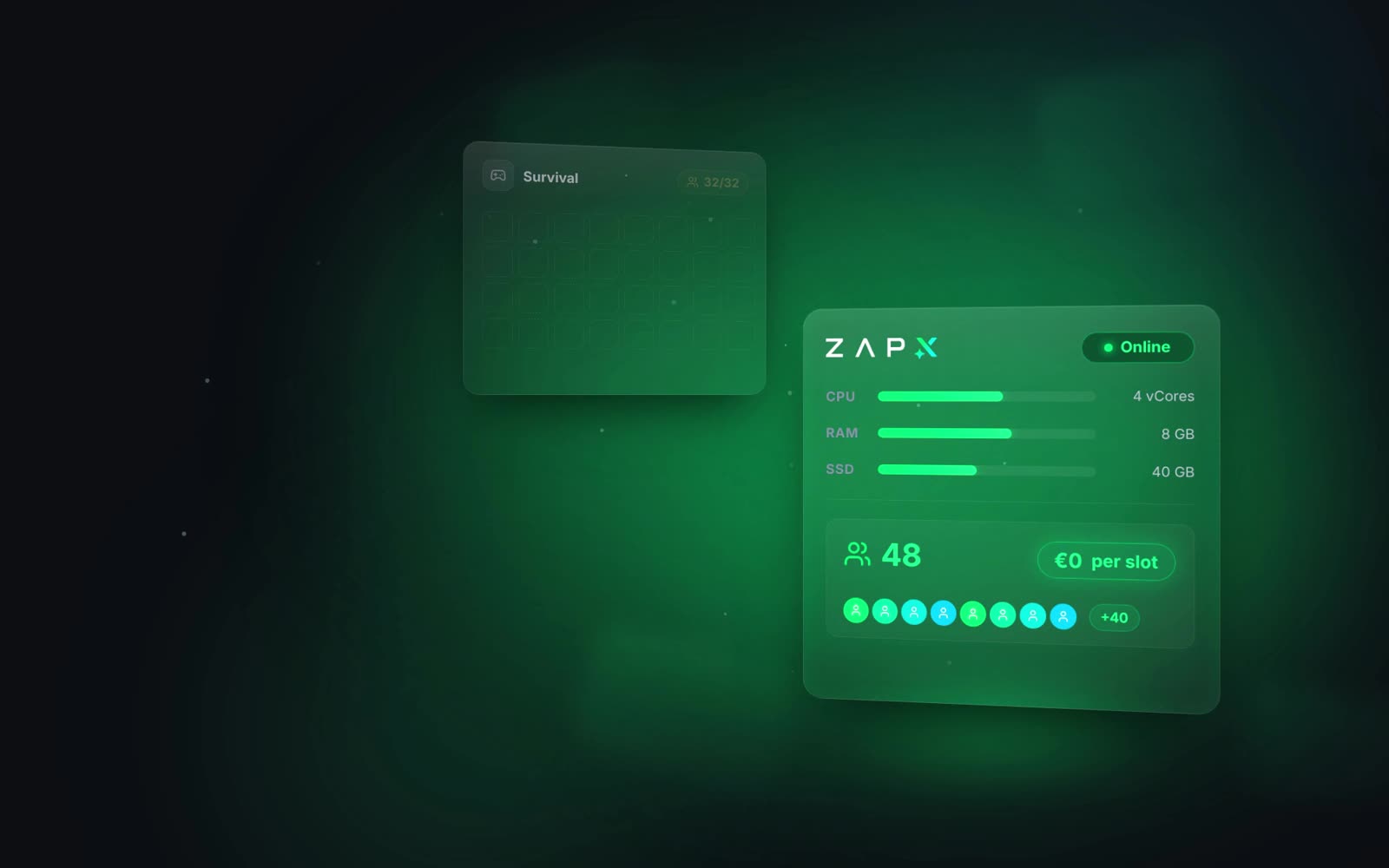
Game server comparison: billing, runtimes, locations, and how to move if you are already on Nitrado.No extra cost per player slotPick your own runtimeMove with the server importChecked 21 Oct 2026Read the comparison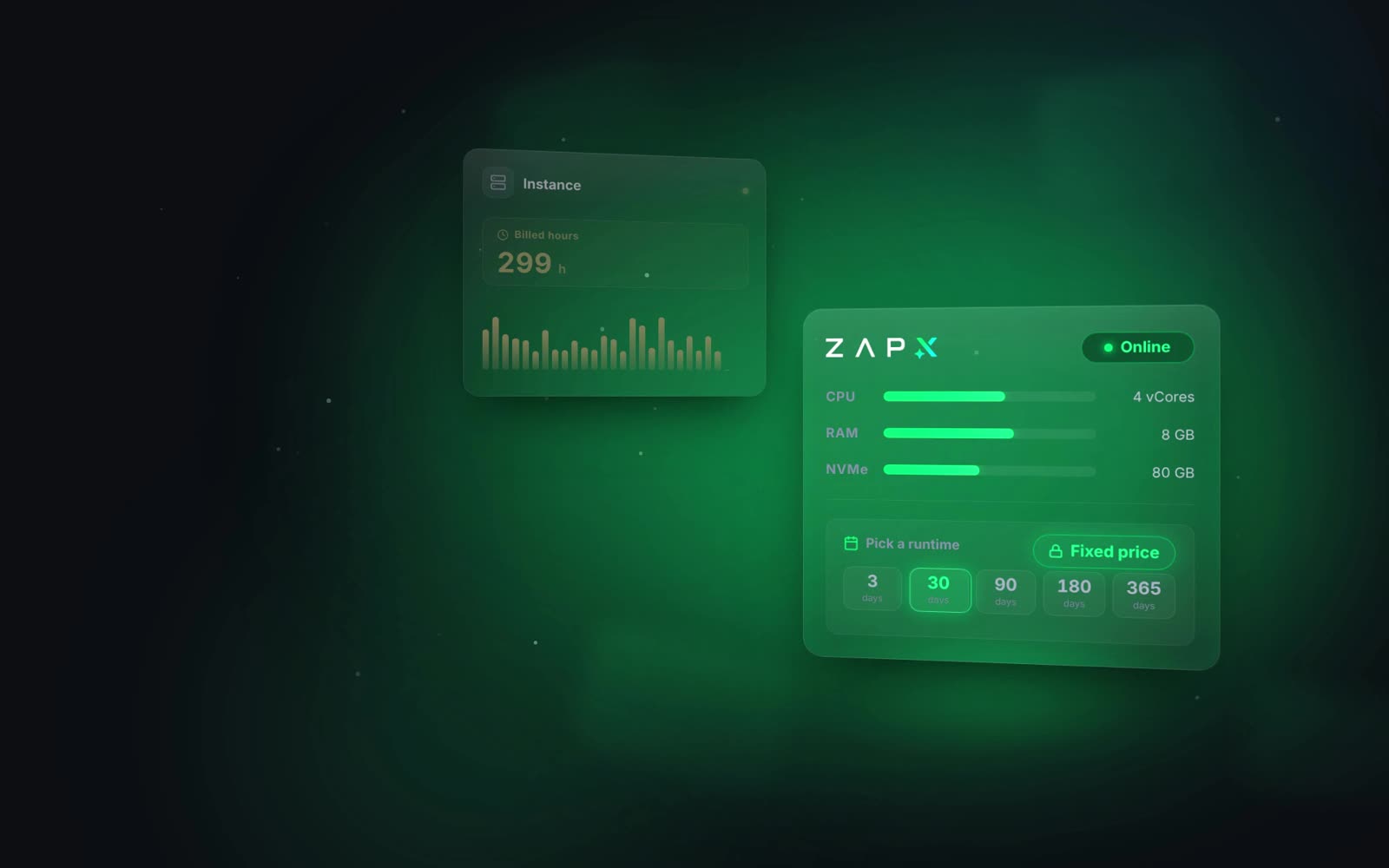 VPS & cloud
ZAP-Hosting vs. Vultr
A KVM VPS instead of a cloud instance: DDoS protection, billing, locations and moving your data.Fixed runtime instead of hourly billingDDoS protection at no extra cost24/7 support chatChecked 1 Nov 2026Read the comparisonMore host comparisons are on the way. This page always lists the current set.
The five criteria
What to compare when choosing a game server or VPS host.
Billing, runtime, location, DDoS protection and moving decide most switches. Compare the full cost of the setup you actually run, not just an entry price.
Billing: per slot, per resource or per hour
Check whether a host charges per player slot, by resources or by the hour. At ZAP-Hosting there is no extra cost per player slot, and you book a fixed runtime instead of running an hourly meter.
Runtime and cancellation
Look at the minimum term, the runtimes on offer and the notice period. At ZAP-Hosting you choose anything from 3 days to 1 year and cancel anytime in your account.
Server location
The location decides your players' ping. Check where a host runs servers and whether you get to pick the location yourself. At ZAP-Hosting you choose it when you order.
DDoS protection
Find out whether protection is part of the price or a paid add-on. At ZAP-Hosting DDoS protection is included at no extra cost.
Moving your data
Know how your data comes with you. At ZAP-Hosting a game server moves with the server import in the file manager, and a VPS with rsync or SFTP.
Before you switch
Checklist for switching your game server or VPS host.
Keep your current plan open next to the comparison and work through these six steps. It takes a few minutes and saves you surprises later.
Note what you pay today
Write down the price, the billing interval and every add-on of your current plan, so you compare the same setup and not just an entry price.
Check your notice period
Find out when your current plan ends and how early you have to cancel. That tells you the best moment to move.
Make a Backup first
Download a full Backup of your world, files and configs before anything else. Then you can test the new server without putting the old one at risk.
Pick a location near your players
Choose the location closest to most of your players. At ZAP-Hosting you set it when you order.
Confirm what protection is included
Check whether DDoS protection is included or costs extra at the host you are comparing, and look up the same on your current plan.
Test, then cancel the old plan
Move your data, let the server run for a while, and only cancel the old plan once everything works the way you expect.
Our rules
How we compare game server and VPS hosts.
A host comparison only helps when it is fair. Every page follows these four rules, so you can check each point yourself.
Only verifiable details
For other hosts we only state what they publish themselves, always with a link to the source.
Always dated
Every comparison shows the date we last checked its details.
Check, don't claim
Where we cannot back something up, we show you what to look up on your own plan.
Honest about the other side
Every comparison also names the cases where staying with your current host is the better call.
Frequently asked questions
Questions about the hosting comparison
Billing, runtimes, locations, moving and how the game server and VPS comparisons are made.
Billing, runtime, location, DDoS protection and how easy it is to move.
Compare the full cost of the setup you actually run, not only the entry price. Then check the minimum term and notice period, whether you pick the server location, whether DDoS protection is included, and how your data comes with you. Switching is usually worth it when your costs have gone up, you pay per player slot, a long term ties you down or protection costs extra. Test the new server first and cancel the old plan last.
Hardware, support and the control panel.
Check whether CPU and RAM are dedicated to your server or shared, and which CPU generation the host names. Look at how you reach support and at what times. Then open the control panel: how do you install a game or mods, edit files and restart the server? Each comparison page shows where to look this up at the other host.
No, there is no extra cost per player slot.
Slots are unlimited on ZAP-Hosting game servers. The price depends on the package, the runtime and the location, not on how many players join, so a growing community does not push up your bill on its own. See game servers
You pick a runtime from 3 days to 1 year and cancel anytime.
You choose the runtime when you order, and longer runtimes lower the monthly price. You cancel anytime in your account, and the server keeps running until the end of the runtime you paid for. How cancelling works
Included, at no extra cost.
Every ZAP-Hosting game server and VPS comes with DDoS protection in the price. When you compare hosts, check whether the other side includes it or sells it as a paid add-on. About our DDoS protection
Yes, you pick the location when you order.
Choose the location closest to most of your players. Game servers run at locations in Europe, North America, Asia and Australia. A VPS runs in Europe and America: Frankfurt / Eygelshoven, Ashburn, Dallas and Los Angeles.
With the server import in the file manager, in most cases.
Open the file manager of your new server, start the server import and enter the FTP or SFTP login of your current server. ZapX copies your world, mods and configs over. You can also download a Backup from your old host and upload it yourself. Access your files via SFTP
Copy your data with rsync or SFTP, then cancel the old plan.
Order your VPS, set it up, and copy your data over from the old machine with rsync or SFTP. Run both side by side until everything works, and only then cancel the plan at your old provider. Using rsync on a VPS
At ZAP-Hosting you book a fixed runtime instead of an hourly meter.
Hourly billing suits short tests. For a server that runs around the clock, a fixed runtime makes the cost predictable. The Vultr comparison goes through both models point by point. Read the Vultr comparison
The one that fits your setup, so compare criteria rather than rankings.
Look at dedicated resources, the server location, DDoS protection and how you are billed. A VPS gives you root access and full control for your own software and mods. If you only want to run a game without managing the system, a game server is the simpler choice. See VPS
Yes. ZAP-Hosting GmbH has been hosting game servers since 2010.
ZAP-Hosting is a Germany-based, gaming-focused hosting company founded in 2010. You don't have to take our word for it: the reviews page shows public Trustpilot reviews, and you can compare them with other public platforms before you order. Read ZAP-Hosting reviews
It depends on what you rent today. Every page shows its check date.
If you run a game server, read the Nitrado comparison. If you use a VPS or a cloud instance, read the Vultr comparison. Details about other hosts link to their public pages, so you can check them yourself. Read the Nitrado comparison
No.
ZAP-Hosting is not affiliated with any of the compared hosts. All trademarks belong to their respective owners.
More questions?
Contact supportReady for your own server?
From game servers to VPS and dedicated servers, all in one account. Game servers and VPS are usually online in 60 seconds.
Game servers and VPS online in 60 seconds · Cancel anytime
All trademarks belong to their respective owners. ZAP-Hosting is not affiliated with, endorsed or sponsored by any of the compared hosts.
 Preferred source on Google