
Gameserver plan
ZAP Spawn
€5.99/ 30 days
- 2 GB RAM
- 2 CPU
- 15 GB NVMe
- Unlimited Slots
 Minecraft · Prominence II: Hasturian Era
Prominence™ II: Hasturian Era · Hasturian Era installs automatically with your order: online in 60 seconds, unlimited slots, DDoS protection.
Gameserver plan
Gameserver plan
Gameserver plan
Gameserver plan
Gameserver plan
Gameserver plan
Gameserver plan
Gameserver plan
Gameserver plan
Packages 1–3 of 9
 minecraft
Configure yourself
No package fits? Choose your RAM, CPU and storage—you only pay for the performance your community actually needs.
Powerful CPUs
100 Gbit/s host network
DDoS protection
Daily Backup
Cancel anytime
 Visa
 Mastercard
 American Express
 PayPal
 Google Pay
 Apple Pay
 Klarna
 Amazon Pay
About the modpack
Prominence™ II: Hasturian Era is a lore-rich RPG modpack for Minecraft Java. You explore the Kingdom of Vaaz, talk to voiced NPCs, follow a custom questing system, take down bosses for custom gear and shape your character through a talent tree. Adventure, magic and quests are built with multiplayer in mind, so the pack really comes alive when you and your friends play on a shared server that stays online even when nobody's PC is running.
With your own Prominence 2 server, you decide who joins, when the world restarts and which configs apply. Order through this page and Hasturian Era is preselected and set up automatically, so you never upload server files by hand. Full file access lets you bring in your singleplayer world or tweak configs. This is modded Minecraft server hosting that gives your party a world ready whenever they log in.
Features
From the automatic modpack setup to your daily Backup: the essentials for a smooth Prominence 2 server.
Order here and the modpack installs automatically, with no server files to upload.
Bring your whole party to Vaaz; the price never depends on how many players join.
Your server is online in 60 seconds, then Hasturian Era installs on the first start.
More players or extra mods? Raise RAM, CPU or storage whenever your world grows.
Started solo? Upload your Hasturian Era world via the file manager or FTP.
Your world gets a daily Backup; with the ZapX Pass you create your own Backups and restore them yourself.
Only for Minecraft
Swap modpacks, manage players and have ZapX Maker build mods, all from the panel.


Minecraft
Reinstall or swap packs from CurseForge, Modrinth, Feed the Beast and Technic.
Kick, ban, op or whitelist players right in the panel, no console commands needed.
Describe a mod in plain words and ZapX Maker builds and deploys it, with ZapX Pass.
Locations worldwide
8 data centers worldwide — choose the location closest to your community.


Reviews
Real feedback on support and setup.
FAQ
Answers to the most important questions before you start.
Hasturian Era is preselected and installs automatically with your order.
Choose your package and order through this page: Prominence II: Hasturian Era is preselected and gets set up automatically with your order. Your server is online in 60 seconds; downloading and installing the modpack takes a few extra minutes on the first start. Then share the IP and port from the panel with your friends.
About 8 GB for 2 players, 14 GB recommended for around 10 players.
Prominence II: Hasturian Era is a heavy RPG modpack. Plan about 8 GB for 2 players; for around 10 players we recommend 14 GB. With more players, extra mods or large explored worlds, plan more RAM. You can raise RAM, CPU and storage later at any time. Open the Minecraft RAM calculator
Minecraft 1.20.1 with Fabric, set up automatically.
The current version of Prominence II: Hasturian Era runs on Minecraft 1.20.1 with Fabric. Your server is installed with the matching server type automatically, so you don't need to pick a loader yourself. Your friends play on Minecraft Java with the same modpack version, for example through the CurseForge app.
From €5.99/month with unlimited slots in every package.
Prominence 2 server hosting starts from €5.99 per month. The price depends on the package you choose, not on the number of players, and every package comes with unlimited slots and DDoS protection. A longer term lowers the monthly price. You pay by credit card, Apple Pay, Google Pay or PayPal and can cancel anytime.
Unlimited slots in every package.
Every package has unlimited player slots, so you decide how big your party gets; for larger groups, plan more RAM (see the RAM question). Your friends install the same Hasturian Era version, for example through the CurseForge app, then connect in Minecraft Java with the IP and port shown in the panel. How to connect, in the Help Center
Daily Backup included; own Backups and restores with the ZapX Pass.
You reinstall Hasturian Era with the newer version in the panel's Modpacks tab, and your friends update their client to the same version. A daily Backup is included. With the ZapX Pass, you create your own Backup right before the update and restore earlier states yourself.
Worlds, mods and configs via the file manager or FTP.
Yes. With full file access, you upload your singleplayer or old server world via the file manager or FTP and set it as the server's world. Extra individual mods and config changes also go in through the file manager or FTP; just make sure your friends add the same mods to their client. Upload your world: step-by-step guide
Locations worldwide, DDoS protection included.
You choose from locations worldwide, so pick the one closest to your players. Many US groups start with Ashburn, Dallas or Los Angeles. DDoS protection is included with every package, so attacks don't interrupt your quests and boss fights.
Any more questions?
Contact SupportZapX Panel
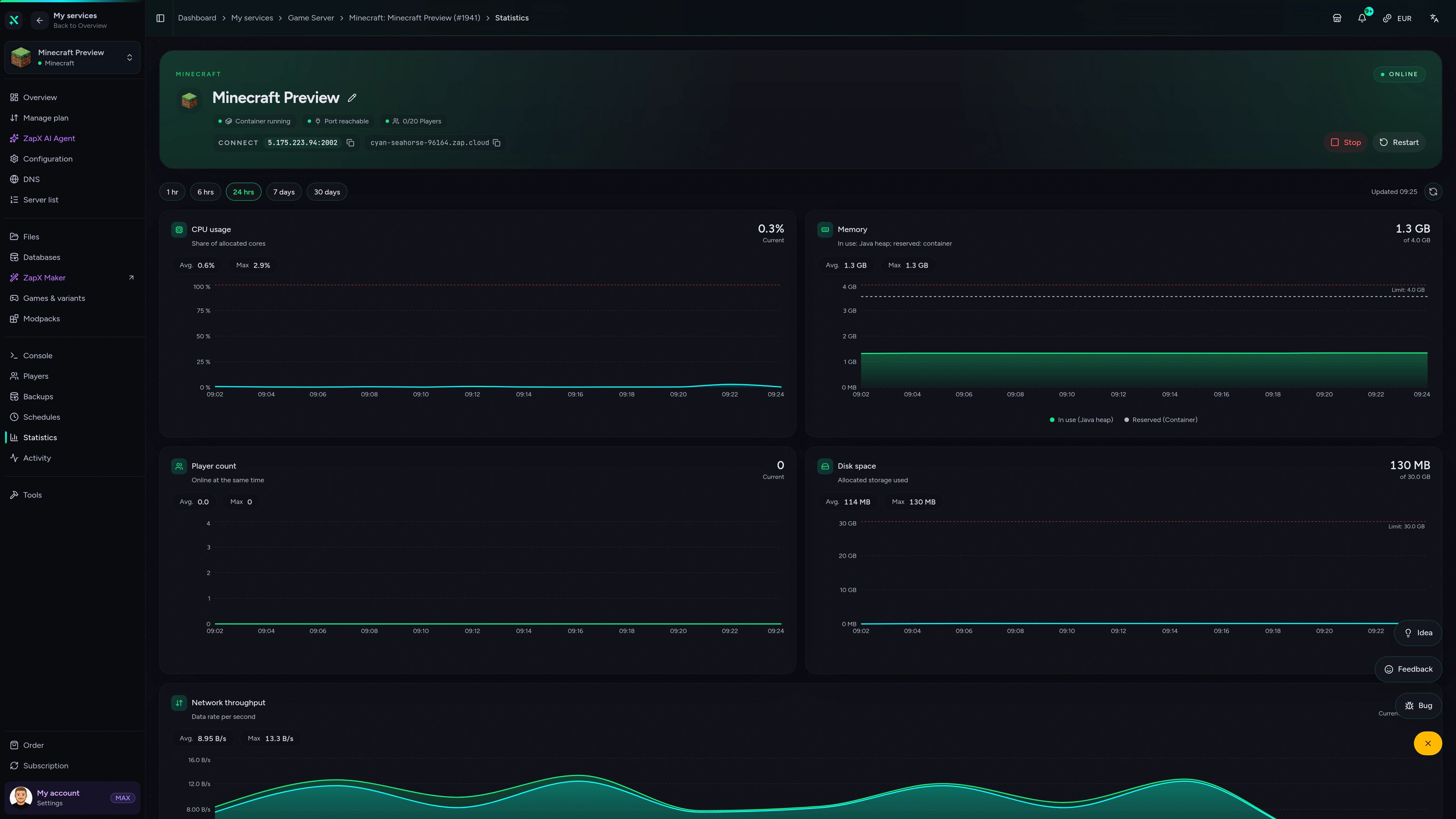
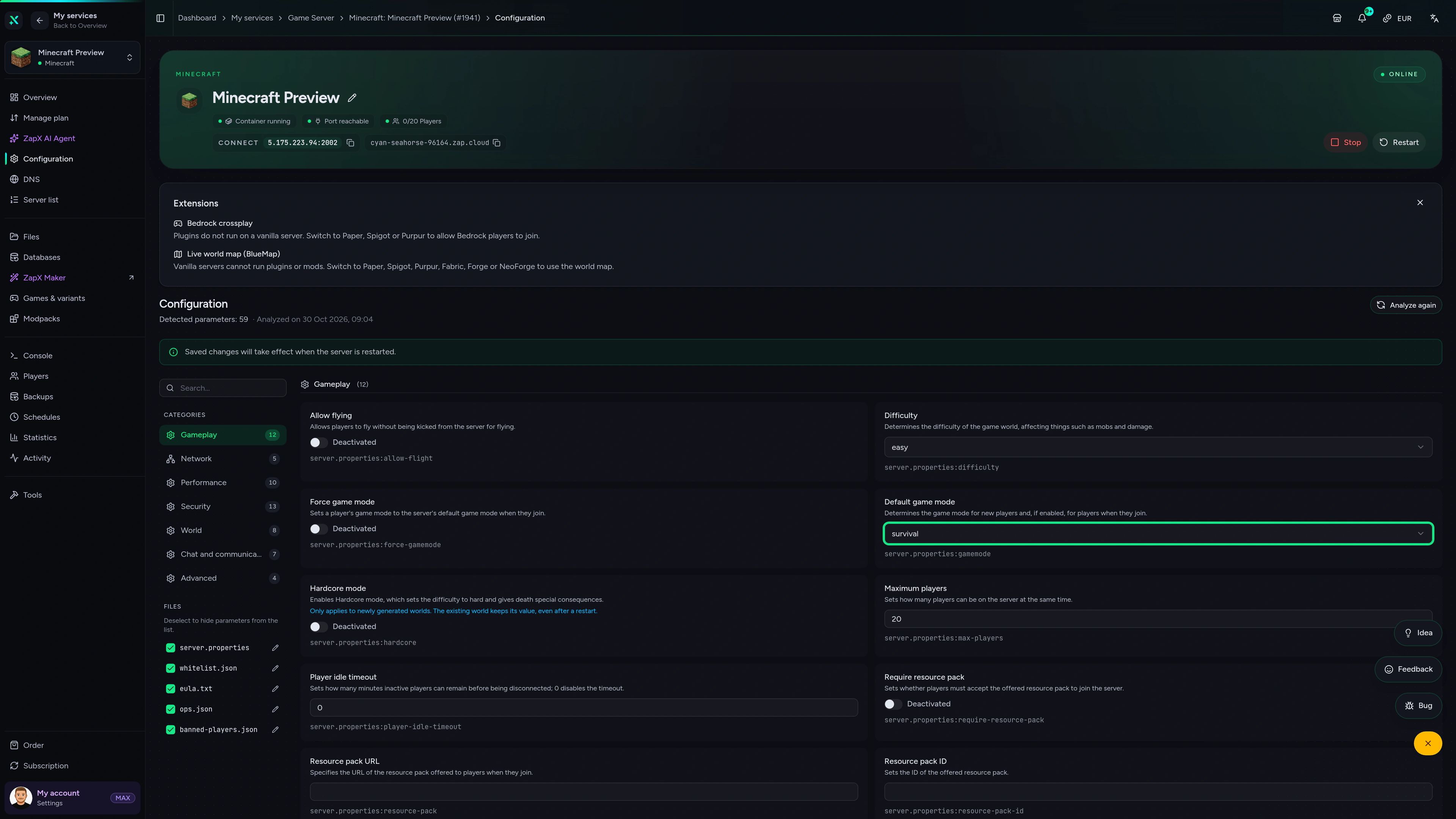
Console, files, statistics and Backups in one view, made for running your Hasturian Era server day to day.
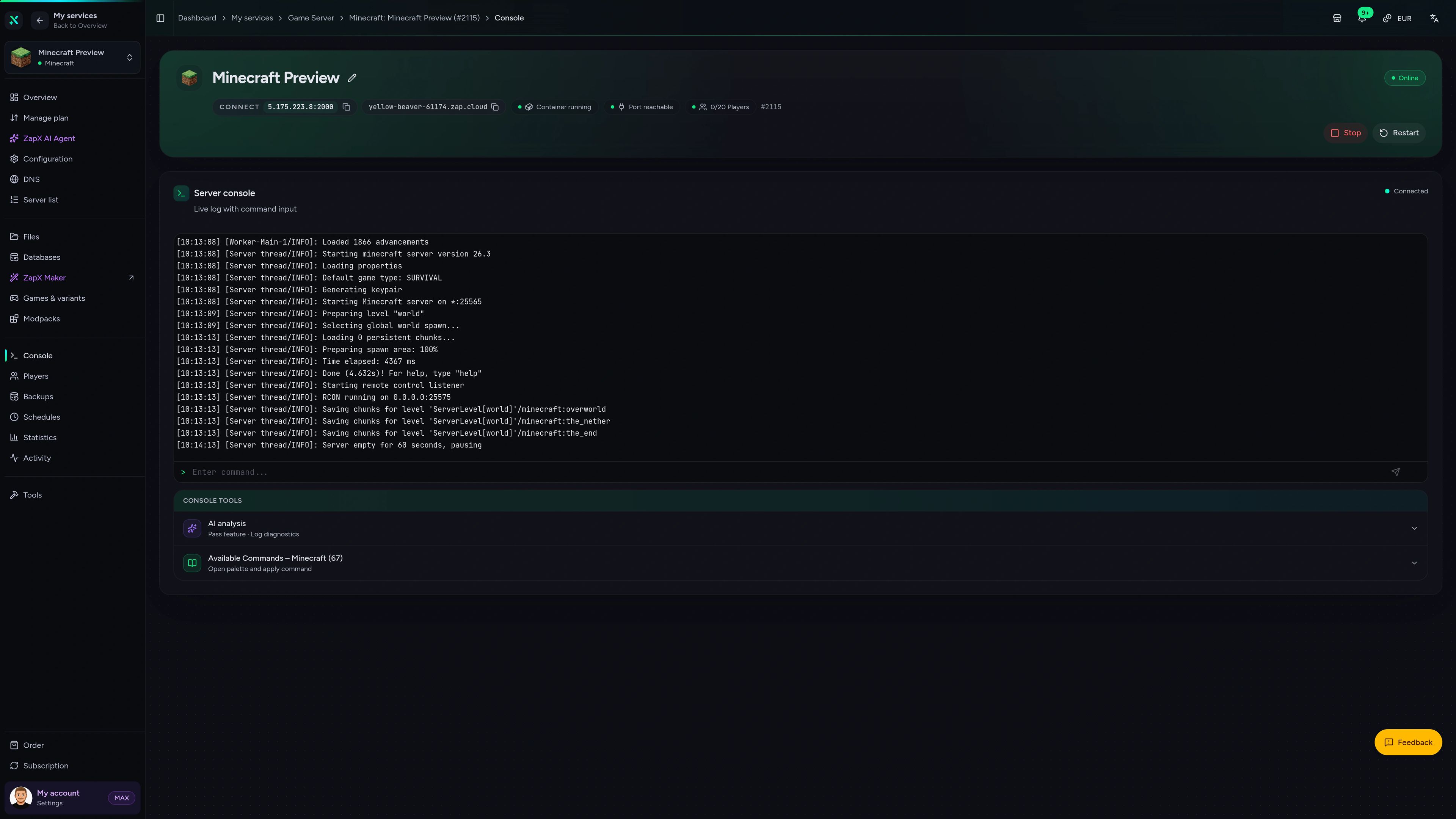
Minecraft Game Server – Console
Console of the Minecraft game server in the ZapX customer panel.
Connect ZAP-Hosting to Claude or ChatGPT via MCP and manage your Prominence™ II: Hasturian Era server right in the chat.
Works with
What should I do for your server?
Ask anything …
The AI only makes changes after you approve them.
Step 1
Connect ZapX
Opens Claude with the connector already filled in. Confirm it there and sign in with your ZAP account.
Step 2
Start a chat
Opens a new chat with this text:
I want to rent a Minecraft server at ZAP-Hosting. Use the ZapX connector by ZAP-Hosting: ask me about player count, version and mods, recommend the right package with its price and then order it with me.
The text then sits in the message box – you still press send there.
Without a Pass you get status, start/stop and, except in ChatGPT, advice and ordering. Files, console and Backups come with a ZapX Pass. Your account is created when you connect.
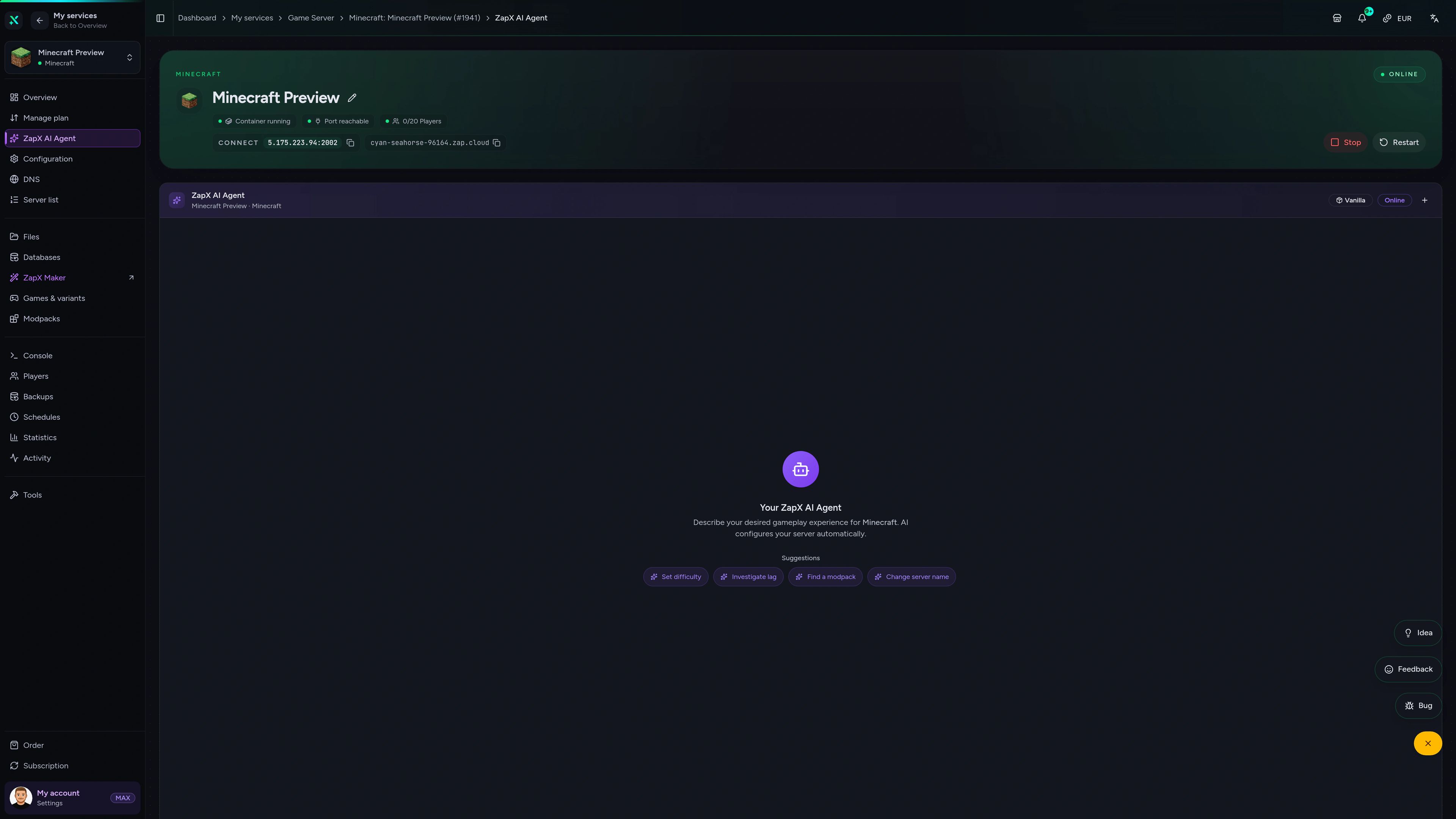
The ZapX AI Agent knows your server's context and helps with join errors, modpack updates, logs and lag, right in the panel. It runs steps only after you confirm in the chat.
The ZapX AI Agent is part of the ZapX Pass and works right in your panel, next to your Prominence 2 server.
See ZapX PassZapX AI Agent
panel.zap-hosting.com
Performance signal
The benchmark compares network and server response in scenarios close to real modded Minecraft gameplay, not just a marketing claim.
High-performance VPS, CPU model depends on the location
Typical VPS plans without a published host CPU
confirmed 2026-07-01
Use cases
From co-op quests to a guild server: your Hasturian Era world with unlimited slots, full file access and a location of your choice.
Ready for Vaaz?
Your Hasturian Era server, online in 60 seconds.
ZapX appComing soon
With the ZapX app, you check status, restart the server and keep an eye on your Prominence 2 world while your party is out questing.
Discord management
Check status, start, stop, and restart via slash command — without leaving your community Discord.
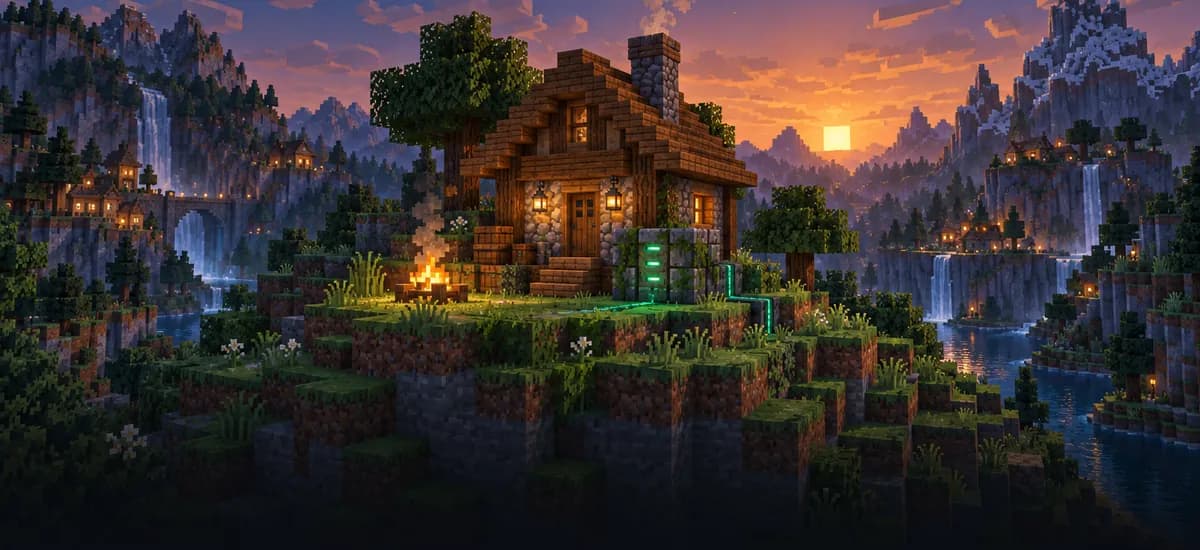
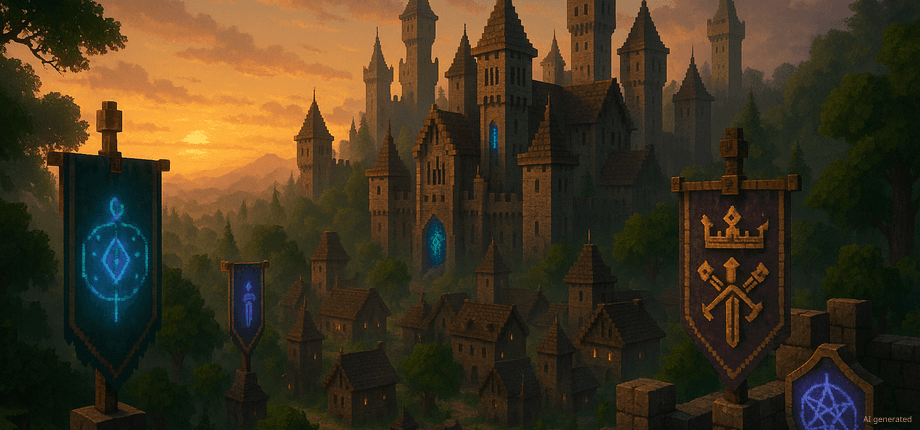
Impressionen
A glimpse into the game world—its atmosphere, exploration, and the moments your community will experience on the server.
34 free tools—right in your browser, no sign-up required.
Server variants
Also available
Popular Minecraft Modpacks — ATM, RLCraft, Pixelmon, and more. See prices in the configurator.

Modpack
ATM10 · Tech
Ready in ~2 min
Modpack
BMC4 · Vanilla+
Ready in ~2 min
Modpack
RLCraft · Hardcore
Ready in ~2 min
Also available
Popular Minecraft Modpacks — ATM, RLCraft, Pixelmon, and more. See prices in the configurator.
117,340
Available modpacks
Benefit
Modrinth & CurseForge packs with instant setup in the Minecraft configurator.
Choose a pack and get started in 60 seconds.
Order now and Hasturian Era sets itself up. Your server is online in 60 seconds with unlimited slots and DDoS protection. Cancel anytime.
No setup. No risk. Online in seconds.