
VPS plan
ZAP Spark
€7.29/ 30 days
- 4 GB RAM
- 2 CPU
- 60 GB NVMe
- 1 Gbit/s Uplink
You decide which services we may enable for analytics, personalization, and external content.
We use cookies and similar technologies on our website to personalize content, embed external media, and better understand how individual areas are used.
Necessary cookies
These entries support essential functions such as security, stability, and form processing.
Optional sections
Your data may be processed with your consent or on the basis of legitimate interests. In the cookie settings, you can reject or explicitly allow each optional category.
Some services process personal data in third countries. By consenting, you also agree to this transfer. You can find more information in our Privacy Policy.
You can reopen and change your selection at any time. · 1.0.2
 Self-hosted uptime monitoring
Deploy Uptime Kuma in one click, keep root access, and run your checks from a separate VPS in Europe or America.
Packages 1–3 of 9
Uptime KumaConfigure yourself
No package fits? Choose your CPU, RAM and storage—you only pay for what your project actually needs.
Powerful CPUs
100 Gbit/s host network
Juniper Firewall
DDoS protection
 Visa
 Mastercard
 American Express
 PayPal
 Google Pay
 Apple Pay
 Klarna
 Amazon Pay
What is Uptime Kuma hosting?
Uptime Kuma tells you that a website, API, or certificate is in trouble before your users do. It checks HTTP(S) endpoints, TCP ports, ping targets, and DNS records on a schedule, sends alerts to the channels your team already reads, and publishes a public status page. Hosted on a separate VPS, the monitor keeps running and alerting even when the server, app, or home network it watches goes down.
The one-click path deploys Uptime Kuma through the Coolify marketplace, so you can get started without writing and maintaining a Docker Compose file. You still keep full root and SSH access. That lets you put the status page behind your own domain, tune the reverse proxy, add other self-hosted apps next to it, and, with ZapX Pass, take a snapshot before every update, so a broken release is quick to roll back.

Built for real monitoring
Watch websites, APIs, and certificates, alert your team where it already chats, and keep root access for everything around the monitor.
Customers see live service health on one page instead of filing support tickets.
Spot a site, API, or port that stops answering on the very next check.
The right people hear about an outage in the chat and mail tools they already use.
Expiring certificates and changed DNS records get flagged before visitors hit an error.
Catch creeping latency in the trend before it turns into a visible outage.
Large monitor lists stay readable, so you find the failing check in seconds.
Locations in Europe and America
4 data centers in Europe and America — choose the location closest to your users.

What you can do with Uptime Kuma
Track websites, APIs, and internal services from one dashboard, publish a status page, and route alerts fast when monitor states change.
Uptime Kuma
Uptime Kuma
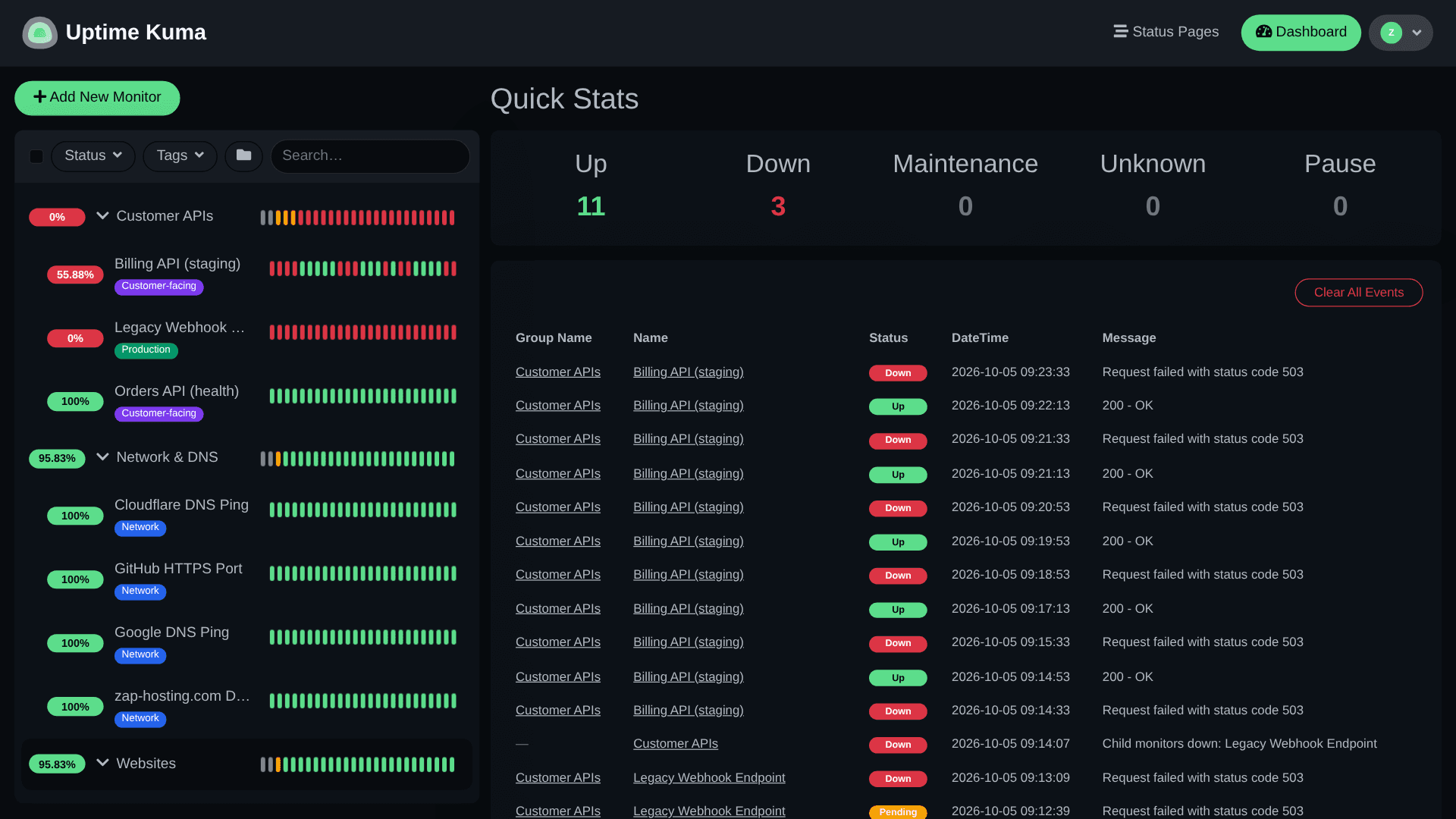
Monitor Status List
Scan every monitored service in one list with color state, response time, and last-check context so you can spot trouble before users report it.
Get started now
Uptime Kuma on your VPS in minutes — no complicated setup.
Backups & snapshots
Snapshots let you roll back quickly. ZapX Pass unlocks Restore, manual Backups, and longer retention for daily Backups.
More control with ZapX Passextra storage, restore, Pass perks, and Lifetime VPS without activity checks
Reviews
Real feedback on support and setup.
FAQ
Answers to the most important questions before you start.
A separate VPS is usually the right design because Uptime Kuma should stay reachable when the server, app, or home network you monitor is the thing having the outage. That isolation keeps external checks and alerts running when they matter most, even if your office or homelab connection drops.
Yes. The fastest path is to order a VPS, open Coolify, and deploy Uptime Kuma from the marketplace in one click. You still keep full root and SSH access afterward, so you can change Docker, domains, reverse proxy rules, and your update strategy whenever you need deeper control. Learn more in the Help Center
Uptime Kuma is open-source software, so there is no app license fee on top. What you pay for is the VPS itself: a separate machine that keeps monitoring running when your main stack fails, the one-click deploy path, and control over networking and updates. Plans follow the VPS resources you choose, and live prices are shown at checkout.
It is lightweight for small setups, but the right size depends on how many monitors you run, how often they check, how much history you keep, and whether you place other apps on the same VPS. Many buyers start small and scale CPU, RAM, or storage later.
Yes. Uptime Kuma supports public status pages, and a VPS lets you place them behind your own domain, SSL certificate, and reverse proxy setup. That keeps the public page aligned with the rest of your stack instead of living on a provider subdomain. Read the reverse proxy guide
Yes. The VPS is yours, so you can deploy more apps from the same marketplace next to Uptime Kuma, as long as the plan has enough CPU, RAM, and storage. For the cleanest outage isolation, keep the monitor away from the production services it watches and pair it with tools like dashboards, wikis, or a private cloud instead.
With ZapX Pass, Backups and snapshots add a safety net before risky changes. You can create a restore point, test an update or configuration change, and recover faster if something breaks or if you want to undo an experiment. See the Backup guide
Locations are in Europe and America, so pick the region closest to the services or audience you care about most. Many teams in North America start with Ashburn, but the rule is the same everywhere: choose the region nearest your monitoring targets.
Any more questions?
Contact SupportVPS dashboard
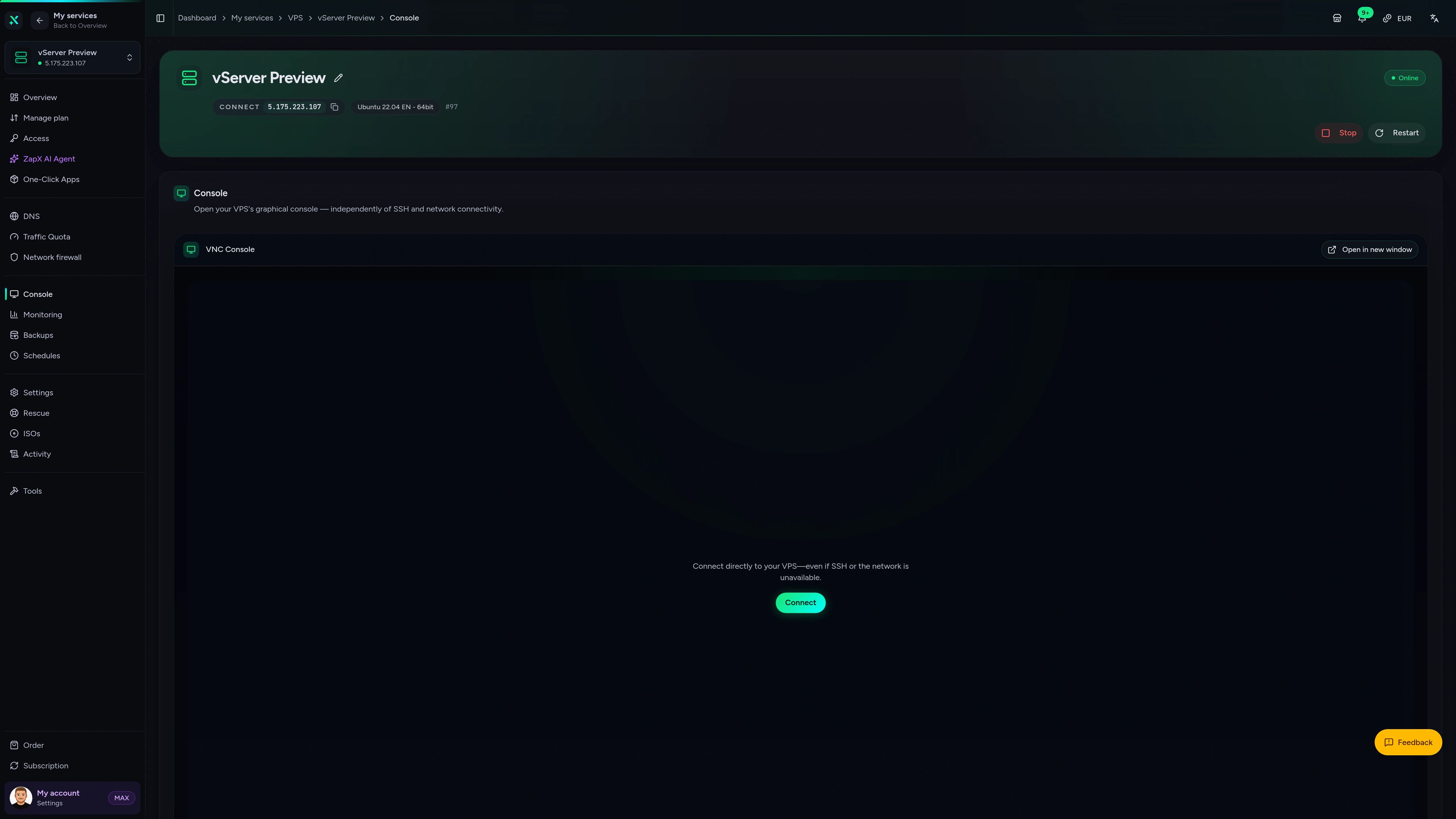
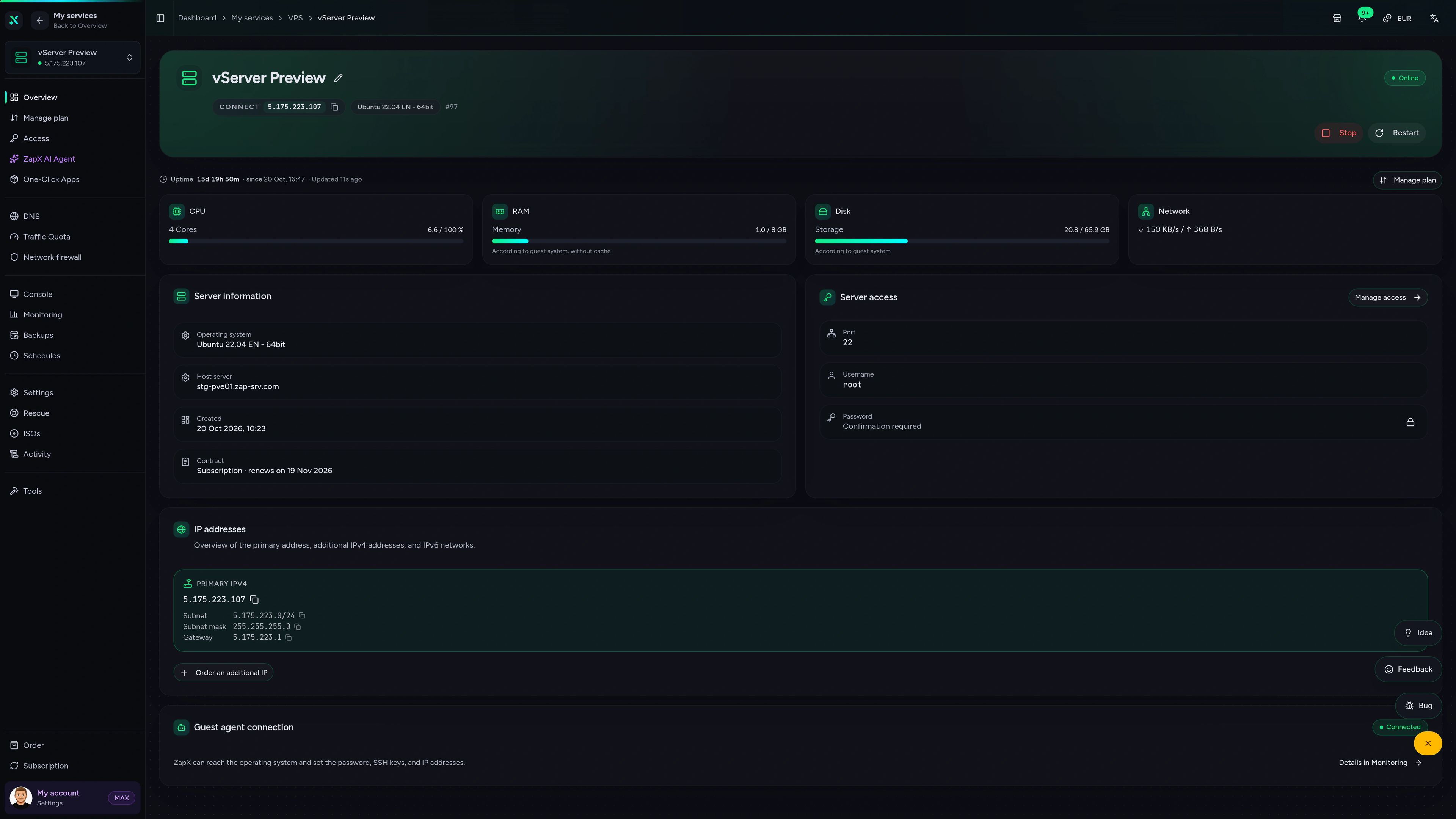
Pair Uptime Kuma with a real VPS dashboard for console access, configuration, and infrastructure visibility.
VPS DDoS Manager tab
VPS DDoS Manager tab
Ask for help with monitor design, alert noise, domains, or Docker decisions. The ZapX AI Agent explains next steps without pretending to operate the server for you.
Included with ZapX Pass.
View PassZapX AI Agent
panel.zap-hosting.com
Benchmark
See whether a VPS has the CPU and disk headroom to run frequent checks, keep months of response-time history, and still serve your status page fast.
High-performance VPS, CPU model depends on the location
Typical VPS plans without a published host CPU
confirmed 2026-07-01
Where it fits best
This setup fits teams that want external checks, faster incident visibility, and a real VPS they can shape around their monitoring stack.
Separate the monitor from the outage
Launch your monitor on a separate VPS.
ZapX mobile appComing soon
Keep the underlying VPS in view from your phone when you need a quick check or faster access during an incident.
Also available
WireGuard, Coolify, monitoring, and more — one-click setup on your VPS.

Private Cloud
NextCloud is a self-hosted, open-source platform that provides file storage, collaboration, and communication tools for seamless data management.
Automatic setup

automation
n8n is an extendable workflow automation tool.
Ready in ~2 min

vpn
The easiest way to run WireGuard VPN + Web-based Admin UI.
Ready in ~2 min

media
Plex organizes video, music and photos from personal media libraries and streams them to smart TVs, streaming boxes and mobile devices.
Ready in ~2 min

Password Security
Vaultwarden is a password manager that allows you to securely store and manage your passwords.
No manual configuration

cms
WordPress is open source software you can use to create a beautiful website, blog, or app.
Ready in ~2 min
Also available
WireGuard, Coolify, monitoring, and more — one-click setup on your VPS.
755
Available apps
Benefit
The app marketplace is included with your VPS — no extra charge per installation.
Choose your apps in the configurator and get started in minutes.
Deploy in one click, keep full root control, and get alerts even when your main stack is down.
No setup. No risk. Online in 60 seconds.
© 2026 ZAP-Hosting GmbH
 Preferred source on Google