
Popular
Gameserver plan
ZAP Spawn
€5.99/ 30 days
- 2 GB RAM
- 2 CPU
- 15 GB NVMe
- Unlimited Slots
You decide which services we may enable for analytics, personalization, and external content.
We use cookies and similar technologies on our website to personalize content, embed external media, and better understand how individual areas are used.
Necessary cookies
These entries support essential functions such as security, stability, and form processing.
Optional sections
Your data may be processed with your consent or on the basis of legitimate interests. In the cookie settings, you can reject or explicitly allow each optional category.
Some services process personal data in third countries. By consenting, you also agree to this transfer. You can find more information in our Privacy Policy.
You can reopen and change your selection at any time. · 1.0.2
 GTA San Andreas Multiplayer hosting
Your own SAMP server, online in 60 seconds — unlimited slots, DDoS protection and locations worldwide for your community.
Packages 1–3 of 9
 sa-mp
Configure yourself
No package fits? Choose your RAM, CPU and storage—you only pay for the performance your community actually needs.
Powerful CPUs
100 Gbit/s host network
DDoS protection
Full file access
Daily Backups
 Visa
 Mastercard
 American Express
 PayPal
 Google Pay
 Apple Pay
 Klarna
 Amazon Pay
About the game
SA-MP (San Andreas Multiplayer) is the classic multiplayer mod for GTA San Andreas. It turns the single-player map into a shared world where players run roleplay cities, freeroam stunt servers, races or deathmatch arenas, all driven by gamemodes written in Pawn. A SA-MP game server keeps that world online 24/7 with your rules, your scripts and your community, and SA-MP server hosting runs it for you on managed hardware with unlimited slots, DDoS protection and automated setup.
You decide what runs: upload your gamemode, filterscripts and plugins such as sscanf or streamer, edit server.cfg in the browser and follow server_log in the live console. Add a MariaDB database for player accounts, choose the location closest to your players from our locations worldwide, and restart from the panel or the mobile app whenever an update is ready.

Locations worldwide
7 data centers worldwide — choose the location closest to your community.


ZapX Panel
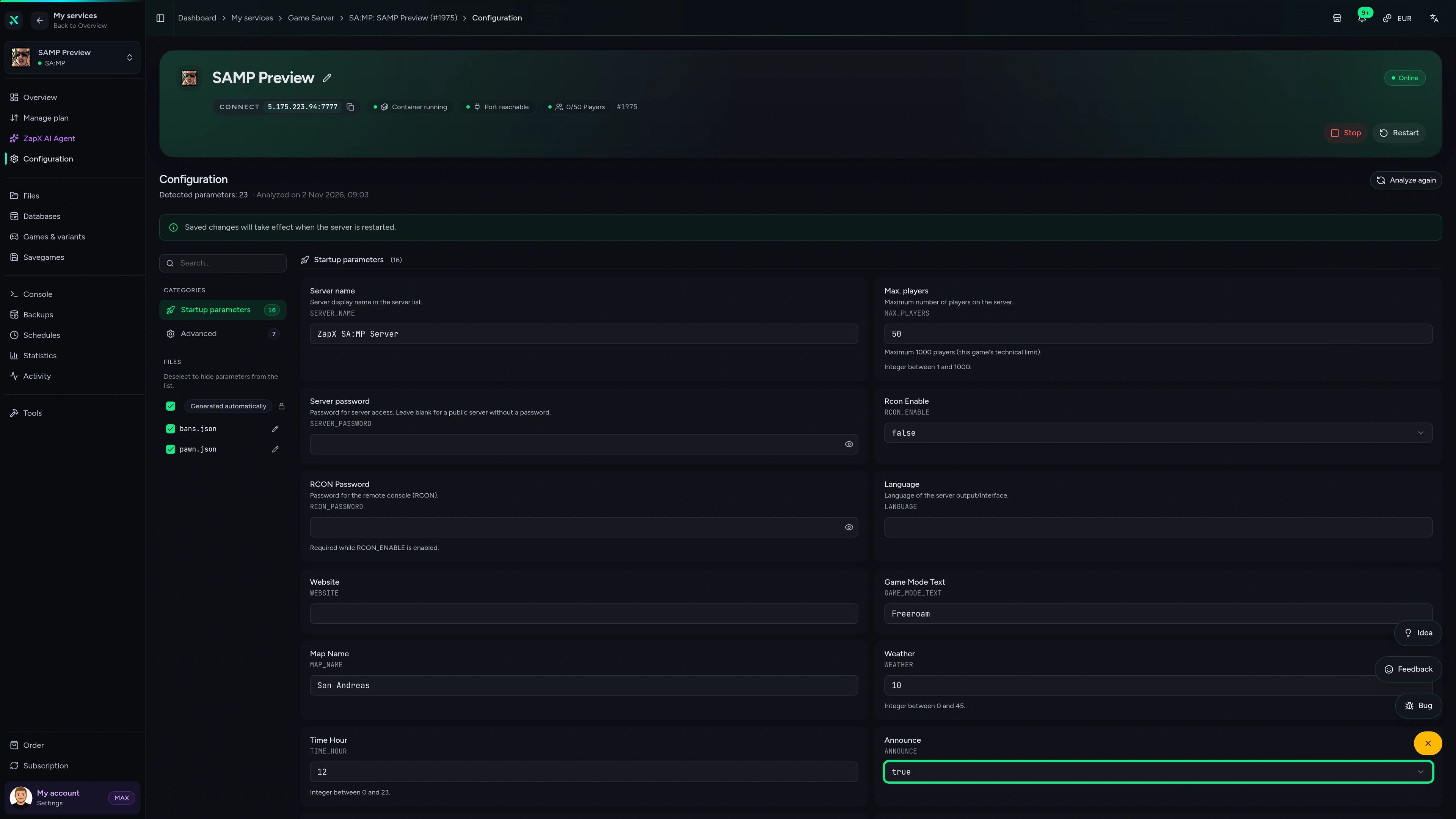
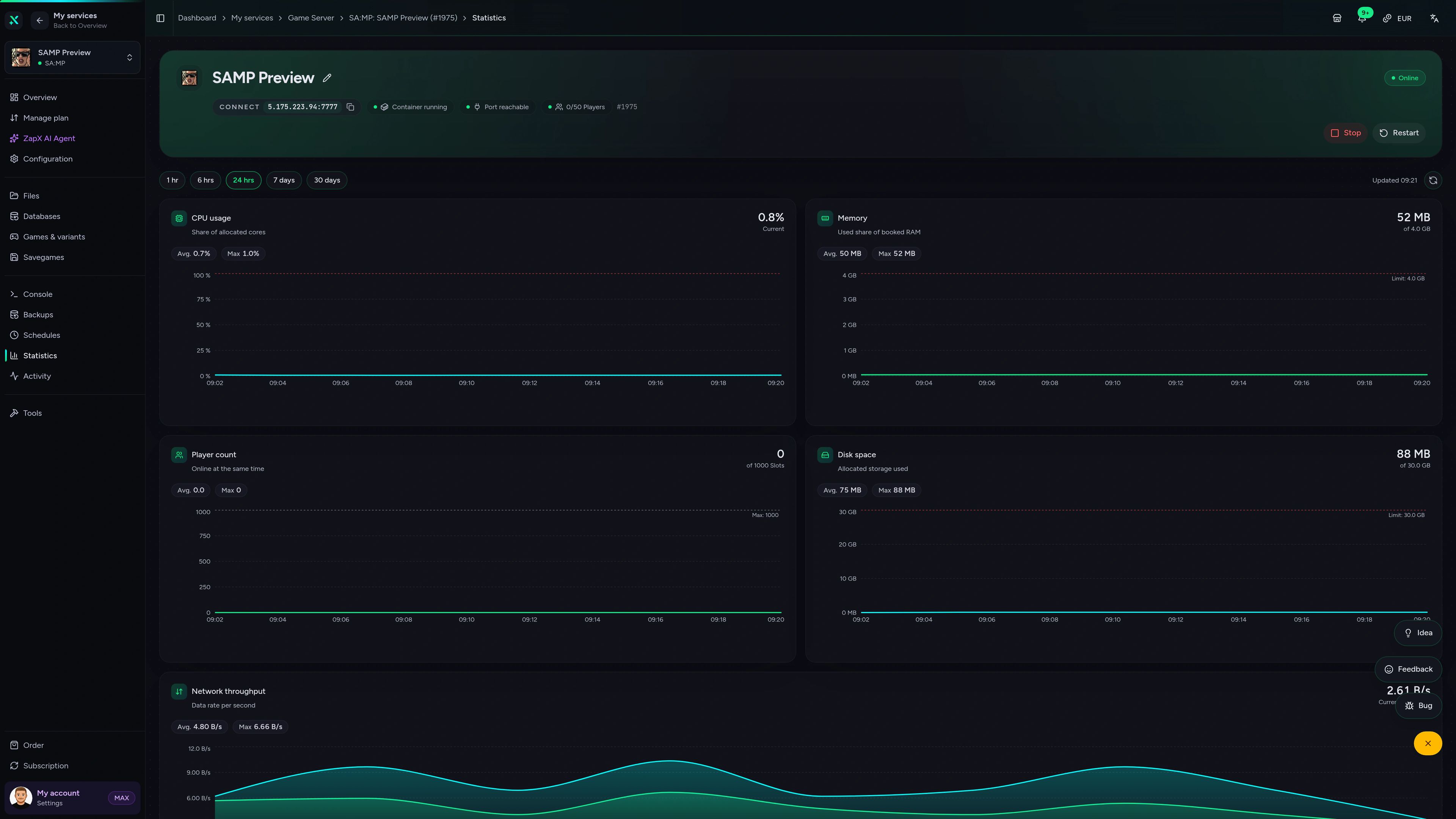
Upload files, edit server.cfg, read the console and check RAM and CPU usage, all in one panel without an extra FTP client or SSH.
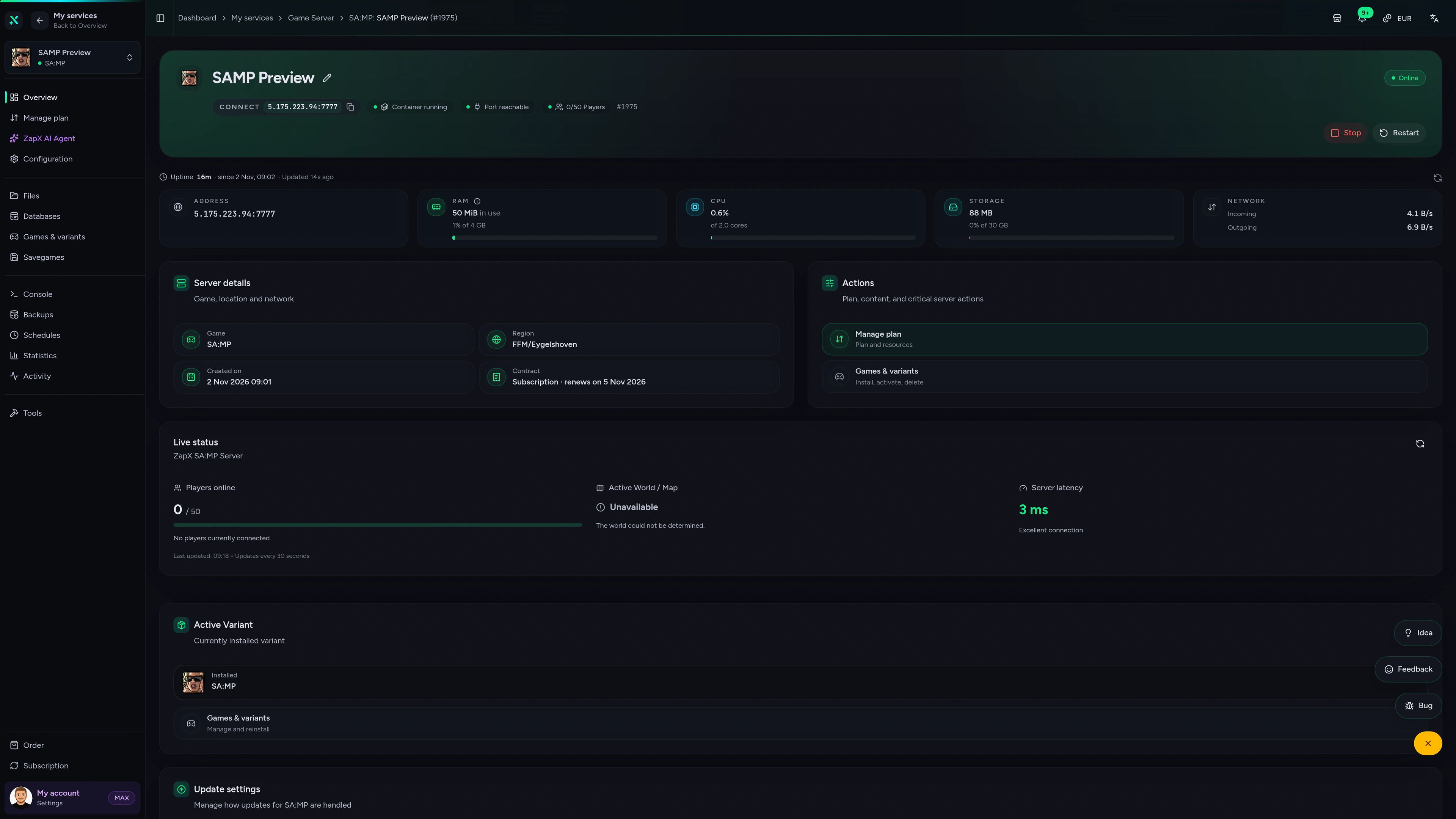
SA:MP Game Server – Overview
Overview of the SA:MP game server in the ZapX customer panel.
Benchmark
Comparable figures from our own infrastructure, with methodology and measurement date. No made-up competitor numbers.
High-performance VPS, CPU model depends on the location
Typical VPS plans without a published host CPU
confirmed 2026-07-01
Typical SA-MP setups
Roleplay city, deathmatch arena or freeroam hangout: these setups show where unlimited slots, full file access and DDoS protection matter most.
Ready to launch
Your gamemode, live 24/7 — no port forwarding.
Impressionen
A glimpse into the game world—its atmosphere, exploration, and the moments your community will experience on the server.
Upload your gamemode, invite your players and run your SA-MP server 24/7. Setup is automatic and you're online within 60 seconds.
No setup. No risk. Online in seconds.
Included with every server
File access, server.cfg editing, a live console, daily Backups and DDoS protection. Your gamemode handles the rest.
No slot cap. How many players you can handle depends on the RAM and CPU you choose.
Order and play: your SA-MP server installs and starts automatically.
Change hostname, password, gamemode and plugins without a separate text editor.
Follow server_log and send console commands straight from your browser.
A broken script update won't cost you your gamemode or scriptfiles.
Bring your gamemode, scriptfiles and player data with you via SFTP.
Reviews
Real feedback on support and setup.
FAQ
Answers to the most important questions before you start.
Packages currently start at €5.99 per month. The price depends on package, term and location, never on slots.
The price of our samp server hosting depends on the package you choose, and every package has unlimited slots. The shop shows the live price for each package, and you choose a term from 3 days to a full year. Prices can vary by location; the shop shows the exact price for your choice. Start small for a test run and scale up once your community grows.
Order, upload your gamemode, connect. You're online within 60 seconds.
Order a package and choose the location closest to your players. The SA-MP server installs and starts automatically, so you don't need to forward port 7777 or leave a home PC running. Upload your compiled .amx gamemode via SFTP or the file manager, set it as the main gamemode in the server settings and restart. Then connect with the server address shown in the panel. SA:MP dashboard overview
Slots are unlimited. Real capacity depends on your RAM/CPU package and your gamemode.
We don't sell slot tiers. You set the player limit (maxplayers) in your server settings in the panel, which writes it to server.cfg. A small freeroam or deathmatch server runs fine on an entry package. Roleplay gamemodes with a MySQL database, many streamer objects and lots of players need more RAM and CPU, so check the statistics tab and upgrade when usage climbs.
Yes. You get full file access through the panel's file manager and SFTP.
Upload your compiled .amx gamemodes and filterscripts, plugins such as sscanf, streamer or MySQL, and your scriptfiles folder. Then load them in the server settings or server.cfg and restart. For roleplay gamemodes you can add a MySQL-compatible MariaDB database and manage it with phpMyAdmin. The same file access lets you move an existing server over from another host. File access via SFTP
There's no free plan, but a short 3-day term keeps a test run cheap.
No, we don't offer a free plan or a free trial. Free hosts can shut down without warning, and your community's server goes with them. If you want to test your gamemode first, a short 3-day term lets you try it cheaply on a real server with DDoS protection, full file access and the same panel. You can extend it once your server is ready to go live.
Yes, if you want it to. The masterlist listing is a toggle in the server settings.
You decide. In the server settings you can switch the masterlist listing and query responses on or off. Leave both on and players can find your server in the SA-MP browser by its hostname. Turn the listing off and set a server password if you want to keep the server private for your crew.
Locations worldwide. Pick the one closest to most of your players.
You choose your location when you order. Our own data centers are in FFM/Eygelshoven, Ashburn, Dallas and Los Angeles, and partner locations add more options depending on availability. Ping depends on distance, so pick the data center nearest to where most of your community plays. If most of your players are in North America, Ashburn, Dallas or Los Angeles are usually the best fit.
Yes. Add RAM and CPU whenever your server grows.
If your roleplay city fills up or a new script needs more power, upgrade the same server to a bigger package. Your gamemode, scriptfiles and database stay where they are, so there's no migration and no new IP for your players to look up. Upgrade and downgrade guide
Any more questions?
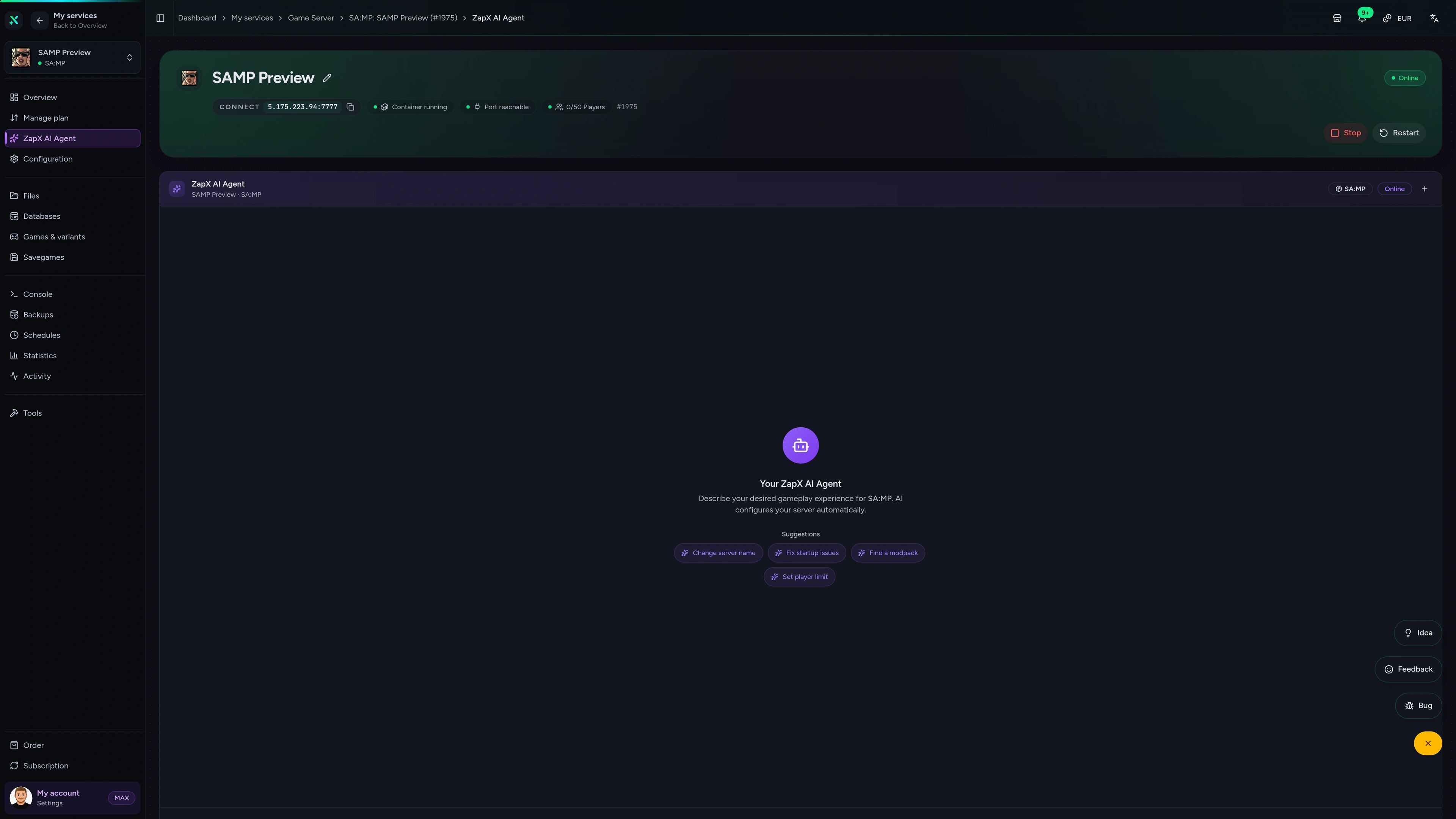
Contact SupportThe ZapX AI Agent knows your server's context and explains server_log errors, server.cfg values and sizing questions right in the panel, so you don't have to dig through old forum threads.
The ZapX AI Agent is part of ZapX Pass and works account-wide across all supported services.
See ZapX PassZapX AI Agent
panel.zap-hosting.com
Mobile AppComing soon
Check status, restart after a gamemode update and read the console from your phone with the ZapX app.
Discord management
Check status, start, stop, and restart via slash command — without leaving your community Discord.
1 free tool – right in your browser, no sign-up needed.
Also available
Switch between your games anytime for free—Minecraft, FiveM, Rust, and more.

Survival & Creative
Vanilla, Modded & Modpacks
Ready in ~2 min

Roleplay
Roleplay server in seconds
One-click installation

Survival
Wipe-ready gameserver
Automatic setup
Also available
Switch between your games anytime for free—Minecraft, FiveM, Rust, and more.
89
Available games
Benefit
We don't artificially limit player Slots. Hardware determines capacity.
Scale based on Mods, scripts, and player load instead of paying for a fixed number of Slots.
© 2026 ZAP-Hosting GmbH
 Preferred source on Google