
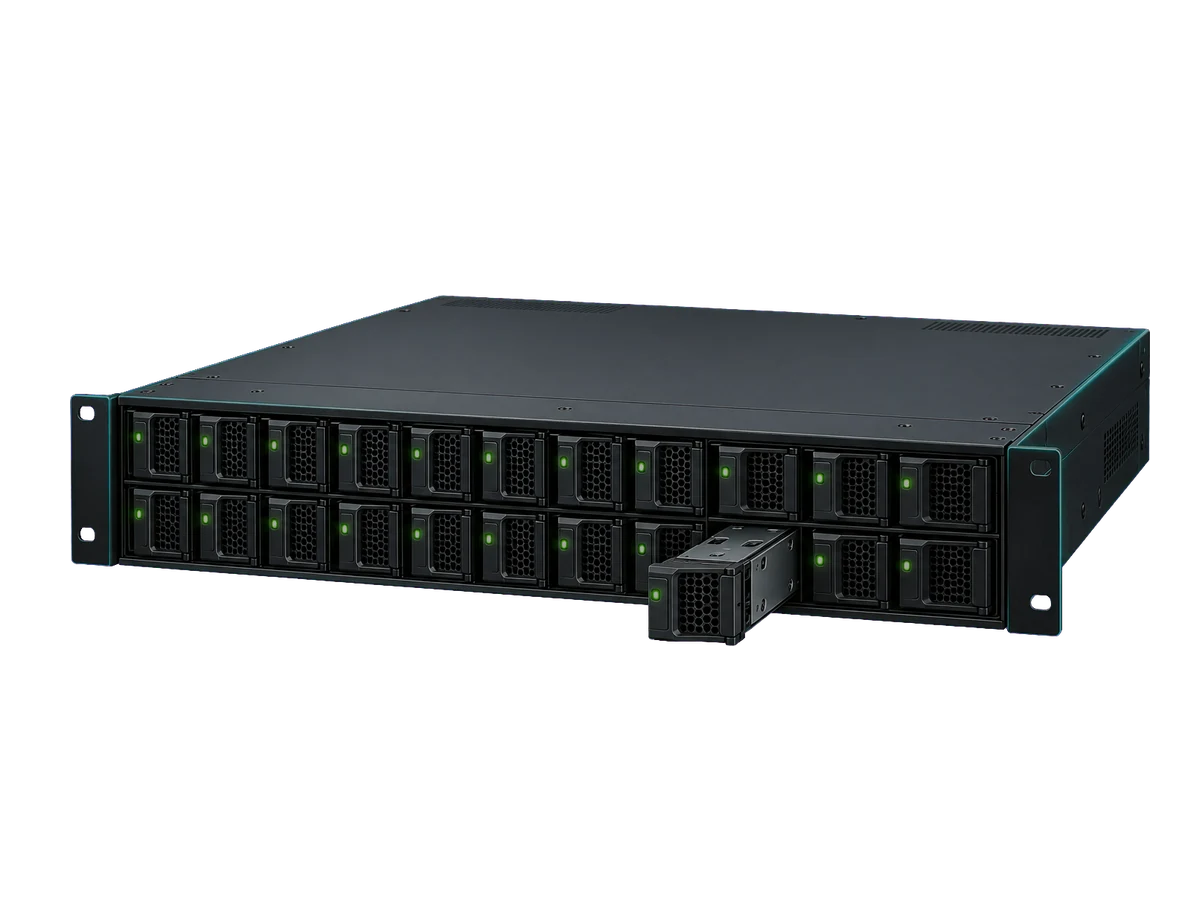
















VPS plan
ZAP Spark
€7.29/ 30 days
- 4 GB RAM
- 2 CPU
- 60 GB NVMe
- 1 Gbit/s Uplink
You decide which services we may enable for analytics, personalization, and external content.
We use cookies and similar technologies on our website to personalize content, embed external media, and better understand how individual areas are used.
Necessary cookies
These entries support essential functions such as security, stability, and form processing.
Optional sections
Your data may be processed with your consent or on the basis of legitimate interests. In the cookie settings, you can reject or explicitly allow each optional category.
Some services process personal data in third countries. By consenting, you also agree to this transfer. You can find more information in our Privacy Policy.
You can reopen and change your selection at any time. · 1.0.2
Your own storage instead of a third-party cloud: rent a VPS with up to 2 TB NVMe and install S3, SFTP, Nextcloud or backups in one click.
At a glance
Use cases
Pick your use case and the matching software. Every app shown here installs in one click from the app catalog, and you can run several on the same server.
Object storage with the S3 API for uploads, media and backups. Every tool that talks to Amazon S3 works with your server.
Move files with FileZilla, WinSCP or a script. SFTP works out of the box over SSH on every Linux VPS.
Setup
You decide how much you do yourself.
Pick an app in the panel, installed with its own address.
Describe what you need. The agent asks before every change. With ZapX Pass.
Full root access for vsftpd, Samba or your own Docker setup.
Storage calculator
Set your data volume and see right away what the matching VPS costs. One click takes you to the shop with exactly this configuration.
Storage
500 GB
Room for about 100,000 photos at 5 MB
Your storage VPS
€21.60/ 30 days
Configure with 500 GBYou can still adjust CPU, RAM, location and runtime in the shop.
Pick a plan or configure CPU, RAM and NVMe storage yourself, with up to 2 TB per VPS. Prices come live from the shop.
Powerful CPUs
100 Gbit/s host network
Juniper Firewall
DDoS protection
Get started
Your storage is ready in minutes — rent your VPS.
The ZapX AI Agent in your panel installs your storage software, creates users and connects your domain. You describe the goal, it proposes the steps and asks before it changes anything. Requires an active ZapX Pass with AI access.
The ZapX AI Agent is part of ZapX Pass, together with more backup storage and Lifetime access.
View ZapX PassZapX AI Agent
panel.zap-hosting.com
Comparison
A ready-made storage service is convenient when all you need is space for files. Your own VPS pays off when you want to choose the protocol, the software and the access yourself.
Guide
A storage server mainly stores and serves data. At ZAP-Hosting it is a VPS with NVMe storage that can run databases, web apps or bots alongside your storage.
Store files via the S3 API, without a cloud giant.
S3 is the storage protocol of Amazon Web Services and the standard for object storage today. Many programs write files straight to S3-compatible storage, including backup tools, CMSs, frameworks and media servers. Garage, SeaweedFS or RustFS turn your VPS into that kind of S3-compatible storage.
For small and medium amounts of data, your own S3 server is a good alternative to the large cloud providers: you know the cost in advance and where your data lives.
Move files the way you're used to, just safer.
Plain FTP sends credentials unencrypted, so use SFTP whenever you can. It runs encrypted over SSH and is already available on every Linux VPS. If older devices or clients need FTP, set up FTP/S with TLS, for example with SFTPGo, vsftpd or ProFTPD.
A Dropbox replacement for you, your family or your team.
Your own cloud replaces Dropbox, Google Drive or OneDrive for you, your family or your team. Nextcloud adds calendars, contacts and office integration on top of files, while Seafile focuses on fast sync. Both install in one click and work with their official desktop and mobile apps.
The offsite copy for the 3-2-1 rule.
The 3-2-1 rule recommends three copies of your data on two different media, one of them offsite. A backup VPS is that offsite target. Tools like Borg, restic or Kopia encrypt your data before upload and only transfer changes after the first run.
FAQ
Storage space, software, security and cost, answered briefly.
Yes, as a VPS with up to 2 TB NVMe and the storage software of your choice.
You rent a VPS with NVMe storage and install the software you need: S3-compatible object storage, an FTP/SFTP server, your own cloud or a backup target. You choose the protocol yourself and can use the same server for other apps too.
Up to 2 TB NVMe per VPS.
In the custom configuration you choose between 40 GB and 2 TB of NVMe storage, plus CPU cores, RAM and bandwidth of up to 5 Gbit/s (1 Gbit/s included, higher tiers for an extra charge). Need more? Combine several VPS or move to a bigger setup later. Configure your VPS
Install Garage, SeaweedFS or RustFS as a 1-click app. Then create a bucket and an access key, and enter the endpoint, access key and secret key in your tool, for example rclone, restic or your web app.
SFTP works right away over SSH.
Connect with FileZilla or WinSCP over SFTP using your SSH credentials. For multiple users, separate folders, FTP/S or WebDAV, install SFTPGo as a 1-click app. Only use unencrypted FTP if a device supports nothing else.
Borg and restic back up straight to your VPS over SSH, and restic also works with an S3 bucket. Kopia, Duplicati and Backrest are 1-click apps with a web interface. Always encrypt your backups on the source device.
You pick the location of your VPS yourself, for example FFM/Eygelshoven in Europe. Because you run the software yourself, you are responsible for access rights, encryption and updates.
With ZapX Pass: snapshots, backups and restore.
With ZapX Pass you get snapshots, manual backups and restore. Without the Pass you set up backups yourself, for example with restic or Borg to a second target in another location. View ZapX Pass
The price depends on storage, bandwidth, CPU, RAM, location and term. You can see the live price in the storage calculator on this page and in the shop. Choose 3, 30, 90, 180 or 365 days, or Lifetime with ZapX Pass. Cancel anytime: the cancellation takes effect at the end of the booked term. Configure your VPS
More questions?
Contact supportReviews
Real feedback on support and setup.
Configure your VPS, pick a storage app and get started in minutes.
Cancel anytime, effective at the end of your term.
© 2026 ZAP-Hosting GmbH
 Preferred source on Google