
Gameserver plan
ZAP Scout
€10.99/ 30 days
- 4 GB RAM
- 2 CPU
- 30 GB NVMe
- Unlimited Slots
 Co-op survival game by Roboto Games
Your own always-on Stormforge world for you and your friends: online in 60 seconds, DDoS-protected, locations worldwide.
Packages 1–3 of 8
 stormforge
Configure yourself
No package fits? Choose your RAM, CPU and storage—you only pay for the performance your community actually needs.
Powerful CPUs
100 Gbit/s host network
DDoS protection
Daily Backup
Cancel anytime
 Visa
 Mastercard
 American Express
 PayPal
 Google Pay
 Apple Pay
 Klarna
 Amazon Pay
About the game
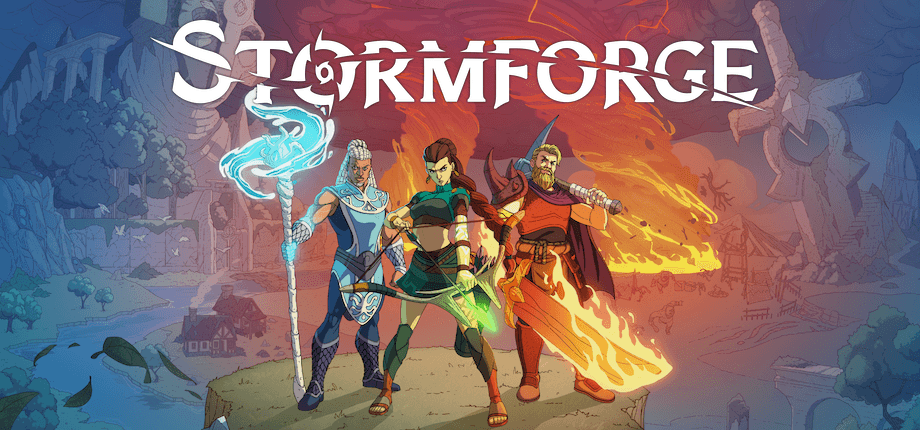
Stormforge is the open-world survival crafting game from Roboto Games, in Steam Early Access since November 2026. You gather resources, craft gear, build a base and take on the world together with your friends in co-op. A dedicated Stormforge server keeps that shared world running around the clock, so everyone can drop in whenever they have time, even when the original host is offline.
With your own Stormforge game server, you decide who joins, set a password for your group and pick the location closest to your friends. Every package comes with unlimited slots, DDoS protection and a daily Backup, so your progress stays safe while you and your friends keep building.
Locations worldwide
8 data centers worldwide — choose the location closest to your community.


Benchmark
Comparable numbers from our own infrastructure, with methodology and measurement date and no made-up competitor figures.
High-performance VPS, CPU model depends on the location
Typical VPS plans without a published host CPU
confirmed 2026-07-01
Typical Stormforge scenarios
From a weekend co-op group to a long-running shared world: these scenarios show where an always-on server, a daily Backup and a nearby location matter most.
Ready for co-op?
Your Stormforge world, online in 60 seconds.
Impressionen
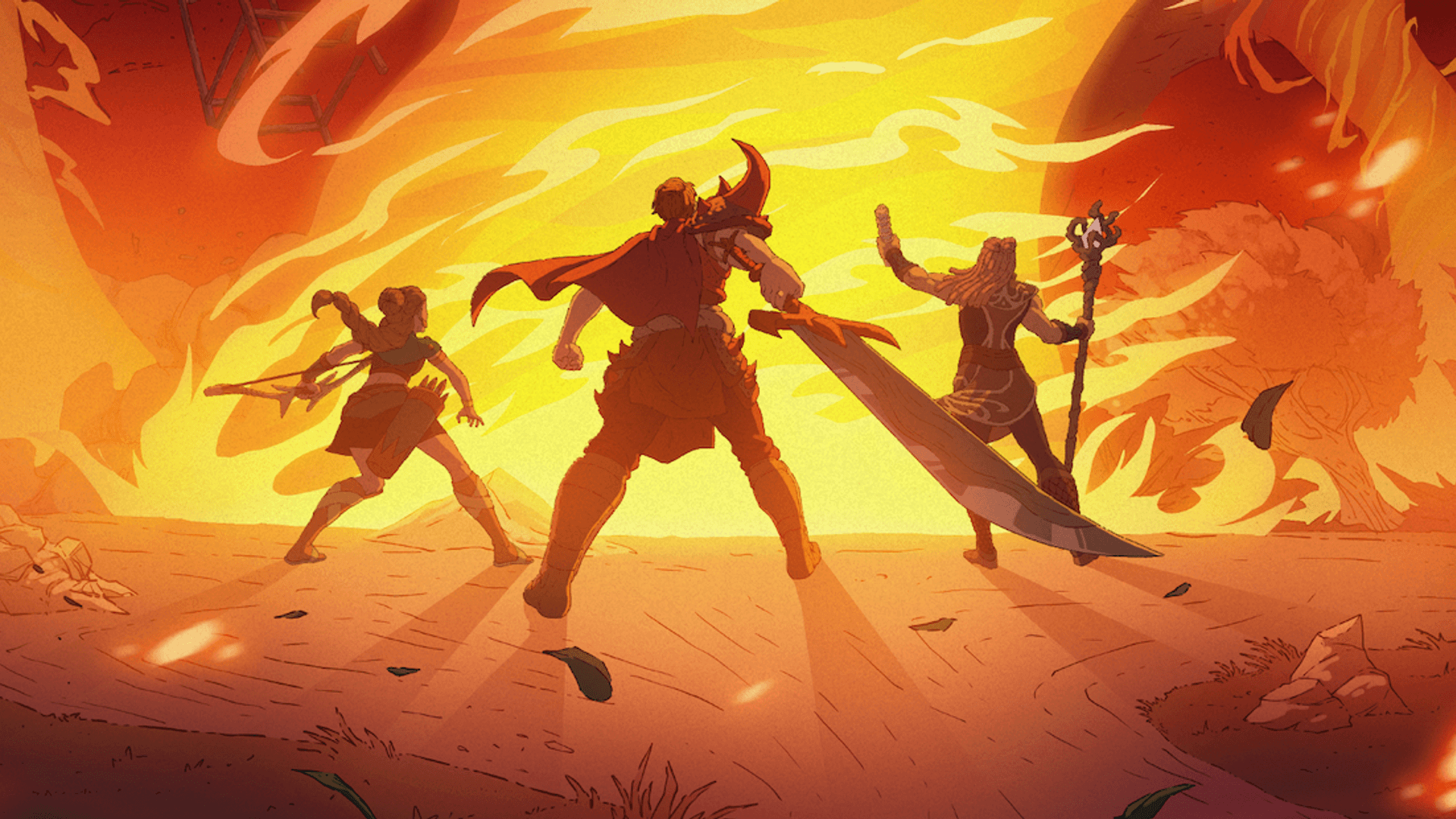
A glimpse into the game world—its atmosphere, exploration, and the moments your community will experience on the server.
Rent your Stormforge server: online in 60 seconds, with unlimited slots and DDoS protection included. Cancel anytime.
No setup. No risk. Online in seconds.
Features
Rent a Stormforge server that keeps your shared world online when you log off, with setup, Backups and resources handled in the panel.
Invite everyone you play with: the price depends on your package, not on player count.
Order, and your Stormforge server is online in 60 seconds, ready for your first world.
Your co-op world gets a daily Backup; own Backups and restores come with the ZapX Pass.
Upload your current co-op save via file access and keep building where you left off.
Set your server name and password in the panel instead of editing config files.
Pick the location closest to your group for a smooth connection to your shared world.
Reviews
Real feedback on support and setup.
FAQ
Answers to the most important questions before you start.
At least 3 GB RAM, 6 GB recommended.
Stormforge needs at least 3 GB RAM. For a smooth co-op world we recommend 6 GB. Plan more RAM when more friends play at the same time or when your world and bases grow large. You can raise RAM, CPU and storage later in the panel without starting a new world.
Online in 60 seconds after your order.
Your Stormforge server is online in 60 seconds after your order. The first start, when the game creates your world, can take a little longer depending on the world. After that, you find the IP and port in the panel and can invite your friends right away.
With the IP and port shown in the panel.
Copy the IP and port from the panel and share them with your group. In Stormforge, your friends use the direct connection and enter that IP and port. If you set a server password, they enter it too, so only your group gets into your world. Every package has unlimited slots, so nobody has to wait for a free spot.
Server name, password, world seed and more.
In the panel you set your server name, a server password and the player count. For your world you pick the world name and seed, decide whether the server pauses when it is empty, choose what players lose on death and turn wandering storms on or off. Every package keeps unlimited slots; the player count only sets a cap for your world if you want one.
Locations worldwide, pick the one near your group.
You choose from locations worldwide when you order. Pick the one closest to you and your friends for a smooth connection. For groups in North America, Ashburn, Dallas or Los Angeles are often a good start. Availability varies by product and location, and at some locations a regional surcharge applies.
Yes, DDoS protection is included.
Yes. Every Stormforge server comes with DDoS protection at no extra cost. Attacks are filtered before they reach your server, so your co-op sessions keep running even if someone targets your IP.
Packages from €10.99/month. Cancel anytime.
Packages start from €10.99/month. The price depends on the package you choose, not on the number of players. Pick a term of 3, 30, 90, 180 or 365 days; a longer term lowers the monthly price. Cancel anytime, your server runs until the term ends. Pay by credit card, Apple Pay, Google Pay or PayPal, and depending on country and currency also with Klarna or Amazon Pay.
Yes, with Lifetime and an active ZapX Pass.
Yes. With Lifetime you buy your Stormforge server once instead of renting it. Lifetime needs an active ZapX Pass, one Pass per account for all your Lifetime servers. Each further Lifetime server within your quota only costs its purchase price. If your Pass ends, the server is locked, not deleted, and unlocks again once a Pass covers it. Rent or Lifetime in the Help Center
A daily automatic Backup is included.
Yes. Your Stormforge server gets one automatic Backup every day. With the ZapX Pass you create your own Backups, for example before a big Early Access update, restore earlier states yourself and, from Pass Pro, schedule automatic Backups. Backup storage depends on your Pass and can be extended. Backups in the Help Center
Any more questions?
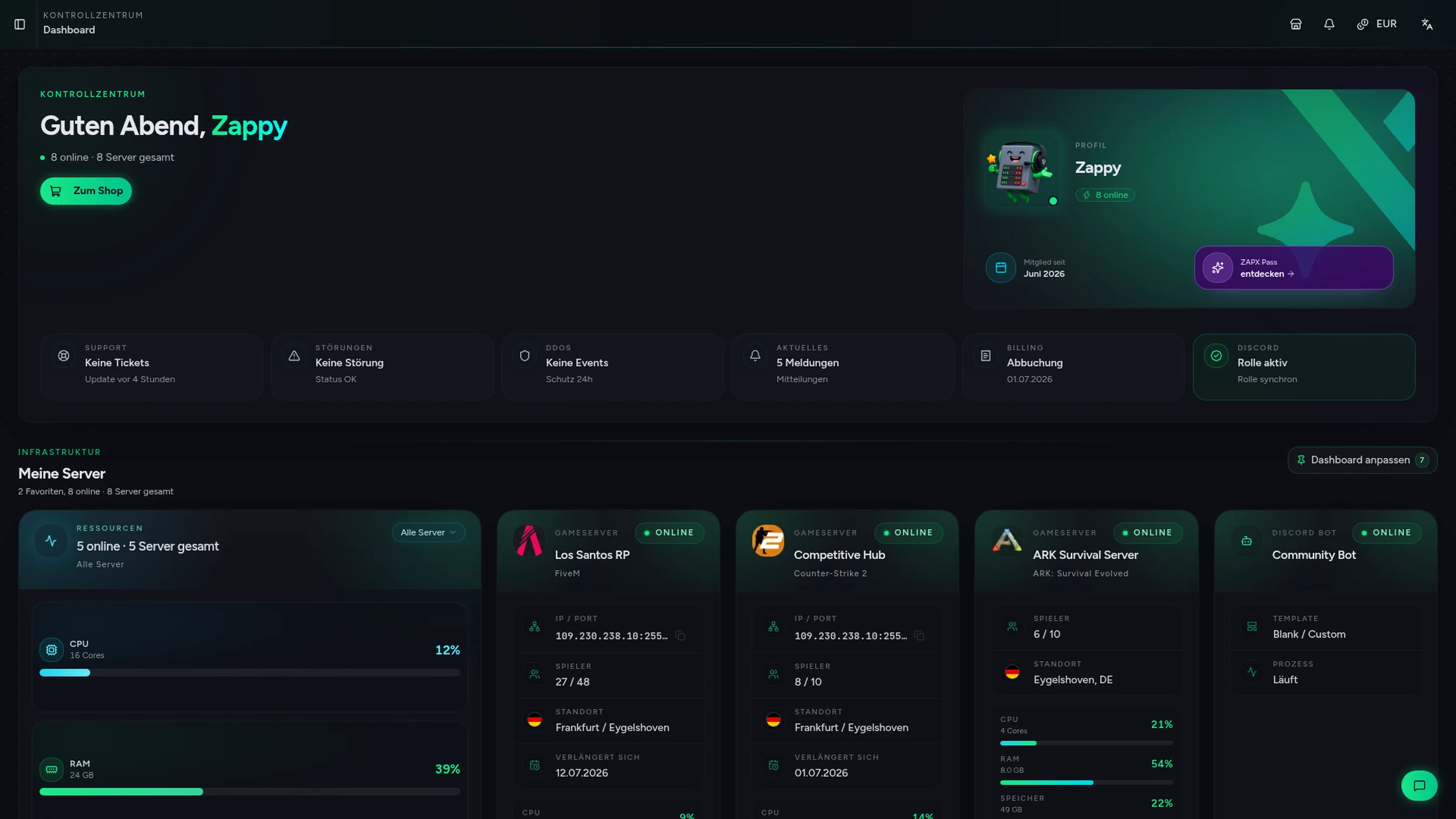
Contact SupportThe ZapX AI Agent knows your server's context, explains settings and logs and, if you confirm in the chat, carries out steps for you. Or you do them by hand.
The ZapX AI Agent is part of the ZapX Pass and works across all your supported services.
See ZapX PassZapX AI Agent
panel.zap-hosting.com
ZapX appComing soon
With the ZapX app you check your Stormforge server on the go and restart it in seconds, with all your ZAP-Hosting services in one app.
Discord management
Check status, start, stop, and restart via slash command — without leaving your community Discord.
Each category has its own page with all tools for that game or topic.
276 tools in 70 categories — 100% free
Also available
Switch between your games anytime for free—Minecraft, FiveM, Rust, and more.
Survival & Creative
Vanilla, Modded & Modpacks
Ready in ~2 min

Roleplay
Roleplay server in seconds
One-click installation

Survival
Wipe-ready gameserver
Automatic setup
Also available
Switch between your games anytime for free—Minecraft, FiveM, Rust, and more.
90
Available games
Benefit
We don't artificially limit player Slots. Hardware determines capacity.
Scale based on Mods, scripts, and player load instead of paying for a fixed number of Slots.