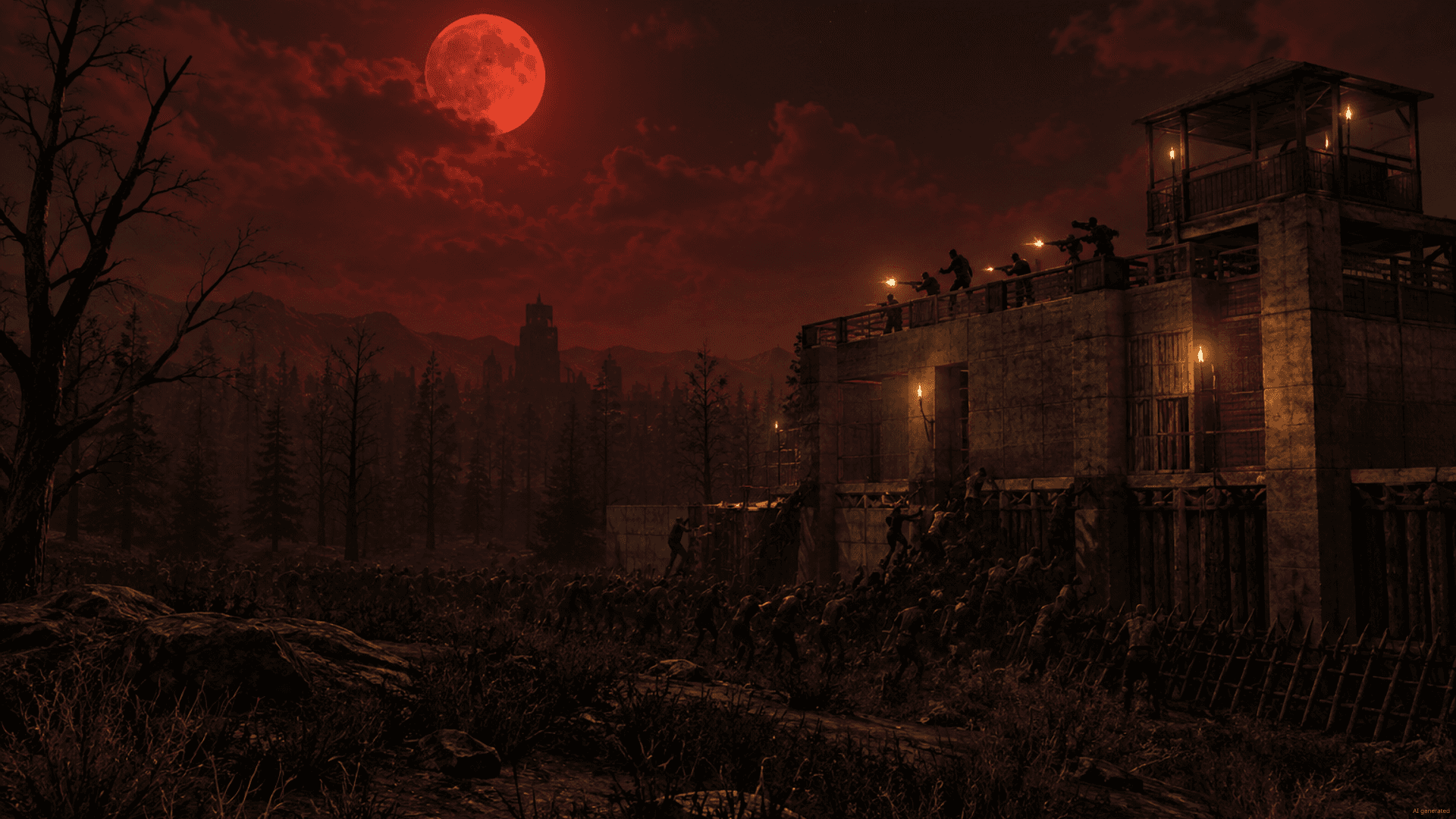

Gameserver plan
ZAP Scout
€10.99/ 30 days
- 4 GB RAM
- 2 CPU
- 30 GB NVMe
- Unlimited Slots
You decide which services we may enable for analytics, personalization, and external content.
We use cookies and similar technologies on our website to personalize content, embed external media, and better understand how individual areas are used.
Necessary cookies
These entries support essential functions such as security, stability, and form processing.
Optional sections
Your data may be processed with your consent or on the basis of legitimate interests. In the cookie settings, you can reject or explicitly allow each optional category.
Some services process personal data in third countries. By consenting, you also agree to this transfer. You can find more information in our Privacy Policy.
You can reopen and change your selection at any time. · 1.0.2
 Oxide (uMod) for 7 Days to Die
Oxide (uMod) · Run server-side Oxide plugins with file access, unlimited slots, DDoS protection and locations worldwide – online in 60 seconds.
Packages 1–3 of 8
 7-days-to-die
Configure yourself
No package fits? Choose your RAM, CPU and storage—you only pay for the performance your community actually needs.
Powerful CPUs
100 Gbit/s host network
DDoS protection
Full file access
Automatic Backups
 Visa
 Mastercard
 American Express
 PayPal
 Google Pay
 Apple Pay
 Klarna
 Amazon Pay
About the server
7 Days to Die is a survival horde game: by day you scavenge a voxel world, craft gear and fortify your base, and every seventh night a Blood Moon horde tests your walls. A server of your own keeps that world running for your whole group. The Oxide (uMod) variant adds a plugin framework on top, so you extend the game with server-side C# plugins – admin tools, teleports, shops or rewards – while players join with the normal game client.
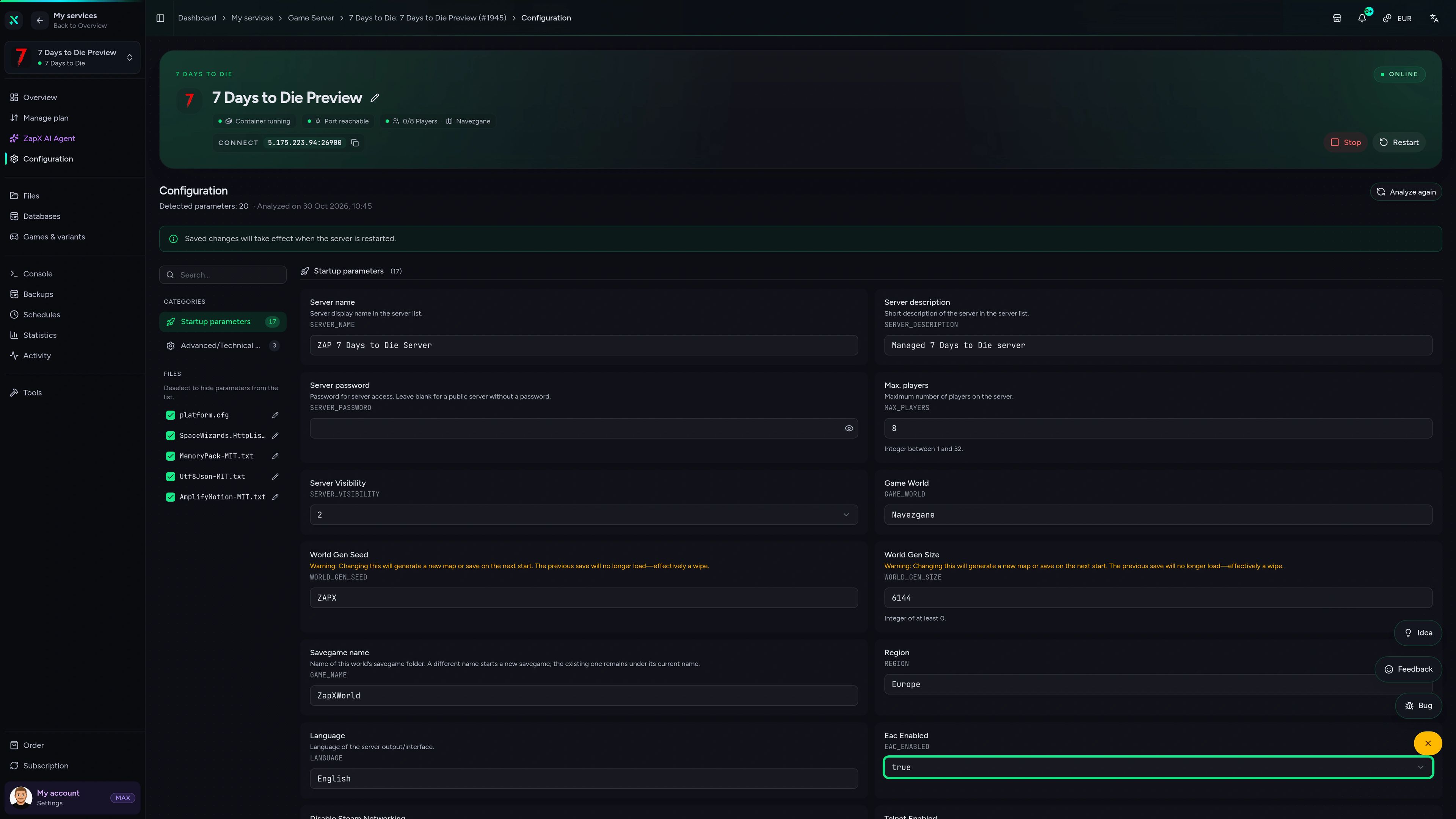
With full file access you upload plugins, edit their configs and tune serverconfig.xml yourself, while RCON and admin rights stay in your hands. Your group is never capped by slot count, and the world stays online around the clock even when your PC is off – no port forwarding and no hardware at home.
Locations worldwide
8 data centers worldwide — choose the location closest to your community.


ZapX Panel
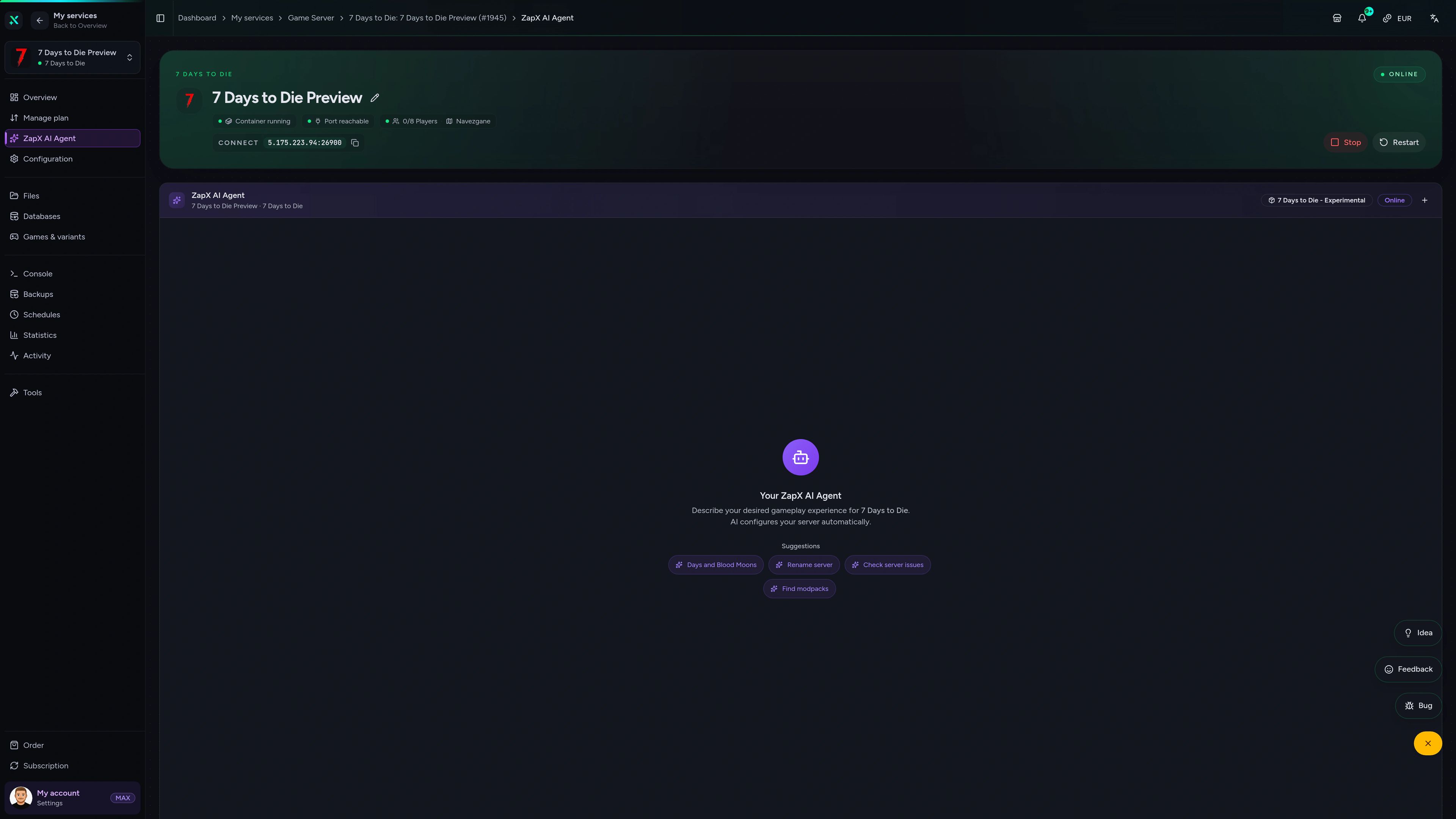
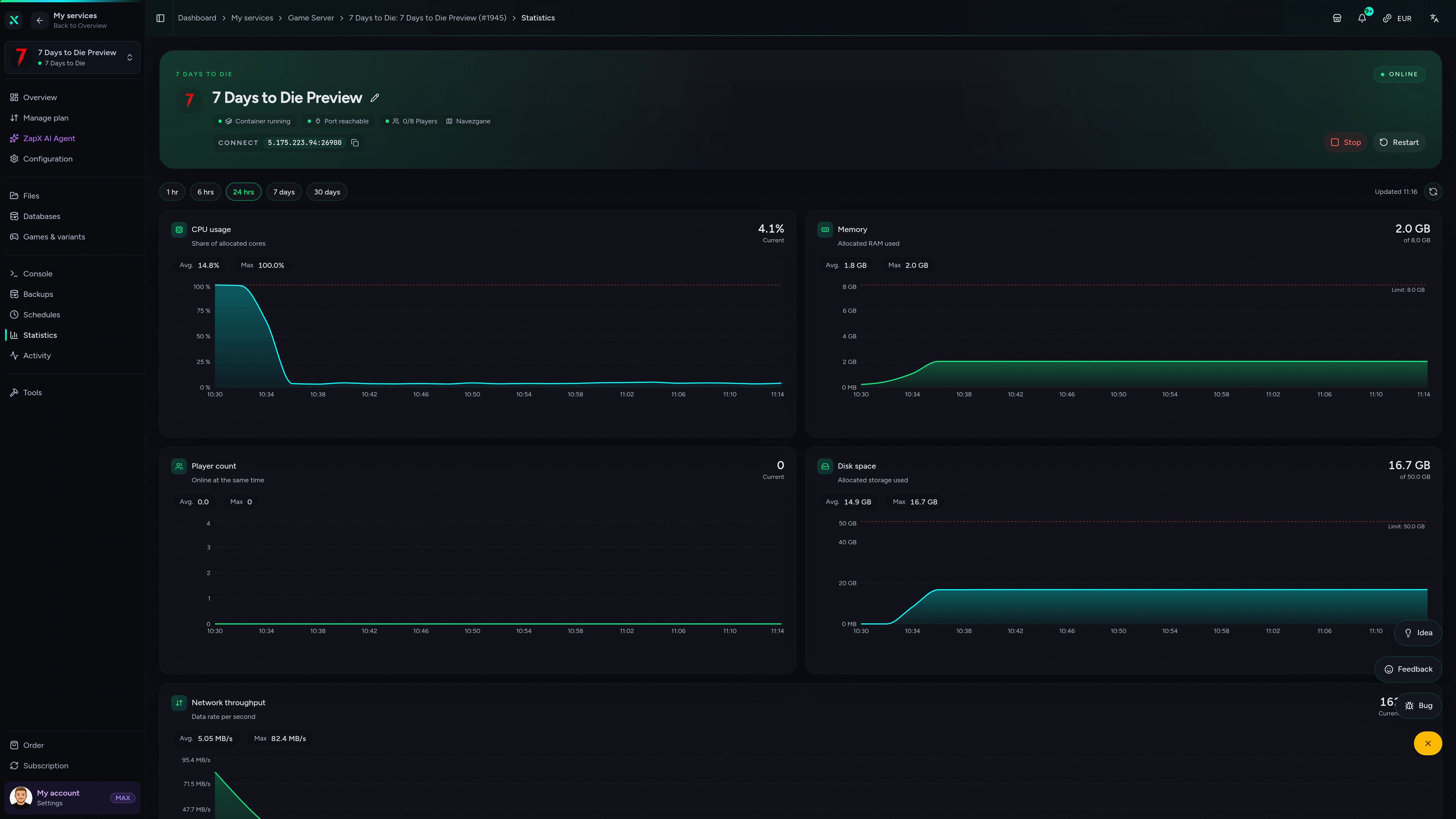
Console, configuration, statistics and Backups in one panel – everything you need to run plugins and keep your world healthy.
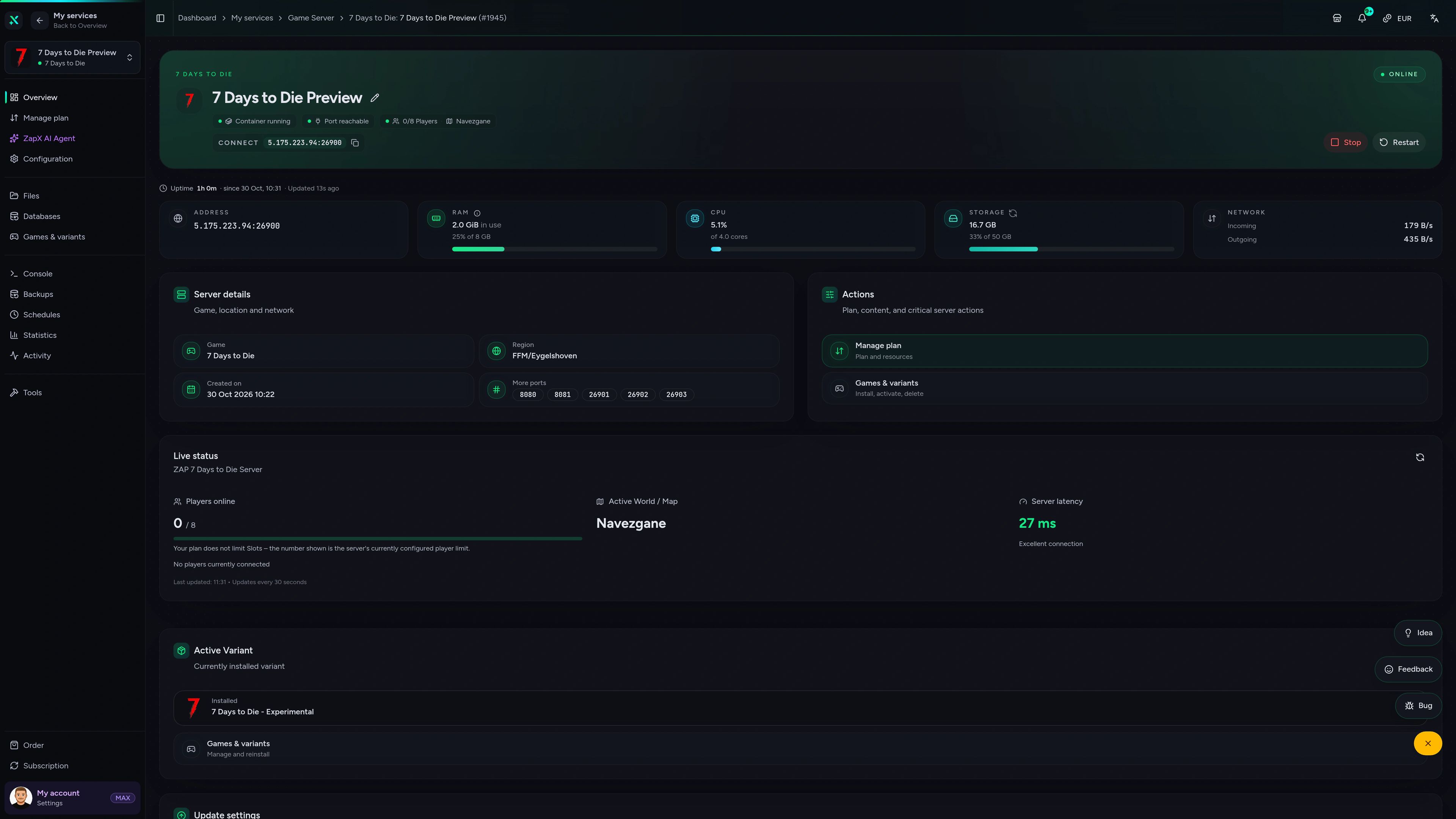
7 Days to Die Game Server – Overview
Overview of the 7 Days to Die game server in the ZapX customer panel.
Benchmark
Measured values for ZAP-Hosting 7 Days to Die servers next to typical market offers – resources, protection and setup at a glance.
High-performance VPS, CPU model depends on the location
Typical VPS plans without a published host CPU
confirmed 2026-07-01
Use cases
From admin-heavy community servers to Blood Moon co-op with friends – Oxide plugins and full file access let you shape the server around your group.
Ready for horde night?
Your Oxide server, online in 60 seconds.
Impressionen
A glimpse into the game world—its atmosphere, exploration, and the moments your community will experience on the server.
Unlimited slots, server-side plugins and full file access – your 7 Days to Die server is online in 60 seconds. Cancel anytime.
No setup. No risk. Online in seconds.
Features
Oxide plugins, live console, Backups and scalable resources – the tools admins need to run a 7 Days to Die community server.
Extend gameplay with server-side C# plugins – players keep the normal client.
Invite your whole community – packages scale by RAM and CPU, not by slots.
Kick, ban and broadcast to players straight from the panel or via RCON.
Adjust difficulty, Blood Moon and loot settings without hunting through files.
With the ZapX Pass, roll back your base after a bad plugin update or a horde night gone wrong.
Add RAM and CPU as your plugin list, maps or Blood Moon waves grow – your files stay intact.
Reviews
Real feedback on support and setup.
FAQ
Answers to the most important questions before you start.
It is a 7 Days to Die game server running the Oxide (uMod) framework. Oxide loads server-side C# plugins, so you can add admin tools, teleports, shops or reward systems without players installing anything extra. You get full file access, RCON and admin rights, and the server runs 24/7 – your friends can play even when you are offline. RCON guide in the Help Center
The price depends on your package (RAM, CPU), term and location. Current prices for every package are shown live in the packages section and in the shop. All packages include unlimited player slots, DDoS protection and full file access, so you never pay per player.
Download the plugin's .cs file, upload it to the oxide/plugins folder via the file manager or FTP, then reload it or restart the server. Oxide compiles the plugin and creates its config file, which you can edit in the same file area. Overhaul mods like Darkness Falls are installed differently, and your players need to install them too. Installing mods in the Help Center
There is no slot limit on our side: every package comes with unlimited player slots, and you set the maximum player count in your server settings. What matters in practice is RAM and CPU – more players, more plugins and bigger Blood Moon hordes need more resources.
It depends on map size, player count, the number of plugins and your horde settings. A small group with a few plugins needs less RAM; large maps, many plugins and big Blood Moon hordes need more RAM. Watch the live statistics in the panel and add RAM and CPU whenever usage stays high. As a guideline: at least 4 GB, 8 GB recommended.
Setup is automated. After payment, your 7 Days to Die server is created with the Oxide variant and is usually online within 60 seconds. You find the IP, port and all connection details right in the panel. Panel overview in the Help Center
You choose from locations worldwide when you order – pick the one closest to your players for a smooth connection. Many North American groups start with Ashburn, Dallas or Los Angeles; communities elsewhere simply pick the region nearest to them.
Yes. You can cancel anytime in the panel. Terms run for 3, 30, 90, 180 or 365 days, and a cancellation takes effect at the end of the current term – your server keeps running until then.
Any more questions?
Contact SupportAsk about plugins, horde lag or admin rights and get clear steps for your Oxide server – you stay in control of every change.
The ZapX AI Agent is part of ZapX Pass – together with more Backup storage and Lifetime access.
View ZapX PassZapX AI Agent
panel.zap-hosting.com
Mobile appComing soon
Keep an eye on your 7 Days to Die server between horde nights – the ZapX app puts the essentials in your pocket.
Discord management
Check status, start, stop, and restart via slash command — without leaving your community Discord.
2 free tools—right in your browser, no sign-up required.
Also available
Switch between your games anytime for free—Minecraft, FiveM, Rust, and more.

Survival & Creative
Vanilla, Modded & Modpacks
Ready in ~2 min

Roleplay
Roleplay server in seconds
One-click installation

Survival
Wipe-ready gameserver
Automatic setup
Also available
Switch between your games anytime for free—Minecraft, FiveM, Rust, and more.
89
Available games
Benefit
We don't artificially limit player Slots. Hardware determines capacity.
Scale based on Mods, scripts, and player load instead of paying for a fixed number of Slots.
© 2026 ZAP-Hosting GmbH
 Preferred source on Google