
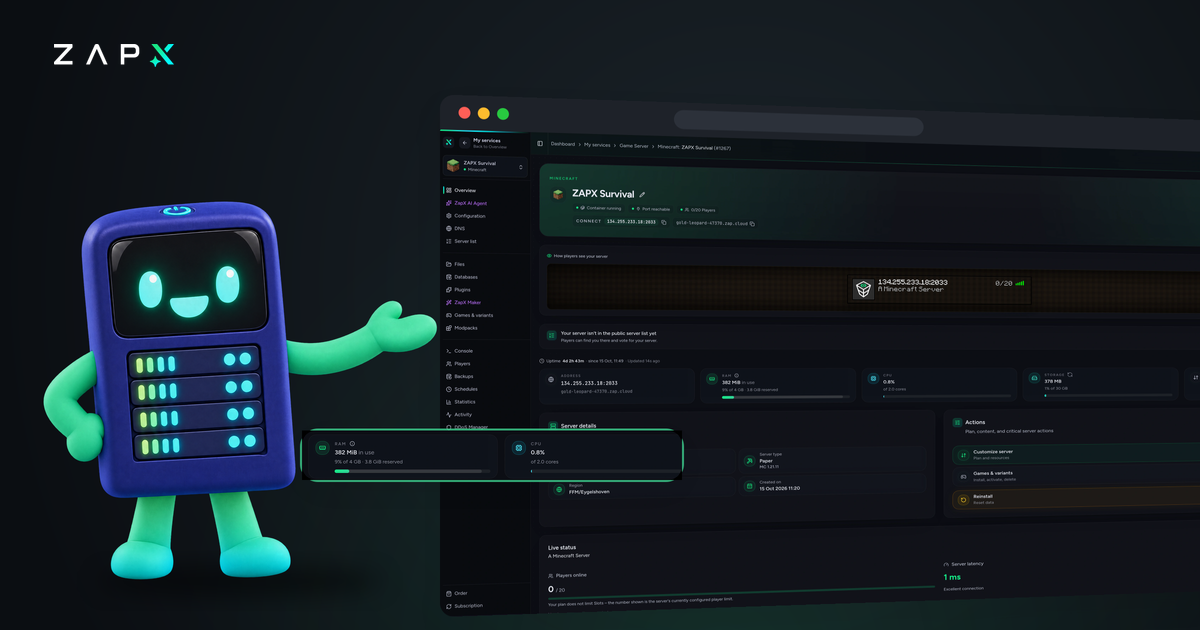
Direct sign-in to the Legacy Panel, our previous customer panel (also called the Classic Panel), is now switched off. You can still manage your old services as usual. You just always get there through ZapX now.
- You only sign in on ZapX now, including for your old services.
- Open services that haven't been migrated with Open in Legacy Panel in ZapX and work there as usual.
- This won't automatically migrate your services, and you don't need ZapX Pass for it.
- Sign in to ZapX. We email you a code, no password needed. New to ZapX? This creates your account at the same time.
- Open My services. Your old services are marked Legacy, and the Classic filter shows only them.
- Click Open in Legacy Panel on the service. The Legacy Panel opens and you work there just like before.
If you use the same email address on ZapX as in the Legacy Panel, ZapX links your Legacy account automatically. Your old services then show up on their own.
If your Legacy account uses a different email address, link it yourself: in ZapX, go to Settings › Account and, under Link Legacy account, sign in once with your old Legacy login details. With Link another Legacy account you can add several Legacy accounts to one ZapX account.
Sub-user access to the Legacy Panel no longer exists. The account holder manages the services through ZapX.
New support tickets go through ZapX. You can keep replying to existing tickets in the Legacy Panel. You'll find all the details in our help article on the Legacy Panel. If you have questions, contact our support.







Discussion
Comments
We'd love to hear your thoughts. Comments appear after a brief review.
No comments yet. Be the first to comment!