
Gameserver plan
ZAP Spawn
€5.99/ 30 days
- 2 GB RAM
- 2 CPU
- 15 GB NVMe
- Unlimited Slots
You decide which services we may enable for analytics, personalization, and external content.
We use cookies and similar technologies on our website to personalize content, embed external media, and better understand how individual areas are used.
Necessary cookies
These entries support essential functions such as security, stability, and form processing.
Optional sections
Your data may be processed with your consent or on the basis of legitimate interests. In the cookie settings, you can reject or explicitly allow each optional category.
Some services process personal data in third countries. By consenting, you also agree to this transfer. You can find more information in our Privacy Policy.
You can reopen and change your selection at any time. · 1.0.2
 Dedicated server for your GATE co-op crew
Keep your facility online — even when the host is offline: unlimited player slots, DDoS protection and locations worldwide.
Packages 1–3 of 9
 abiotic-factor
Configure yourself
No package fits? Choose your RAM, CPU and storage—you only pay for the performance your community actually needs.
Powerful CPUs
100 Gbit/s host network
DDoS protection
World upload
Crossplay ready
 Visa
 Mastercard
 American Express
 PayPal
 Google Pay
 Apple Pay
 Klarna
 Amazon Pay
About the game
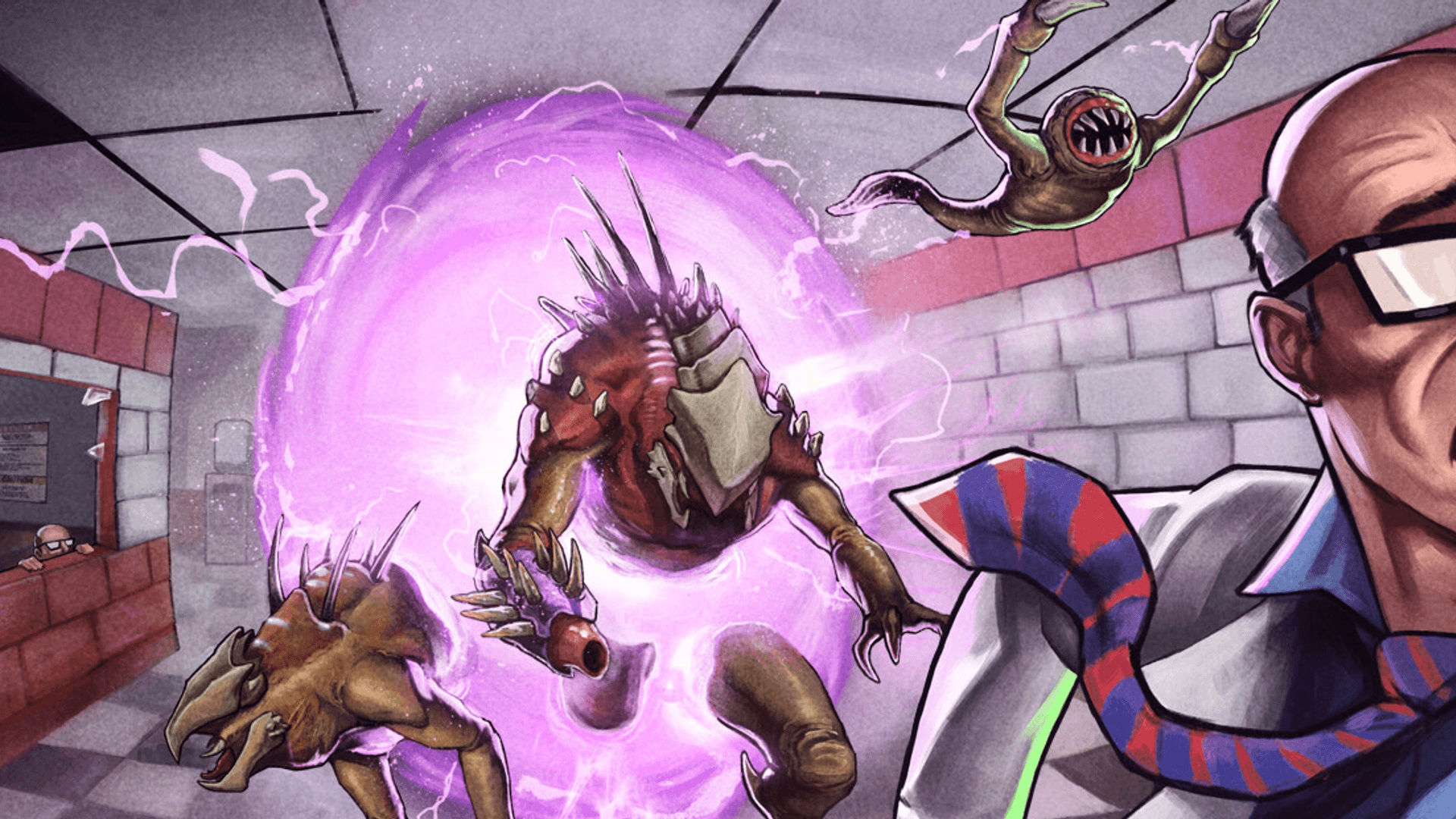
Abiotic Factor is a co-op survival crafting game for one to six players, set in the GATE Cascade Research Facility — an underground lab overrun by paranormal entities, hostile factions and creatures from other dimensions. You play as scientists who craft gear from office supplies, build a base between the cubicles and push through portals into strange worlds. Your own server turns that campaign into a shared facility that keeps running between sessions.
On a dedicated server, nobody has to leave their PC running as host: your crew drops in whenever it suits them, Xbox and PS5 friends join via crossplay, and an existing single-player or co-op world comes along via upload. You set the password, player limit and sandbox rules in the browser and pick a location close to your players from data centers worldwide.
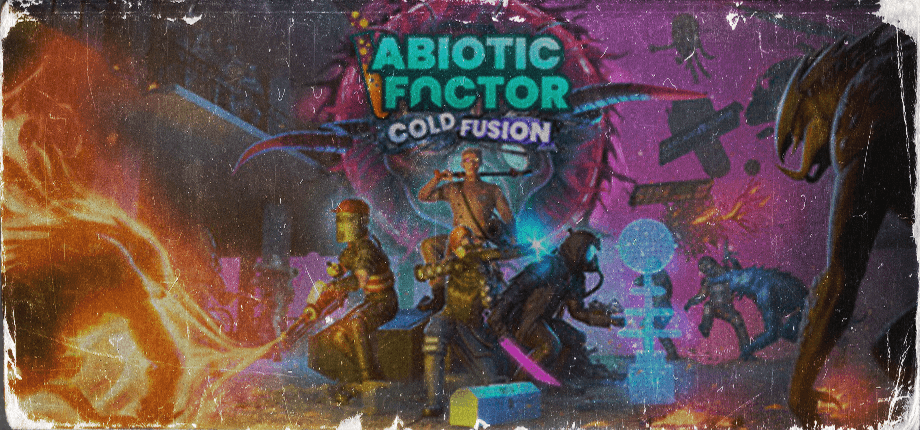
Locations worldwide
8 data centers worldwide — choose the location closest to your community.


ZapX Panel
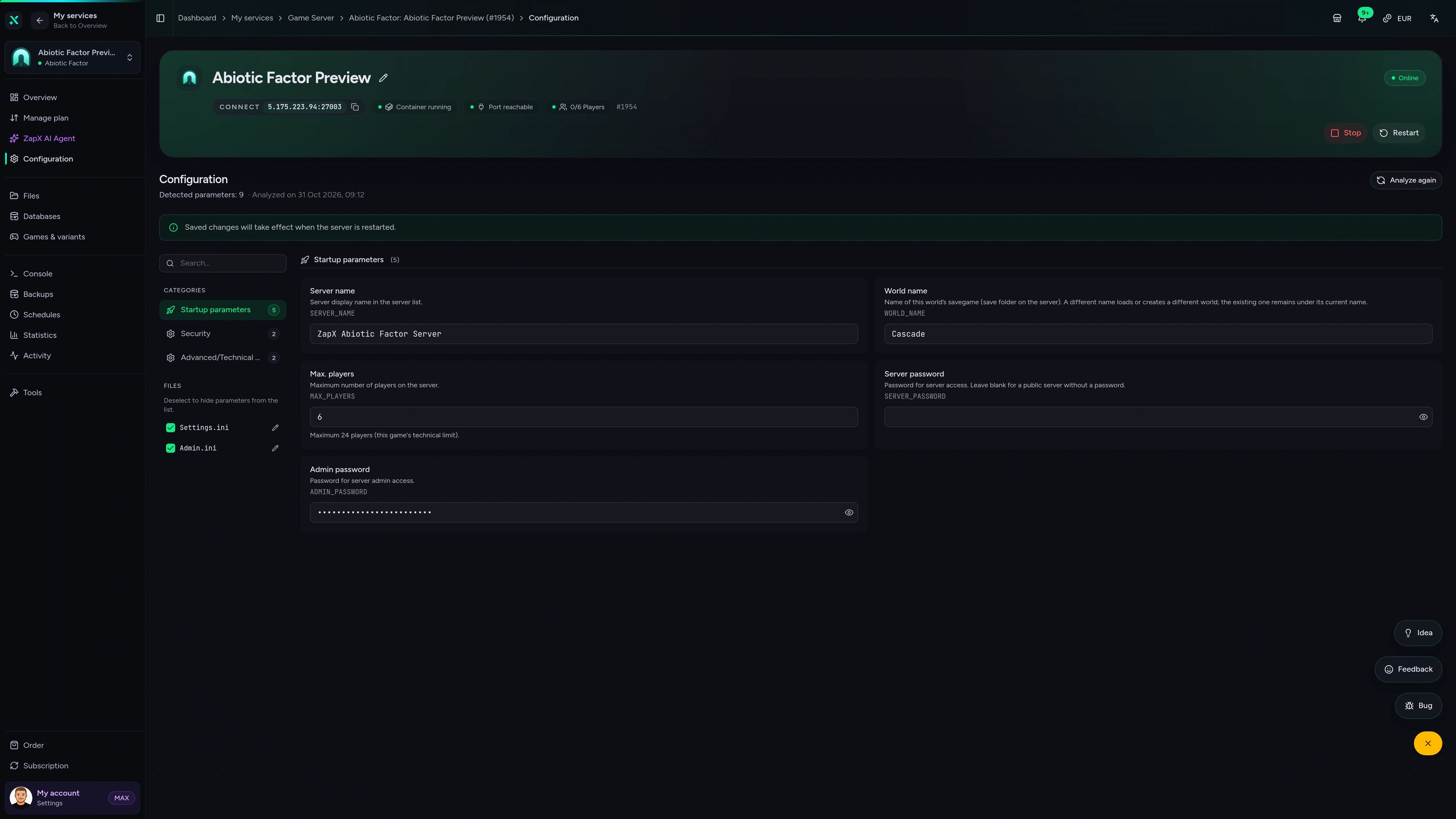
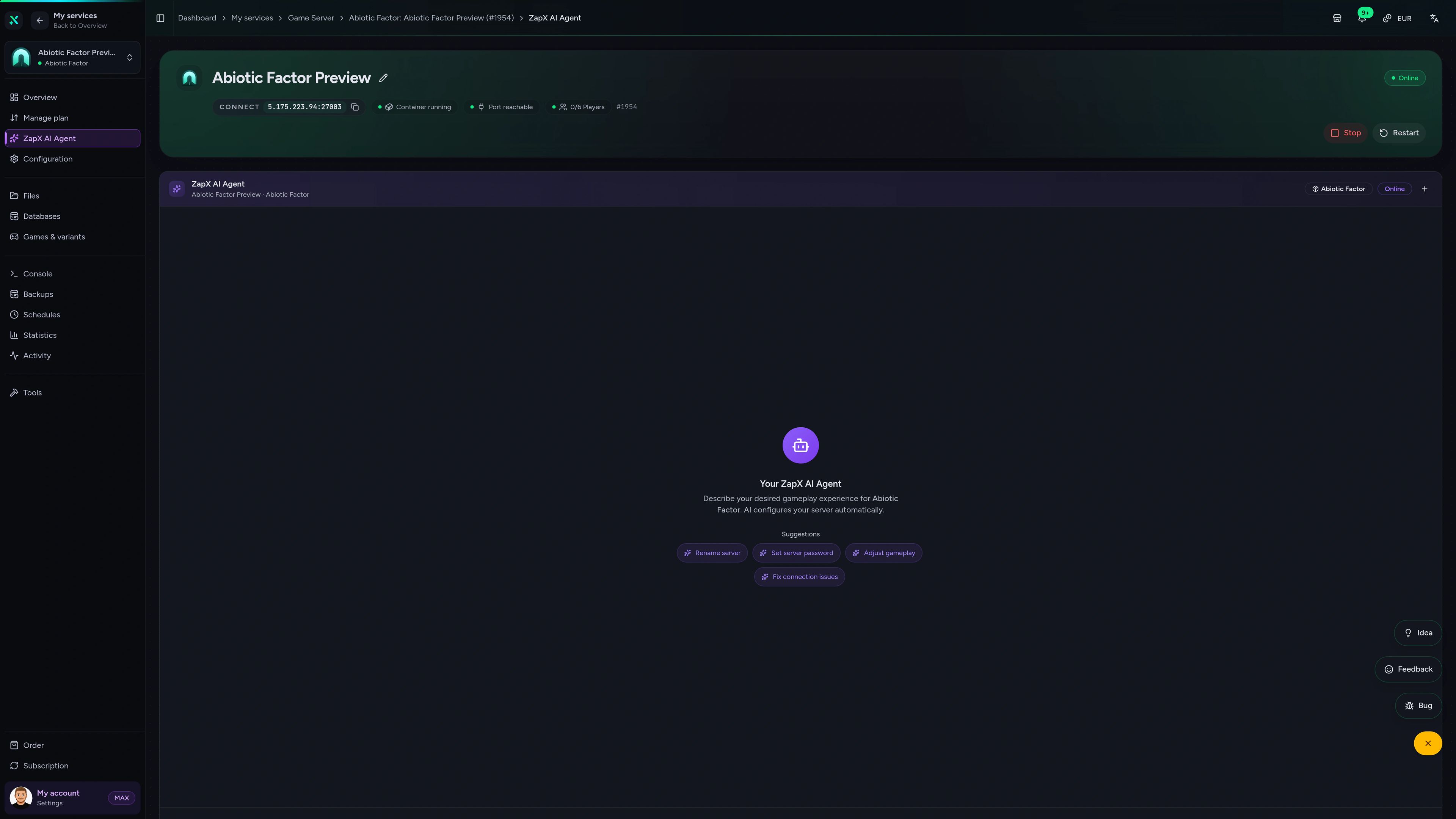
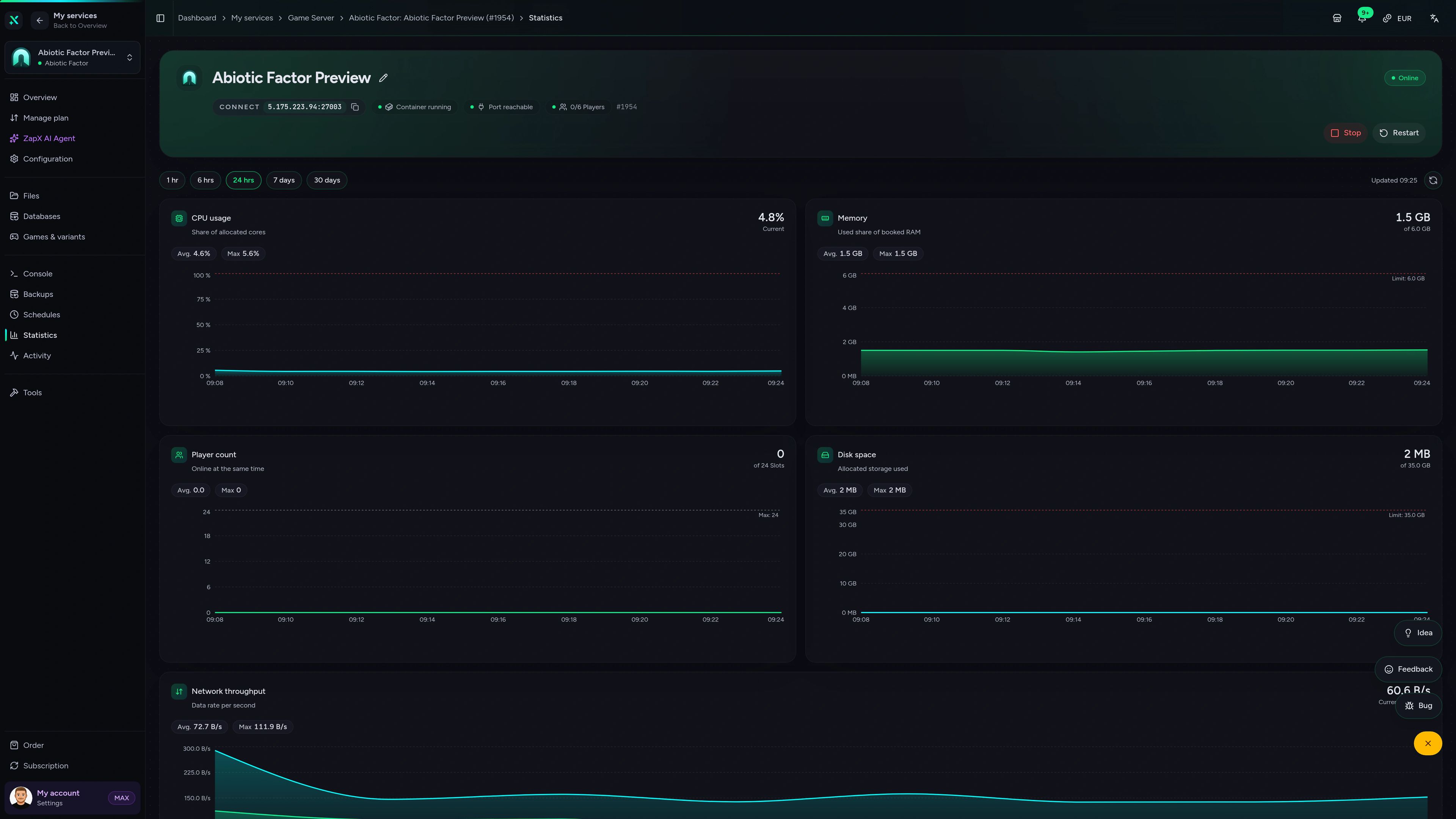
Settings, world saves, Backups and the ZapX AI Agent in one panel — manage your facility from the browser, no FTP client required.
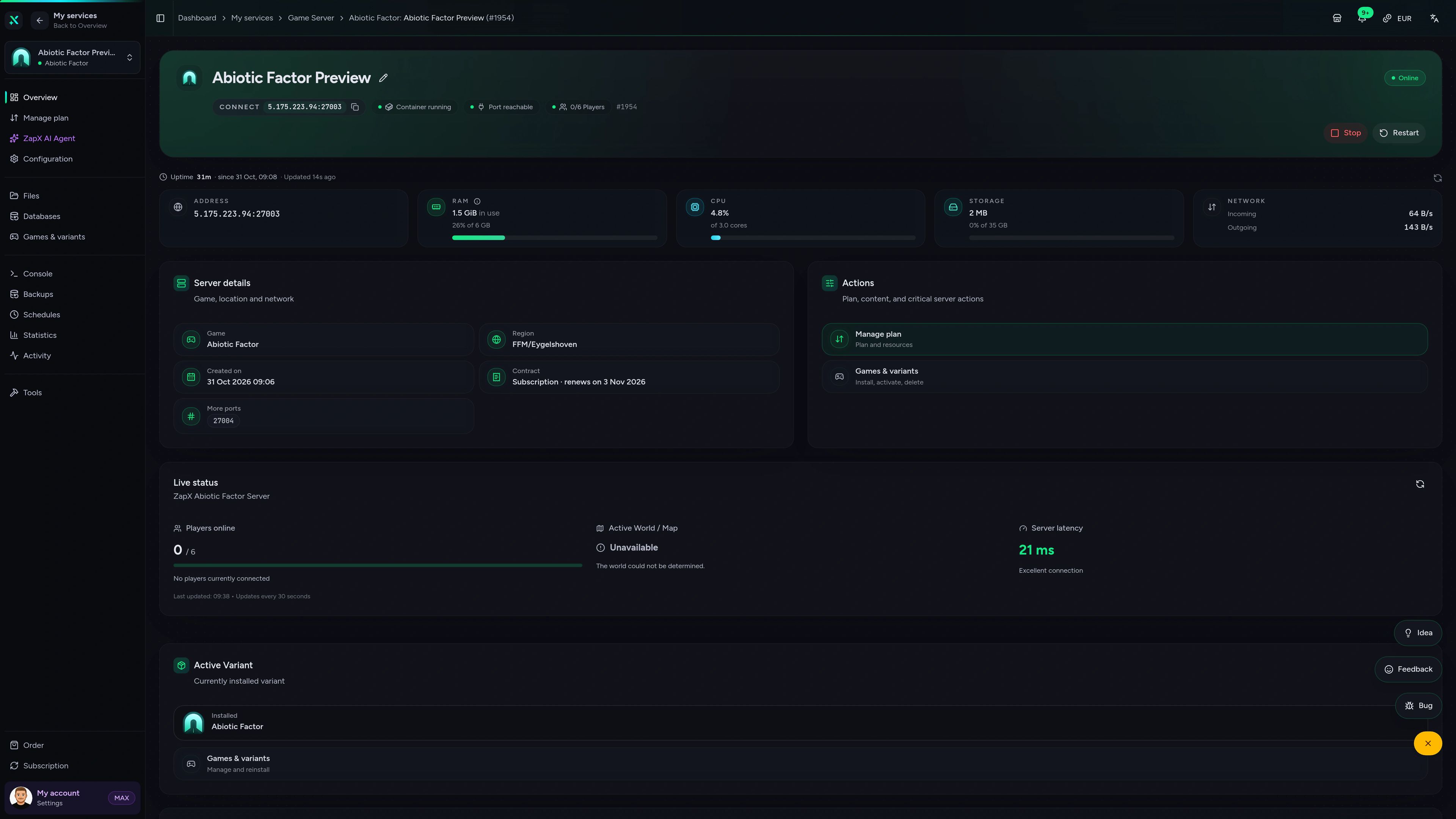
Abiotic Factor Game Server – Overview
Overview of the Abiotic Factor game server in the ZapX customer panel.
Benchmark
Comparable numbers from our own infrastructure, with methodology and measurement date — no made-up competitor figures.
High-performance VPS, CPU model depends on the location
Typical VPS plans without a published host CPU
confirmed 2026-07-01
Typical scenarios
From a weekend crew to a long-running campaign across PC and consoles: these scenarios show when crossplay, world uploads and Backups matter most.
Ready for the next shift?
No host needed — your lab stays open.
Impressionen
A glimpse into the game world—its atmosphere, exploration, and the moments your community will experience on the server.
Host your Abiotic Factor dedicated server now — unlimited player slots, crossplay-ready and online in about 60 seconds.
No setup. No risk. Online in seconds.
Lab equipment
Unlimited player slots, crossplay, world upload and Backups are part of every Abiotic Factor server — no extra lab budget required.
Bring the whole research team — you pay by package, term and location, never per slot or player.
Your lab opens right after checkout — installation runs fully automatically.
Keep your crew's progress by uploading a single-player or co-op save.
Console players join your PC-hosted dedicated server through cross-platform play.
Set password, player limit and difficulty without editing config files by hand.
Base wrecked or experiment gone wrong? Roll back to an earlier world save with the ZapX Pass.
Reviews
Real feedback on support and setup.
FAQ
Answers to the most important questions before you start.
You pay by package, term and location, not per player slot.
Every Abiotic Factor plan comes with unlimited player slots and no slot pricing, so the price depends on the package, term and location you choose. Current prices are shown live in the package section on this page. You can switch plans later and cancel anytime.
Unlimited slots — you set the player limit yourself.
Every Abiotic Factor plan comes with unlimited player slots. The game is built for small co-op crews, and you set the maximum player count (up to 24) in the server settings. For larger groups or big bases, pick more RAM so the facility keeps running smoothly. Server settings in the Help Center
Yes — a dedicated server keeps your world online 24/7.
In regular co-op, the world closes when the host logs off. On a dedicated server, the facility stays online around the clock, so anyone in your crew can drop in, keep crafting and log out again — without waiting for the host.
Yes — via crossplay on your PC-hosted dedicated server.
Abiotic Factor supports cross-platform play, so console friends can join your dedicated server alongside PC players. The server itself always runs on our PC infrastructure — you enable crossplay in the configuration, and console players connect as described in the guide. Crossplay guide in the Help Center
Yes — bring your save and keep your progress.
You can move an existing single-player or co-op world to your server and continue right where your crew left off. Upload the save files through the panel, point the server to that world and restart. With the ZapX Pass, make a Backup first so you can always switch back. Savegame guide in the Help Center
At locations worldwide — pick the one closest to your crew.
Choose your server location at checkout from our data centers worldwide. Ping depends on distance, so pick the location nearest to most of your players. Many North American crews start with Ashburn, Dallas or Los Angeles, while groups elsewhere simply pick a nearby region.
No — each player only needs their own copy.
Your server runs the official Abiotic Factor dedicated server software, which doesn't need a second game license. We install it for you automatically. Every player who joins just needs their own copy of the game on their platform.
Switch to a dedicated server and skip peer-to-peer hosting.
“Hosting failed” errors usually come from the host's home network, firewall or router. A dedicated server avoids that: it runs in a data center with its own address, so your crew connects directly without anyone opening ports at home. If you prefer self-hosting, the free dedicated server tool also runs on your own PC, but it has to stay online and you handle ports and updates yourself. How to connect to your server
Any more questions?
Contact SupportThe ZapX AI Agent knows your server's context and explains crossplay settings, save transfers and log errors — right in the panel instead of forum threads.
The ZapX AI Agent is part of ZapX Pass and works across all supported services in your account.
See ZapX PassZapX AI Agent
panel.zap-hosting.com
Mobile AppComing soon
Check on your Abiotic Factor server from anywhere with the ZapX app — status, restarts and logs right on your phone.
Discord management
Check status, start, stop, and restart via slash command — without leaving your community Discord.
1 free tool – right in your browser, no sign-up needed.
Also available
Switch between your games anytime for free—Minecraft, FiveM, Rust, and more.

Survival & Creative
Vanilla, Modded & Modpacks
Ready in ~2 min

Roleplay
Roleplay server in seconds
One-click installation

Survival
Wipe-ready gameserver
Automatic setup
Also available
Switch between your games anytime for free—Minecraft, FiveM, Rust, and more.
89
Available games
Benefit
We don't artificially limit player Slots. Hardware determines capacity.
Scale based on Mods, scripts, and player load instead of paying for a fixed number of Slots.
© 2026 ZAP-Hosting GmbH
 Preferred source on Google