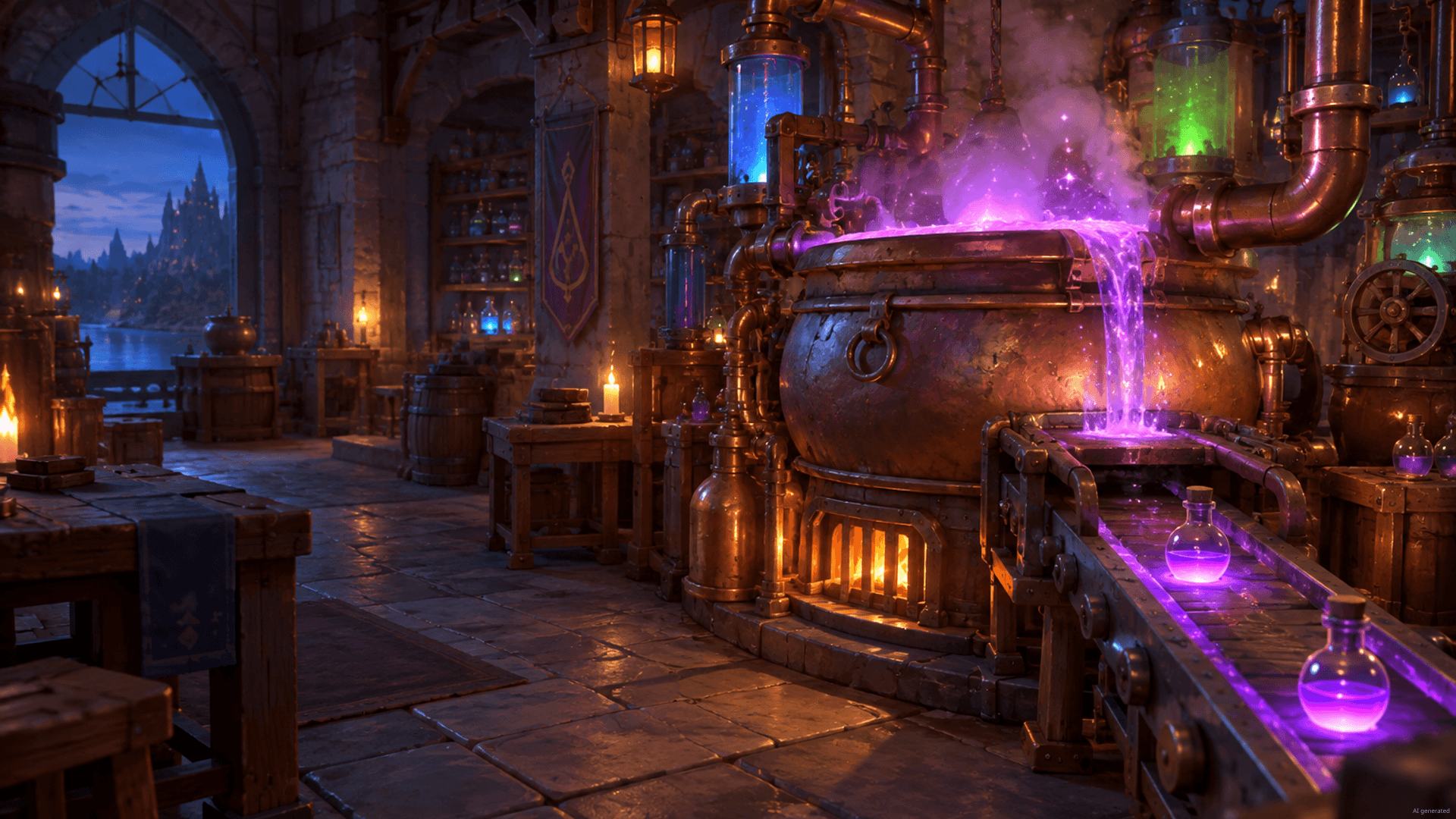

Gameserver plan
ZAP Spawn
€5.99/ 30 days
- 2 GB RAM
- 2 CPU
- 15 GB NVMe
- Unlimited Slots
 Co-op factory building with friends
Your own DDoS-protected co-op server: the factory keeps running when you log off, with unlimited slots and locations worldwide.
Packages 1–3 of 9
 alchemy-factory
Configure yourself
No package fits? Choose your RAM, CPU and storage—you only pay for the performance your community actually needs.
Powerful CPUs
100 Gbit/s host network
DDoS protection
Automated setup
24/7 support
 Visa
 Mastercard
 American Express
 PayPal
 Google Pay
 Apple Pay
 Klarna
 Amazon Pay
About the game
Alchemy Factory is a cozy automation game about running your own alchemy shop: you gather ingredients, brew potions and alchemical goods, link machines into production lines and sell what you make to your customers. In co-op, you and your friends plan the layout together, split the work and keep expanding the shop. A dedicated Alchemy Factory server gives that shared world a permanent home instead of tying it to one player's PC.
With your own server, everyone in the group can drop in whenever they have time, even when the original host is offline, and pick up where the last shift ended. You adjust server settings in the browser, bring over an existing save, keep Backups of your progress and choose the location closest to your crew from data centers worldwide.
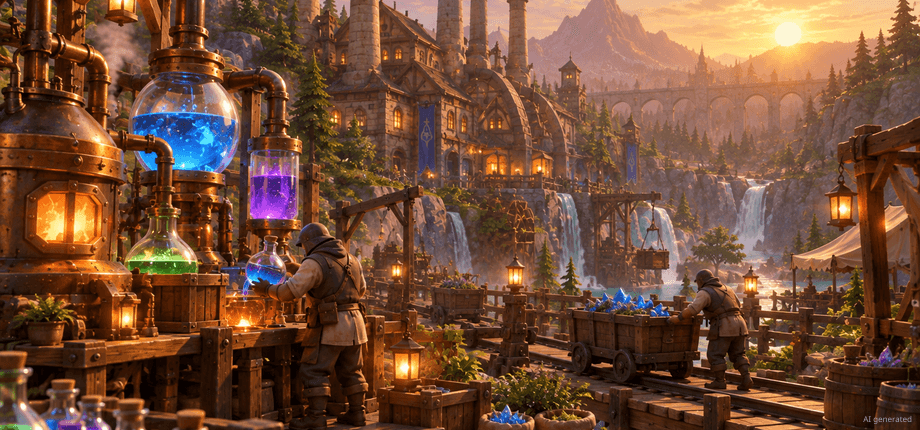
Features
From the first potion to fully automated production lines: your Alchemy Factory server grows with your group and stays easy to manage.
Invite the whole co-op group. Price depends on package, term and location, never player slots.
Your factory server is ready to join 60 seconds after ordering, thanks to automated setup.
Start small and add RAM when your production lines multiply, without starting over.
With ZapX Pass, roll back to an earlier save if a risky rebuild wrecks your production line.
Upload your local Alchemy Factory world and keep building where you stopped.
See live CPU and RAM usage, so you know when a bigger factory needs more.
Locations worldwide
8 data centers worldwide — choose the location closest to your community.


Reviews
Real feedback on support and setup.
FAQ
Answers to the most important questions before you start.
You never pay per player slot. There are RAM-based packages, currently starting at €5.99 per month. The exact price depends on the package, term and location you choose, and the shop configurator always shows the live price before you order.
There's no single right number, because RAM use grows with your factory: more machines, longer production lines and more players all add load. For a fresh world with a small group, less RAM is needed. Keep an eye on RAM usage in the panel statistics and add RAM once it regularly runs close to the limit. As a guideline: at least 2 GB, 4 GB recommended.
Yes. In regular co-op the world runs through the host's game, so it disappears when that player logs off. On a dedicated server the world runs on its own: your friends can join, keep production going and restock the shop whenever they like, even while you're offline.
Setup is automated: after ordering, your Alchemy Factory server is installed and usually online in 60 seconds. You then manage it from the panel, where you can start it, change settings and copy the connection details for your friends. Panel overview in the Help Center
Start the game, choose Join Game and connect directly using the IP address and port shown in your server panel. Share these details with your friends so they can join the same way. Our Help Center walks you through each step. Step-by-step guide in the Help Center
Choose a term of 3, 30, 90 or 180 days or a full year. Longer terms lower the effective monthly price, while short terms are handy for testing with your group. With ZapX Pass, you can choose a Lifetime option where available: buy once and keep your server as long as your Pass is active.
You can choose from locations worldwide. Pick the one closest to you and your friends for the best connection. Many groups in North America start with Ashburn, Dallas or Los Angeles, and other regions have their own nearby locations. Availability can vary by location.
Your package never limits player slots: every Alchemy Factory server comes with unlimited slots. How many friends play together depends on the game's co-op mode and the RAM you choose. For larger groups and bigger factories, pick more RAM or upgrade later.
Any more questions?
Contact SupportZapX Panel
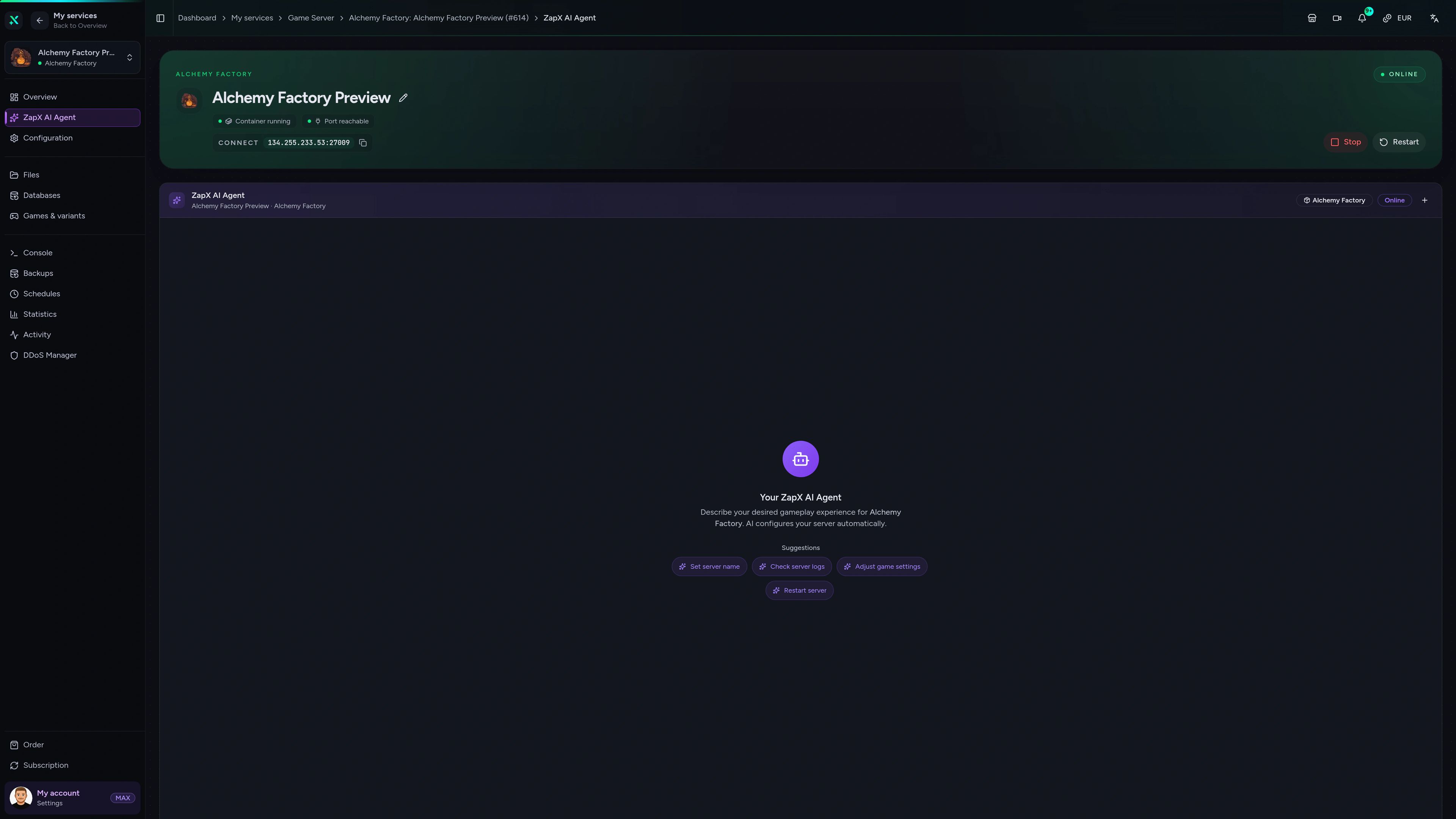
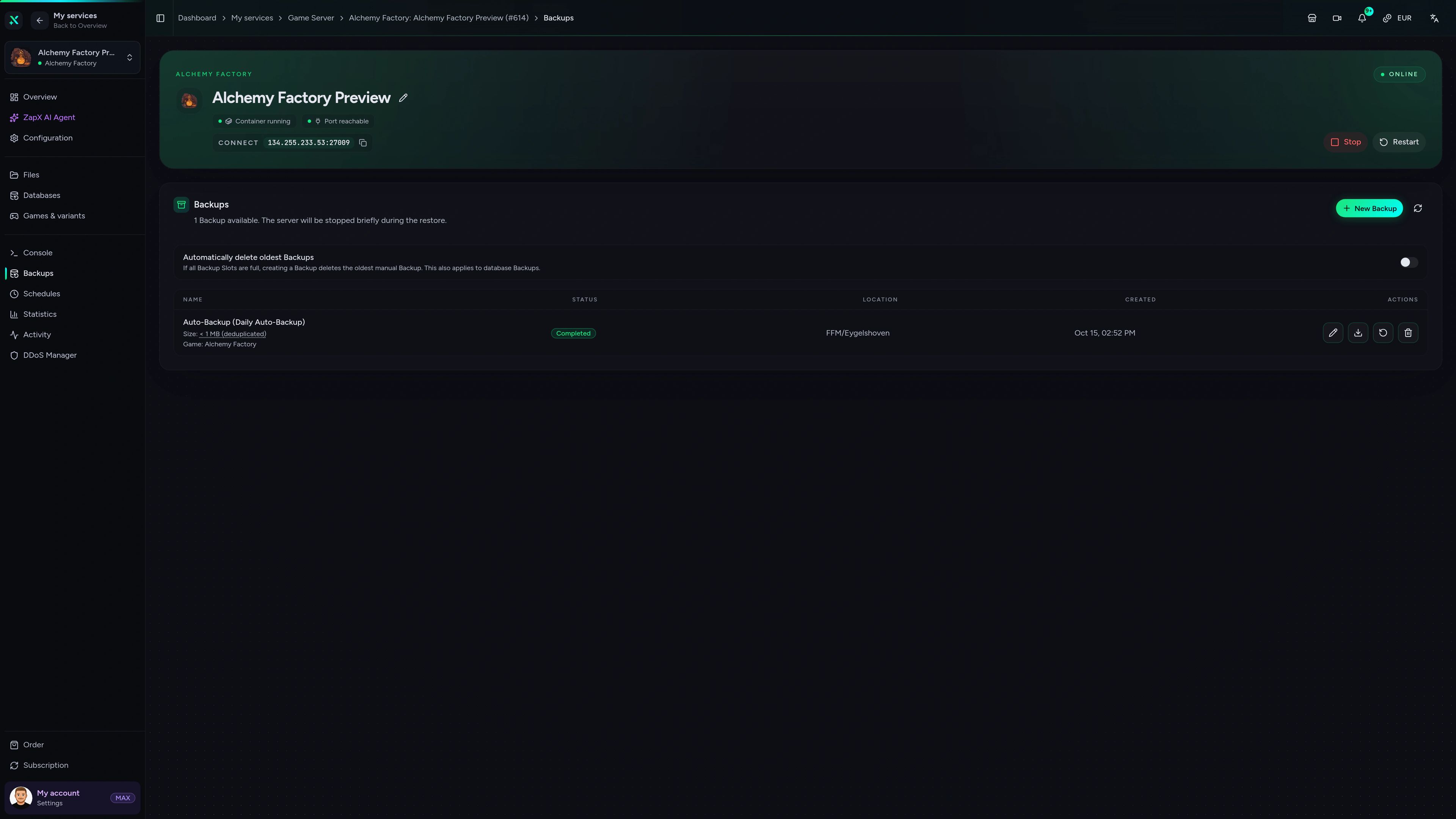
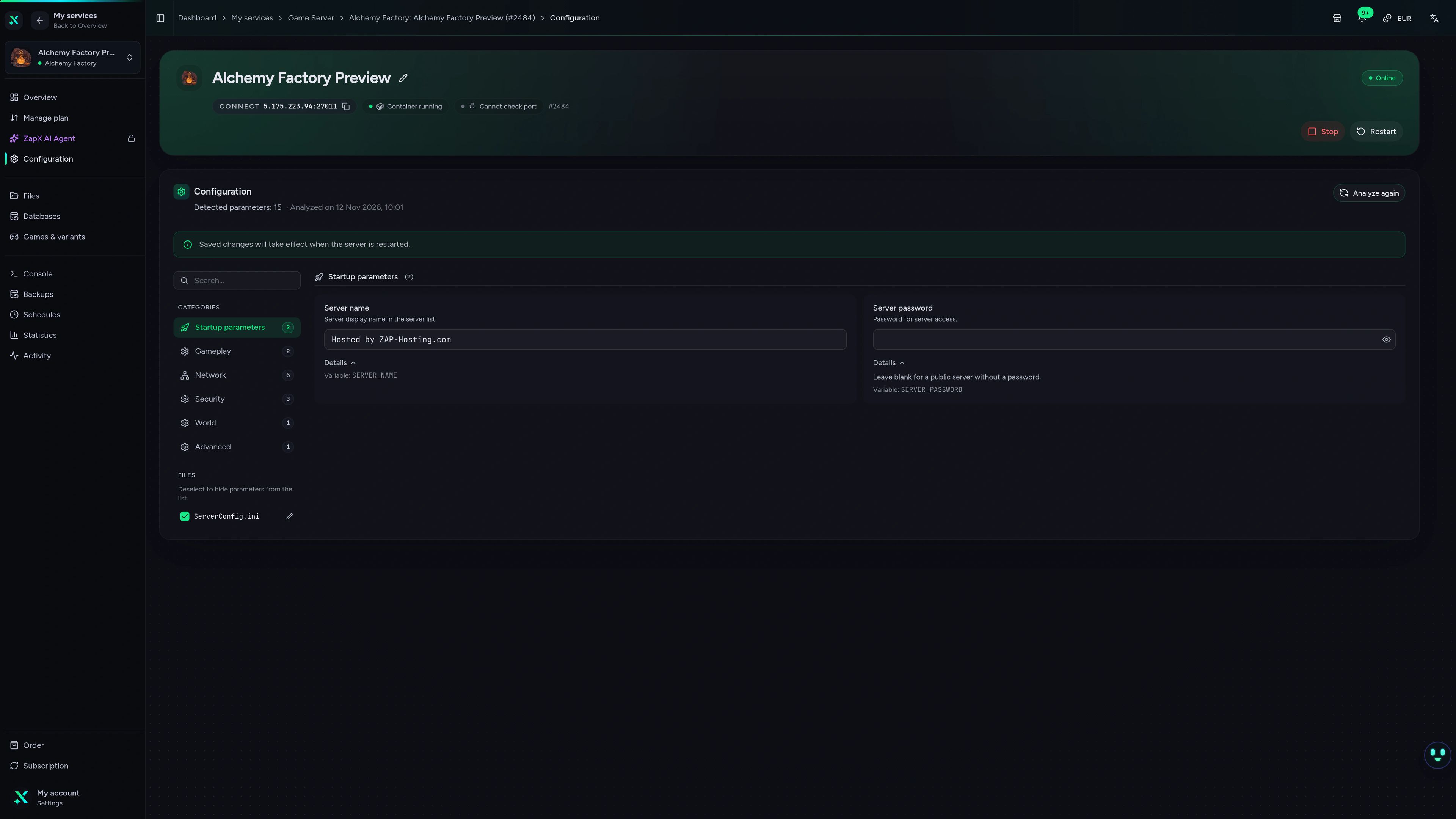
Statistics, configuration, files, Backups, console and the ZapX AI Agent: everything for your Alchemy Factory server, all in your browser.
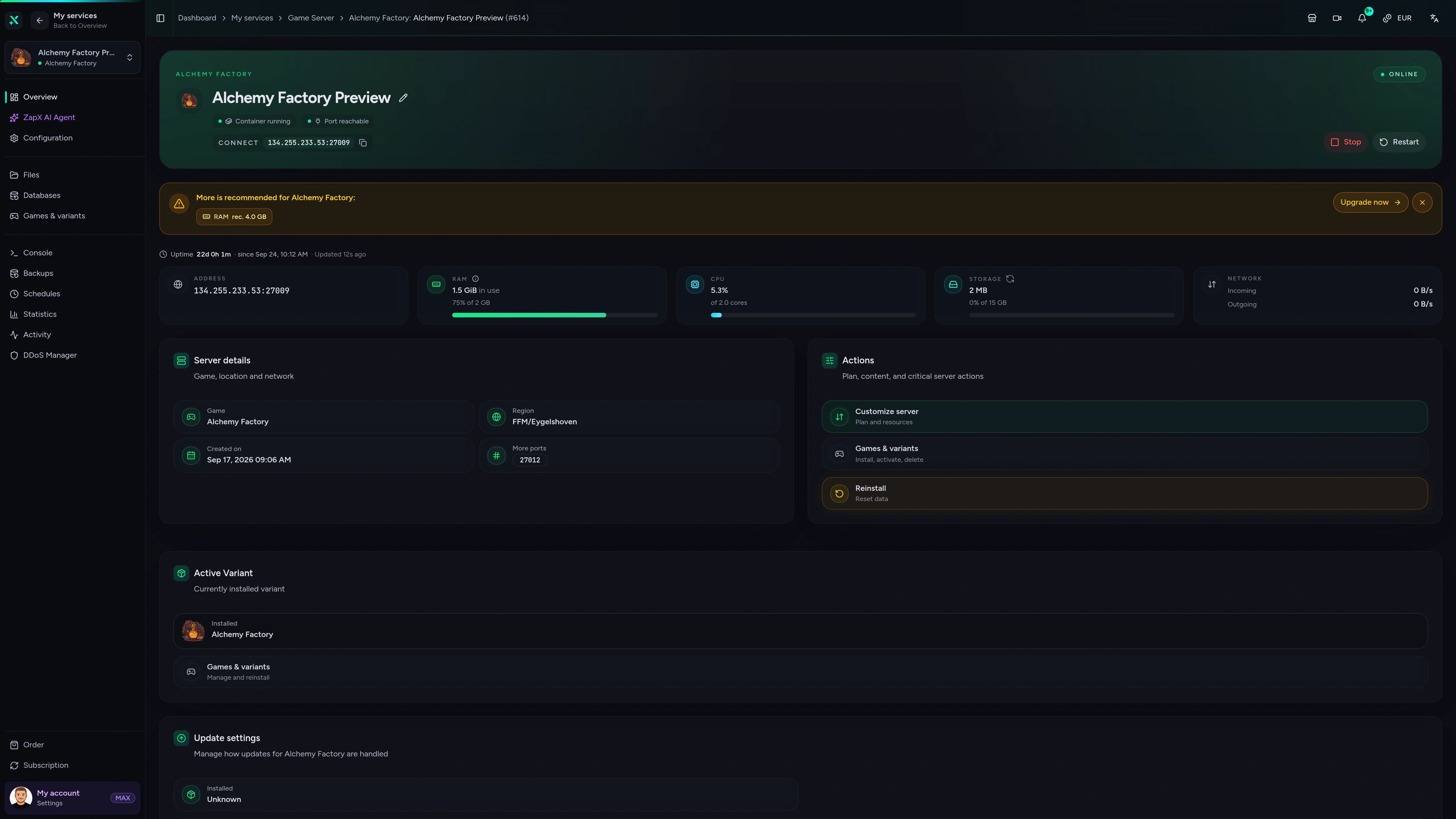
Alchemy Factory - Overview
Alchemy Factory game server - Overview view
Not sure how much RAM you need or why a friend can't connect? Ask the ZapX AI Agent for clear guidance. It explains the next steps, and you decide what to change.
The ZapX AI Agent is available with ZapX Pass. It explains and guides, and you stay in control of every change on your server.
Discover ZapX PassZapX AI Agent
panel.zap-hosting.com
Benchmark
Measured values from our infrastructure next to typical market figures, so you can compare before you rent.
High-performance VPS, CPU model depends on the location
Typical VPS plans without a published host CPU
confirmed 2026-07-01
Use cases
Whether it's a small co-op crew or a sprawling automated shop, your own server keeps the world available for everyone, even when the host is offline.
Ready for co-op?
Keep your factory running while you're offline
ZapX AppComing soon
The ZapX app puts your Alchemy Factory server in your pocket, so you can check on the factory between sessions.
Discord management
Check status, start, stop, and restart via slash command — without leaving your community Discord.
Impressionen
A glimpse into the game world—its atmosphere, exploration, and the moments your community will experience on the server.
Each category has its own page with all tools for that game or topic.
276 tools in 70 categories — 100% free
Also available
Switch between your games anytime for free—Minecraft, FiveM, Rust, and more.

Survival & Creative
Vanilla, Modded & Modpacks
Ready in ~2 min

Roleplay
Roleplay server in seconds
One-click installation

Survival
Wipe-ready gameserver
Automatic setup
Also available
Switch between your games anytime for free—Minecraft, FiveM, Rust, and more.
94
Available games
Benefit
We don't artificially limit player Slots. Hardware determines capacity.
Scale based on Mods, scripts, and player load instead of paying for a fixed number of Slots.
Pick a RAM package, invite your friends and let the shop keep running while you're away. Setup is automated and your server is online in 60 seconds.
No setup. No risk. Online in seconds.