 Minecraft modpack hosting
FTB Direwolf20 1.18 Server Hosting
Direwolf20 1.18 · Direwolf20 1.18 comes preinstalled with your order — unlimited slots, DDoS protection, daily Backups and locations worldwide.
 Google
Or try 3 days from €0.81Pick the 3-day term at checkout · renews every 3 days · cancel anytime


Plans and pricing


Game server package
ZAP Spawn
- 2 GB RAM
- 2 CPU
- 15 GB NVMe
- Unlimited Slots
Game server package
ZAP Scout
- 4 GB RAM
- 2 CPU
- 30 GB NVMe
- Unlimited Slots

Game server package
ZAP Ranger
- 6 GB RAM
- 3 CPU
- 35 GB NVMe
- Unlimited Slots
Game server package
ZAP Raid
- 8 GB RAM
- 4 CPU
- 50 GB NVMe
- Unlimited Slots


Game server package
ZAP Guild
- 10 GB RAM
- 4 CPU
- 60 GB NVMe
- Unlimited Slots


Game server package
ZAP Vanguard
- 12 GB RAM
- 5 CPU
- 75 GB NVMe
- Unlimited Slots


Game server package
ZAP Legion
- 16 GB RAM
- 6 CPU
- 100 GB NVMe
- Unlimited Slots


Game server package
ZAP Bastion
- 24 GB RAM
- 8 CPU
- 150 GB NVMe
- Unlimited Slots


Game server package
ZAP Nexus
- 32 GB RAM
- 10 CPU
- 200 GB NVMe
- Unlimited Slots
Packages 1–3 of 9
 minecraft
Configure yourself
Your server. Your power.
No package fits? Choose your RAM, CPU and storage—you only pay for the package you put together.
Powerful CPUs
100 Gbit/s host network
DDoS protection
Daily Backups
Modpack preinstalled
 Visa
 Mastercard
 American Express
 PayPal
 Google Pay
 Apple Pay
 Klarna
 Amazon Pay
About the modpack
What is FTB Presents Direwolf20 1.18?
FTB Presents Direwolf20 1.18 is a Feed The Beast kitchen-sink modpack curated by modded Minecraft creator Direwolf20. It blends tech, magic, storage and automation mods, so a run grows from a simple starter hut into humming factories, item networks and enchanted gear. It shines in multiplayer: on your own Direwolf20 1.18 server, your group shares one persistent world where bases, machines and automated farms keep running while everyone builds side by side.
Running your own server means you set the rules: whitelist friends, adjust server settings in the panel, tune configs or add extra mods for your group, and upload an existing world if you are switching hosts. Daily Backups protect long survival bases, and you pick the location closest to your players from data centers worldwide.

Features
Everything your Direwolf20 world needs.
Modpack preinstalled, room to grow and tools that protect your progress, built for long-running Direwolf20 worlds.
Direwolf20 1.18 preinstalled
Order and start playing: the modpack is set up for you, no manual file juggling.
No slot limits
Invite your whole group. Capacity scales with RAM, not with slot tiers.
Upgrade RAM as bases grow
More machines and chunk loaders? Increase RAM whenever you need it.
Daily automatic Backups
Long survival bases stay safe. Restore a Backup with the ZapX Pass if an experiment goes wrong.
Bring your existing world
Keep playing where you left off by uploading your Direwolf20 world.
Locations worldwide
Your group gets low ping when you pick the data center closest to them.
Only for Minecraft
Take control of your Minecraft world
Manage your players and build custom mods with ZapX Maker straight from the panel, without console commands.
Minecraft
Manage players without commands
Ban players or edit your whitelist in the panel without typing console commands.
Turn your idea into a mod
Describe a mod and, with ZapX Pass, ZapX Maker builds it and deploys it to your server.
Locations worldwide
Your server. Your location.
8 data centers worldwide — choose the location closest to your community.
Europe


America


Asia-Pacific


Reviews
What customers say about ZAP-Hosting
Real feedback on support and setup.
Zap has been a great experience for myself thus far. Easy interface to learn and it makes sense. Having all the tools I need to run my server with short and informative documentation that helped me tremendously. As a adamant gamer, zap has made having my own server fun, easy, and affordable. Thank you Zap!

 ZAP-HostingReply


I have used ZAP-Hosting for VPS services. The ordering process is straightforward, and the support team responds to customer inquiries. I hope to continue using their services and have a smooth experience in the future.
 ZAP-HostingReply


FAQ
Frequently asked questions about Direwolf20 1.18
Answers to the most important questions before you start.
How do I set up an FTB Presents Direwolf20 1.18 server with ZAP-Hosting?
Pick a package and complete your order. The Direwolf20 1.18 modpack is installed automatically during setup. Then start the server in the panel, install the same pack version on your PC with the FTB App and connect using the IP and port shown in the panel. Connection guide in the Help Center
- Choose a RAM package and order
- Modpack is set up automatically
- Join with the same pack version
How much RAM does a Direwolf20 1.18 server need?
Direwolf20 1.18 is a large kitchen-sink pack, so it needs noticeably more memory than vanilla Minecraft. Solo players and small groups can use the RAM guideline below. Larger communities with many machines, chunk loaders and automated farms should plan for more headroom. Keep an eye on RAM usage in the panel and increase RAM whenever your world grows. As a guideline: about 6 GB for 2 players, 10 GB for around 10 players.
- Small groups: start with a mid-sized package
- Big bases and chunk loaders: more RAM
- Upgrade anytime in the panel
How much does a Direwolf20 1.18 server cost?
The price depends on the package, term and location you choose. Current prices load live in the pricing section on this page. All packages include unlimited player slots, DDoS protection and daily Backups. Terms are flexible and you can cancel anytime. The cancellation takes effect at the end of your current term.
- Price depends on package, term and location
- Flexible terms
- Cancel anytime
How many players can join my Direwolf20 server?
No package has a slot limit, so you can invite as many friends as you like. How smoothly the world runs with many players depends on your package's RAM and CPU and on how much automation is running. Larger groups should plan for more RAM.
- Unlimited player slots
- Performance scales with RAM
Can I upgrade my server when my base and automation grow?
Yes. You can increase RAM in the panel whenever your factories, item networks or player count grow, and your Direwolf20 world stays in place. You can also reduce RAM later if your group gets smaller. Upgrade guide in the Help Center
- Upgrade in the panel
- Downgrade possible later
Can I upload my existing Direwolf20 1.18 world?
Yes. Upload your world folder to the server via SFTP, set it as the active world and restart. Make sure the world was created with the same Direwolf20 1.18 pack so all modded blocks and items load correctly. Learn how in the Help Center
- Upload the world folder via SFTP
- Use the same pack version
Which server location should I choose for my Direwolf20 server?
Pick the data center closest to most of your players. ZAP-Hosting offers locations worldwide, and choosing a nearby one keeps ping low for your group. Many North American groups start with Dallas, Ashburn or Los Angeles, while groups elsewhere choose the location nearest to them.
- Locations worldwide
- Choose the one closest to your players
Can I add or remove mods from the Direwolf20 1.18 pack?
Yes. You can add, remove or update mods and edit configs in the server files. Keep your players' clients in sync, because everyone needs the same mod list and pack version as the server to connect. With ZapX Pass, back up before bigger changes so you can roll back if something breaks. Mod guide in the Help Center
- Edit mods and configs
- Keep client and server in sync
- Back up with ZapX Pass before big changes
Still have questions?
Contact SupportZapX Panel
Manage your Direwolf20 server in the ZapX panel
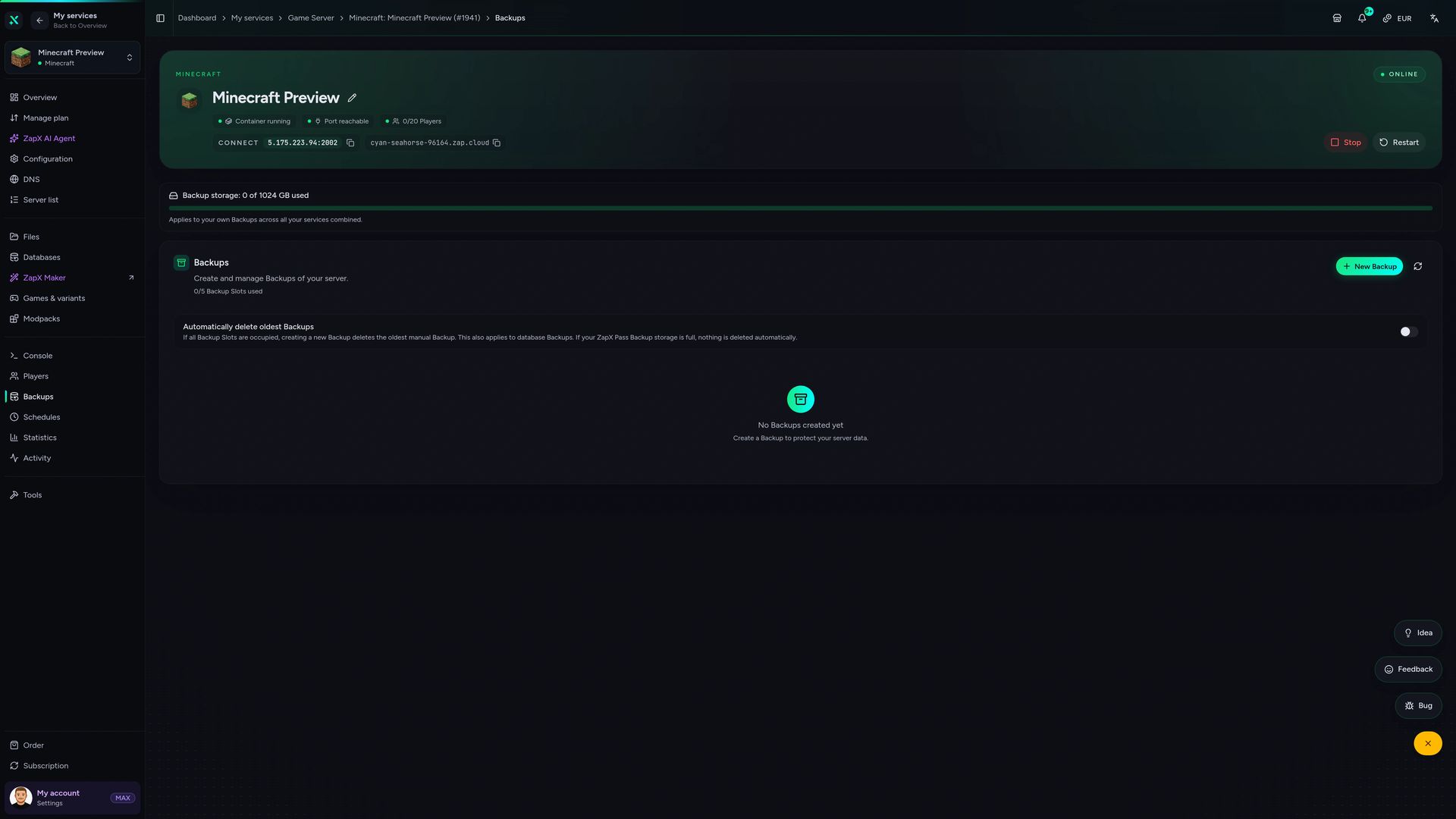
Backups, live stats, configs and DDoS settings for your modded world, all in one place in your browser.
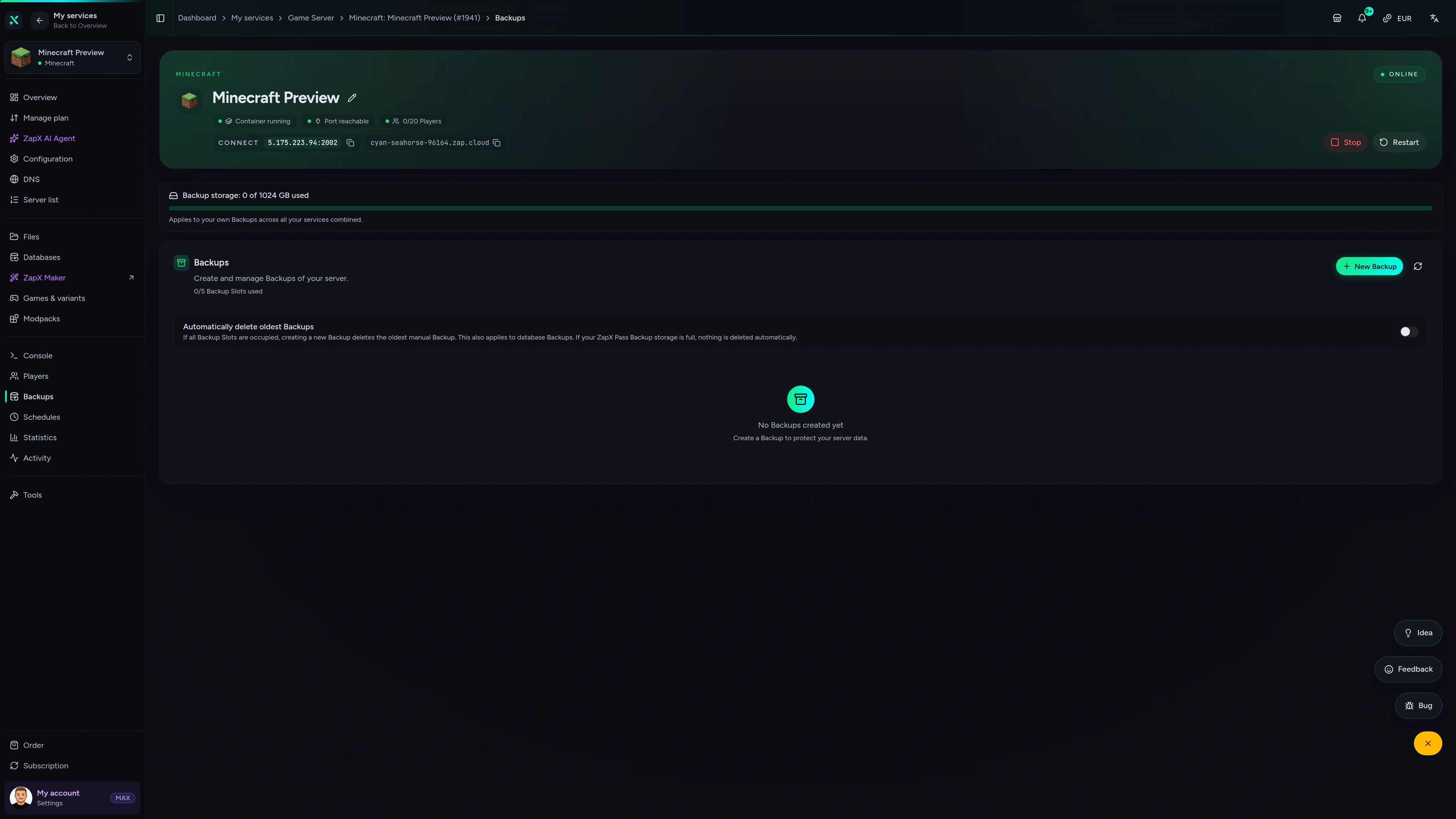
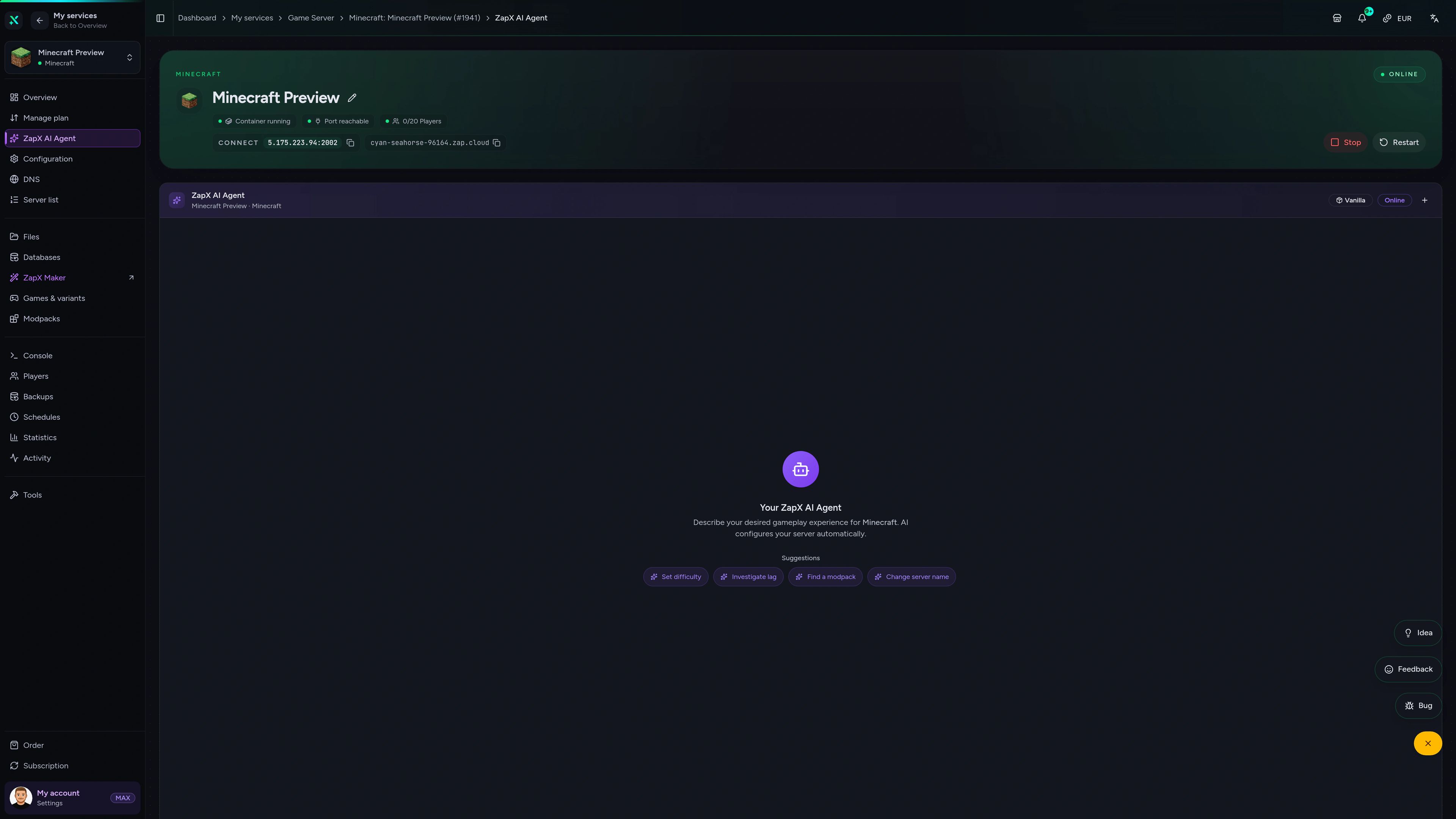
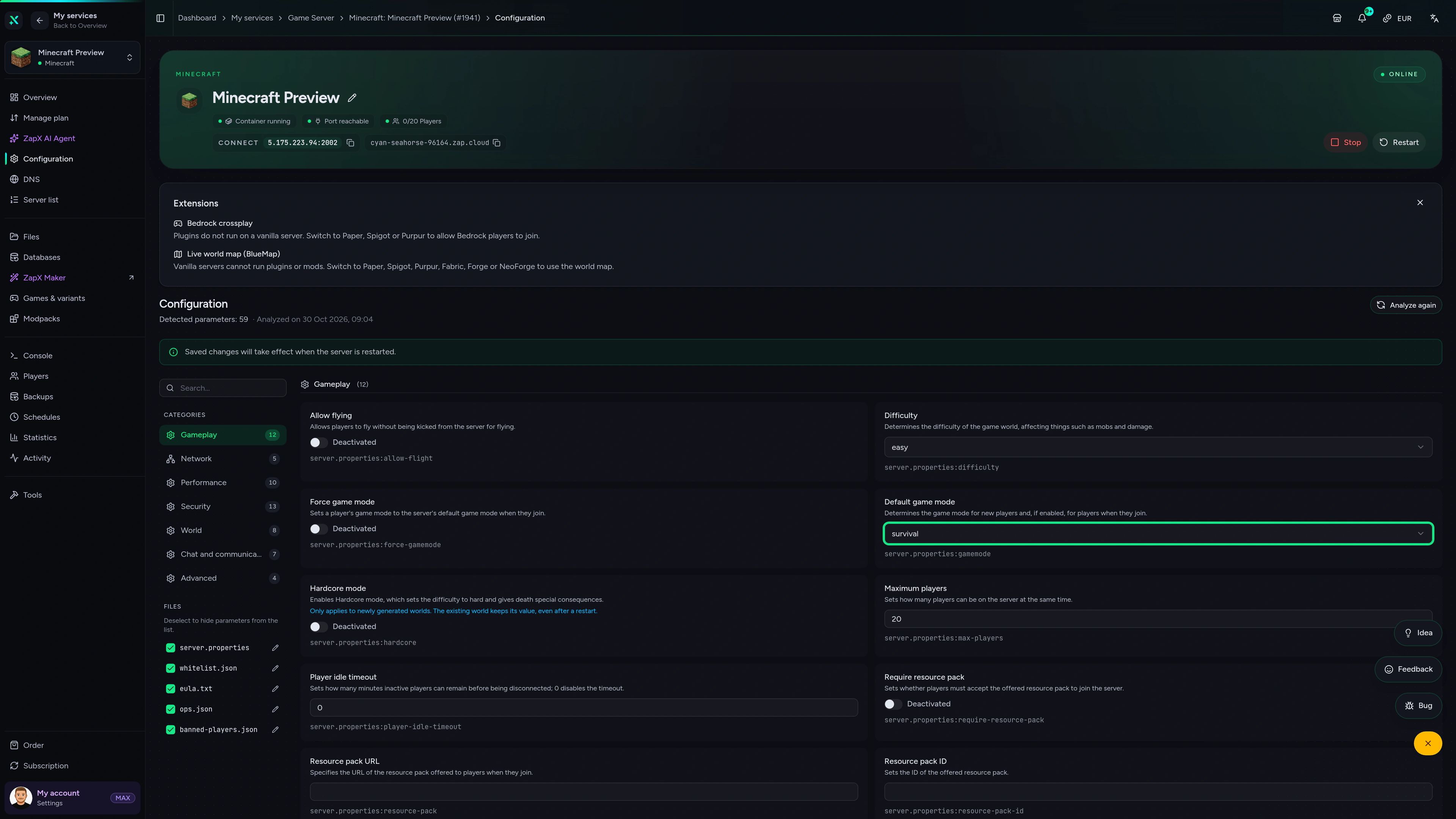
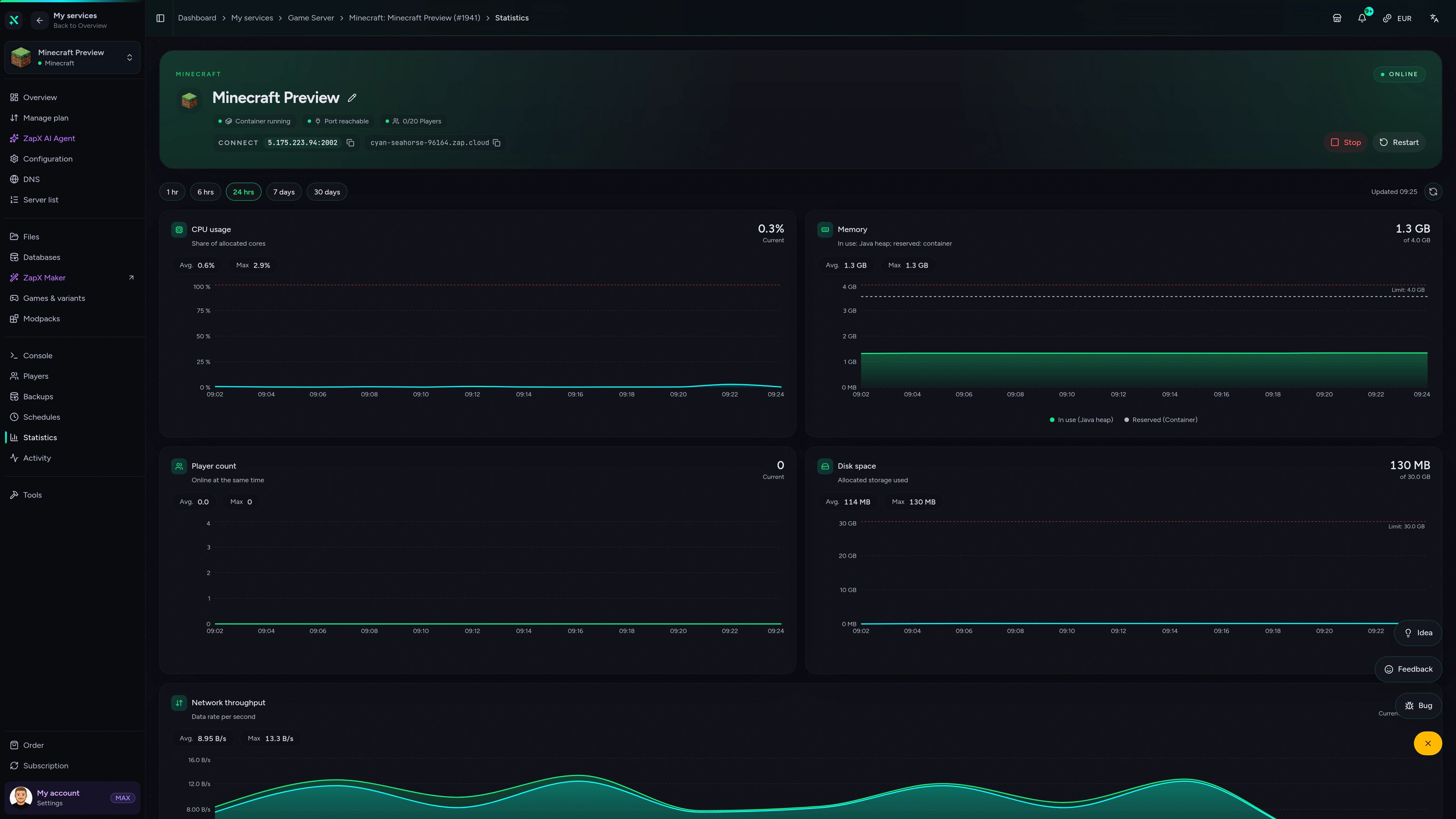
Minecraft Game Server – Backups
Backups of the Minecraft game server in the ZapX customer panel.
Manage your Direwolf20 1.18 server with ChatGPT or Claude.
Connect ZAP-Hosting to Claude or ChatGPT via MCP and manage your Direwolf20 1.18 server right in the chat.
Works with
- ChatGPT
- Claude
- Claude Code
- Cursor
- Gemini
What should I do for your server?
Ask anything …
The AI only makes changes after you approve them.
Connect in two steps

Step 1
Connect ZapX
Opens Claude with the connector already filled in. Confirm it there and sign in with your ZAP-Hosting account.
Step 2
Start a chat
Opens a new chat with this text:
I want to rent a Minecraft server at ZAP-Hosting. Use the ZapX connector by ZAP-Hosting: ask me about player count, version and mods, recommend the right package with its price and then order it with me.
The text then sits in the message box – you still press send there.
Without a ZapX Pass you get status, start/stop and, except in ChatGPT, advice and ordering. Files, console and Backups come with a ZapX Pass. Your account is created when you connect.
Stuck on a modded crash? Ask your server.
The ZapX AI Agent knows your server context and explains Direwolf20 crash logs, mod conflicts and RAM usage right in the panel, so you skip the long forum threads.
The ZapX AI Agent is part of ZapX Pass and works account-wide across every supported service.
View ZapX PassZapX AI Agent
panel.zap-hosting.com
Benchmark
See how our game server packages for heavy modpacks like Direwolf20 1.18 compare with typical market offers, based on measured values.
High-performance VPS, CPU model depends on the location
Typical VPS plans without a published host CPU
confirmed 2026-07-01
Use cases
What your group builds on Direwolf20 1.18
From small co-op bases to modded communities: these are the setups Direwolf20 groups run most, all on one server with unlimited slots.
Ready to build?
Start your Direwolf20 world with friends today
ZapX AppComing soon
Your Direwolf20 server in your pocket
Keep an eye on your modded world from your phone, wherever you are.
Discord management
Manage servers directly in Discord.
Check status, start, stop, and restart via slash command — without leaving your community Discord.


Impressionen
Minecraft Screenshots
A glimpse into the game world—its atmosphere, exploration, and the moments your community will experience on the server.
Minecraft
35 free tools—right in your browser, no sign-up required.
Server variants
More game variants
AT Launcher Server Hosting
VanillaCurse/Twitch Launcher server hosting
CurseForge Modpack (Benutzerdefiniert)Minecraft SpongeForge server hosting
SpongeForgeMinecraft: Magma server hosting - game information
Arclight (NeoForge)Minecraft: Sponge Vanilla server hosting
SpongeVanilla
Also available
We also offer the following Modpacks.
Popular Minecraft Modpacks — ATM, RLCraft, Pixelmon, and more. See prices in the configurator.

Modpack
All the Mods 10 - ATM10
ATM10 · Tech
Ready in ~2 min
Modpack
Better MC [FORGE] BMC4
BMC4 · Vanilla+
Ready in ~2 min
Modpack
RLCraft
RLCraft · Hardcore
Ready in ~2 min
Also available
Popular Minecraft Modpacks — ATM, RLCraft, Pixelmon, and more. See prices in the configurator.
117,779
Available modpacks




Benefit
Instant setup
Modrinth & CurseForge packs with instant setup in the Minecraft configurator.
Choose a pack and get started in 60 seconds.
Ready for your own Direwolf20 1.18 server?
Order a package, let the modpack install automatically and invite your group into a shared modded world.
No setup. No risk. Online in seconds.