
 Rust game server hosting
Rust Server Hosting
Host a Rust server with unlimited slots, Oxide plugins and your own wipe schedule — online in 60 seconds at locations worldwide.

Plans and pricing
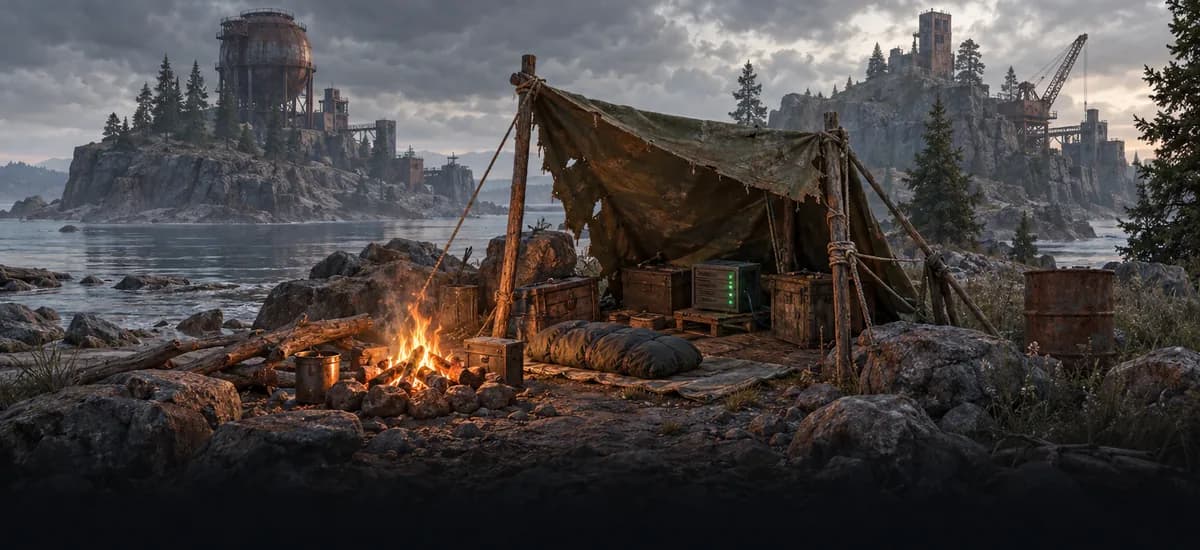

Gameserver plan
ZAP Ranger
A small map to try things out
- 6 GB RAM
- 3 CPU
- 35 GB NVMe
- Unlimited Slots

Gameserver plan
ZAP Raid
A vanilla server for your group
- 8 GB RAM
- 4 CPU
- 50 GB NVMe
- Unlimited Slots
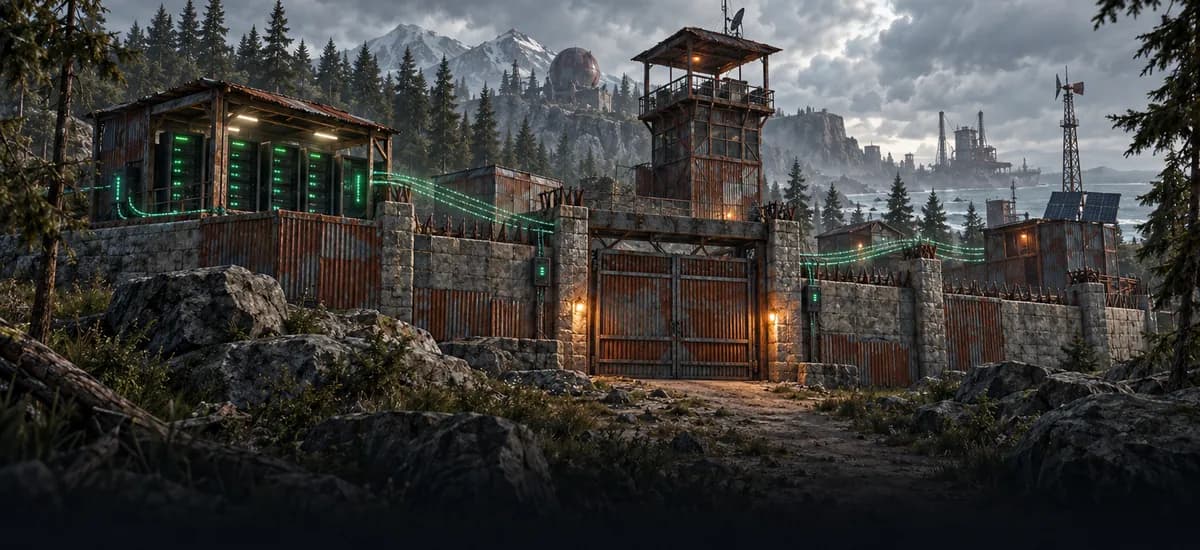
Gameserver plan
ZAP Guild
A community with Oxide plugins
- 10 GB RAM
- 4 CPU
- 60 GB NVMe
- Unlimited Slots

Gameserver plan
ZAP Vanguard
Big map, lots of plugins, wipes
- 12 GB RAM
- 5 CPU
- 75 GB NVMe
- Unlimited Slots
Gameserver plan
ZAP Legion
A modded server with a big map
- 16 GB RAM
- 6 CPU
- 100 GB NVMe
- Unlimited Slots

Gameserver plan
ZAP Bastion
A big community with custom maps
- 24 GB RAM
- 8 CPU
- 150 GB NVMe
- Unlimited Slots

Gameserver plan
ZAP Nexus
The most headroom for the biggest projects
- 32 GB RAM
- 10 CPU
- 200 GB NVMe
- Unlimited Slots
Packages 1–3 of 7
 rust
Configure yourself
Your server. Your power.
No package fits? Choose your RAM, CPU and storage—you only pay for the performance your community actually needs.
Powerful CPUs
100 Gbit/s host network
DDoS protection
Plugin support
Flexible terms
 Visa
 Mastercard
 American Express
 PayPal
 Google Pay
 Apple Pay
 Klarna
 Amazon Pay
About Rust
What is a Rust server?
Rust is a multiplayer survival game: you spawn on a beach with a rock and a torch, then gather resources, build a base, craft weapons and raid — or get raided by — other players. Regular wipes reset the map, so every wipe is a fresh race for loot, monuments and territory. Rust server hosting gives your group its own island: rent a Rust server and you decide whether it runs vanilla or modded, PvP or PvE, and when the next wipe hits.
With your own server you shape the whole experience: add Oxide/uMod plugins for kits, clans or teleports, load a custom map, set team limits and plan wipe nights around your community. Player slots are unlimited, so your population is never capped by a slot tier — the RAM and CPU you choose set how much map, plugins and players the server can carry. Backups, live console and schedules sit in the ZapX panel, ready whenever you need them.

Features
Everything your Rust server needs.
From wipe schedules to Oxide plugins and custom maps — the tools Rust admins actually use, built into every package.
Unlimited player slots
Grow from a duo to a full clan server without ever buying a slot tier.
Oxide/uMod plugins
Give players kits, clans, teleports and loot tweaks with Oxide/uMod plugins.
Your own wipe schedule
Wipe weekly, biweekly or monthly — your players always know when the fresh start comes.
Map seed, size or custom map
Play a new procedural island every wipe or load your own custom map.
Online in 60 seconds
Join your new Rust server just 60 seconds after ordering — no manual setup needed.
Live console in the panel
Kick, ban or broadcast to your players instantly, right from your browser.
Only for Rust
Your plugins, without the file work
Find uMod plugins and install or remove them straight from the panel, without handling files yourself.
Rust
Browse uMod from your panel
Find, install and remove uMod plugins in the panel without touching files.
- uMod
Locations worldwide
Your server. Your location.
8 data centers worldwide — choose the location closest to your community.
Europe


America


Asia-Pacific


Reviews
What customers say about ZAP-Hosting
Real feedback on support and setup.




FAQ
Frequently asked questions about Rust
Answers to the most important questions before you start.
How much does it cost to rent a Rust server?
The price depends on the RAM/CPU package, term and location you pick — player slots are always unlimited, so you never pay per slot. Current live prices for every package are shown in the package section above. With the ZapX Pass you can also buy a Rust server once as a Lifetime server.
- Unlimited slots in every package
- Terms: 3, 30, 90, 180 days or one year
- Lifetime option with the ZapX Pass
How much RAM do I need for a Rust server?
It depends on map size, plugin count and how many players are online at peak. Rust is RAM-hungry: plan at least 6 GB for a small vanilla server and 10 GB or more for modded servers with many Oxide plugins or a large map. Watch RAM usage in the Statistics tab — if it stays near the limit on wipe day, add more RAM without losing your data. How upgrades and downgrades work
- Small vanilla server: at least 6 GB RAM
- Modded with many plugins: 10 GB RAM or more
- Big community or large map: even more RAM
How many players can join my Rust server?
As many as your server can handle — every Rust server comes with unlimited player slots. Real capacity comes from RAM and CPU: a busy wipe day on a large map with plenty of plugins needs more resources than a quiet PvE server. You set the max players value yourself in your server config.
Can I install Oxide/uMod plugins on my Rust server?
Yes. Install the Oxide/uMod framework on your server, then upload plugins to the plugins folder via the file manager or SFTP. Popular picks include kits, clans, teleport, remover tools and loot multipliers. New plugins load after a restart or with the oxide.reload command. Step-by-step plugin guide
Can I host a Rust server myself for free?
The Rust dedicated server software is free via SteamCMD, but on your own PC you handle port forwarding, updates, security and uptime yourself — and the server is offline whenever your machine is. A hosted Rust server takes that off your plate: it is online within 60 seconds of ordering, DDoS-protected and managed in the ZapX panel. Want full root access instead? A VPS lets you run a Rust dedicated server yourself.
- Free software, but your hardware and your uptime
- Hosted: online in 60 seconds with DDoS protection
- VPS option for full control
Can I set my own wipe schedule and use a custom map?
Yes. You decide when map and blueprint wipes happen — weekly, biweekly or monthly — and can plan them with scheduled tasks and create a Backup beforehand with the ZapX Pass. Facepunch still forces a map wipe with the monthly update on the first Thursday. For a custom map, set its URL in your server config; otherwise pick a seed and world size for a fresh procedural island.
- Map and blueprint wipes on your schedule
- Seed and world size selectable
- Custom maps via level URL
Which server location should I choose for my Rust server?
Choose the location closest to most of your players — ping depends on the distance between them and the server. With locations worldwide, communities around the globe can host close to their players. Many North American groups start with Ashburn, Dallas or Los Angeles. Compare locations and test your ping
Is my Rust server protected against DDoS attacks?
Yes, DDoS protection is included with every Rust server at no extra cost. It filters attack traffic before it reaches your server, which matters on popular PvP servers where rivalries sometimes move off the map. DDoS statistics and notifications in your panel show you when an attack was filtered.
Any more questions?
Contact SupportZapX Panel
Manage your Rust server in the ZapX panel
Backups, savegames, schedules, DDoS statistics and live resource usage — everything you need to run your Rust server in one browser panel.
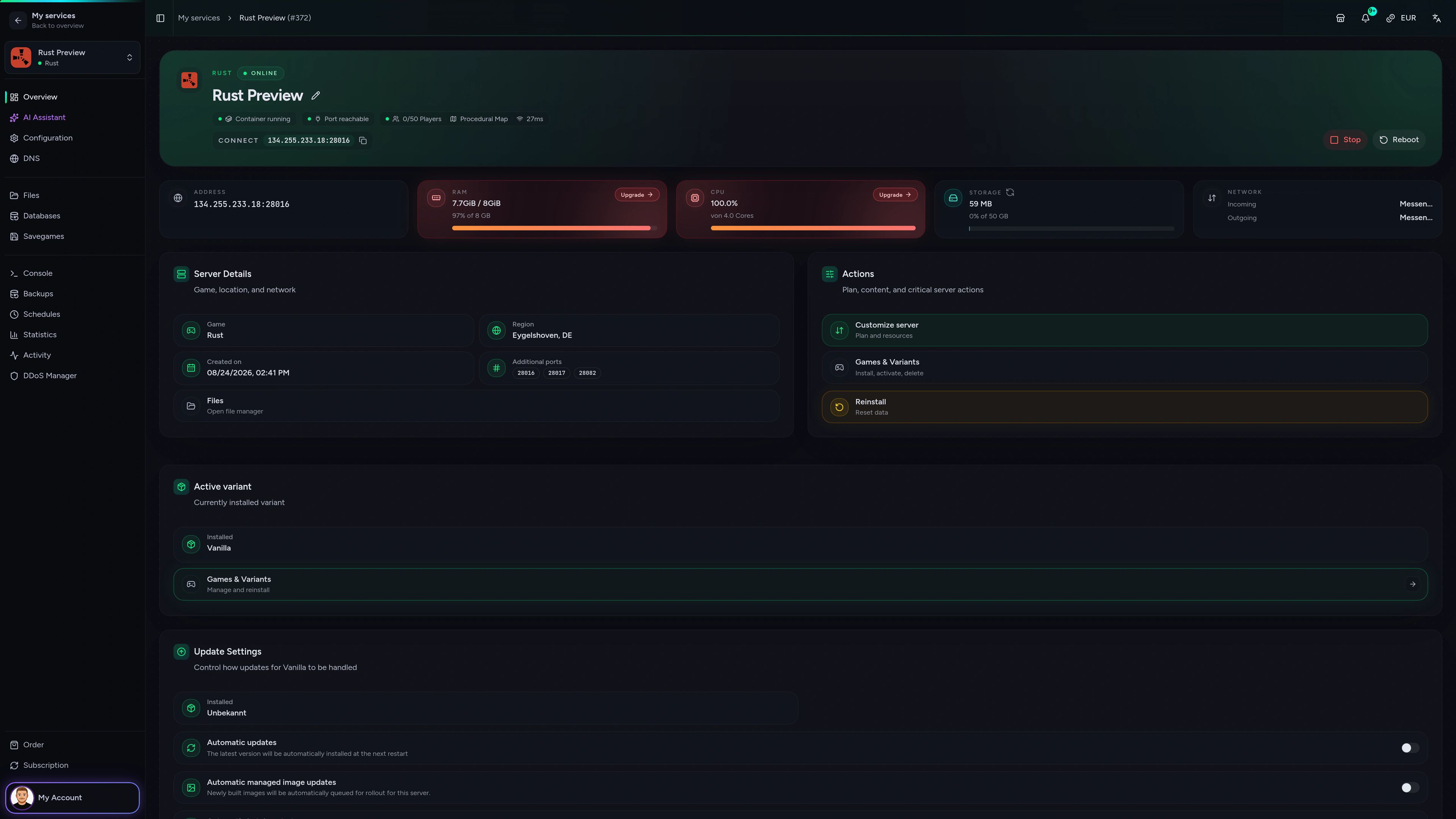
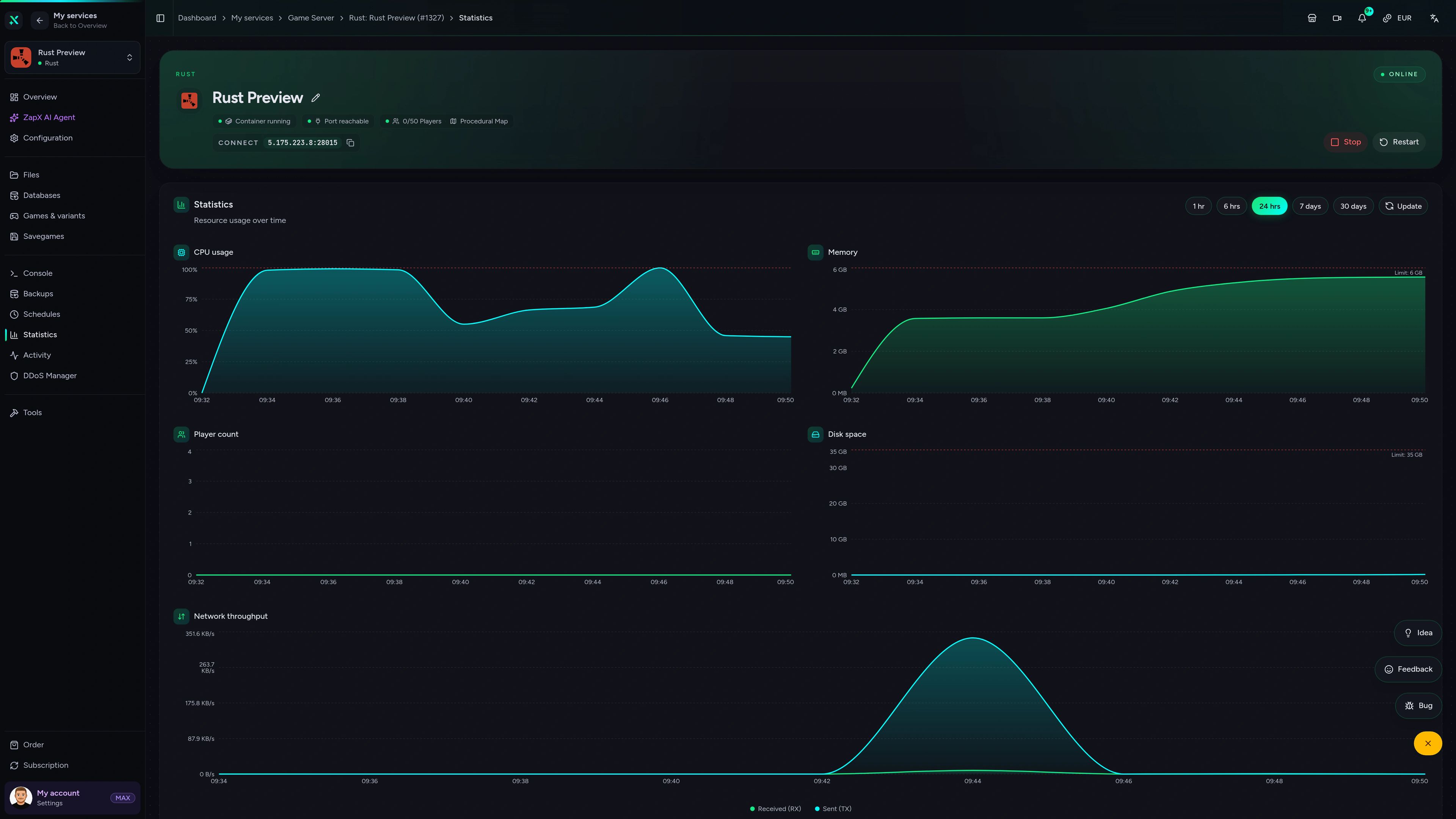
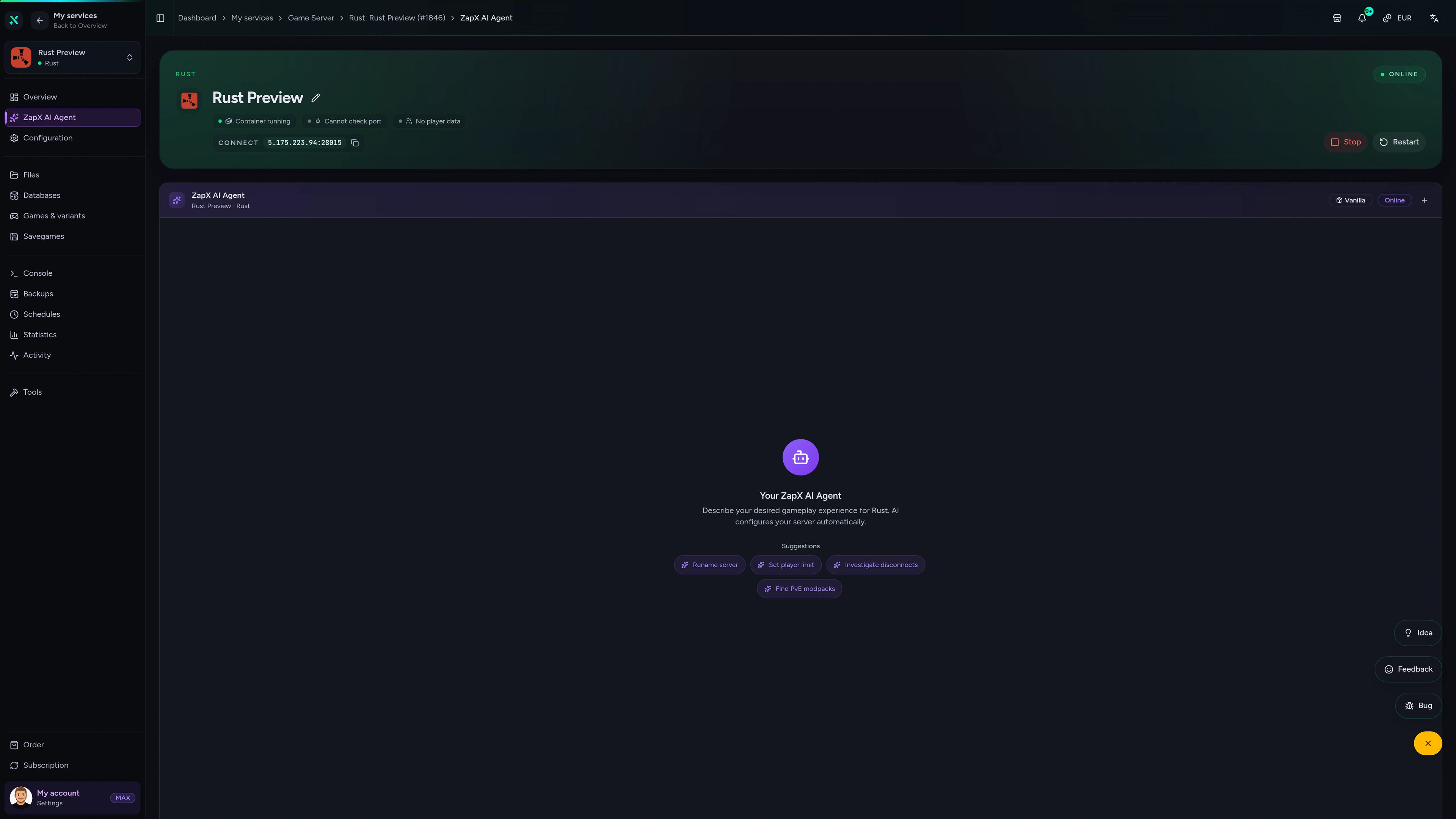
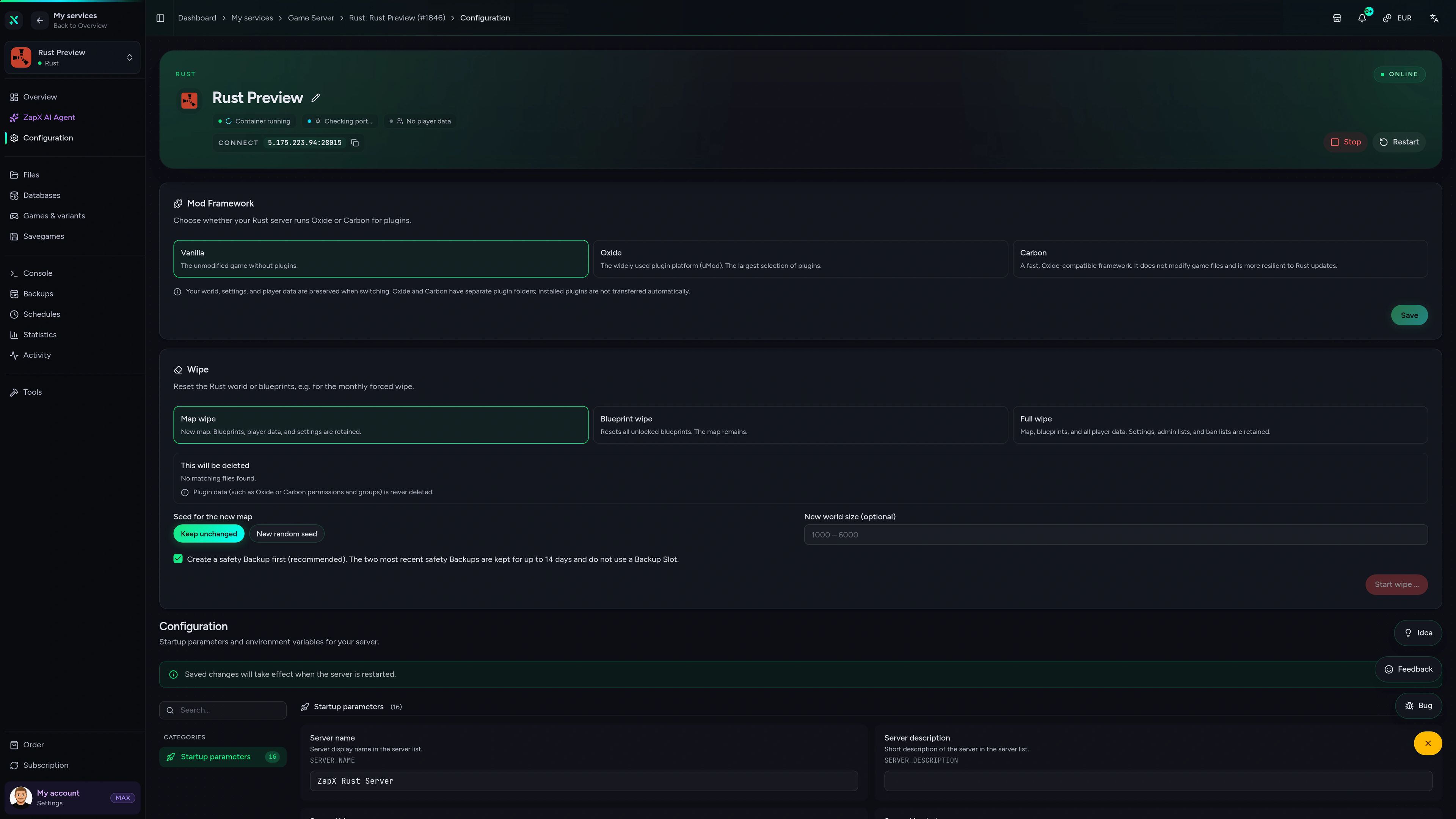
Rust Game Server – Overview
Overview of the Rust game server in the ZapX customer panel.
Get Rust admin answers right in chat
The ZapX AI Agent explains configs, plugin errors and wipe settings step by step and shows you the safe next move — you stay in control of every change.
The ZapX AI Agent is part of the ZapX Pass. It advises and explains — changes on your server only happen when you make them.
Discover ZapX PassZapX AI Agent
panel.zap-hosting.com
Benchmark
See how our Rust server hardware performs under real load — measured values compared with typical market offers.
High-performance VPS, CPU model depends on the location
Typical VPS plans without a published host CPU
confirmed 2026-07-01
Use cases
One Rust server, your rules.
From vanilla wipe-day PvP to relaxed modded PvE — host a Rust server with unlimited slots and shape it around the way your group plays.
Ready for wipe day?
Start your Rust server before the next wipe
ZapX appComing soon
Your Rust server in your pocket
Check on your Rust server from anywhere with the ZapX app — restart before wipe, watch resource usage and keep your community running on the go.
Discord management
Manage servers directly in Discord.
Check status, start, stop, and restart via slash command — without leaving your community Discord.


Impressionen
Rust Screenshots
A glimpse into the game world—its atmosphere, exploration, and the moments your community will experience on the server.
Rust
3 free tools—right in your browser, no sign-up required.
Server variants
More game variants
Also available
We also offer the following games.
Switch between your games anytime for free—Minecraft, FiveM, Rust, and more.

Survival & Creative
Minecraft
Vanilla, Modded & Modpacks
Ready in ~2 min

Roleplay
FiveM
Roleplay server in seconds
One-click installation

Co-op
Valheim
Co-op Viking hosting
One-click installation
Also available
Switch between your games anytime for free—Minecraft, FiveM, Rust, and more.
96
Available games












Benefit
Unlimited Slots
We don't artificially limit player Slots. Hardware determines capacity.
Scale based on Mods, scripts, and player load instead of paying for a fixed number of Slots.
Ready to host your own Rust server?
Pick your package, choose a location worldwide and start your first wipe in 60 seconds — unlimited slots and DDoS protection included.
No setup. No risk. Online in seconds.