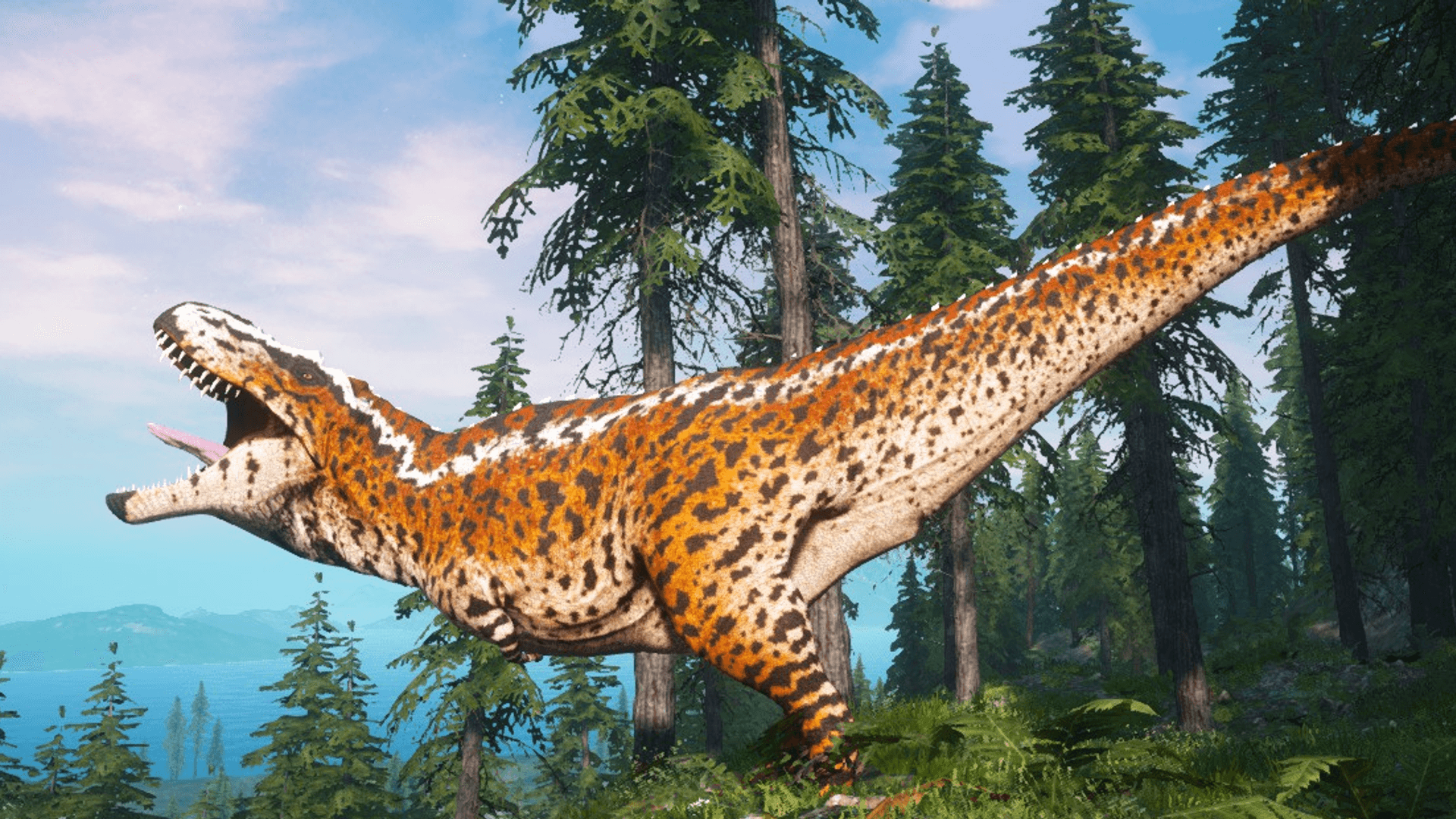
 Beasts of Bermuda Game Server
Beasts of Bermuda Server hosting.
Your own dino survival server with unlimited slots, DDoS protection and locations worldwide, online in 60 seconds.
Or try 3 days from €0.81Pick the 3-day term at checkout · renews every 3 days · cancel anytime

Plans and pricing
Packages 1–3 of 9
 beasts-of-bermuda
Configure yourself
Your server. Your power.
No package fits? Choose your RAM, CPU and storage—you only pay for the package you put together.
Powerful CPUs
100 Gbit/s host network
DDoS protection
Daily Backup
Steam Workshop
 Visa
 Mastercard
 American Express
 PayPal
 Google Pay
 Apple Pay
 Klarna
 Amazon Pay
About the game
What is a Beasts of Bermuda server?
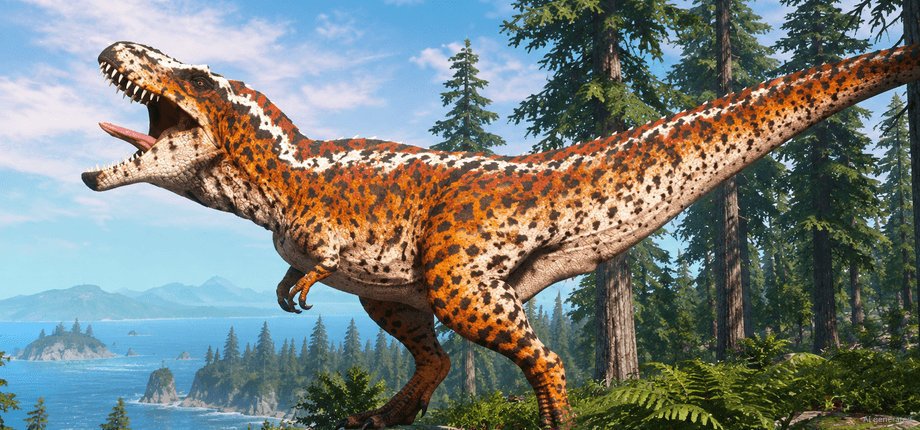
Beasts of Bermuda is a multiplayer dinosaur survival game by Fenris Games: you play as a dinosaur on land, in the water or in the air, hunt or graze, build nests and survive alongside other players. In the Life Cycle mode you hatch as a juvenile and grow up over time, while Combat and Free Roam offer other ways to play. With your own Beasts of Bermuda server, your community decides which map and game mode it plays on.
Your server gives you full control: pick a map such as Forest Island, Ancestral Plains or Rival Shores and a game mode (Life Cycle, Combat or Free Roam) in the panel, protect the server with a password and add admins by their Steam ID. Steam Workshop map layouts change plants, creature spawns and spawn points of a built-in map. Slots stay unlimited, and your players find the server by its name in the in-game server list.
Features
Everything your dino server needs.
Start fast, keep control and adjust resources as your herd, maps and Workshop layouts grow.
Unlimited slots
Your whole herd can join, and you never pay per player slot.
Online in 60 seconds
Order now and your server is online in 60 seconds, ready for the first hatchlings.
Maps and game modes
Pick from 13 maps and switch between Life Cycle, Combat and Free Roam anytime.
Start settings in the panel
Set server name, passwords and admin Steam IDs right in the browser.
Autosave and daily Backup
Progress saves every 60 seconds plus a daily Backup; restore it with the ZapX Pass.
Locations worldwide
Pick the location closest to your players for a smooth hunt.
Beasts of Bermuda extras
Steam Workshop map layouts
Add up to 10 Workshop map layouts by ID or link; the server loads them on its next start.
Beasts of Bermuda
Workshop map layouts by ID or link
New plants, creature spawns and spawn points for the built-in map you start on.
- Steam Workshop
Locations worldwide
Your server. Your location.
8 data centers worldwide — choose the location closest to your community.
Europe


America


Asia-Pacific


Reviews
What customers say about ZAP-Hosting
Real feedback on support and setup.


great prices, good specs
the interface was great, migration was flawless and the interface is very user friendly. support team was very helpful aswell

 ZAP-HostingReply
I've been with them for a few years
I've been with them for a few years, and they're one of the best. The lifetime servers have really helped me, and now they've added auto-backup. 10/10!
 ZAP-HostingReply

FAQ
Frequently asked questions about Beasts of Bermuda
Answers to the most important questions before you start.
How much does a Beasts of Bermuda server cost?
Packages start from €4.49/month, with unlimited slots in every package.
Your Beasts of Bermuda server starts from €4.49/month. The price depends on the package you choose, not on the number of players, and a longer term lowers the monthly price. Every package includes unlimited slots and DDoS protection. You can cancel anytime; the cancellation takes effect at the end of your current term. How cancelling works
- Unlimited slots in every package
- Longer term, lower monthly price
- Cancel anytime
How much RAM does a Beasts of Bermuda server need?
Plan at least 2 GB of RAM; 4 GB is recommended.
A Beasts of Bermuda server needs at least 2 GB of RAM, and 4 GB is recommended for a smooth experience. With more players on a busy map, plan more RAM. You can raise RAM, CPU and storage later in the panel without setting your server up again.
- Minimum: 2 GB RAM
- Recommended: 4 GB RAM
- More players: plan more RAM
- Resources adjustable later
How many players can join my Beasts of Bermuda server?
Slots are unlimited in every package.
You don't book player slots: every package comes with unlimited slots, and the price doesn't depend on how many players join. The game itself sets the technical player limit per server; within it, the resources you choose decide how smoothly a busy map runs. With a larger community, plan more RAM, which you can raise later in the panel.
- Unlimited slots
- No per-slot pricing
- Resources adjustable later
How quickly is my Beasts of Bermuda server online and how do friends join?
Online in 60 seconds; your friends find it by name in the in-game server list.
Once your order is complete, your Beasts of Bermuda server is online in 60 seconds. In the panel you set the server name, an optional server password, the start map and the game mode. Your friends then search for your server name in the in-game server list and join, entering the password if you set one. Steam Workshop map layouts are a separate step: the server loads them on its next start.
- Online in 60 seconds
- Found by name in the in-game server list
- Optional server password
Which server location should I choose for my Beasts of Bermuda server?
Pick the location closest to most of your players.
You can choose from locations worldwide. Ping mainly depends on the distance between your players and the server, so pick the location nearest to the majority of your community. Many groups in North America start with Ashburn, Dallas or Los Angeles, while players elsewhere simply choose the location closest to them.
- Locations worldwide
- Choose by where your players are
Is my Beasts of Bermuda server protected against DDoS attacks?
Yes, DDoS protection is included with every server.
Yes. At our own locations Frankfurt / Eygelshoven, Ashburn, Dallas and Los Angeles, PletX filters attack traffic before it reaches your server, so your hunts and nests stay online. Partner locations come with basic DDoS protection. The protection is active from the start, with nothing to set up. More about PletX protection
- Included with every server
- PletX at our own locations
- Active from the start
Can I change maps, game modes and server settings?
Yes, map, game mode and settings are all yours to choose.
Yes. In the panel you choose the map (for example Forest Island, Ancestral Plains, Rival Shores, Isla Titania or Bloodbath) and the game mode (Life Cycle, Combat or Free Roam), set a password and add admins by their Steam ID. Each map keeps its own saves. In the file manager you edit Game.ini, for example the autosave interval and admin ranks. A daily Backup is included; with the ZapX Pass you create Backups and restore them yourself.
- 13 maps, each with its own saves
- Life Cycle, Combat or Free Roam
- Game.ini in the file manager
- Own Backups & restore with ZapX Pass
Should I rent a Beasts of Bermuda server or host it myself?
Renting saves you hardware, router setup and a PC running around the clock.
Hosting at home means your PC runs around the clock, and your upload speed and router decide how well others connect. A rented Beasts of Bermuda game server runs in a data center, is online in 60 seconds and comes with DDoS protection and unlimited slots. If you want full administrator access and prefer to install the server yourself, a Windows VPS with the Gameserver Installer is the alternative; you manage it via Remote Desktop. Set up Beasts of Bermuda on a VPS
- No home PC running 24/7
- DDoS protection included
- VPS for a do-it-yourself setup
Any more questions?
Contact SupportZapX Panel
Your Beasts of Bermuda panel in action.
Settings, console, Backups and statistics in one view, built for running your Beasts of Bermuda server day to day.
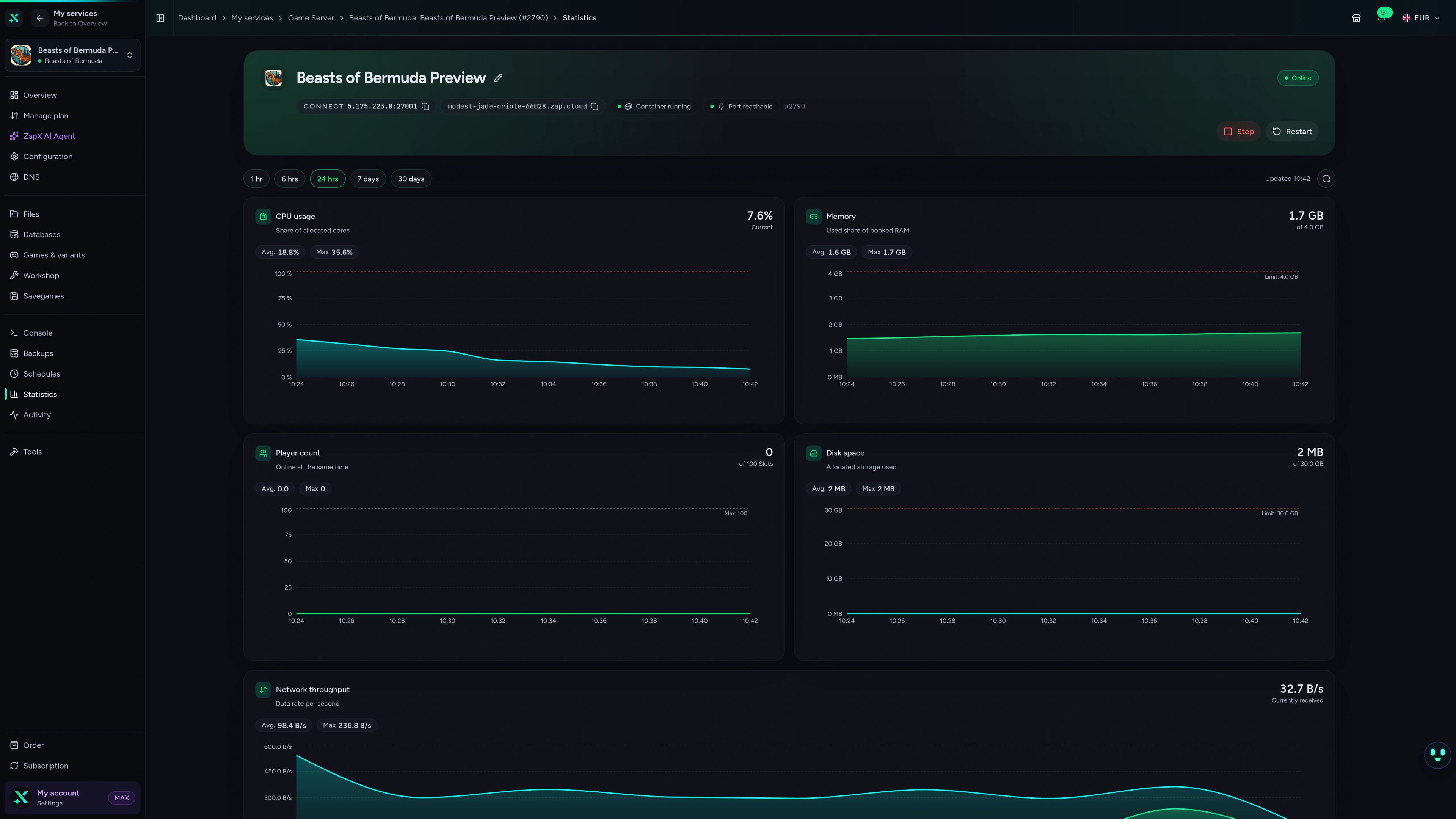
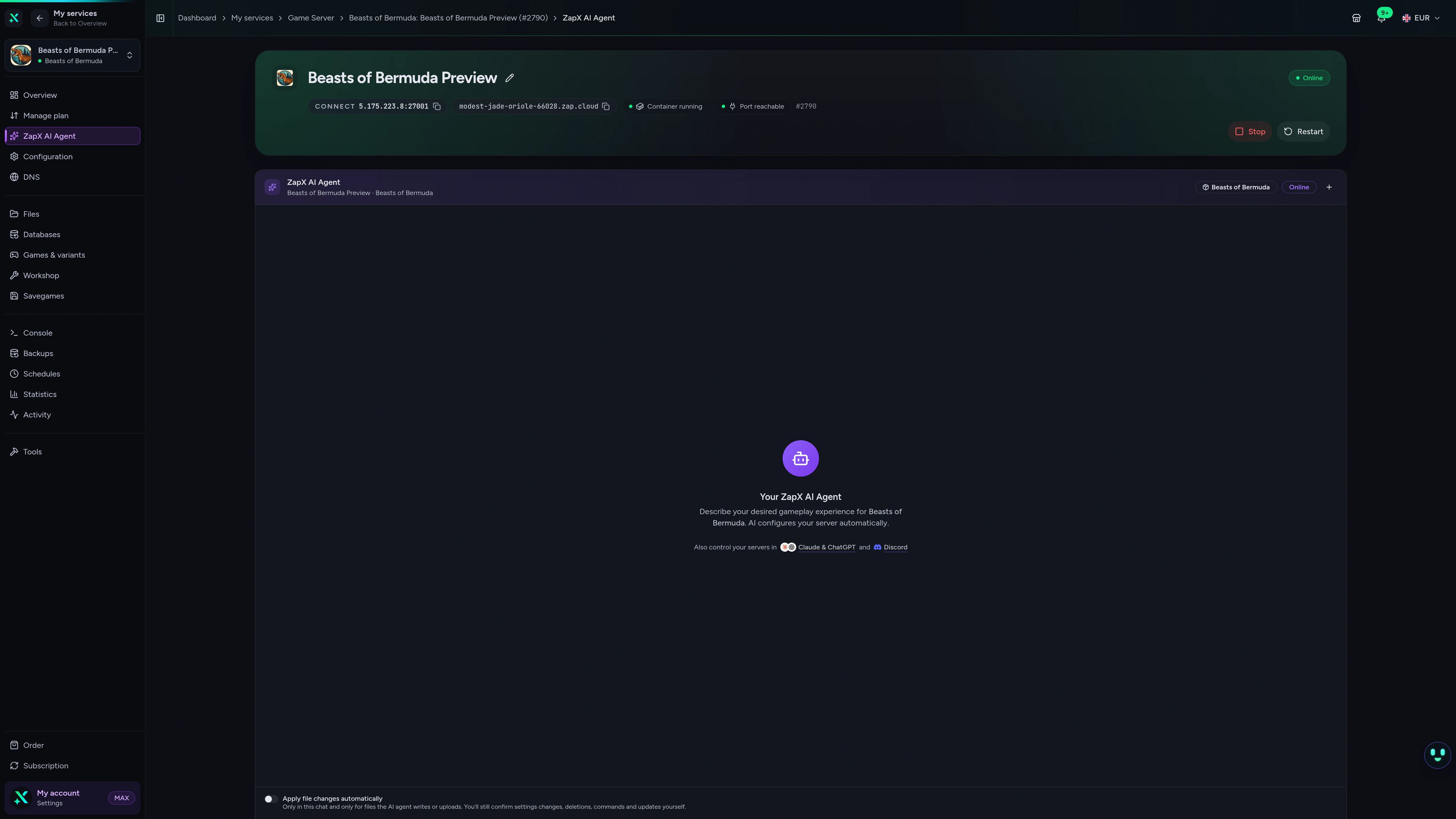
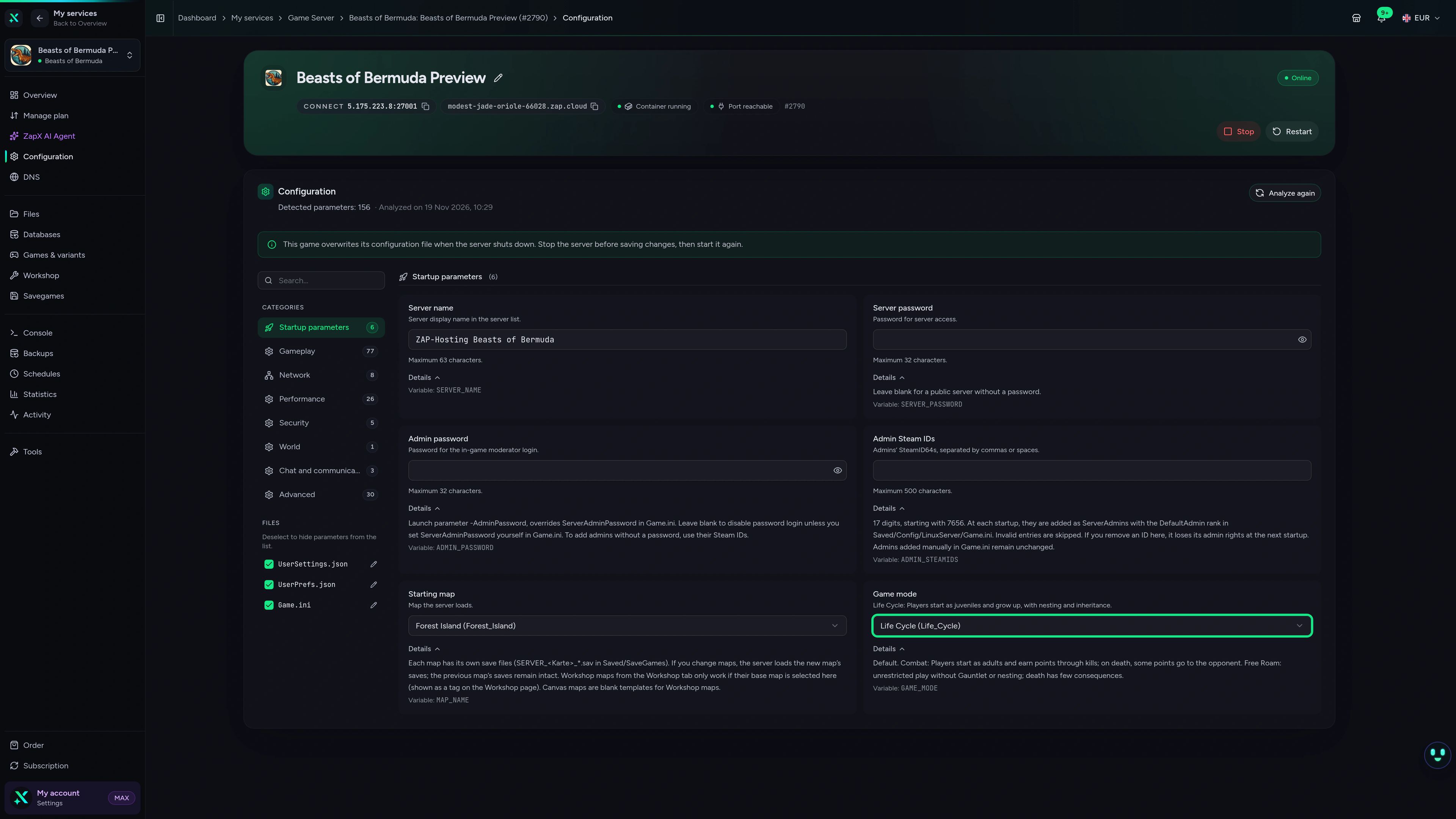
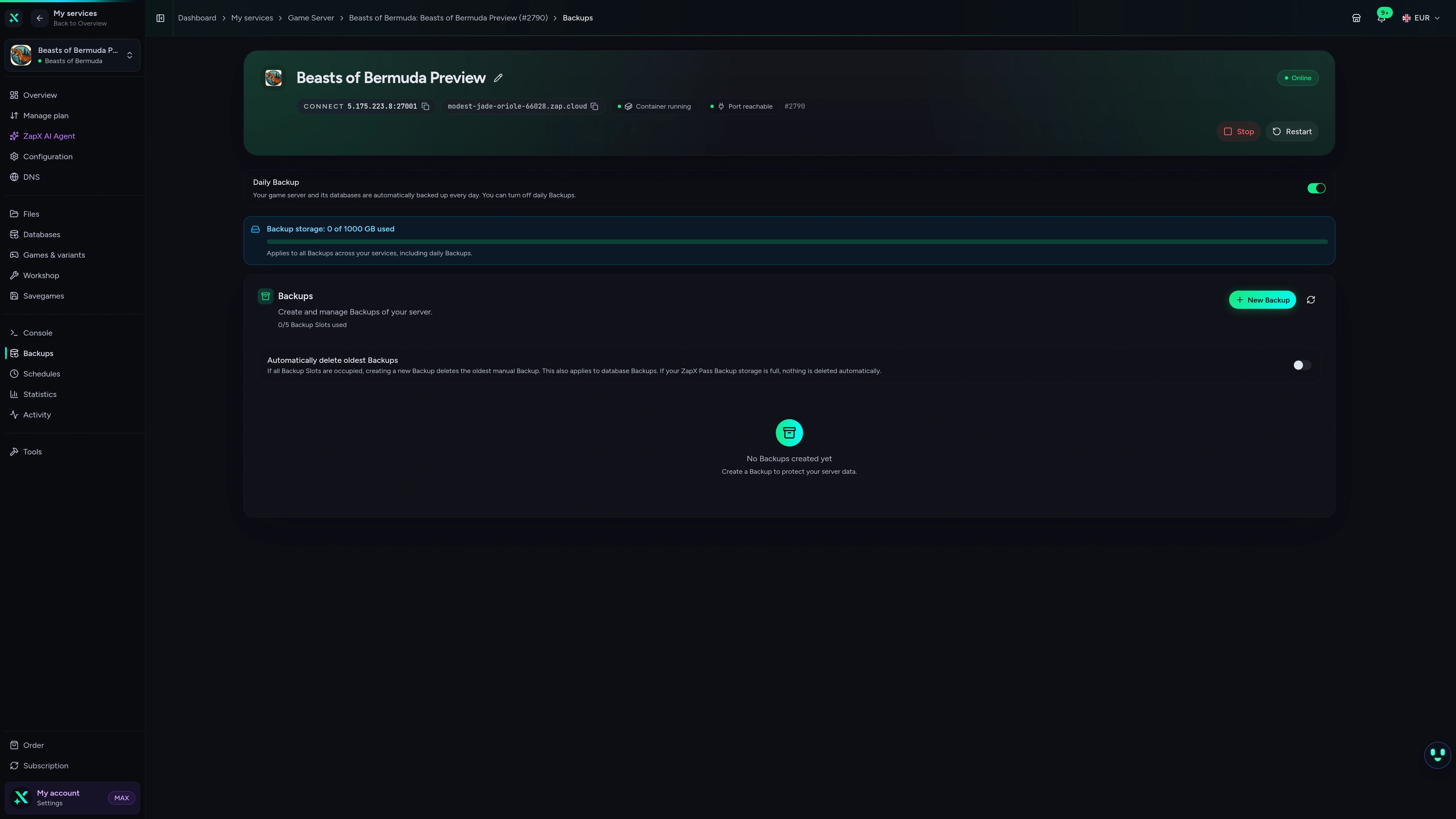
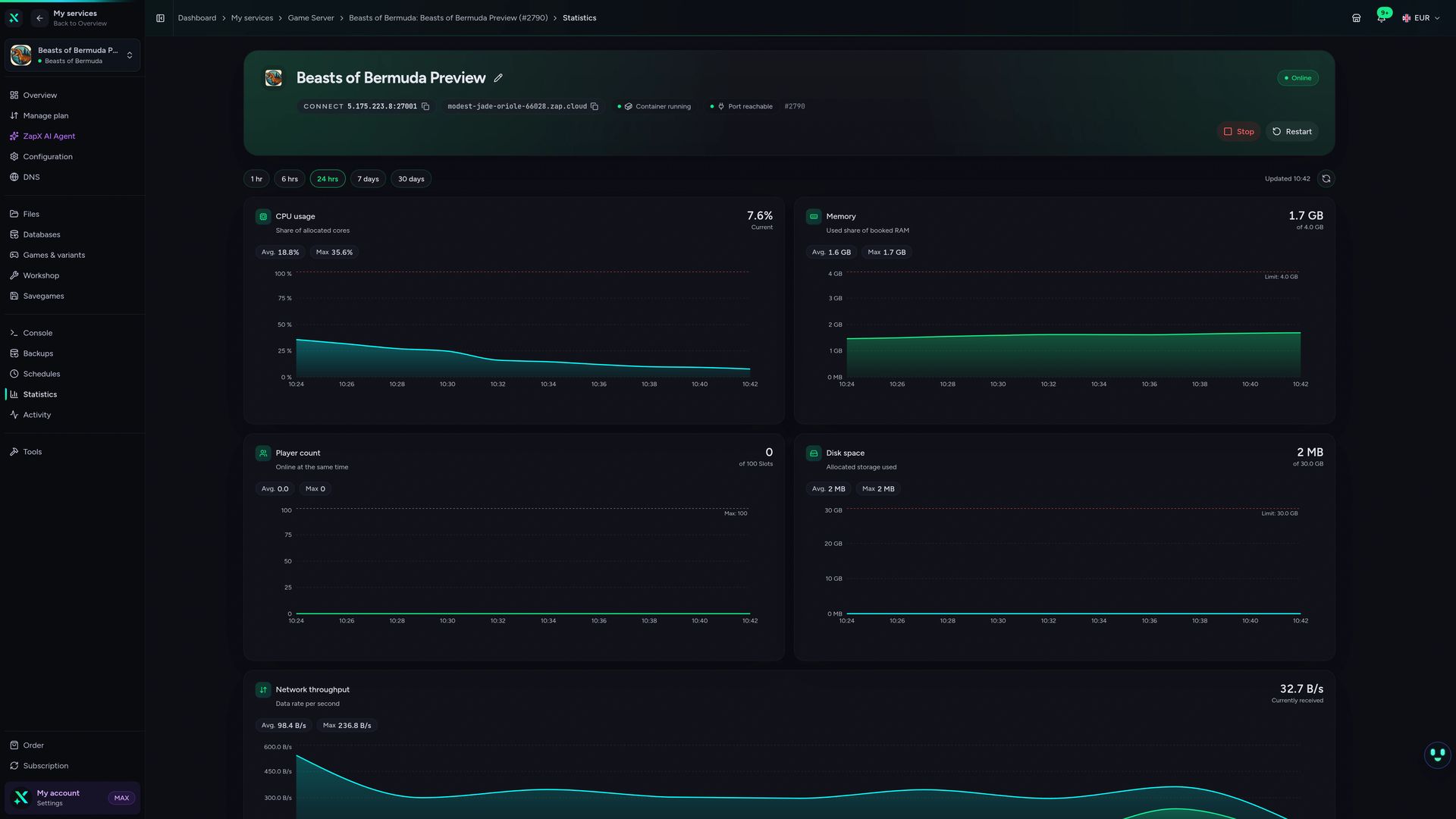
Beasts of Bermuda Game Server – Statistics
Beasts of Bermuda game server statistics view in the ZapX dashboard.
Ask about your server. Get a clear next step.
The ZapX AI Agent knows your Beasts of Bermuda server and helps with maps, Workshop layouts, logs and join issues; on request it runs steps after you confirm them in the chat.
The ZapX AI Agent is part of the ZapX Pass and works right in your panel, next to your Beasts of Bermuda server.
Discover ZapX PassZapX AI Agent
panel.zap-hosting.com
Performance check
The benchmark compares network and server response in scenarios close to real Beasts of Bermuda sessions, from quiet hunts to a busy map.
High-performance VPS, CPU model depends on the location
Typical VPS plans without a published host CPU
confirmed 2026-07-01
Beasts of Bermuda use cases
What kind of server do you want to run?
Roleplay herd, survival group or weekend event: pick your scenario, then set map, game mode and location for your players.
Ready for your herd?
Your dino world, online in 60 seconds.
ZapX appComing soon
Your dino server in your pocket.
With the ZapX app you check status, restart your Beasts of Bermuda server and keep an eye on it, even when you're away from your PC.
Discord management
Manage servers directly in Discord.
Check status, start, stop, and restart via slash command — without leaving your community Discord.


Impressionen
Beasts of Bermuda Screenshots
A glimpse into the game world—its atmosphere, exploration, and the moments your community will experience on the server.
Beasts of Bermuda
1 free tool – right in your browser, no sign-up needed.
Also available
We also offer the following games.
Switch between your games anytime for free—Minecraft, FiveM, Rust, and more.

Survival & Creative
Minecraft
Vanilla, Modded & Modpacks
Ready in ~2 min

Roleplay
FiveM
Roleplay server in seconds
One-click installation

Survival
Rust
Wipe-ready gameserver
Automatic setup
Also available
Switch between your games anytime for free—Minecraft, FiveM, Rust, and more.
98
Available games












Benefit
Unlimited Slots
We don't artificially limit player Slots. Hardware determines capacity.
Scale based on Mods, scripts, and player load instead of paying for a fixed number of Slots.
Start your Beasts of Bermuda server.
Unlimited slots, DDoS protection, locations worldwide and cancel anytime: set up your server and hatch your first dinos today.
No setup. No risk. Online in seconds.