
Gameserver plan
ZAP Spawn
€5.99/ 30 days
- 2 GB RAM
- 2 CPU
- 15 GB NVMe
- Unlimited Slots
 Terraria Server Hosting for Your Crew
Your world stays online 24/7, even when the host is offline — unlimited slots, DDoS protection and no port forwarding.
Packages 1–3 of 9
 terraria-terraria-vanilla
Configure yourself
No package fits? Choose your RAM, CPU and storage—you only pay for the performance your community actually needs.
Powerful CPUs
100 Gbit/s host network
DDoS protection
World Backups
Locations worldwide
 Visa
 Mastercard
 American Express
 PayPal
 Google Pay
 Apple Pay
 Klarna
 Amazon Pay
About the game
Terraria is a 2D sandbox adventure from Re-Logic: you dig, build, craft and fight your way through randomly generated worlds full of biomes, bosses and events. It shines in co-op, when one friend builds the base, another hunts for ore and everyone takes on the Wall of Flesh together. A shared world keeps growing with every session, so it needs a home that's always there.
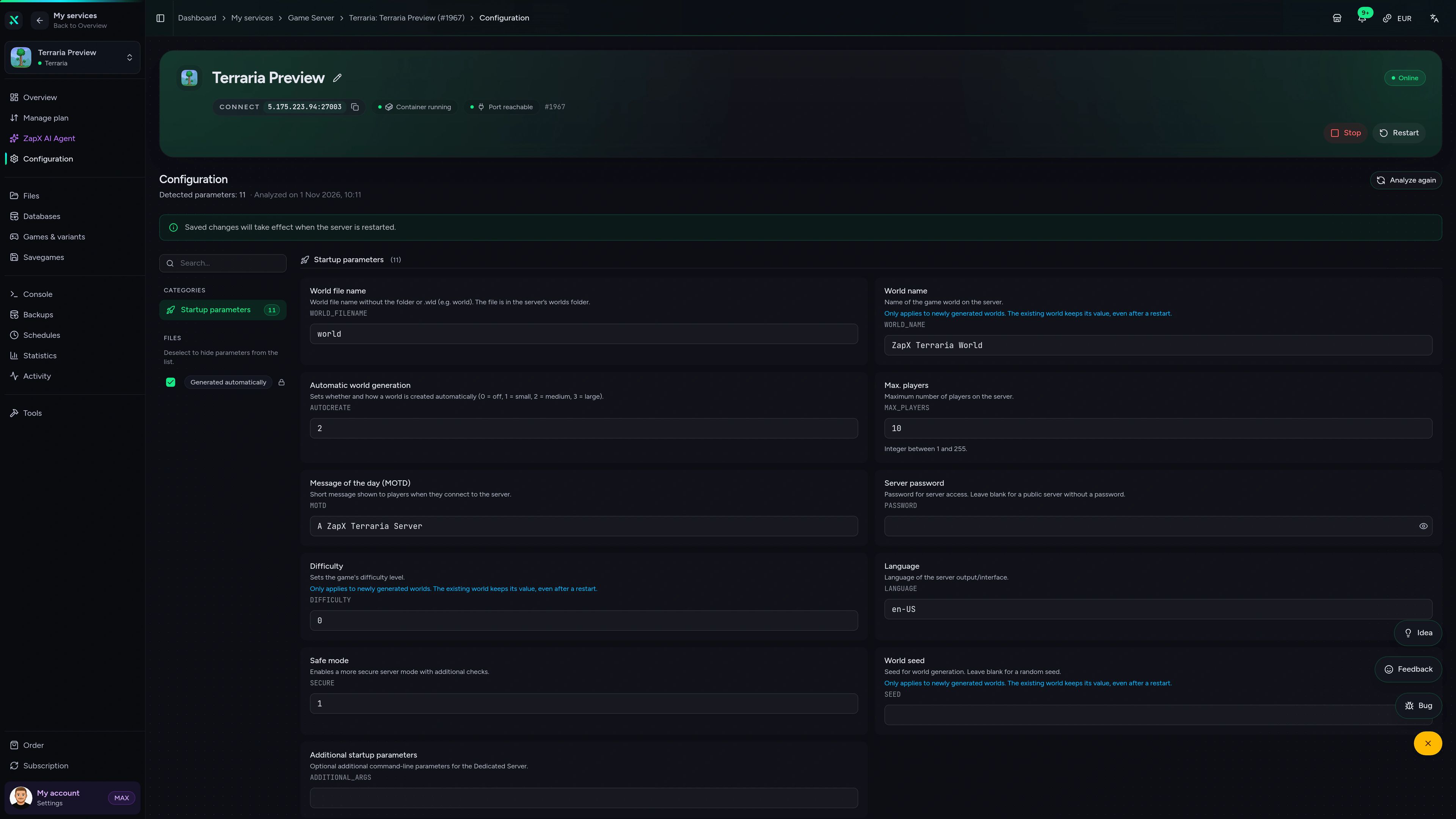
With your own 24/7 dedicated server, the world no longer depends on whoever hosted the session: friends hop in whenever they want, even while you sleep, with unlimited player slots for the whole crew. You set difficulty, password and welcome message in the panel, keep Backups of your world with ZapX Pass and pick a location close to your group — no router settings, no port 7777 forwarding, no PC running all night.
Locations worldwide
8 data centers worldwide — choose the location closest to your community.


ZapX Panel
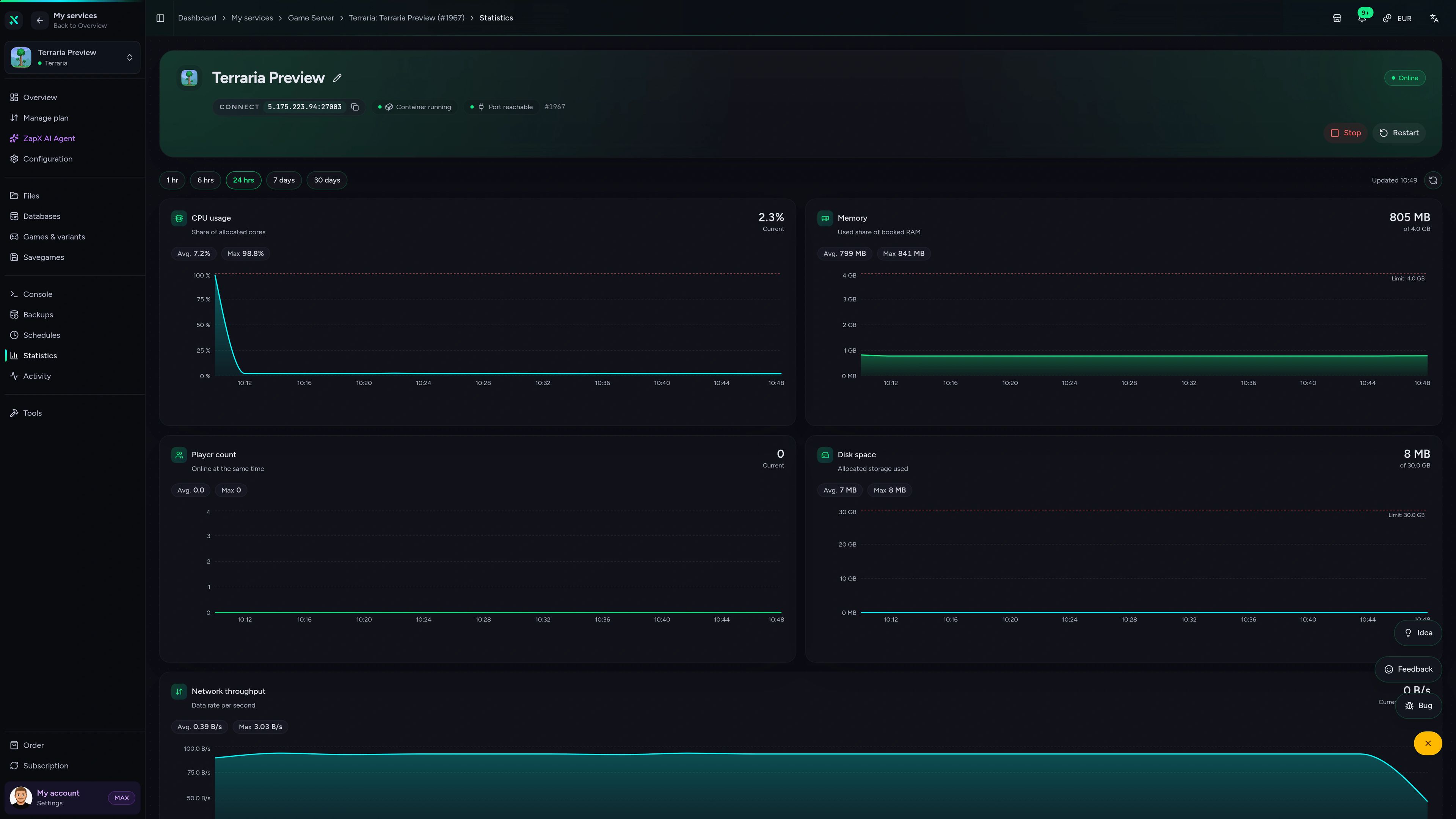
Check player activity, server load, Backups and the live console in one place, right in your browser.
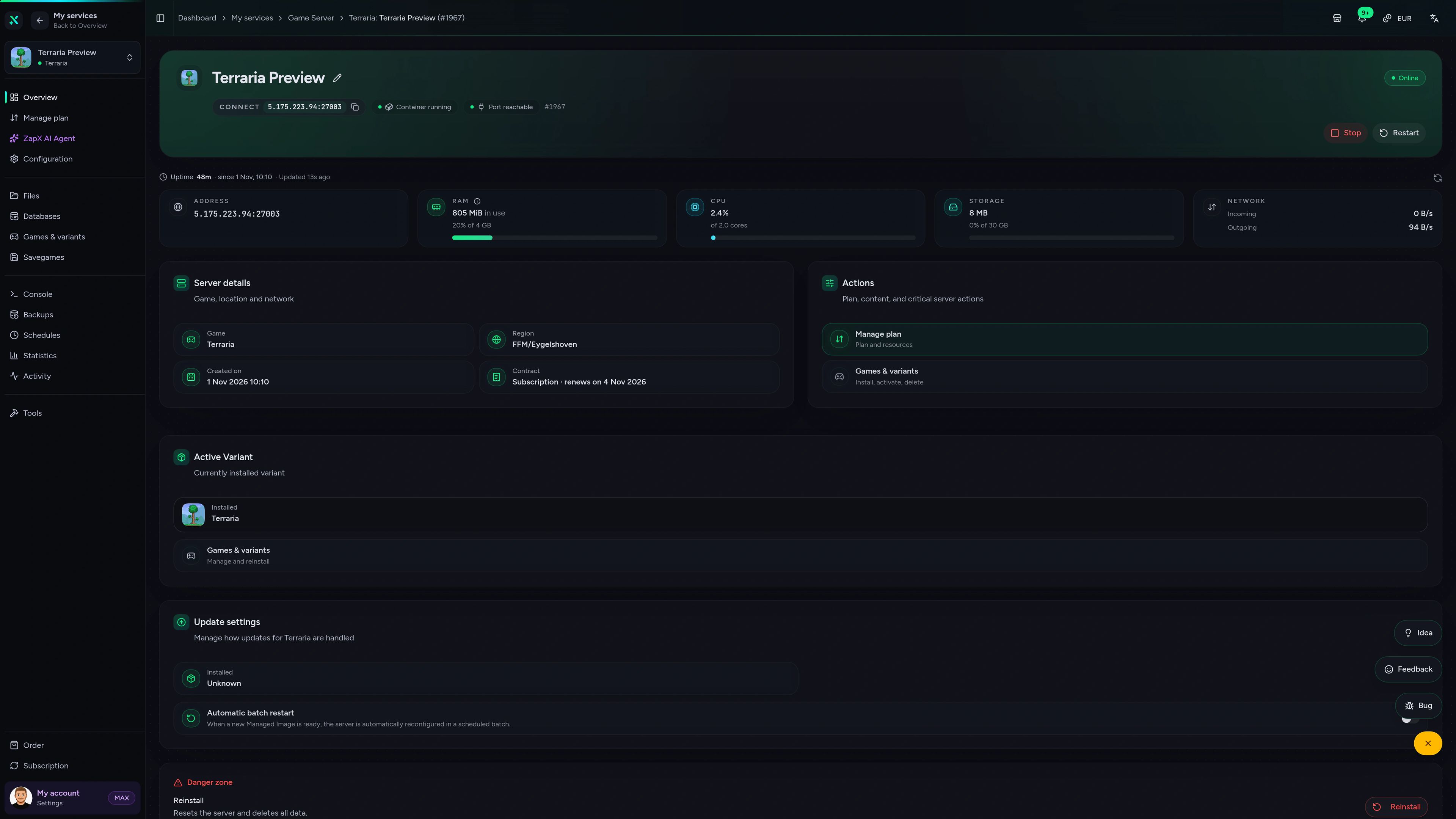
Terraria Game Server – Overview
Overview of the Terraria game server in the ZapX customer panel.
Benchmark
Comparable numbers from our own infrastructure, with methodology and measurement date and no made-up competitor figures.
High-performance VPS, CPU model depends on the location
Typical VPS plans without a published host CPU
confirmed 2026-07-01
Typical Terraria setups
From a cozy playthrough with two friends to a big community world: these scenarios show when unlimited slots, Backups and 24/7 uptime matter most.
Ready to dig in?
Your crew's world, online in 60 seconds.
Impressionen
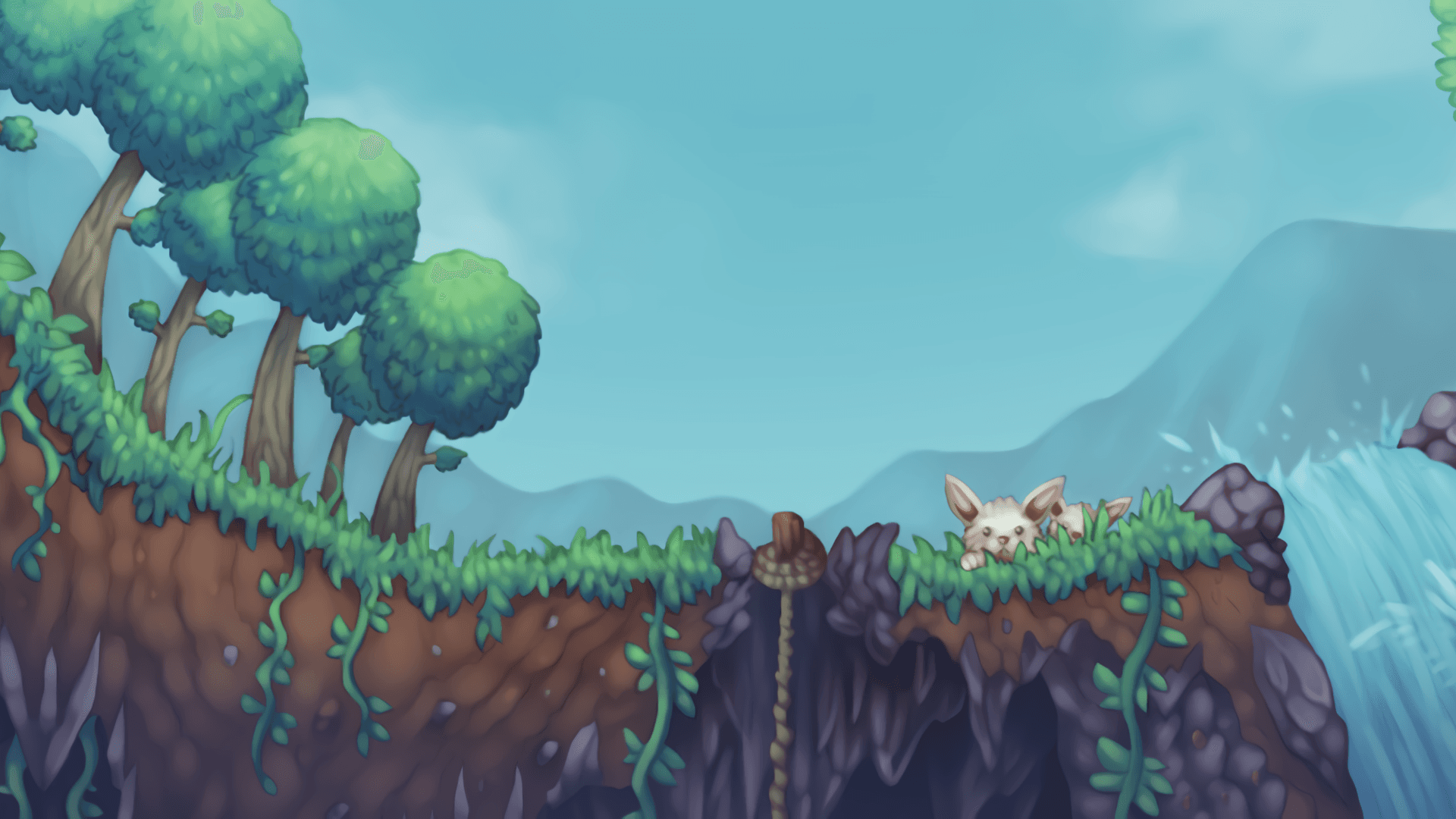
A glimpse into the game world—its atmosphere, exploration, and the moments your community will experience on the server.
Rent your Terraria server now: unlimited slots, DDoS protection, and online in under 60 seconds.
No setup. No risk. Online in seconds.
Everything included
Vanilla Terraria with the tools your group actually uses — included in every package.
Invite the whole crew — you never pay per slot; prices depend on package, term and location.
Your world is ready before your friends finish launching the game.
Set difficulty, password and welcome message in your browser — no config files.
A trap gone wrong or a lost base? Restore your world from a recent Backup with ZapX Pass.
Upload your .wld file and keep playing exactly where your crew left off.
Play on the data center closest to your group for smooth co-op boss fights.
Reviews
Real feedback on support and setup.
FAQ
Answers to the most important questions before you start.
Price by package, term and location — never per player slot.
Terraria server hosting is priced by package, not by player count. Pick one of the RAM/CPU packages or build a custom configuration; the current prices load live in the package section above. Billing periods range from 3 days to 1 year, so a weekend session with friends doesn't lock you into a long contract.
As many as you like — every package has unlimited slots.
There are no slot tiers. Whether it's you and two friends or a whole Discord community, the package decides how much RAM and CPU your world gets, not how many players may join. If your group grows, you can increase RAM and keep your world.
It depends on world size, player count and activity.
Vanilla Terraria is light compared to modded setups, so small groups generally need less RAM. Large worlds, many players online at once and busy moments like invasions or boss rushes need more headroom. Watch the RAM and CPU stats in the panel and increase resources when they stay high. As a guideline: at least 2 GB, 4 GB recommended.
No — your server gets its own address and port.
When you self-host, Terraria uses port 7777 and you have to forward it on your router. Opening port 7777 at home also makes your home IP visible to every player who joins. A hosted server skips that entirely: it runs in a data center with its own IP and port, ready right after setup. Your friends connect to the server address shown in the panel instead of your home network — no router settings needed. How to connect in the Help Center
Yes — bring your .wld file and keep playing.
Upload your existing world file to the server and set it as the active world, and your crew continues exactly where you left off. You can also download the world again at any time, for example to keep a copy on your own PC. Managing savegames in the Help Center
This is pure vanilla Terraria — mods and plugins run as separate server types.
This server runs Terraria the way Re-Logic made it, ideal for a classic playthrough with friends. If you want mods, choose a tModLoader server; for plugins, permissions and admin tools, choose TShock. Both are available in the shop, and you can switch the game type later.
Self-hosting is free, but your world only runs while your PC does.
Self-hosting costs nothing, but the world is only online while the host's PC keeps running and port 7777 is forwarded on their router, and friends can only join while the host is online. A rented dedicated server keeps your world online 24/7, even when the host is offline, and billing periods start at 3 days, so trying it with your group stays low-commitment.
Locations worldwide — pick the one closest to your players.
When you order, you choose from data centers across Europe, North America and Asia-Pacific. Pick the location closest to most of your group for the lowest ping; many North American groups start with Ashburn, Dallas or Los Angeles. Choose it with your crew in mind, since the location stays fixed for that server.
Any more questions?
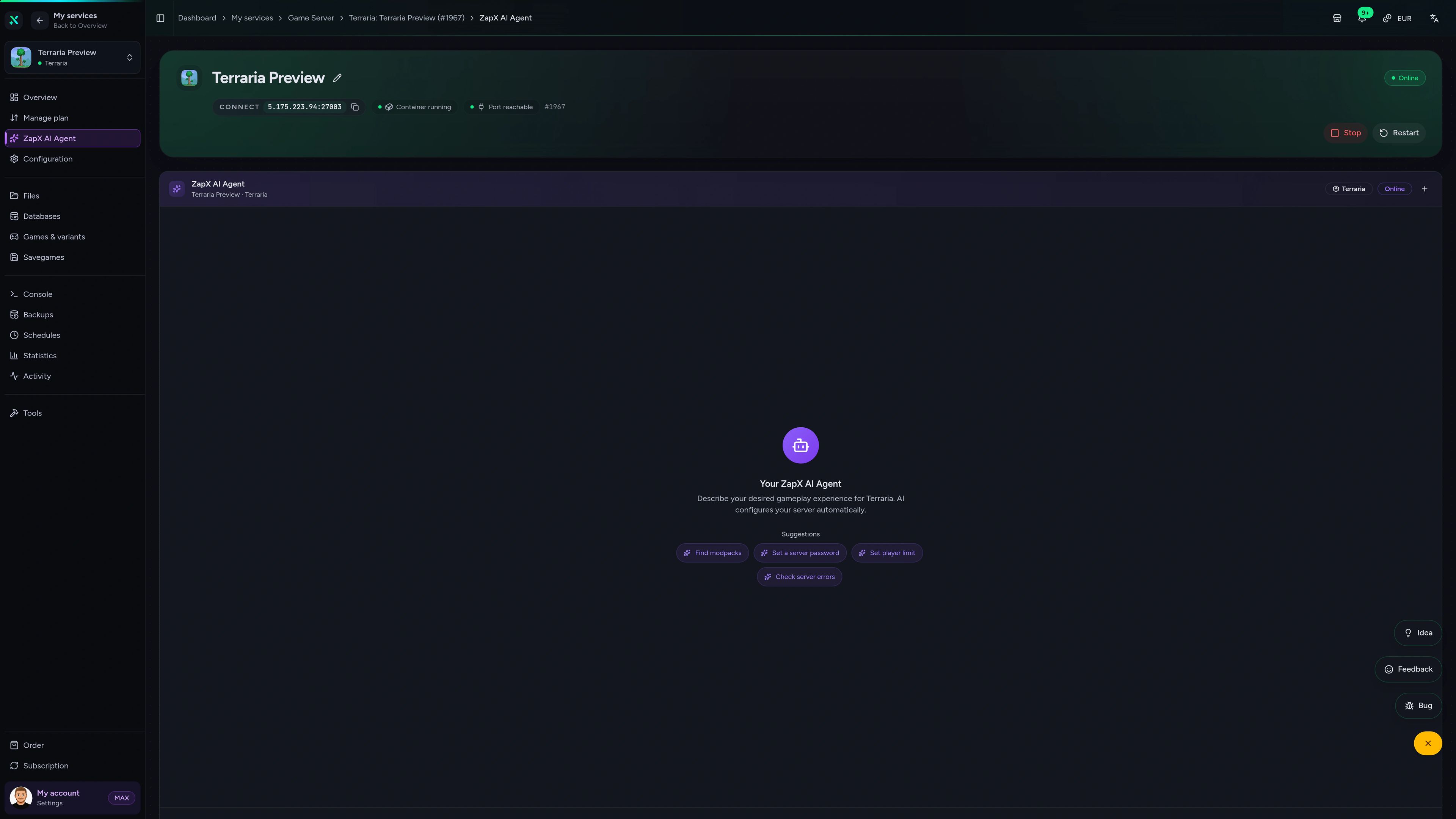
Contact SupportThe ZapX AI Agent knows your server's context and explains connection errors, world settings and load stats, right in the panel instead of forum threads.
The ZapX AI Agent is part of ZapX Pass and works across all supported services in your account.
See ZapX PassZapX AI Agent
panel.zap-hosting.com
ZapX appComing soon
Restart the server before boss night or check who's online, straight from your phone.
Discord management
Check status, start, stop, and restart via slash command — without leaving your community Discord.
2 free tools—right in your browser, no sign-up required.
Also available
Switch between your games anytime for free—Minecraft, FiveM, Rust, and more.

Survival & Creative
Vanilla, Modded & Modpacks
Ready in ~2 min

Roleplay
Roleplay server in seconds
One-click installation

Survival
Wipe-ready gameserver
Automatic setup
Also available
Switch between your games anytime for free—Minecraft, FiveM, Rust, and more.
90
Available games
Benefit
We don't artificially limit player Slots. Hardware determines capacity.
Scale based on Mods, scripts, and player load instead of paying for a fixed number of Slots.
© 2026 ZAP-Hosting GmbH
 Preferred source on Google