 Minecraft modpack hosting
Minecraft Space Astronomy server hosting
Space Astronomy · Space Astronomy modpack installs automatically — unlimited slots, DDoS protection, worldwide locations, online in 60 seconds.


Plans and pricing


Gameserver plan
ZAP Spawn
- 2 GB RAM
- 2 CPU
- 15 GB NVMe
- Unlimited Slots


Gameserver plan
ZAP Scout
- 4 GB RAM
- 2 CPU
- 30 GB NVMe
- Unlimited Slots


Gameserver plan
ZAP Ranger
- 6 GB RAM
- 3 CPU
- 35 GB NVMe
- Unlimited Slots

Gameserver plan
ZAP Raid
- 8 GB RAM
- 4 CPU
- 50 GB NVMe
- Unlimited Slots


Gameserver plan
ZAP Guild
- 10 GB RAM
- 4 CPU
- 60 GB NVMe
- Unlimited Slots


Gameserver plan
ZAP Vanguard
- 12 GB RAM
- 5 CPU
- 75 GB NVMe
- Unlimited Slots


Gameserver plan
ZAP Legion
- 16 GB RAM
- 6 CPU
- 100 GB NVMe
- Unlimited Slots


Gameserver plan
ZAP Bastion
- 24 GB RAM
- 8 CPU
- 150 GB NVMe
- Unlimited Slots


Gameserver plan
ZAP Nexus
- 32 GB RAM
- 10 CPU
- 200 GB NVMe
- Unlimited Slots
Packages 1–3 of 9
 minecraft
Configure yourself
Your server. Your power.
No package fits? Choose your RAM, CPU and storage—you only pay for the performance your community actually needs.
Powerful CPUs
100 Gbit/s host network
DDoS protection
Modpack preinstalled
Cancel anytime
 Visa
 Mastercard
 American Express
 PayPal
 Google Pay
 Apple Pay
 Klarna
 Amazon Pay
About the modpack
What is a Space Astronomy server?
Space Astronomy is a quest-driven Minecraft modpack built around space travel: you start on the ground, work your way up a tech tree, then build rockets, set up space stations and head out to other planets. The journey is more fun with a crew, which is why the pack works best on your own space Minecraft server that stays online for everyone, even when you log off.
With your own server, you decide who joins, how many friends play and which world your crew builds on. The modpack is set up for you when you order, so you don't download any server files. You can upload an existing world, tweak configs in the panel, take a Backup with ZapX Pass before a risky rocket launch or switch to a different modpack later.
Features
Everything your space crew needs.
Built for a quest-heavy modpack full of rockets, machines and planets, and managed from one panel.
Space Astronomy preinstalled
Start playing right away: the modpack is set up automatically when you order.
Unlimited player slots
Bring the whole crew. RAM and CPU set the limit, not a slot count.
Online in 60 seconds
Your server is ready for its first launch soon after you order, with automatic setup.
Power for heavy modpacks
Powerful server CPUs keep rockets, machines and planets running smoothly.
Bring your world along
Upload your existing Space Astronomy world and keep your progress.
Backups before every launch with ZapX Pass
With ZapX Pass, restore your base if an experiment or a config change goes wrong.
Only for Minecraft
Make more of your Minecraft world
Swap modpacks, look after your players and let ZapX Maker build your own mods, all from the panel.


Minecraft
Complete modpacks from the panel
Install complete packs from CurseForge or Technic in one click from the Modpacks tab.
- CurseForge
- Modrinth
- Feed the Beast
- +1
Manage players without commands
Manage bans and operator levels in the panel without typing console commands.
Turn your mod idea into a build
Describe your mod and ZapX Maker (ZapX Pass) builds it and deploys it to your server.
- ZapX Maker
Locations worldwide
Your server. Your location.
8 data centers worldwide — choose the location closest to your community.
Europe


America


Asia-Pacific


Reviews
What customers say about ZAP-Hosting
Real feedback on support and setup.




FAQ
Frequently asked questions about Space Astronomy
Answers to the most important questions before you start.
How do I install the Space Astronomy modpack on my server?
You don't need to install anything by hand. When you order through this page, Space Astronomy is installed automatically, using the latest modpack release and a matching server type. Your server is usually online in 60 seconds. Then connect with the IP and port shown in the panel. Learn more in the Help Center
- No manual server file download needed
- Connection details are in your panel
How much RAM does a Space Astronomy server need?
That depends on how many players are online and how big your bases and loaded planets get. Large tech setups and several active dimensions need more memory than a small crew just starting out. Choose a RAM package in the configurator and keep an eye on the live statistics in the panel as your world grows. As a guideline: about 5 GB for 2 players, 8 GB for around 10 players. Space Astronomy runs on Minecraft 1.7.10 with Forge.
How much does a Space Astronomy server cost?
Space Astronomy servers start at €5.99 per month. The final price depends on the RAM and CPU package, term and location you choose, and current prices load live in the packages section. Every package includes unlimited slots.
Is Space Astronomy the same as Space Astronomy 2?
No. Space Astronomy and Space Astronomy 2 are separate modpacks with their own mods and progression. This page sets up the original Space Astronomy. If your crew wants the sequel, choose Space Astronomy 2 from the modpack list.
How many players can join my Space Astronomy server?
Every package has unlimited player slots. How many players can play smoothly at once depends on the RAM and CPU you choose, not on a fixed slot limit.
Can I upload my existing Space Astronomy world?
Yes. Upload your world folder through file access in the panel and set it as the active world, and your crew can pick up where you left off. Make a Backup with ZapX Pass before you replace the current world. Read the world upload guide
Where are the Space Astronomy server locations?
Locations are available worldwide. Pick the one closest to most of your players. North American groups, for example, often start with Ashburn, Dallas or Los Angeles. Available locations vary by product.
Can I cancel my Space Astronomy server anytime?
Yes, you can cancel anytime. You choose a term between 3 and 365 days, and a cancellation takes effect at the end of the current term. Within that time, you can also switch your server to another modpack.
Any more questions?
Contact SupportZapX panel
Run your Space Astronomy server from one panel
Configs, console, Backups and live statistics all in one place, so you spend your time exploring planets instead of managing files.
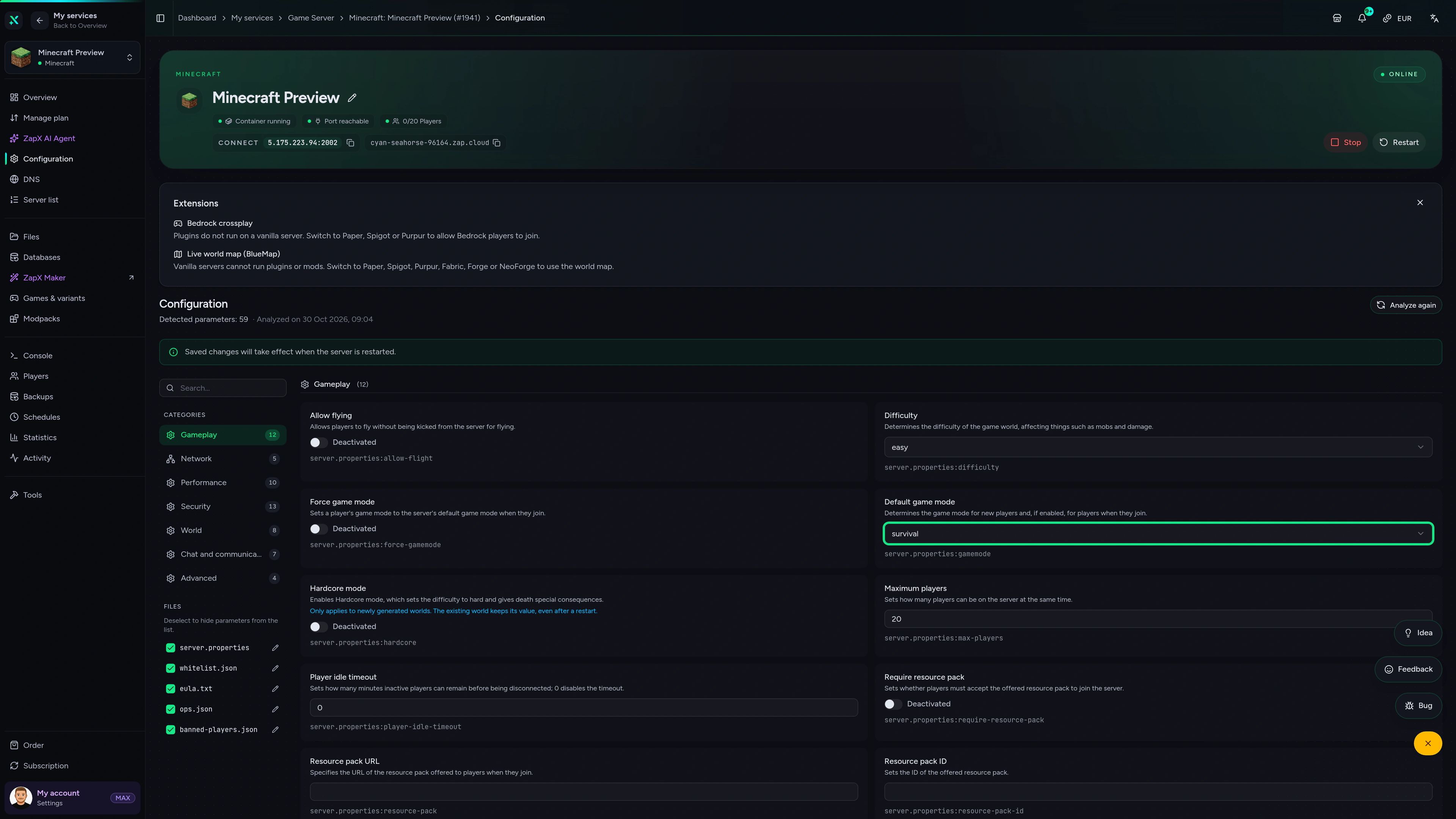
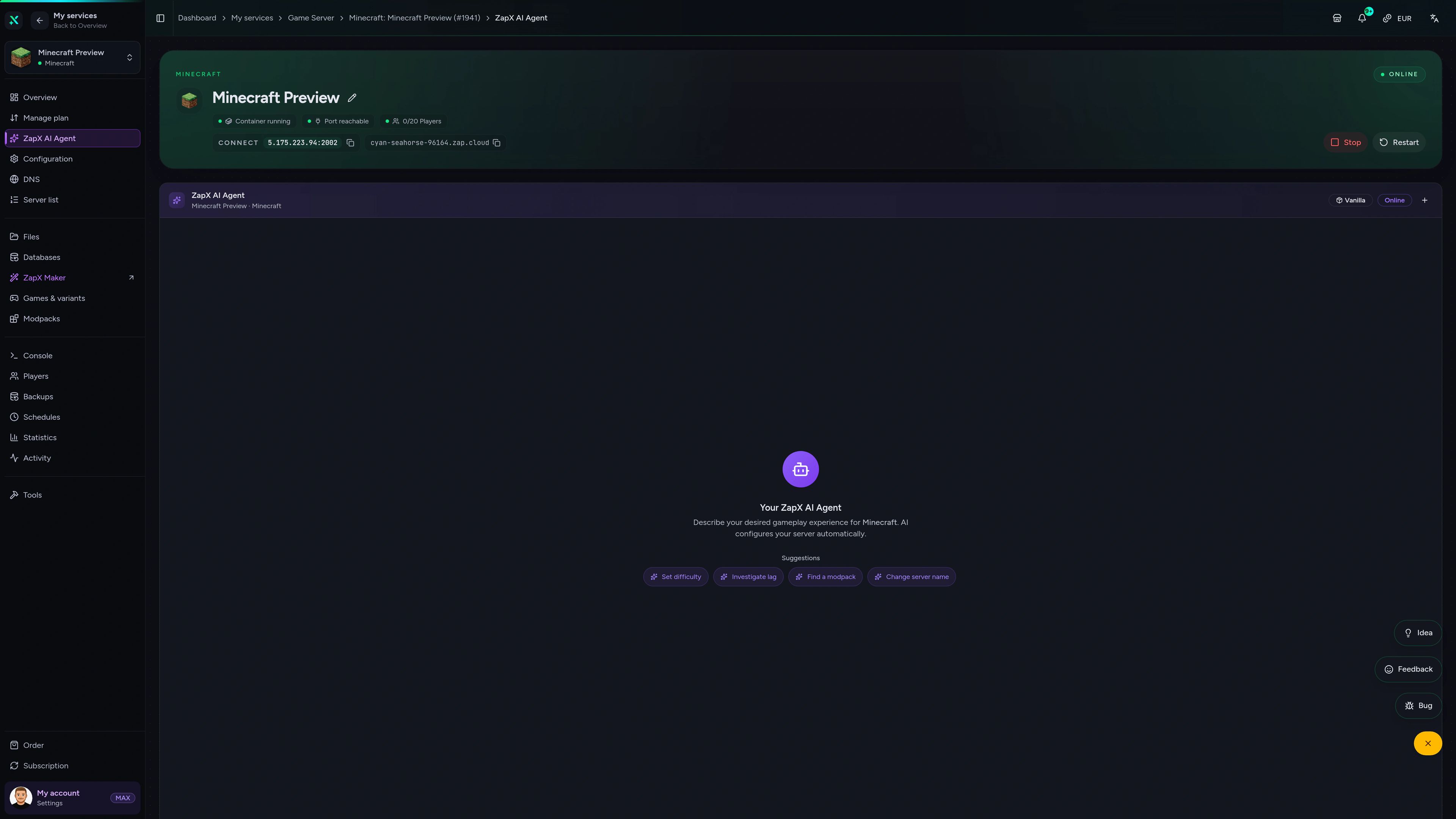
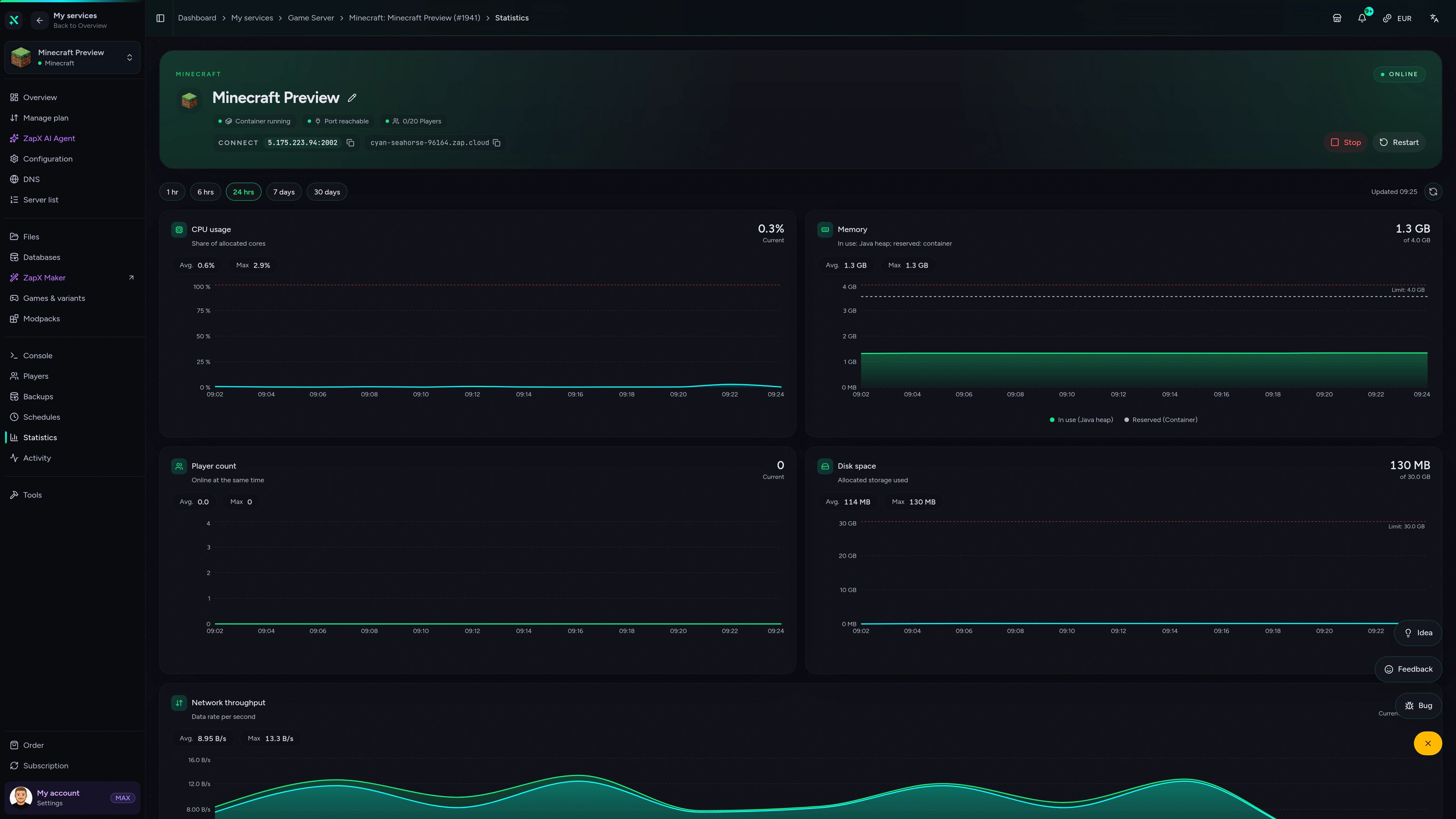
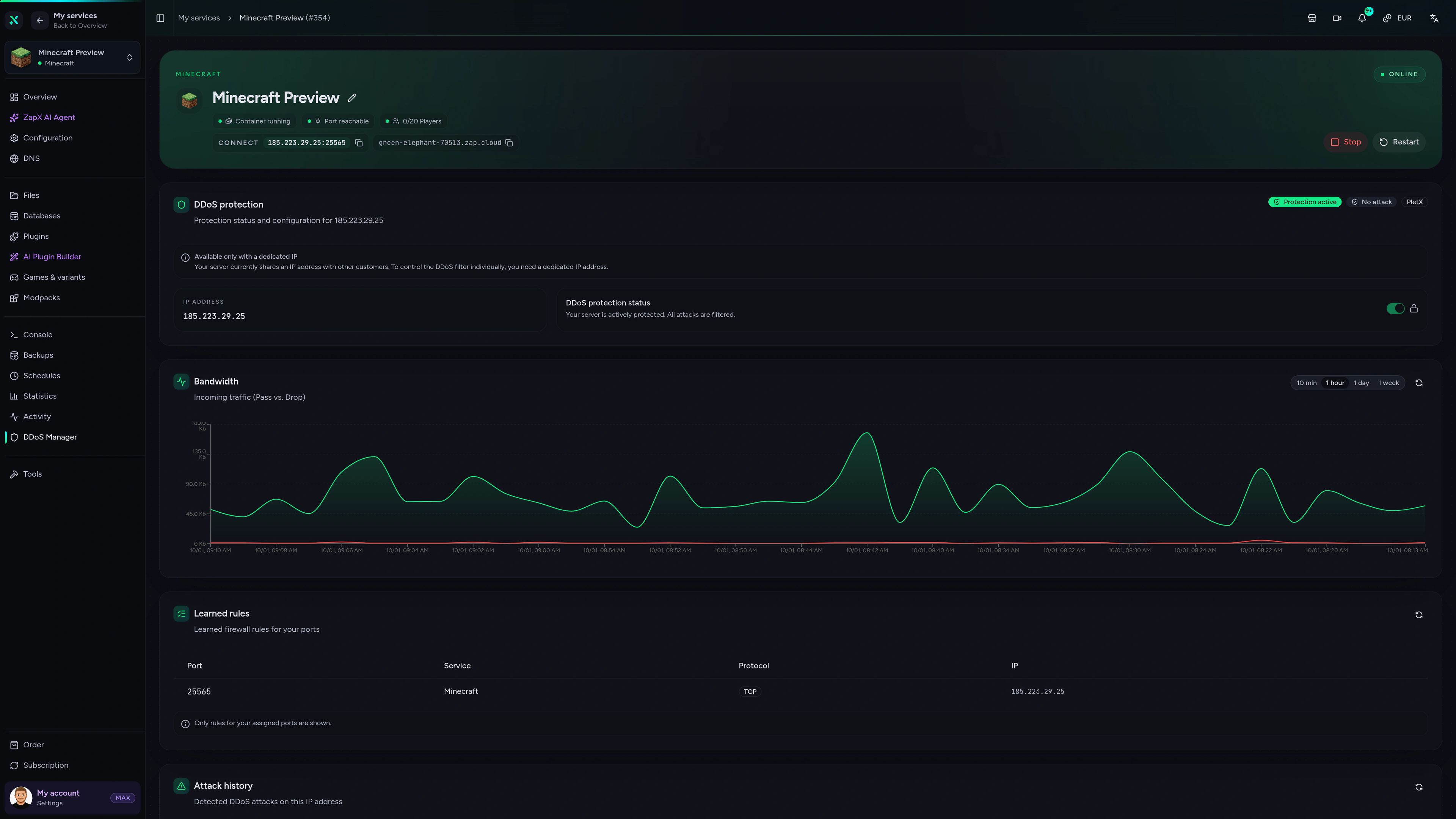
Minecraft Game Server – Configuration
Configuration of the Minecraft game server in the ZapX customer panel.
Manage your Space Astronomy server with ChatGPT or Claude.
Connect ZAP-Hosting to Claude or ChatGPT via MCP and manage your Space Astronomy server right in the chat.
Works with
- ChatGPT
- Claude
- Claude Code
- Cursor
- Gemini
What should I do for your server?
Ask anything …
The AI only makes changes after you approve them.
Connect in two steps

Step 1
Connect ZapX
Opens Claude with the connector already filled in. Confirm it there and sign in with your ZAP account.
Step 2
Start a chat
Opens a new chat with this text:
I want to rent a Minecraft server at ZAP-Hosting. Use the ZapX connector by ZAP-Hosting: ask me about player count, version and mods, recommend the right package with its price and then order it with me.
The text then sits in the message box – you still press send there.
Without a Pass you get status, start/stop and, except in ChatGPT, advice and ordering. Files, console and Backups come with a ZapX Pass. Your account is created when you connect.
Ask about your Space Astronomy server.
The ZapX AI Agent knows your server context and explains crash logs, RAM usage and world uploads for your modpack right in the panel, so you don't have to dig through forum threads.
The ZapX AI Agent is part of ZapX Pass and applies account-wide to every supported service.
View ZapX PassZapX AI Agent
panel.zap-hosting.com
Benchmark
See how our gameserver performance compares with typical modpack hosting offers.
High-performance VPS, CPU model depends on the location
Typical VPS plans without a published host CPU
confirmed 2026-07-01
Use cases
What you can do with your space Minecraft server
From the first rocket to a shared space station: Space Astronomy is set up automatically, and your crew can join without slot limits.
Ready for liftoff?
Launch your crew's space server
ZapX AppComing soon
Your space server in your pocket
Check on your Space Astronomy server from your phone, restart it and see who's online, even when you're away from your PC.
Discord management
Manage servers directly in Discord.
Check status, start, stop, and restart via slash command — without leaving your community Discord.


Impressionen
Minecraft Screenshots
A glimpse into the game world—its atmosphere, exploration, and the moments your community will experience on the server.
Minecraft
35 free tools—right in your browser, no sign-up required.
Server variants
More game variants
Curse/Twitch Launcher server hosting
CurseForge Modpack (Benutzerdefiniert)Minecraft SpongeForge server hosting
SpongeForgeMinecraft: Magma server hosting - game information
Arclight (NeoForge)Minecraft: Sponge Vanilla server hosting
SpongeVanilla
Also available
We also offer the following Modpacks.
Popular Minecraft Modpacks — ATM, RLCraft, Pixelmon, and more. See prices in the configurator.

Modpack
All the Mods 10 - ATM10
ATM10 · Tech
Ready in ~2 min
Modpack
Better MC [FORGE] BMC4
BMC4 · Vanilla+
Ready in ~2 min
Modpack
RLCraft
RLCraft · Hardcore
Ready in ~2 min
Also available
Popular Minecraft Modpacks — ATM, RLCraft, Pixelmon, and more. See prices in the configurator.
117,444
Available modpacks




Benefit
Instant setup
Modrinth & CurseForge packs with instant setup in the Minecraft configurator.
Choose a pack and get started in 60 seconds.
Ready to build your first rocket?
Get your Space Astronomy server: the modpack installs automatically, every package has unlimited slots, and you can cancel anytime.
No setup. No risk. Online in seconds.