 Minecraft modpack hosting
Minecraft: OccultCraft Server Hosting.
OccultCraft · Your own server for the fantasy modpack: automated setup, DDoS protection, unlimited player slots and locations worldwide.


Plans and pricing
Gameserver plan
ZAP Spawn
- 2 GB RAM
- 2 CPU
- 15 GB NVMe
- Unlimited Slots
Gameserver plan
ZAP Scout
- 4 GB RAM
- 2 CPU
- 30 GB NVMe
- Unlimited Slots
Gameserver plan
ZAP Ranger
- 6 GB RAM
- 3 CPU
- 35 GB NVMe
- Unlimited Slots
Gameserver plan
ZAP Raid
- 8 GB RAM
- 4 CPU
- 50 GB NVMe
- Unlimited Slots

Gameserver plan
ZAP Guild
- 10 GB RAM
- 4 CPU
- 60 GB NVMe
- Unlimited Slots
Gameserver plan
ZAP Vanguard
- 12 GB RAM
- 5 CPU
- 75 GB NVMe
- Unlimited Slots

Gameserver plan
ZAP Legion
- 16 GB RAM
- 6 CPU
- 100 GB NVMe
- Unlimited Slots
Gameserver plan
ZAP Bastion
- 24 GB RAM
- 8 CPU
- 150 GB NVMe
- Unlimited Slots

Gameserver plan
ZAP Nexus
- 32 GB RAM
- 10 CPU
- 200 GB NVMe
- Unlimited Slots
Packages 1–3 of 9
 minecraft
Configure yourself
Your server. Your power.
No package fits? Choose your RAM, CPU and storage—you only pay for the performance your community actually needs.
Powerful CPUs
100 Gbit/s host network
DDoS protection
Modpack auto-install
Backups
 Visa
 Mastercard
 American Express
 PayPal
 Google Pay
 Apple Pay
 Klarna
 Amazon Pay
About the modpack
What is OccultCraft?
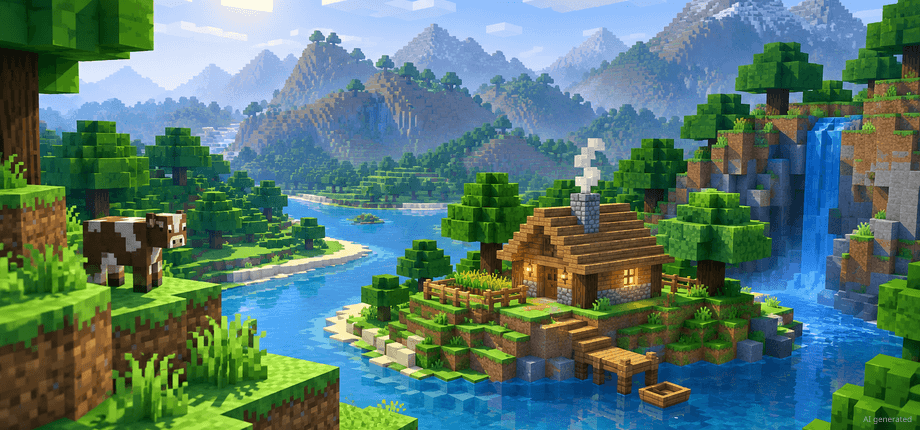
OccultCraft is a fantasy and medieval Minecraft modpack built on Forge and published on CurseForge. You explore dangerous lands, fight bosses and dragons, build up a settlement and dive into magic and engineering — an adventure that gets far better with friends in a shared world that stays online. OccultCraft server hosting gives your group exactly that: your own server running the full pack around the clock.
With your own server you decide how the adventure runs: invite as many friends as you like thanks to unlimited player slots, add extra mods or upload an existing world, and pick the location closest to your group from data centers worldwide. With the ZapX Pass, Backups let you roll back before big changes, and when your group wants something new, you can install another modpack on the same server.
Core features
Everything your OccultCraft server needs.
Start fast, keep full control and scale resources as your group, your world and your mod list grow.
OccultCraft installs automatically
Pick OccultCraft at checkout and play the full pack without uploading server files.
Unlimited player slots
Bring your whole party — RAM and CPU set the limit, not a slot count.
Grow RAM with your world
Your world keeps up as more chunks, bases and players arrive — just add RAM.
Backups before every adventure with ZapX Pass
With ZapX Pass, roll back to a safe point before updates, new mods or risky experiments.
Bring your own world
Continue your singleplayer OccultCraft save together with friends after uploading it.
Locations worldwide
Your group plays on a nearby server when you pick the data center closest to them.
Only for Minecraft
More control over your Minecraft world
Have ZapX Maker build your own mods from the panel.
Minecraft
Turn your idea into a mod
Describe your mod and ZapX Maker builds and deploys it to your server with ZapX Pass.
- ZapX Maker
Locations worldwide
Your server. Your location.
8 data centers worldwide — choose the location closest to your community.
Europe


America


Asia-Pacific


Reviews
What customers say about ZAP-Hosting
Real feedback on support and setup.




FAQ
Frequently asked questions about OccultCraft
Answers to the most important questions before you start.
How much does OccultCraft server hosting cost?
You see current package prices live in the configurator.
OccultCraft runs on our Minecraft packages, and the prices shown on this page come straight from the shop. What you pay depends on the package (RAM and CPU), term and location you choose. Player slots are unlimited on every package, and you can cancel anytime, effective at the end of your 3, 30, 90, 180 or 365-day term.
- Live prices in the configurator
- Unlimited slots on every package
- Cancel anytime
How do I set up an OccultCraft server at ZAP-Hosting?
Choose a package, select OccultCraft and the setup runs automatically.
Pick a package, select OccultCraft as your modpack and complete your order. The modpack and its server files are installed for you, so your server is online in 60 seconds. Afterwards you manage everything in the panel, from the console and files to settings and Backups with ZapX Pass.
- Pick a package
- Select OccultCraft
- Play in 60 seconds
How much RAM does an OccultCraft server need?
OccultCraft is a large Forge pack, so plan for more RAM than a vanilla world.
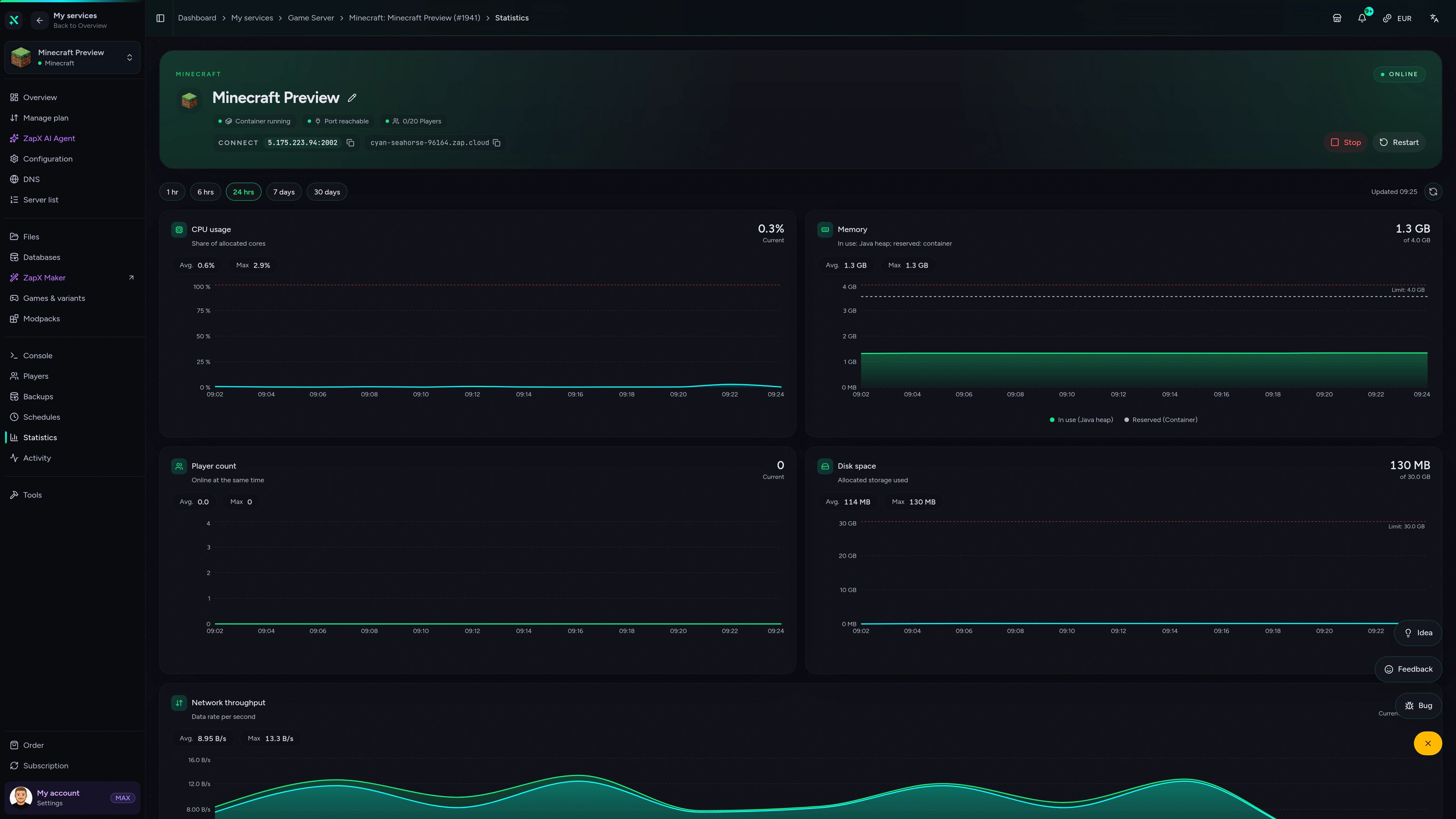
No single number fits every group: RAM usage grows with the players online, explored chunks, view distance and any mods you add. Start with enough RAM for your group, watch RAM usage in the panel statistics, and add more RAM whenever your world needs it. As a guideline: about 5 GB for 2 players, 8 GB for around 10 players. OccultCraft runs on Minecraft 1.20.2 with Forge.
- More players need more RAM
- Explored chunks add load
- Add more RAM as needed
How many players can join my OccultCraft server?
As many as you like — player slots are unlimited.
There are no slot tiers. Every package comes with unlimited player slots, and the real limit is the RAM and CPU you choose. A small group of friends needs fewer resources than a public community fighting bosses at the same time, so size your package for how many people play together.
How do my friends join my OccultCraft server?
Same OccultCraft version on client and server, then connect with the address from the panel.
Each player installs OccultCraft in the CurseForge app, using the same version that runs on your server. Then they open Multiplayer, add a server and enter the IP and port shown in your panel. If someone gets a mismatch error when joining, compare the pack versions first. How to connect, in the Help Center
- Install OccultCraft via CurseForge
- Match the server version
- Use the IP and port from the panel
Can I add extra mods or upload my own world to the OccultCraft server?
Yes — you have full file access to your server.
You can upload extra Forge mods that match OccultCraft's Minecraft version or bring an existing world onto the server. Mods that add new content must also be installed by every player. Create a Backup with the ZapX Pass before larger changes, and if your group wants a new adventure later, you can install another modpack on the same server. Installing mods, in the Help Center
- Extra Forge mods
- Upload your own world
- Switch modpacks later
Is my OccultCraft server protected against DDoS attacks?
Yes, DDoS protection is included with every package.
Your server runs behind our DDoS protection at no extra cost. That matters most once you share the address with a bigger community or host public events, because the protection helps keep attacks from interrupting your adventure. More about DDoS protection
Where is my server hosted?
Choose from locations worldwide — pick the one closest to your players.
Your OccultCraft server can run in data centers worldwide. The best location is the one nearest to most of your players. Many groups in North America start with Ashburn, Dallas or Los Angeles, while groups elsewhere pick a location in their own region.
- Locations worldwide
- Choose based on where your players are
Any more questions?
Contact SupportZapX Panel
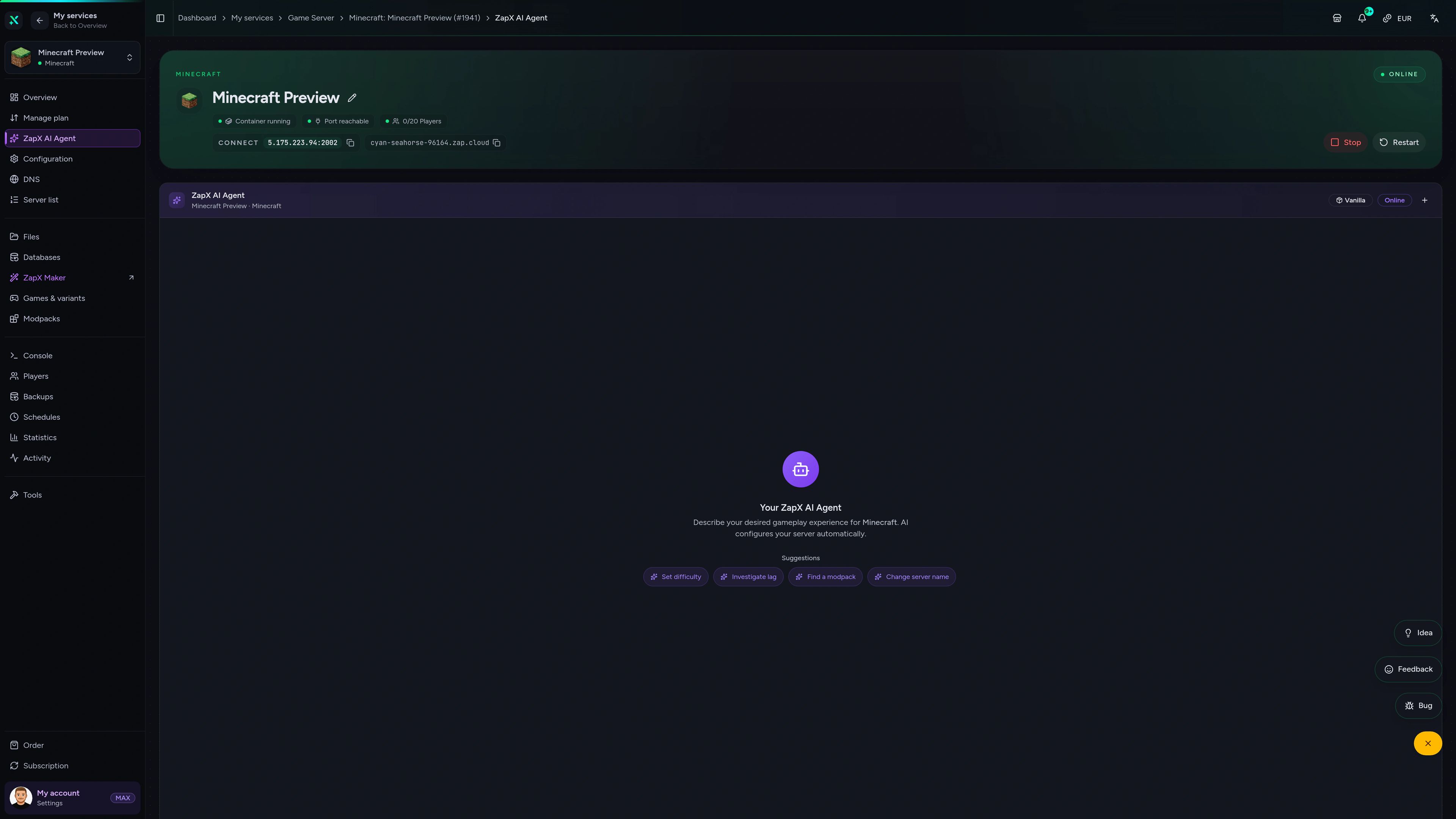
The OccultCraft panel in action.
Console, files, Backups and statistics in one view — built for running your OccultCraft server day to day.
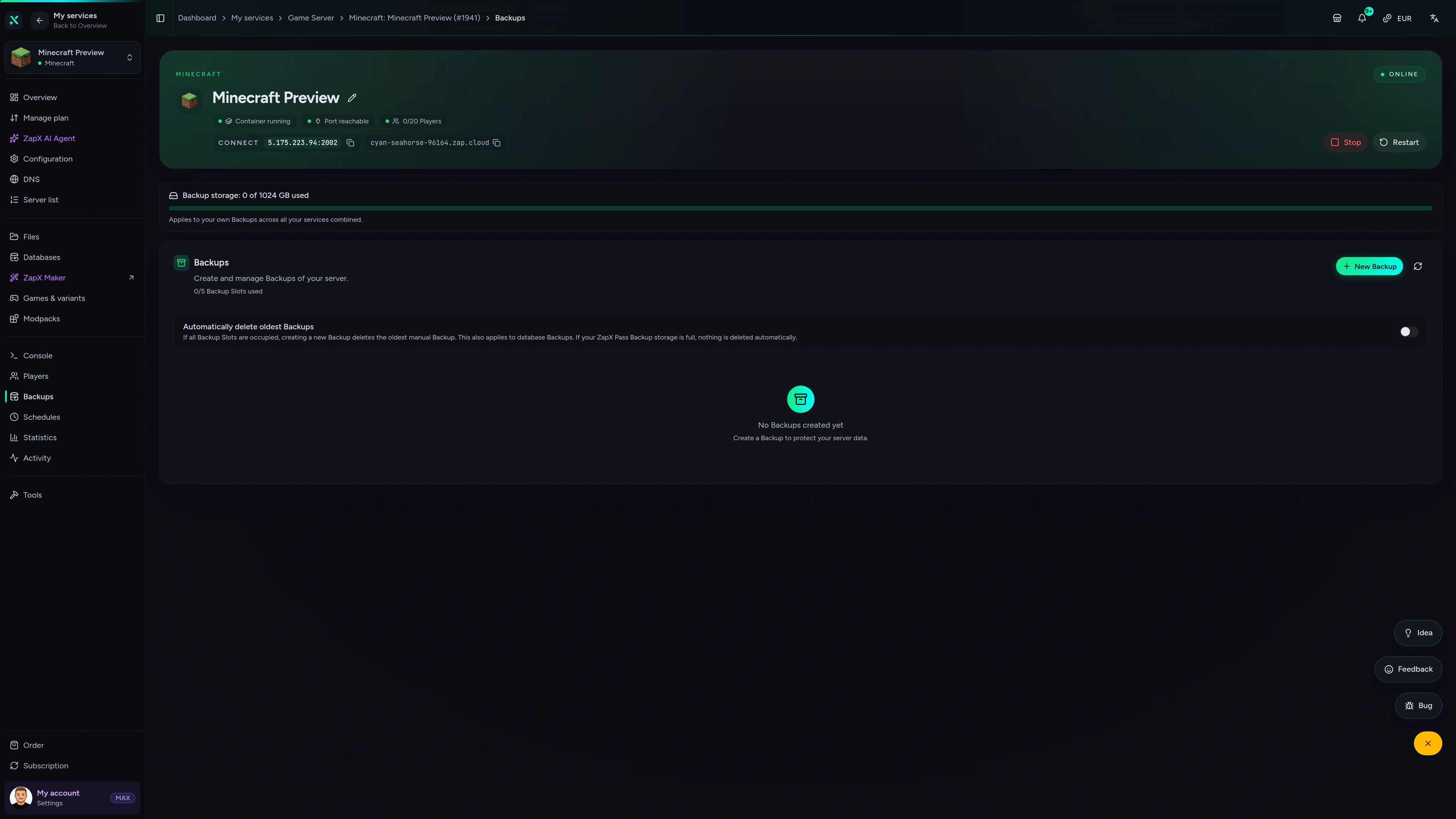
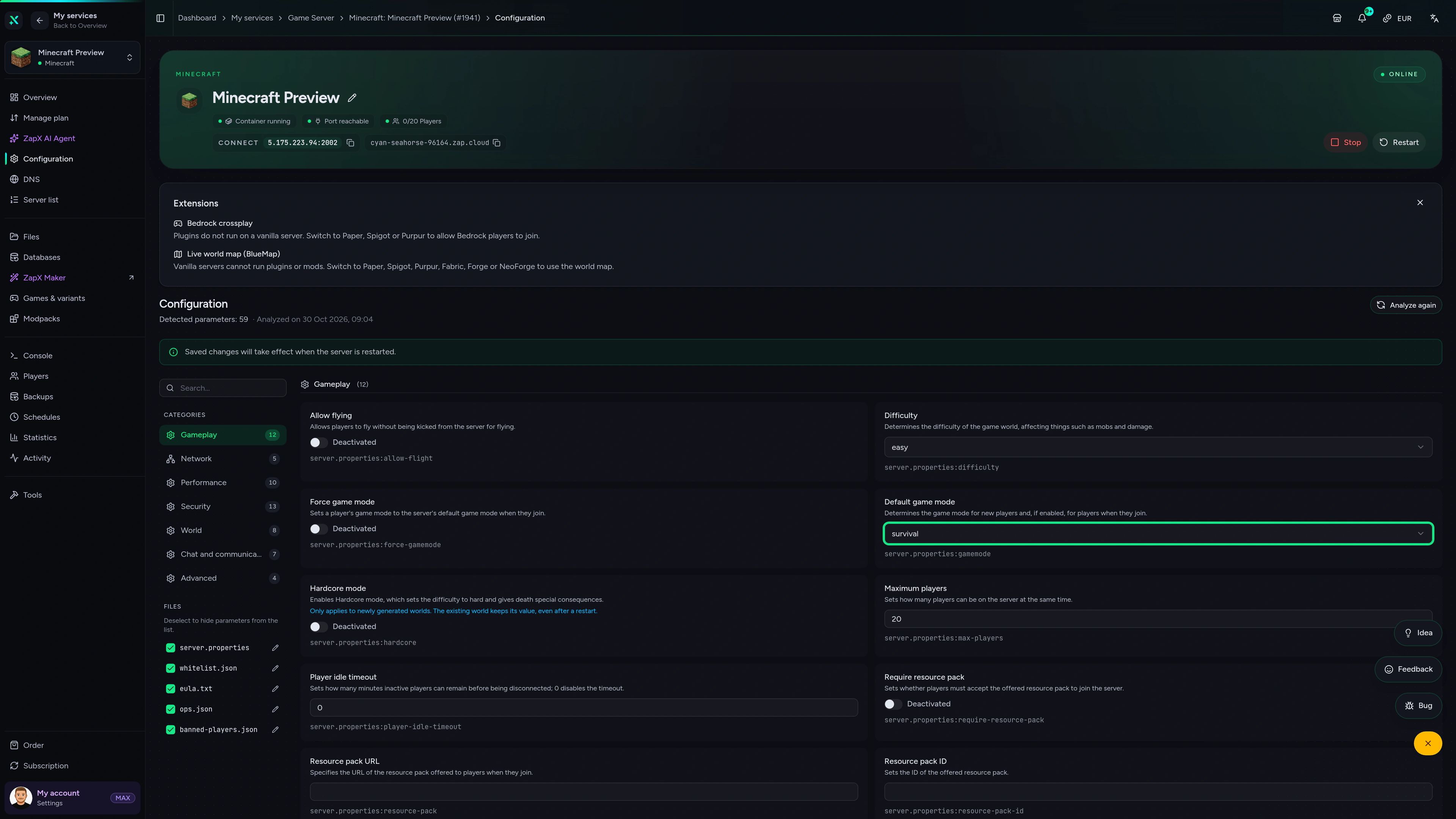
Minecraft Game Server – Backups
Backups of the Minecraft game server in the ZapX customer panel.
Manage your OccultCraft server with ChatGPT or Claude.
Connect ZAP-Hosting to Claude or ChatGPT via MCP and manage your OccultCraft server right in the chat.
Works with
- ChatGPT
- Claude
- Claude Code
- Cursor
- Gemini
What should I do for your server?
Ask anything …
The AI only makes changes after you approve them.
Connect in two steps

Step 1
Connect ZapX
Opens Claude with the connector already filled in. Confirm it there and sign in with your ZAP account.
Step 2
Start a chat
Opens a new chat with this text:
I want to rent a Minecraft server at ZAP-Hosting. Use the ZapX connector by ZAP-Hosting: ask me about player count, version and mods, recommend the right package with its price and then order it with me.
The text then sits in the message box – you still press send there.
Without a Pass you get status, start/stop and, except in ChatGPT, advice and ordering. Files, console and Backups come with a ZapX Pass. Your account is created when you connect.
Ask your server. Get a concrete answer.
The ZapX AI Agent knows your OccultCraft server's context and explains RAM usage, crash logs, version mismatches and Backups, right in the panel.
With ZapX Pass, Lifetime can make sense when your OccultCraft world is meant to stay online for the long run.
View ZapX PassZapX AI Agent
panel.zap-hosting.com
Performance signal
The benchmark compares network and server response in scenarios close to real modded Minecraft sessions instead of relying on a marketing claim.
High-performance VPS, CPU model depends on the location
Typical VPS plans without a published host CPU
confirmed 2026-07-01
OccultCraft use cases
How will your group play OccultCraft?
Friends-only co-op, a bigger community realm or a modded adventure with extra mods: start with how you play, then size RAM, CPU and location for your group.
Ready for the adventure?
Your OccultCraft world, online in 60 seconds.
Mobile appComing soon
Your server, in your pocket.
Check status, restart after a mod update and keep key actions at hand, even while your group is in the middle of a boss fight.
Discord management
Manage servers directly in Discord.
Check status, start, stop, and restart via slash command — without leaving your community Discord.


Impressionen
Minecraft Screenshots
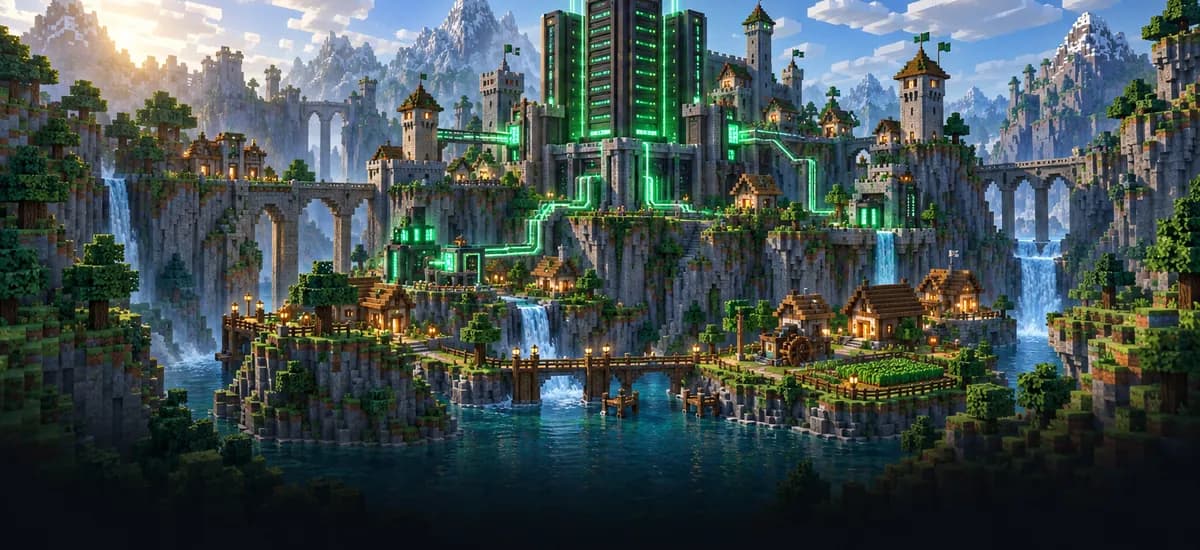
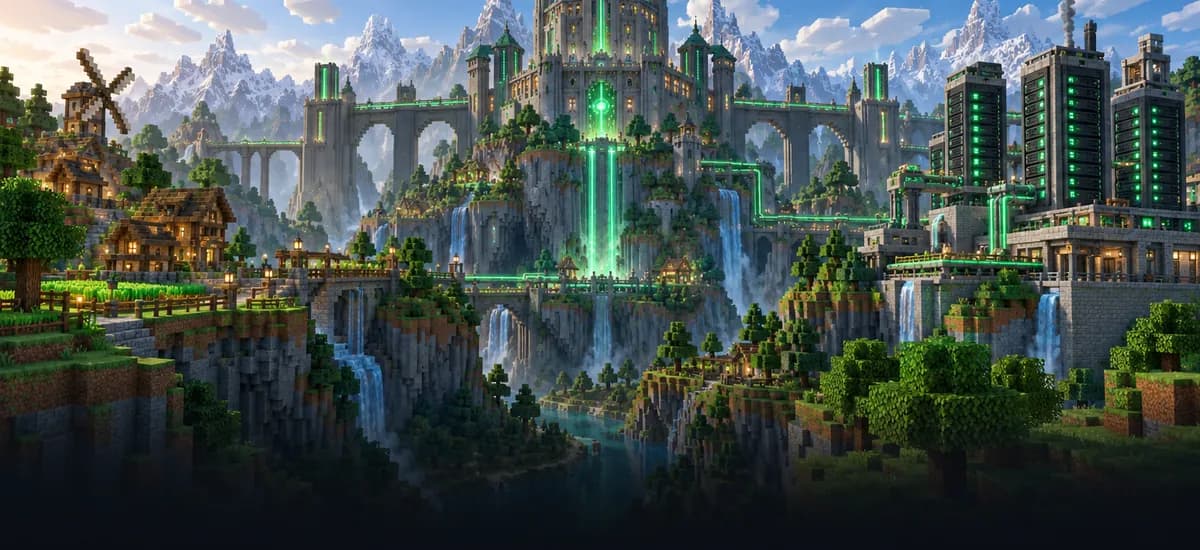
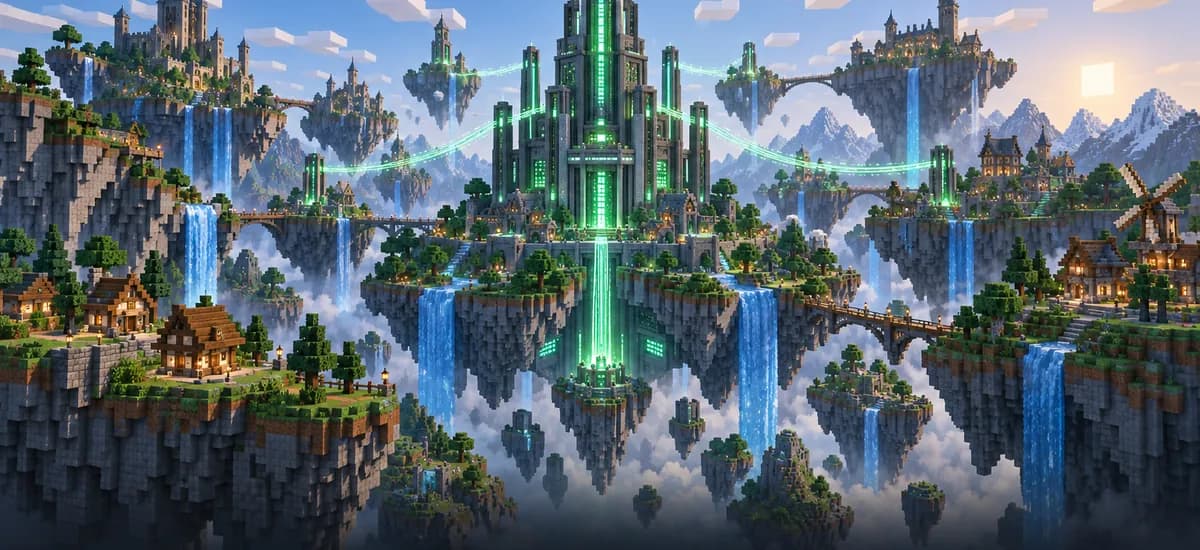
A glimpse into the game world—its atmosphere, exploration, and the moments your community will experience on the server.
Minecraft
35 free tools—right in your browser, no sign-up required.
Server variants
More game variants
Curse/Twitch Launcher server hosting
CurseForge Modpack (Benutzerdefiniert)Minecraft SpongeForge server hosting
SpongeForgeMinecraft: Magma server hosting - game information
Arclight (NeoForge)Minecraft: Sponge Vanilla server hosting
SpongeVanilla
Also available
We also offer the following Modpacks.
Popular Minecraft Modpacks — ATM, RLCraft, Pixelmon, and more. See prices in the configurator.

Modpack
All the Mods 10 - ATM10
ATM10 · Tech
Ready in ~2 min
Modpack
Better MC [FORGE] BMC4
BMC4 · Vanilla+
Ready in ~2 min
Modpack
RLCraft
RLCraft · Hardcore
Ready in ~2 min
Also available
Popular Minecraft Modpacks — ATM, RLCraft, Pixelmon, and more. See prices in the configurator.
117,444
Available modpacks




Benefit
Instant setup
Modrinth & CurseForge packs with instant setup in the Minecraft configurator.
Choose a pack and get started in 60 seconds.
Start your OccultCraft server today.
Automated OccultCraft setup, DDoS protection, unlimited player slots and locations worldwide: pick your package and start the adventure with your friends.
No setup. No risk. Online in seconds.