
VPS plan
ZAP Spark
€7.29/ 30 days
- 4 GB RAM
- 2 CPU
- 60 GB NVMe
- 1 Gbit/s Uplink
You decide which services we may enable for analytics, personalization, and external content.
We use cookies and similar technologies on our website to personalize content, embed external media, and better understand how individual areas are used.
Necessary cookies
These entries support essential functions such as security, stability, and form processing.
Optional sections
Your data may be processed with your consent or on the basis of legitimate interests. In the cookie settings, you can reject or explicitly allow each optional category.
Some services process personal data in third countries. By consenting, you also agree to this transfer. You can find more information in our Privacy Policy.
You can reopen and change your selection at any time. · 1.0.2
 One-click MariaDB on your own VPS
Your own MySQL-compatible database server: one-click Coolify deploy, root access, NVMe storage and locations in Europe & America.
Packages 1–3 of 9
MariaDBConfigure yourself
No package fits? Choose your CPU, RAM and storage—you only pay for what your project actually needs.
Powerful CPUs
100 Gbit/s host network
Juniper Firewall
DDoS protection
 Visa
 Mastercard
 American Express
 PayPal
 Google Pay
 Apple Pay
 Klarna
 Amazon Pay
MariaDB on your own VPS
MariaDB is the open-source SQL database behind countless WordPress sites, online shops and internal tools: your app stores users, orders and content in it and reads them back on every page load. MariaDB hosting at ZAP-Hosting puts that database on your own KVM VPS. You deploy it as a one-click app through Coolify, and the user, password and root credentials are generated for you, ready to paste into your app's config.
Because the VPS is yours, you decide how MariaDB runs. Tune buffer sizes for your workload, create users that may only connect from your app server, schedule your own dumps, or run WordPress, Nextcloud or BookStack right next to the database. Root access over SSH plus the Coolify dashboard means no ticket queue between you and your data, and most MySQL apps connect without code changes.

What MariaDB brings
Full-text search, system-versioned tables and a built-in event scheduler, plus one-click setup and per-host access rules on your own VPS.
Your database runs with user, password and root credentials already generated.
Browse and edit tables in a web UI by adding phpMyAdmin or Adminer alongside MariaDB.
Existing MySQL queries and drivers work as-is, with results straight in the client.
Cleanup and rollup jobs repeat on a timer inside the database, no cron needed.
Find products, posts or tickets by keyword without running a separate search engine.
See what a row looked like last week, straight from the table's own history.
Locations in Europe and America
4 data centers in Europe and America — choose the location closest to your users.

Inside your MariaDB service
Generated credentials, a configurable database name and port, persistent storage and per-app users: everything you need to plug MariaDB into your app.
MariaDB
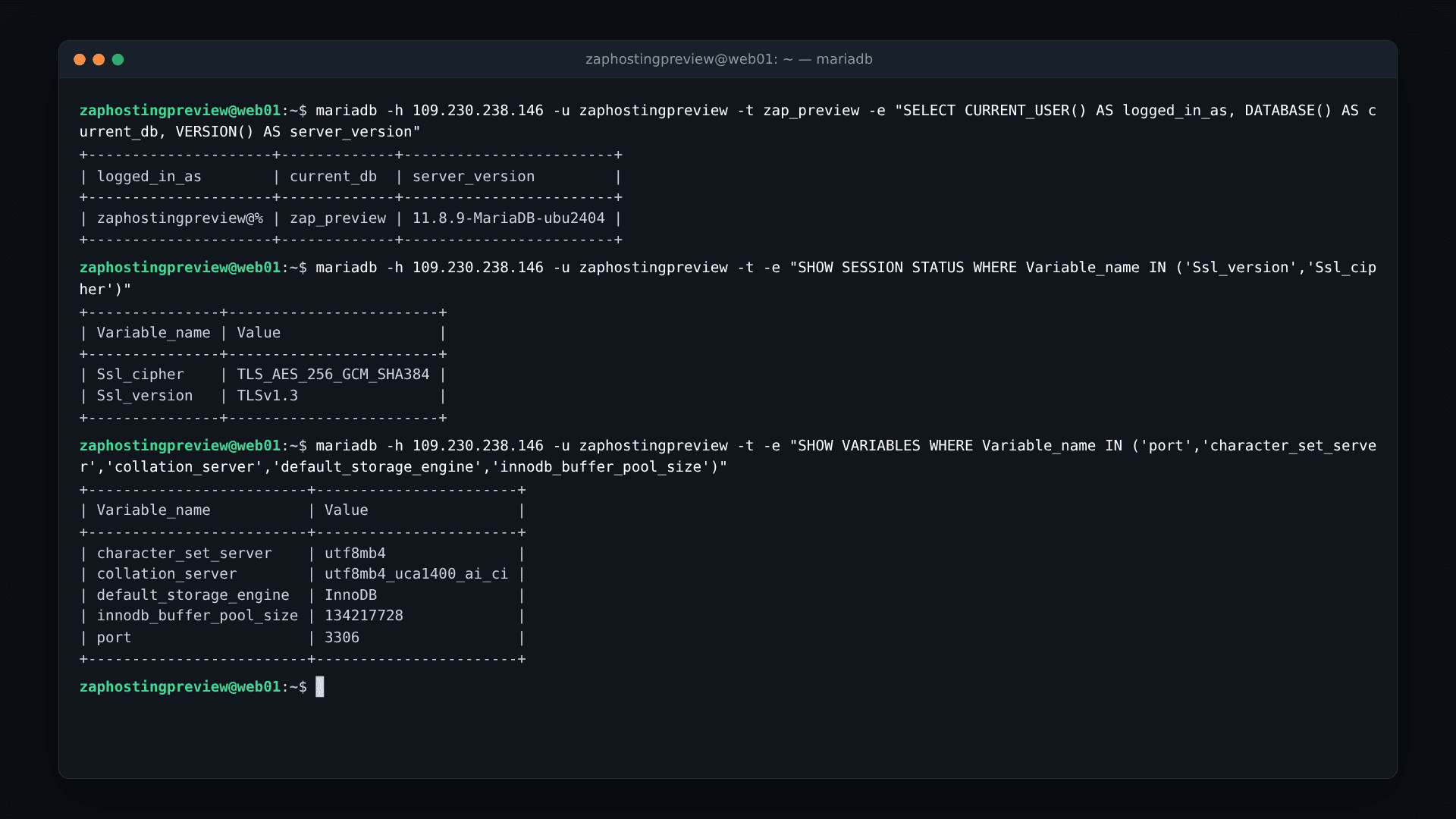
MariaDB
Generated credentials, one click to copy
Coolify creates a database user, its password and a separate root password at deploy time. Each secret sits on one card with its own copy button, so you paste it into your app's .env or config without typing long random strings by hand.
Get started now
MariaDB on your VPS in minutes — no complicated setup.
Backups & snapshots
Snapshots let you roll back quickly. ZapX Pass unlocks Restore, manual Backups, and longer retention for daily Backups.
More control with ZapX Passextra storage, restore, Pass perks, and Lifetime VPS without activity checks
Reviews
Real feedback on support and setup.
FAQ
Answers to the most important questions before you start.
At ZAP-Hosting you run MariaDB as a one-click Coolify app on your own KVM VPS with root access, at a location you pick from our sites in Europe and America, ideally close to your app and users. RAM depends on how much of your data should stay in memory: MariaDB itself starts small, but the InnoDB buffer pool is what keeps queries fast.
Order a VPS, open the One-Click Apps installer in your dashboard and deploy MariaDB in one click. The service starts with a persistent volume and generated credentials for the app user and the root account. Every plan is a KVM VPS with full root access over SSH, so you can also install mariadb-server with your distribution's package manager, add phpMyAdmin or Adminer, or run the official Docker image yourself. One-Click Apps installer guide
MariaDB started as a fork of MySQL and speaks the same protocol, so MySQL clients, drivers and apps like WordPress, Nextcloud or Laravel connect without code changes. If you are looking for MySQL database hosting, MariaDB on your VPS covers the same apps and drivers. Newer releases differ in details such as some JSON functions and replication, so test an unusual app once before moving production traffic.
The one-click app currently installs MariaDB 11.8, a long-term support release, from the official MariaDB Docker image. You can keep that release pinned and switch to a newer image tag later, once you have tested your apps against it. Take a mariadb-dump before every major version change, so you can roll back if something breaks.
Yes. Create a dump on the old server with mysqldump or mariadb-dump, copy it to your VPS over SSH or SFTP and import it with the mariadb client into the database Coolify created. Compress large dumps to speed up the transfer, and point your app at the new host only after a test run.
Yes. The error "Host is not allowed to connect to this MariaDB server" means no user exists for the host you connect from. Create a user for your app server's IP, grant it only the database it needs, make sure MariaDB listens on the external interface and allow that IP in the firewall. Keep root limited to local connections. Firewall setup in the Help Center
A managed service takes care of updates, Backups and failover and bills per instance or usage. Self-hosted MariaDB on a VPS gives you root access, your own configuration, apps on the same server and a fixed plan price. In return you manage updates yourself, using dashboard Backups with ZapX Pass plus your own dumps. How Backups work
Yes. You can cancel your MariaDB VPS anytime in the dashboard, and the cancellation takes effect at the end of the current term. Until then the server keeps running, so you have time to export your databases with mariadb-dump and move them wherever you need. Cancel or pause a product
Any more questions?
Contact SupportZAPX Dashboard
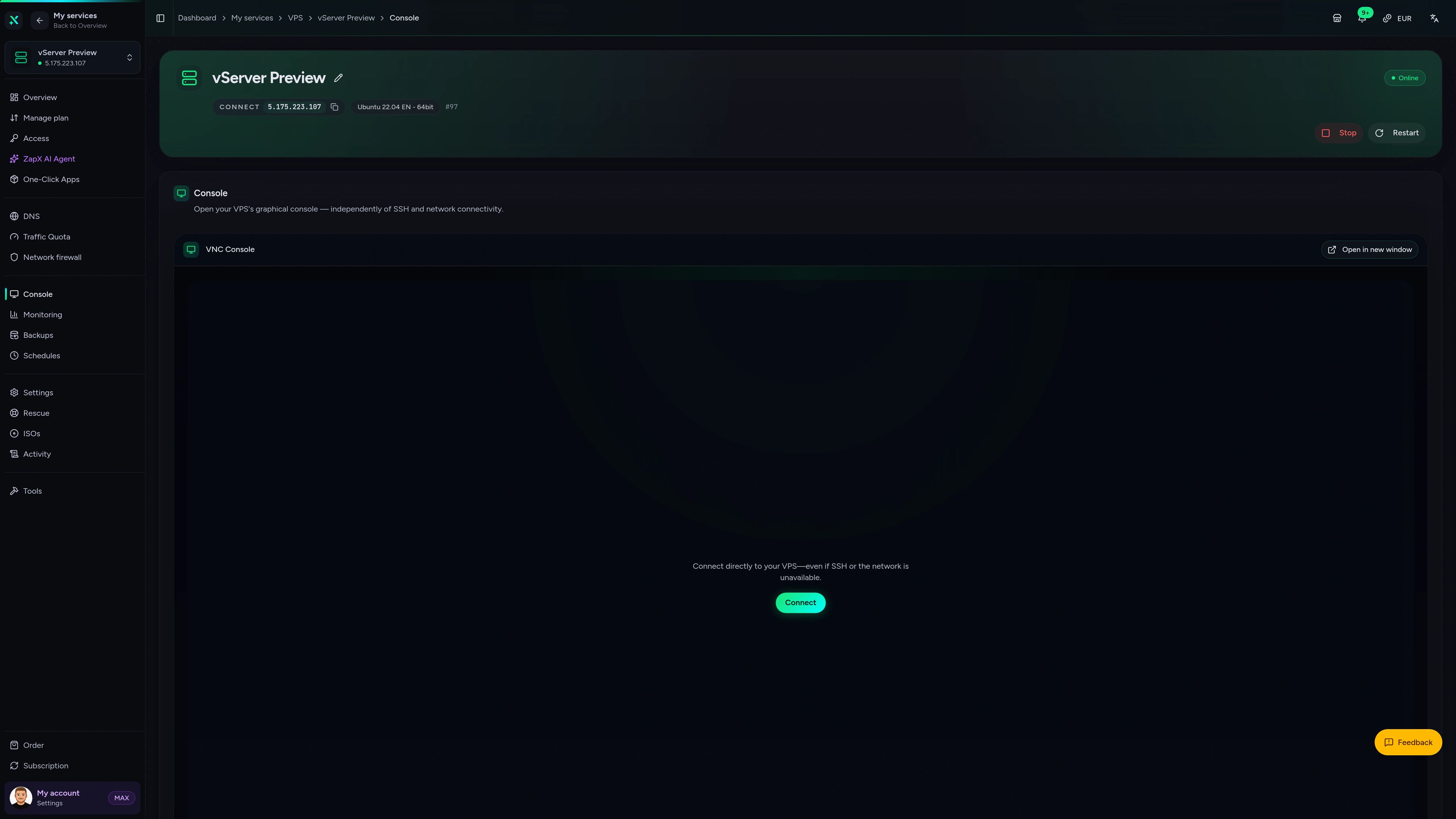
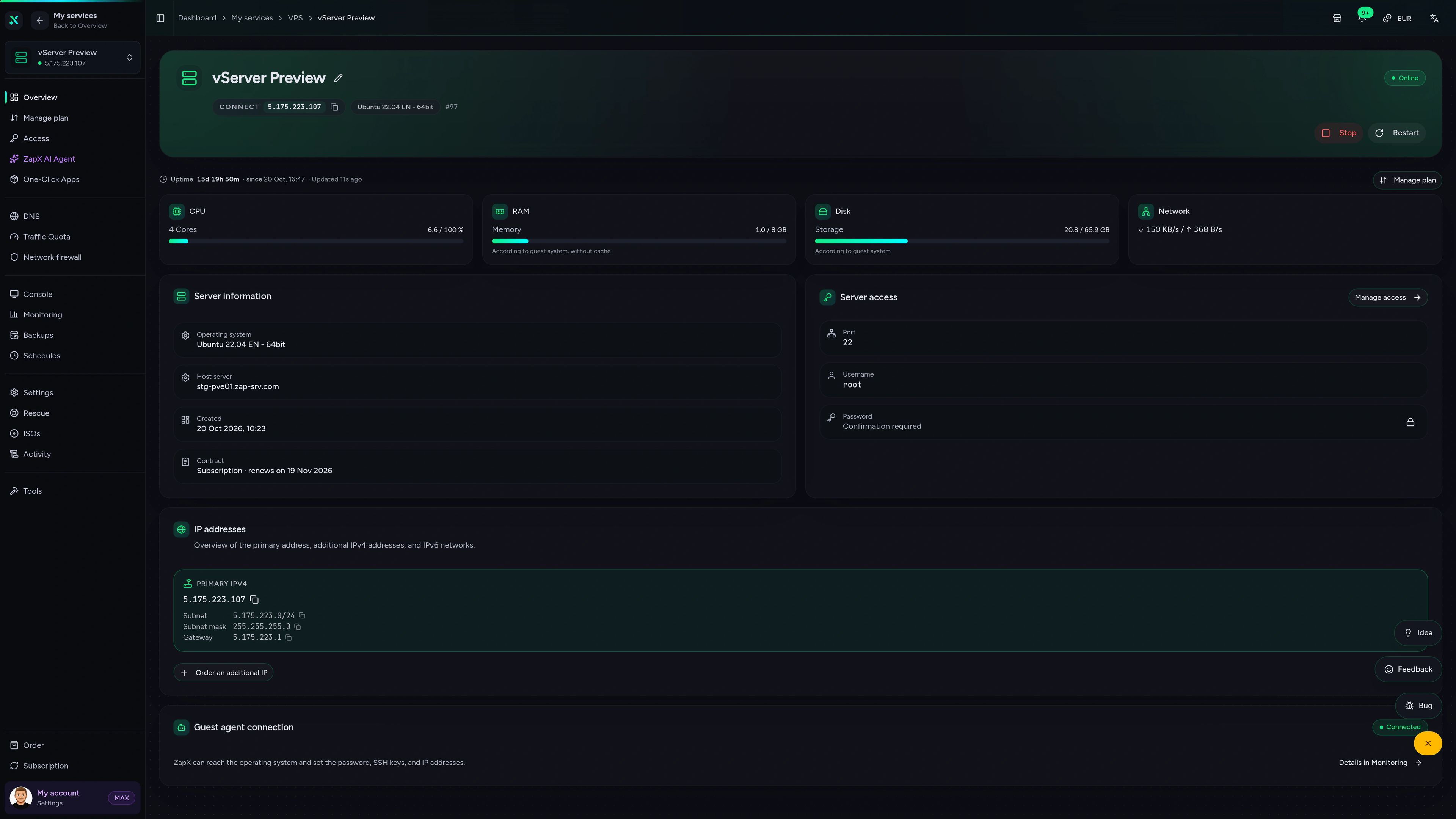
Live statistics, console access and network protection for the VPS that runs your MariaDB service.
VPS DDoS Manager tab
VPS DDoS Manager tab
Ask about access errors, memory settings or migrations and get explanations with concrete next steps for your own VPS.
Extended AI help is part of ZapX Pass. The ZapX AI Agent explains and suggests next steps; you decide what changes on your VPS.
Discover ZapX PassZapX AI Agent
panel.zap-hosting.com
Performance
NVMe I/O and CPU numbers that show how quickly InnoDB writes commits, rebuilds indexes and answers queries while your app keeps serving visitors.
High-performance VPS, CPU model depends on the location
Typical VPS plans without a published host CPU
confirmed 2026-07-01
Use cases
From a single WordPress database to a shared backend for several apps: four setups that fit a self-hosted MariaDB server.
Ready when you are
Your own MariaDB server in a few clicks.
ZapX appComing soon
Check status, restart your VPS and keep an eye on resource usage wherever you are.
Also available
WireGuard, Coolify, monitoring, and more — one-click setup on your VPS.

Private Cloud
NextCloud is a self-hosted, open-source platform that provides file storage, collaboration, and communication tools for seamless data management.
Automatic setup

automation
n8n is an extendable workflow automation tool.
Ready in ~2 min

vpn
The easiest way to run WireGuard VPN + Web-based Admin UI.
Ready in ~2 min

media
Plex organizes video, music and photos from personal media libraries and streams them to smart TVs, streaming boxes and mobile devices.
Ready in ~2 min

Password Security
Vaultwarden is a password manager that allows you to securely store and manage your passwords.
No manual configuration

cms
WordPress is open source software you can use to create a beautiful website, blog, or app.
Ready in ~2 min
Also available
WireGuard, Coolify, monitoring, and more — one-click setup on your VPS.
755
Available apps
Benefit
The app marketplace is included with your VPS — no extra charge per installation.
Choose your apps in the configurator and get started in minutes.
Pick a plan, deploy MariaDB through Coolify and connect your app with the generated credentials. Cancel anytime.
No setup. No risk. Online in 60 seconds.
© 2026 ZAP-Hosting GmbH
 Preferred source on Google