Gameserver plan
ZAP Spawn
€5.99/ 30 days
- 2 GB RAM
- 2 CPU
- 15 GB NVMe
- Unlimited Slots
 Vintage Story game server hosting
Unlimited player slots, mods in a few clicks and a world that keeps running 24/7 – DDoS-protected, with locations worldwide.
Packages 1–3 of 9
 vintage-story
Configure yourself
No package fits? Choose your RAM, CPU and storage—you only pay for the performance your community actually needs.
Powerful CPUs
100 Gbit/s host network
DDoS protection
Daily Backups
Mod support
 Visa
 Mastercard
 American Express
 PayPal
 Google Pay
 Apple Pay
 Klarna
 Amazon Pay
About the game
Vintage Story is a wilderness survival sandbox: you start with flint and sticks, knap your first tools and work your way up through pottery, copper and bronze casting, farming and animal husbandry, while seasons change and temporal storms push drifters to the surface. In multiplayer, your group shares one persistent world – one player farms, another prospects ore, a third builds the village. A dedicated Vintage Story server keeps that world online 24/7, so everyone can play on their own schedule without the host's PC running.
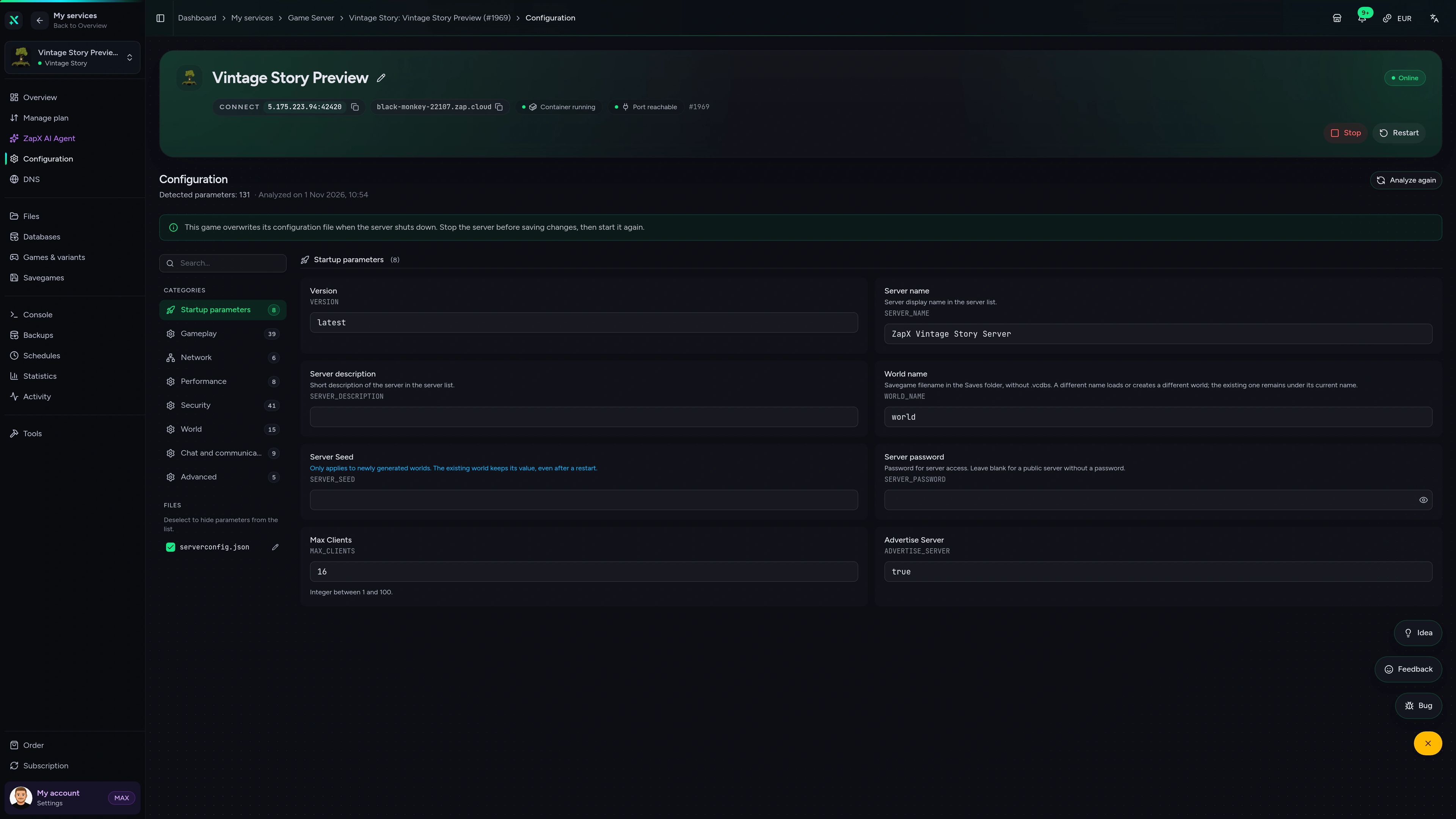
With your own Vintage Story hosting there is no port forwarding to set up: your friends join with one address, and you set playstyle, whitelist, PvP and world seed in the browser panel. Upload mods from the official ModDB, bring your singleplayer save along and fall back on daily automatic Backups if a bad mod update breaks something. Every package includes unlimited player slots, so your settlement can grow without hitting a cap.
Locations worldwide
8 data centers worldwide — choose the location closest to your community.


ZapX Panel
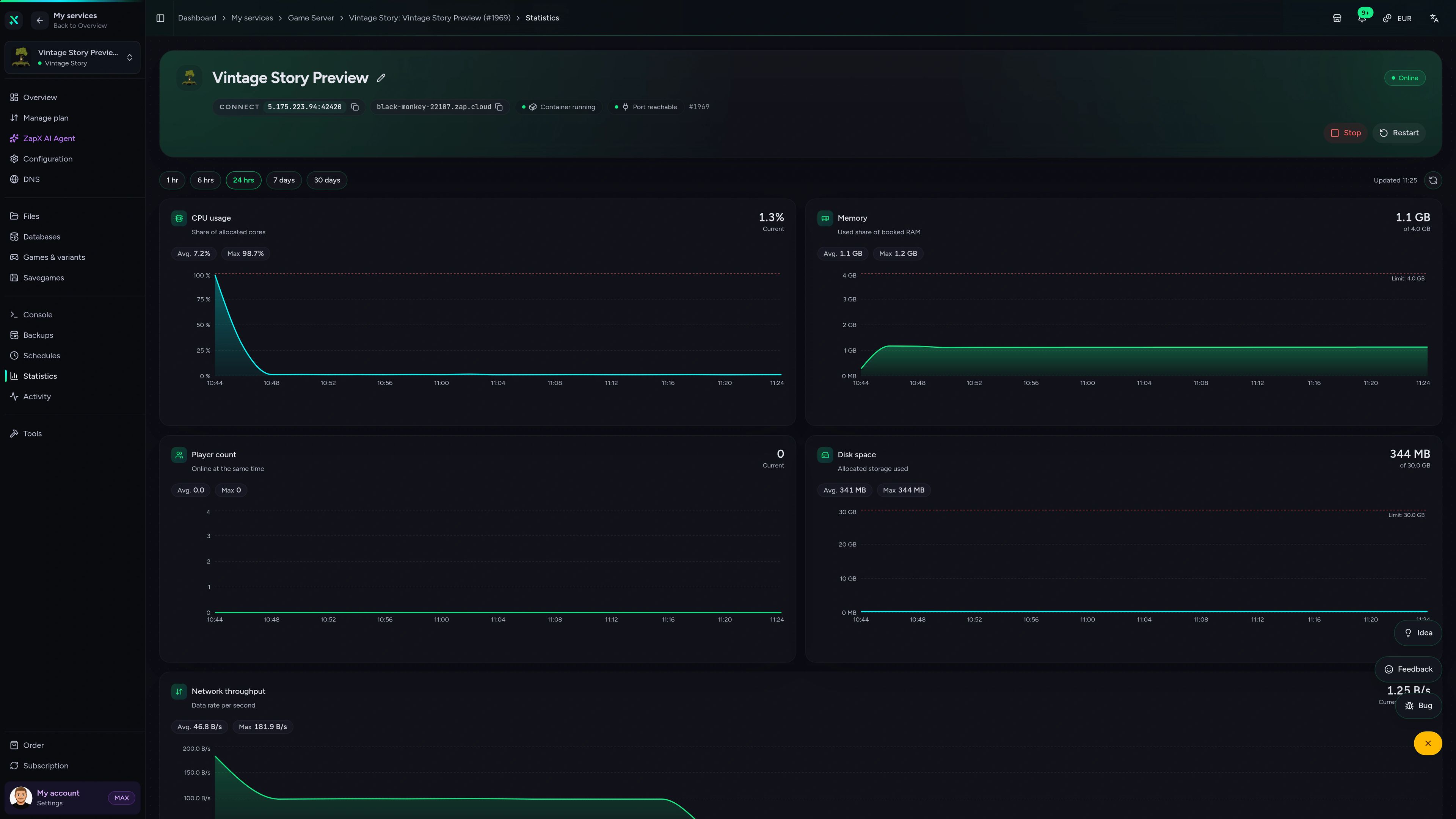
Check RAM and player activity, edit your config, upload mods in the file manager and schedule restarts – all in one panel.
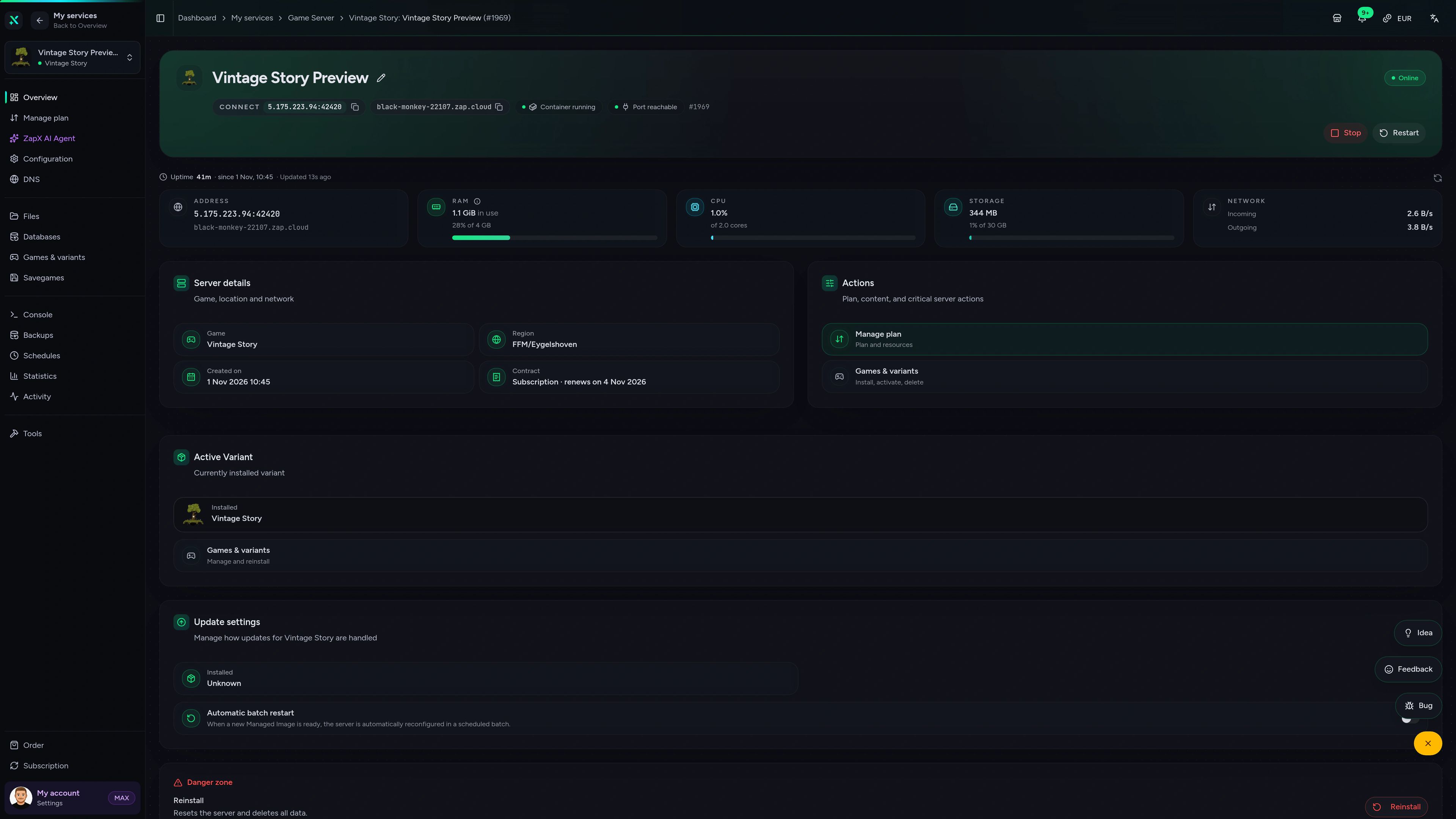
Vintage Story Game Server – Overview
Overview of the Vintage Story game server in the ZapX customer panel.
Benchmark
Comparable numbers from our own infrastructure – with methodology and measurement date, no made-up competitor figures.
High-performance VPS, CPU model depends on the location
Typical VPS plans without a published host CPU
confirmed 2026-07-01
Typical Vintage Story scenarios
From a quiet co-op homestead to a heavily modded community world: these scenarios show where unlimited slots, mod uploads and daily Backups matter most.
Start your world
Your settlement is ready in 60 seconds.
Impressionen
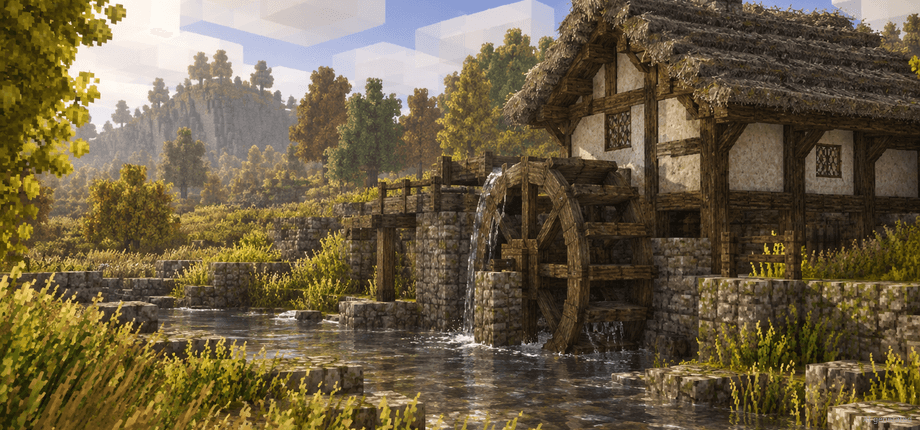
A glimpse into the game world—its atmosphere, exploration, and the moments your community will experience on the server.
Start your Vintage Story server now – unlimited slots, mod uploads and daily Backups, online in about 60 seconds.
No setup. No risk. Online in seconds.
Everything included
Unlimited slots, mod uploads, world transfer and daily Backups – the essentials for a long-running Vintage Story world, in every package.
Invite your whole settlement – packages scale by RAM and CPU, never by player count.
Run your favorite ModDB content: upload the mod zips, restart, keep playing.
Keep your singleplayer progress: upload your .vcdbs savegame and continue on the server.
With ZapX Pass, roll back after griefing or a broken mod update with a single restore.
Set playstyle, PvP, fire spread and whitelist without editing config files by hand.
Your group can start knapping flint right after checkout – setup runs automatically.
Reviews
Real feedback on support and setup.
FAQ
Answers to the most important questions before you start.
Price by package, term and location – never per player slot.
Vintage Story server hosting at ZAP-Hosting is priced by package size, not by player count. Every package includes unlimited player slots, DDoS protection and daily Backups. Current prices load live in the plan selection on this page, and you can cancel anytime, effective at the end of your chosen term of 3, 30, 90, 180 or 365 days.
It depends on players, explored area and mods.
As a rough guide, 4 GB is a good start for a small group of friends on a vanilla world. Bigger groups, wide exploration and large mod lists need 6–8 GB or more, because every loaded chunk and every mod uses memory. You can add RAM later without losing your world.
Unlimited slots – your RAM is the only real limit.
No package has a slot cap. You set the maximum player count yourself in the server settings. How many players run smoothly at the same time depends on the RAM and CPU you choose, so a growing community should plan more RAM and CPU resources.
Usually within 60 seconds after checkout.
Setup is fully automatic. Once your order is complete, the server is installed and started, and its address shows up in your panel. Share it with your friends, and they join via Multiplayer in the Vintage Story client. Panel overview in the Help Center
Yes – both work through the file manager.
Mods from the official Vintage Story ModDB go into your server's Mods folder: upload the zip files and restart. Your singleplayer or self-hosted world moves over too – upload the .vcdbs savegame and set it as the active world. Keep the server, the mods and your save on the same game version. Mod install guide in the Help Center
Yes – every player needs their own game license.
Vintage Story is sold directly by Anego Studios, and the server checks each player's account when they connect. Your friends need their own purchased account, while the server itself needs no extra license. Renting a server does not unlock the game for other players.
Locations worldwide – pick the one closest to your group.
You choose your server location during checkout from our data centers worldwide. Ping depends on distance, so pick the location nearest to most of your players. Many groups in North America start with Ashburn, Dallas or Los Angeles.
Your world stays online – without your PC running.
Self-hosting or 'Open to Internet' only works while the host's PC is on, and it often needs port forwarding. On a rented server the world is always available, so friends in different time zones log in whenever they like; with 'pass time when empty' enabled, seasons and crops keep moving while nobody is online. You also get DDoS protection and daily Backups without managing hardware. How to move your savegame
Any more questions?
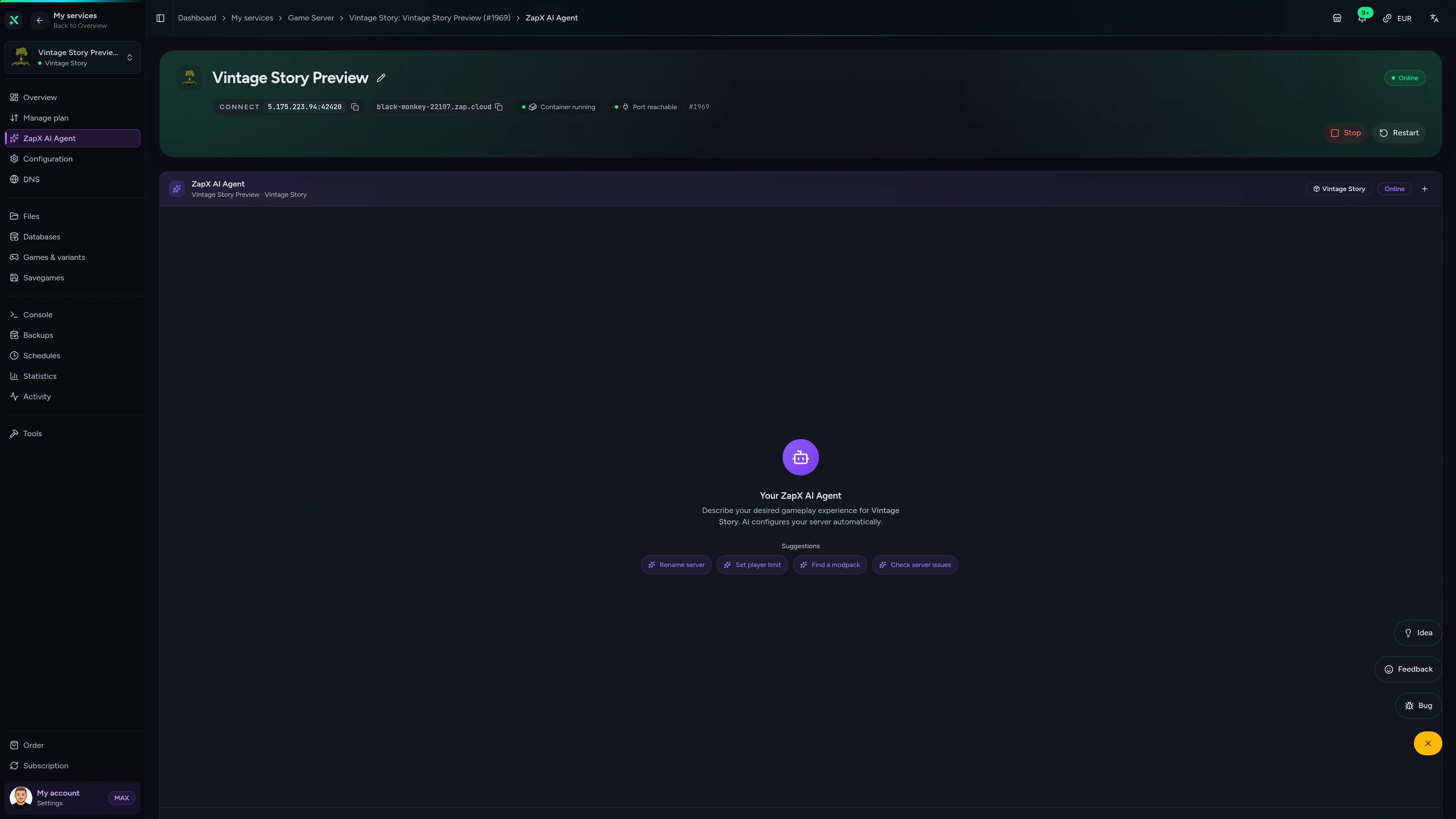
Contact SupportThe ZapX AI Agent knows your Vintage Story server's context and explains settings, mod conflicts and logs right in the panel – you decide what to change.
The ZapX AI Agent is part of ZapX Pass and works account-wide for all supported services.
See ZapX PassZapX AI Agent
panel.zap-hosting.com
Mobile AppComing soon
Check on your Vintage Story server from anywhere with the ZapX app – see its status, restart after a mod update or read the console.
Discord management
Check status, start, stop, and restart via slash command — without leaving your community Discord.
1 free tool – right in your browser, no sign-up needed.
Also available
Switch between your games anytime for free—Minecraft, FiveM, Rust, and more.

Survival & Creative
Vanilla, Modded & Modpacks
Ready in ~2 min

Roleplay
Roleplay server in seconds
One-click installation

Survival
Wipe-ready gameserver
Automatic setup
Also available
Switch between your games anytime for free—Minecraft, FiveM, Rust, and more.
90
Available games
Benefit
We don't artificially limit player Slots. Hardware determines capacity.
Scale based on Mods, scripts, and player load instead of paying for a fixed number of Slots.
© 2026 ZAP-Hosting GmbH
 Preferred source on Google