
Gameserver plan
ZAP Spawn
€5.99/ 30 days
- 2 GB RAM
- 2 CPU
- 15 GB NVMe
- Unlimited Slots
 Sunkenland dedicated server
Your flooded world online 24/7 in 60 seconds: DDoS protection, locations worldwide and flexible terms.
Packages 1–3 of 9
 sunkenland
Configure yourself
No package fits? Choose your RAM, CPU and storage—you only pay for the performance your community actually needs.
Powerful CPUs
100 Gbit/s host network
DDoS protection
ZapX panel
Savegame upload
24/7 support chat
 Visa
 Mastercard
 American Express
 PayPal
 Google Pay
 Apple Pay
 Klarna
 Amazon Pay
About the game
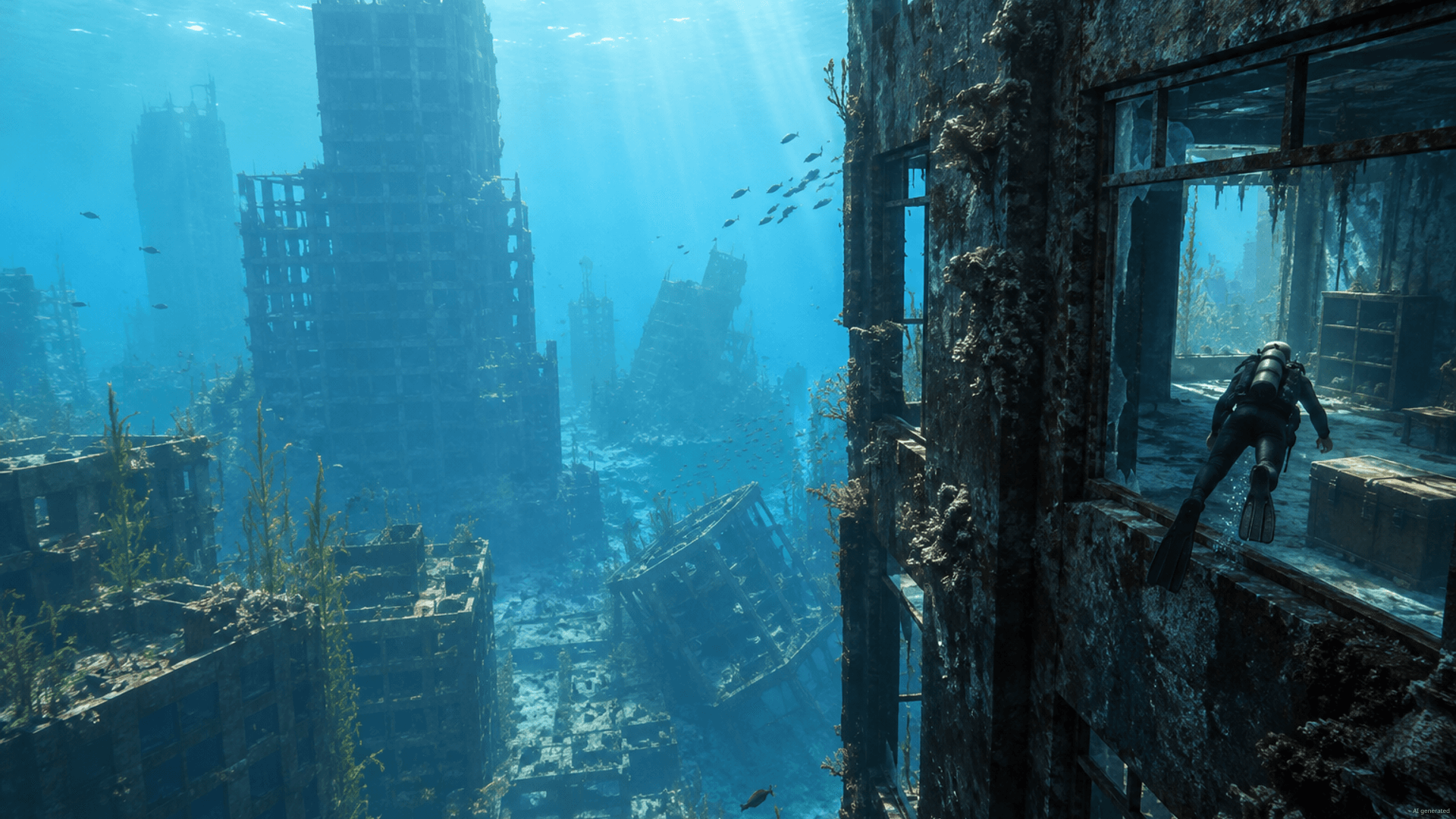
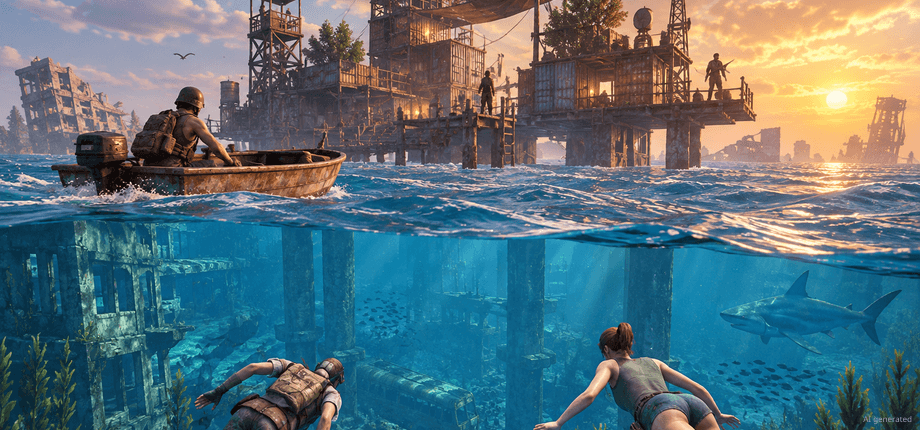
Sunkenland is a co-op survival game set in a flooded, post-apocalyptic world: you dive into sunken cities for loot, build a base on a small island, craft weapons and fight off raiders together with your crew. A Sunkenland dedicated server keeps that world running 24/7, so everyone can jump in whenever they want, even when the friend who usually hosts is offline.
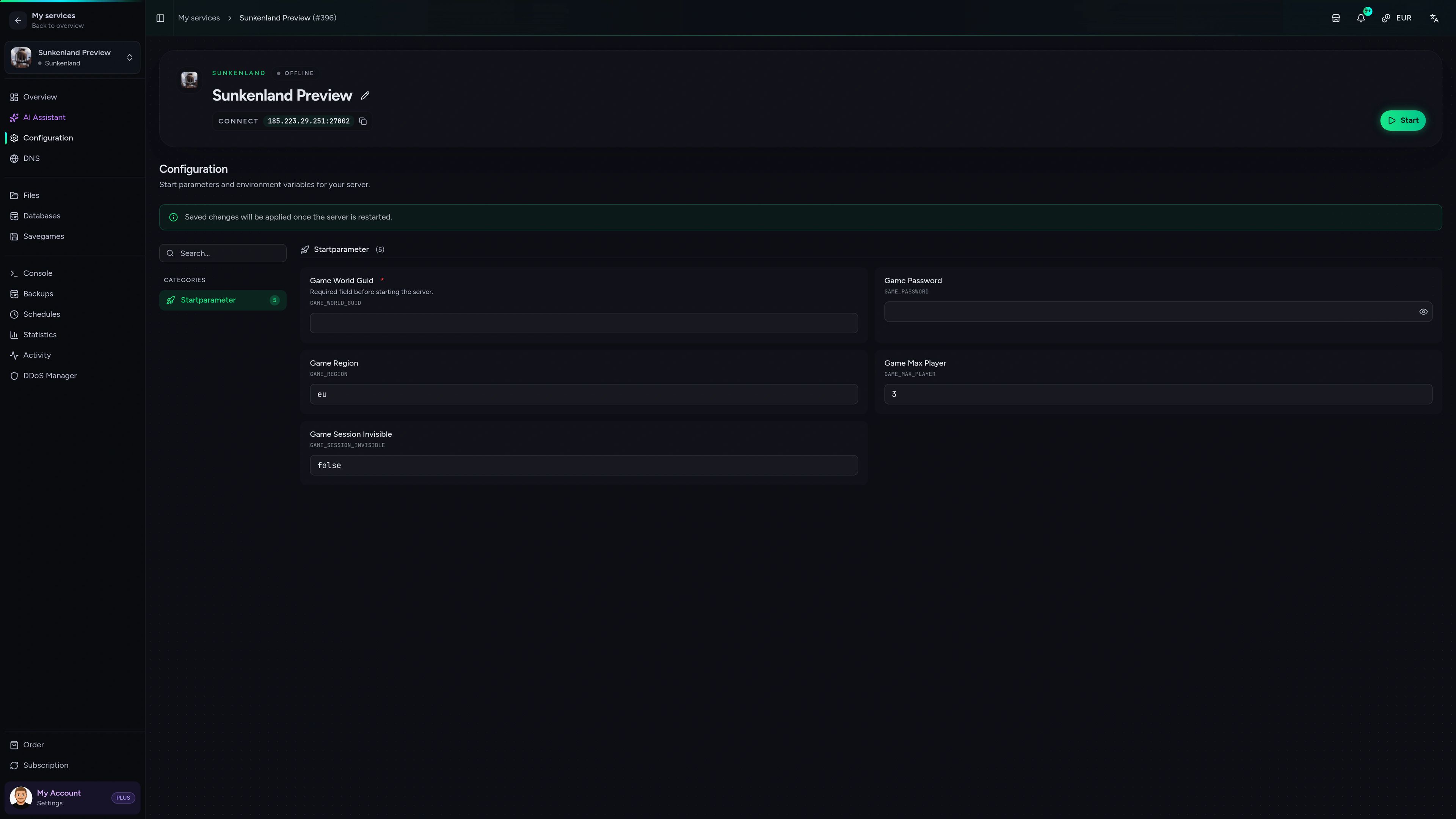
With your own server, you decide the world name, the password and who gets in. You can bring the world you already started in single player, roll back to a Backup with ZapX Pass if a raid goes wrong and keep playing on a location close to your group. There's no PC that has to run all night, no SteamCMD setup and no port forwarding on your router.
Locations worldwide
8 data centers worldwide — choose the location closest to your community.


ZapX panel
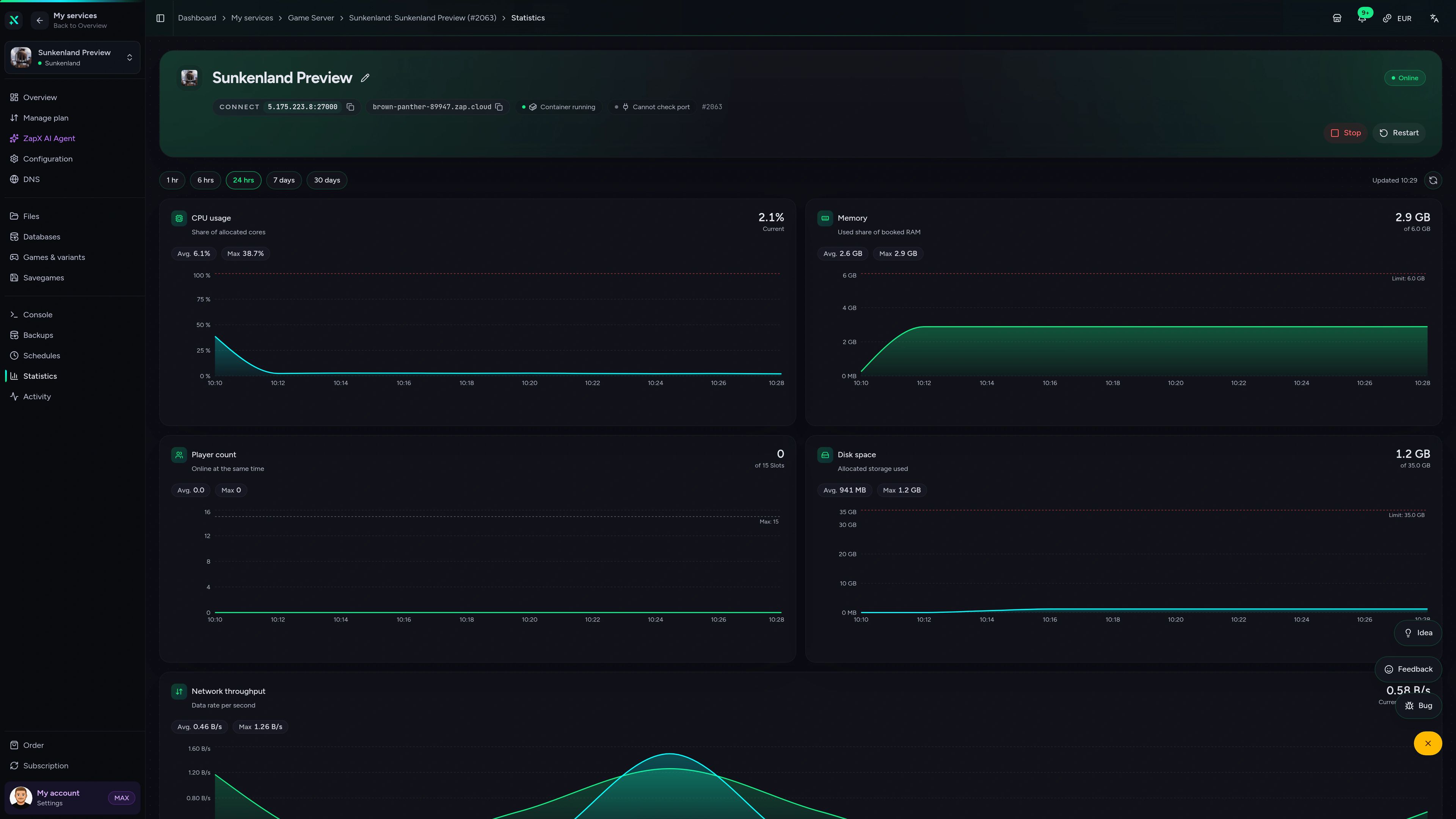
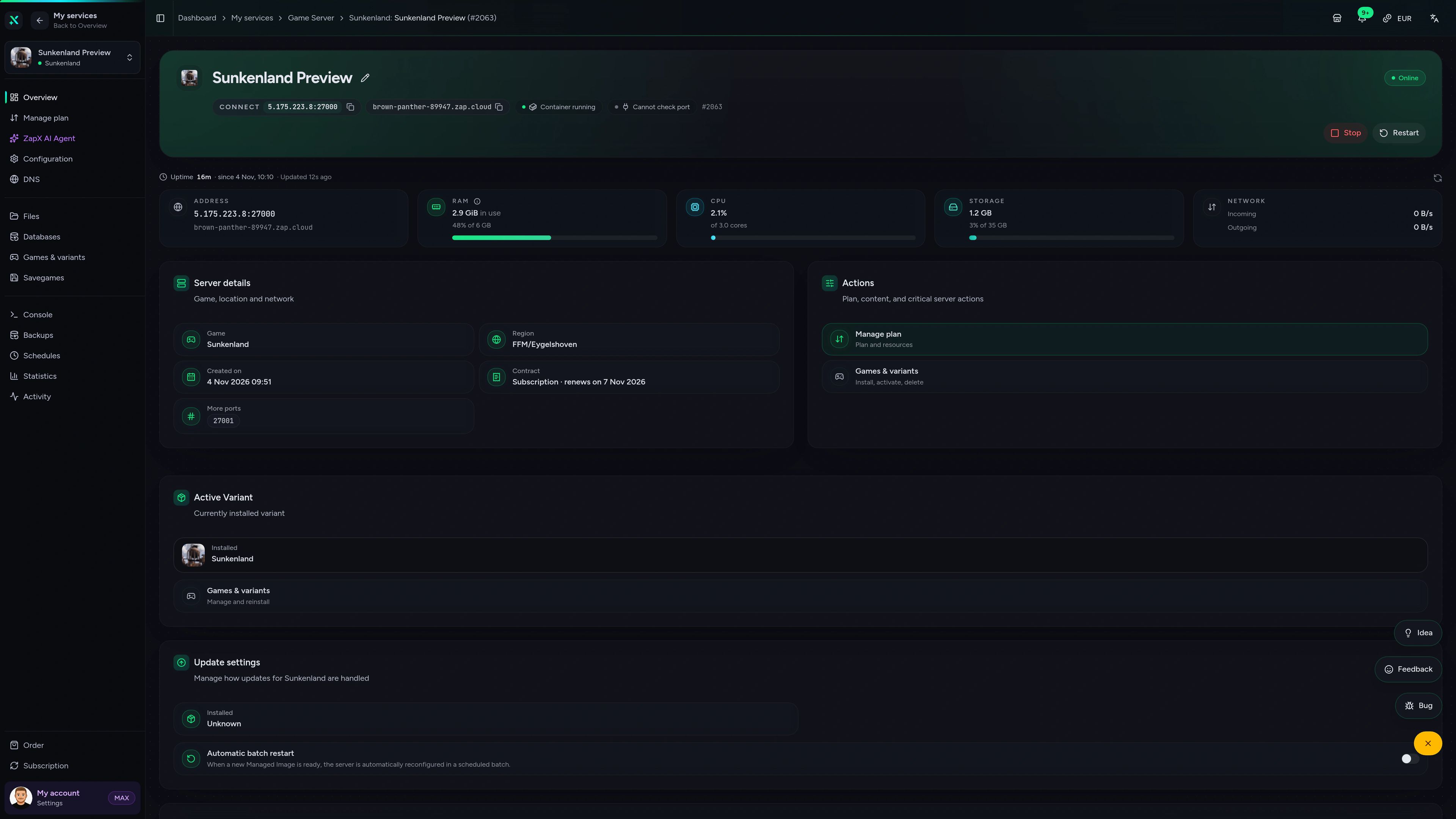
Statistics, world settings, files and Backups for your Sunkenland server, all in one view you can open from any browser.
Sunkenland Game Server – Overview
Overview of the Sunkenland game server in the ZapX customer panel.
Benchmark
Real measurements from our gameserver infrastructure, compared with typical market values. No made-up numbers.
High-performance VPS, CPU model depends on the location
Typical VPS plans without a published host CPU
confirmed 2026-07-01
Use cases
From weekend co-op runs to a long-running island base: your own server keeps the flooded world going, even when the host's PC is off.
Ready to dive in?
Get your crew's world online in 60 seconds.
Impressionen
A glimpse into the game world—its atmosphere, exploration, and the moments your community will experience on the server.
Pick a package, choose a location close to your crew and start building your base on your own Sunkenland server.
No setup. No risk. Online in seconds.
Features
From the first dive to a fully armed island base: these tools keep your Sunkenland world online and under your control.
Your world is ready to join 60 seconds after checkout, with no SteamCMD setup.
Keep your single-player progress: upload the save and continue with your crew.
Change password, world name and visibility in your browser, no file editing needed.
Roll back to a saved state with ZapX Pass if a raid or an update wrecks your base.
Base getting bigger? Increase RAM and keep your world.
Pick the data center closest to your crew for low ping.
Reviews
Real feedback on support and setup.
FAQ
Answers to the most important questions before you start.
Pick a package in the shop, choose your location and term, and check out. Your Sunkenland server is set up automatically and is ready to join within 60 seconds. After that, you manage world settings and files in the ZapX panel, and Backups with ZapX Pass. Read the Sunkenland setup guide
Sunkenland server hosting at ZAP-Hosting starts at €5.99 per month. The final price depends on the RAM package, the term you choose and the server location, and the shop always shows the current live price before checkout. Player slots aren't sold separately, so you never pay per seat.
You can book terms of 3, 30, 90, 180 or 365 days, so a weekend session works just as well as a long-term crew world. With ZapX Pass, you can also get a Lifetime server: buy once instead of renting and keep your Sunkenland world while your Pass is active.
It depends on your group size and how big your bases get. A few friends usually need less RAM, while a full crew with large builds benefits from more RAM. Keep an eye on RAM usage in the panel's statistics and increase RAM when your world needs more headroom. As a guideline: at least 2 GB, 6 GB recommended.
Yes. You can upload a world you started in single player or on your own PC and continue it with your crew on the server. The help article walks you through finding your save and moving it to the server step by step. How to manage your savegames
You can choose from locations worldwide, across the US, Europe and other regions. Pick the location closest to most of your players for the best ping. Many North American groups start with Ashburn, Dallas or Los Angeles. Availability can vary by location.
Dedicated servers show up in Sunkenland's in-game server browser. Your friends only need your server name, the region it runs in and, if you set one, the password.
Look for DDoS protection, RAM-based packages, a location close to your crew, savegame upload and flexible terms. Sunkenland server hosting at ZAP-Hosting gives your crew a DDoS-protected Sunkenland dedicated server that stays online 24/7, with packages from €5.99/month, locations worldwide, the ZapX panel and a 24/7 support chat.
Any more questions?
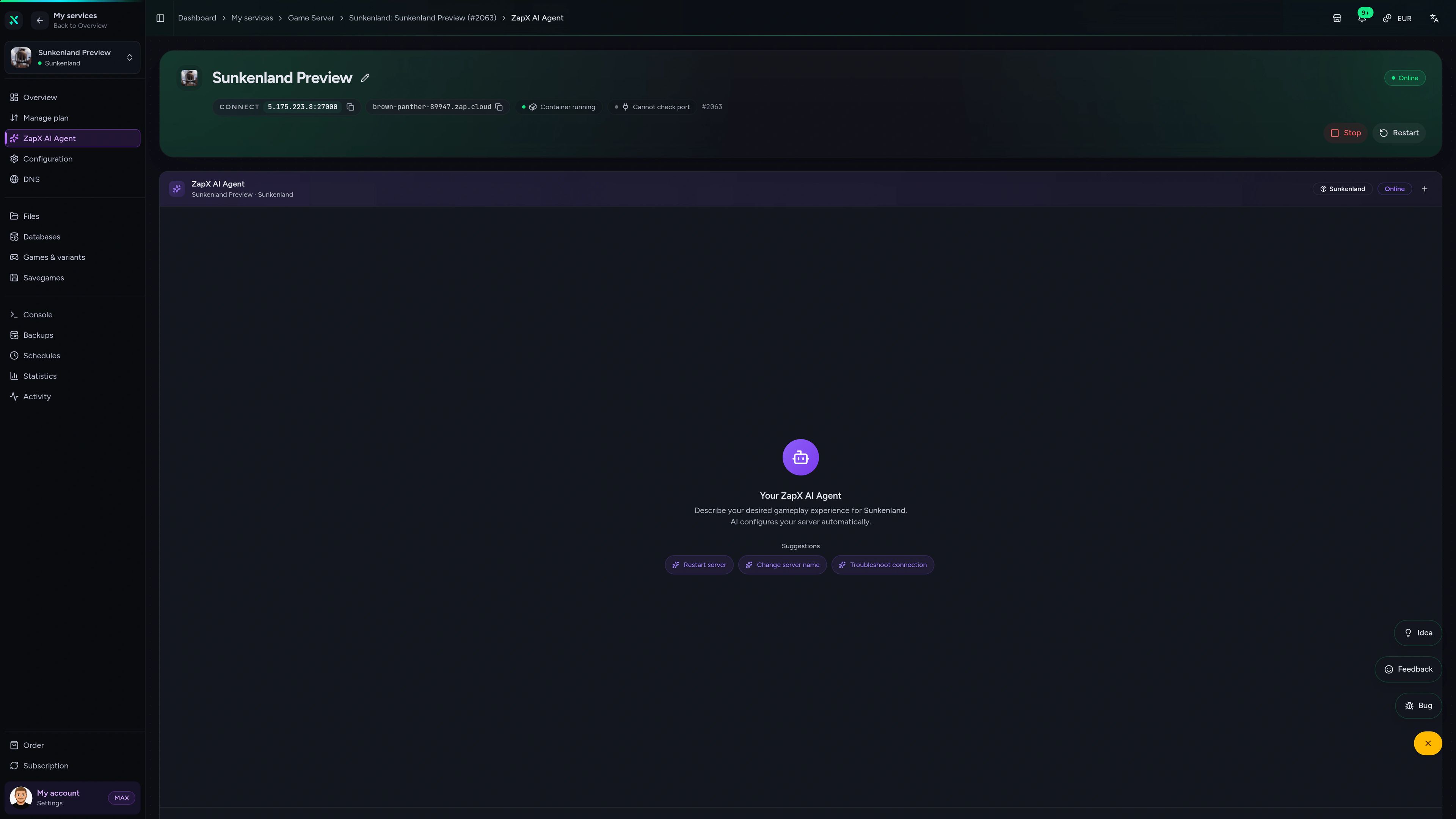
Contact SupportAsk in plain English about joining, savegames or world settings. The ZapX AI Agent explains what's going on and shows you the next safe step in the panel.
The ZapX AI Agent is part of ZapX Pass. It explains and guides you, and you stay in control of every change on your server.
Explore ZapX PassZapX AI Agent
panel.zap-hosting.com
ZapX appComing soon
Check on your Sunkenland server between dives: status, resources and term are always in your pocket.
Discord management
Check status, start, stop, and restart via slash command — without leaving your community Discord.
Each category has its own page with all tools for that game or topic.
276 tools in 70 categories — 100% free
Also available
Switch between your games anytime for free—Minecraft, FiveM, Rust, and more.

Survival & Creative
Vanilla, Modded & Modpacks
Ready in ~2 min

Roleplay
Roleplay server in seconds
One-click installation

Survival
Wipe-ready gameserver
Automatic setup
Also available
Switch between your games anytime for free—Minecraft, FiveM, Rust, and more.
90
Available games
Benefit
We don't artificially limit player Slots. Hardware determines capacity.
Scale based on Mods, scripts, and player load instead of paying for a fixed number of Slots.
© 2026 ZAP-Hosting GmbH
 Preferred source on Google