 Stormworks: Build and Rescue
Stormworks Server Hosting
Stormworks servers online in 60 seconds: unlimited slots, DDoS protection, locations worldwide and flexible terms.
Or try 3 days from €0.81Pick the 3-day term at checkout · renews every 3 days · cancel anytime

Plans and pricing
Packages 1–3 of 9
 stormworks
Configure yourself
Your server. Your power.
No package fits? Choose your RAM, CPU and storage—you only pay for the package you put together.
Powerful CPUs
100 Gbit/s host network
DDoS protection
Online in 60 seconds
Daily auto-backup
 Visa
 Mastercard
 American Express
 PayPal
 Google Pay
 Apple Pay
 Klarna
 Amazon Pay
About the game
What is a Stormworks server?
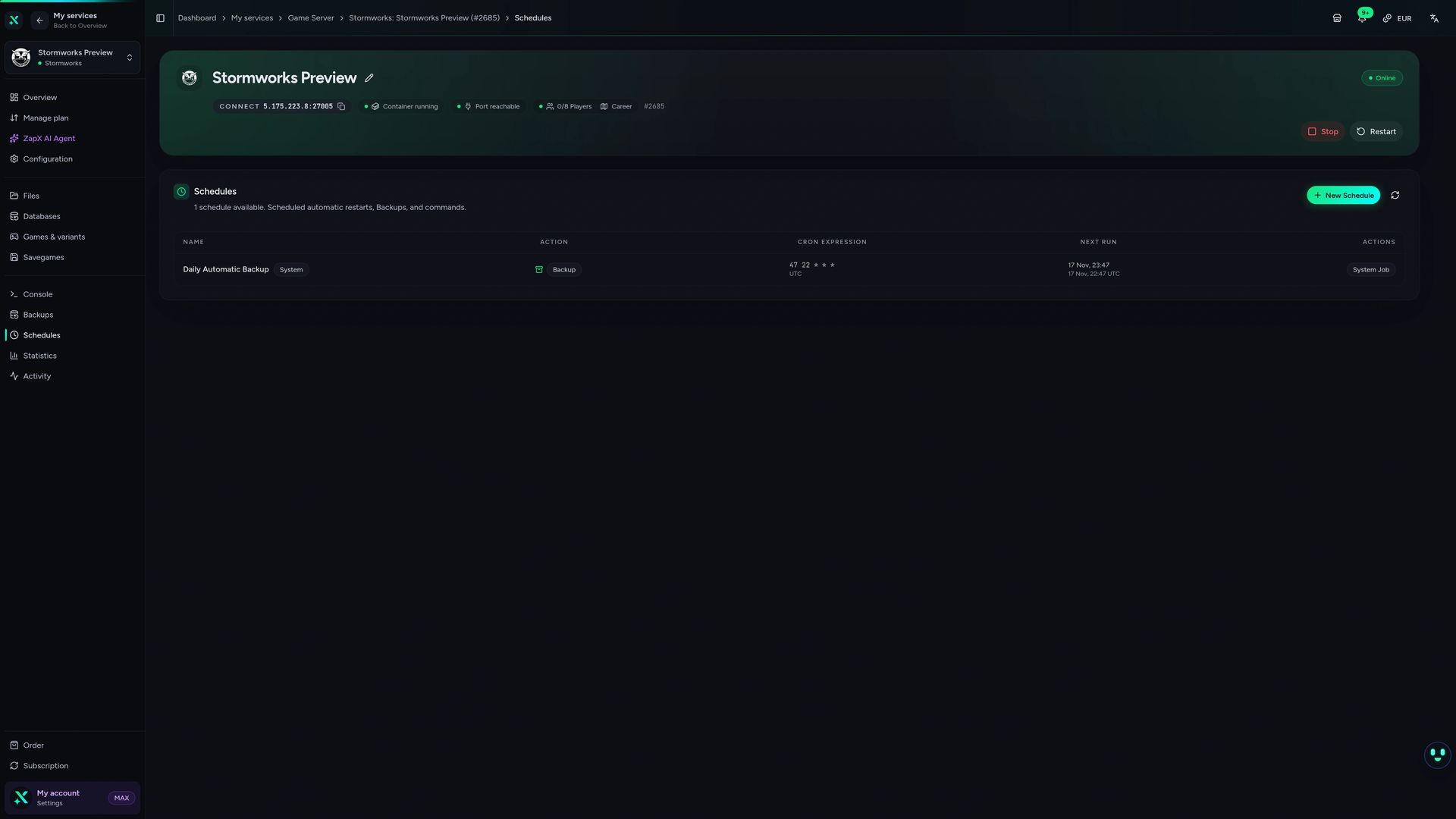
Stormworks: Build and Rescue is a physics sandbox where you design boats, helicopters, trains and submarines block by block, wire up their logic and engines, then run a rescue company across a huge ocean world with storms, fires and sinking ships. It gets far more fun in multiplayer, when one crew flies the chopper while another steers the boat. A Stormworks dedicated server keeps that shared world, its missions and your vehicles running around the clock, even when the person who started the save logs off.
With your own server, you decide how the world plays: set the save name and world seed in the ZapX panel, edit server_config.xml, add admins and load custom missions for your crew. Since the world stays online without your PC, friends in other time zones can jump in for a night shift, and with unlimited slots your build complexity matters more than your head count.
Features
Everything your rescue world needs.
From the first fishing boat to a full fleet of helicopters and submarines: your Stormworks server keeps up with your crew.
Unlimited player slots
Bring your whole rescue crew; performance depends on RAM and CPU, not on a slot cap.
Online in 60 seconds
Your Stormworks server installs automatically and is ready to join 60 seconds after you order.
Save name and world seed
Name your save and set the seed in the panel; a new save name starts a fresh world shaped by your seed.
Daily automatic Backup
Your world is saved every day; with ZapX Pass you create your own Backups and restore them yourself.
Power for heavy vehicles
Big builds, physics and many active vehicles get the RAM and CPU headroom they need.
Add resources anytime
Your fleet grows? Raise RAM, CPU and storage later without setting up a new server.
Locations worldwide
Your server. Your location.
8 data centers worldwide — choose the location closest to your community.
Europe


America


Asia-Pacific


Reviews
What customers say about ZAP-Hosting
Real feedback on support and setup.


great prices, good specs
the interface was great, migration was flawless and the interface is very user friendly. support team was very helpful aswell

 ZAP-HostingReply
I've been with them for a few years
I've been with them for a few years, and they're one of the best. The lifetime servers have really helped me, and now they've added auto-backup. 10/10!
 ZAP-HostingReply

FAQ
Frequently asked questions about Stormworks
Answers to the most important questions before you start.
Should I rent a Stormworks server or host it myself?
Self-hosting means a PC running 24/7, UDP port forwarding on your router and the dedicated server files from Steam. A rented Stormworks server installs automatically, is online in 60 seconds and keeps running when your own PC is off. You manage it in the browser and connect with the IP and port shown in the panel. Learn more in the Help Center
- No gaming PC running overnight
- No router or port forwarding setup
- Automatic install, online in 60 seconds
How much RAM does a Stormworks server need?
Stormworks needs at least 2 GB of RAM, and 4 GB is recommended for smooth sessions. Plan for more when more players join, when you add mods or custom missions, or when your world fills up with large, complex vehicles. You can adjust RAM, CPU and storage later at any time without setting up a new server.
- Minimum: 2 GB RAM
- Recommended: 4 GB RAM
- More for big fleets, mods and many players
How many players can join my Stormworks server?
Every package comes with unlimited player slots, so you never pay per slot. How smoothly the server runs depends on its RAM and CPU and on how many complex vehicles are active at once, not on a slot limit. For a larger crew or heavy builds, add more resources in the panel.
- Unlimited slots on every package
- Performance scales with RAM and CPU
What is the difference between a dedicated server and in-game co-op?
In co-op, the world lives on the host's PC and closes as soon as they quit. A dedicated server runs on its own: your rescue world, active missions and parked vehicles stay online 24/7, and your friends can join whenever they like, even while you are offline.
- World stays online without the host
- Friends join on their own schedule
How do I become admin and change the world seed?
Add your Steam ID to the admin list in the server configuration and restart the server, then manage players and settings in-game. Save name and world seed are editable in the ZapX panel. A new save name starts a fresh world, the seed shapes that new world, and the old save stays under its old name. Admin guide in the Help Center
- Admins via Steam ID in the server config
- Save name and seed in the ZapX panel
Is my Stormworks server protected against DDoS attacks?
Yes. DDoS protection is included with every Stormworks server at no extra cost. Attack traffic is filtered before it reaches your server, so your crew can keep flying rescue missions while the protection works in the background. How our DDoS protection works
- Included with every package
- Always active, nothing to set up
Where are ZAP-Hosting's Stormworks servers located?
You choose from locations worldwide when you order. Pick the one closest to most of your players; crews in North America often start with Ashburn, Dallas or Los Angeles. Your connection details are shown right in the panel.
- Locations worldwide to choose from
- Pick the site closest to your crew
Which billing periods are available, and can I cancel?
You can pay for 3, 30, 90, 180 or 365 days and cancel anytime; a cancellation takes effect at the end of the current term. If you plan to keep your server long-term, Lifetime lets you buy it once with an active ZapX Pass. One ZapX Pass per account covers your Lifetime servers. Rent or Lifetime explained
- Terms: 3, 30, 90, 180 days or one year
- Cancel anytime
- Lifetime: buy once with ZapX Pass
Any more questions?
Contact SupportZapX Panel
Your Stormworks server in the ZapX panel
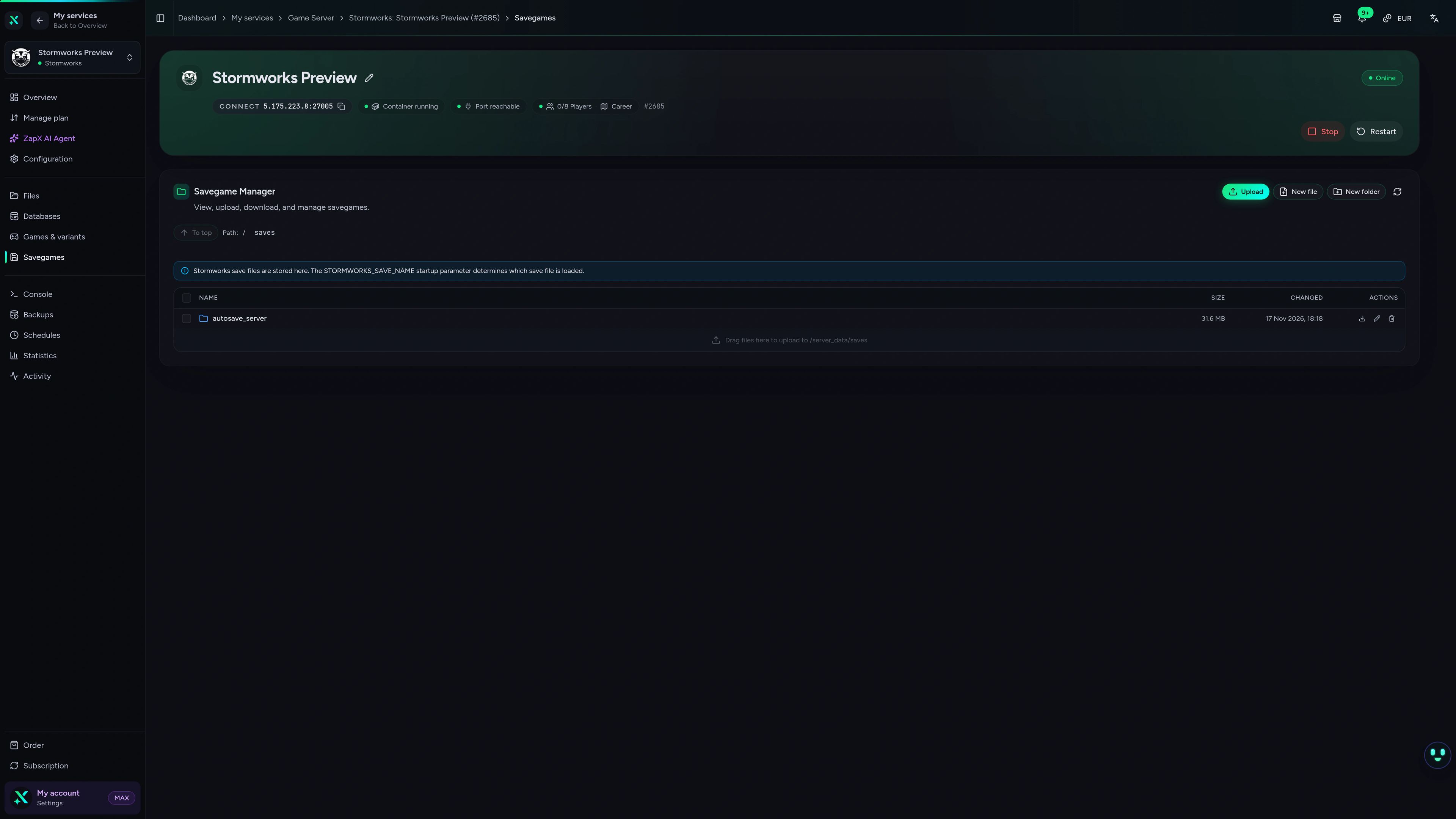
Manage settings, files and Backups (with ZapX Pass) in the browser and watch live stats while your crew is out on a rescue run.
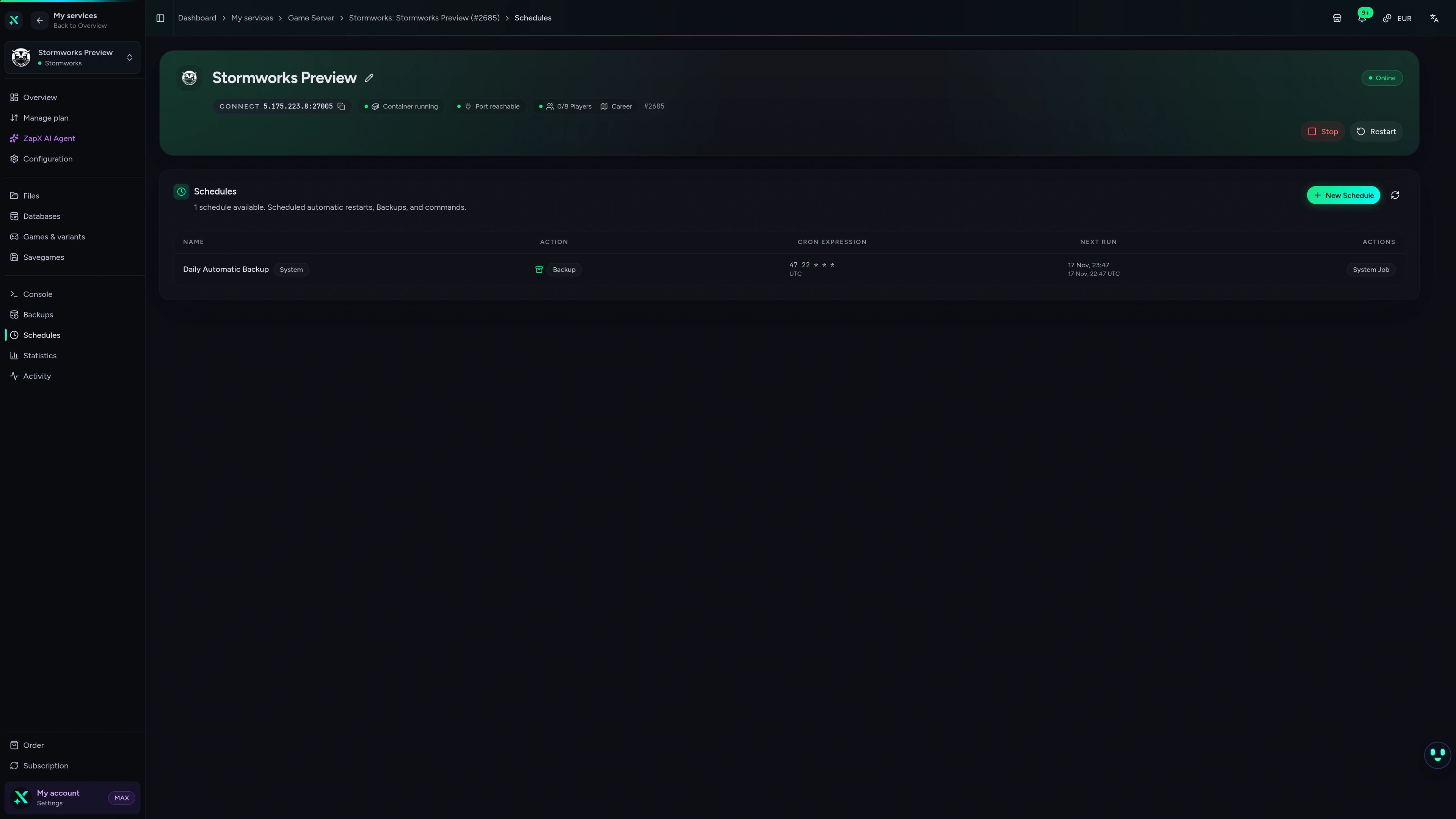
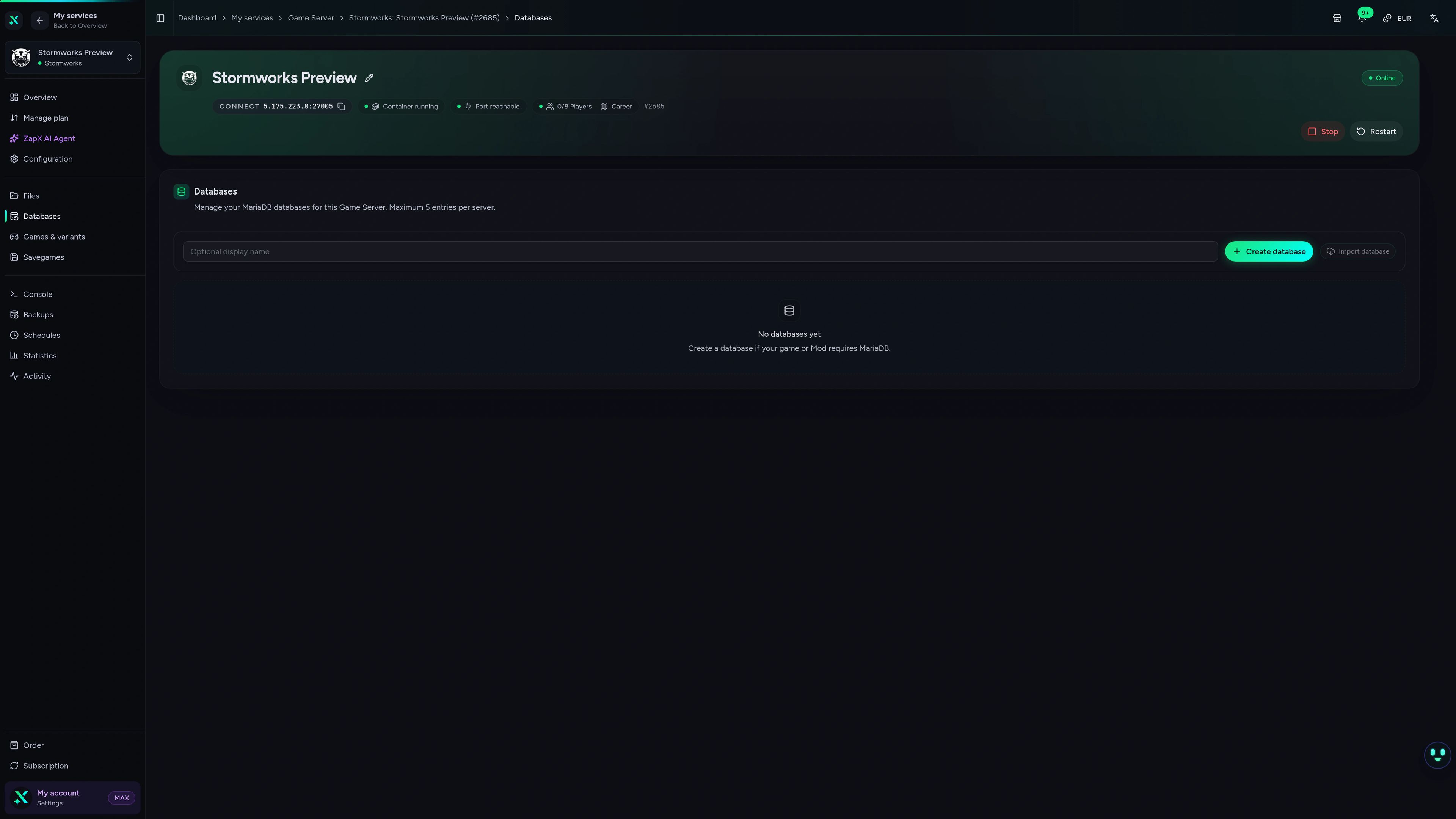
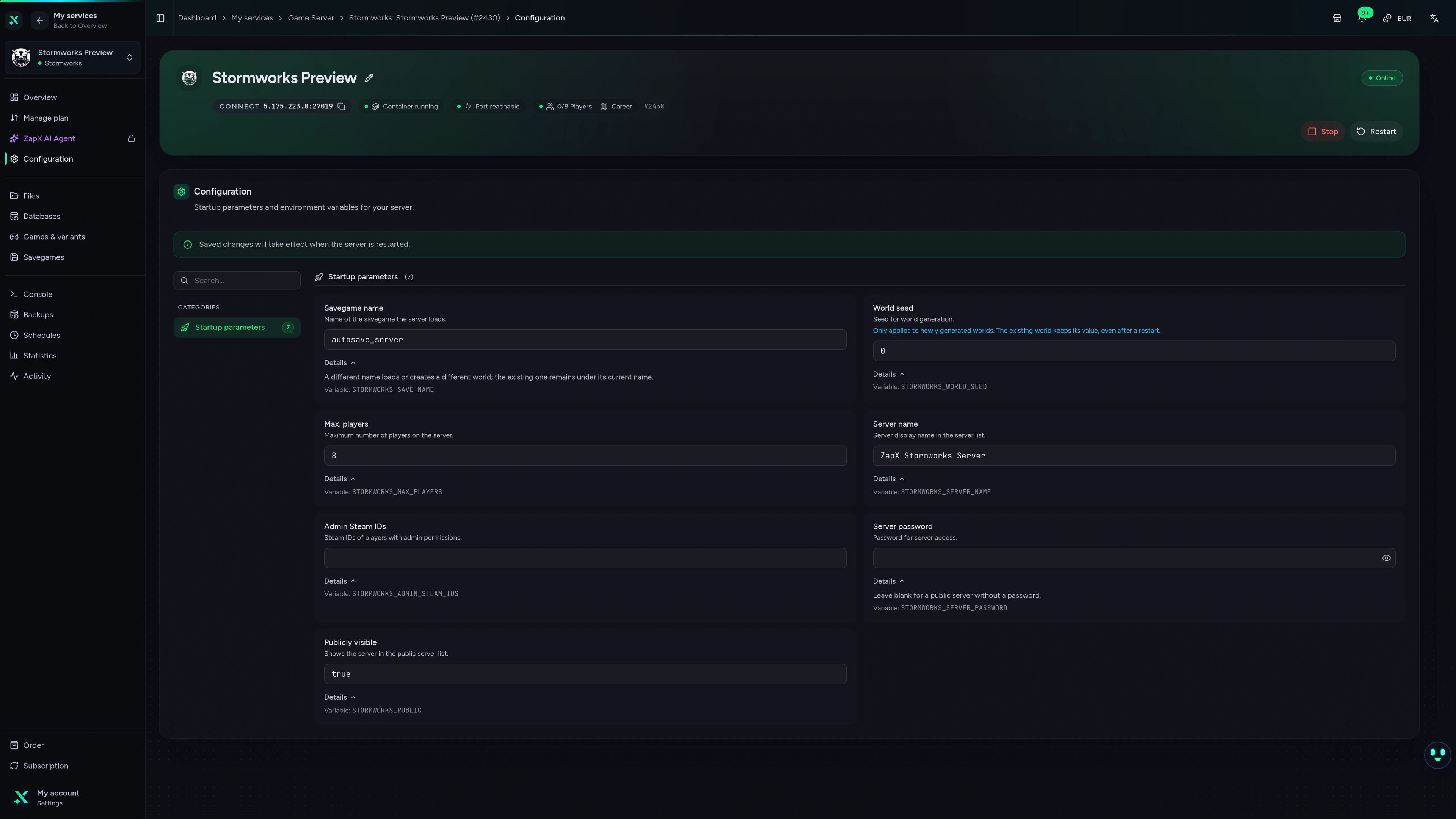
Stormworks Game Server – Schedules
Stormworks game server schedules view in the ZapX dashboard.
Stuck on a setting? Ask the ZapX AI Agent
The ZapX AI Agent explains Stormworks settings and errors and suggests next steps. Confirm in the chat and it runs them for you, or follow its steps and do it by hand.
The ZapX AI Agent is part of ZapX Pass. It runs steps only after you confirm in the chat, and you can always do every step by hand in the panel instead.
Discover ZapX PassZapX AI Agent
panel.zap-hosting.com
Benchmark
Measured values from our infrastructure next to typical market offers, so you see what your crew gets before you order.
High-performance VPS, CPU model depends on the location
Typical VPS plans without a published host CPU
confirmed 2026-07-01
Use cases
What your crew does on a Stormworks server
Rescue careers, shared workshops and custom mission nights: your world keeps running 24/7, and the only limit on your crew is your build, not a slot count.
Ready to launch?
Your rescue world, online in 60 seconds
ZapX appComing soon
Your server in your pocket with the ZapX app
Check status and restart your Stormworks server from your phone, even when you're away from your PC.
Discord management
Manage servers directly in Discord.
Check status, start, stop, and restart via slash command — without leaving your community Discord.


Impressionen
Stormworks Screenshots
A glimpse into the game world—its atmosphere, exploration, and the moments your community will experience on the server.
Stormworks
1 free tool – right in your browser, no sign-up needed.
Also available
We also offer the following games.
Switch between your games anytime for free—Minecraft, FiveM, Rust, and more.

Survival & Creative
Minecraft
Vanilla, Modded & Modpacks
Ready in ~2 min

Roleplay
FiveM
Roleplay server in seconds
One-click installation

Survival
Rust
Wipe-ready gameserver
Automatic setup
Also available
Switch between your games anytime for free—Minecraft, FiveM, Rust, and more.
98
Available games












Benefit
Unlimited Slots
We don't artificially limit player Slots. Hardware determines capacity.
Scale based on Mods, scripts, and player load instead of paying for a fixed number of Slots.
Start your rescue crew's own server
Order now, set your world seed and invite your crew: your Stormworks server is online in 60 seconds and runs 24/7.
No setup. No risk. Online in seconds.