
Gameserver plan
ZAP Spawn
€5.99/ 30 days
- 2 GB RAM
- 2 CPU
- 15 GB NVMe
- Unlimited Slots
 RimWorld Together game server
Keep your shared planet online 24/7 with unlimited slots, full mod access and locations worldwide, ready in under 60 seconds.
Packages 1–3 of 9
 rimworld-together
Configure yourself
No package fits? Choose your RAM, CPU and storage—you only pay for the performance your community actually needs.
Powerful CPUs
100 Gbit/s host network
DDoS protection
Full file access
Free game switch
 Visa
 Mastercard
 American Express
 PayPal
 Google Pay
 Apple Pay
 Klarna
 Amazon Pay
About the mod
RimWorld Together is a multiplayer mod for RimWorld that puts you and your friends on one shared planet. Every player runs their own colony, but you can trade, send aid, visit each other's settlements or raid a rival when things get spicy. That planet only exists while a server keeps it running, so with your own RimWorld Together server the world is always there for the whole group, even when the person who set it up goes offline.
You decide how your planet plays: set the server name, description and player cap, share your Discord invite and Steam Workshop collection, and keep one mod list for everyone through full file access. Because each colony is simulated on its player's own PC, the server mainly coordinates the shared world, which keeps it light and responsive even for big groups. Player savegames and Backups sit in your panel, ready to restore with ZapX Pass if a colony goes wrong.

Locations worldwide
8 data centers worldwide — choose the location closest to your community.


ZapX Panel
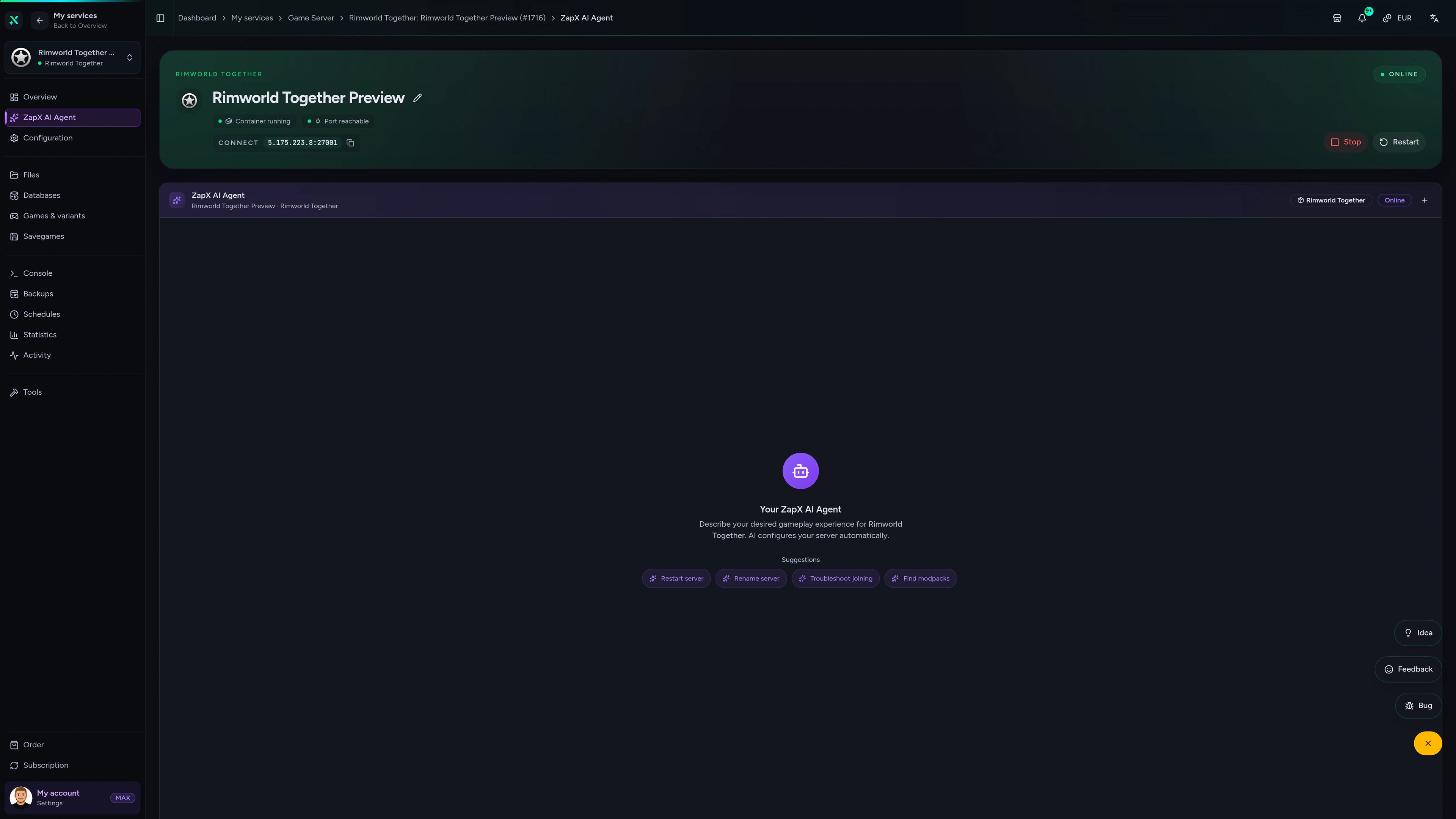
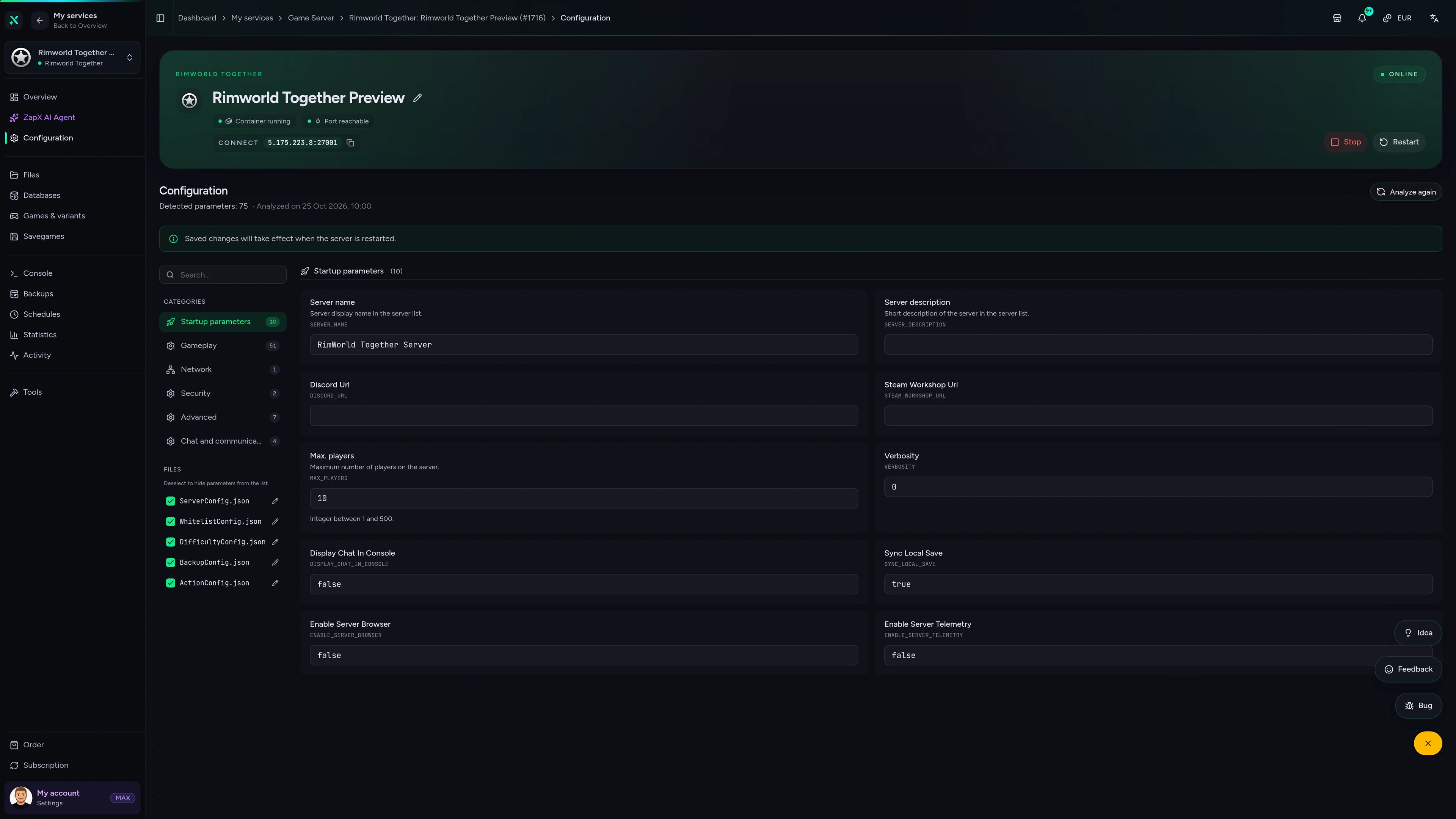
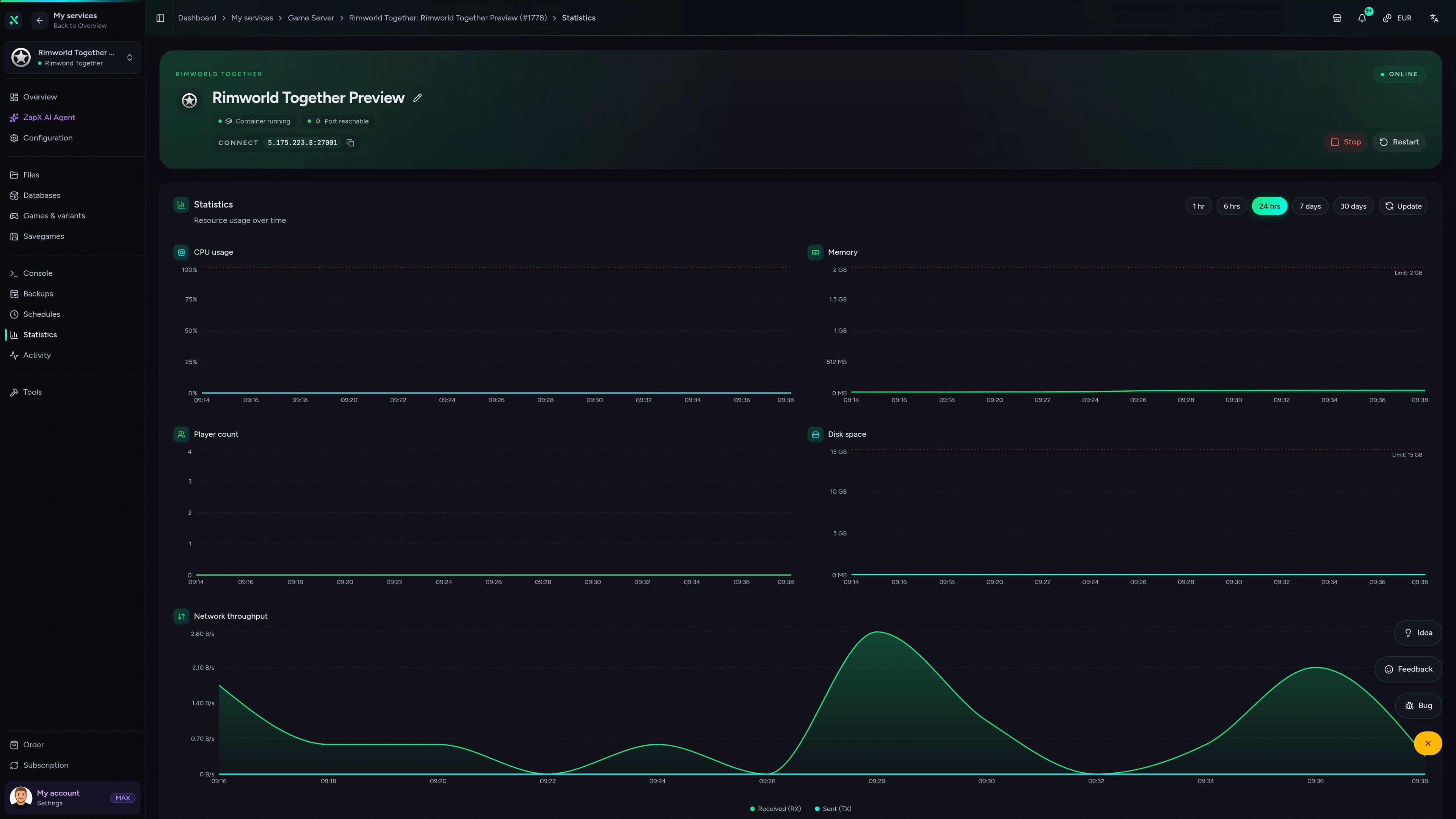
Check activity and stats, edit server settings, manage savegames and plan restarts, all in one place.
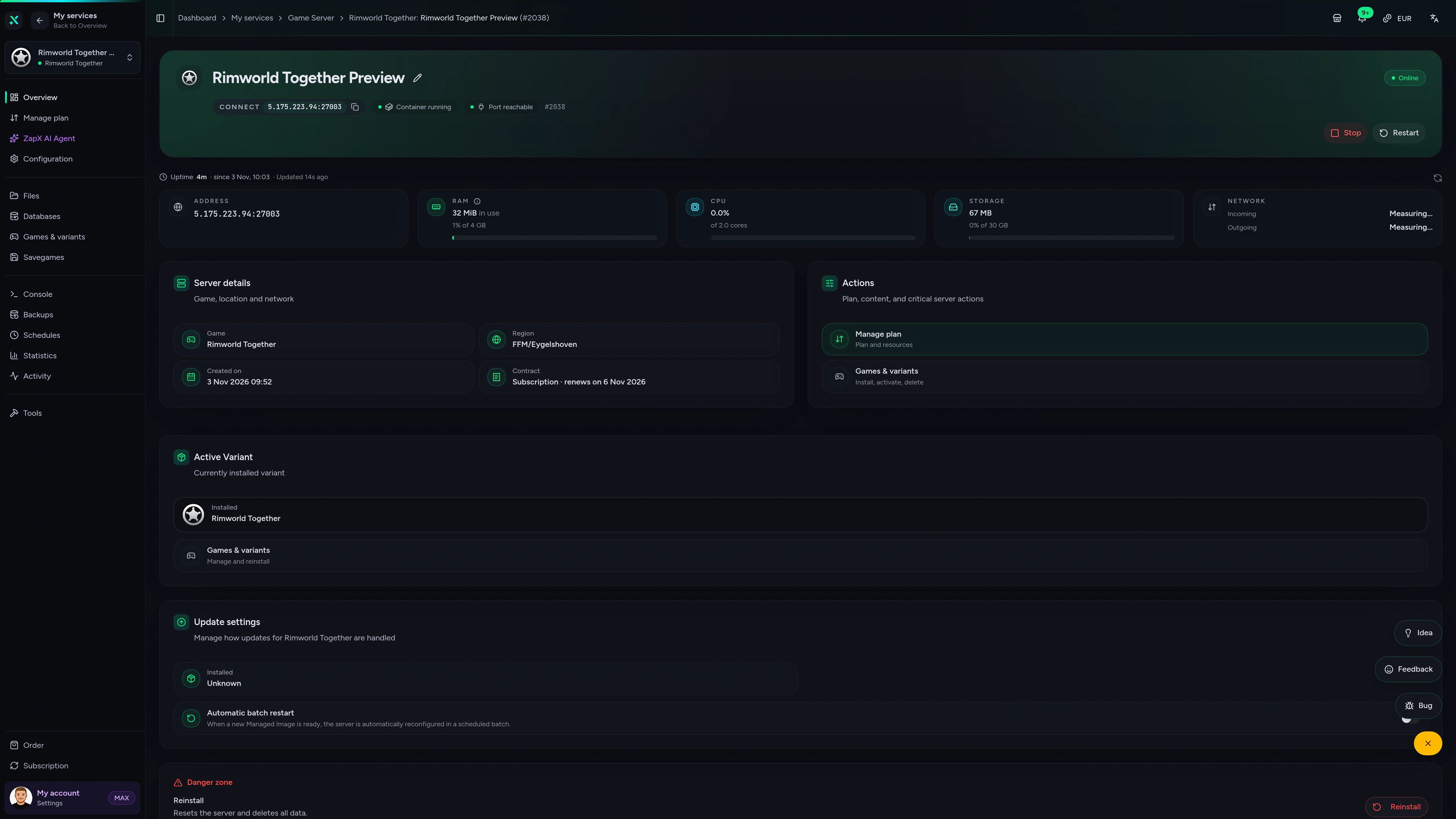
Rimworld Together Game Server – Overview
Overview of the Rimworld Together game server in the ZapX customer panel.
Benchmark
Measured performance for your shared planet compared with what is typical on the market, based on our own test runs.
High-performance VPS, CPU model depends on the location
Typical VPS plans without a published host CPU
confirmed 2026-07-01
Use cases
From a small friend group to a modded community planet, your RimWorld Together server adapts, with unlimited slots in every package.
Ready to settle?
Give your colonies a planet that stays on.
Impressionen
A glimpse into the game world—its atmosphere, exploration, and the moments your community will experience on the server.
Unlimited slots, full mod access and savegame Backups for your RimWorld Together group, online in under 60 seconds.
No setup. No risk. Online in seconds.
Features
Built for RimWorld Together groups: unlimited colonies, one mod list for everyone and savegames you can roll back with ZapX Pass.
Invite every friend's colony. Packages scale by RAM and CPU, never by slots.
Your planet is ready right after checkout, with RimWorld Together preinstalled.
Every colony joins with the same setup: Harmony, required mods and your Workshop collection.
Roll the shared planet back if a raid or mod update goes wrong.
Change the name, player cap and save sync without editing ServerConfig.json by hand.
Put your planet close to where most of your group plays.
Reviews
Real feedback on support and setup.
FAQ
Answers to the most important questions before you start.
The price depends on package, term and location, not on players, because every package has unlimited slots. The package cards above show current prices live from our shop, and you can adjust RAM later. Choose 3, 30, 90, 180 or 365 days; you can cancel whenever your group takes a break, effective at the end of the term.
Less than most people expect. In RimWorld Together, each player's PC simulates their own colony, while the server coordinates the shared planet, stores player saves and passes trades, visits and raids between colonies. A small friend group generally needs less RAM. Add RAM if many players are online at once, if lots of large saves are synced or if your mod list is heavy.
As many as your group needs. Player slots are unlimited on every package, and you set your own cap with the Max players setting. In practice the limit is the RAM and CPU you choose, so larger communities simply pick a stronger package.
Usually in under 60 seconds after payment. RimWorld Together is installed automatically, so you only name your server and share its IP and port. Your friends install the mod and Harmony, open the RimWorld Together multiplayer menu and join through Direct Connect. How to connect to your server
Yes. Your planet runs in our data center instead of on your PC, so friends can keep playing while you are offline. You also skip what self-hosting needs: no port forwarding, no VPN tools and no gaming PC that has to stay on all night. Player saves are stored on the server and you can back them up from the panel. Managing savegames
Yes. Harmony is required, and every player has to run the same mods in the same versions and load order. With full file access you can mark mods as required, optional or forbidden on the server and share a Steam Workshop collection link, so new players know exactly what to install. Install mods step by step
You can choose from our locations worldwide when you order. Pick the one closest to where most of your players live, since that keeps the connection to your planet snappy. Many North American groups start with Ashburn, Dallas or Los Angeles.
RimWorld Together gives every player their own colony on one shared, persistent planet, and that planet lives on a dedicated server. The separate Multiplayer mod lets several players control one colony together in real time, usually hosted from one player's game. If you want separate colonies that trade, visit and raid each other around the clock, RimWorld Together with a dedicated server is the right choice.
Any more questions?
Contact SupportGet clear answers on RAM, mods and savegames for your RimWorld Together server, with the next safe step explained in plain words.
The ZapX AI Agent is part of ZapX Pass and works across every supported service in your account.
View ZapX PassZapX AI Agent
panel.zap-hosting.com
Mobile appComing soon
Check on your RimWorld Together server from your phone, wherever your group is playing.
Discord management
Check status, start, stop, and restart via slash command — without leaving your community Discord.
1 free tool – right in your browser, no sign-up needed.
Also available
Switch between your games anytime for free—Minecraft, FiveM, Rust, and more.

Survival & Creative
Vanilla, Modded & Modpacks
Ready in ~2 min

Roleplay
Roleplay server in seconds
One-click installation

Survival
Wipe-ready gameserver
Automatic setup
Also available
Switch between your games anytime for free—Minecraft, FiveM, Rust, and more.
94
Available games
Benefit
We don't artificially limit player Slots. Hardware determines capacity.
Scale based on Mods, scripts, and player load instead of paying for a fixed number of Slots.