
Gameserver plan
ZAP Spawn
€5.99/ 30 days
- 2 GB RAM
- 2 CPU
- 15 GB NVMe
- Unlimited Slots
 Necesse dedicated server
Your Necesse world stays online 24/7 for friends — unlimited slots, DDoS protection and worldwide locations, ready in 60 seconds.
Packages 1–3 of 9
 necesse
Configure yourself
No package fits? Choose your RAM, CPU and storage—you only pay for the performance your community actually needs.
Powerful CPUs
100 Gbit/s host network
DDoS protection
Savegame upload
Flexible term
 Visa
 Mastercard
 American Express
 PayPal
 Google Pay
 Apple Pay
 Klarna
 Amazon Pay
About the game
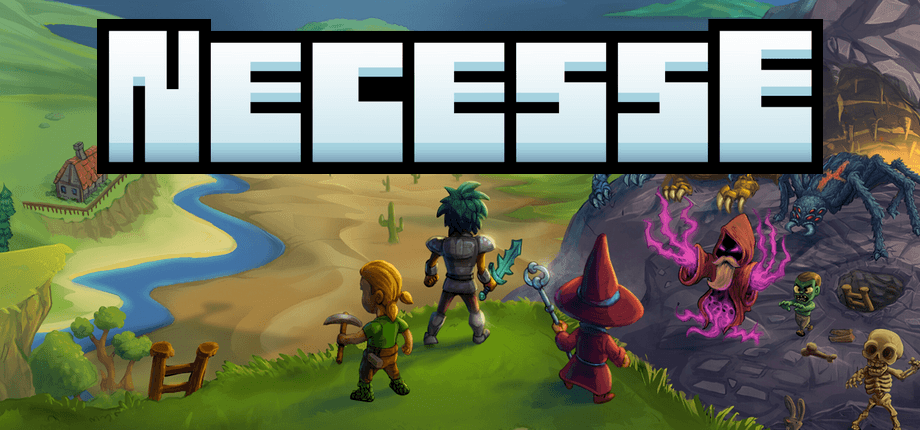
Necesse is a top-down sandbox survival game where you explore procedurally generated islands, craft gear, take on bosses and build a settlement that settlers move into and help run. It's fun alone and even better in co-op, and a Necesse server is your own dedicated server that keeps that shared world online 24/7 with unlimited player slots — so friends can hop in, tend the farms or push the next boss even when the host is offline.
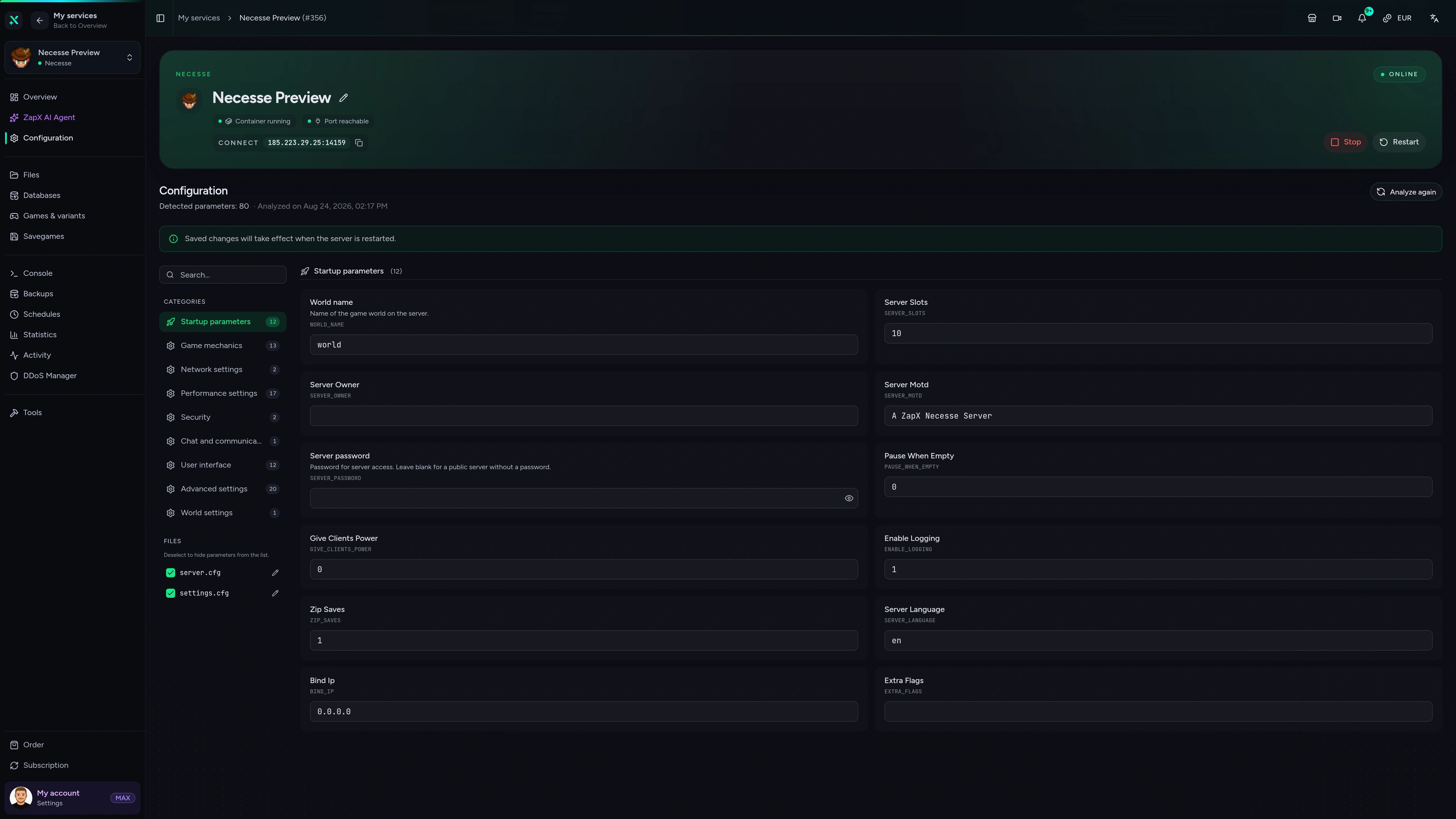
You stay in charge of how your group plays: set a password so only your crew joins, tune world settings in the browser-based ZapX panel and bring an existing world over from your PC. Everyone connects via Direct join, and nobody has to leave a PC running all night, install SteamCMD or set up port forwarding.
Locations worldwide
8 data centers worldwide — choose the location closest to your community.


ZapX Panel
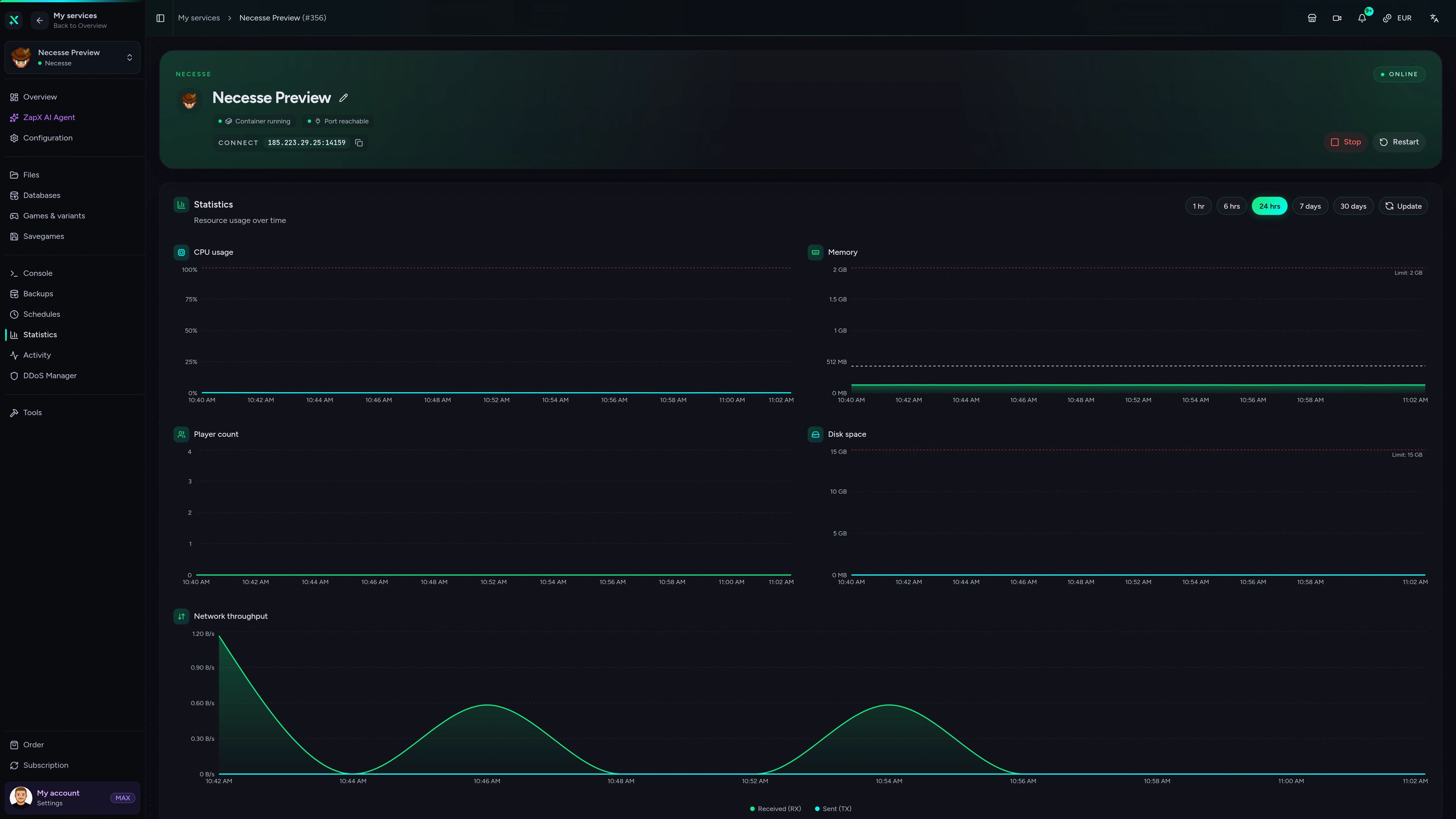
Start, stop, configure and back up your Necesse world from one clear view — with console, files and statistics right at hand.
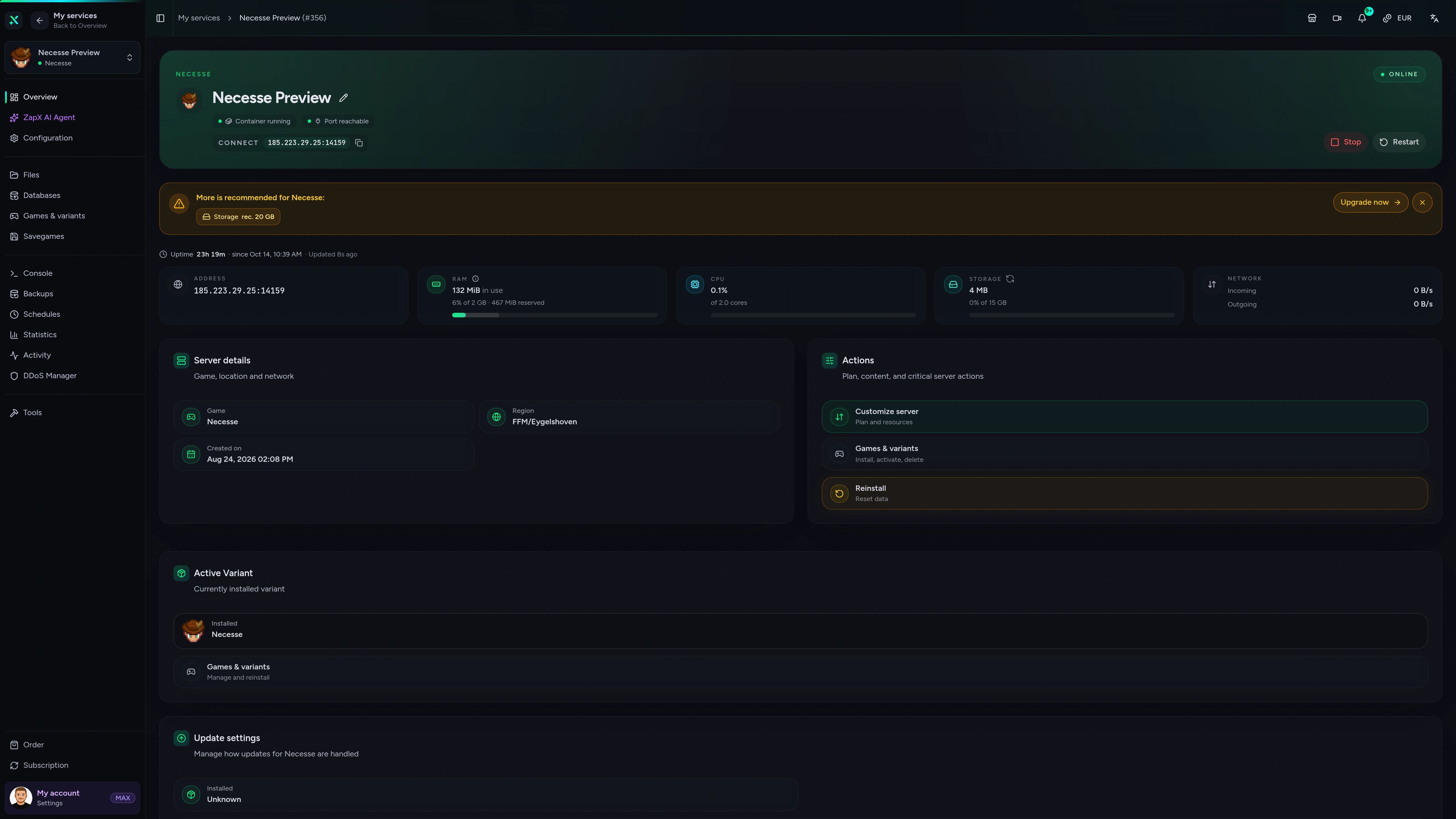
Necesse Game Server – Overview
Overview of the Necesse game server in the ZapX customer panel.
Benchmark
Measured values for performance and connection quality, so you can see how a ZAP-Hosting Necesse server compares to typical hosting.
High-performance VPS, CPU model depends on the location
Typical VPS plans without a published host CPU
confirmed 2026-07-01
Use cases
From boss runs to cozy settlement building: your world stays online for everyone, with no PC running all night and no port forwarding.
Ready for co-op?
Keep your Necesse world online 24/7.
Impressionen
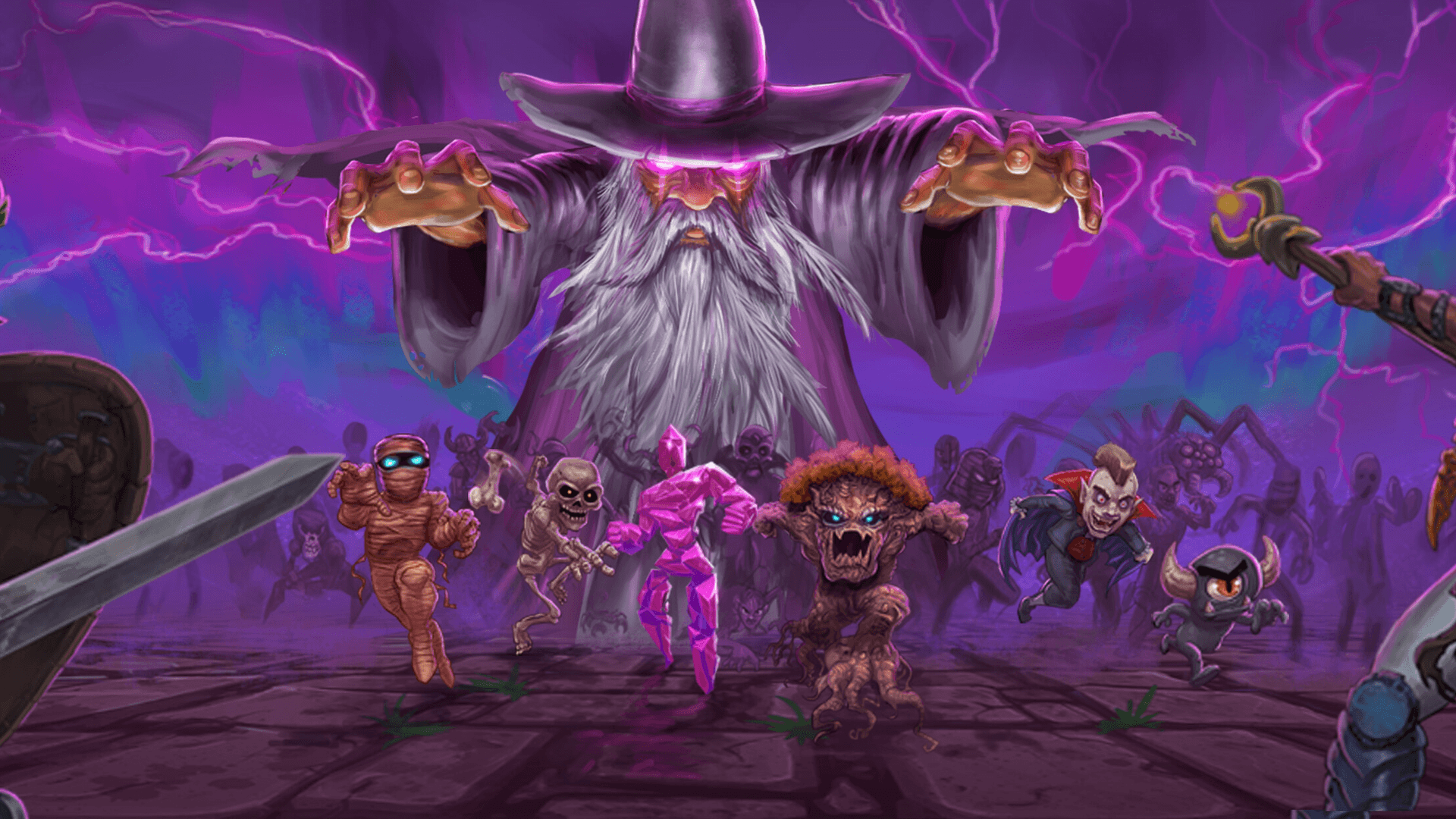
A glimpse into the game world—its atmosphere, exploration, and the moments your community will experience on the server.
Unlimited player slots, DDoS protection and locations worldwide — your server is ready within 60 seconds, and you can cancel anytime.
No setup. No risk. Online in seconds.
Features
A Necesse dedicated server without the setup work: always online, easy to manage and ready for your whole co-op group.
Invite the whole crew — packages scale by RAM, never by player count.
Your Necesse world is ready to join right after the automatic setup.
Keep your settlement: upload your save and continue right where you left off.
With ZapX Pass, roll back after a bad boss attempt or a misclick with world Backups.
Set password, difficulty and server name without editing files by hand.
Save the world or manage players instantly, straight from your browser.
Reviews
Real feedback on support and setup.
FAQ
Answers to the most important questions before you start.
You pay monthly for the package that fits your group, and every package already includes unlimited player slots and DDoS protection. Current prices load live from the shop in the package cards above. You choose 3, 30, 90 or 180 days or a year and can cancel anytime, effective at term end, or add more RAM when your settlement grows.
Pick a package and a location, then complete your order. Setup runs automatically, so your Necesse server is online within 60 seconds. After that you manage everything in the ZapX panel: start and stop, world settings, files and Backups. Tour the panel in the Help Center
As many as your package can comfortably handle — there are no slot limits on ZAP-Hosting game servers. Packages scale by RAM and CPU instead of player count, so a duo and a ten-person settlement crew use the same product, just with different resources.
It depends on how many of you play at once and how big your world and settlements get. A small friend group usually needs less RAM; larger groups, many settlers and lots of explored islands need more. Watch RAM usage in the panel statistics and add RAM when you notice multiplayer lag. As a guideline: at least 2 GB of RAM.
Yes. Copy your save from your PC to the server's save folder using the file manager or FTP, set it as the active world in the server settings and restart. Your settlement, settlers and progress come along. Learn more in the Help Center
Choose the data center closest to most of your players. ZAP-Hosting offers locations worldwide, and a nearby location keeps latency low for everyone in your group. Many US groups start with Ashburn, Dallas or Los Angeles; players elsewhere simply pick the location nearest to them.
Three quick steps: start Necesse, open Multiplayer and choose Direct join, then enter the IP and port shown in your panel. If you set a password, they enter it next. Nobody needs to set up port forwarding. Read the connection guide
After a Necesse update, the server and the game client can briefly run different versions. Update the server in the panel and restart it, and client and server match again. If friends still see a version error, have them check Steam for pending updates or an active beta branch. See common issues and fixes
Any more questions?
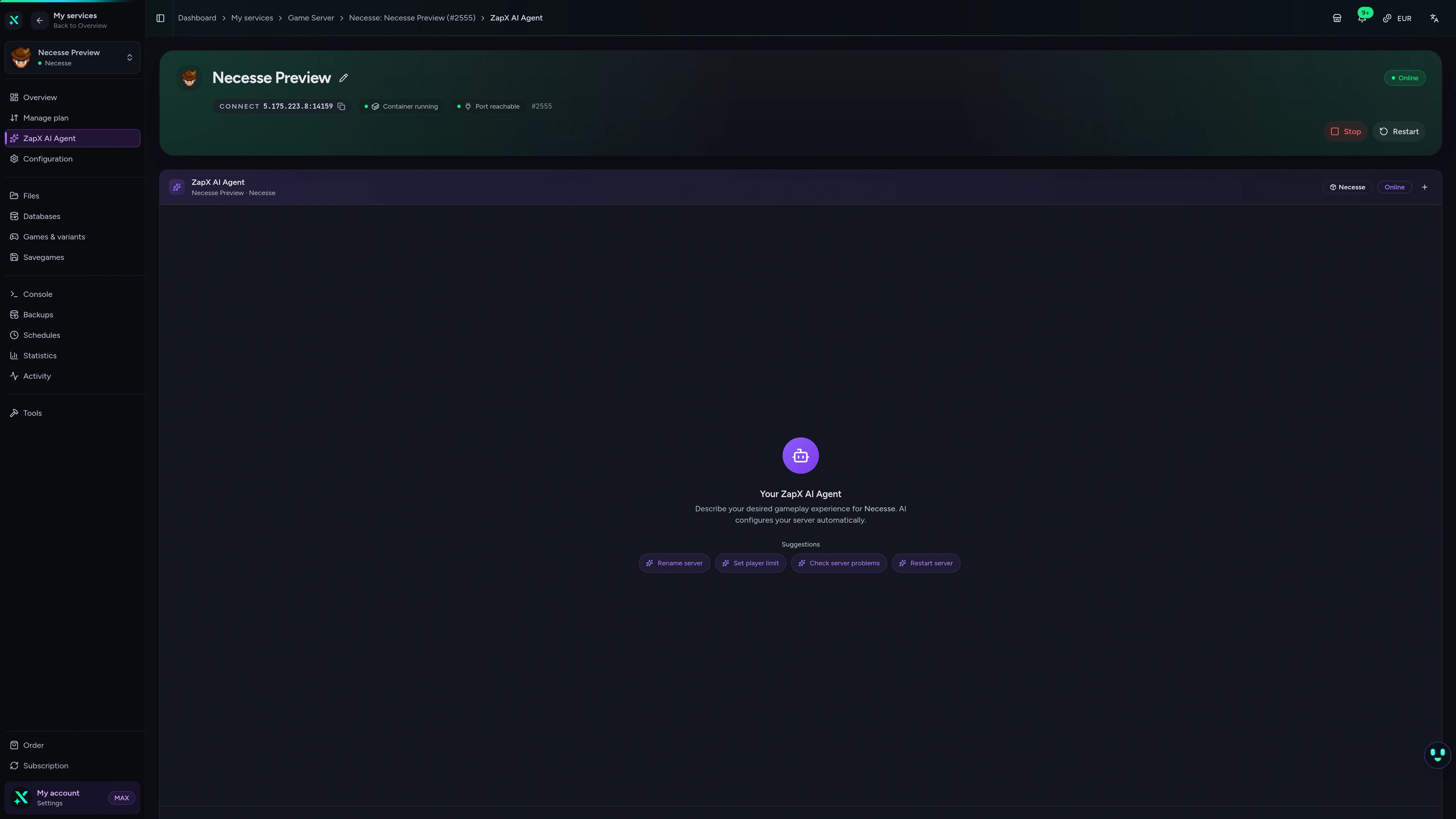
Contact SupportGet clear explanations for connection problems, version errors and RAM sizing — the ZapX AI Agent explains and suggests next steps, you decide what to change.
The ZapX AI Agent is part of ZapX Pass. It explains and suggests next steps — you stay in control of every change on your server.
Explore ZapX PassZapX AI Agent
panel.zap-hosting.com
Mobile appComing soon
Check on your world and restart the server from your phone — handy when a friend messages that something's off.
Discord management
Check status, start, stop, and restart via slash command — without leaving your community Discord.
1 free tool – right in your browser, no sign-up needed.
Also available
Switch between your games anytime for free—Minecraft, FiveM, Rust, and more.

Survival & Creative
Vanilla, Modded & Modpacks
Ready in ~2 min

Roleplay
Roleplay server in seconds
One-click installation

Survival
Wipe-ready gameserver
Automatic setup
Also available
Switch between your games anytime for free—Minecraft, FiveM, Rust, and more.
90
Available games
Benefit
We don't artificially limit player Slots. Hardware determines capacity.
Scale based on Mods, scripts, and player load instead of paying for a fixed number of Slots.
© 2026 ZAP-Hosting GmbH
 Preferred source on Google