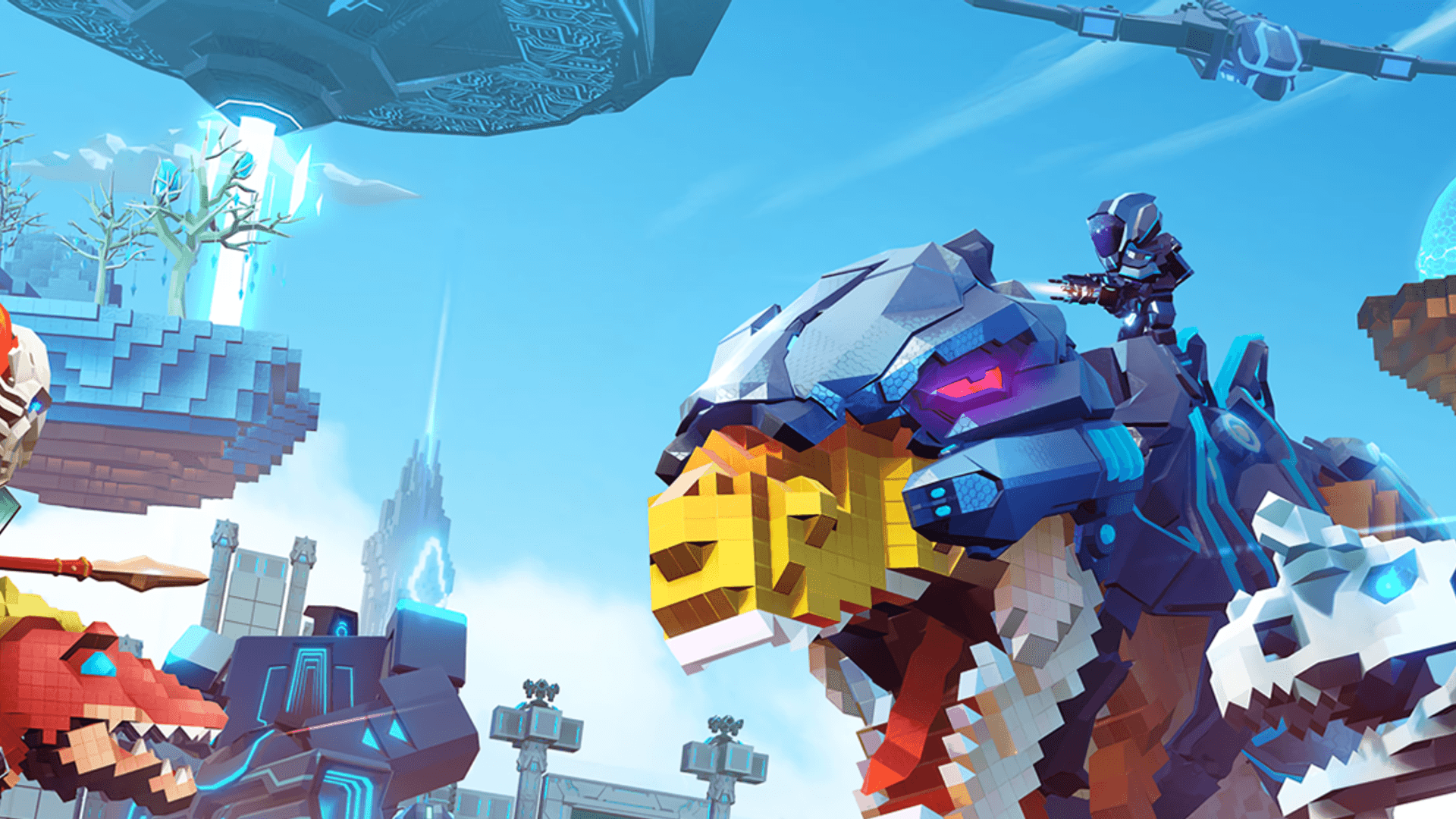
 Rent a PixARK server
PixARK Server Hosting
Rent a PixARK server with unlimited slots, DDoS protection and worldwide locations: online in 60 seconds, cancel anytime.

Plans and pricing
Packages 1–3 of 9
 pixark
Configure yourself
Your server. Your power.
No package fits? Choose your RAM, CPU and storage—you only pay for the performance your community actually needs.
Powerful CPUs
100 Gbit/s host network
DDoS protection
Daily Backup
Cancel anytime
 Visa
 Mastercard
 American Express
 PayPal
 Google Pay
 Apple Pay
 Klarna
 Amazon Pay
About the game
What is a PixARK server?
PixARK is a voxel survival sandbox in a blocky, procedurally generated world. You tame and ride pixel dinosaurs and fantasy creatures, gather resources, craft gear and build bases block by block, alone or with your tribe. It plays best together: your own dedicated server keeps the world running around the clock, so your friends can log in, build and explore whenever they want, even when nobody's PC is on.
With your own server, you set the rules: PvE or PvP, harvest and taming rates, a server password for your tribe and an admin password for you. You change settings and manage files in the ZapX panel, and a daily automatic Backup secures your world; with the ZapX Pass you create your own Backups and restore earlier states yourself.
Features
Everything your PixARK world needs.
From the first tamed dino to a sprawling tribe base: your server grows with your group, and you stay in control of every setting.
Unlimited player slots
Your whole tribe can join. You never pay per slot; prices depend on package, term and location.
Online in 60 seconds
Setup runs automatically, so your server is online about 60 seconds after ordering. The first world generation can take a moment longer.
PvE, PvP and rates in the panel
Change game mode, rates and passwords in your browser without digging through config files.
Daily Backup included
Your world is saved daily. With the ZapX Pass, you restore earlier states yourself.
Bring your existing world
Upload your saved world through file access and pick up building where you left off.
Upgrade as your tribe grows
More players or a bigger base? You can add RAM and CPU anytime.
Locations worldwide
Your server. Your location.
8 data centers worldwide — choose the location closest to your community.
Europe


America


Asia-Pacific


Reviews
What customers say about ZAP-Hosting
Real feedback on support and setup.
Zap has been great for our server.
Zap has been great for our server.
 ZAP-HostingReply


FAQ
Frequently asked questions about PixARK
Answers to the most important questions before you start.
How much does it cost to rent a PixARK server?
Every package has unlimited player slots, so the price depends on the package, term and location, not on how many people play. You can see current prices and performance in the pricing overview on this page, and you can adjust resources later as your tribe and world grow.
- Unlimited player slots on every package
- Price depends on package, term and location
How quickly is my PixARK server online?
Setup runs automatically, so your PixARK server is usually online within 60 seconds of ordering. Generating the world for the first time can take a moment. After that, you'll find the IP and port to connect with right in the panel. PixARK panel guide
How many players can join my PixARK server?
Every package has unlimited player slots. How many players can play smoothly at the same time depends on your server's RAM and CPU and on how much your tribe builds and tames. If your group grows, you can add RAM and CPU anytime.
How much RAM does a PixARK server need?
A PixARK server needs at least 2 GB of RAM, and 5 GB is recommended for smooth play. Plan for more when more players join, when you add mods or when your world grows with big tribe bases and many tamed creatures. You can adjust resources like RAM, CPU and storage later, so your server keeps up with your group. Fix common PixARK issues
- Minimum: 2 GB RAM
- Recommended: 5 GB RAM
- More RAM for big tribes, mods and large worlds
Can I upload my existing PixARK world?
Yes. Stop your server, upload your existing save files through file access in the ZapX panel and start it again, and your tribe picks up where it left off. A daily automatic Backup is included. With the ZapX Pass, you can create a manual Backup before swapping worlds and restore it yourself.
Is my PixARK server protected against DDoS attacks?
Yes, every PixARK server includes DDoS protection. At FFM/Eygelshoven and the US locations Ashburn, Dallas and Los Angeles, the game-optimized PletX protection is active automatically and filters attacks before they reach your world. All other locations have basic DDoS protection.
Which server locations can I choose for PixARK?
You can choose from locations worldwide. Pick the one closest to your players for the best connection. Many North American groups start with Ashburn, Dallas or Los Angeles, and groups in other regions pick a location near them.
Can I cancel my PixARK server anytime?
Yes. You pick a flexible term and can cancel anytime. The cancellation takes effect at the end of your current term, and your server and world stay available until then.
Any more questions?
Contact SupportZapX Panel
Manage your PixARK server in the ZapX panel
Settings and live statistics in one place, plus the ZapX AI Agent with the ZapX Pass, so you spend less time on admin and more time with your tribe.
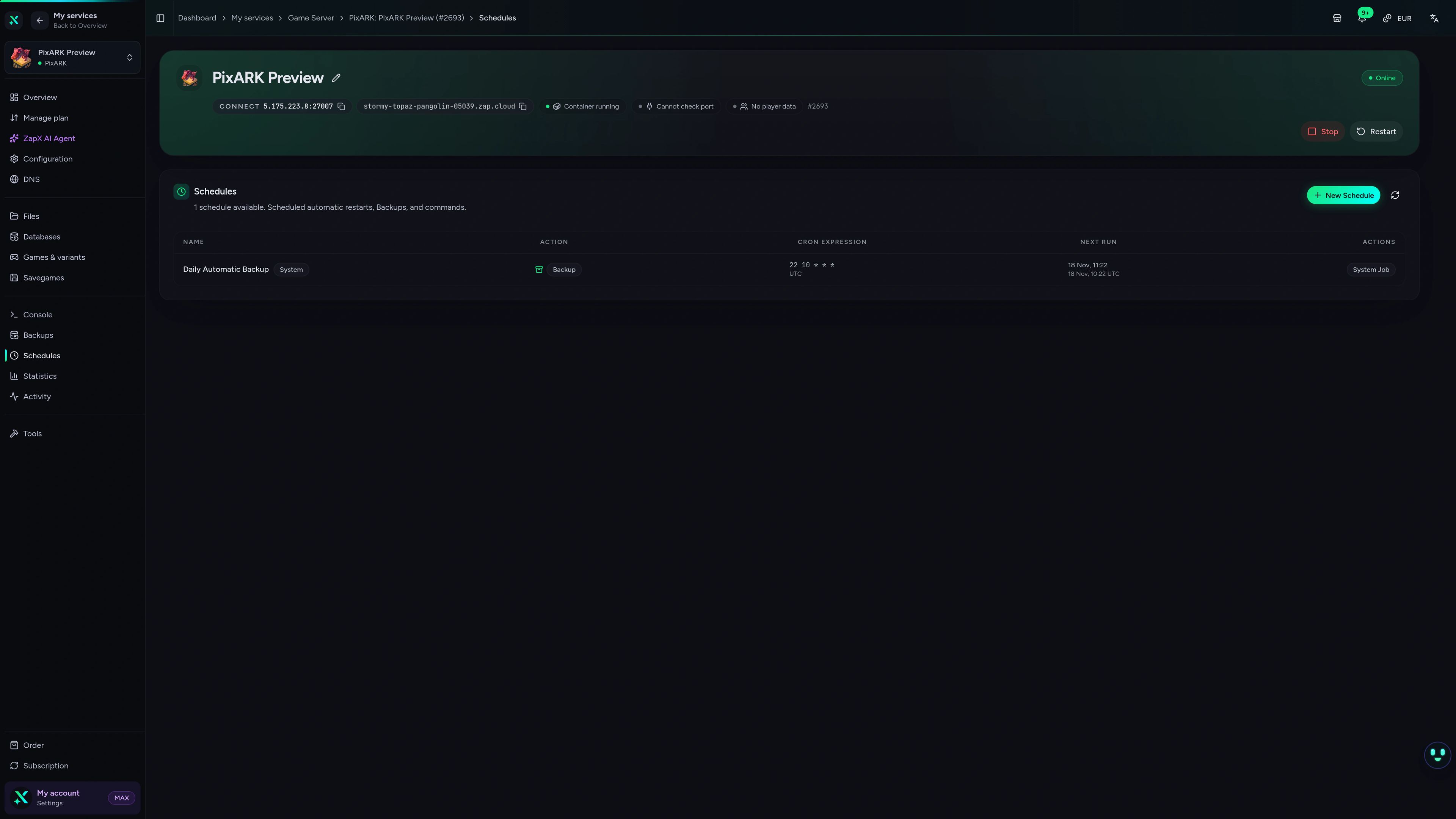
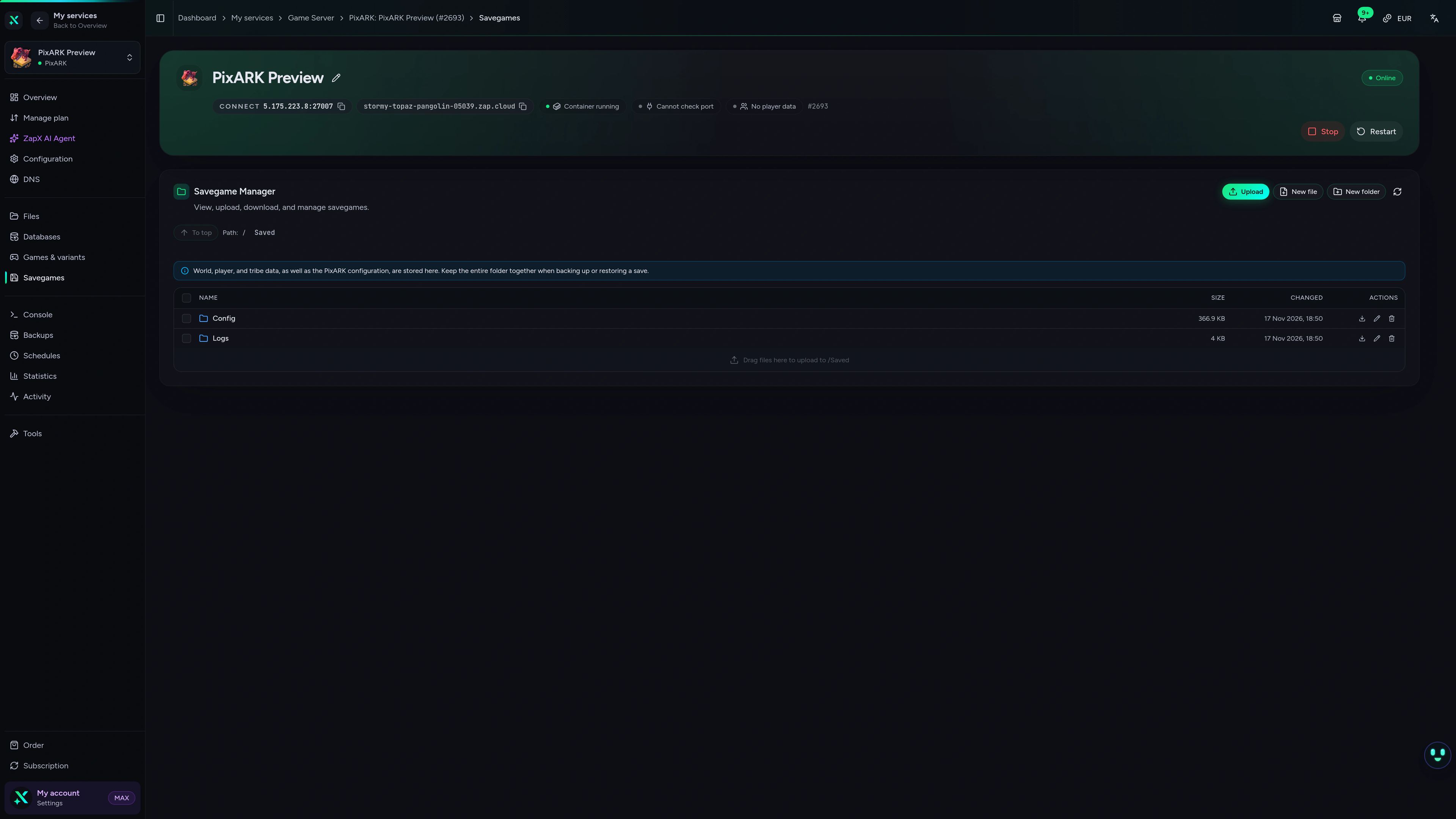
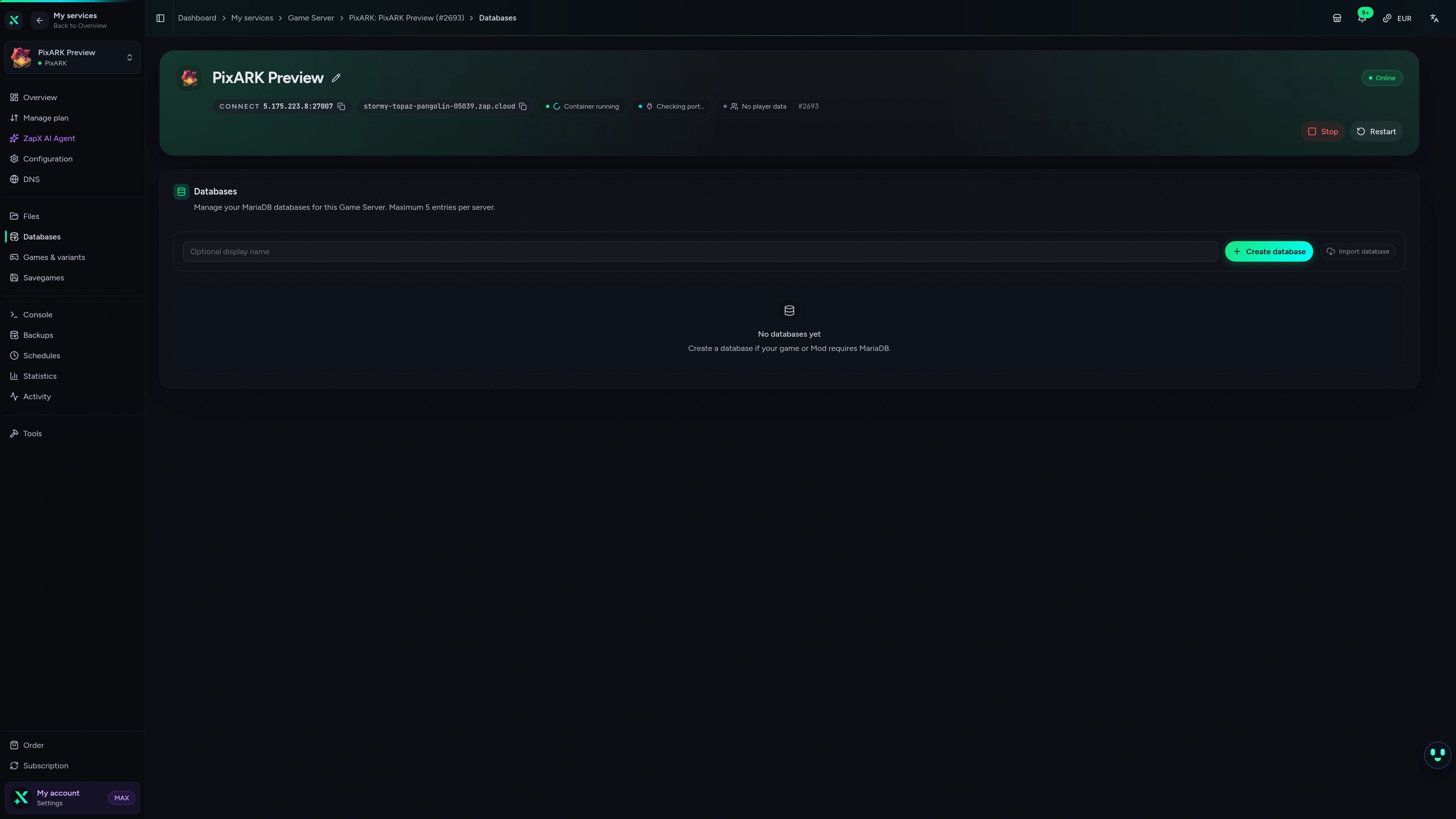
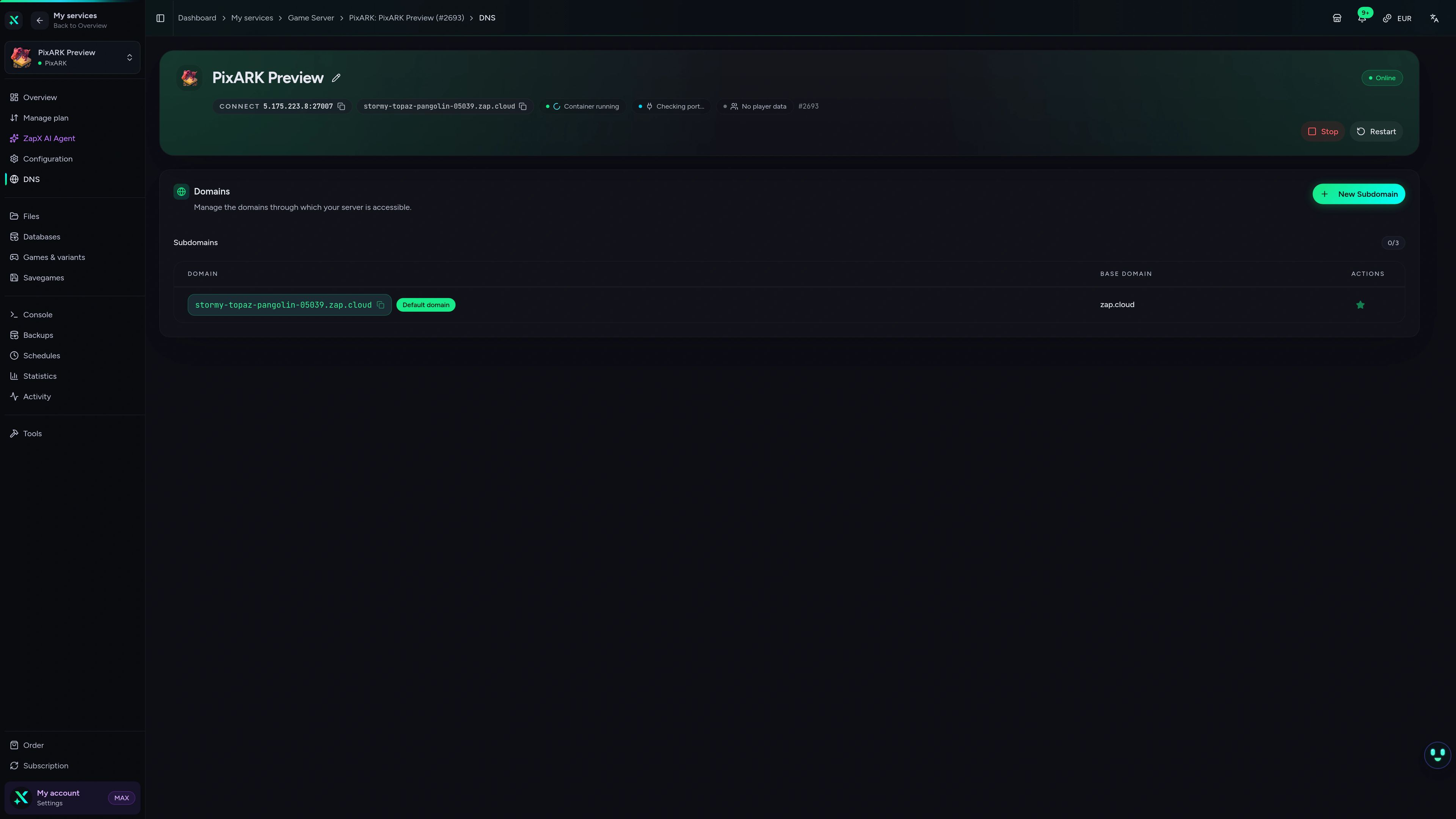
PixARK Game Server – Schedules
PixARK game server schedules view in the ZapX dashboard.
Ask the ZapX AI Agent about your PixARK server
Stuck on a setting or chasing lag? The ZapX AI Agent explains your PixARK server, suggests next steps and runs them only after you confirm in the chat.
The ZapX AI Agent is part of the ZapX Pass. It explains and suggests, and it only runs steps after you confirm them in the chat.
Discover ZapX PassZapX AI Agent
panel.zap-hosting.com
Benchmark
Measured values from our infrastructure side by side with typical market figures, so you can see what your package delivers.
High-performance VPS, CPU model depends on the location
Typical VPS plans without a published host CPU
confirmed 2026-07-01
Use cases
What will your PixARK server be?
From relaxed co-op taming to tribe wars: shape your PixARK server around how your group plays, with unlimited player slots on every package.
Ready for your tribe?
Your PixARK world, online in 60 seconds
ZapX appComing soon
Your PixARK server in your pocket
Check the status, restart your server and keep an eye on your world from your phone, wherever you are.
Discord management
Manage servers directly in Discord.
Check status, start, stop, and restart via slash command — without leaving your community Discord.


Impressionen
PixARK Screenshots
A glimpse into the game world—its atmosphere, exploration, and the moments your community will experience on the server.
PixARK
1 free tool – right in your browser, no sign-up needed.
Also available
We also offer the following games.
Switch between your games anytime for free—Minecraft, FiveM, Rust, and more.

Survival & Creative
Minecraft
Vanilla, Modded & Modpacks
Ready in ~2 min

Roleplay
FiveM
Roleplay server in seconds
One-click installation

Survival
Rust
Wipe-ready gameserver
Automatic setup
Also available
Switch between your games anytime for free—Minecraft, FiveM, Rust, and more.
98
Available games












Benefit
Unlimited Slots
We don't artificially limit player Slots. Hardware determines capacity.
Scale based on Mods, scripts, and player load instead of paying for a fixed number of Slots.
Start your PixARK server now
Pick a package, choose a location worldwide and invite your tribe. Unlimited player slots, DDoS protection and a daily Backup are included.
No setup. No risk. Online in seconds.