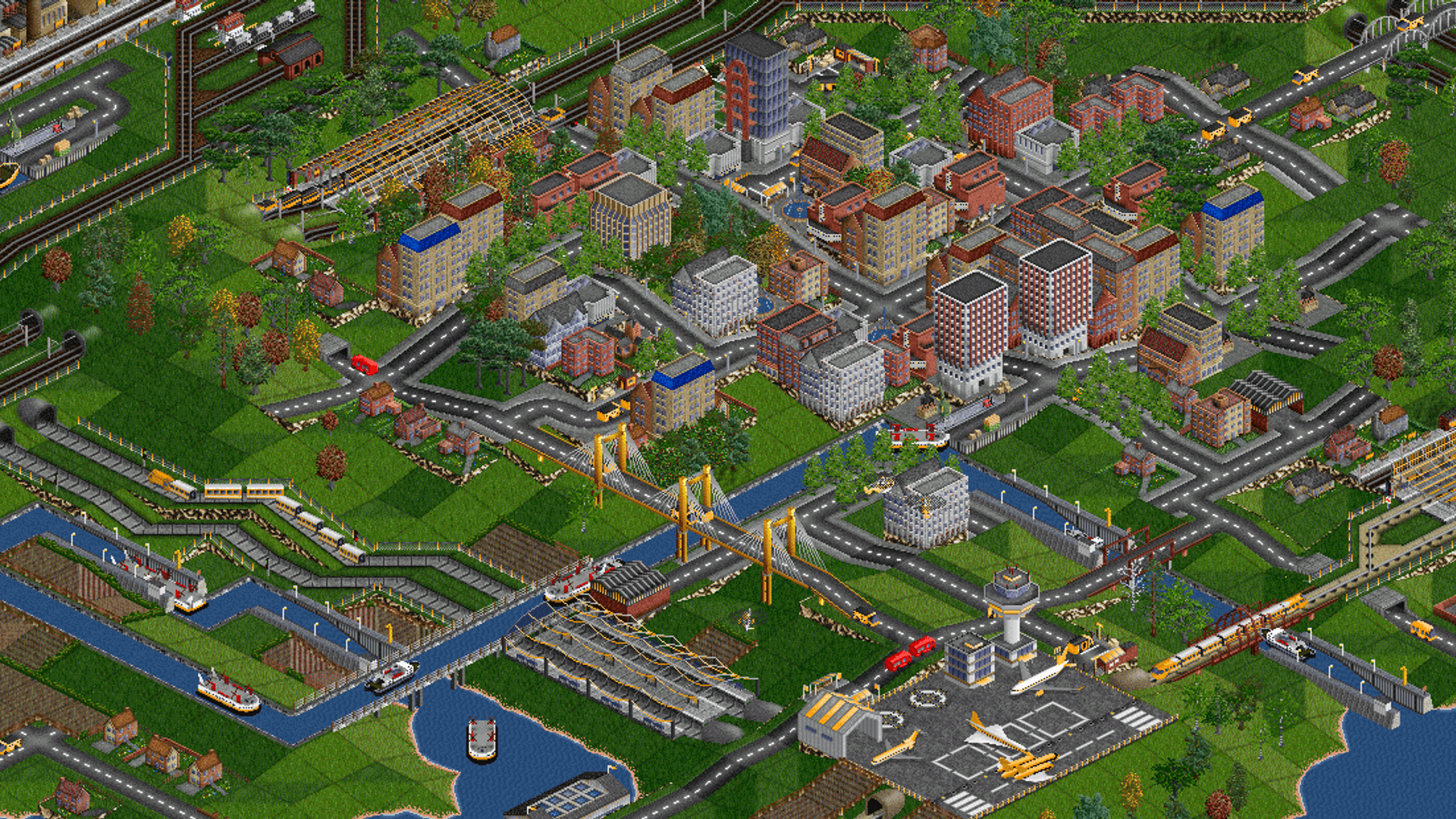
 OpenTTD Game Server Hosting
OpenTTD Server Hosting
Your dedicated OpenTTD server runs 24/7 with NewGRFs, AIs and your savegame, online in 60 seconds at locations worldwide.
Or try 3 days from €0.81Pick the 3-day term at checkout · renews every 3 days · cancel anytime

Plans and pricing
Packages 1–3 of 9
 openttd
Configure yourself
Your server. Your power.
No package fits? Choose your RAM, CPU and storage—you only pay for the package you put together.
Powerful CPUs
100 Gbit/s host network
DDoS protection
Online in 60 seconds
Daily Backup
 Visa
 Mastercard
 American Express
 PayPal
 Google Pay
 Apple Pay
 Klarna
 Amazon Pay
About the server
What is an OpenTTD server?
OpenTTD is the free, open-source remake of Transport Tycoon Deluxe, developed by the OpenTTD team: you lay track, run buses, trucks, ships and planes, connect towns and industries and grow a company that turns a profit year after year. In multiplayer, you and your friends either share one company in co-op or each run a rival company on the same map. An OpenTTD server of your own keeps that map running 24/7, so everyone can join whenever they have time, even when your PC is off.
With your own dedicated OpenTTD server, you upload the savegame you already started and add the NewGRF sets, AIs and game scripts your group plays with. Server name, server and admin password, maximum companies, visibility and the savegame to load are startup parameters in the panel, and the server applies them on every start. Your friends join via the in-game server list, an invite code or the IP and port from the panel, with no port forwarding on your side.
Features
Everything your OpenTTD server needs.
From the first map to a network spanning decades: savegames, NewGRFs, console access and Backups are built in.
Unlimited slots
Invite your whole group with unlimited slots and set the maximum companies (1–15) in the panel.
Online in 60 seconds
Your OpenTTD server is online in 60 seconds after ordering, ready for your first map.
Bring your savegame
Continue your company: upload .sav or .scn files, the newest save loads on start and saves on stop.
NewGRFs, AIs & game scripts
Play with your NewGRF sets, AIs and game scripts: upload them or load them from BaNaNaS in the console.
Live console in the panel
Save the game, kick players or reset a company straight from your browser.
Password or invite-only
Keep your game private with a server password or invite-only visibility, set as startup parameters.
Locations worldwide
Your server. Your location.
8 data centers worldwide — choose the location closest to your community.
Europe


America


Asia-Pacific


Reviews
What customers say about ZAP-Hosting
Real feedback on support and setup.
great prices, good specs
the interface was great, migration was flawless and the interface is very user friendly. support team was very helpful aswell

 ZAP-HostingReply
I've been with them for a few years
I've been with them for a few years, and they're one of the best. The lifetime servers have really helped me, and now they've added auto-backup. 10/10!
 ZAP-HostingReply


FAQ
Frequently asked questions about OpenTTD
Answers to the most important questions before you start.
How much RAM does an OpenTTD server need?
Minimum 1 GB RAM, recommended 2 GB RAM.
An OpenTTD server needs at least 1 GB of RAM, and 2 GB is recommended for smooth company games. Plan more RAM when you play with more players, large maps, extensive NewGRF sets or several AI companies. You can adjust resources such as RAM, CPU and storage later whenever your network needs more.
- Minimum: 1 GB RAM
- Recommended: 2 GB RAM
- More players, large maps or many NewGRFs: plan more RAM
- Adjust RAM, CPU and storage later
How many players can join my OpenTTD server?
Unlimited slots in every package.
Every package has unlimited slots and there is no per-slot billing, so you never pay per player. OpenTTD allows up to 15 companies per game, and you set the maximum number of companies as a startup parameter in the panel. The price depends on the package you choose, not on the number of players.
- Unlimited slots
- No per-slot billing
- OpenTTD allows up to 15 companies per game
- Maximum companies set in the panel
Why rent an OpenTTD server instead of hosting it for free at home?
Hosting at home means port forwarding, router settings and a PC that has to stay on all night, and friends often can't even see the game. Your rented OpenTTD server runs 24/7 in a data center with DDoS protection and a daily Backup, so your group can join anytime, even when you're offline. How DDoS protection works
- No port forwarding or router setup
- No PC that has to run all night
- DDoS protection included
- Daily Backup included
Can I upload my existing savegame and NewGRFs?
Yes. Upload your .sav or .scn files in the file manager. On start the server loads your newest savegame, a new map or a specific file, as set in the startup parameters, and it saves automatically when you stop it. Add NewGRFs, AIs and game scripts by upload or from BaNaNaS via the server console; players download missing NewGRFs from the online content when they join. Fix missing NewGRFs and savegame issues
- Upload .sav and .scn savegames
- Newest save loads on start, saved on stop
- NewGRFs, AIs and game scripts by upload or from BaNaNaS
- OpenGFX, OpenSFX and OpenMSX included
How do my friends join my OpenTTD server?
Your friends open Multiplayer in OpenTTD and join in one of three ways: through the public in-game server list, which is the default visibility, with an invite code, or directly with the IP and port shown in the panel. Their client needs the same OpenTTD version as the server, and nobody needs Steam. A server password keeps uninvited players out. How to connect to your OpenTTD server
- Public in-game server list
- Invite code
- IP and port from the panel
- Same OpenTTD version as the server
How quickly is my OpenTTD server ready?
Online in 60 seconds after your order.
Your OpenTTD server is online in 60 seconds after your order. Uploading your own savegame or NewGRF files is a separate step afterwards and depends on their size. Once the map is loaded, your friends can join right away.
- Server online in 60 seconds
- Own uploads follow as a separate step
Which server locations can I choose?
Locations worldwide: pick the one closest to your players.
You choose from locations worldwide: Frankfurt / Eygelshoven, Ashburn, Dallas and Los Angeles plus London, Montreal, Singapore and Sydney. Pick the location closest to your group; for players in North America, Ashburn, Dallas or Los Angeles is often a good start. Availability varies by product and location, and some locations add a regional surcharge.
- Europe: Frankfurt / Eygelshoven, London
- North America: Ashburn, Dallas, Los Angeles, Montreal
- Asia-Pacific: Singapore, Sydney
Which billing periods are available?
You choose a term of 3, 30, 90, 180 or 365 days, and a longer term lowers the monthly price. Packages start from €4.49/month, and you can cancel anytime, effective at the end of the term. With the ZapX Pass, Lifetime is also available: you buy your server once instead of renting it.
- Terms of 3, 30, 90, 180 or 365 days
- Cancel anytime
- Lifetime with ZapX Pass
Any more questions?
Contact SupportPanel
Your OpenTTD server in the ZapX panel
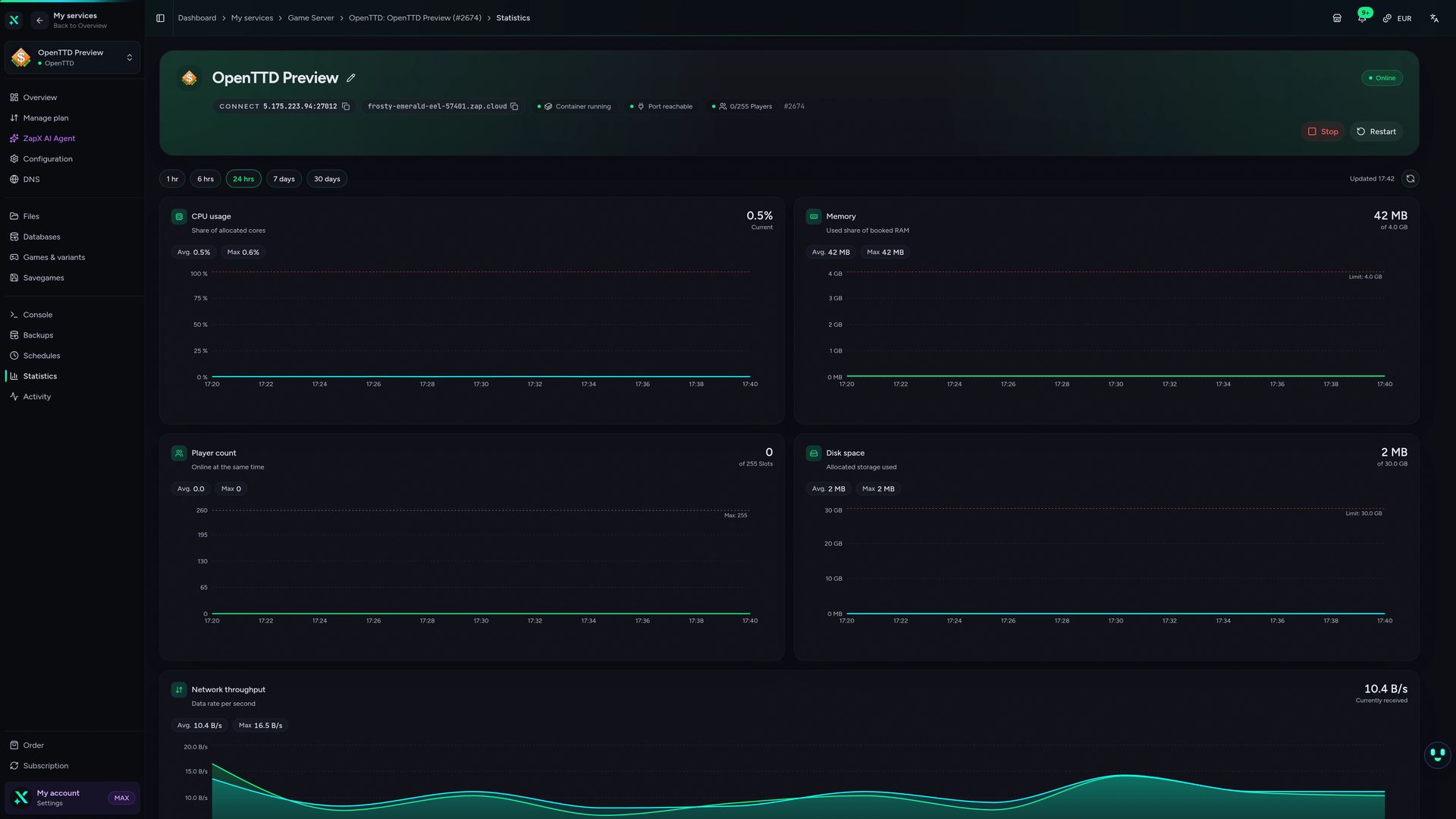
Manage savegames, startup parameters, the live console and your Backups for your OpenTTD server in one place.
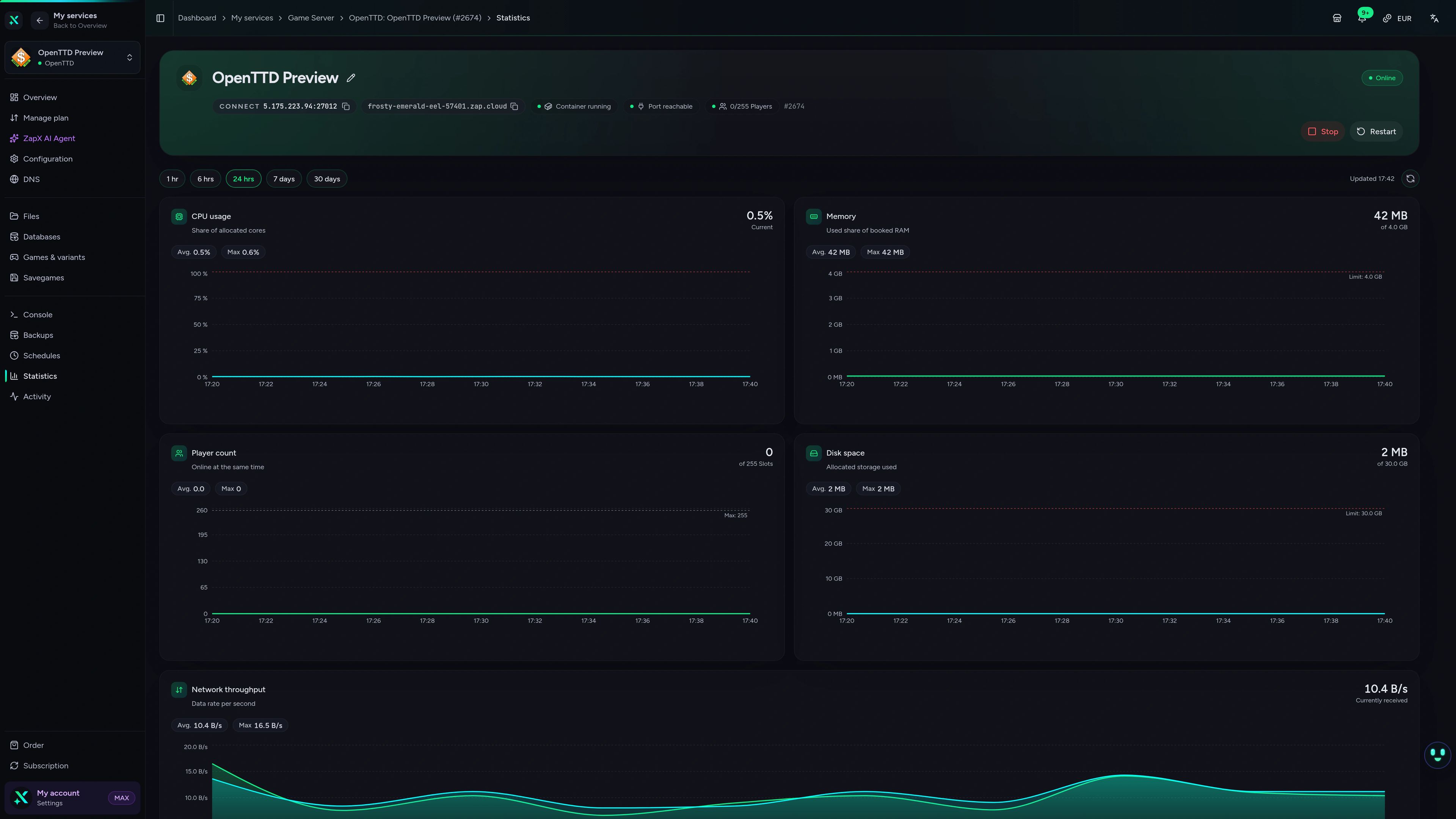
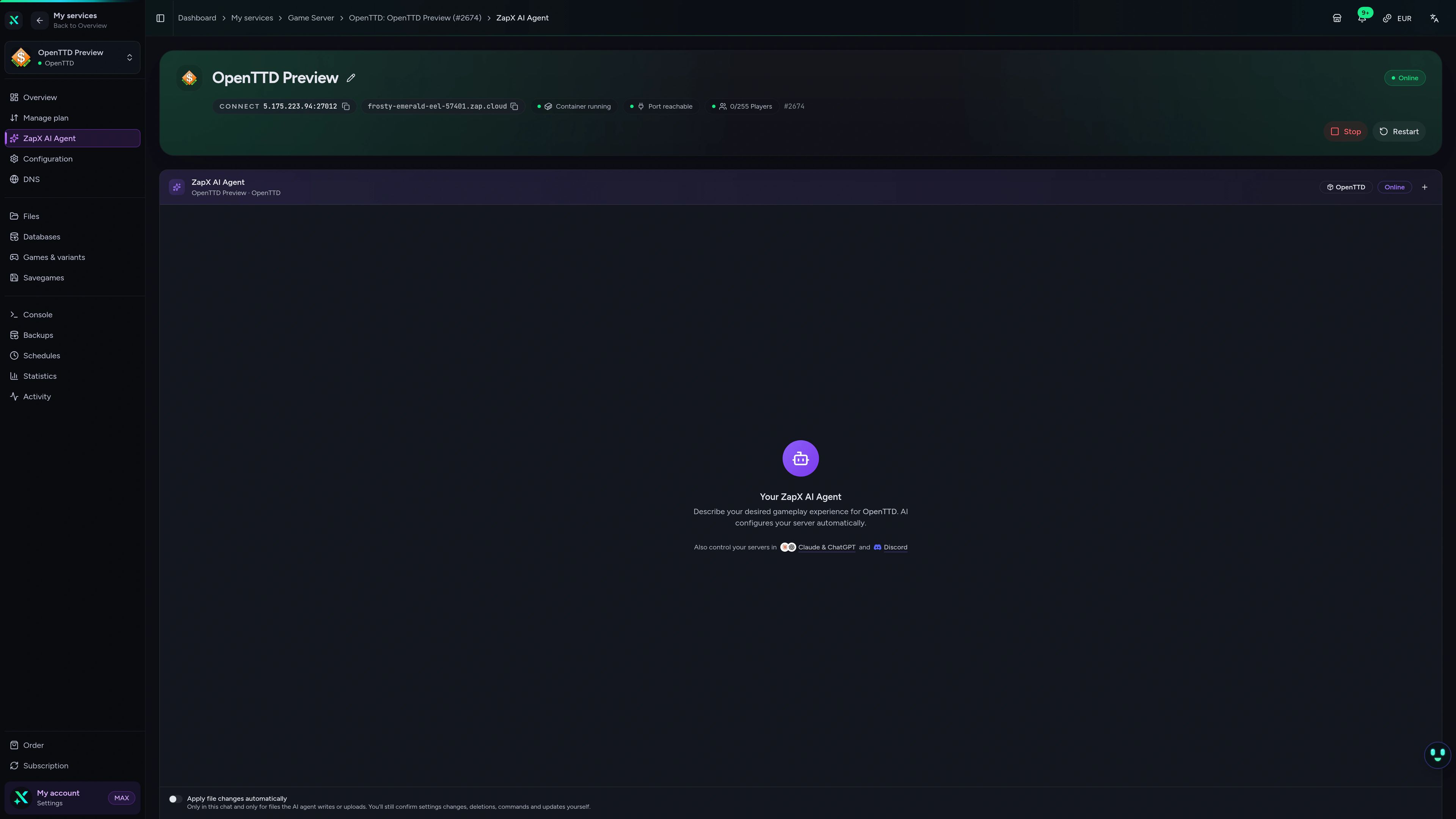
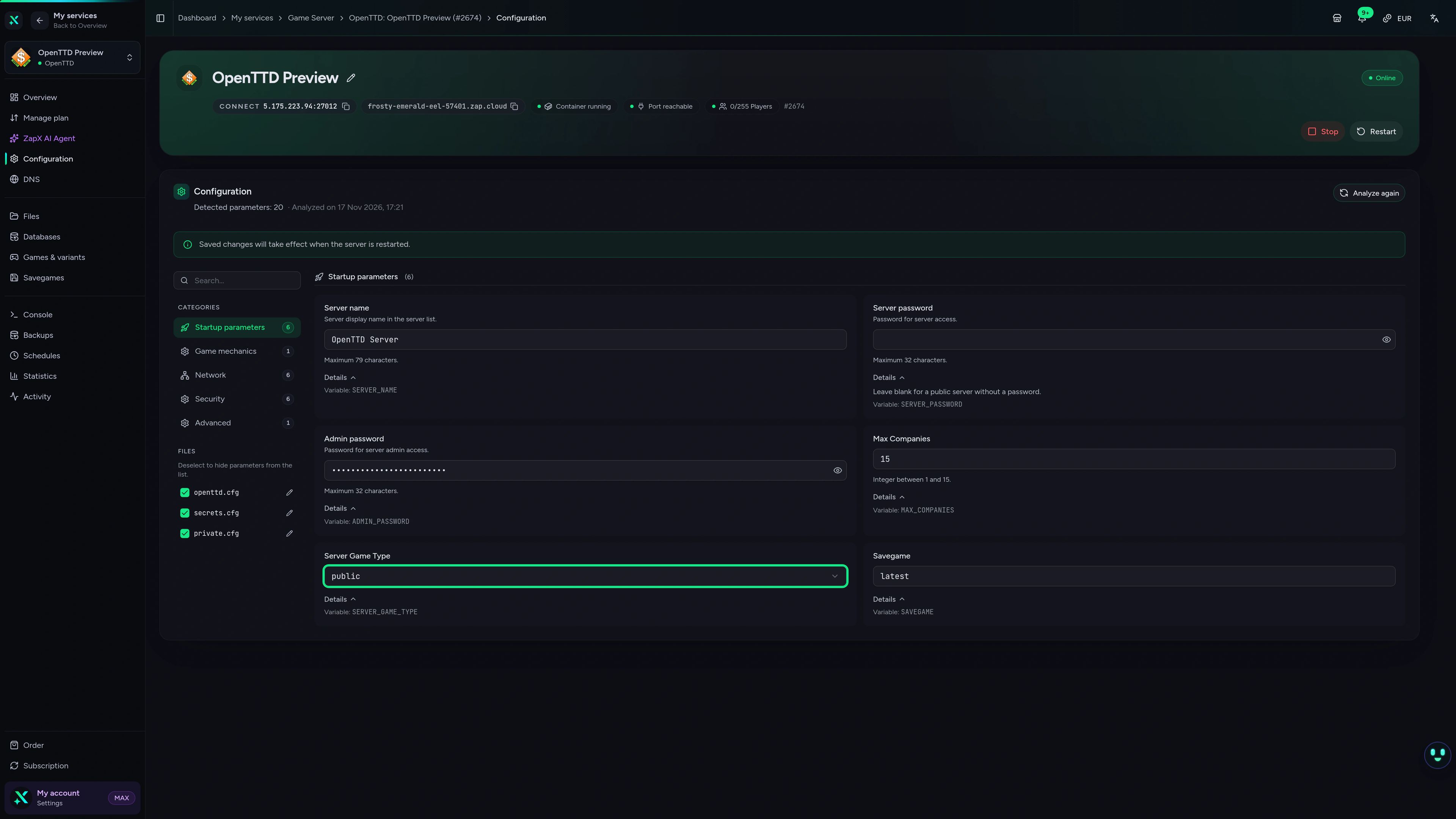
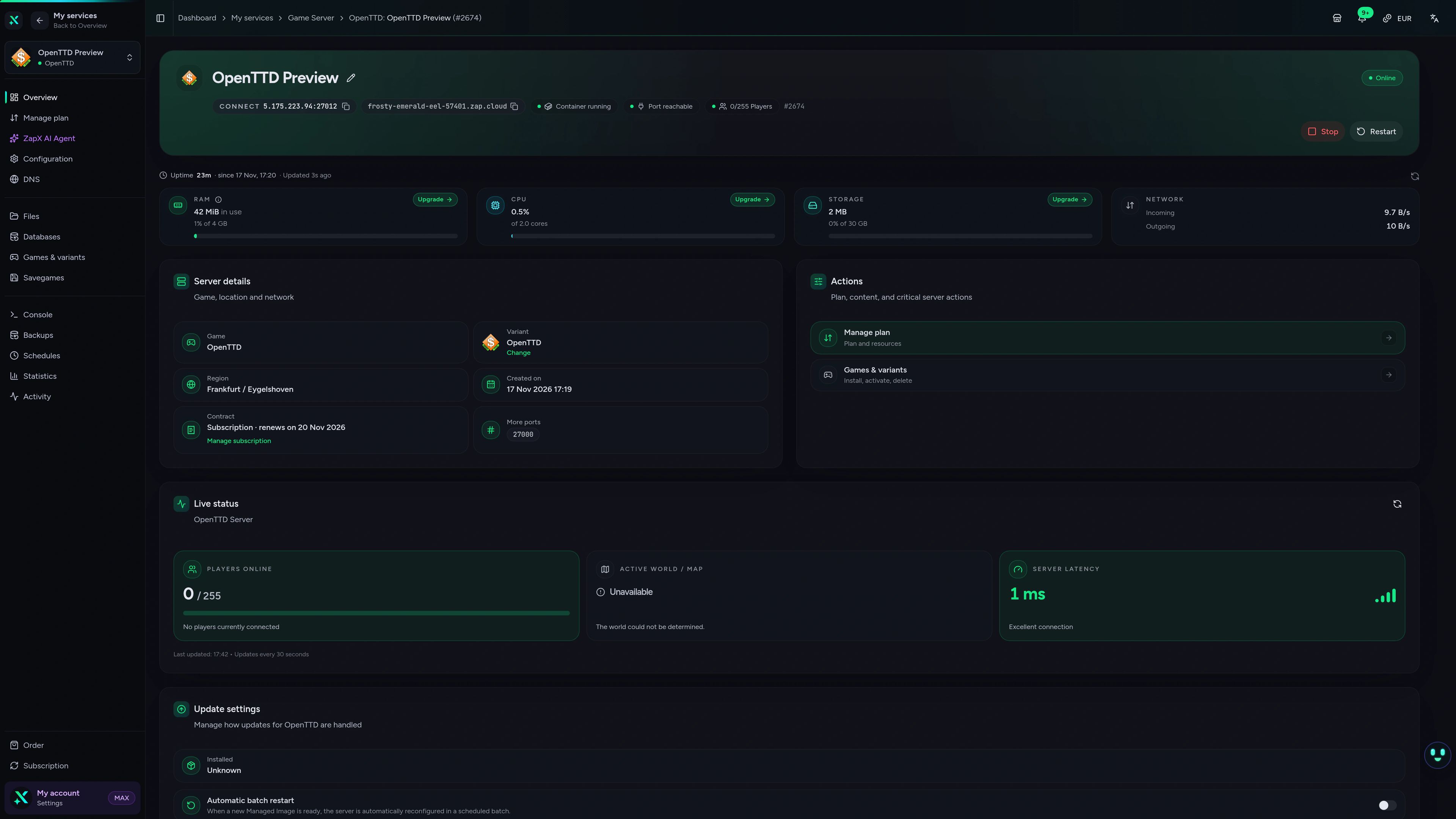
OpenTTD Game Server – Statistics
OpenTTD game server statistics view in the ZapX dashboard.
Ask the ZapX AI Agent about your OpenTTD server
The ZapX AI Agent explains settings, finds causes of desyncs and missing NewGRFs and, on request, runs the steps itself after you confirm them in the chat.
The ZapX AI Agent is part of the ZapX Pass, together with Lifetime slots, your own Backups and more.
Get ZapX PassZapX AI Agent
panel.zap-hosting.com
Performance
Measured values from our game server infrastructure, compared with what is typical for OpenTTD hosting.
High-performance VPS, CPU model depends on the location
Typical VPS plans without a published host CPU
confirmed 2026-07-01
Use cases
How you play on your OpenTTD server
Co-op networks, rival companies, NewGRF-heavy maps or weekend challenges: your dedicated OpenTTD server keeps every game running 24/7.
Ready for your network?
Your OpenTTD map, online 24/7.
ZapX appComing soon
Your OpenTTD server in your pocket
Check the status, restart your OpenTTD server and open the console with the ZapX app, wherever you are.
Discord management
Manage servers directly in Discord.
Check status, start, stop, and restart via slash command — without leaving your community Discord.


Impressionen
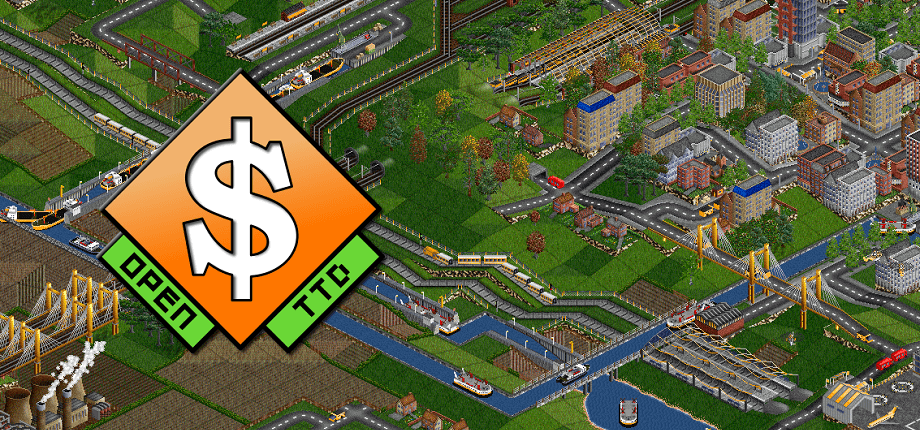
OpenTTD Screenshots
A glimpse into the game world—its atmosphere, exploration, and the moments your community will experience on the server.
OpenTTD
1 free tool – right in your browser, no sign-up needed.
Also available
We also offer the following games.
Switch between your games anytime for free—Minecraft, FiveM, Rust, and more.

Survival & Creative
Minecraft
Vanilla, Modded & Modpacks
Ready in ~2 min

Roleplay
FiveM
Roleplay server in seconds
One-click installation

Survival
Rust
Wipe-ready gameserver
Automatic setup
Also available
Switch between your games anytime for free—Minecraft, FiveM, Rust, and more.
98
Available games












Benefit
Unlimited Slots
We don't artificially limit player Slots. Hardware determines capacity.
Scale based on Mods, scripts, and player load instead of paying for a fixed number of Slots.
Start your OpenTTD server
Online in 60 seconds with unlimited slots, DDoS protection and locations worldwide. Cancel anytime.
No setup. No risk. Online in seconds.