
Gameserver plan
ZAP Spawn
€5.99/ 30 days
- 2 GB RAM
- 2 CPU
- 15 GB NVMe
- Unlimited Slots
 Bedrock server hosting for crossplay
Minecraft Bedrock · Online in 60 seconds, with unlimited slots, DDoS protection and worldwide locations for your crew on PC, console and mobile.
Gameserver plan
Gameserver plan
Gameserver plan
Gameserver plan
Gameserver plan
Gameserver plan
Gameserver plan
Gameserver plan
Gameserver plan
Packages 1–3 of 9
 bedrock
Configure yourself
No package fits? Choose your RAM, CPU and storage—you only pay for the performance your community actually needs.
Powerful CPUs
100 Gbit/s host network
DDoS protection
CurseForge add-ons
Daily auto-backup
 Visa
 Mastercard
 American Express
 PayPal
 Google Pay
 Apple Pay
 Klarna
 Amazon Pay
About Bedrock servers
Minecraft: Bedrock Edition is the version of Minecraft you play on Windows, phones and tablets, Xbox, PlayStation and Nintendo Switch. You mine, build, explore and survive in endless block worlds, and add-ons, behavior packs and resource packs change mobs, items and textures. A Minecraft Bedrock server keeps that world online 24/7, so friends on any of these devices can join whenever they like, even when you're not playing yourself.
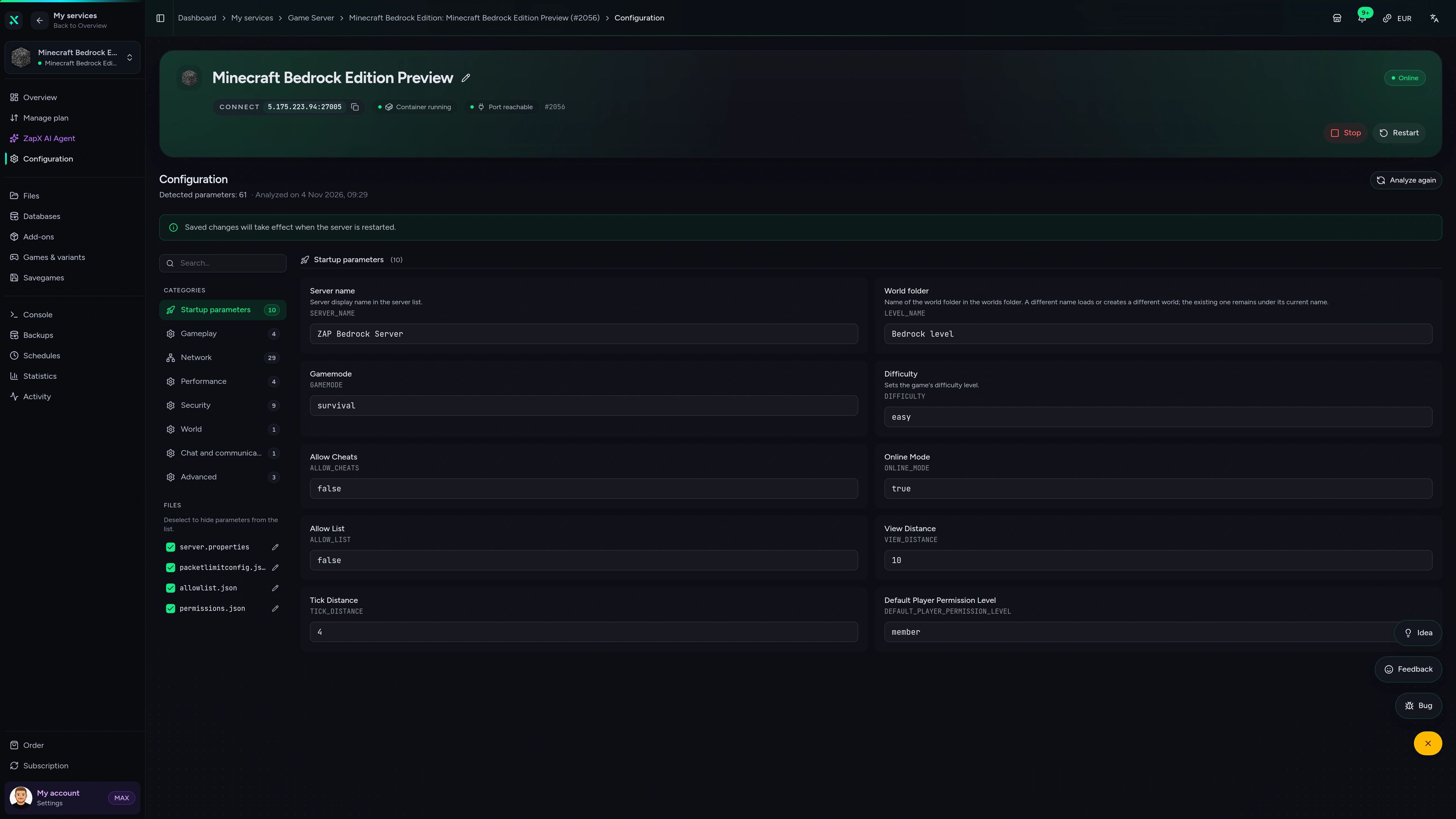
With your own server you decide how the world plays: switch game mode, difficulty and the allow list in the panel, upload a world you already love and add CurseForge add-ons with one click. With Bedrock server hosting every package has unlimited player slots, so your SMP can grow from a few friends to a whole community, and you choose the location closest to your players.
Locations worldwide
8 data centers worldwide — choose the location closest to your community.


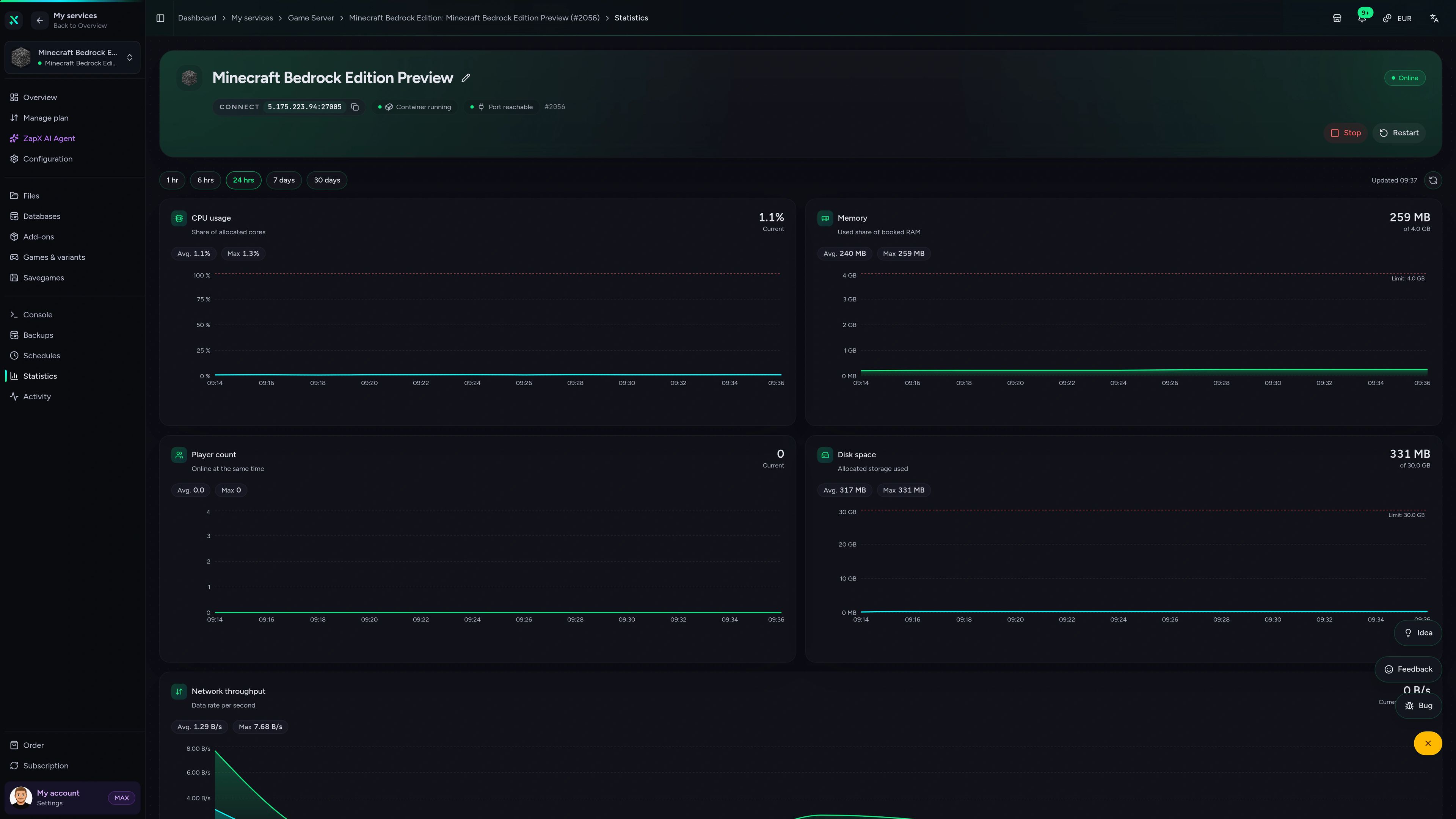
Panel preview
Console, files, add-ons, schedules and the DDoS Manager: see how your Bedrock world looks in the panel before you order.
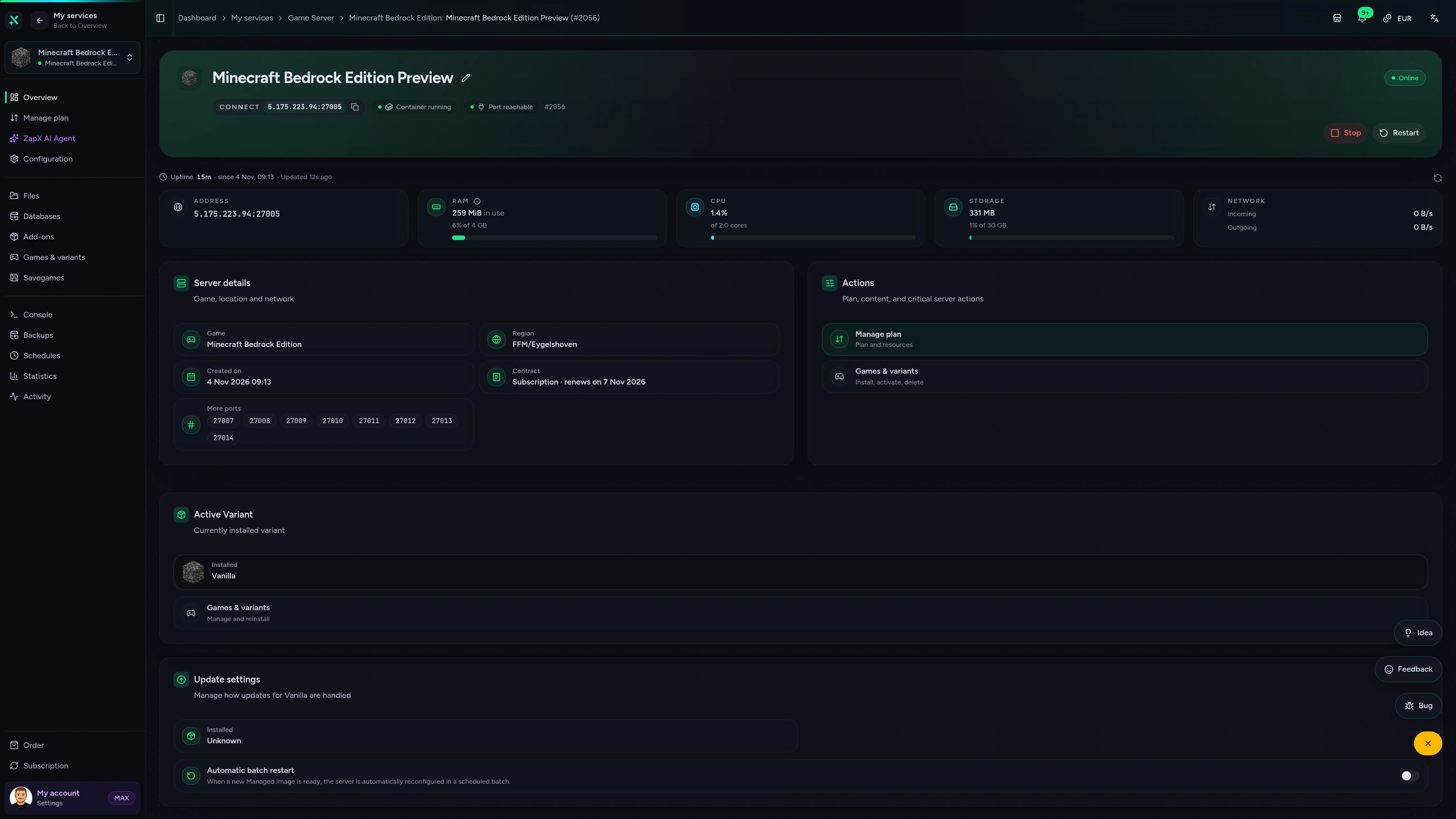
Minecraft Bedrock Edition Game Server – Overview
Overview of the Minecraft Bedrock Edition game server in the ZapX customer panel.
Performance
Measured values from our Bedrock servers next to typical hosts, so you see what your world gets before you order.
High-performance VPS, CPU model depends on the location
Typical VPS plans without a published host CPU
confirmed 2026-07-01
Use cases
From a cozy SMP with friends to crossplay events and add-on worlds: pick the scenario that fits your group.
Ready to play?
Your crossplay world, online in 60 seconds
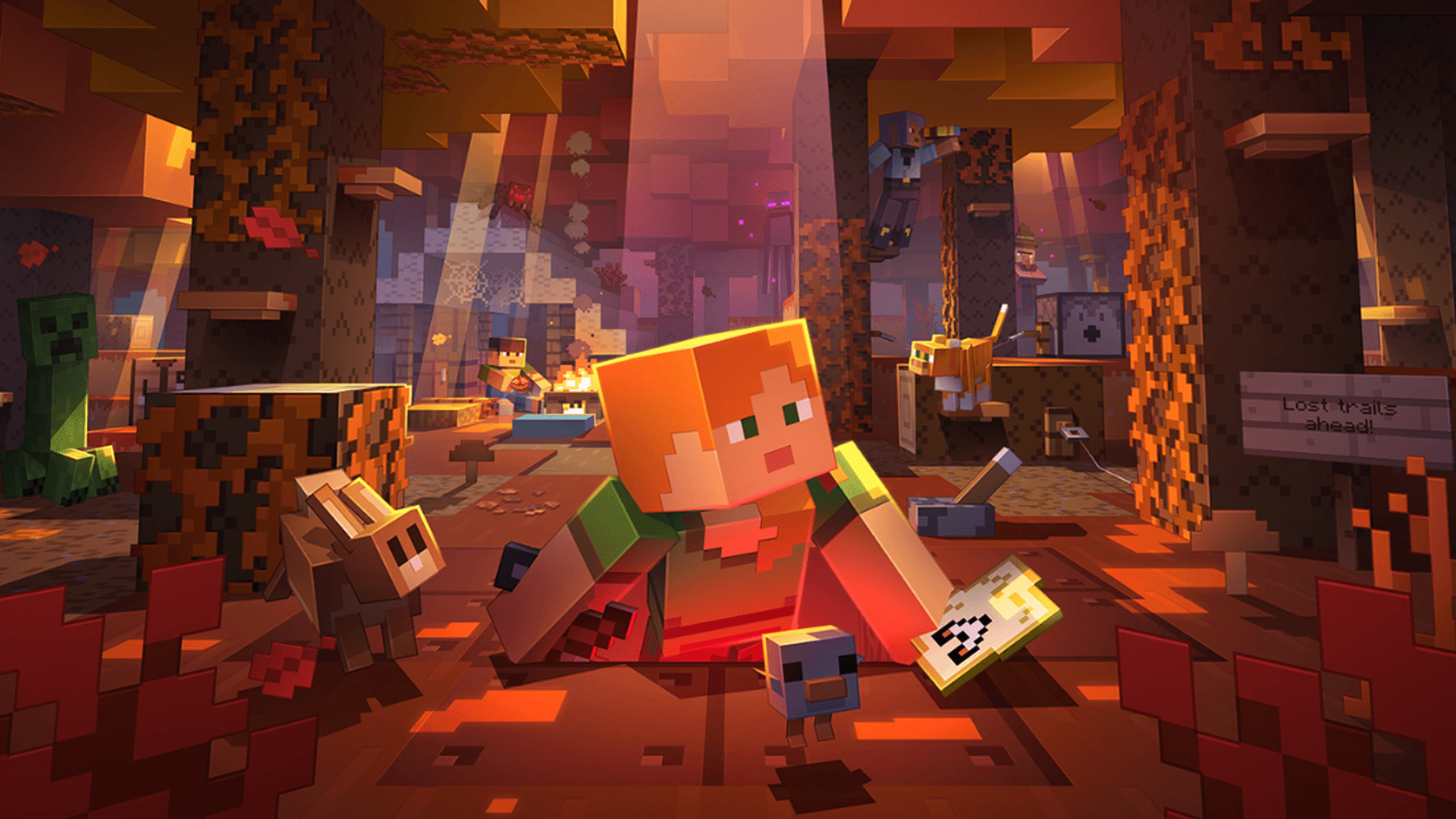
Impressionen
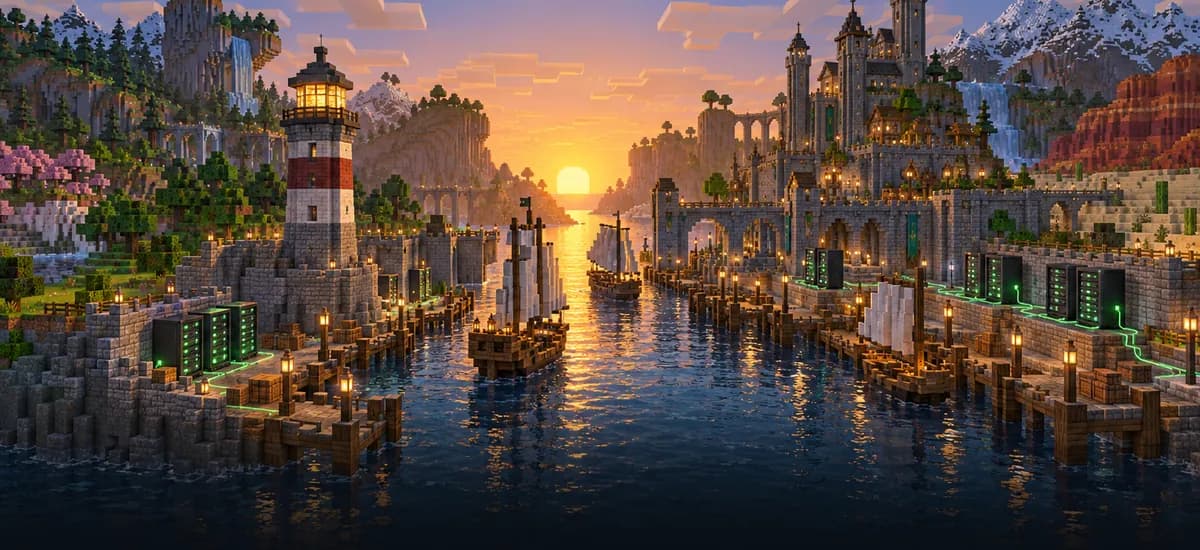
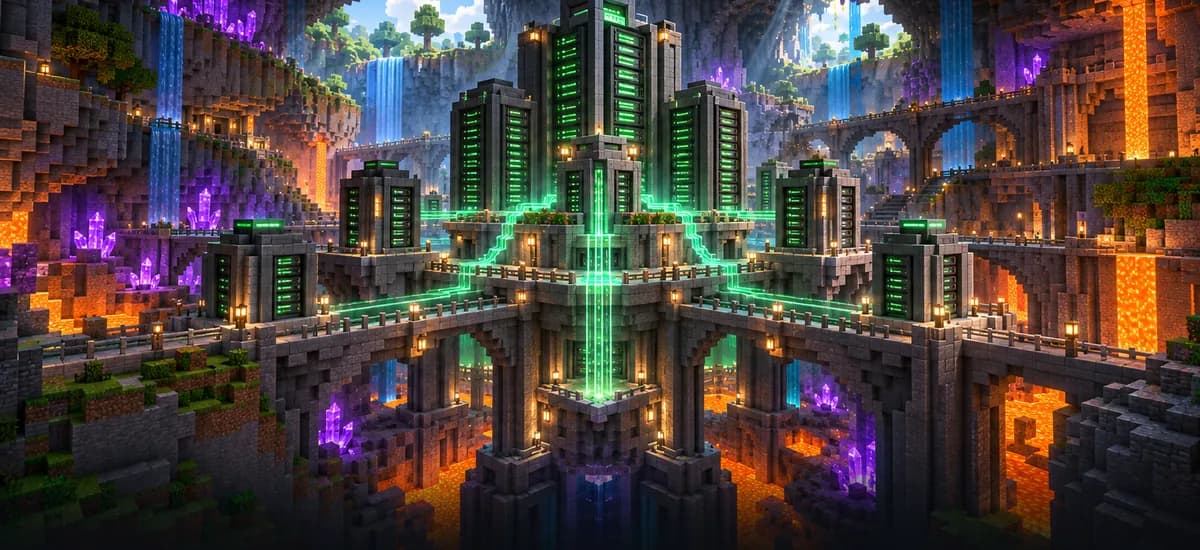
A glimpse into the game world—its atmosphere, exploration, and the moments your community will experience on the server.
Server variants
Pick your package, invite your friends on any Bedrock device and get your server online in 60 seconds. Cancel anytime.
No setup. No risk. Online in seconds.
Features
A Minecraft Bedrock server host built for crossplay groups: fast setup, full control in the panel and room to grow with your community.
Invite your whole crew: every package has unlimited slots, no per-slot fees.
Your Bedrock server is ready right after checkout; world generation follows.
Friends on Windows, mobile and consoles meet in one world on our PC servers.
Upload an exported world and keep building right where your group left off.
Change game mode, difficulty and the allow list in the panel, no file editing.
Your world is saved every day; own Backups and restores come with ZapX Pass.
Bedrock panel extras
Install CurseForge add-ons and texture packs for your world and connect a Tebex webshop from the panel.

Minecraft Bedrock Edition
Browse add-ons and texture packs; the panel registers them for your world automatically.
Run a Tebex store for your server: create or link it right in the panel.
Reviews
Real feedback on support and setup.
FAQ
Answers to the most important questions before you start.
Minecraft Bedrock server hosting starts from €5.99 per month. The price depends on the package you choose, not on the number of players: every package has unlimited slots. Terms run from 3 to 365 days, and a longer term lowers the monthly price. Mojang's Bedrock Dedicated Server software is free, but your own hosted server stays online 24/7 without a PC running at home.
Minimum 2 GB, recommended 4 GB RAM
A Minecraft Bedrock server needs at least 2 GB of RAM, and we recommend 4 GB for smooth play with friends. Plan more RAM when more players join, when you add several add-ons or behavior packs, or when your world grows large. You can raise RAM, CPU and storage later at any time, without setting up a new server.
As many as your world can handle: every package comes with unlimited player slots, so you never pay per slot. How smoothly a big group plays depends on the server's resources and your add-ons; if your community grows, you can add RAM and CPU at any time. With the allow list you decide exactly who gets in.
Yes. Minecraft Bedrock Edition supports crossplay, so players on Windows, iOS, Android, Xbox, PlayStation and Nintendo Switch join the same server as long as they run the matching Bedrock version. On Windows and mobile you add the server with the IP and port shown in the panel; for consoles, our help article explains how joining works. Java Edition players need a Java server with GeyserMC instead. How to connect to your Bedrock server
Your Minecraft Bedrock server is online in 60 seconds after your order. Generating a brand-new world on the first start, or uploading your own world, can take a moment longer as a separate step. Then you copy the IP and port from the panel and invite your friends.
Yes. Export your world from Minecraft or download it from your Realm, then upload the world folder in the panel and select it as the active world. Compared with Realms, your own Bedrock server gives you unlimited slots, full file access, CurseForge add-ons and a location you choose. A daily automatic Backup is included; with the ZapX Pass you also create your own Backups and restore earlier versions yourself. Import your world: step by step
Yes. In the panel you browse CurseForge add-ons and texture packs for Bedrock and install them with one click; the panel registers them as behavior and resource packs for your world. You can also upload your own packs via the file manager. Bigger add-on collections need more RAM, which you can raise at any time. Learn more in the Help Center
You choose from locations worldwide; pick the one closest to you and your friends for the lowest ping. For players in North America, Ashburn, Dallas or Los Angeles are often a good fit. DDoS protection is included with every package and filters attacks before they reach your world, so your sessions keep running.
Any more questions?
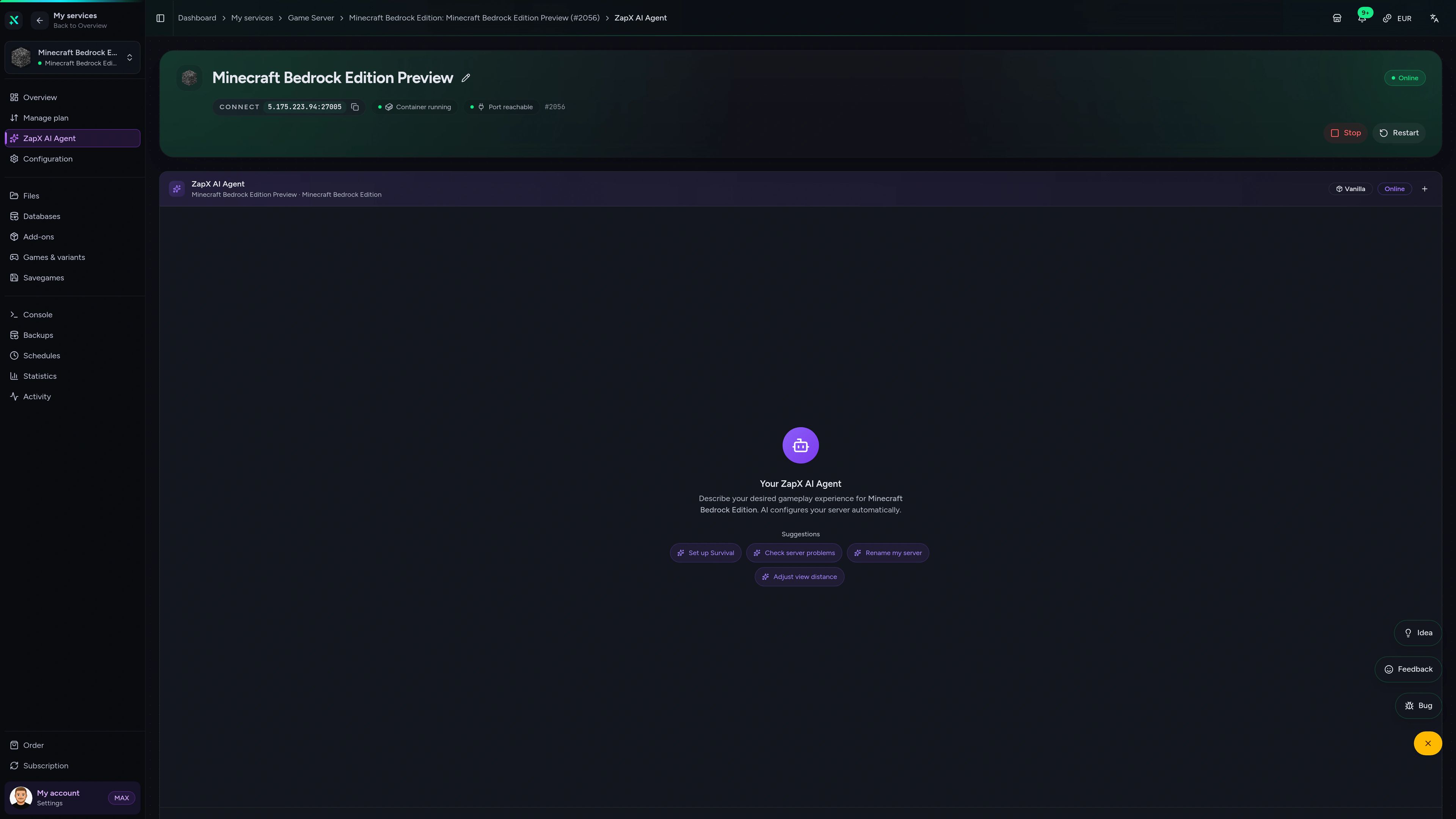
Contact SupportThe ZapX AI Agent explains settings, reads console errors and suggests next steps. On request it runs them for you after you confirm in the chat.
The ZapX AI Agent is part of the ZapX Pass and works across all your servers in the ZapX panel.
Discover the ZapX PassZapX AI Agent
panel.zap-hosting.com
ZapX appComing soon
With the ZapX app you restart your Bedrock server, follow the console and check its status from your phone, wherever you are.
Discord management
Check status, start, stop, and restart via slash command — without leaving your community Discord.
Each category has its own page with all tools for that game or topic.
276 tools in 70 categories — 100% free
Also available
Switch between your games anytime for free—Minecraft, FiveM, Rust, and more.

Survival & Creative
Vanilla, Modded & Modpacks
Ready in ~2 min

Roleplay
Roleplay server in seconds
One-click installation

Survival
Wipe-ready gameserver
Automatic setup
Also available
Switch between your games anytime for free—Minecraft, FiveM, Rust, and more.
90
Available games
Benefit
We don't artificially limit player Slots. Hardware determines capacity.
Scale based on Mods, scripts, and player load instead of paying for a fixed number of Slots.
© 2026 ZAP-Hosting GmbH
 Preferred source on Google