
Gameserver plan
ZAP Spawn
€5.99/ 30 days
- 2 GB RAM
- 2 CPU
- 15 GB NVMe
- Unlimited Slots
 Minecraft Java modpack server
Farming Valley - Lite · Your cozy farming modpack, installed automatically on a Minecraft Java server with unlimited slots and locations worldwide.
Gameserver plan
Gameserver plan
Gameserver plan
Gameserver plan
Gameserver plan
Gameserver plan
Gameserver plan
Gameserver plan
Gameserver plan
Packages 1–3 of 9
 minecraft
Configure yourself
No package fits? Choose your RAM, CPU and storage—you only pay for the performance your community actually needs.
Powerful CPUs
100 Gbit/s host network
DDoS protection
Modpack auto-setup
Cancel anytime
 Visa
 Mastercard
 American Express
 PayPal
 Google Pay
 Apple Pay
 Klarna
 Amazon Pay
About the modpack
Farming Valley Lite is the lighter version of Farming Valley, a Stardew Valley-style Minecraft modpack: you plant and harvest crops, raise animals, grow a small village and take on tasks from its villagers. Lite keeps that relaxed farming loop but is easier to run on older or less powerful PCs. On your own Minecraft Java server, the shared farm stays online for your whole group, even when the friend who usually hosts logs off.
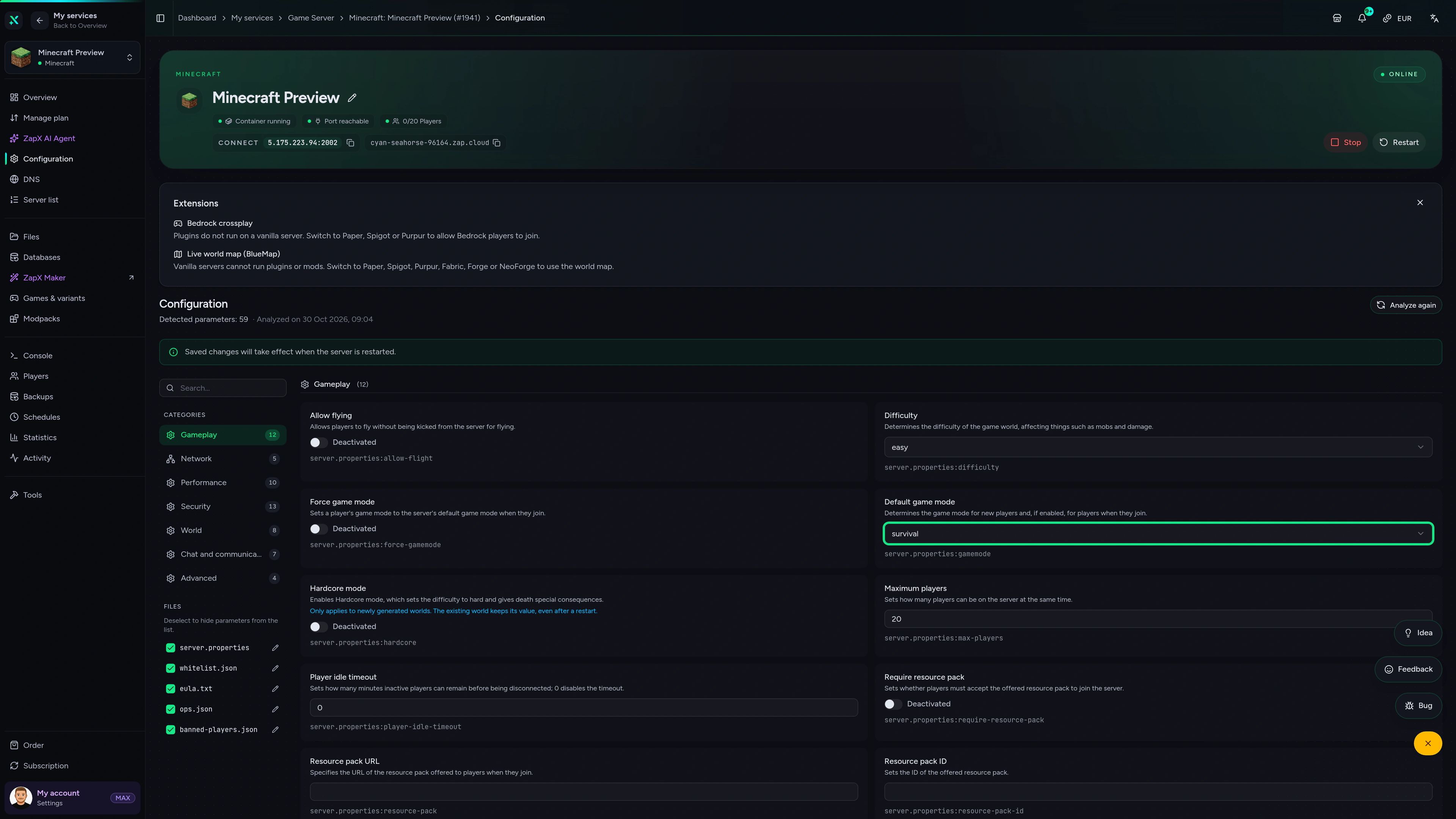
With your own Farming Valley Lite server, your group works the same fields in one shared world without port forwarding or a LAN setup. The server version of the pack is installed automatically when you order, so client-only mods don't block the start, and you can upload an existing world, create Backups with the ZapX Pass and adjust settings right in the panel.

Locations worldwide
8 data centers worldwide — choose the location closest to your community.


ZapX Panel
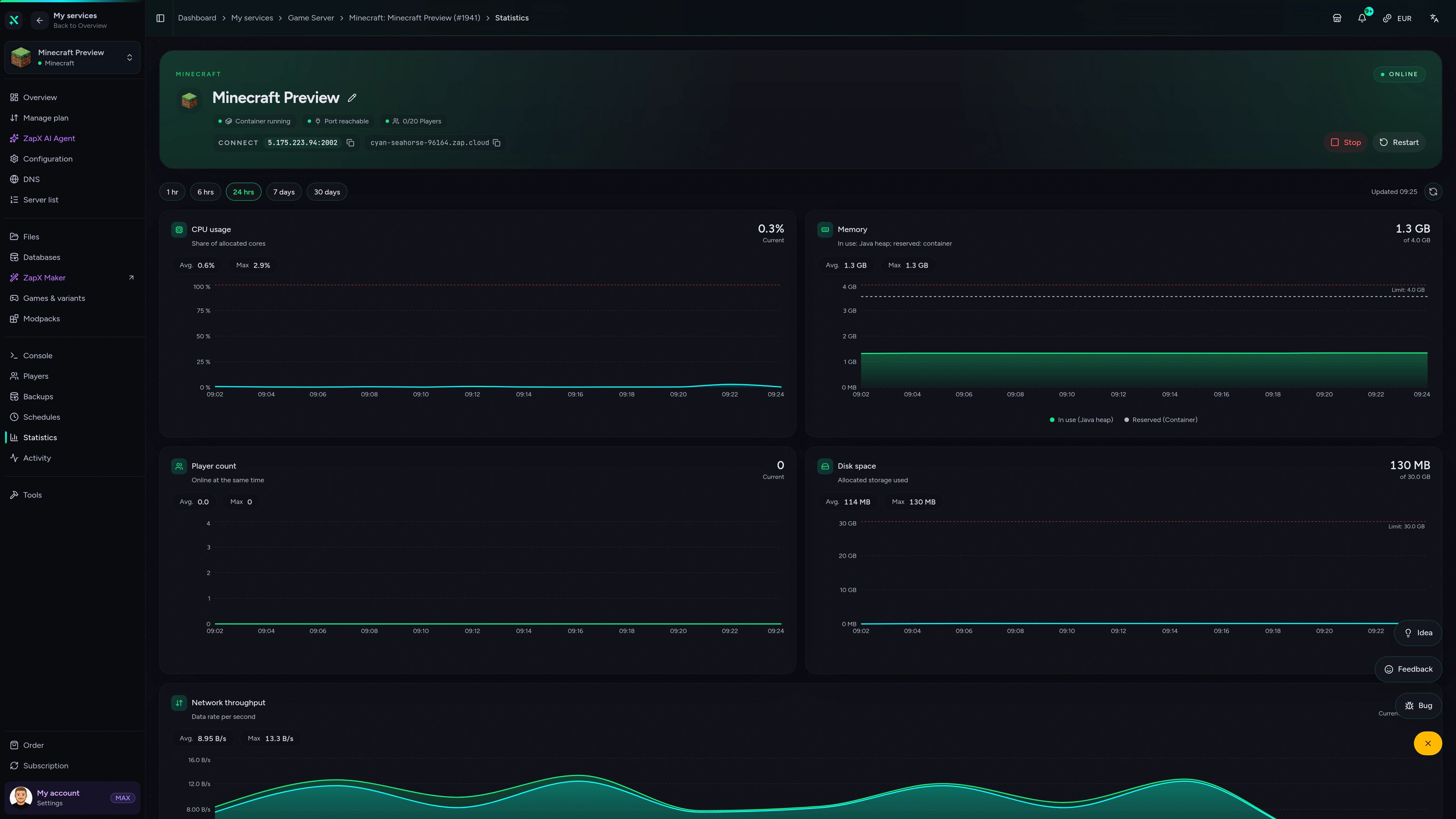
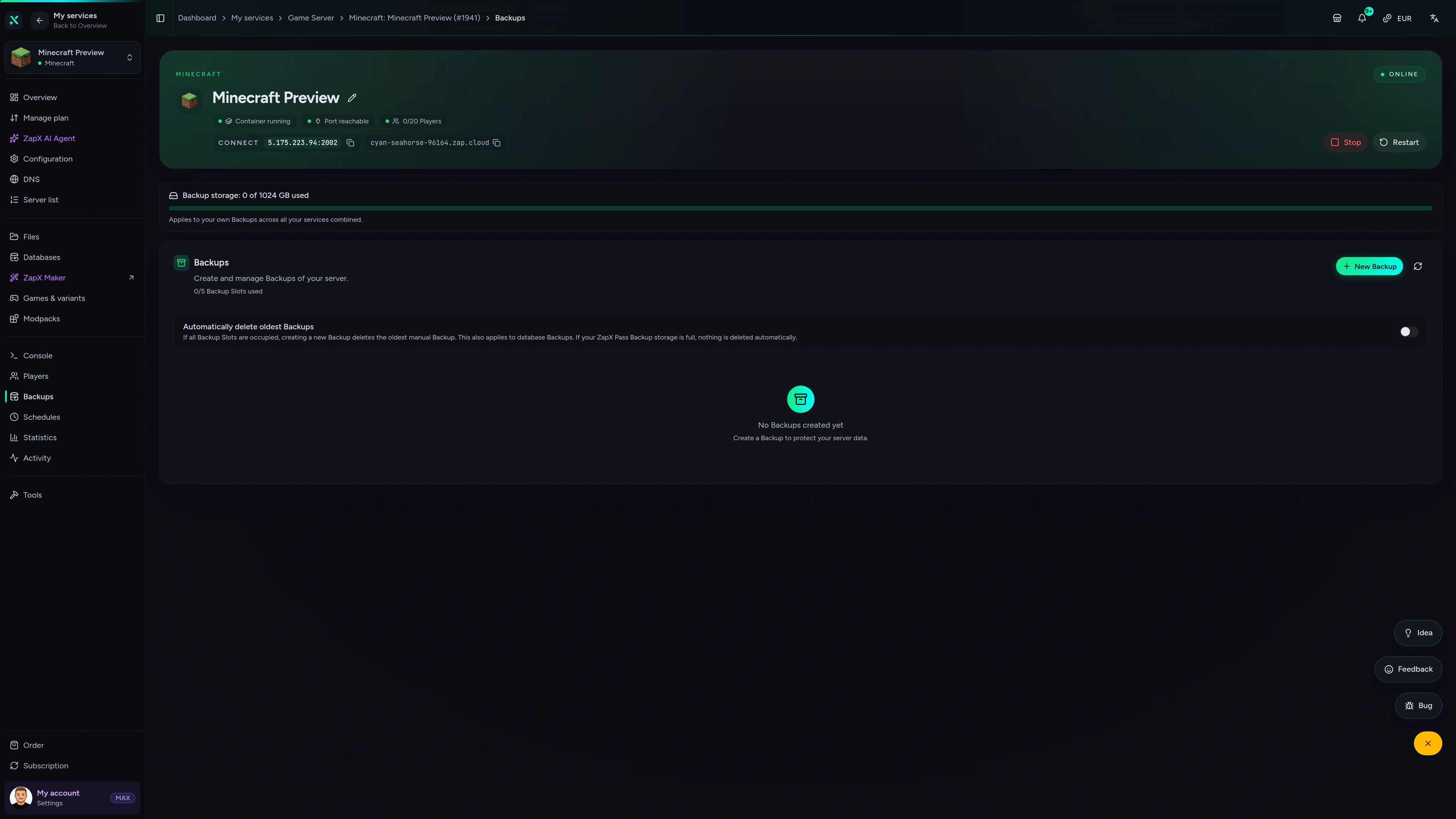
Backups, console, settings and live stats for your modpack server, all in one view you can open in any browser.
Minecraft Game Server – Backups
Backups of the Minecraft game server in the ZapX customer panel.
Benchmark
See how the measured performance of your Farming Valley Lite server compares with what typical modpack hosts deliver.
High-performance VPS, CPU model depends on the location
Typical VPS plans without a published host CPU
confirmed 2026-07-01
Use cases
From a relaxed co-op farm with friends to a bigger community village: your server runs the pack around the clock, with worldwide locations to choose from.
Ready to farm?
Start your shared farm with friends today
Impressionen
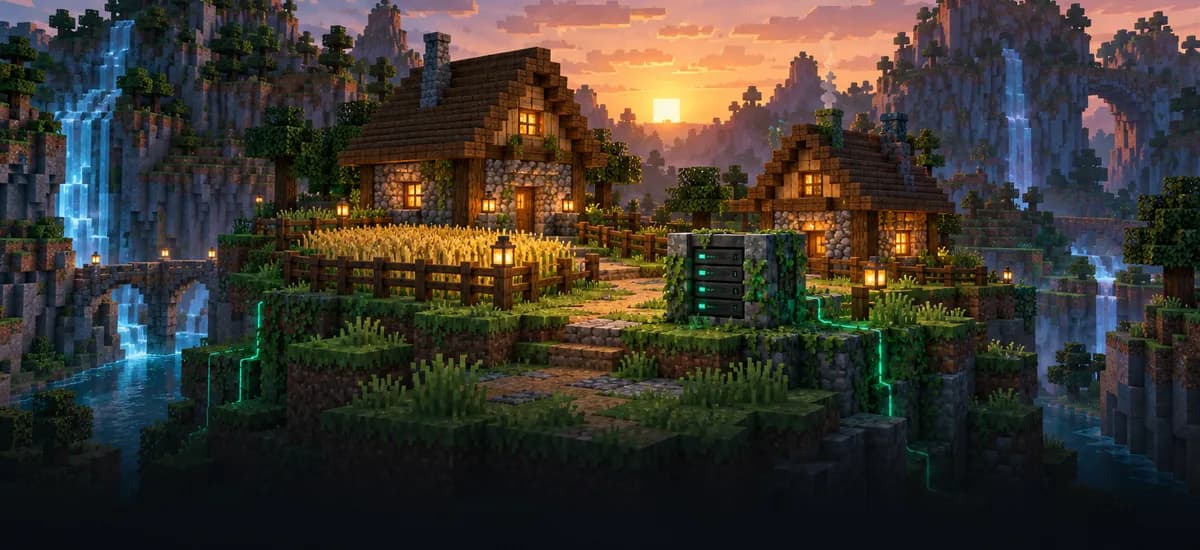
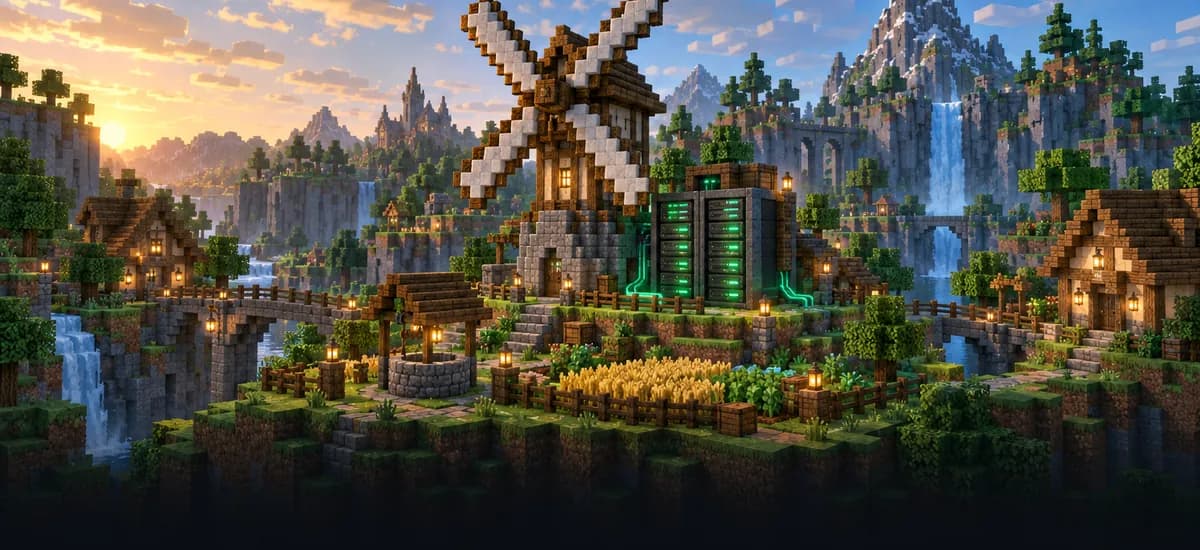
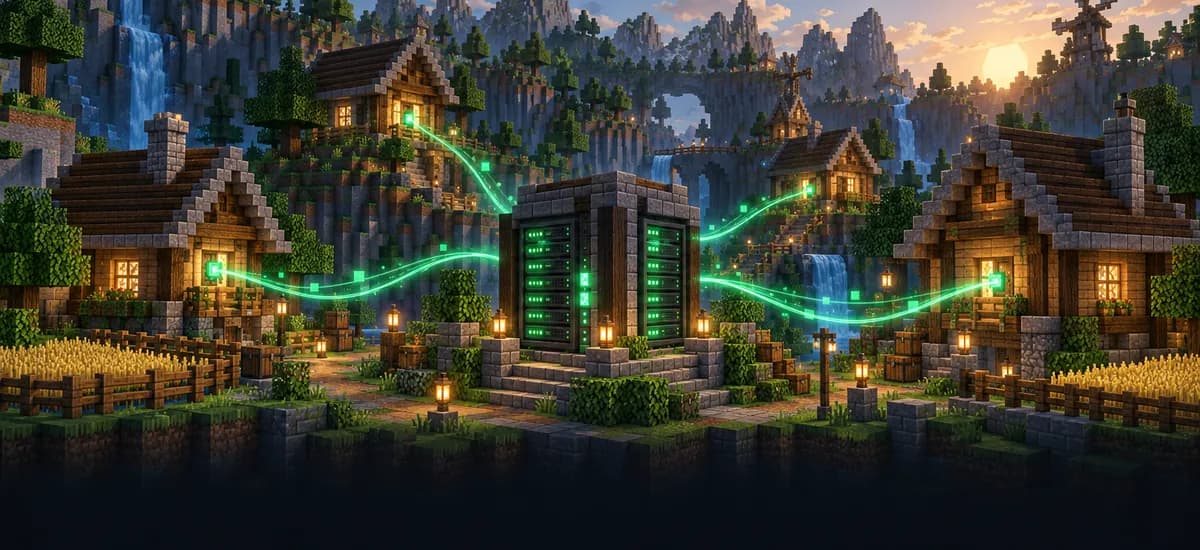
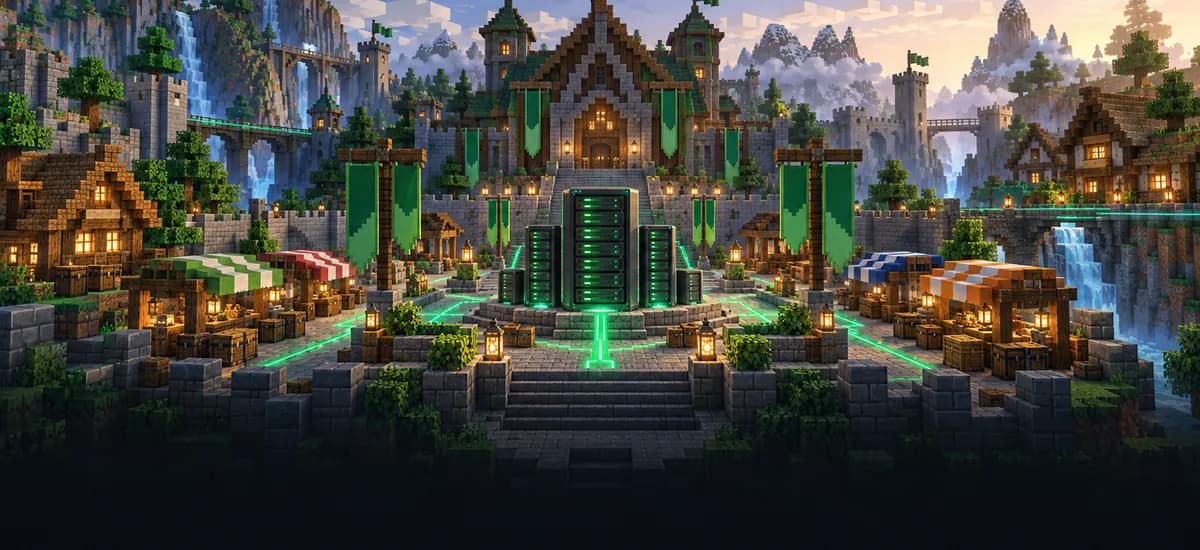
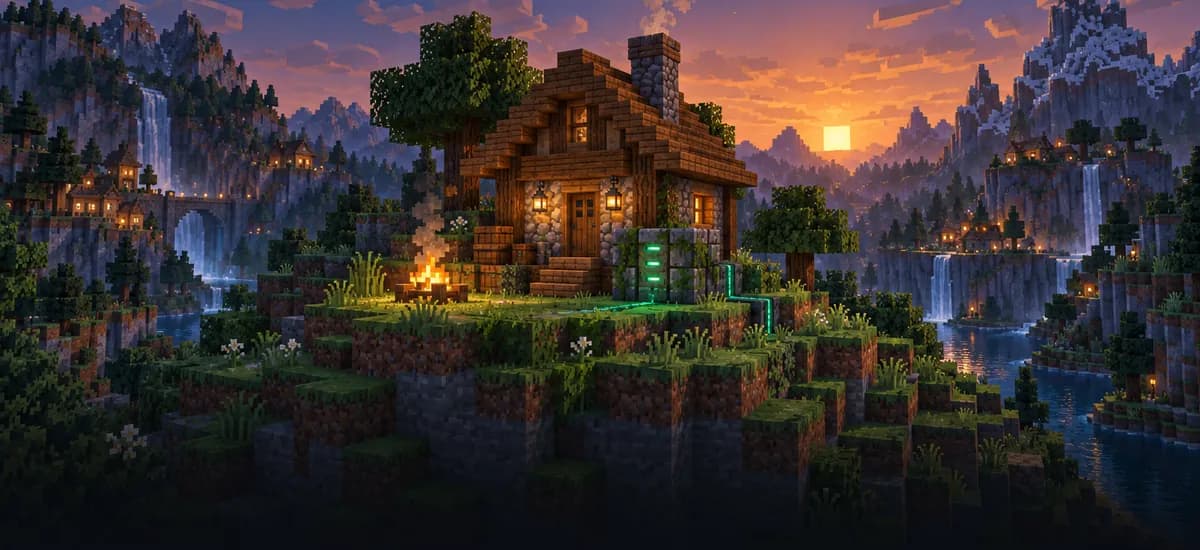
A glimpse into the game world—its atmosphere, exploration, and the moments your community will experience on the server.
More modpacks
Looking for a different adventure? Host another Minecraft modpack with the same automatic setup.
Pick a package, let the modpack set itself up and invite your friends to farm, build and grow the village together.
No setup. No risk. Online in seconds.
Features
From the automatic modpack setup to Backups and a live console: tools that keep your Farming Valley Lite world growing with your group.
Start farming right away: the server version of the pack is set up automatically.
Invite your whole farming crew; only your RAM and CPU set the pace.
Your server is set up right after ordering, ready to share with friends.
Continue a Farming Valley Lite save by uploading your world to the server.
With ZapX Pass, restore your village if a harvest season or a mod experiment goes wrong.
Add power when more friends join or your village gets bigger.
Only for Minecraft
Try other modpacks, manage your player list and build custom mods with ZapX Maker, all from the panel.


Minecraft
Try another pack with one-click installation from the panel's own Modpacks tab.
Handle bans, operator levels and your whitelist in the panel, without console commands.
Describe your mod and ZapX Maker (ZapX Pass) builds and deploys it to your server.
Reviews
Real feedback on support and setup.
FAQ
Answers to the most important questions before you start.
The price depends on the RAM and CPU package, the location and the term you pick, from 3 to 365 days. Current prices load live in the package cards above, every package includes unlimited player slots, and you can cancel anytime; a cancellation takes effect at the end of the term.
Farming Valley Lite is the lighter version of the pack and needs fewer resources than the full Farming Valley. Plan more RAM as more friends join and your village grows; you can increase RAM at any time and keep your world. As a guideline: about 5 GB for 2 players, 8 GB for around 10 players. Farming Valley - Lite runs on Minecraft 1.10.2 with Forge.
You don't have to do it by hand. When you order through this page, Farming Valley Lite is set up automatically with the server version of the pack and a matching server type. That helps avoid the classic problem of client-only mods stopping a modpack from starting as a server. Afterwards you can upload mods or change settings in the panel.
Every package comes with unlimited player slots. How many farmers play smoothly together depends on the RAM and CPU of your package, not on a fixed slot count.
Yes. Upload your existing world folder through the file manager or FTP and set it as the active world. Make sure the world was created with Farming Valley Lite, ideally the same pack version, so all modded crops, items and villagers load correctly. How to add your own world
No. Farming Valley Lite is a Forge modpack for Minecraft Java Edition, so Bedrock, Xbox, PlayStation and mobile players can't join it. Everyone in your group needs Java Edition on PC and the same pack version in their launcher. Java vs. Bedrock explained
Each friend installs the same Farming Valley Lite version in a launcher like CurseForge or ATLauncher, starts the pack and adds your server with the IP and port shown in your panel. If you use a whitelist, add them in the console first. More in the Help Center
ZAP-Hosting offers locations worldwide. Pick the data center closest to where most of your group plays; many North American groups start with Ashburn, Dallas or Los Angeles. You choose the location when you order.
Any more questions?
Contact SupportAdd ZAP-Hosting as a remote MCP server in Claude, ChatGPT, Cursor or Gemini. Then you can restart your Farming Valley - Lite server through chat, read the console, send commands, edit configs or create Backups. You decide what permissions the connection has.
Works with
What should I do for your server?
Ask anything …
The AI only makes changes after you approve them.
ZapX PassIncluded in every Pass tier
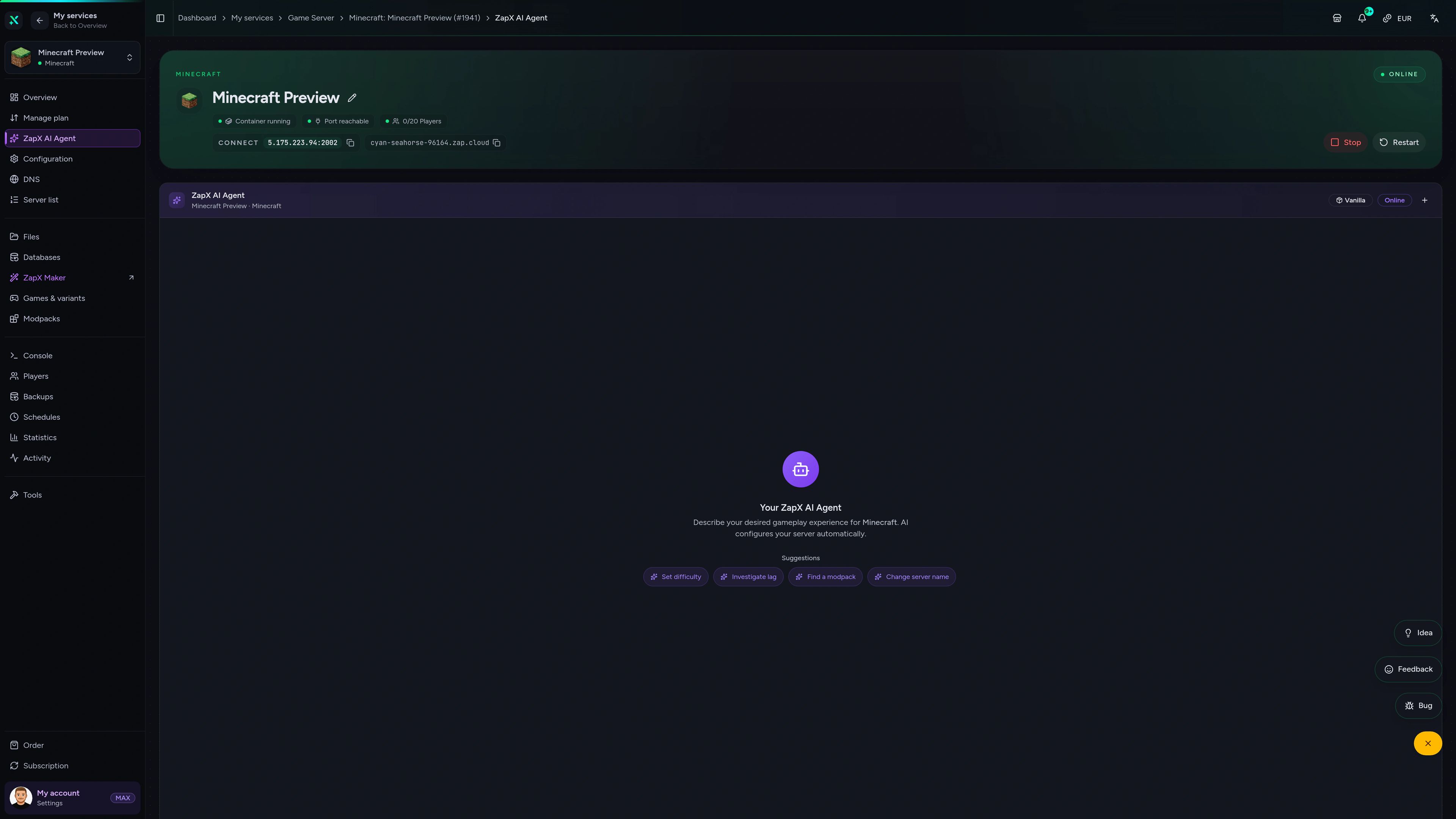
Ask questions in plain English: the AI explains crash logs, RAM usage and joining issues, and shows you the next safe step in the panel.
The ZapX AI Agent is part of the ZapX Pass. It explains and suggests next steps; it can run them after you confirm, or you apply them yourself.
Discover the ZapX PassZapX AI Agent
panel.zap-hosting.com
Mobile appComing soon
Manage your Farming Valley Lite server from anywhere with the ZapX app, whether you're on the couch or on the go.
Discord management
Check status, start, stop, and restart via slash command — without leaving your community Discord.
34 free tools—right in your browser, no sign-up required.
Also available
Popular Minecraft Modpacks — ATM, RLCraft, Pixelmon, and more. See prices in the configurator.

Modpack
ATM10 · Tech
Ready in ~2 min
Modpack
BMC4 · Vanilla+
Ready in ~2 min

Modpack
RLCraft · Hardcore
Ready in ~2 min
Also available
Popular Minecraft Modpacks — ATM, RLCraft, Pixelmon, and more. See prices in the configurator.
117,084
Available modpacks
Benefit
Modrinth & CurseForge packs with instant setup in the Minecraft configurator.
Choose a pack and get started in 60 seconds.
© 2026 ZAP-Hosting GmbH
 Preferred source on Google