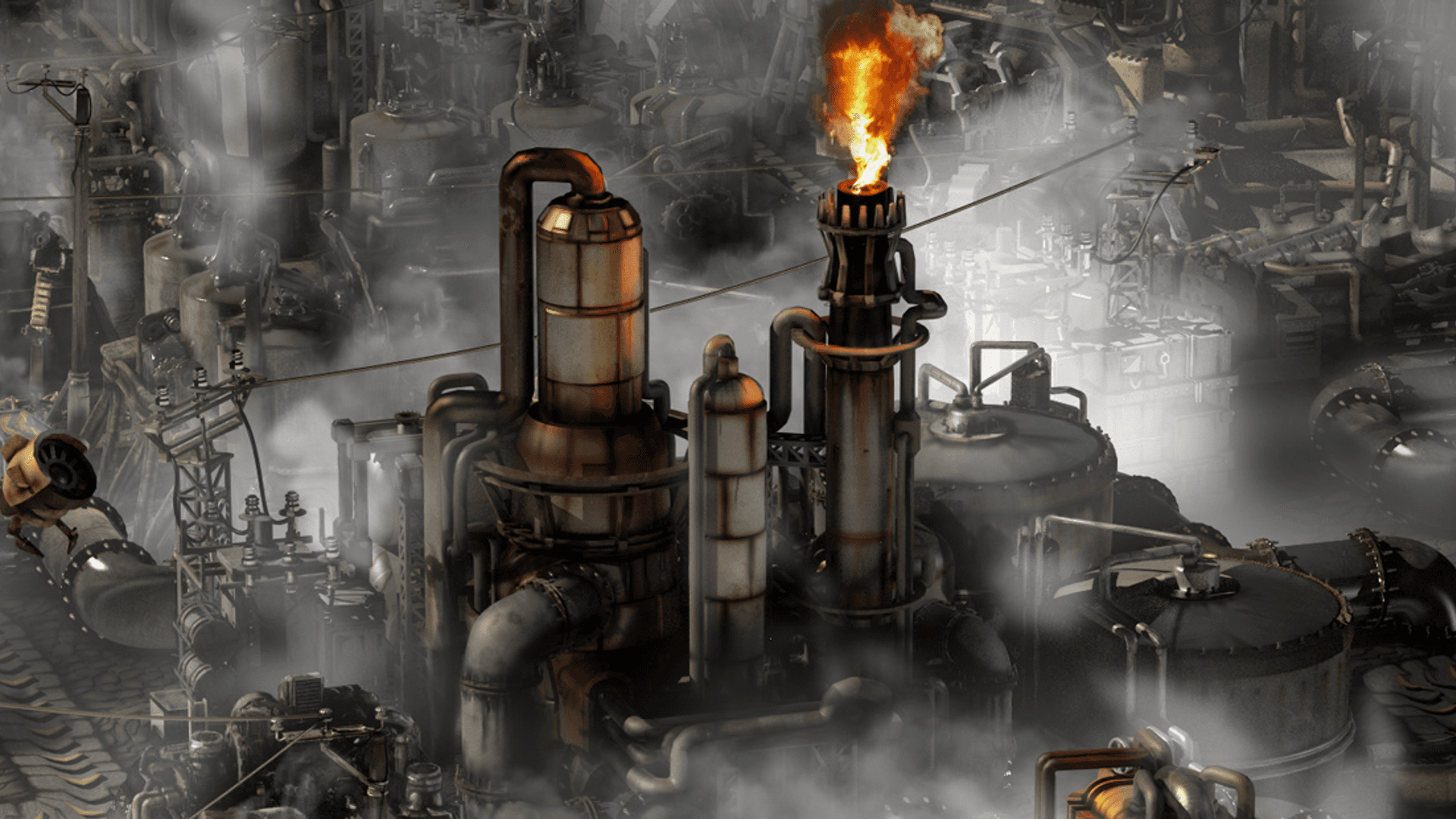
 Factorio 2.0 & Space Age ready
Factorio Server Hosting
Host your Factorio server with unlimited slots, DDoS protection, worldwide locations and flexible terms – online in 60 seconds.
Or try 3 days from €1.08Pick the 3-day term at checkout · renews every 3 days · cancel anytime

Plans and pricing
Packages 1–3 of 9
 factorio
Configure yourself
Your server. Your power.
No package fits? Choose your RAM, CPU and storage—you only pay for the package you put together.
Powerful CPUs
100 Gbit/s host network
DDoS protection
Space Age ready
Mod support
 Visa
 Mastercard
 American Express
 PayPal
 Google Pay
 Apple Pay
 Klarna
 Amazon Pay
About the game
What is a Factorio server?
Factorio is a factory-building game where you mine ore, automate production lines and eventually launch rockets – while defending your base against the native biters. With Factorio 2.0 and Space Age, the factory even spreads across several planets. In multiplayer, everyone works on the same save: one player expands smelting, another lays out trains, a third builds the next science block. Your own Factorio server keeps that shared world online 24/7, so the group can join whenever they like.
With a dedicated server you control the run: upload your single-player save, switch on Space Age, add mods and set a password or whitelist for your group. Unlimited player slots mean nobody is left out, and because Factorio simulates the world on a single thread, strong per-core CPU performance helps your megabase hold 60 UPS as it grows.
Features
Everything your factory needs.
From the first burner drill to a multi-planet megabase – the tools your group needs to keep the factory growing.
Steady UPS for growing megabases
Your factory keeps ticking at full speed thanks to strong single-thread CPU performance.
Unlimited player slots
Invite your whole group – packages scale by RAM and CPU, never by slots.
Bring your single-player save
Continue your existing run with friends by uploading your save file.
Online in 60 seconds
Start building shortly after checkout – Factorio comes pre-installed and ready to join.
Autosaves and Backups
With ZapX Pass, roll back after a biter breach or a failed rebuild without losing the run.
Server settings in the browser
Set name, password, autosaves and Space Age right in the web interface.
Locations worldwide
Your server. Your location.
8 data centers worldwide — choose the location closest to your community.
Europe


America


Asia-Pacific


Reviews
What customers say about ZAP-Hosting
Real feedback on support and setup.
great prices, good specs
the interface was great, migration was flawless and the interface is very user friendly. support team was very helpful aswell

 ZAP-HostingReply
I've been with them for a few years
I've been with them for a few years, and they're one of the best. The lifetime servers have really helped me, and now they've added auto-backup. 10/10!
 ZAP-HostingReply


FAQ
Frequently asked questions about Factorio
Answers to the most important questions before you start.
How much does it cost to host a Factorio server?
Factorio servers at ZAP-Hosting currently start at €5.99 per month. Every package includes unlimited player slots; price depends on package, term and location, not slots. Longer terms of 90, 180 or 365 days are discounted, and the shop always shows the live price for your configuration.
How much RAM does a Factorio server need for my factory?
Vanilla Factorio is light on memory, so a fresh map with a few friends needs little RAM. RAM needs grow with explored map area, Space Age planets and large modpacks, while UPS depends mostly on single-thread CPU speed. You can add more RAM later without losing your save. As a guideline: at least 2 GB, 4 GB recommended.
- Fresh vanilla map, small group: modest RAM needs
- Megabase or Space Age with several planets: plan more RAM and CPU
- Overhaul mods like Krastorio 2 or Pyanodons: allow extra RAM headroom
How fast is my Factorio server online after ordering?
Your server is set up automatically right after payment and is usually ready within 60 seconds. Factorio comes pre-installed, so you can start a new map or upload your save straight away and share the address with your friends.
Can I enable Space Age and install mods right away?
Yes. Space Age is a switch in the web interface and takes effect when a new save is created, so enable it before generating your map. Mods from the official mod portal can be uploaded to the server's mods folder. Every player needs to own Space Age and use the same mod versions to join. Guide: mods and DLCs
Can I upload my existing single-player save?
Yes. Copy the .zip file from your local Factorio saves folder, upload it in the Savegames section of your panel and select it as the active save. If the save uses mods or Space Age, set up the same content on the server first so it loads without errors. Managing savegames
Which billing periods are available, and is there a Lifetime option?
You can choose terms of 3, 30, 90, 180 or 365 days, with discounts for longer periods. With ZapX Pass you can also get your Factorio server as Lifetime: buy the server once instead of renting it and keep your factory running while your Pass is active. Rent or Lifetime explained
Does my Factorio server keep running when no players are online?
Yes, the server stays online 24/7 – no need to leave your own PC on or forward UDP port 34197. By default, Factorio pauses the game when nobody is connected, so the factory waits for you. Turn off auto_pause in server-settings.json if production should keep running while everyone is offline.
Which location should I pick, and how do my friends connect?
Choose from data center locations worldwide and pick the one closest to most of your players; many North American groups start with Ashburn, Dallas or Los Angeles. Friends join via Multiplayer → Connect to address with the IP and port from your panel. Add a game password or whitelist to keep the server private. How to connect to your server
Any more questions?
Contact SupportZapX Panel
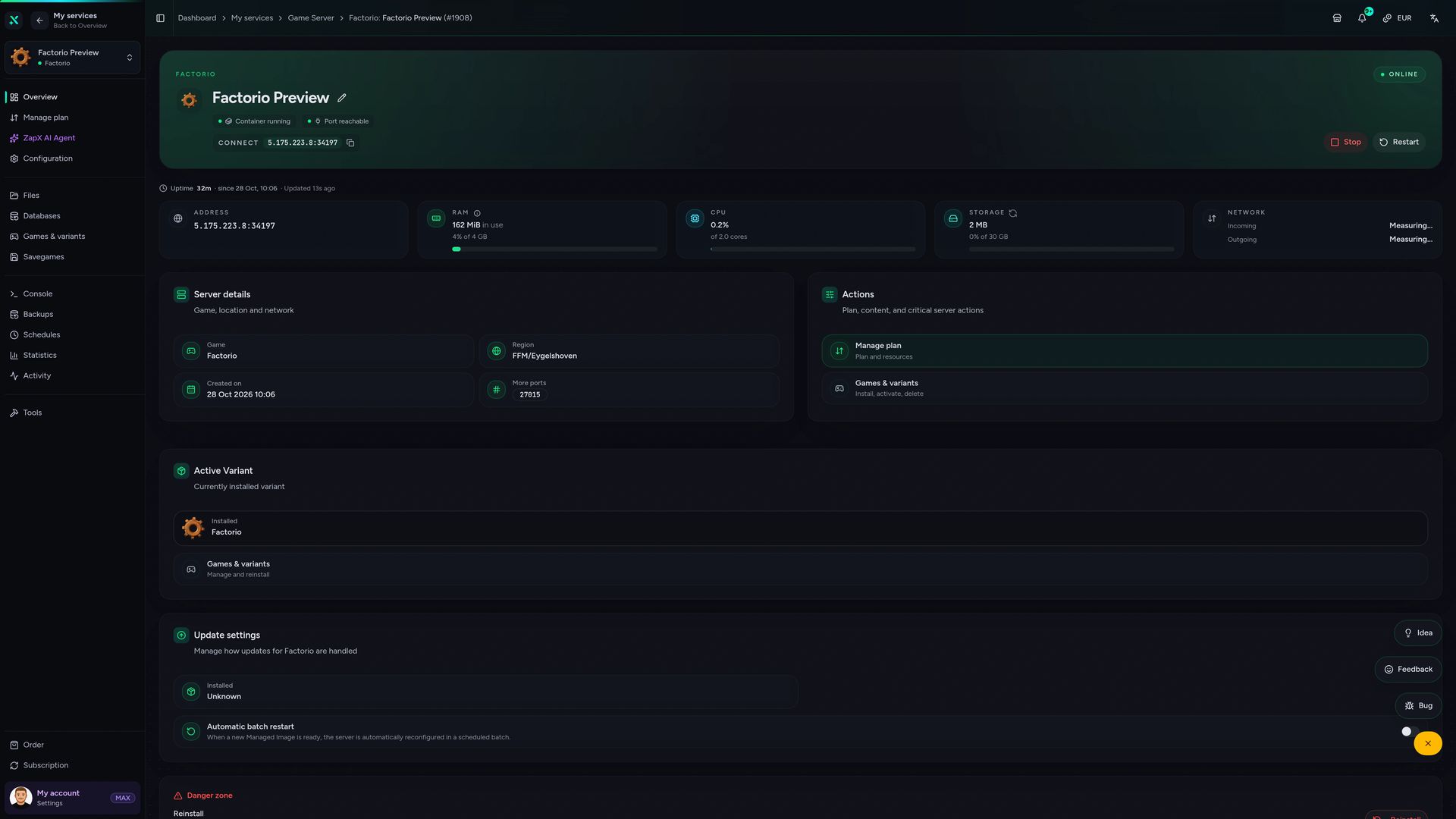
Your Factorio control panel
Savegames, server settings, console, Backups and live statistics for your factory – all in one place in the browser.
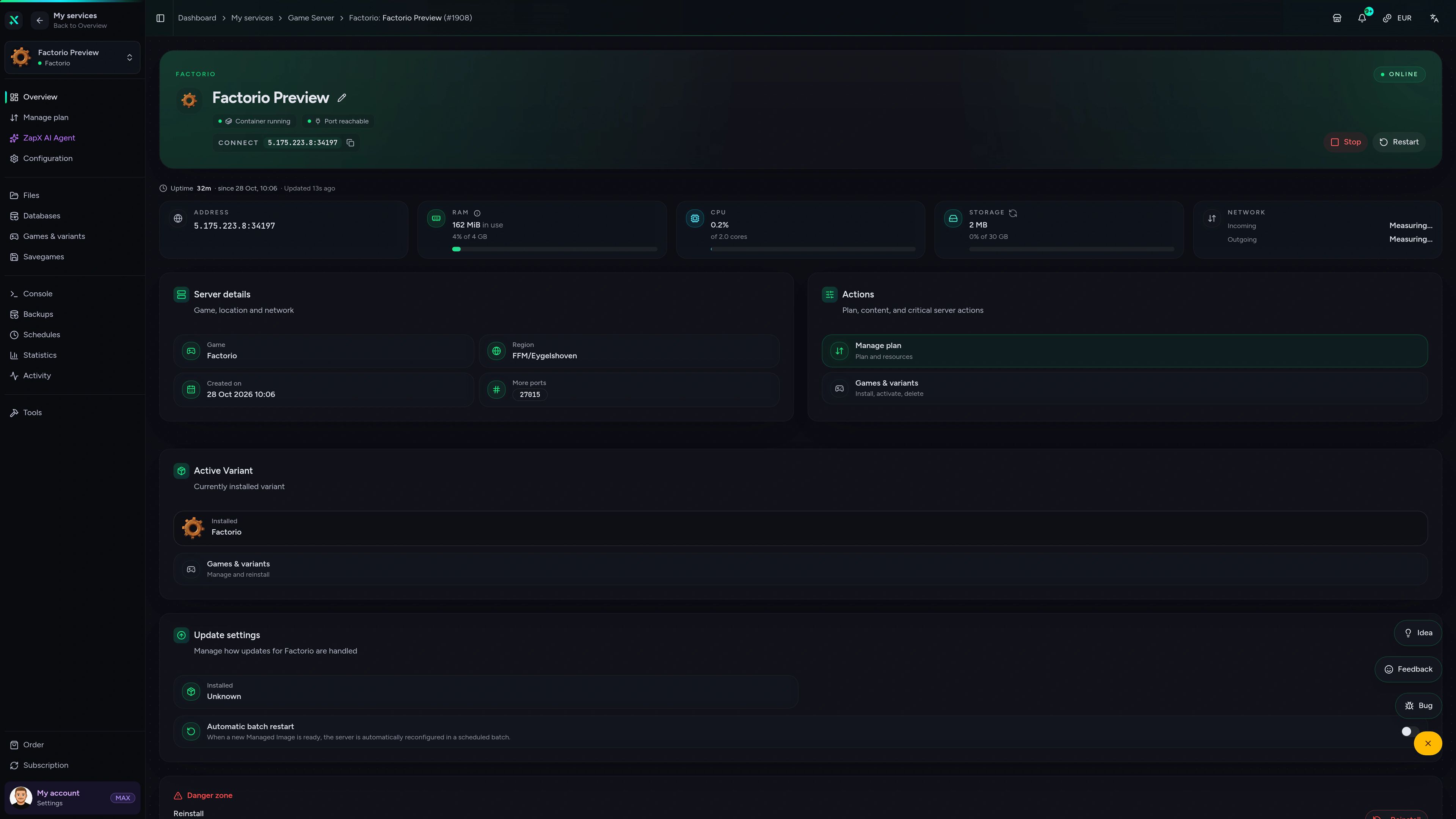
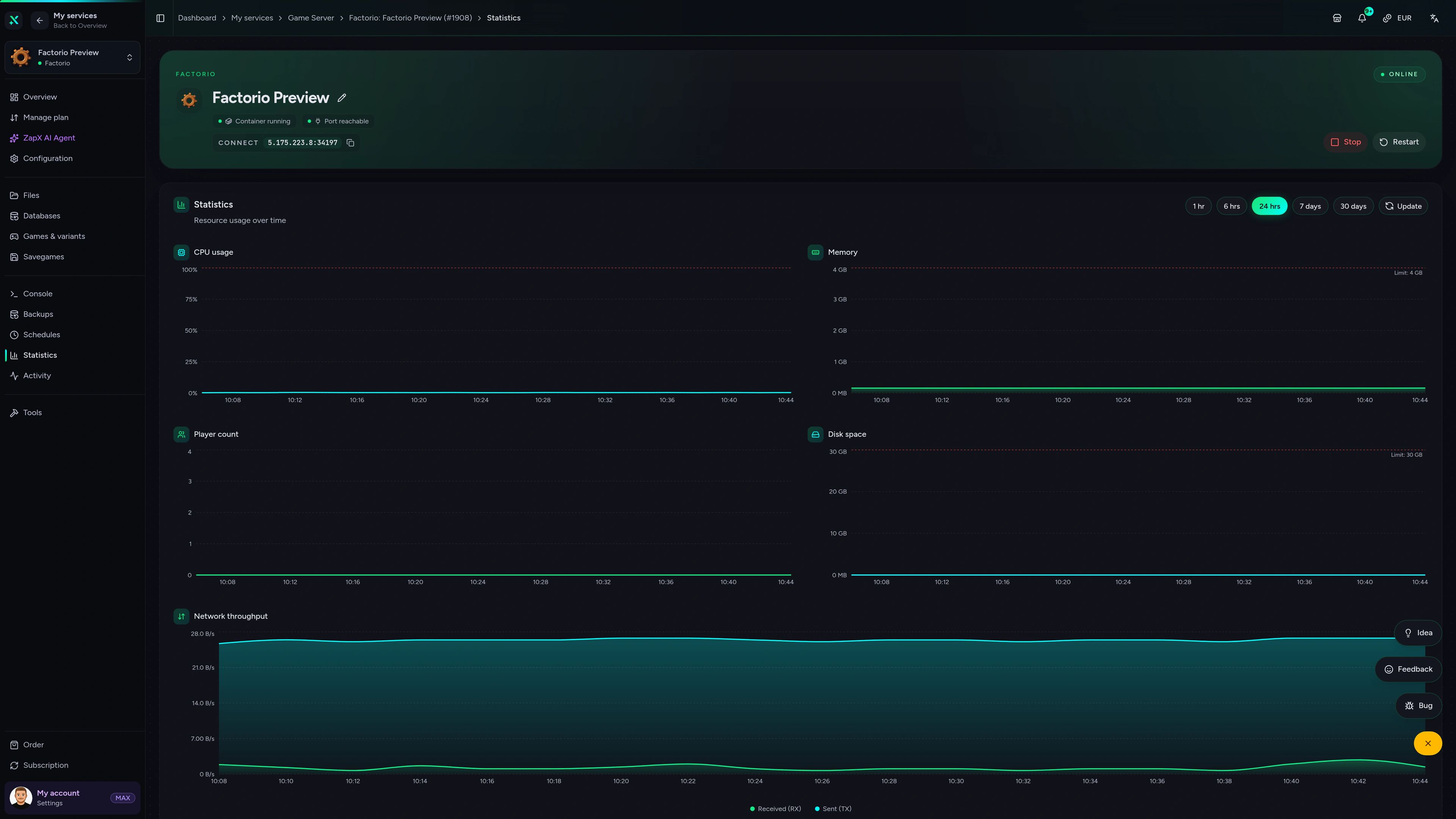
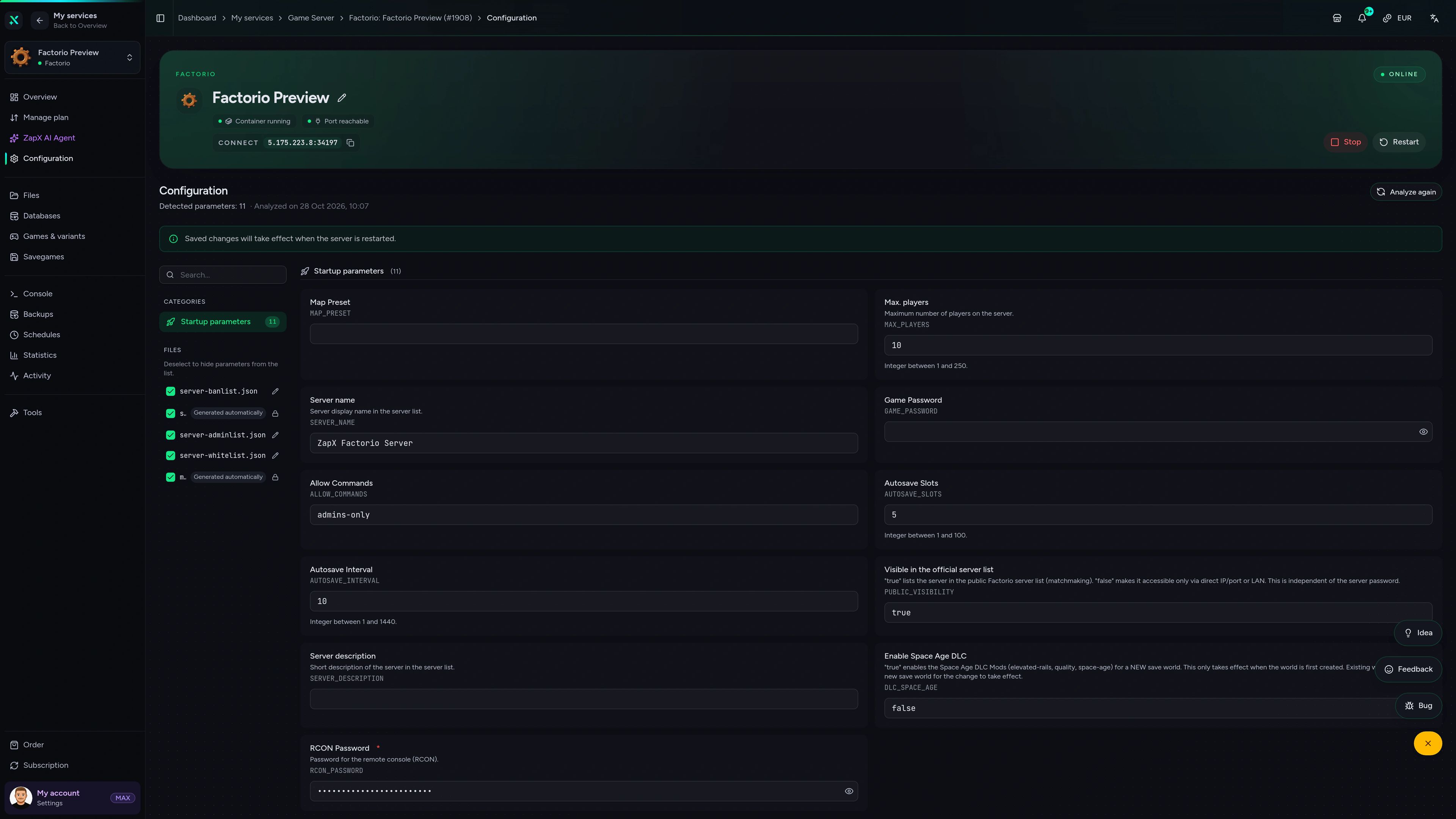
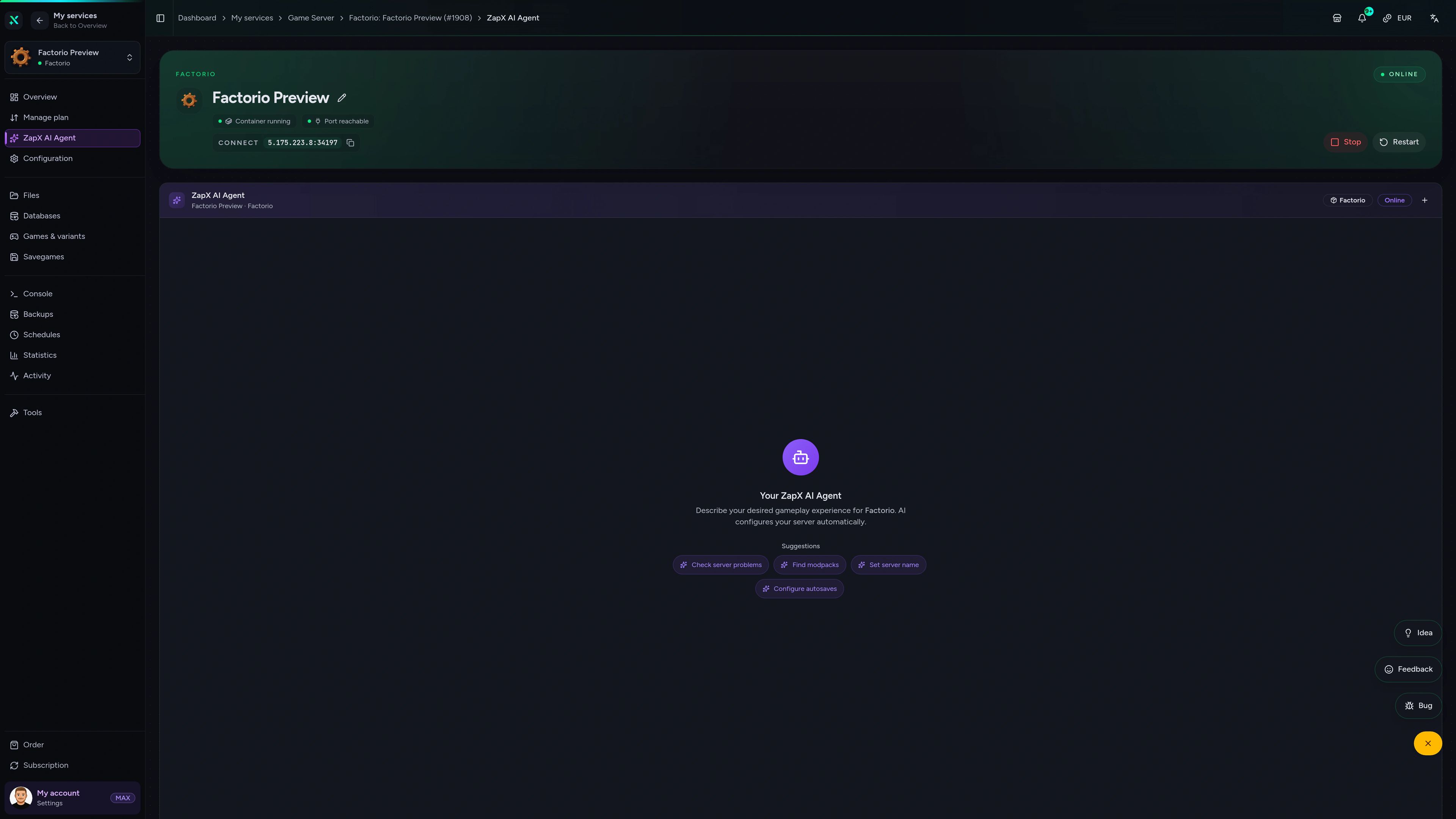
Factorio Game Server – Overview
Overview of the Factorio game server in the ZapX customer panel.
Stuck on your Factorio server? Ask the ZapX AI Agent for advice.
Ask the ZapX AI Agent about UPS drops, mod errors or save uploads – it explains the cause and shows you the next steps in your panel.
The ZapX AI Agent is part of ZapX Pass and gives advice right in your panel – you stay in control of every change on your server.
Explore ZapX PassZapX AI Agent
panel.zap-hosting.com
Benchmark
Measured values for setup time, network and hardware next to the market average for Factorio hosting, taken from our own live measurements.
High-performance VPS, CPU model depends on the location
Typical VPS plans without a published host CPU
confirmed 2026-07-01
Typical Factorio setups
Built for every kind of factory run
From relaxed co-op runs to modded deathworlds – your server adapts to the way your group plays, with worldwide locations to choose from.
Ready to build?
Start your shared factory in 60 seconds.
ZapX AppComing soon
Your factory in your pocket.
Check server status, restart after a mod update or follow the console from your phone – wherever you are.
Discord management
Manage servers directly in Discord.
Check status, start, stop, and restart via slash command — without leaving your community Discord.


Impressionen
Factorio Screenshots
A glimpse into the game world—its atmosphere, exploration, and the moments your community will experience on the server.
Factorio
2 free tools—right in your browser, no sign-up required.
Also available
We also offer the following games.
Switch between your games anytime for free—Minecraft, FiveM, Rust, and more.

Survival & Creative
Minecraft
Vanilla, Modded & Modpacks
Ready in ~2 min

Roleplay
FiveM
Roleplay server in seconds
One-click installation

Survival
Rust
Wipe-ready gameserver
Automatic setup
Also available
Switch between your games anytime for free—Minecraft, FiveM, Rust, and more.
98
Available games












Benefit
Unlimited Slots
We don't artificially limit player Slots. Hardware determines capacity.
Scale based on Mods, scripts, and player load instead of paying for a fixed number of Slots.
Ready to launch your Factorio server?
Pick a package, choose a location near your players and start building together – your server is online within 60 seconds.
No setup. No risk. Online in seconds.