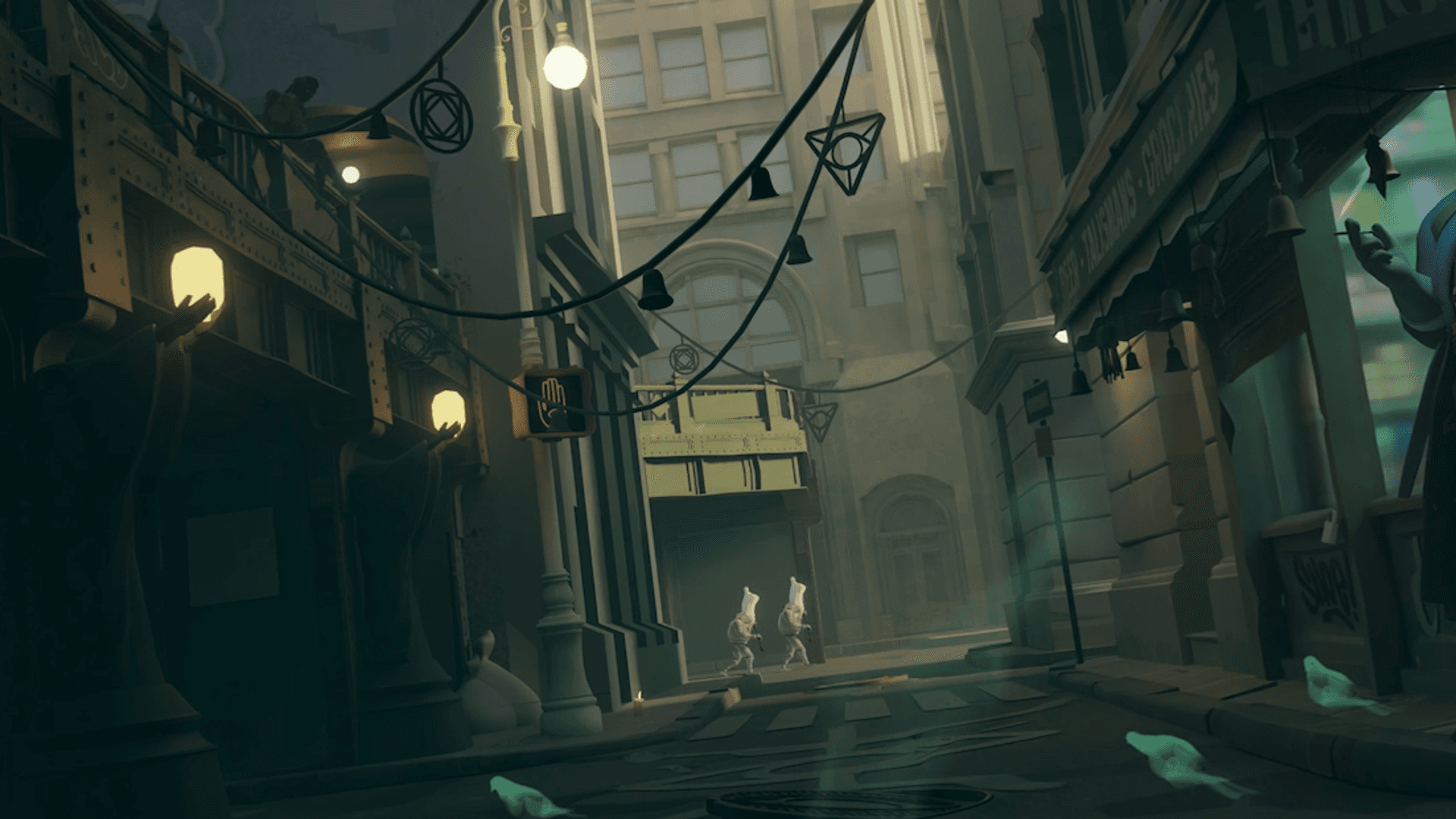
 Valve's hero shooter, your own server
Deadlock Server Hosting
Private matches, scrims and in-houses on your own server: online in 60 seconds, DDoS-protected, worldwide locations.
 Google
Or try 3 days from €2.34Pick the 3-day term at checkout · renews every 3 days · cancel anytime

Plans and pricing
 deadlock
Configure yourself
Your server. Your power.
No package fits? Choose your RAM, CPU and storage—you only pay for the package you put together.
Powerful CPUs
100 Gbit/s host network
DDoS protection
Auto-updates
Online in 60s
 Visa
 Mastercard
 American Express
 PayPal
 Google Pay
 Apple Pay
 Klarna
 Amazon Pay


About the game
What is a Deadlock server?
Deadlock is Valve's hero shooter: two teams of six fight across lanes, combine gunplay with hero abilities, farm souls for items and push toward the enemy base. Every match rewards coordination, so teams practice drafts, lane swaps and teamfights again and again. Your own Deadlock server gives you a private place to do exactly that, on your schedule and only with the players you invite.
With your own server you decide who joins, when your group plays and how long a session runs: 6v6 scrims, in-house nights with your community or relaxed custom games with friends. Slots are unlimited, so subs and spectators never hit a cap, and the server installs the newest Deadlock version on every restart, so your group can keep playing right after a Valve patch.
Features
Everything your Deadlock server needs.
From the first scrim to weekly in-house nights: your Deadlock server stays online, up to date and easy to manage.
Unlimited slots
Bring both teams, subs and spectators: no package caps your player slots.
Online in 60 seconds
Order now and play your first private match just 60 seconds later.
Auto-updates after Valve patches
You play on the latest version: every restart installs it, running servers update overnight.
Daily automatic Backup
Your server state is saved daily; own Backups and restores come with ZapX Pass.
Locations worldwide
Your team gets a fair ping when you pick the location closest to everyone.
Resources that grow with you
More players or sessions? Add RAM, CPU or storage whenever you need it.
Locations worldwide
Your server. Your location.
8 data centers worldwide — choose the location closest to your community.
Europe


America


Asia-Pacific


Reviews
What customers say about ZAP-Hosting
Real feedback on support and setup.
very reliable service, simple to understand, and for a great price. really a no brainer

 ZAP-HostingReply
Zap has been a great experience for myself thus far. Easy interface to learn and it makes sense. Having all the tools I need to run my server with short and informative documentation that helped me tremendously. As a adamant gamer, zap has made having my own server fun, easy, and affordable. Thank you Zap!
 ZAP-HostingReply


I have used ZAP-Hosting for VPS services. The ordering process is straightforward, and the support team responds to customer inquiries. I hope to continue using their services and have a smooth experience in the future.
 ZAP-HostingReply


FAQ
Frequently asked questions about Deadlock
Answers to the most important questions before you start.
Can I host my own Deadlock server?
Yes. With ZAP-Hosting you get a ready-to-play Deadlock server instead of setting up a dedicated server on your own hardware. We install it, let you apply updates in the panel and protect it against DDoS attacks, while you manage everything in the ZapX panel. Your team joins with the connection details from your panel. Panel overview in the Help Center
- No hardware of your own needed
- Managed in the ZapX panel
- Unlimited slots on every package
How much RAM do I need for my Deadlock server?
Deadlock needs at least 4 GB RAM, and we recommend 8 GB for smooth matches. Plan for more when you regularly host full 6v6 lobbies with subs and spectators, run several sessions back to back or add extra content. You can adjust RAM, CPU and storage later at any time, so you don't have to get it perfect on day one.
- Minimum: 4 GB RAM
- Recommended: 8 GB RAM
- RAM, CPU and storage adjustable at any time
How fast is my Deadlock server online after ordering?
Usually within about 60 seconds. As soon as your payment goes through, your server is set up automatically with the latest Deadlock version. Copy the connection details from your panel and start your first private match.
Does my Deadlock server update automatically after a Valve patch?
Yes. Every start or restart installs the newest version, and running servers get it in the next night window at the latest. You can also use “Apply update” in the panel right away.
- Apply available updates in the panel
- Newest build on every restart
How do I connect to my Deadlock server?
Enable the developer console in Deadlock's settings, open it with F7 and enter connect followed by the IP and port shown in your panel. Share that line with your team and everyone lands on the same server. Step-by-step guide in the Help Center
Does a hosted Deadlock server count toward ranked matchmaking?
No. Ranked and regular matchmaking run on Valve's own servers. Your Deadlock server is your private space for scrims, in-houses and matches with friends, where you decide who plays and when. Results there don't affect your matchmaking rank.
Which locations can I choose for my Deadlock server?
You can choose from locations worldwide. Pick the one closest to your team and your opponents so everyone plays with a fair ping; many North American groups start with Ashburn, Dallas or Los Angeles. DDoS protection is included at every location.
- Locations worldwide
- DDoS protection at every location
Can I cancel my Deadlock server or buy it instead of renting?
Yes to both. You can cancel your rented server anytime; the cancellation takes effect at the end of your current term. If you'd rather buy your Deadlock server once, choose Lifetime: it requires an active ZapX Pass, and one ZapX Pass per account covers all your Lifetime servers.
- Cancel anytime
- Lifetime: buy once with an active ZapX Pass
Still have questions?
Contact SupportZapX panel
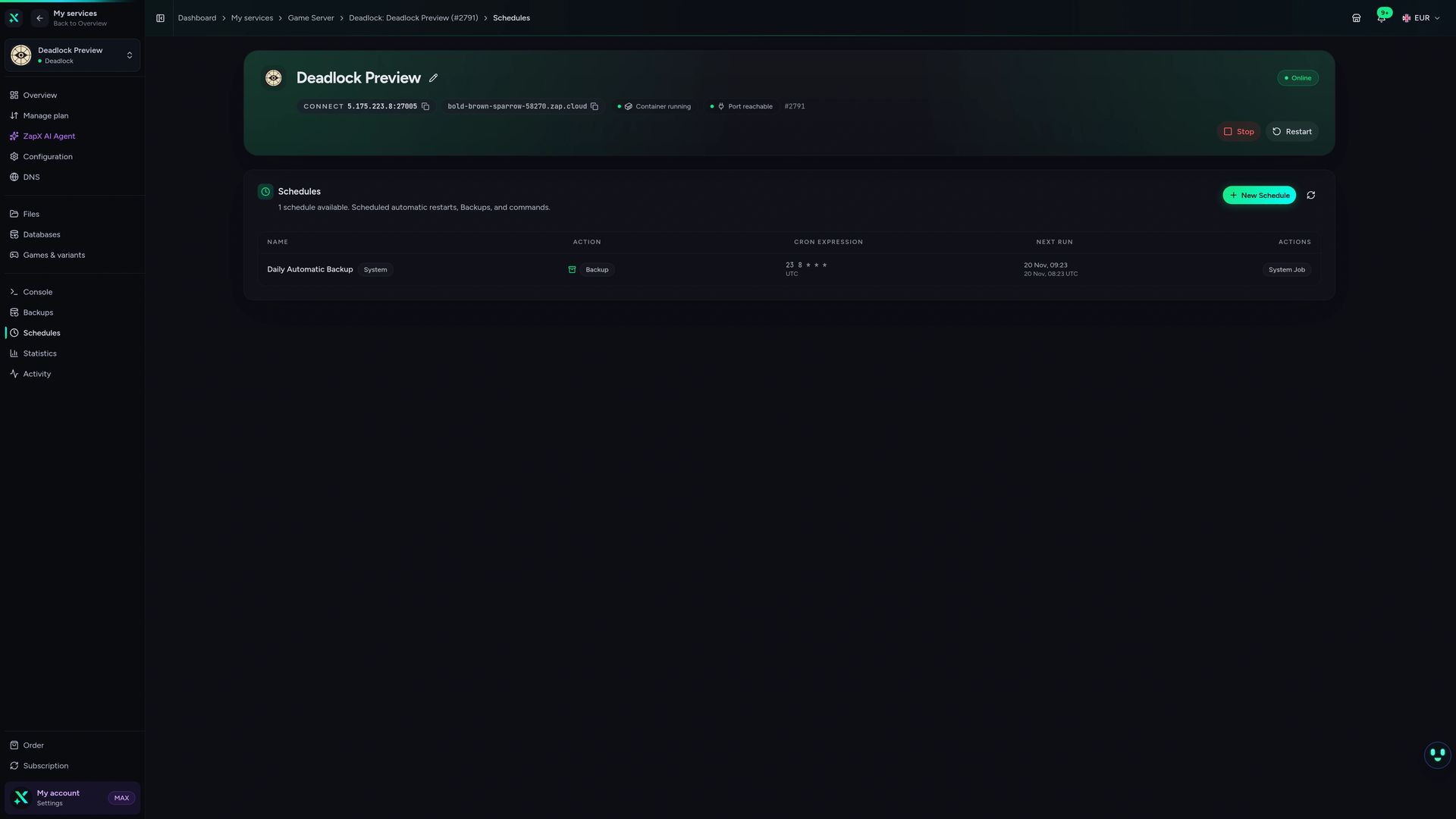
Your Deadlock server in the ZapX panel
Start, restart and monitor your Deadlock server, check its resources and manage files and configs in one clear view.
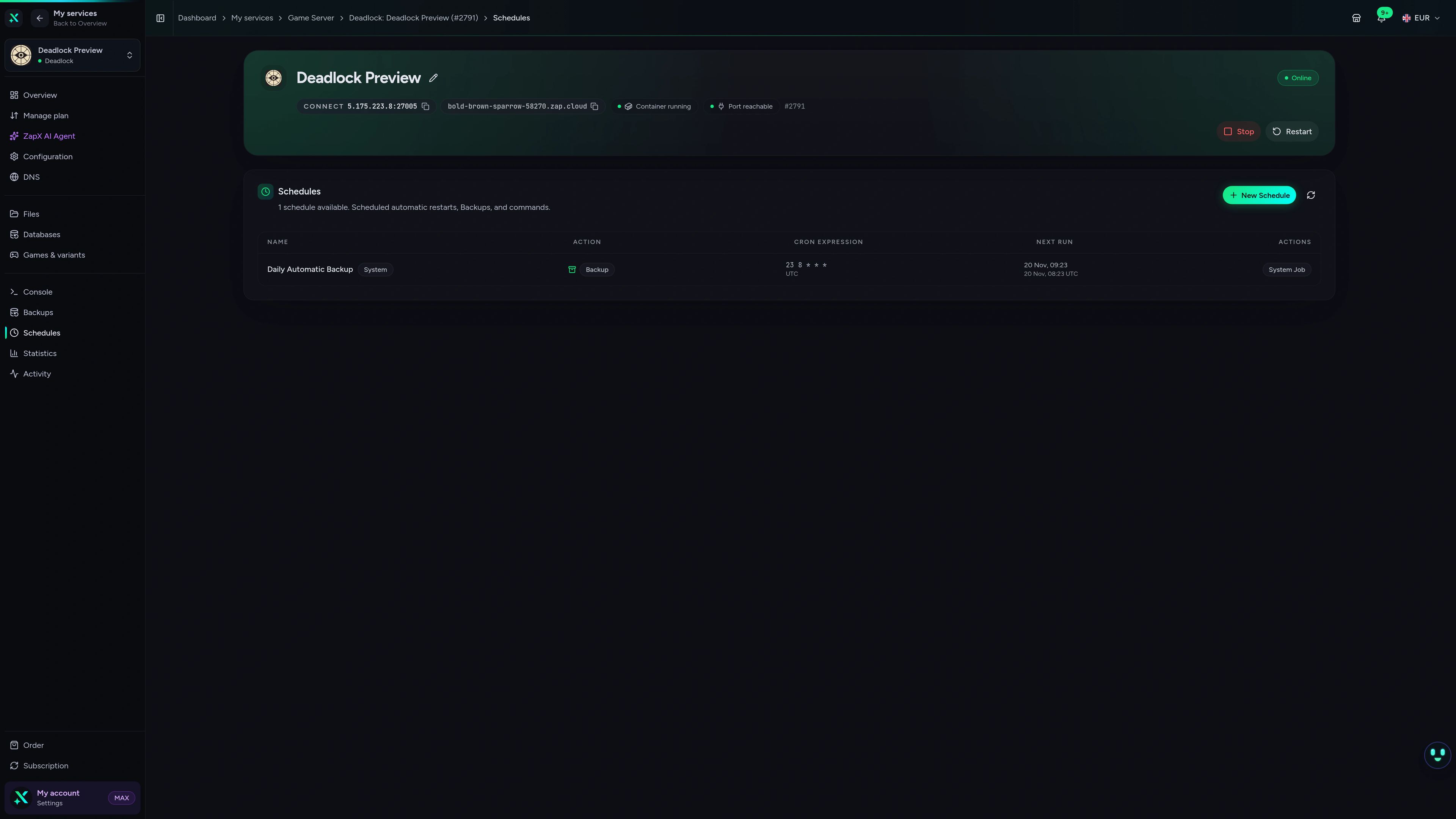
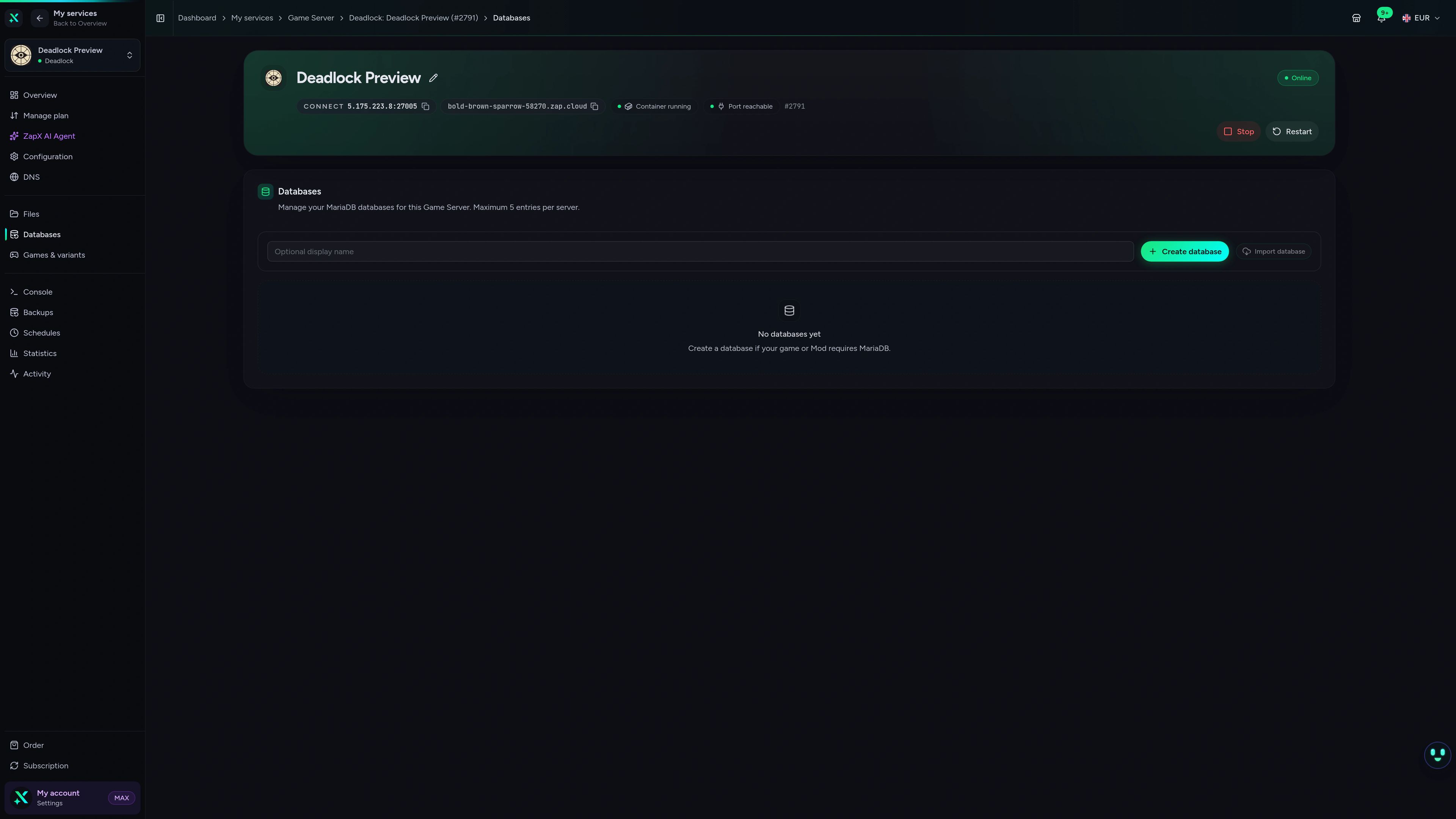
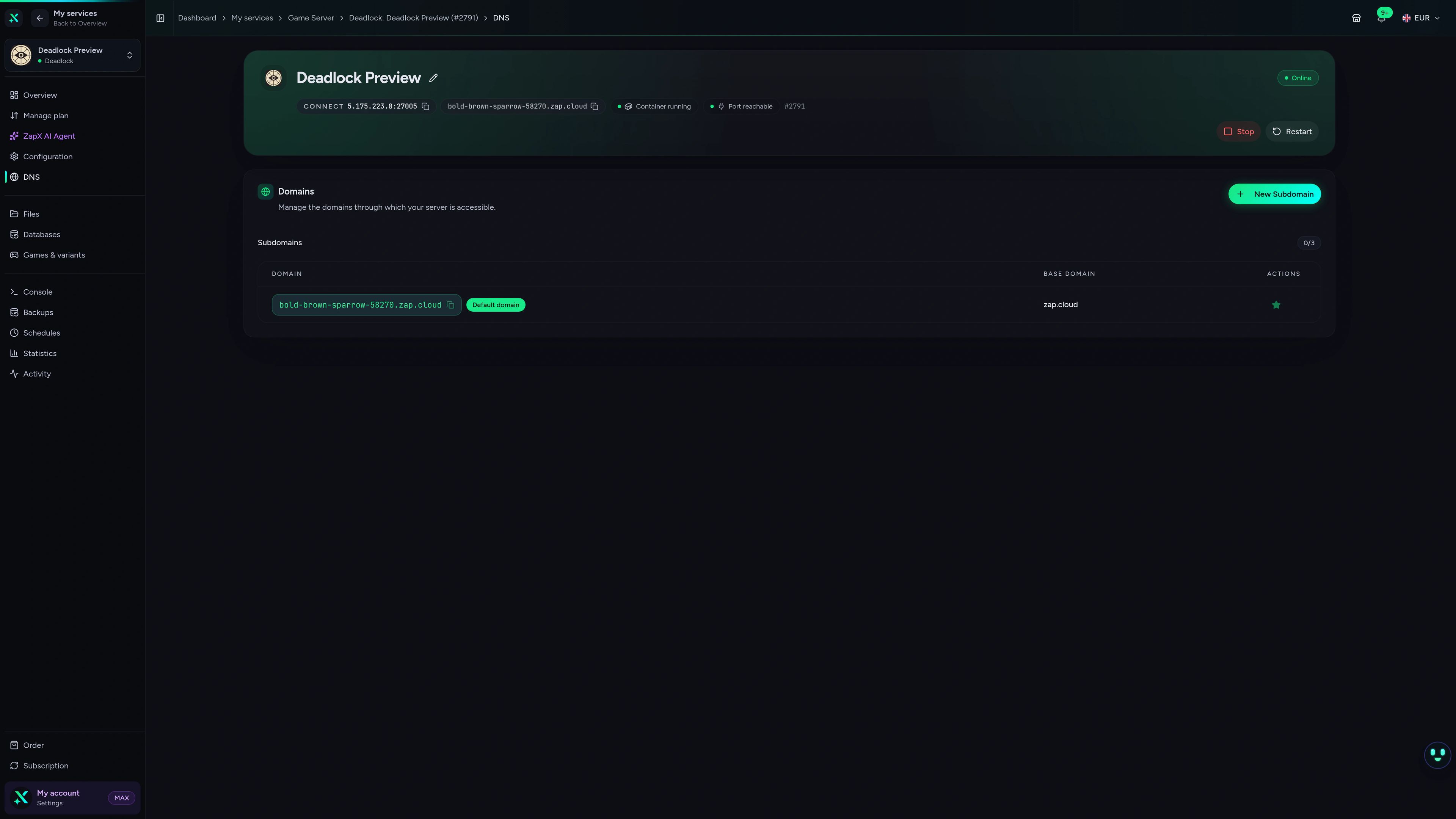
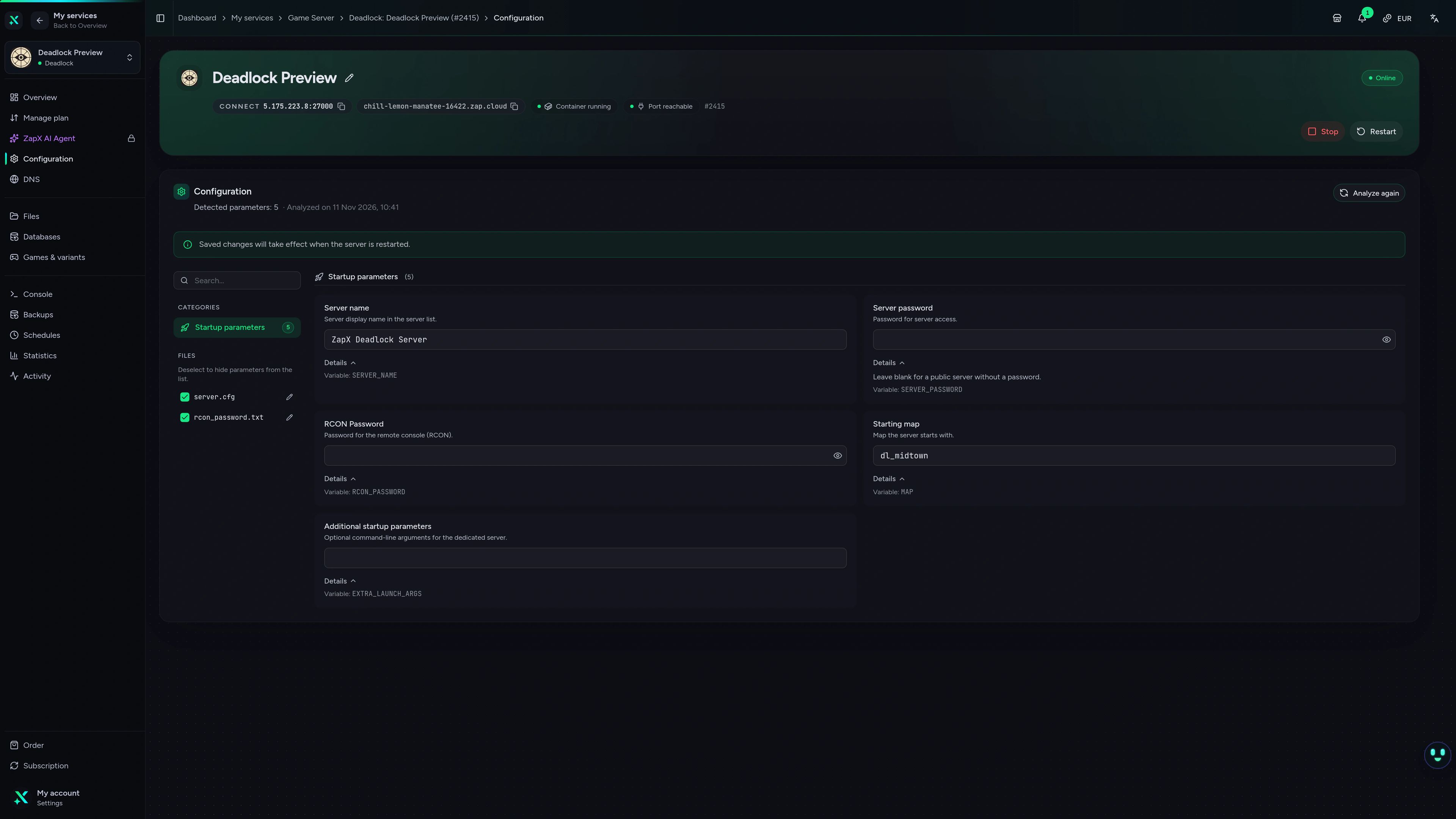
Deadlock Game Server – Schedules
Deadlock game server schedules view in the ZapX dashboard.
Ask about your Deadlock server. Get a clear next step.
The ZapX AI Agent explains, checks and suggests. If you want, it runs a step for you after you confirm in the chat, or you do it yourself in the panel.
The ZapX AI Agent is part of ZapX Pass and works across all your supported services.
See ZapX PassZapX AI Agent
panel.zap-hosting.com
Benchmark
Measured values from our infrastructure next to typical market offers, so you can see what your Deadlock server runs on.
High-performance VPS, CPU model depends on the location
Typical VPS plans without a published host CPU
confirmed 2026-07-01
Use cases
Private matches, scrims and in-houses.
Your own Deadlock server is where your team practices, your community plays in-houses and your events run on your schedule, with unlimited slots for subs and spectators.
Ready for your next scrim?
Your own Deadlock server, online in 60 seconds.
ZapX appComing soon
Your Deadlock server in your pocket.
Restart your server before a scrim or check how it is running with the ZapX app, wherever you are.
Discord management
Manage servers directly in Discord.
Check status, start, stop, and restart via slash command — without leaving your community Discord.


Impressionen
Deadlock Screenshots
A glimpse into the game world—its atmosphere, exploration, and the moments your community will experience on the server.
All free tools
Each category has its own page with all tools for that game or topic.
321 tools in 89 categories — 100% free
Also available
We also offer the following games.
Switch between your games anytime for free—Minecraft, FiveM, Rust, and more.

Survival & Creative
Minecraft
Vanilla, Modded & Modpacks
Ready in ~2 min

Roleplay
FiveM
Roleplay server in seconds
One-click installation

Survival
Rust
Wipe-ready game server
Automatic setup
Also available
Switch between your games anytime for free—Minecraft, FiveM, Rust, and more.
99
Available games




Benefit
Unlimited Slots
We don't artificially limit player Slots. Hardware determines capacity.
Scale based on Mods, scripts, and player load instead of paying for a fixed number of Slots.
Your Deadlock server is ready for the draft.
Choose your package, pick a location and invite your team: your server is online in 60 seconds and installs the newest version on every restart.
No setup. No risk. Online in seconds.