
 FiveM
FiveM weapon list with spawn codes and hashes
The FiveM weapon list contains 113 GTA V weapons in 15 classes. Search by name or spawn code, filter by weapon class, and copy weapon spawn codes and hashes with a click for your admin menu, scripts or console commands.
Built by Fabian Groß
Free and no sign-up required—everything runs directly in your browser.
Found your weapon? Use it on your own FiveM server.
113 weapons found
Pistols
(19)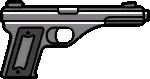
Vintage Pistol
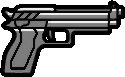
Pistol
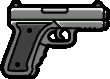
WM 29 Pistol
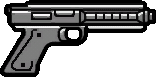
AP Pistol
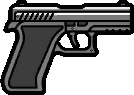
Ceramic Pistol

Flare Gun
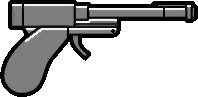
Perico Pistol
Combat Pistol

SNS Pistol Mk II
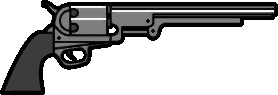
Navy Revolver
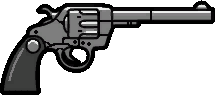
Double-Action Revolver
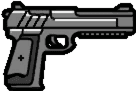
Pistol .50
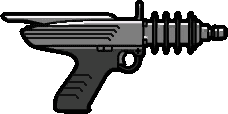
Up-n-Atomizer

SNS Pistol
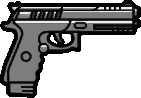
Pistol Mk II
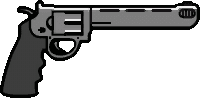
Heavy Revolver
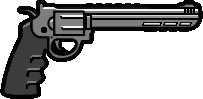
Heavy Revolver Mk II
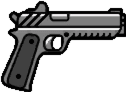
Heavy Pistol
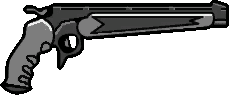
Marksman Pistol
Submachine Guns
(8)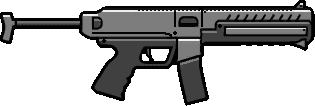
Combat PDW
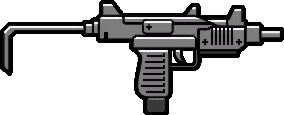
Micro SMG
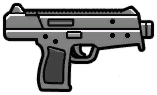
Tactical SMG
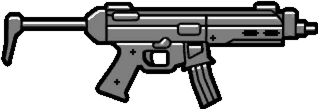
SMG
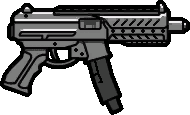
SMG Mk II
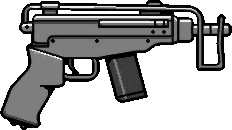
Mini SMG
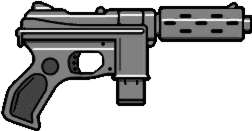
Machine Pistol
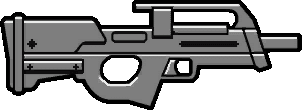
Assault SMG
Shotguns
(9)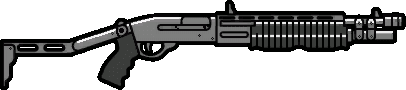
Combat Shotgun
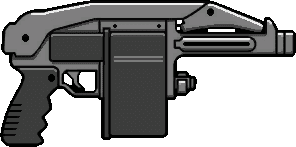
Sweeper Shotgun
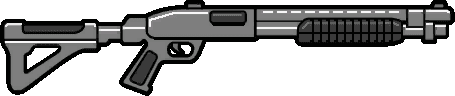
Pump Shotgun
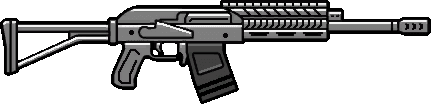
Heavy Shotgun
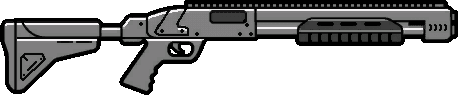
Pump Shotgun Mk II
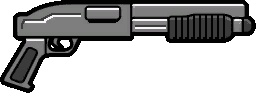
Sawed-Off Shotgun
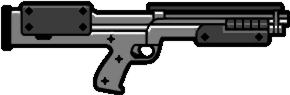
Bullpup Shotgun
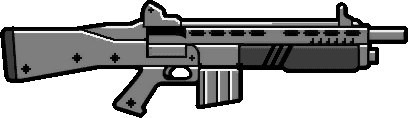
Assault Shotgun
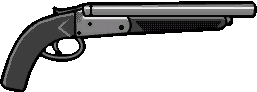
Double Barrel Shotgun
Rifles
(14)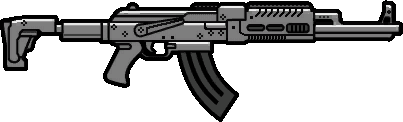
Assault Rifle Mk II
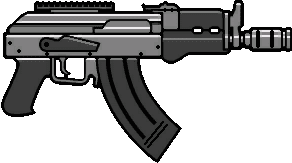
Compact Rifle
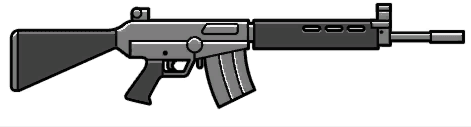
Battle Rifle
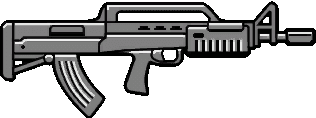
Bullpup Rifle
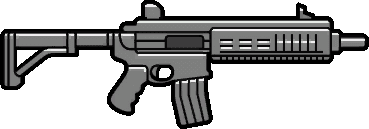
Carbine Rifle
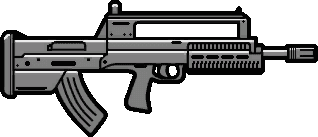
Bullpup Rifle Mk II
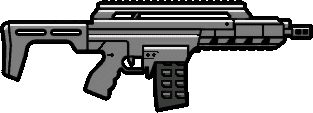
Special Carbine Mk II
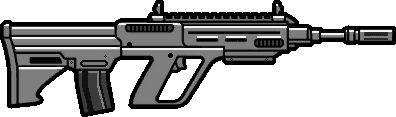
Military Rifle
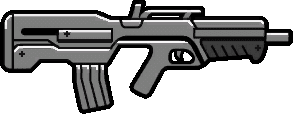
Advanced Rifle
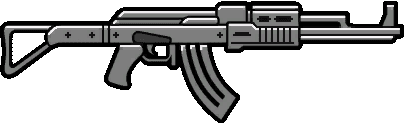
Assault Rifle
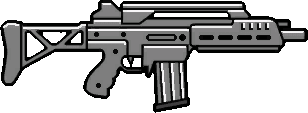
Special Carbine
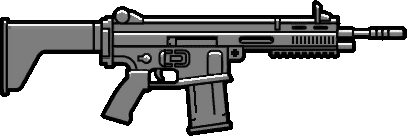
Heavy Rifle
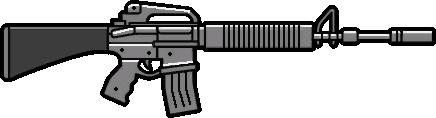
Service Carbine
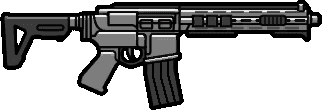
Carbine Rifle Mk II
Machine Guns
(5)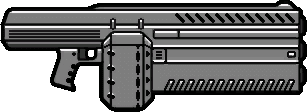
Unholy Hellbringer
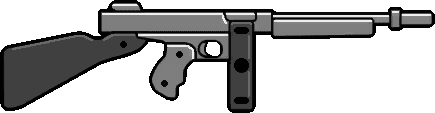
Gusenberg Sweeper
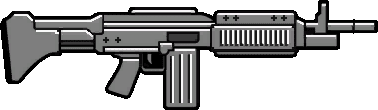
Combat MG
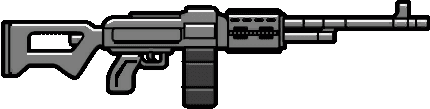
MG
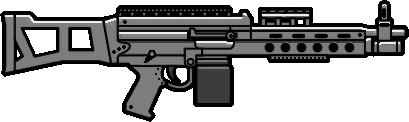
Combat MG Mk II
Sniper rifles
(7)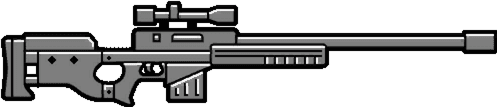
Sniper Rifle
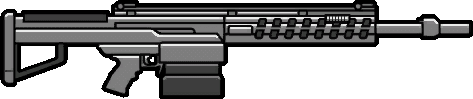
Heavy Sniper Mk II
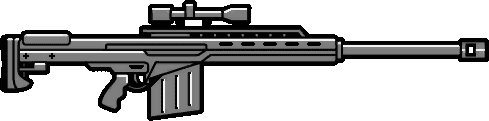
Heavy Sniper
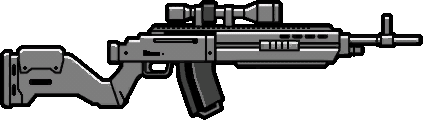
Marksman Rifle Mk II

Precision Rifle

Musket
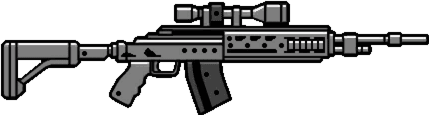
Marksman Rifle
Heavy weapons
(12)
Snowball Launcher
Compact Grenade Launcher
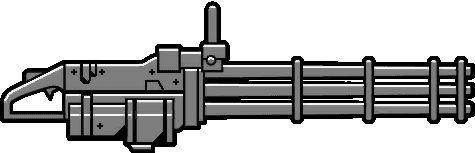
Minigun
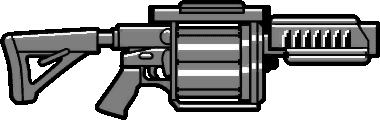
Tear Gas Launcher
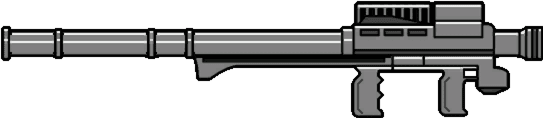
Homing Launcher
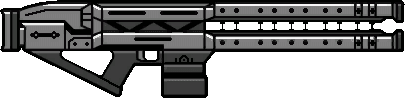
Railgun

Firework Launcher
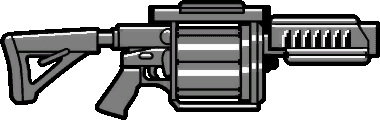
Grenade Launcher

RPG
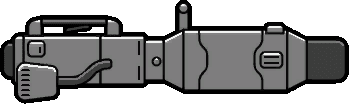
Widowmaker
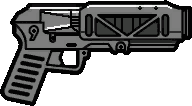
Compact EMP Launcher
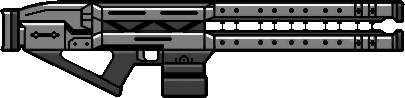
Railgun
Melee weapons
(18)
Pipe Wrench
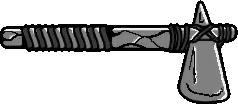
Stone Hatchet

Golf Club
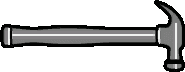
Hammer

Candy Cane

Nightstick

Crowbar

Flashlight

Antique Cavalry Dagger

Pool Cue

Baseball Bat

Knife
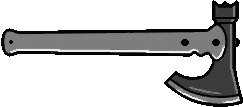
Battle Axe
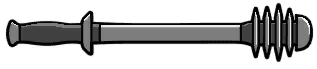
The Shocker

Machete

Switchblade
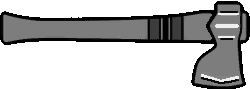
Hatchet

Bottle
Throwing weapons
(11)
Snowball

Ball

Molotov

Sticky Bomb

Flare

Grenade

BZ Gas
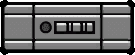
Proximity Mine

Pipe Bomb

Acid Package

Tear Gas
Unarmed
(2)
Unarmed

Knuckle Duster
Stun gun
(2)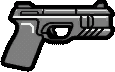
Stun Gun
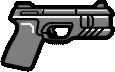
Stun Gun
Fire extinguisher
(1)
Fire Extinguisher
Gas can
(3)
Fertilizer Can

Jerry Can

Hazardous Jerry Can
Hacking devices
(1)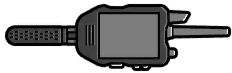
Hacking Device
Metal detectors
(1)
Metal Detector
Features
Search, filter and copy FiveM weapon codes
The FiveM weapon list is a reference for server admins and script developers: each card shows a weapon's name, image, spawn code and hash.
Search by name or spawn code
The search checks your input against the weapon's English in-game name and its spawn code, regardless of capitalization. For example, “carbine” finds WEAPON_CARBINERIFLE and the Special Carbine.
15 weapon classes to filter by
Filter by class: Pistols, Submachine Guns, Shotguns, Rifles, Machine Guns, Sniper rifles, Heavy weapons, Melee weapons, Throwing weapons, Unarmed, Stun gun, Fire extinguisher, Gas can, Hacking devices, Metal detectors. The number next to each class shows how many weapons it contains.
Hash as unsigned or signed int32
By default, the list shows the unsigned hash. Use the Hash format toggle to switch to signed int32, the format GetHashKey() returns in Lua and JavaScript.
Copy with a click
Click a spawn code or hash on a weapon card to copy it to your clipboard. A checkmark confirms it was copied.
Hashes calculated from spawn codes
Each hash is calculated from its spawn code using joaat, the same method GetHashKey() uses. An automated test checks every entry against a fresh calculation.
Preview image for each weapon
Weapon cards show images from the official FiveM documentation. If an image is missing there, the weapon class icon appears instead.
How it works
How to find spawn codes and hashes in the FiveM weapon list
Five steps from searching to using a weapon code in your admin menu or script.
Step 1
Search weapons
Enter a weapon name or part of a spawn code in the search field, such as “pistol” or “WEAPON_SMG”.
Step 2
Filter by class
Optionally select a weapon class, such as pistols, rifles or heavy weapons. The counter shows how many weapons were found.
Step 3
Choose hash format
Under Hash format, select unsigned (default) or signed int32, depending on what your script expects.
Step 4
Copy value
Click the spawn code or hash on a weapon card. The value is copied to your clipboard.
Step 5
Paste value
Paste the value into your admin menu, a give command or your script, for example in GiveWeaponToPed() with GetHashKey().
Spawn code and hash
How to use FiveM weapon spawn codes and hashes
Whether you're using an admin menu, a give command or your own script, you usually need the spawn code rather than the hash.
The spawn code
The spawn code is a weapon's readable name with the WEAPON_ prefix, such as WEAPON_PISTOL. Most admin menus and scripts expect it. In a script, pass it through GetHashKey() to a native such as GiveWeaponToPed:
GiveWeaponToPed(PlayerPedId(), GetHashKey("WEAPON_PISTOL"), 250, false, true)A command like /giveweapon comes from your framework or admin menu, not FiveM itself. Its name and parameters depend on your setup; you usually specify the weapon by its spawn code.
The hash
The hash is the number GetHashKey() calculates from the spawn code using joaat. Capitalization doesn't matter: WEAPON_PISTOL and weapon_pistol produce the same hash. Many lists show it as an unsigned value, while GetHashKey() returns a signed int32 in Lua and JavaScript.
GetHashKey("WEAPON_ASSAULTRIFLE") -- -1074790547For WEAPON_ASSAULTRIFLE, the unsigned hash is 3220176749 and the signed int32 hash is -1074790547. Both values refer to the same weapon. The Hash format toggle shows the version your script expects.
Explore more
More tools
fxmanifest.lua Generator
Configure directives in a form and get a valid fxmanifest.lua instantly.
Built by Eric Mager
server.cfg Generator
Configure network, license, OneSync, admin permissions, and resources using a form.
Built by Eric Mager
Vehicle list
All FiveM vehicles with images, sorted by class — copyable spawn names and hashes.
Built by Eric Mager
Ped model list
GTA V standard peds from the FiveM documentation with images, sorted by category — copyable model names and hashes.
Built by Fabian Groß
Blip ID list
All blip sprite IDs with previews and all blip colors with HEX values.
Built by Fabian Groß
FAQ
Frequently asked questions
Spawn codes, hashes, and weapon classes explained briefly.
The spawn code is a weapon's readable name with the WEAPON_ prefix, such as WEAPON_PISTOL. Most admin menus and scripts expect it. The hash is the number GetHashKey() calculates from that name using joaat. You only need it if your script works directly with weapon hashes.
GetHashKey() returns a signed 32-bit value (signed int32) in Lua and JavaScript, while many lists show the unsigned value. Both refer to the same weapon. Use the Hash Format toggle to display the version your script expects.
Copy the spawn code and use it in your admin menu's or framework's give command, such as /giveweapon, or in a script with GiveWeaponToPed(ped, GetHashKey('WEAPON_PISTOL'), 250, false, true). The command name and parameters depend on your setup. The weapon list provides the spawn code and hash, but doesn't generate complete commands.
Currently 113 weapons in 15 classes: Pistols, Submachine Guns, Shotguns, Rifles, Machine Guns, Sniper rifles, Heavy weapons, Melee weapons, Throwing weapons, Unarmed, Stun gun, Fire extinguisher, Gas can, Hacking devices, Metal detectors. Besides firearms, the list includes items the game treats as weapons, such as Jerry Can (WEAPON_PETROLCAN), Hacking Device and Metal Detector.
Names, spawn codes and classes come from the official Cfx.re documentation for weapon models. The hashes aren't copied from a third-party list that might be outdated: each is calculated directly from its spawn code using joaat, and a test checks every entry against a fresh calculation.
Enter a name or part of a spawn code in the search field, or select a weapon class. The search recognizes English weapon names from the game, such as “Assault Rifle”. Click a spawn code or hash to copy it to the clipboard.
No. The list contains standard GTA V and FiveM weapons with names, images, spawn codes and hashes. Add-on weapons use spawn names defined by their own resources. Weapon attachments (components) and ammo types aren't included.
Yes. You can use it for free without signing up. Search, filtering and copying all work directly in your browser.
Any more questions?
Contact Support
Rent your own FiveM server in 60 seconds
DDoS protection included, full control over server.cfg and resources, cancel anytime.
No setup. No risk. Online in seconds.
Looking for more tools? View all FiveM tools
 Preferred source on Google









