
 FiveM
FiveM Peds: Ped model list with model names & hashes
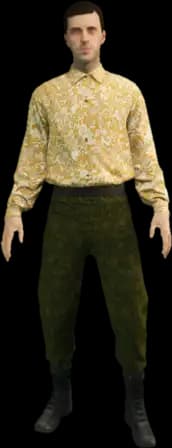
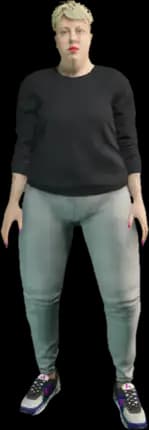
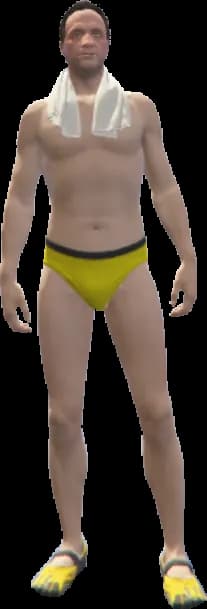
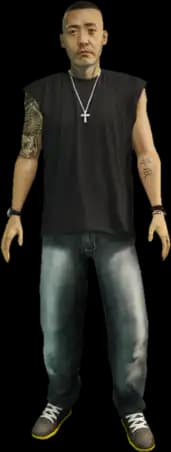
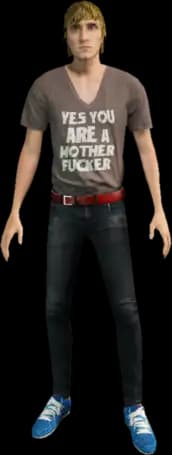
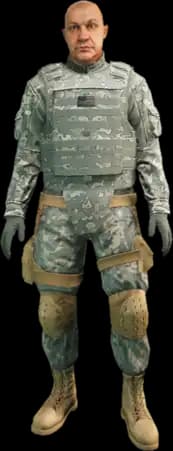
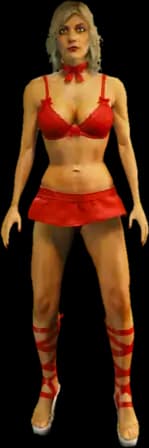
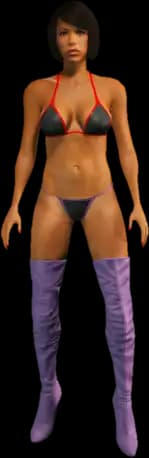
This Ped list shows you 860 FiveM Peds from GTA 5 across 12 categories, each with an image, model name, and hash. Search by model name, filter by category, and copy the value with one click for your admin menu, Ped command, or script.
Built by Fabian Groß
Free, with no sign-up: the Ped list runs entirely in your browser.
Picked a ped? Spawn it on your own FiveM server.
860 Ped models found
Story characters
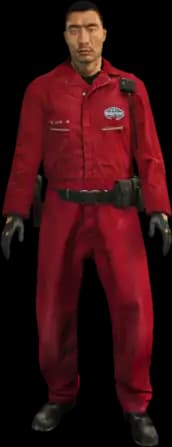
(161)
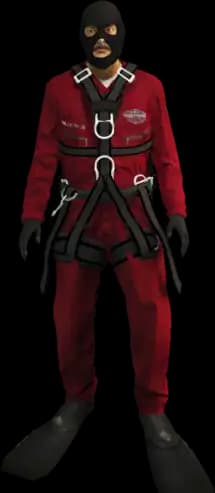
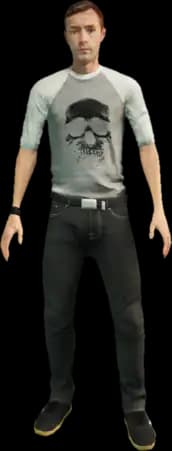














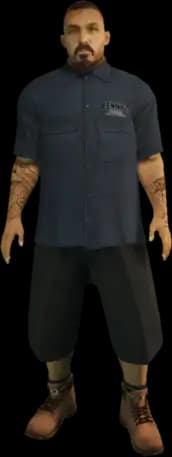


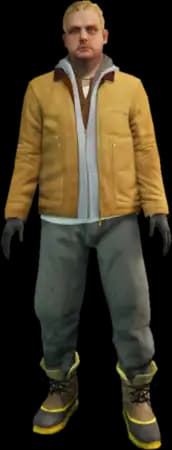














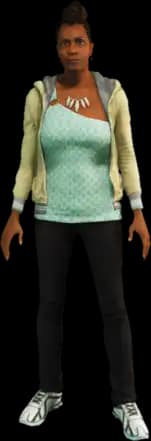

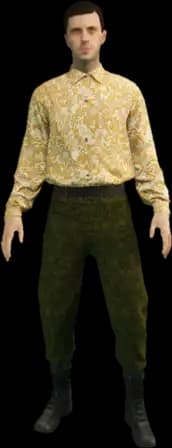
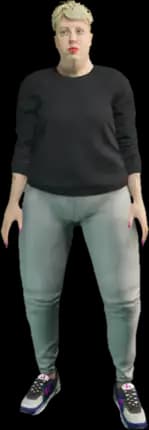












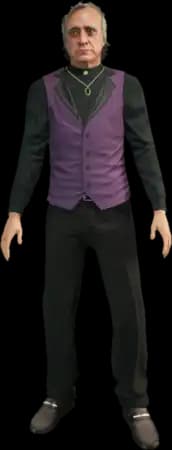


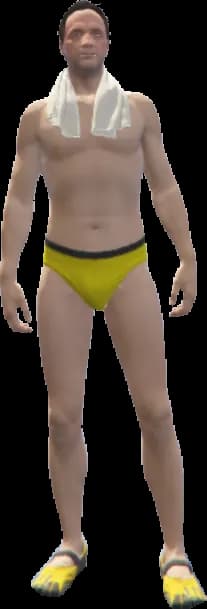
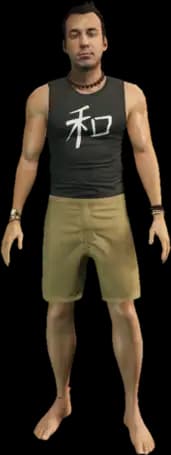





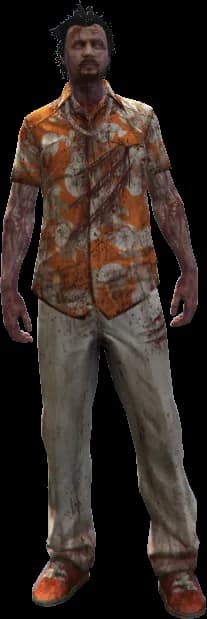
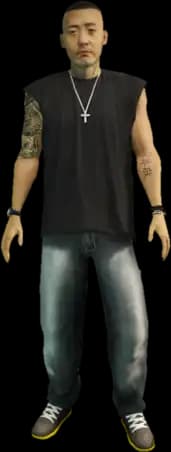
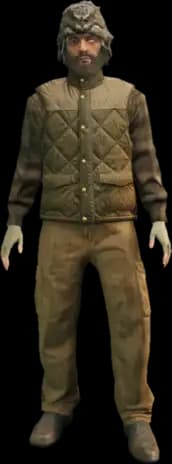











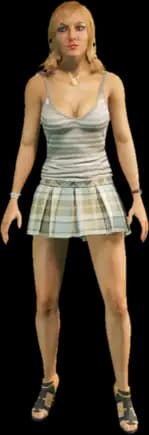
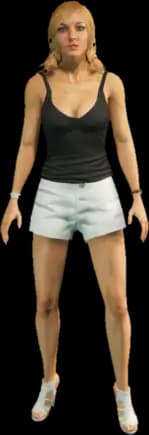
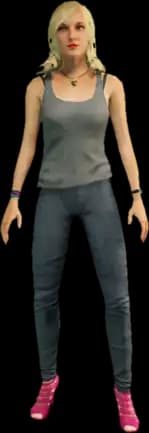





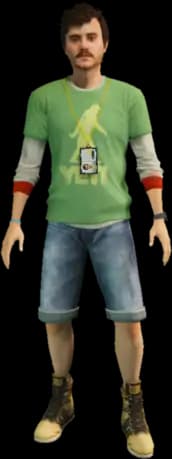
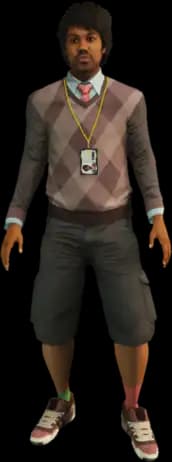




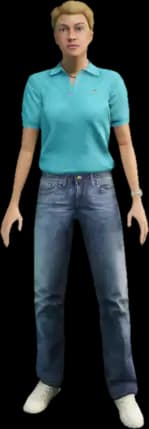

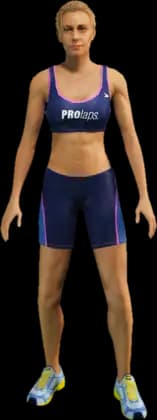









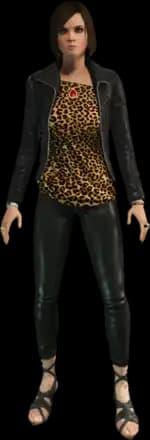



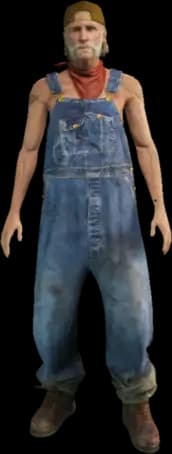
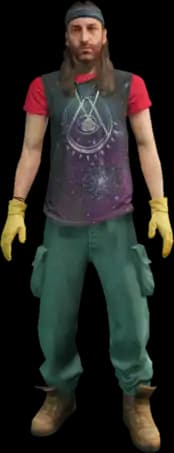

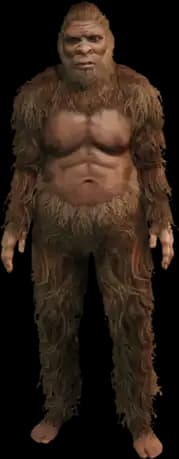
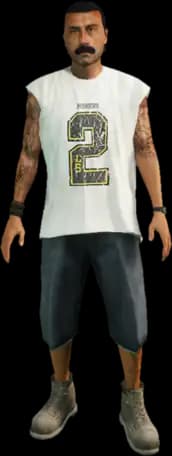
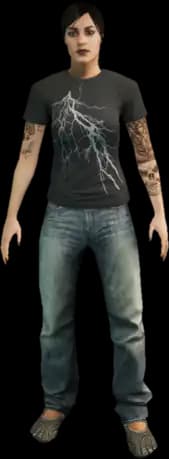













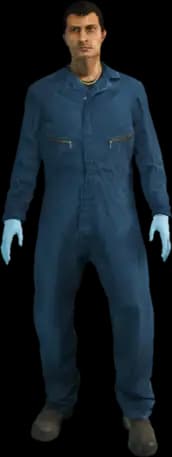


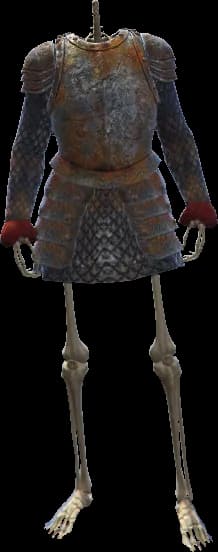
















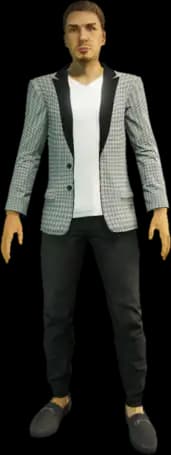
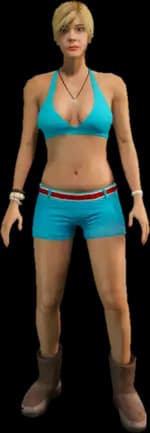

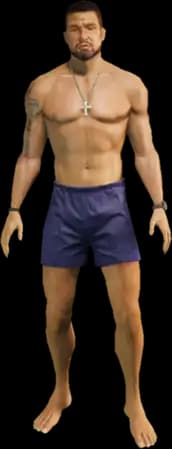


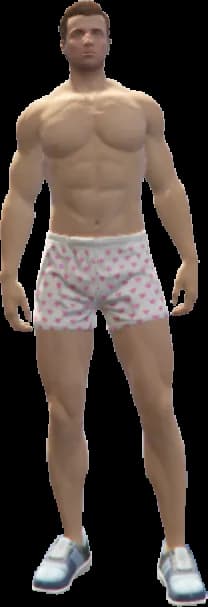
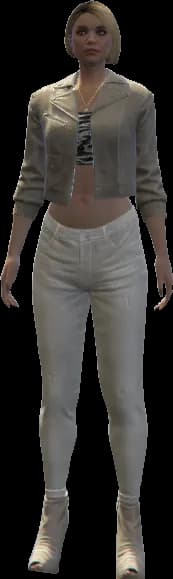


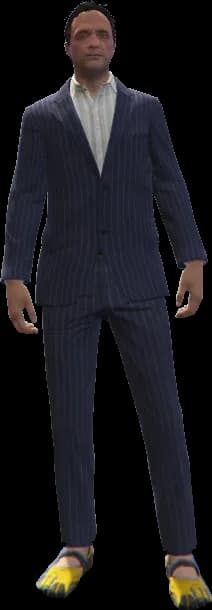

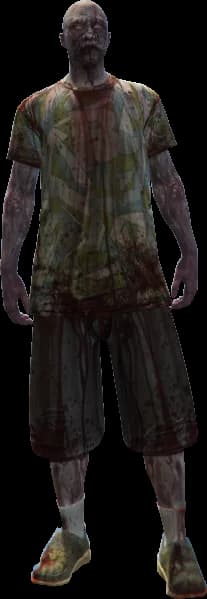




Story scenario (male)
(63)

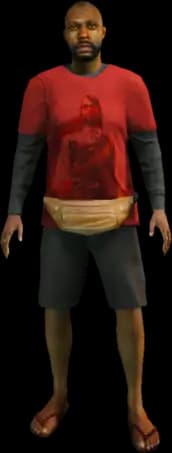



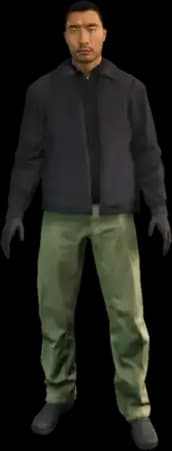



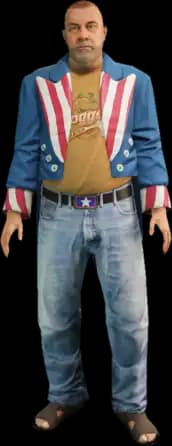














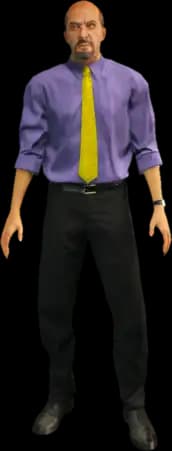


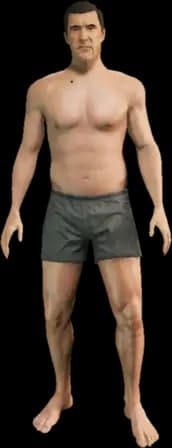

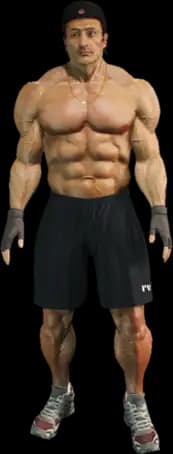

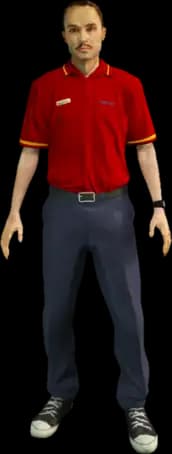

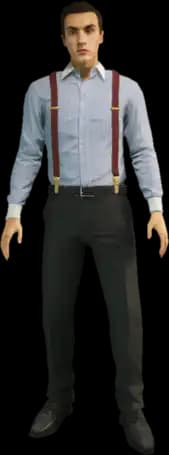


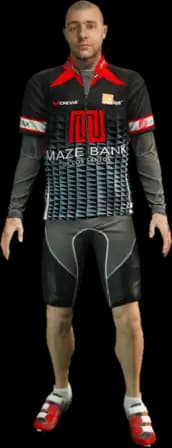
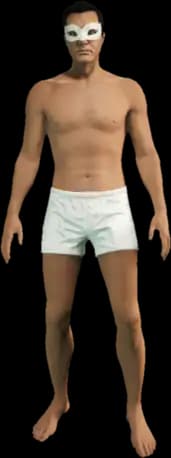
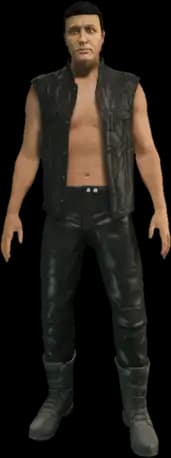
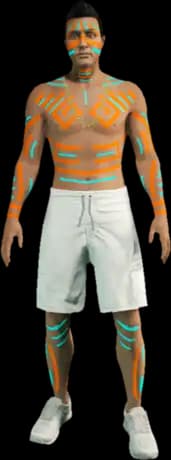


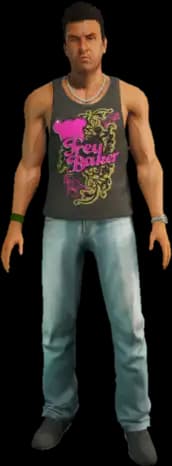

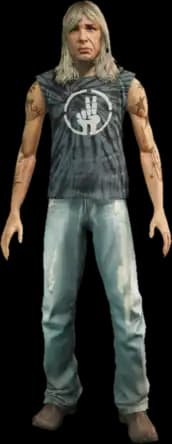
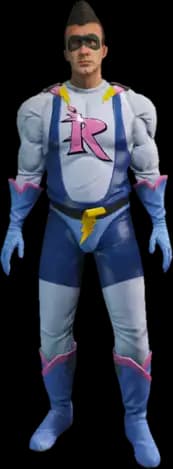
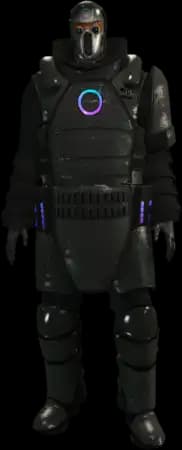







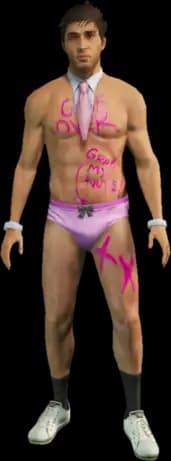



Story scenario (female)
(28)
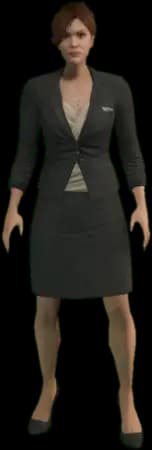
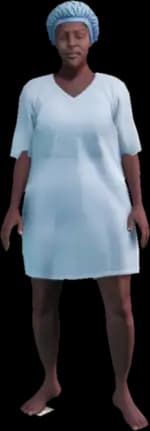
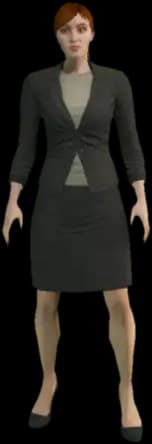




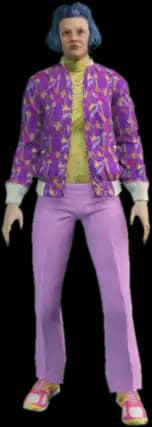
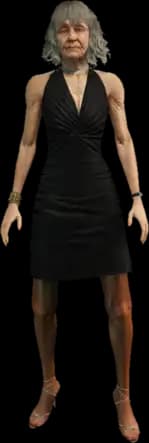
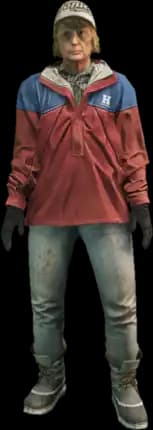
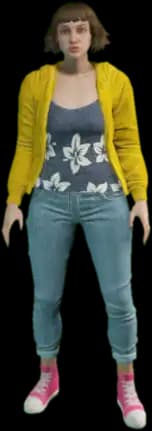
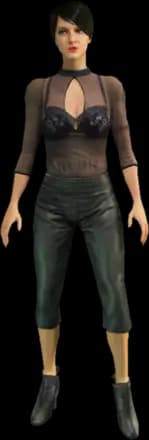


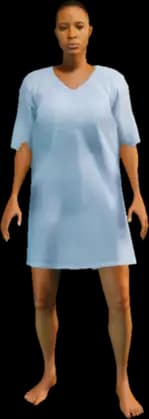
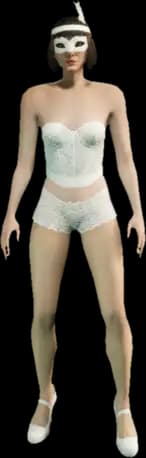
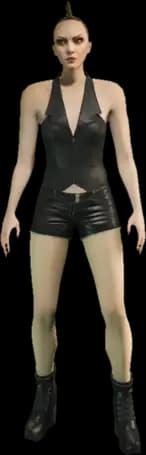
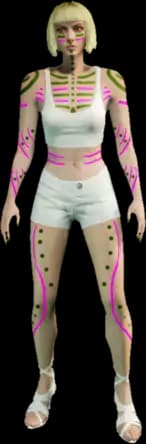
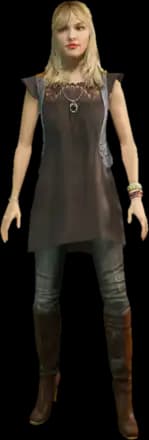

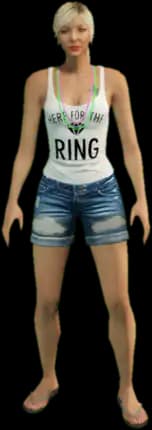

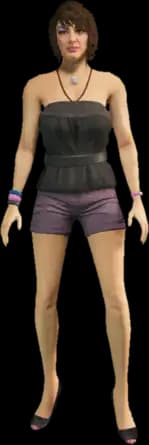
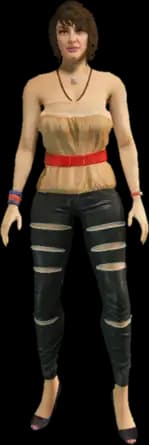


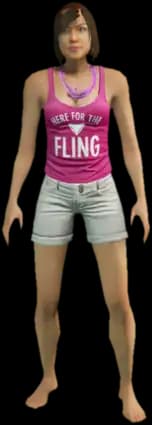
Multiplayer (Freemode)
(40)
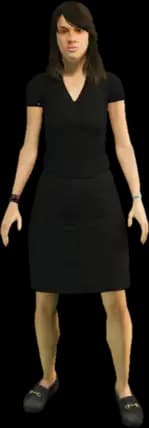


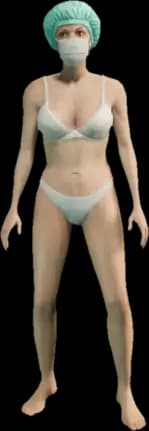
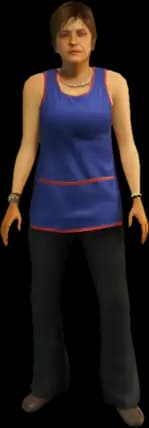
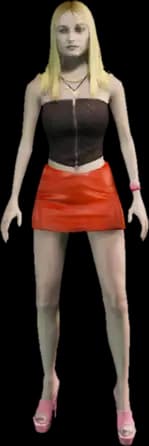



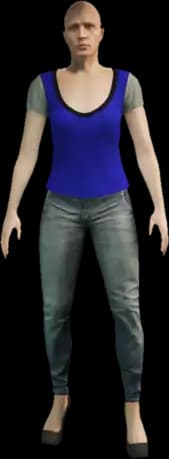


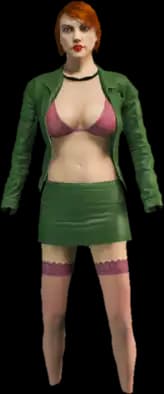
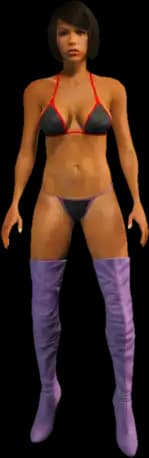




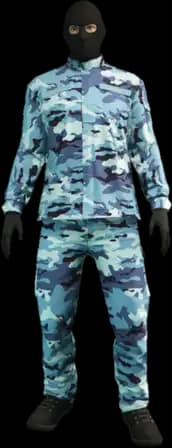

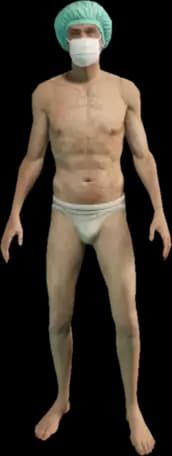







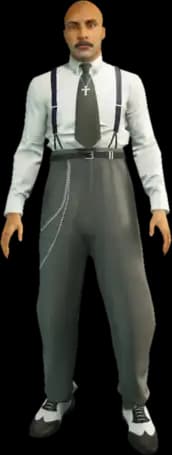










Cutscene characters
(157)




































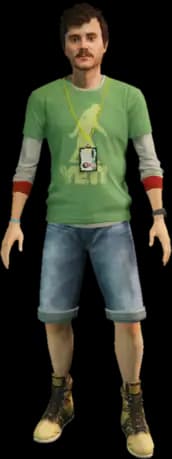


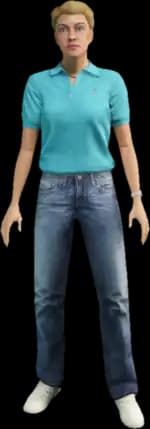


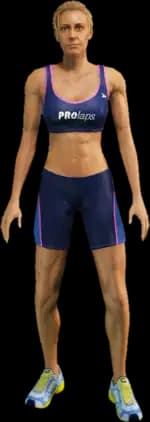



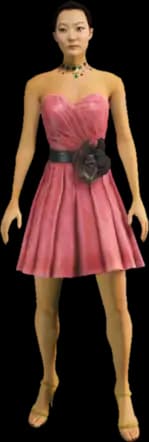









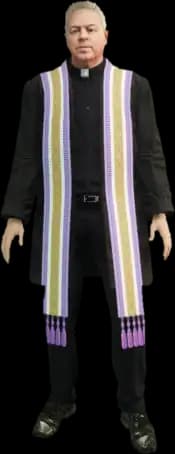













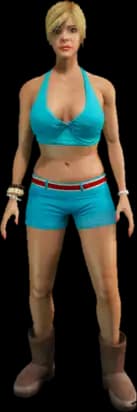







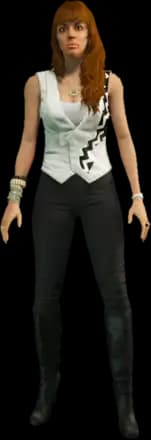

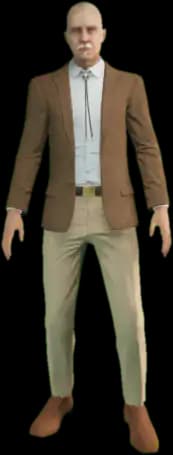



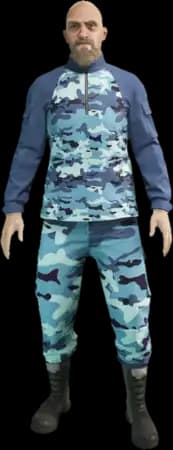
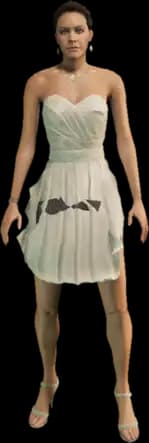

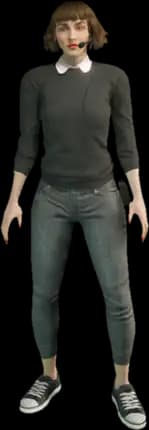


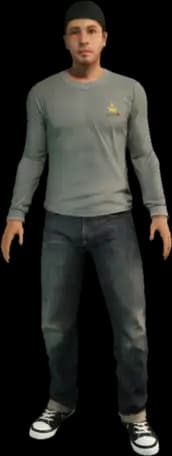















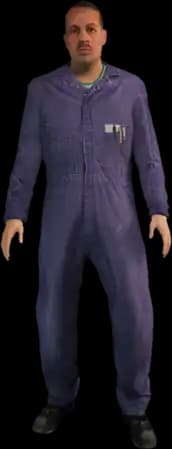

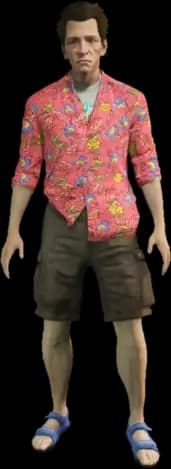



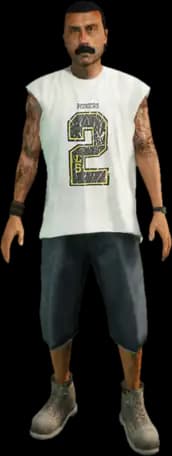

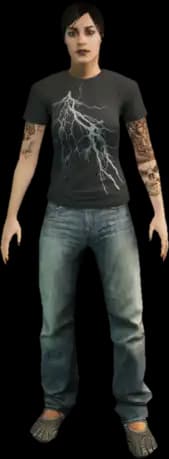






















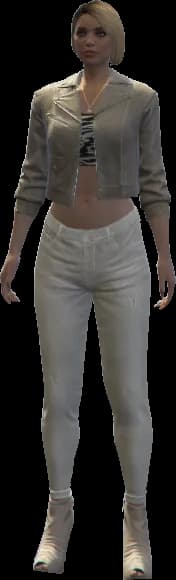

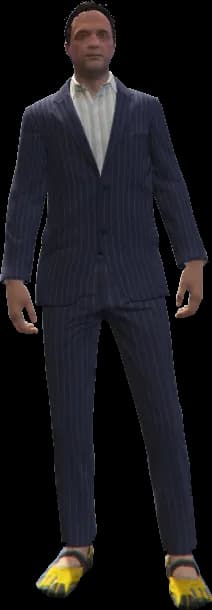
Gang (male)
(42)


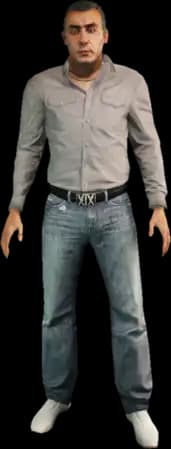






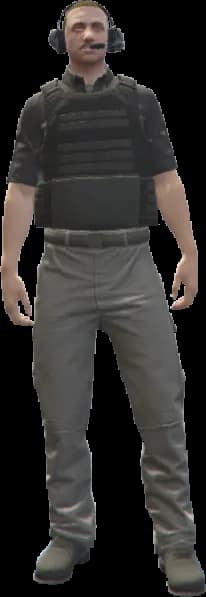

















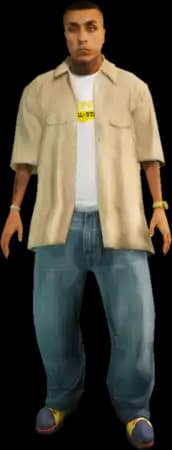




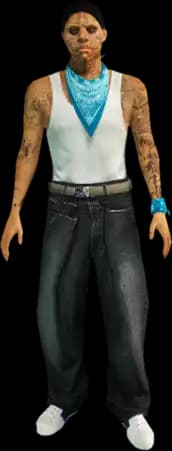




Gang (female)
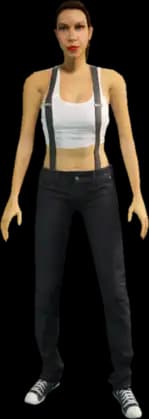
(6)
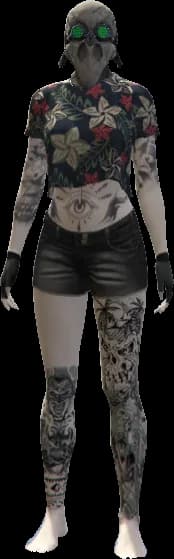
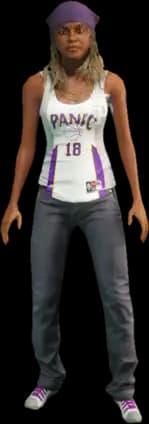

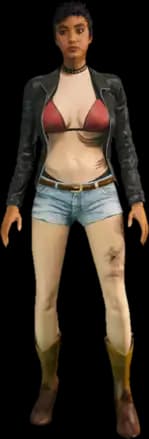

Scenario (male)
(100)





















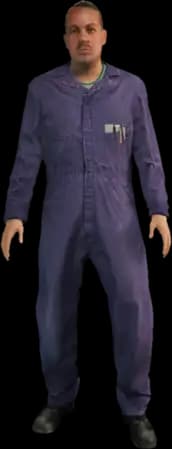
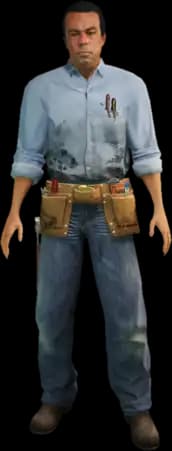
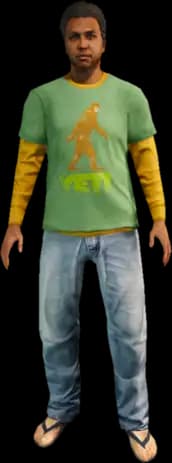






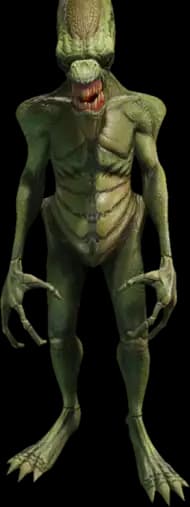

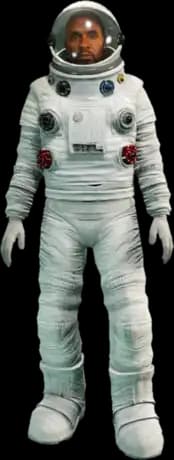



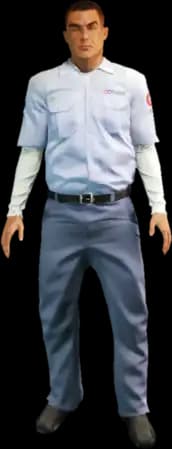
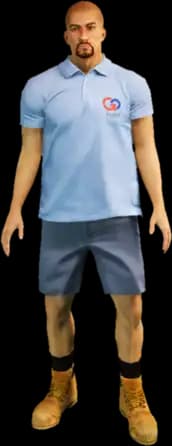



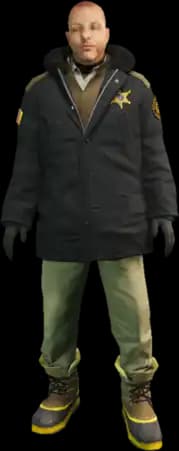



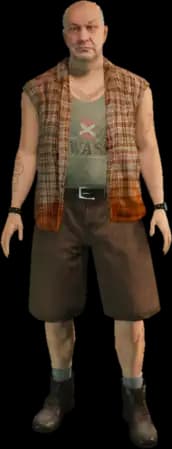
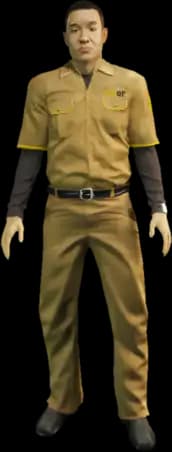
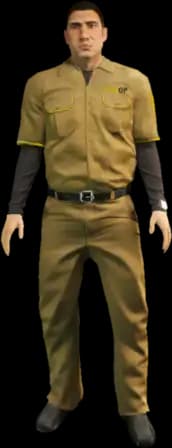


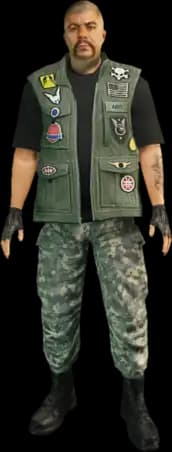
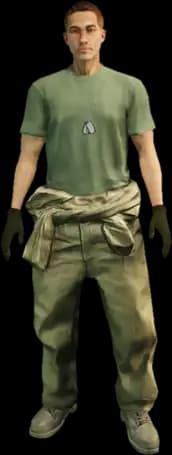


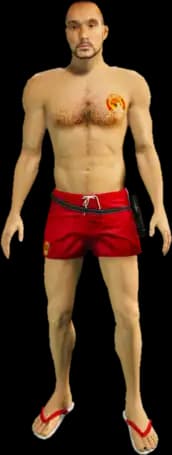
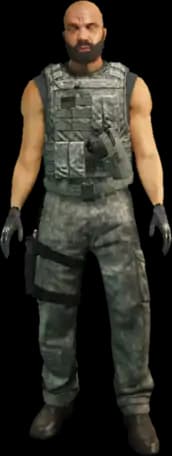
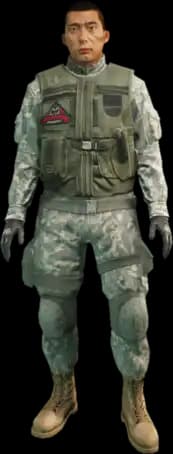






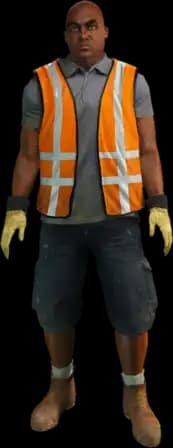



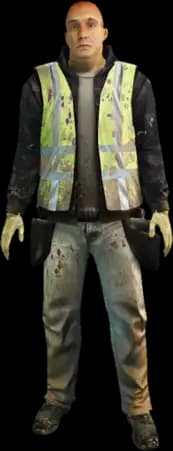


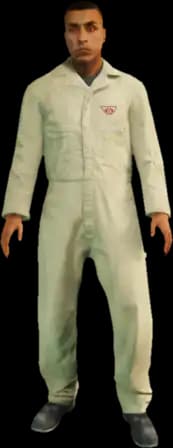

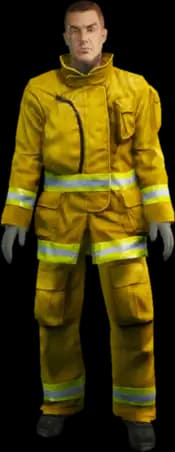





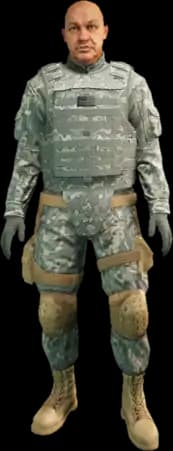






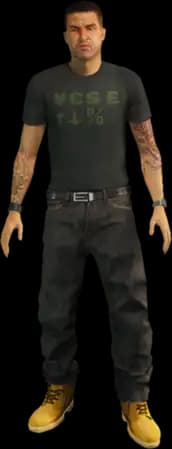

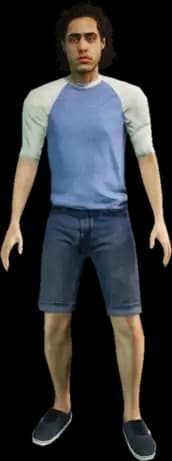
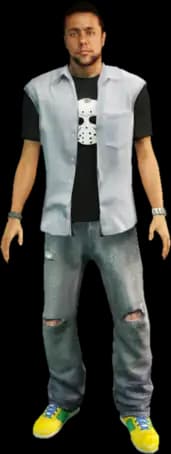




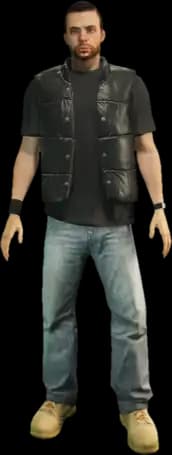




Scenario (female)
(25)




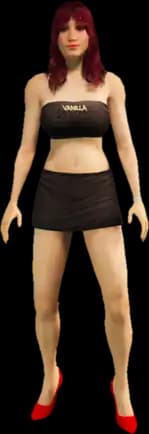
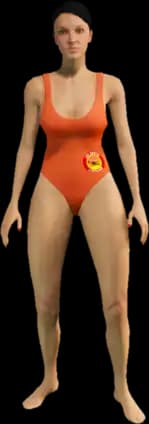



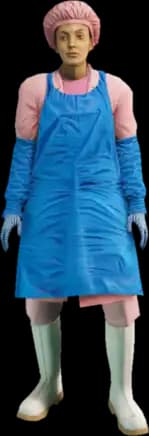
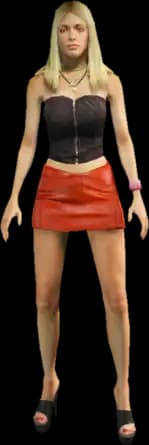

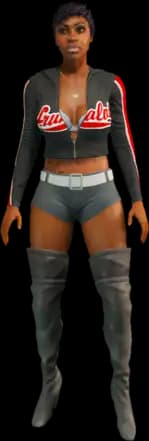

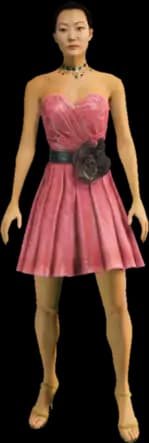



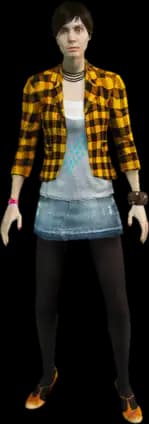
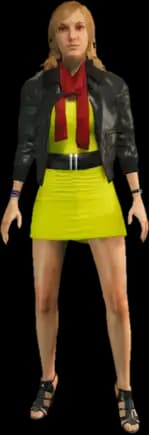
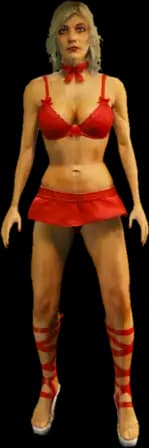
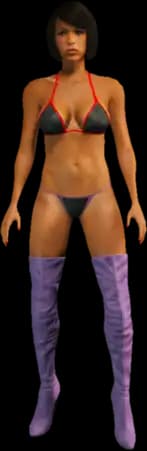
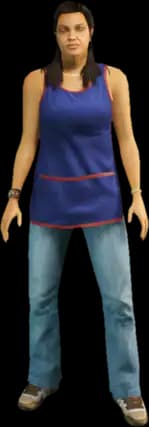
Pedestrians (male)
(129)













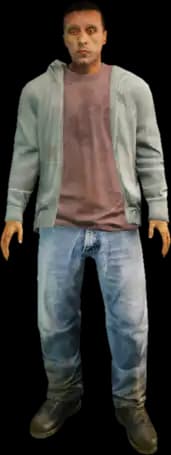



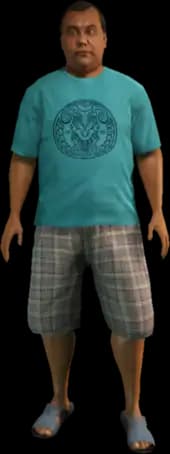

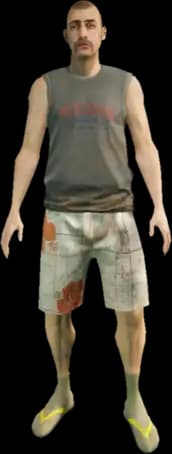
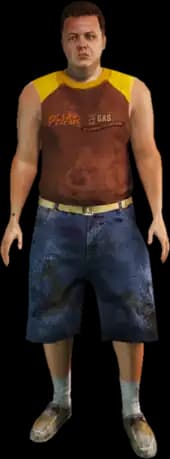

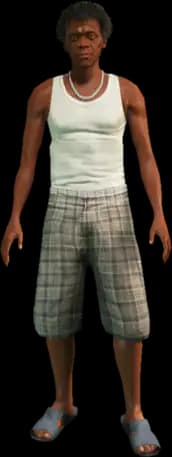
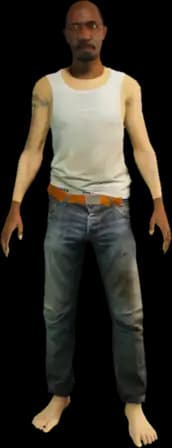









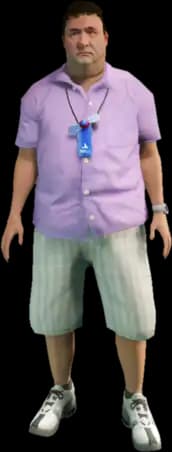

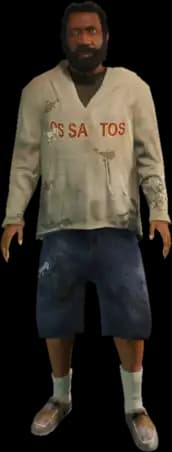
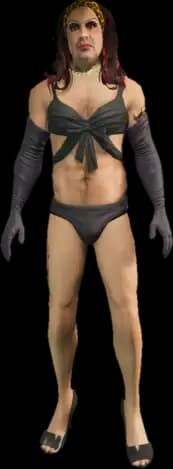

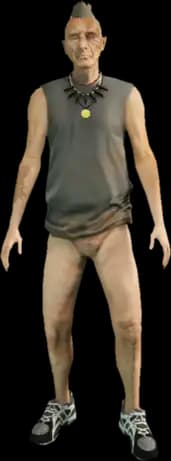


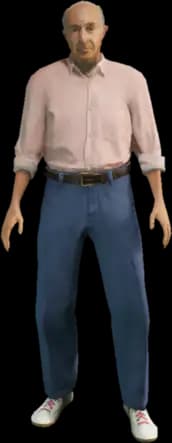


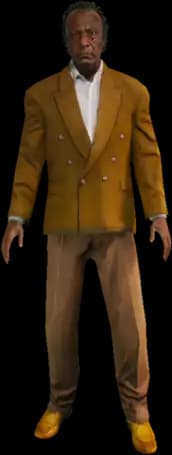



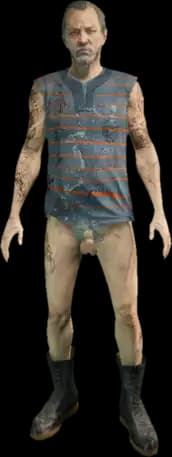
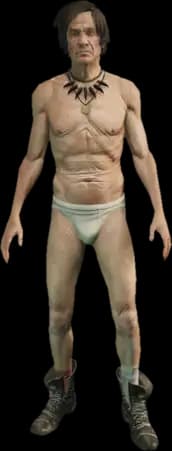
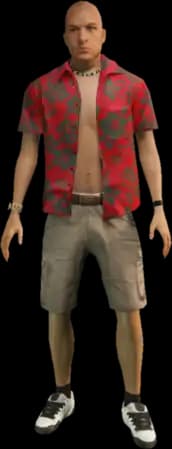
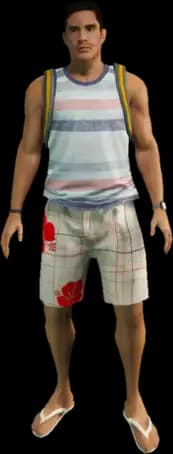

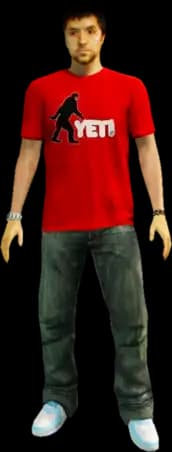

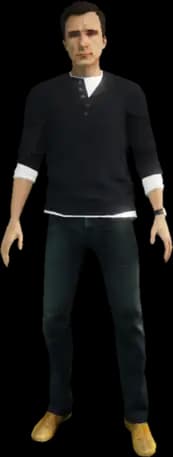

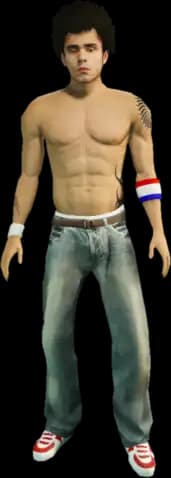








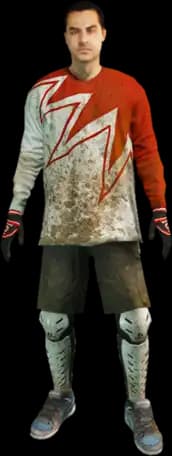

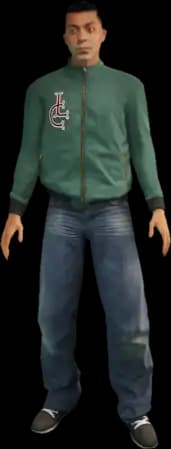
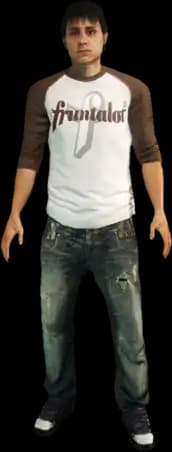

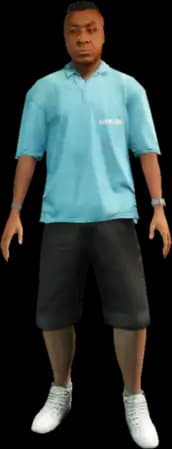
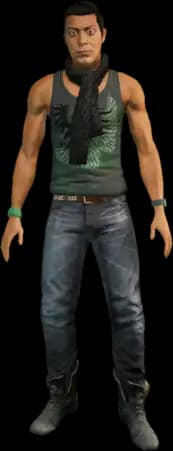






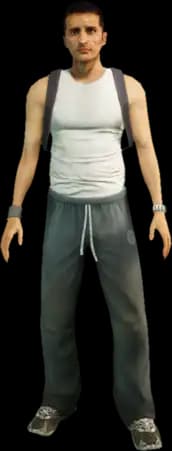
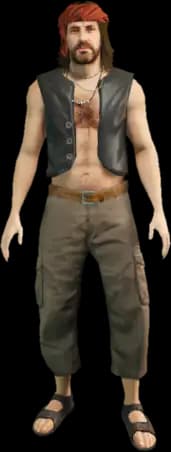

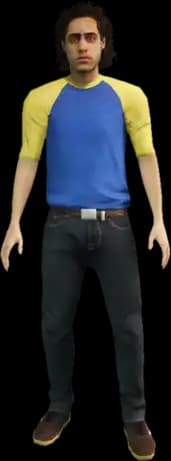


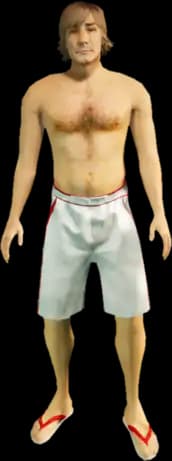



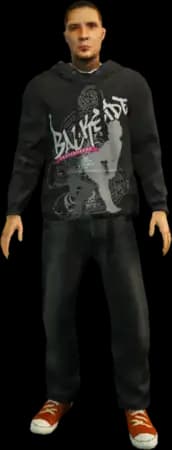


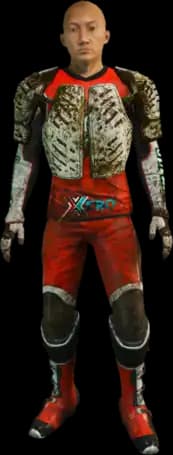
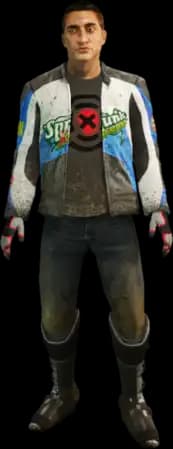
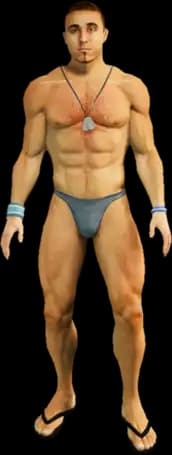
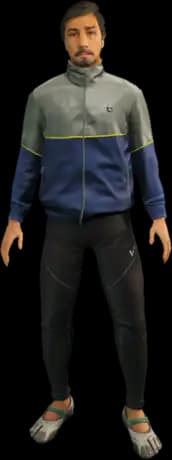
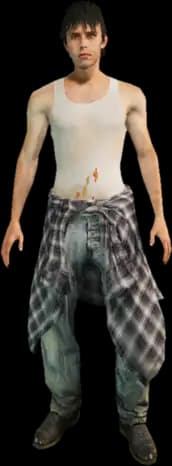
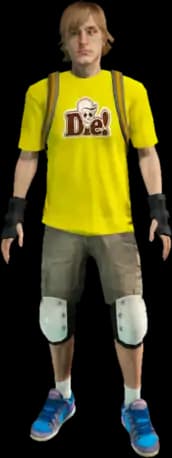
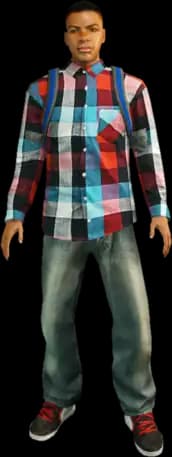




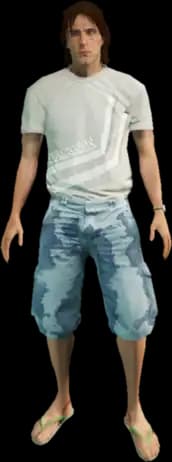

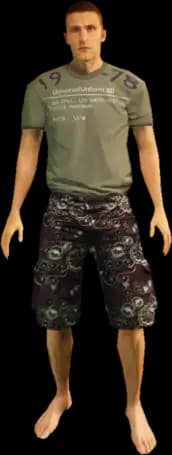
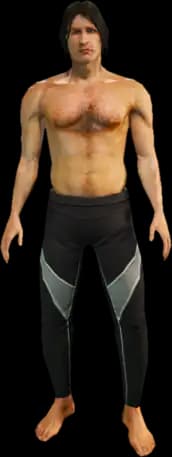



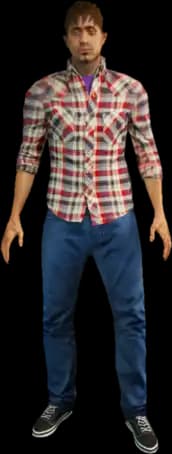


Pedestrians (female)
(75)














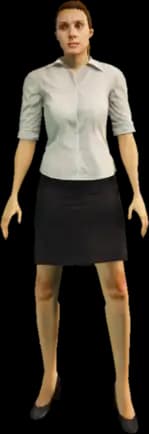


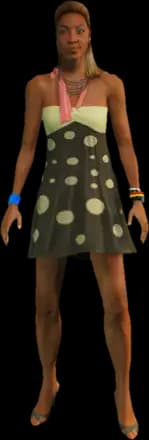
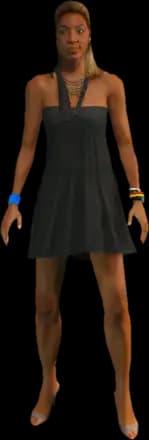
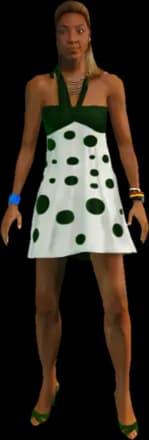








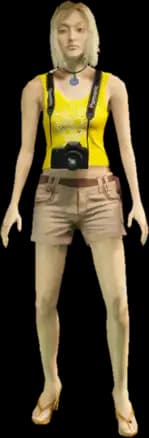
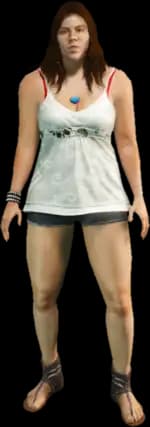

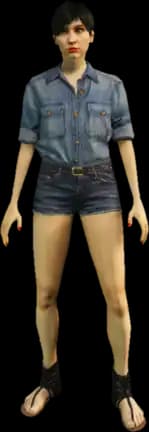

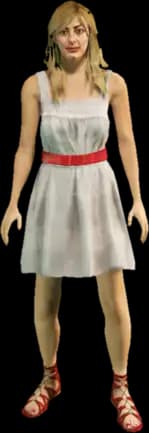
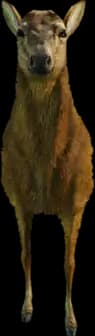
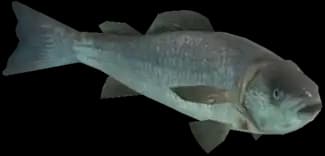
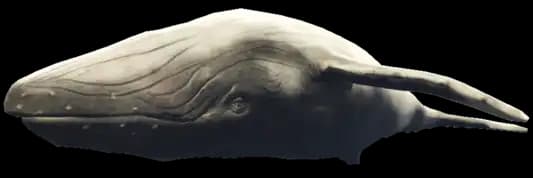
Animals
(34)






















Quick overview
Model name, hash, and hash format
Which value you need from the Ped list depends on where you use it: in an admin menu, a Ped command, or your script.
Model name (spawn name)
The model name is a Ped’s unique identifier, such as s_m_y_cop_01 or a_c_shepherd. Most admin menus and scripts expect this exact value, for example with /ped <modelname> or as a parameter for RequestModel and SetPlayerModel.
/ped s_m_y_cop_01
Model hash
The hash is the number GetHashKey() calculates from the model name. The Ped list calculates each hash directly from the model name using joaat instead of copying it from a potentially outdated external list.
GetHashKey("s_m_y_cop_01")
unsigned or signed int32
GetHashKey() returns a signed 32-bit value in Lua and JavaScript, while many lists show the unsigned value. Both refer to the same model. Use the Hash format toggle to choose the version your script expects.
mp_f_freemode_01: unsigned 2627665880 · signed int32 -1667301416
Guide
How to find and copy FiveM Peds
From search term to Ped in your admin menu or script.
Step 1
Search for a Ped
Enter part of the model name in the search field, such as cop, freemode, or a_c_. The search shows all model names containing that text.
Step 2
Choose category
Optionally narrow the list by category, such as Multiplayer (Freemode), Gang (Male), or Animals. Each category shows how many results match your search.
Step 3
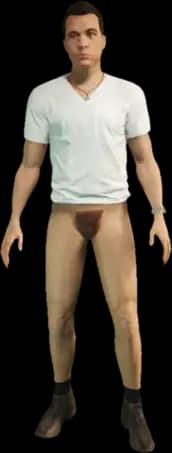
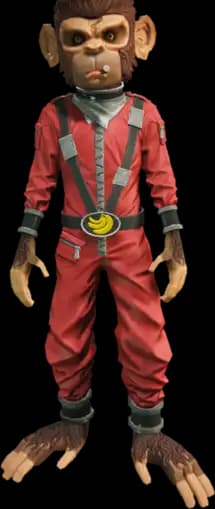
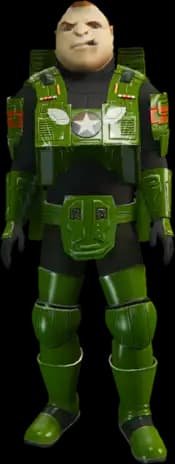
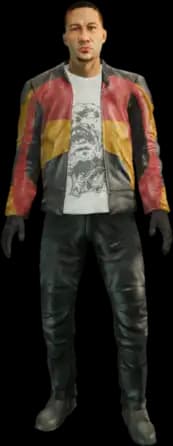
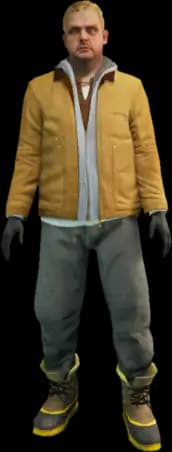
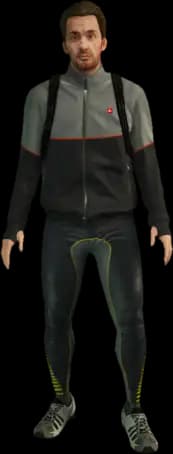
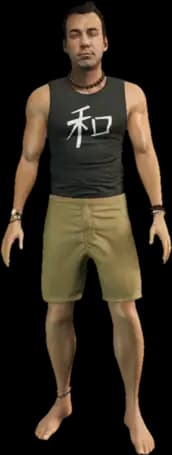
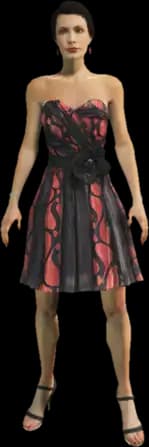
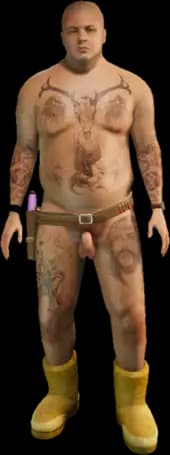
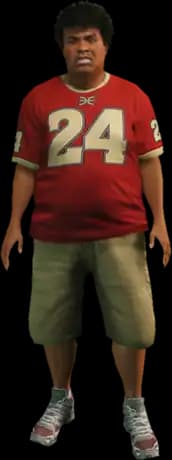
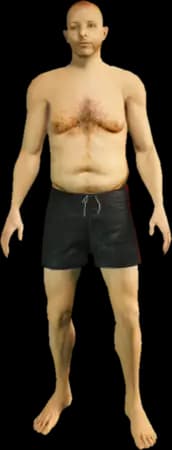
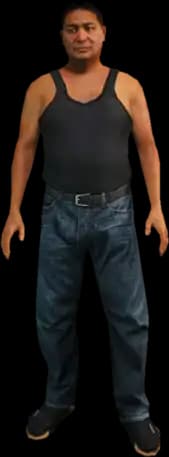
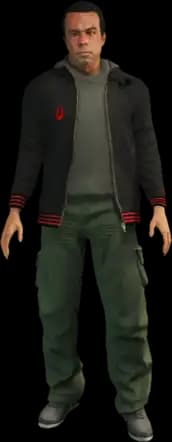
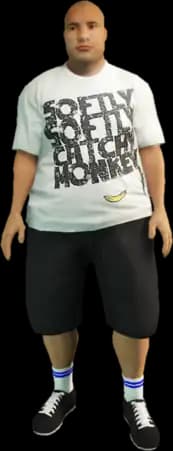
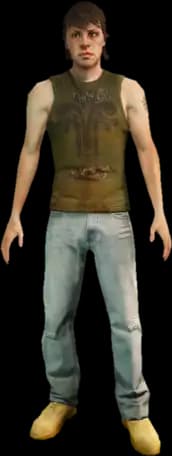
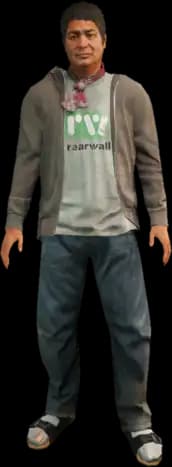
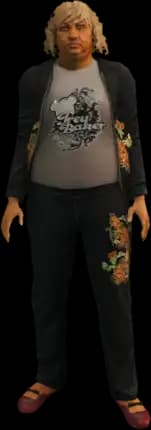
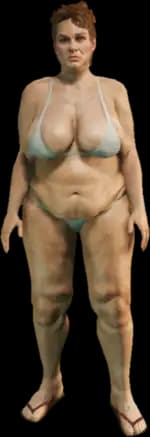
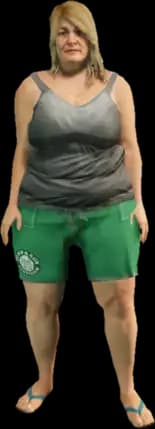
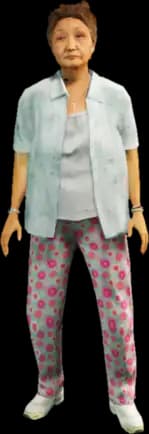
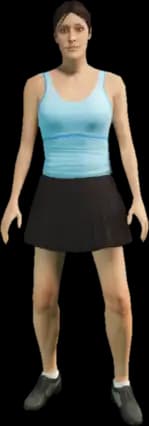
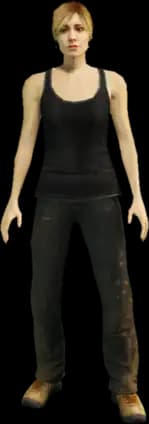
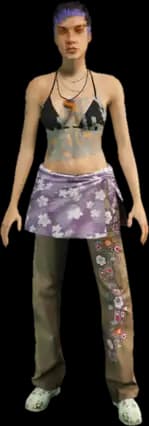
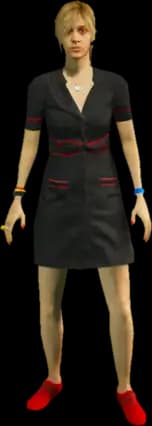
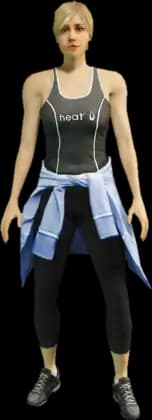
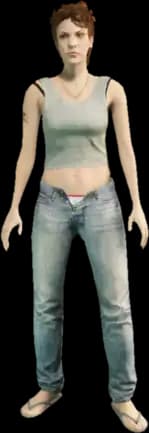
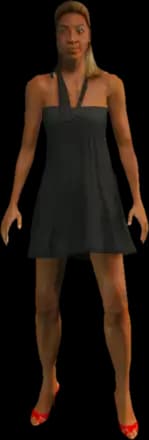
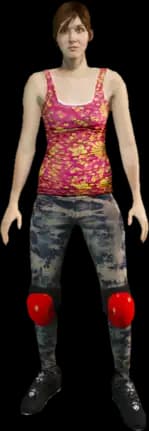
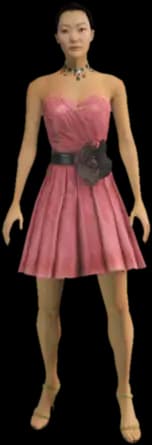
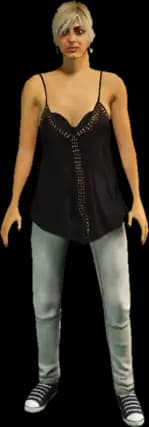
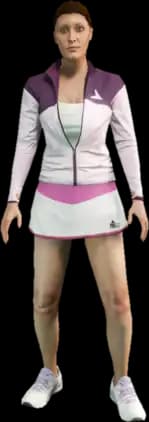
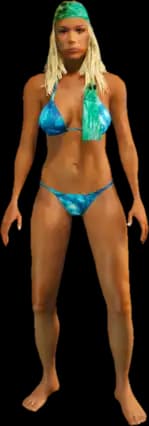
Identify a Ped by its image
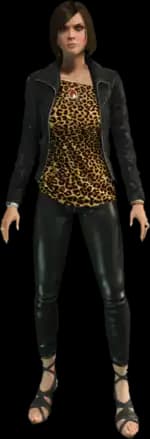
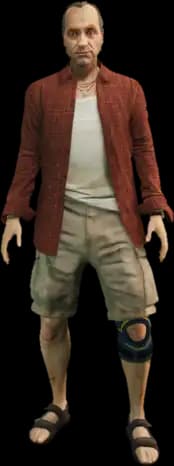
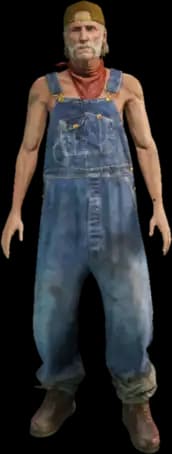
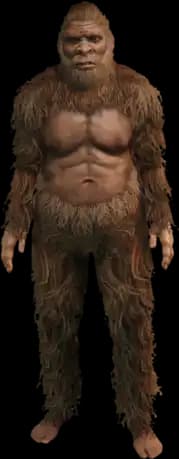
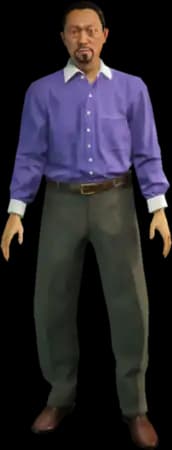
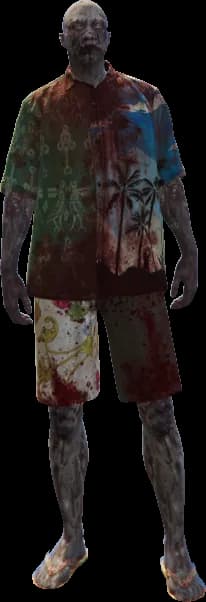
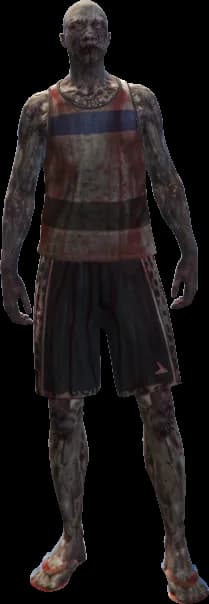
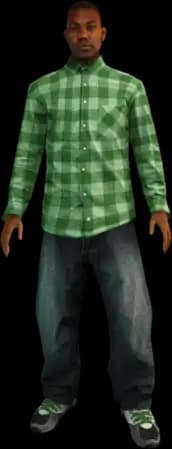
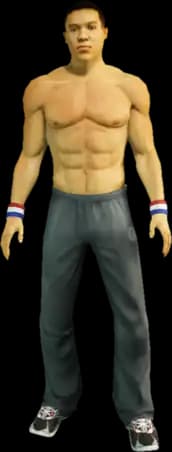
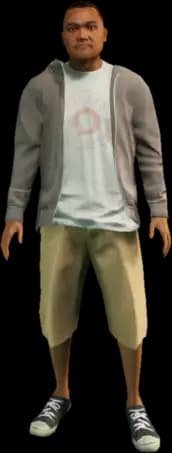
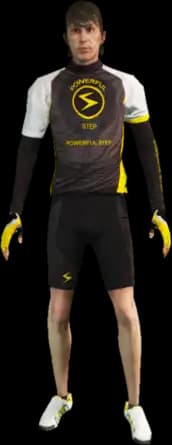
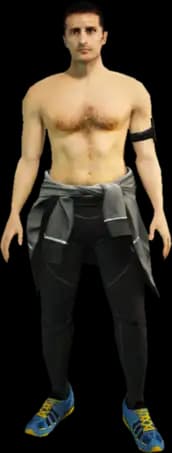
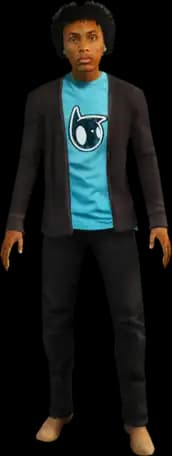
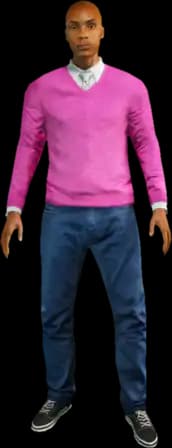
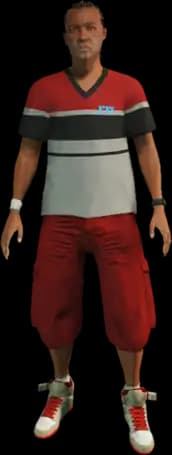
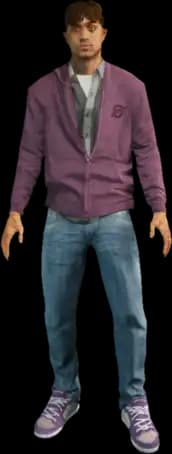
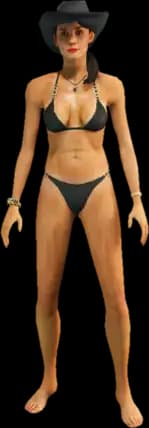
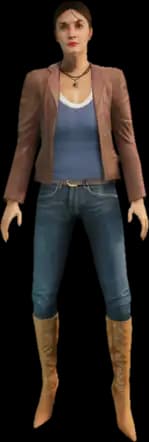
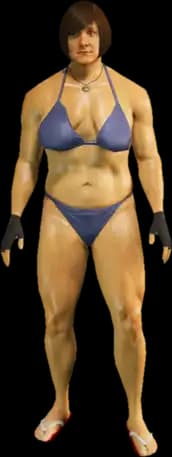
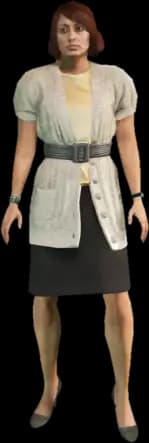
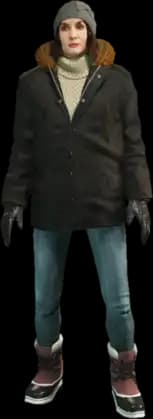
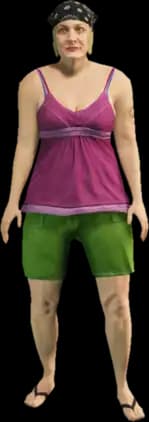
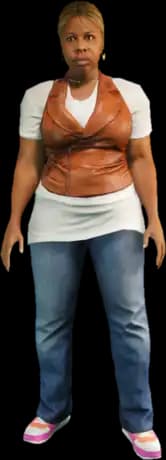
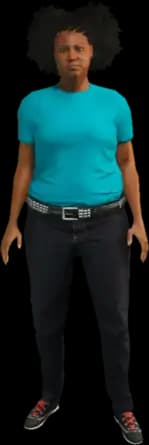
Each Ped card shows a preview image of the model, so you can check that it’s the right Ped before copying.
Step 4
Set hash format
If you need the hash, choose a hash format: unsigned is the default; signed int32 matches the value returned by GetHashKey() in Lua and JavaScript.
Step 5
Copy model name or hash
Click the model name or hash on a Ped card. The value is copied to your clipboard, and a checkmark confirms it.
Step 6
Use in your admin menu or script
Paste the value into your admin menu, a Ped command such as /ped s_m_y_cop_01, or your script, for example as a parameter for RequestModel and SetPlayerModel. Which command works depends on your admin menu and the resources on your server.
Understand model names
What prefixes in Ped model names mean
The start of a model name tells you which category a Ped belongs to. The second abbreviation usually indicates gender: m for male, f for female.
| Prefix | Category | Example |
|---|---|---|
| player_, ig_ | Story characters | player_zero |
| u_ | Story scenario | u_m_m_bankman |
| mp_ | Multiplayer (Freemode) | mp_m_freemode_01 |
| cs_, csb_ | Cutscene characters | cs_lestercrest |
| g_ | Gang | g_m_y_famca_01 |
| s_ | Scenario | s_m_y_cop_01 |
| a_m_, a_f_ | Pedestrians | a_m_y_beach_01 |
| a_c_ | Animals | a_c_shepherd |
Ped categories
12 categories, from story characters to animals
The Ped list follows the categories in the official FiveM documentation and includes standard GTA V Peds, not add-on Peds. The number shows how many Ped models a category contains. In the list’s category filter, it updates to match your search.
- Story characters161
- Story scenario (male)63
- Story scenario (female)28
- Multiplayer (Freemode)40
- Cutscene characters157
- Gang (male)42
- Gang (female)6
- Scenario (male)100
- Scenario (female)25
- Pedestrians (male)129
- Pedestrians (female)75
- Animals34
Explore more
More FiveM tools for your script and server
fxmanifest.lua Generator
Configure directives in a form and get a valid fxmanifest.lua instantly.
Built by Eric Mager
FiveM Resource Installer
NewCheck a FiveM resource ZIP archive for the destination folder, ensure line, dependencies, escrow, and SQL. In the Dashboard, the tool installs the resource directly on your server.
Built by Fabian Groß
server.cfg Generator
Configure network, license, OneSync, admin permissions, and resources using a form.
Built by Eric Mager
Vehicle list
All FiveM vehicles with images, sorted by class — copyable spawn names and hashes.
Built by Eric Mager
Weapon list
All FiveM/GTA V weapons with copyable spawn codes and hashes, sorted by class.
Built by Fabian Groß
Blip ID list
All blip sprite IDs with previews and all blip colors with HEX values.
Built by Fabian Groß
FAQ
Frequently asked questions about FiveM Peds
Model names, hashes, and ped categories explained briefly.
The model name is what most admin menus and scripts expect, for example in /ped <modellname> or as a parameter for RequestModel and SetPlayerModel.
Find the Ped in the list, copy its model name with one click, and enter it in your admin menu or Ped command, such as /ped s_m_y_cop_01. In a script, load the model with RequestModel and set it with SetPlayerModel. Which command is available depends on your admin menu and the resources on your server. The Ped list itself does not change your Ped; it gives you the correct name.
You only need the hash if your script works directly with GetHashKey() or model hashes. Hashes are calculated from the model name (joaat), not copied from an external list. In Lua and JavaScript, GetHashKey() returns a signed 32-bit value (signed int32), while many lists show the unsigned value. Use the Hash Format switch to select the version your script expects.
The multiplayer Peds are mp_m_freemode_01 (male) and mp_f_freemode_01 (female). You can find both in the Multiplayer (Freemode) category.
Yes. The Animals category contains 34 models with the a_c_ prefix, such as a_c_shepherd, a_c_husky, a_c_chop, or a_c_cat_01. Enter a_c_ in the search field to see only animal Peds.
Enter the model name or part of it in the search field, such as cop or freemode, or select a category. The search checks model names only, not category names. Click a model name or hash to copy the value.
No. The list contains 860 standard GTA V Peds from the official FiveM documentation. Add-on Peds have their own model names, defined by the respective resource on your server.
Yes, the list is free to use without signing up, and everything runs directly in your browser.
Any more questions?
Contact Support
Rent your own FiveM server in 60 seconds
DDoS protection included, full control over server.cfg and resources, cancel anytime.
No setup. No risk. Online in seconds.
Looking for more tools? View all FiveM tools
 Preferred source on Google









