
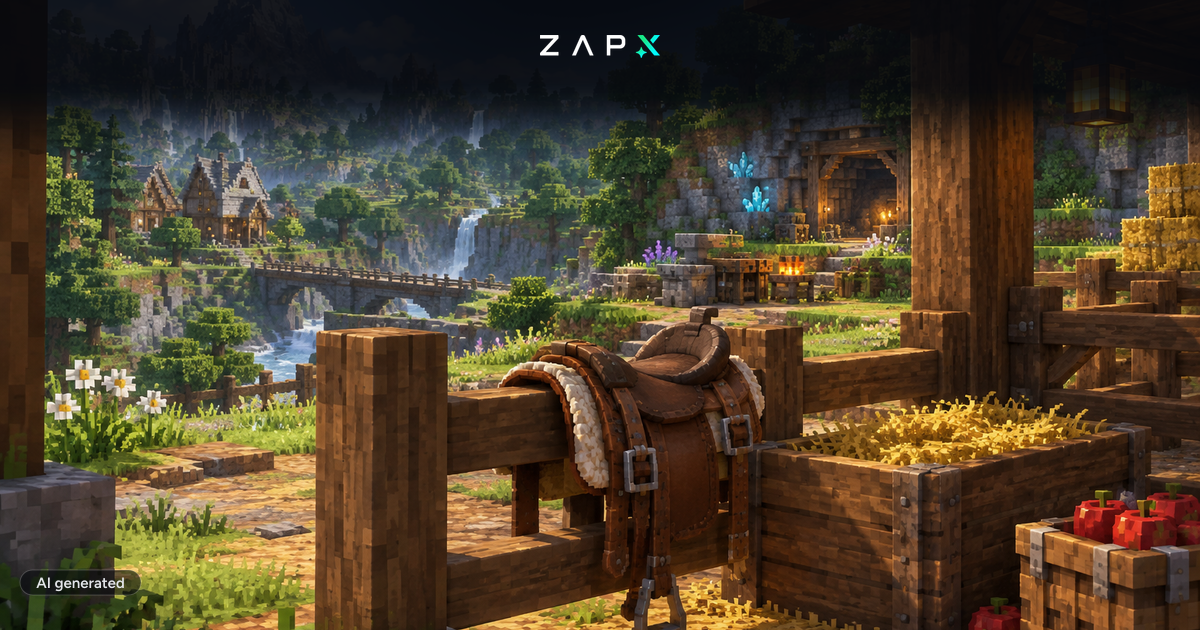
Hytale Update 3 has arrived just one month after the Early Access launch.
This patch adds some of the most requested features to the game. From animal taming to a new story structure, here is what you need to know.
- Animal Taming: You can now befriend creatures and use them as mounts.
- The Cursebreaker Arc: The story will now unfold through content chapters.
- New Tools: The Sickle allows for much faster crop harvesting.
- Server Tools: The Anchor UI system lets owners add custom screen elements.
- Movement: Climbing and side stepping mechanics have been overhauled.
The wildlife in Orbis is now more than just a resource. You can now earn the trust of friendly animals.
- Taming: Use favorite foods to tame creatures.
- Interaction: You can pet, feed, and care for your animals.
- Mounts: Horses and camels are now rideable for faster travel.
- Multiplayer: This encourages players to build shared stables and farms.
The developers are changing how the story is delivered during Early Access.
- Chapters: Large content drops will follow the Cursebreaker arc.
- Roadmap: This system will guide the game toward its final release.
- New Content: Each chapter brings unique story elements and challenges.
Several changes make daily survival and exploration feel more fluid.
- Sickles: This new tool harvests large fields of crops in one swing.
- Climbing: You can now rotate and side step while on ropes.
- Crafting: Many early game recipes now craft instantly.
- Pacing: These changes help new players get started much faster.
This is a major update for the modding community. The Anchor UI system gives server owners more control over the player experience.
- Custom UI: Add new elements directly to the player screen.
- Overlays: Create map displays or status bars for custom game modes.
- Identity: Use these tools to make your ZAP server stand out.
Update 3 also focuses on the technical side of the game.
- Performance: Fixes for memory leaks and world streaming.
- Stability: Changes to keep servers stable with high player counts.
- Localization: Support added for Brazilian Portuguese and Russian.
Update 3 creates a solid foundation for long term survival worlds. Are you ready to take on the challenge?
Start your Hytale server with ZAP-Hosting
Use discount code HYTALE50 at checkout to get 50% OFF your server!


 Preferred source on Google









