Skip to content

Minecraft 1.21.11 released – now available on our servers

Minecraft 1.21.11 runs on our servers. Here's how to pick the version and what to know before switching to 26.x.

Luca2 min12 December 2025Updated 422 Views
Minecraft 1.21.11 released – now available on our servers

Minecraft Java Edition 1.21.11 runs on our servers: pick the version in your Minecraft server's web interface, whether you use Vanilla, Paper, Spigot, Purpur, Fabric, Forge or NeoForge. Newer versions up to Minecraft 26.3 are available there too.

Updated November 2026: added a note on newer Minecraft versions and how to switch versions.

What's new in Minecraft 1.21.11?

Minecraft 1.21.11 is the "Mounts of Mayhem" game drop, released on December 9, 2025. It adds spears, the nautilus with the zombie nautilus and nautilus armor, netherite horse armor, camel husks and zombie horsemen, plus plenty of bug fixes. You can find the full list of changes in the official Minecraft article: Minecraft 1.21.11 feature overview

1.21.11 is the last version starting with "1."

Since 2026, Mojang numbers versions by year and drop: 1.21.11 was followed by 26.1, 26.2 and 26.3, so there is no version 1.22. On our servers you can choose 1.21.11 as well as the newer 26.x versions.

Which Minecraft version should I choose?

  • You use mods or plugins: stay on the version your mods and plugins are built for, for example 1.21.11. Only switch once they are available for the new version.
  • You're starting a new world without mods: choose the newest available version.
  • You want to move an existing world to 26.1 or newer: create a backup first. On the first start with 26.1, the server converts the world to a new folder format, and a converted world no longer runs on 1.21.11. Learn more in Managing worlds.
Newsletter
New articles, tutorials and server news straight to your inbox. After confirming your email — only for new customers with no previous orders.
Unsubscribe anytime. No spam.

How to switch versions

  1. Open Games & variants on your server.
  2. In the Install panel, choose the server type and then the version, for example 1.21.11.
  3. Confirm with Install & activate.

All details are in Switch games and manage variants.
Server types with Minecraft 1.21.11

Frequently asked questions

Is Minecraft 1.21.11 available at ZAP-Hosting?

Yes. You select 1.21.11 under Games & variants on your Minecraft server.

Can I change the version later?

Yes, at any time under Games & variants. Create a backup first and make sure your mods and plugins match the new version.

Why is there no Minecraft 1.22?

Mojang changed the numbering after 1.21.11. The next version was called 26.1, followed by 26.2 and 26.3.

Use the button below to rent your Minecraft server:
Minecraft Server

Luca

About the author

Luca

Developer, Minecraft

Developer at ZAP-Hosting and our Minecraft specialist, from Vanilla and Bedrock to major modpacks.

Free tools

Minecraft Tools

View all

Feedback

Was this blog post helpful?

Your feedback helps us prioritize and improve blog articles.

From category

More about News

More posts on the same topic—curated for you from our blog.

All articles in News
News4 min27 Nov 2026

Valheim update 1.0.30: Forge of Potential rebalanced

Iron Gate released Valheim update 1.0.30 on November 25, 2026. It changes crossplay compatibility, gives back more materials when a Forge of Potential upgrade fails and fixes players getting stuck in portals.

Read more

In this category

News7 minThe ZapX Partner Program: more than an affiliate link
News6 minYour voice matters: Vote in ZapX for partners, servers, and new features
News4 minGTA 6 sales numbers: 32.5 million copies before launch
News6 minThe new ZapX affiliate program is here: Share ZapX and earn on every renewal
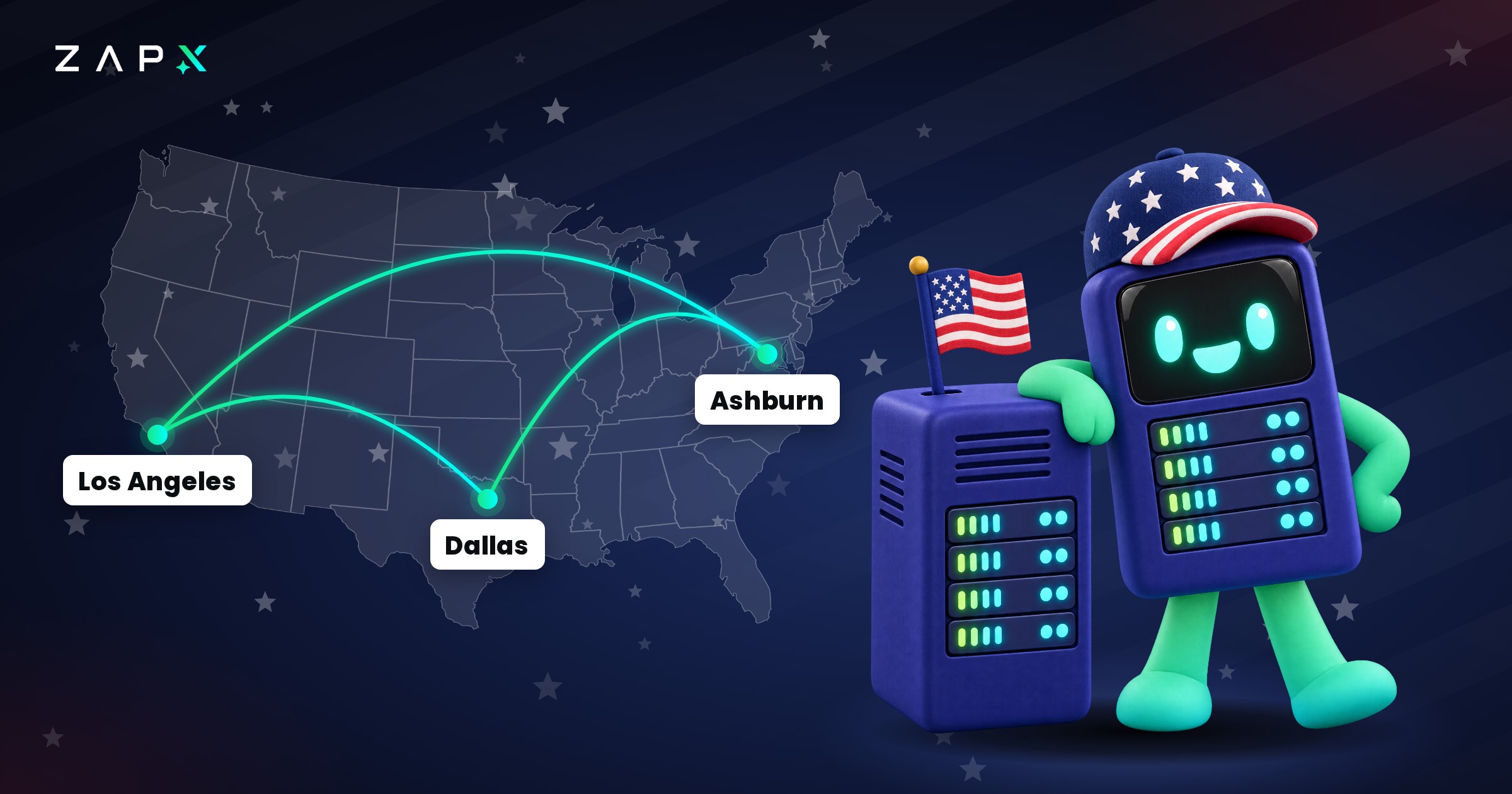
News2 minDedicated Servers in the US: Dallas, Los Angeles and Ashburn
News6 minRust update “Printed and Polished”: what changes for servers
News7 minGTA 6 reviews are in: a 99 that ties a 28-year-old record

Explore more

More interesting articles

Discover the latest news, tutorials, and tips from other categories.

All articles
Offers2 minBlack Friday is live: up to 65% off at ZAP-Hosting
Guides9 minHow to create a FiveM server: self-hosted or rented
Offers3 minBlack Friday 2026 at ZAP-Hosting: here's everything that's coming
Company8 minEight years of prices compared: what changed at ZAP-Hosting and at other providers
Guides8 minHow to make a discord bot without code: A ZapX Maker guide
Guides8 minFiveM script generator: Create ESX, QBCore, or standalone scripts with AI
Guides8 minMinecraft Plugin Creator: Build Plugins Without Coding with ZapX Maker
Guides9 minHow to Make a Minecraft Mod Without Coding: Backpacks and Wings with ZapX Maker