
Gameserver plan
ZAP Scout
€13.99/ 30 days
- 4 GB RAM
- 2 CPU
- 30 GB NVMe
- Unlimited Slots
 Arma 3 hosting for your unit
Run your unit's ops with mods like ACE or Exile on unlimited slots — online in 60 seconds, DDoS-protected, locations worldwide.
Packages 1–3 of 8
 arma
Configure yourself
No package fits? Choose your RAM, CPU and storage—you only pay for the performance your community actually needs.
Powerful CPUs
100 Gbit/s host network
DDoS protection
Automatic Backups
Mod support
 Visa
 Mastercard
 American Express
 PayPal
 Google Pay
 Apple Pay
 Klarna
 Amazon Pay
About the game
Arma 3 is Bohemia Interactive's military sandbox: huge maps like Altis, Tanoa and Livonia, realistic ballistics, ground vehicles, aircraft and an editor for building your own missions. Most of its life happens in multiplayer — co-op ops with your unit, Zeus-led missions, Antistasi campaigns, Exile survival or Altis Life roleplay. An Arma 3 server is the dedicated host those sessions run on, keeping the mission, the AI and the persistent state running for everyone.
With your own Arma 3 hosting you decide what your unit plays: load ACE, CBA and your modpack, upload your own mission files, edit server.cfg, set passwords and BattlEye, and manage players over RCON. Because there are no slot limits, you size the server by mod load and AI count instead of head count — and it stays online 24/7 without port forwarding or tying up your gaming PC.

Locations worldwide
8 data centers worldwide — choose the location closest to your community.


ZapX Panel
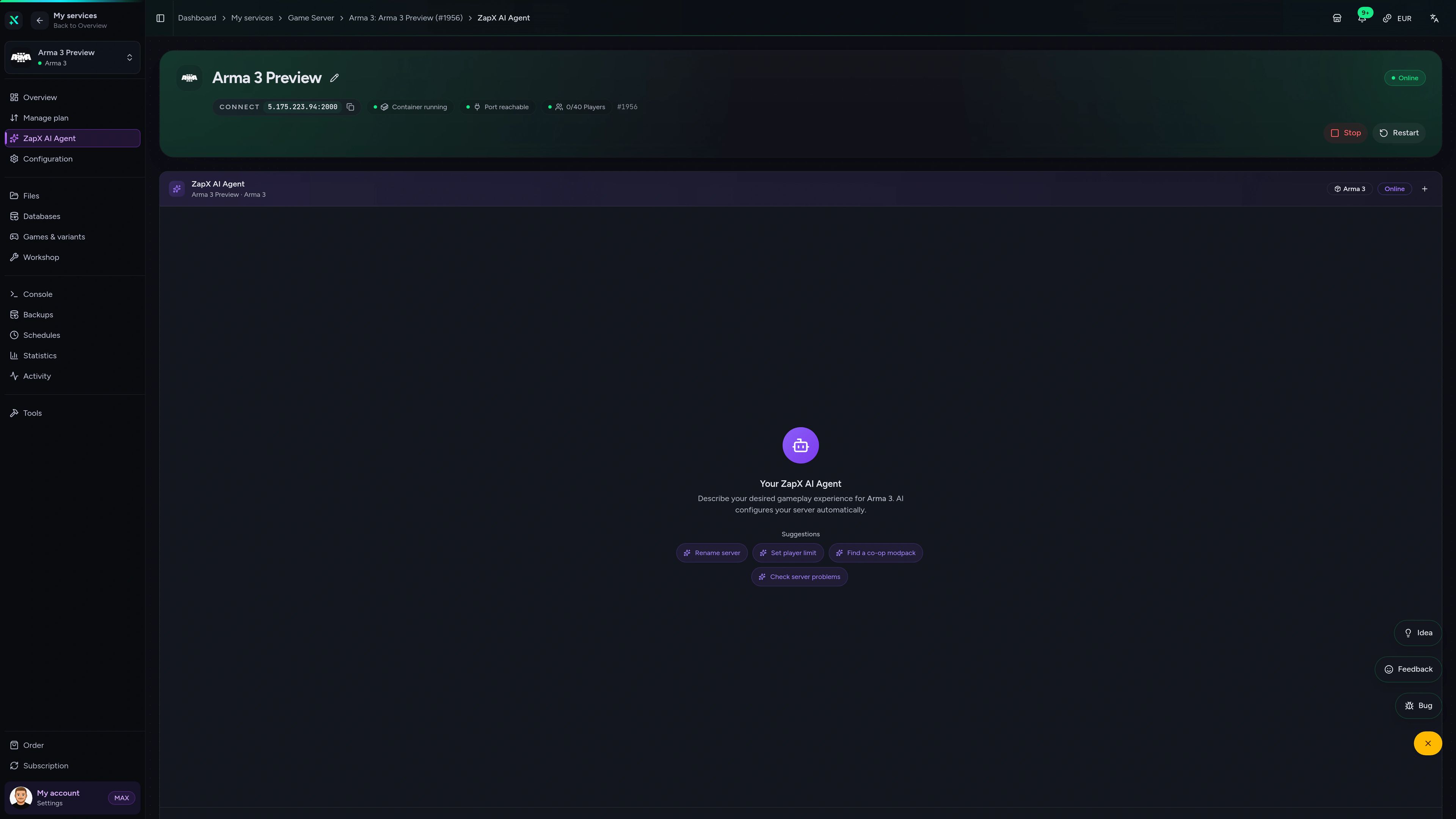
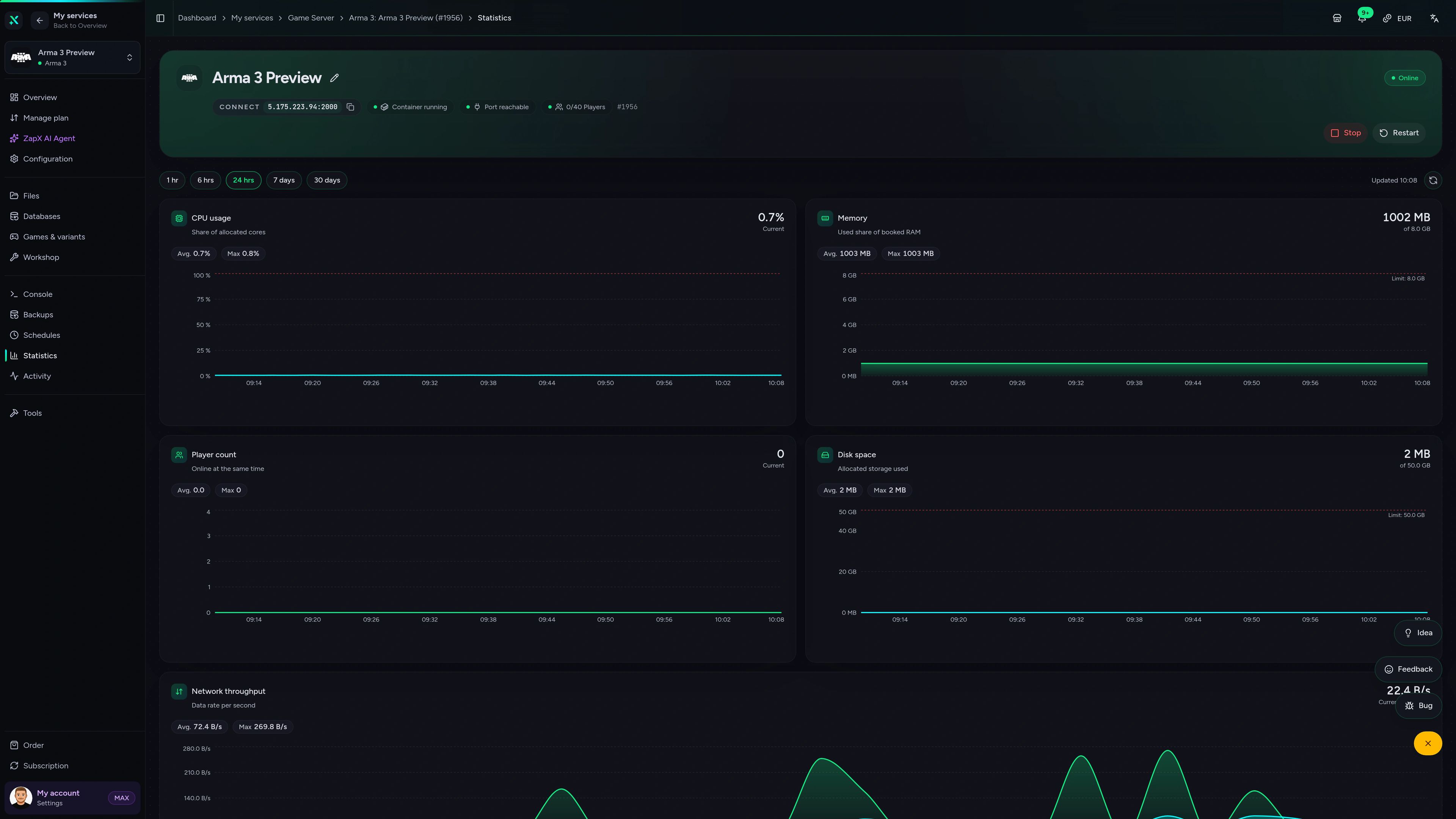
Console, files, Backups, schedules and statistics for your Arma 3 server — all in one browser panel.
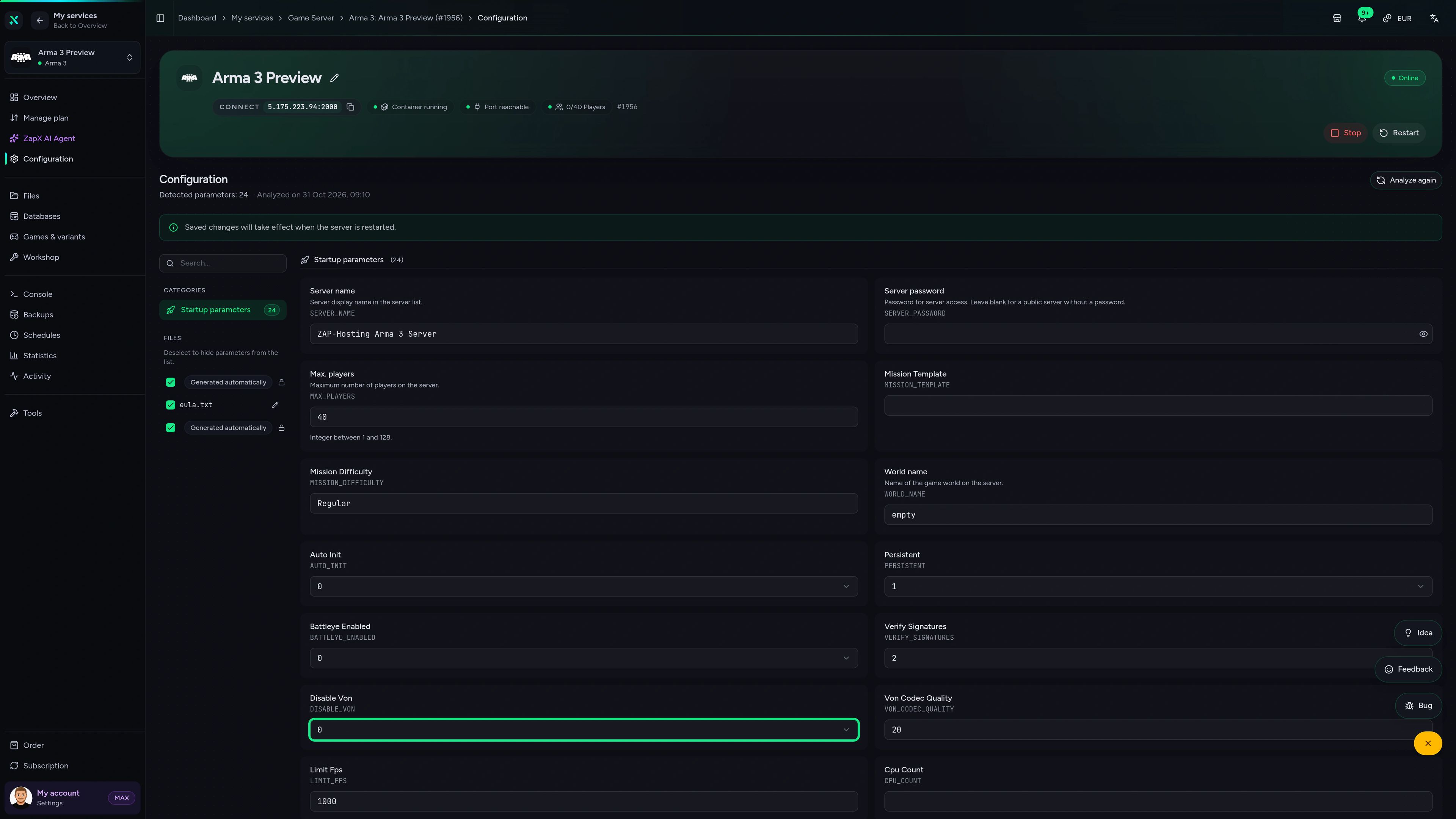
Arma 3 Game Server – Configuration
Configuration of the Arma 3 game server in the ZapX customer panel.
Benchmark
Measured performance data for Arma 3 servers compared with the market — so your unit knows what to expect on mission day.
High-performance VPS, CPU model depends on the location
Typical VPS plans without a published host CPU
confirmed 2026-07-01
Use cases
Milsim ops, AI-heavy campaigns, survival or roleplay — size your server by mod load and AI count, never by slots.
Ready for the first op?
Your unit's server, online in 60 seconds.
Impressionen
A glimpse into the game world—its atmosphere, exploration, and the moments your community will experience on the server.
Pick RAM and CPU, load your modpack and run your first op — unlimited slots, DDoS protection and locations worldwide included.
No setup. No risk. Online in seconds.
Features
From ACE modpacks to persistent Exile maps: the tools your admins use before, during and after every op.
Bring the whole platoon — price depends on package, term and location, never player count.
Run your unit's modpack: load ACE, CBA_A3, RHS or TFAR via startup parameters.
See live in the panel how Zeus spawns and Antistasi AI load your server.
Set password, difficulty, BattlEye and mission cycle without hunting through files.
Kick, ban or message players mid-op without joining the game yourself.
With ZapX Pass, roll back missions, configs and mods after a bad update or broken modpack.
Only for Arma 3
Add individual Steam Workshop items by ID or link; the panel downloads and applies them to your server.
Arma 3
Your chosen item is downloaded and applied to your server by the panel.
Reviews
Real feedback on support and setup.
FAQ
Answers to the most important questions before you start.
Unlimited slots on every package
The price depends on package, term and location, not player slots — every Arma 3 server comes with unlimited slots. The packages section above shows the current live prices from the shop. A small co-op group needs less RAM, while modded milsim or AI-heavy missions need more headroom. You choose a term from 3 days to 1 year and can cancel anytime; the cancellation takes effect at the end of the booked term.
There is no single number — it depends on mod load, AI count and mission persistence. Arma 3 simulates most AI on one core, so CPU clock speed matters as much as RAM. Start with a package that fits your group and add resources when the live graphs in the panel show it's needed. As a guideline: at least 4 GB, 8 GB recommended.
As many as your mission and resources can handle — no package has a slot limit. You set the maximum player count yourself in server.cfg. For larger ops, choose more RAM and CPU so the server keeps up with players, AI and vehicles.
Setup is automated: after ordering, your Arma 3 server is usually online in 60 seconds. You can connect right away, then add mods, upload missions and adjust server.cfg in the panel.
Yes. Load Workshop mods such as ACE, CBA_A3, RHS or TFAR via the startup parameters, add their keys, and run mission frameworks like Exile, Epoch, Altis Life, Antistasi or KOTH. Persistent frameworks like Exile or Altis Life can use a database that you manage in the panel. How to install mods
Your Arma 3 server runs in one of our locations worldwide — choose the one closest to your players. Many North American units start with Ashburn, Dallas or Los Angeles, and groups in other regions pick the location nearest to them. Availability can vary by location.
Yes. Upload your own .pbo mission files with the file manager in the panel, then add them to the mission cycle in server.cfg. You can also edit server.cfg directly to set the hostname, password, difficulty, BattlEye and more. Upload your own mission
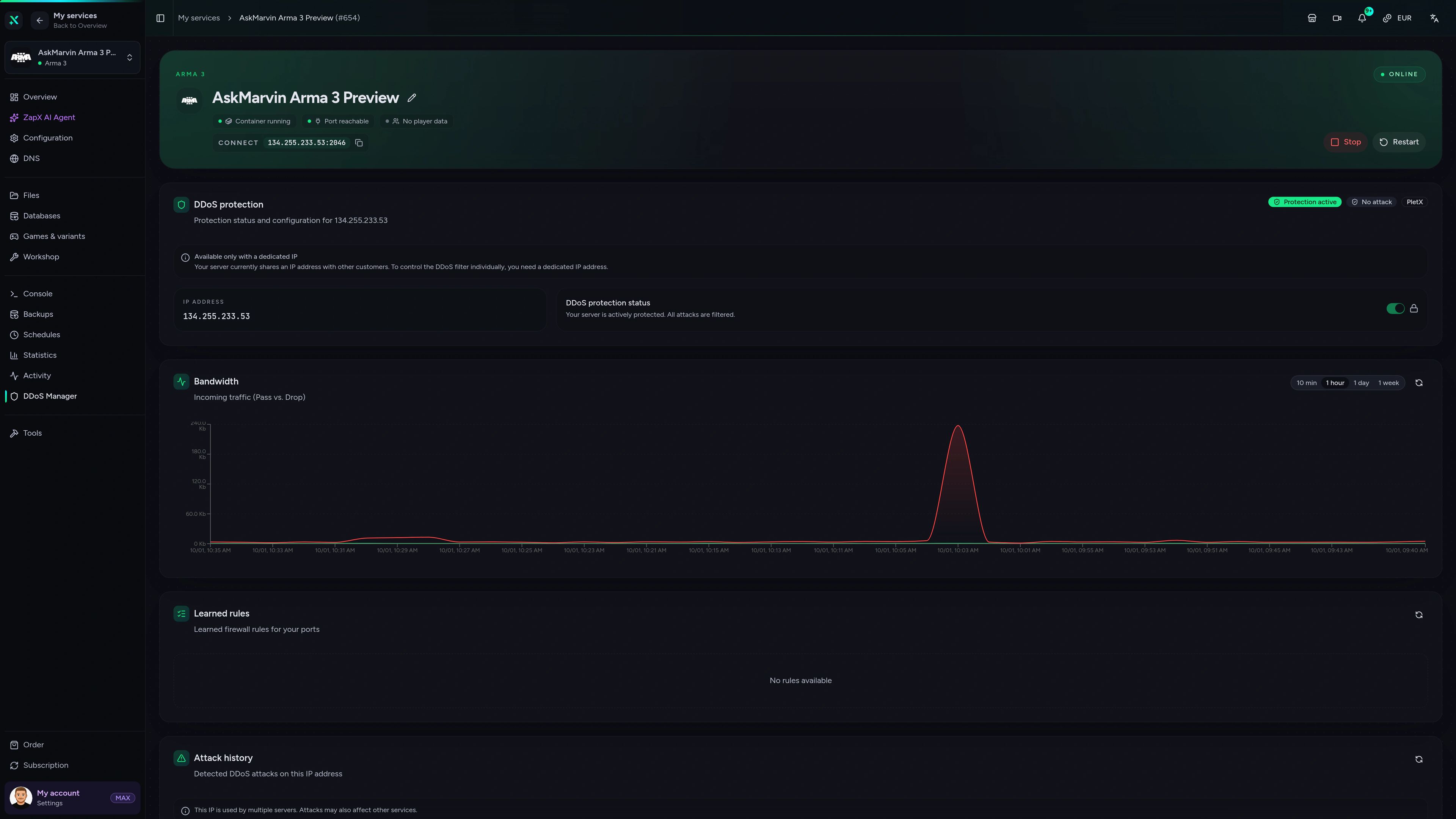
Yes, DDoS protection is included. At our own locations FFM/Eygelshoven, Ashburn, Dallas and Los Angeles, game traffic is filtered by PletX. Our other locations use basic DDoS protection. Either way, attack traffic is filtered before it reaches your server, which helps keep your ops running.
Any more questions?
Contact SupportThe ZapX AI Agent explains mod errors, config lines and resource graphs for your Arma 3 server — it can apply changes after you confirm, or you apply them yourself.
The ZapX AI Agent explains and suggests next steps, and on request it runs them for you after you confirm, or you apply them yourself. ZapX Pass extends what the ZapX AI Agent can help you with.
Discover ZapX PassZapX AI Agent
panel.zap-hosting.com
ZapX appComing soon
Check your Arma 3 server between ops: status, resources and restarts right from the ZapX app.
Discord management
Check status, start, stop, and restart via slash command — without leaving your community Discord.
2 free tools—right in your browser, no sign-up required.
Also available
Switch between your games anytime for free—Minecraft, FiveM, Rust, and more.

Survival & Creative
Vanilla, Modded & Modpacks
Ready in ~2 min

Roleplay
Roleplay server in seconds
One-click installation

Survival
Wipe-ready gameserver
Automatic setup
Also available
Switch between your games anytime for free—Minecraft, FiveM, Rust, and more.
90
Available games
Benefit
We don't artificially limit player Slots. Hardware determines capacity.
Scale based on Mods, scripts, and player load instead of paying for a fixed number of Slots.
© 2026 ZAP-Hosting GmbH
 Preferred source on Google