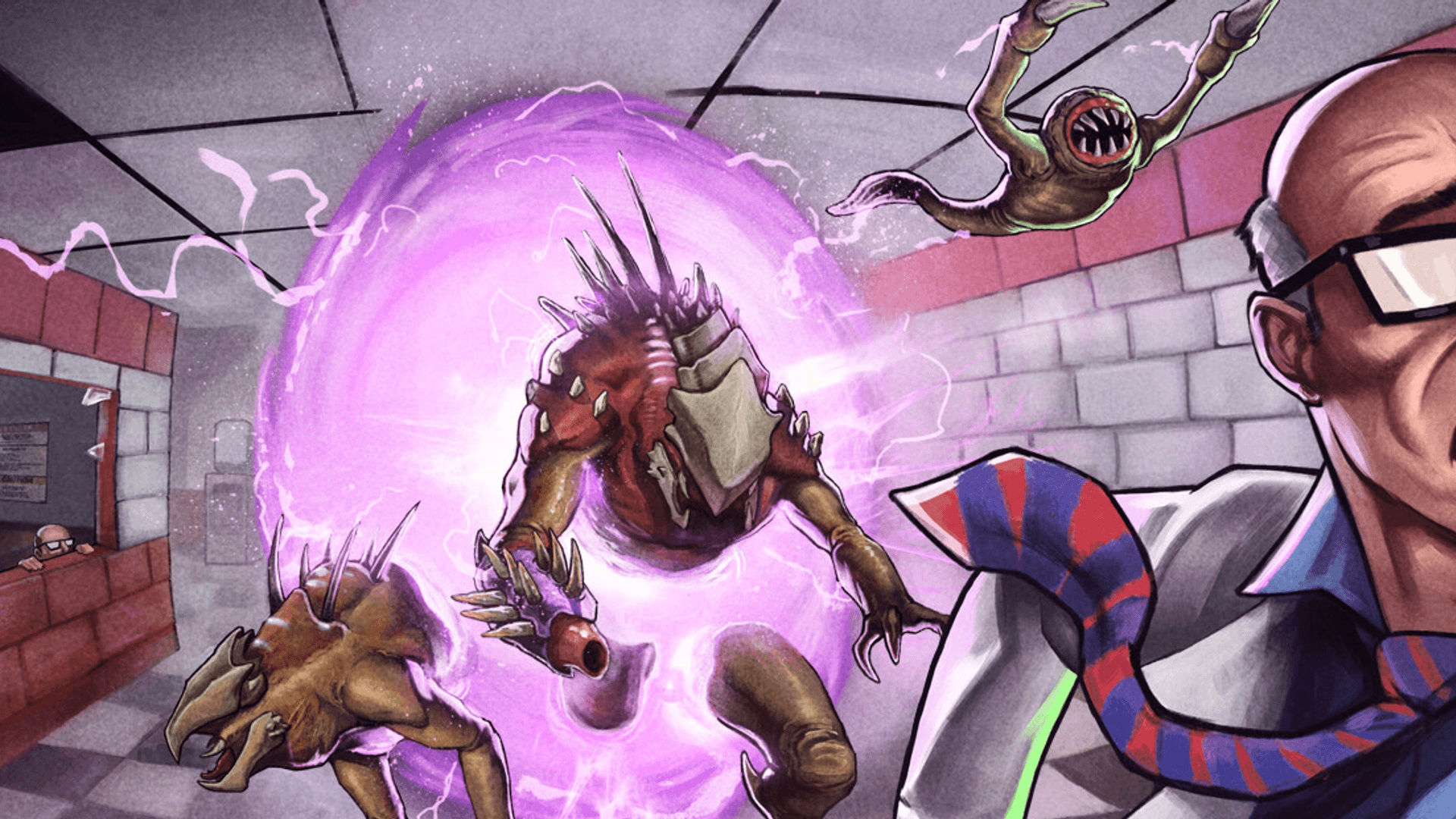
 Dedicated server for your GATE co-op crew
Abiotic Factor Server Hosting.
Keep your facility online — even when the host is offline: unlimited player slots, DDoS protection and locations worldwide.
 Google
Or try 3 days from €0.81Pick the 3-day term at checkout · renews every 3 days · cancel anytime

Plans and pricing
 abiotic-factor
Configure yourself
Your server. Your power.
No package fits? Choose your RAM, CPU and storage—you only pay for the package you put together.
Powerful CPUs
100 Gbit/s host network
DDoS protection
World upload
Crossplay ready
 Visa
 Mastercard
 American Express
 PayPal
 Google Pay
 Apple Pay
 Klarna
 Amazon Pay


About the game
What is an Abiotic Factor server?
Abiotic Factor is a co-op survival crafting game for one to six players, set in the GATE Cascade Research Facility — an underground lab overrun by paranormal entities, hostile factions and creatures from other dimensions. You play as scientists who craft gear from office supplies, build a base between the cubicles and push through portals into strange worlds. Your own server turns that campaign into a shared facility that keeps running between sessions.
On a dedicated server, nobody has to leave their PC running as host: your crew drops in whenever it suits them, Xbox and PS5 friends join via crossplay, and an existing single-player or co-op world comes along via upload. You set the password, player limit and sandbox rules in the browser and pick a location close to your players from data centers worldwide.
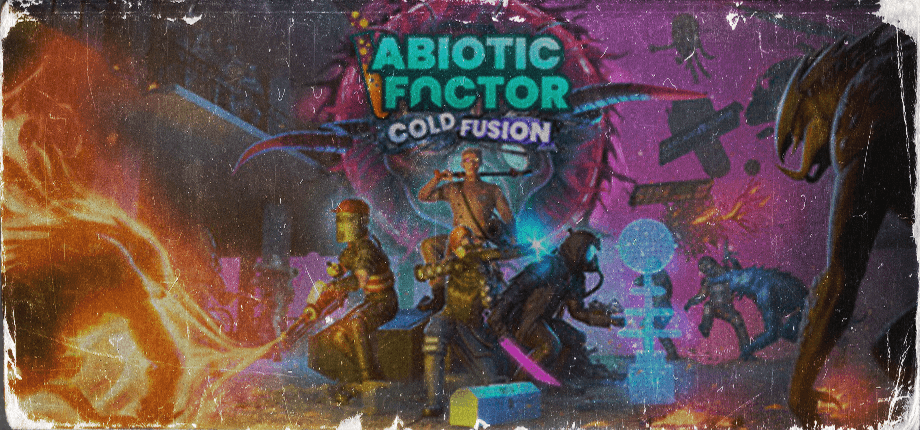
Lab equipment
Everything your facility needs.
Unlimited player slots, crossplay, world upload and Backups are part of every Abiotic Factor server — no extra lab budget required.
Unlimited slots, no per-player fees
Bring the whole research team — you pay by package, term and location, never per slot or player.
Online in about 60 seconds
Your lab opens right after checkout — installation runs fully automatically.
Bring your existing world
Keep your crew's progress by uploading a single-player or co-op save.
Crossplay: let Xbox and PS5 friends join
Console players join your PC-hosted dedicated server through cross-platform play.
Sandbox rules in the browser
Set password, player limit and difficulty without editing config files by hand.
Backups for every cascade event
Base wrecked or experiment gone wrong? Roll back to an earlier world save with the ZapX Pass.
Locations worldwide
Your server. Your location.
8 data centers worldwide — choose the location closest to your community.
Europe


America


Asia-Pacific


Reviews
What customers say about ZAP-Hosting
Real feedback on support and setup.
very reliable service, simple to understand, and for a great price. really a no brainer

 ZAP-HostingReply
Zap has been a great experience for myself thus far. Easy interface to learn and it makes sense. Having all the tools I need to run my server with short and informative documentation that helped me tremendously. As a adamant gamer, zap has made having my own server fun, easy, and affordable. Thank you Zap!
 ZAP-HostingReply


I have used ZAP-Hosting for VPS services. The ordering process is straightforward, and the support team responds to customer inquiries. I hope to continue using their services and have a smooth experience in the future.
 ZAP-HostingReply


FAQ
Frequently asked questions about Abiotic Factor
Answers to the most important questions before you start.
How much does an Abiotic Factor server cost?
You pay by package, term and location, not per player slot.
Every Abiotic Factor package comes with unlimited player slots and no slot pricing, so the price depends on the package, term and location you choose. Current prices are shown live in the package section on this page. You can switch packages later and cancel anytime; cancellation takes effect at the end of the term.
- No per-slot or per-player fees
- Live prices in the package section
- Cancel anytime
How many people can play on an Abiotic Factor server?
Unlimited slots — you set the player limit yourself.
Every Abiotic Factor package comes with unlimited player slots. The game is built for small co-op crews, and you set the maximum player count (up to 24) in the server settings. For larger groups or big bases, pick more RAM so the facility keeps running smoothly. Server settings in the Help Center
- Unlimited slots on every package
- Player limit in the server settings
- More RAM for bigger crews
Can you play Abiotic Factor without the host?
Yes — a dedicated server keeps your world online 24/7.
In regular co-op, the world closes when the host logs off. On a dedicated server, the facility stays online around the clock, so anyone in your crew can drop in, keep crafting and log out again — without waiting for the host.
- World runs without the host
- Join whenever you want
- Progress saved on the server
Can Xbox and PS5 players join my Abiotic Factor server?
Yes — via crossplay on your PC-hosted dedicated server.
Abiotic Factor supports cross-platform play, so console friends can join your dedicated server alongside PC players. The server itself always runs on our PC infrastructure — crossplay is on by default, and console players connect as described in the guide. Crossplay guide in the Help Center
- PC, Xbox and PS5 in one world
- Crossplay on by default
- Step-by-step console guide
Can I upload my existing single-player or co-op world?
Yes — bring your save and keep your progress.
You can move an existing single-player or co-op world to your server and continue right where your crew left off. Upload the save files through the panel, point the server to that world and restart. With the ZapX Pass, make a Backup first so you can always switch back. Savegame guide in the Help Center
- Single-player and co-op saves
- Upload via the panel
- Backup with ZapX Pass before switching worlds
Where can I host an Abiotic Factor server?
At locations worldwide — pick the one closest to your crew.
Choose your server location at checkout from our data centers worldwide. Ping depends on distance, so pick the location nearest to most of your players. Many North American crews start with Ashburn, Dallas or Los Angeles, while groups elsewhere simply pick a nearby region.
- Locations worldwide
- Choose at checkout
- Pick the region near your players
Do I need to buy Abiotic Factor again to run a dedicated server?
No — each player only needs their own copy.
Your server runs the official Abiotic Factor dedicated server software, which doesn't need a second game license. We install it for you automatically. Every player who joins just needs their own copy of the game on their platform.
- No extra game license for the server
- Installed automatically
- Players use their own copy
In-game hosting failed — what can I do?
Switch to a dedicated server and skip peer-to-peer hosting.
“Hosting failed” errors usually come from the host's home network, firewall or router. A dedicated server avoids that: it runs in a data center with its own address, so your crew connects directly without anyone opening ports at home. If you prefer self-hosting, the free dedicated server tool also runs on your own PC, but it has to stay online and you handle ports and updates yourself. How to connect to your server
- No port forwarding at home
- Own server address
- Online in about 60 seconds
Still have questions?
Contact SupportZapX Panel
Your lab, managed in the browser.
Settings, world saves, Backups and the ZapX AI Agent in one panel — manage your facility from the browser, no FTP client required.
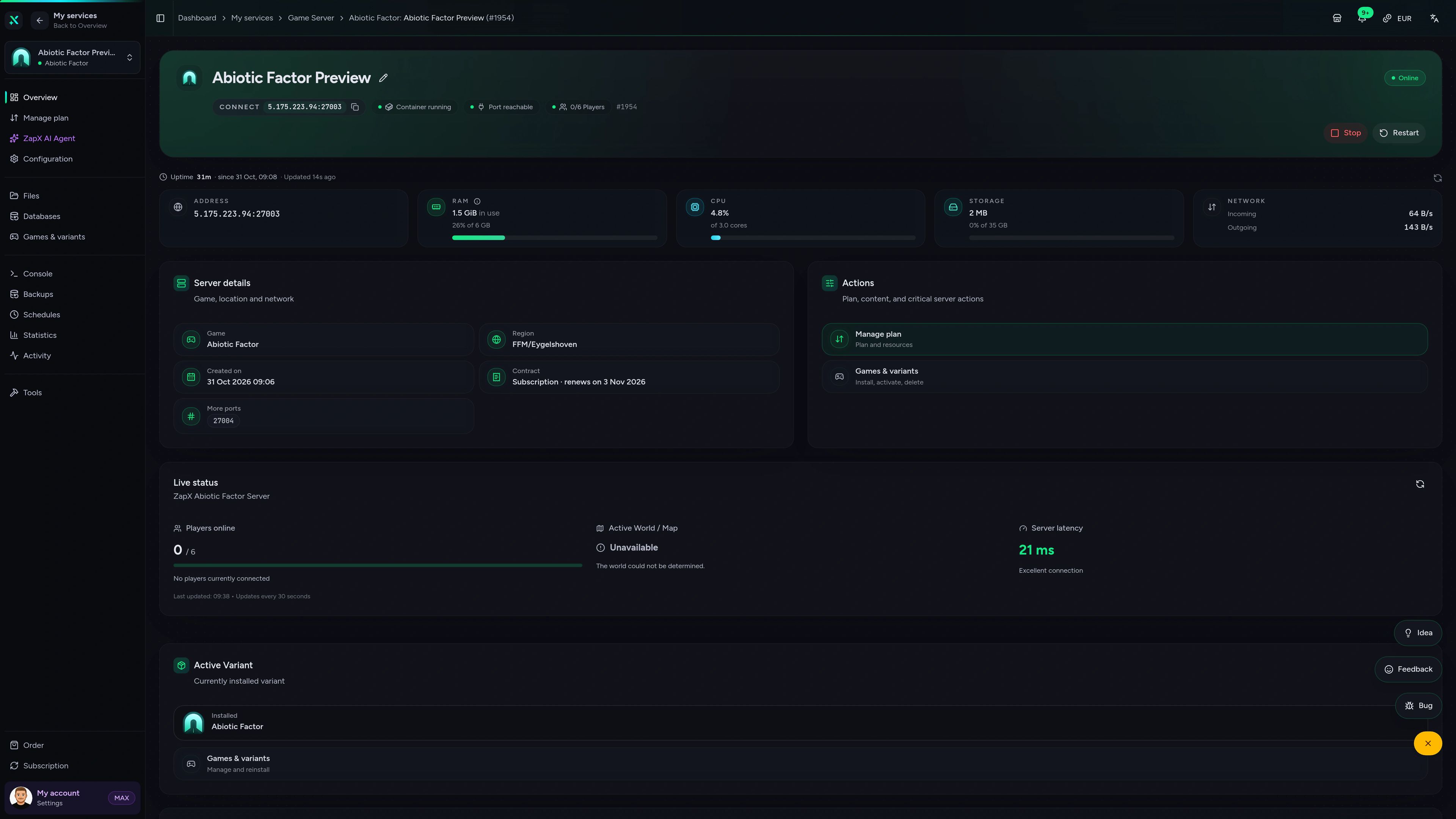
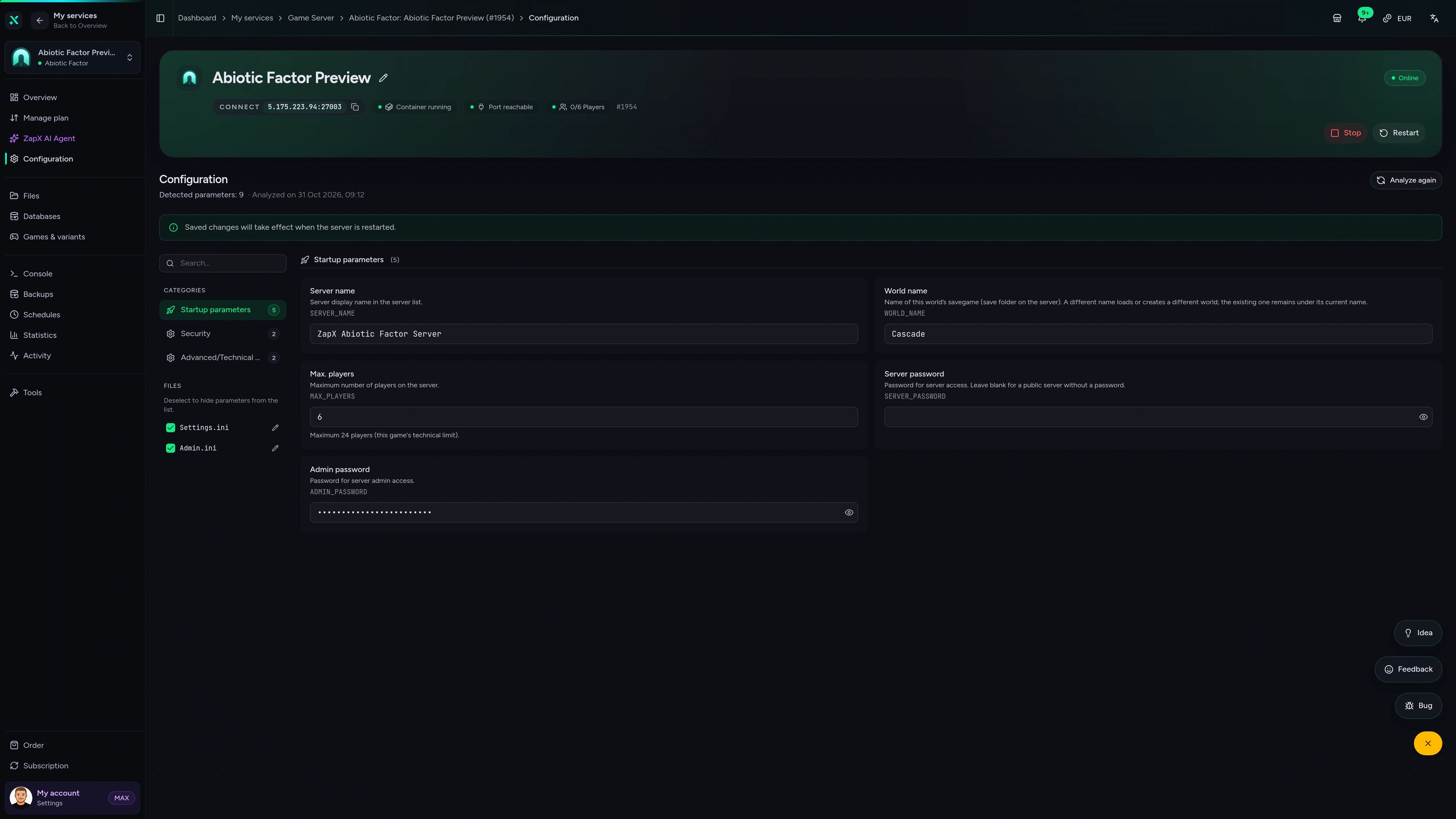
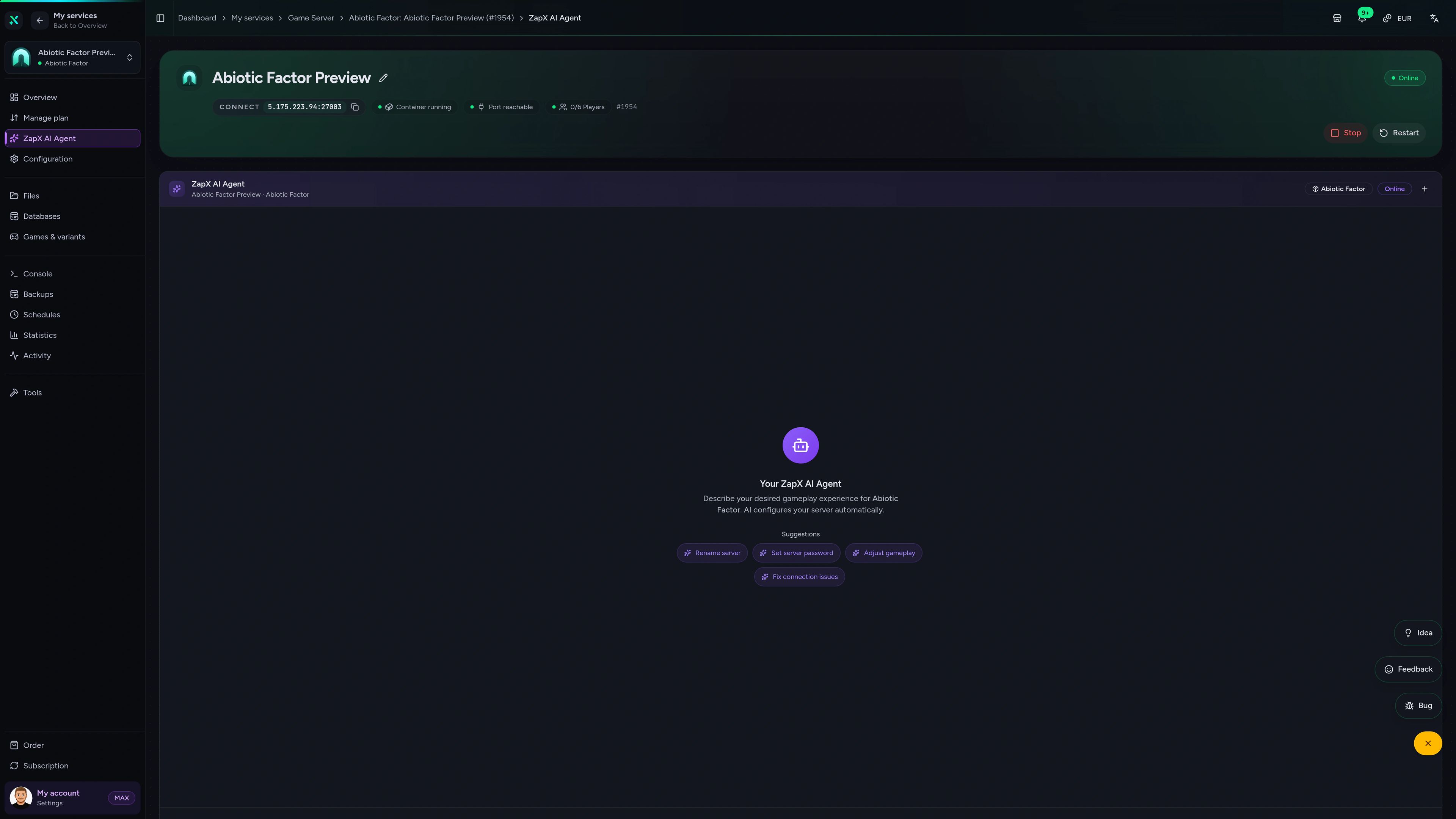
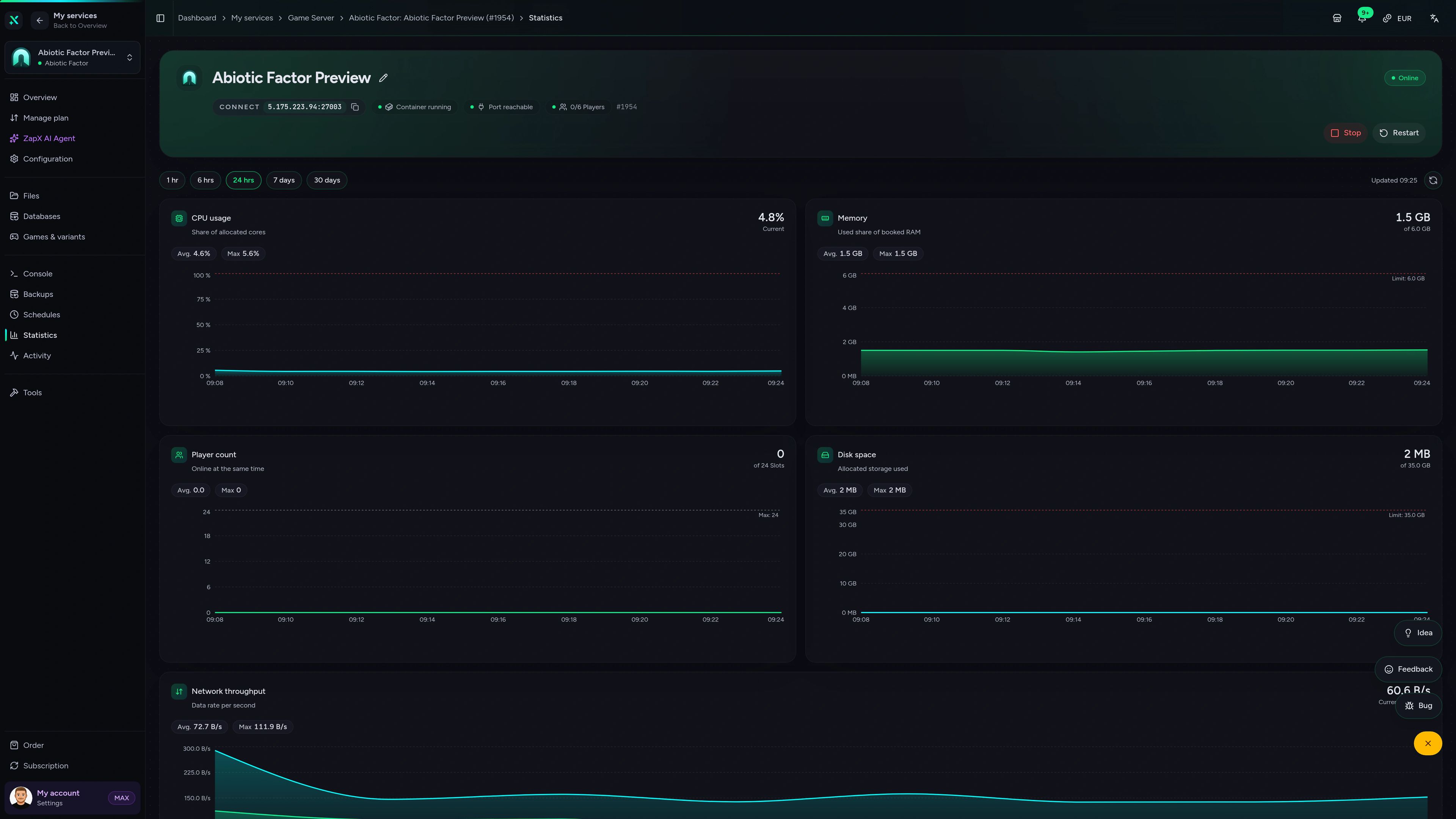
Abiotic Factor Game Server – Overview
Overview of the Abiotic Factor game server in the ZapX customer panel.
Ask your lab server. Get a clear next step.
The ZapX AI Agent knows your server's context and explains crossplay settings, save transfers and log errors — right in the panel instead of forum threads.
The ZapX AI Agent is part of ZapX Pass and works across all supported services in your account.
See ZapX PassZapX AI Agent
panel.zap-hosting.com
Benchmark
Comparable numbers from our own infrastructure, with methodology and measurement date — no made-up competitor figures.
High-performance VPS, CPU model depends on the location
Typical VPS plans without a published host CPU
confirmed 2026-07-01
Typical scenarios
What crews use their Abiotic Factor server for.
From a weekend crew to a long-running campaign across PC and consoles: these scenarios show when crossplay, world uploads and Backups matter most.
Ready for the next shift?
No host needed — your lab stays open.
Mobile AppComing soon
Your lab. In your pocket.
Check on your Abiotic Factor server from anywhere with the ZapX app — status, restarts and logs right on your phone.
Discord management
Manage servers directly in Discord.
Check status, start, stop, and restart via slash command — without leaving your community Discord.


Impressionen
Abiotic Factor Screenshots
A glimpse into the game world—its atmosphere, exploration, and the moments your community will experience on the server.
Abiotic Factor
1 free tool – right in your browser, no sign-up needed.
Also available
We also offer the following games.
Switch between your games anytime for free—Minecraft, FiveM, Rust, and more.

Survival & Creative
Minecraft
Vanilla, Modded & Modpacks
Ready in ~2 min

Roleplay
FiveM
Roleplay server in seconds
One-click installation

Survival
Rust
Wipe-ready game server
Automatic setup
Also available
Switch between your games anytime for free—Minecraft, FiveM, Rust, and more.
99
Available games












Benefit
Unlimited Slots
We don't artificially limit player Slots. Hardware determines capacity.
Scale based on Mods, scripts, and player load instead of paying for a fixed number of Slots.
Your GATE facility is waiting.
Host your Abiotic Factor dedicated server now — unlimited player slots, crossplay-ready and online in about 60 seconds.
No setup. No risk. Online in seconds.