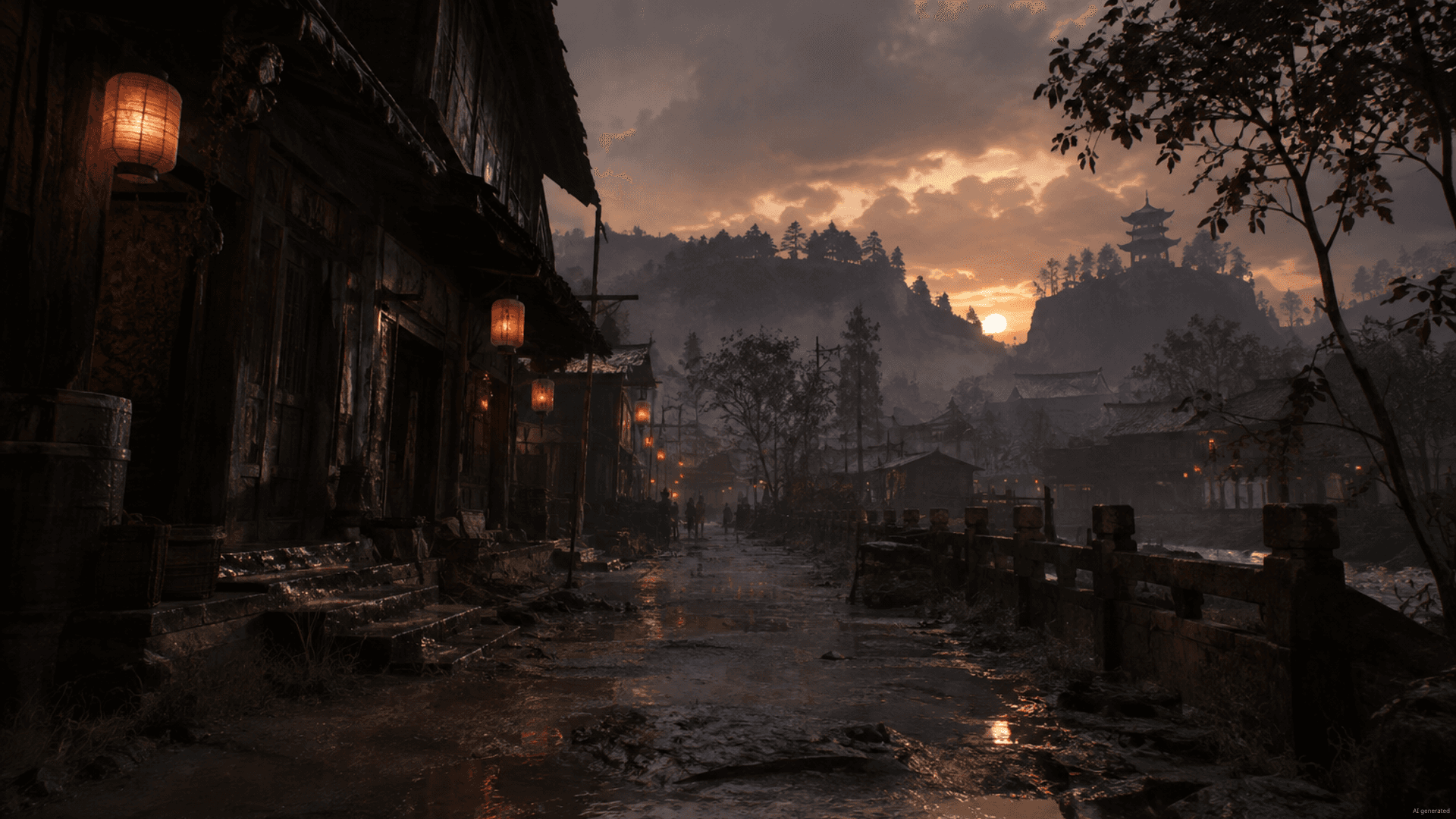
 Co-op zombie survival on your own VPS
Fear the Night VPS hosting
Your own VPS with admin access, the game server set up in one click and your co-op world online even when your PC is off.
Packages 1–3 of 8
 Your project. Your setup.
Configure yourself
Your project. Your setup.
No package fits? Choose your CPU, RAM and storage—you only pay for what your project actually needs.
Powerful CPUs
1 Gbit/s uplink included
up to 5 Gbit/s as an add-on
100 Gbit/s host network
Juniper Firewall
DDoS protection
 Visa
 Mastercard
 American Express
 PayPal
 Google Pay
 Apple Pay
 Klarna
 Amazon Pay
Fear the Night on your own VPS
What is a Fear the Night VPS?
Your co-op group gets a Fear the Night server that stays online around the clock. A Fear the Night VPS from ZAP-Hosting is a KVM virtual server with full administrator access that runs the dedicated server of Fear the Night, the co-op zombie survival game on Steam.
You skip the manual install: our Gameserver Installer sets up the Fear the Night server with one click. Your friends join via the public IP of your VPS, with no port forwarding on a home router, and the world keeps running when your own PC is switched off.
Because the machine is yours, you decide on the operating system, firewall rules, admin access and extra tools. We provide the VPS, the network and the DDoS protection, not a managed game server.
Why a VPS
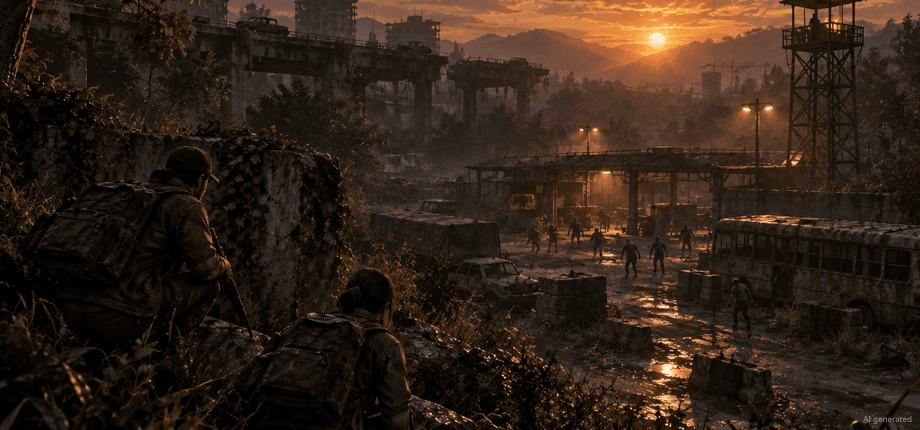
Why co-op groups pick a Fear the Night VPS
Your own VPS gives your group an always-reachable Fear the Night server, set up in one click and fully under your control.
Server set up in one click
Your group skips the manual install: the Gameserver Installer sets up the Fear the Night server on your VPS in one click.
Online in about 60 seconds
Order tonight and play tonight: your VPS is provisioned automatically right after checkout, usually within 60 seconds.
Admin access, your rules
You decide who gets in and what runs: full admin access via RDP lets you set firewall rules, admin users and extra tools on your own machine.
Daily Backup of your VPS
Your survival progress has a safety net: every VPS gets an automatic daily system Backup, and restores plus extra Backups come with ZapX Pass.
Grows with your group
More friends or a bigger world later on? Move to a larger VPS package with more RAM and CPU instead of starting your server from scratch.
Resources instead of slots
Zombie nights run smoother when the server has headroom: you choose RAM, CPU cores and NVMe storage instead of a slot count.
 Setup
Your Fear the Night server set up in one click.
With our Game Server Installer, you can set up your Fear the Night server on your VPS in one click — no commands or manual work. Prefer some help? With ZapX Pass, the ZapX AI Agent helps you in the chat.
Game Server installer
One click
Select Fear the Night in the installer and click Install — the server will be set up automatically.
Together with the ZapX AI Agent
ZapX PassDescribe your goal in the chat: the ZapX AI Agent supports you step by step with the setup. Available with ZapX Pass.
Prefer to set everything up manually?Guide in the Help Center
Locations in Europe and America
Your VPS. Your location.
4 data centers in Europe and America — choose the location closest to your community.
Europe

America

Reviews
What customers say about ZAP-Hosting
Real feedback on support and setup.
great prices, good specs
the interface was great, migration was flawless and the interface is very user friendly. support team was very helpful aswell

 ZAP-HostingReply
I've been with them for a few years
I've been with them for a few years, and they're one of the best. The lifetime servers have really helped me, and now they've added auto-backup. 10/10!
 ZAP-HostingReply


FAQ
Frequently asked questions about Fear the Night
Answers to the most important questions before you start.
What is a Fear the Night VPS and how is it different from a regular game server?
Your own server, with full admin access.
A Fear the Night VPS is your own KVM virtual server with full administrator access, on which the Fear the Night dedicated server runs for your group. Instead of a shared game panel, you get the whole machine: firewall, Remote Desktop access and extra tools are yours to control. How to connect via Remote Desktop
- Full admin access via RDP
- Windows VPS
- No managed game panel in between
Where can I rent a Fear the Night dedicated server or VPS to play co-op with friends?
Right here, as your own VPS.
At ZAP-Hosting you rent a VPS, pick the location closest to your group and set up the Fear the Night server with one click through our Gameserver Installer. Then share the server's public IP with your friends: no port forwarding on a home router, and the world stays online 24/7 even when your own PC is off.
- Pick a VPS package and location
- Set up the server in one click
- Share the IP with your group
How fast is my Fear the Night server ready after ordering?
Your VPS is usually online within 60 seconds.
Your VPS is provisioned automatically right after checkout and is usually online within 60 seconds. The Gameserver Installer then sets up the Fear the Night server in one click; how long that takes depends on the download of the game files. Experienced admins can optionally set everything up by hand instead.
- Automatic VPS provisioning after checkout
- One-click setup via Gameserver Installer
- Manual setup stays optional
How much RAM do I need for a Fear the Night server?
It depends on your group and your world.
There is no fixed number: what your server needs depends on how many players join, how far your world has grown and whether you run mods. Many groups start with a smaller VPS package, watch CPU and RAM usage in the panel and move to a larger package when the group grows. Prices depend on VPS package, term and location, not player slots. As a guideline for the game server: at least 7 GB, 8 GB recommended, plus headroom for the operating system.
- Resources instead of slots
- Usage visible in the panel
- Larger packages available later
Which server locations can I choose?
Pick the one closest to your players.
You choose the location when you order. VPS packages run in our own data centers in FFM/Eygelshoven, Ashburn, Dallas and Los Angeles; pick the one closest to most of your players for the best connection. Current availability per location is shown in the shop.
- Location chosen at checkout
- Pick the location nearest your group
- DDoS protection at every VPS location
Can I pay once instead of renting?
Yes, with the Lifetime option.
Yes. VPS packages are eligible for Lifetime with ZapX Pass: buy your VPS once instead of renting it; it runs as long as your active ZapX Pass includes a free Lifetime slot (one Pass per account for all your Lifetime servers). If you prefer flexibility, choose a term of 3, 30, 90 or 180 days or one year; cancellation takes effect at the end of the term. More about ZapX Pass
- Buy once with ZapX Pass Lifetime
- Rental with a choice of fixed terms
- Cancel at the end of a billing period
Are Backups included for my Fear the Night VPS?
A daily automatic Backup is included.
Yes. Every VPS gets an automatic daily system Backup, so your world and settings have a safety net. Restoring that Backup and creating your own additional Backups requires ZapX Pass. You can also copy your world files off the server via Remote Desktop at any time. How Backups work
- Daily automatic system Backup
- Restore and extra Backups with ZapX Pass
- Download files via Remote Desktop
Is my Fear the Night VPS protected against DDoS attacks?
Yes, DDoS protection is included.
Yes. Every VPS runs behind our PletX DDoS protection, which filters attack traffic before it reaches your server, so your co-op night isn't cut short by an attack. You don't need to set anything up for it. Learn more about PletX
- PletX DDoS protection included
- Always active, no setup needed
- Covers every VPS location
Any more questions?
Contact SupportZapX Panel
Your VPS panel at a glance.
Console, statistics, Backups and the ZapX AI Agent for your Fear the Night VPS, all in one browser tab.
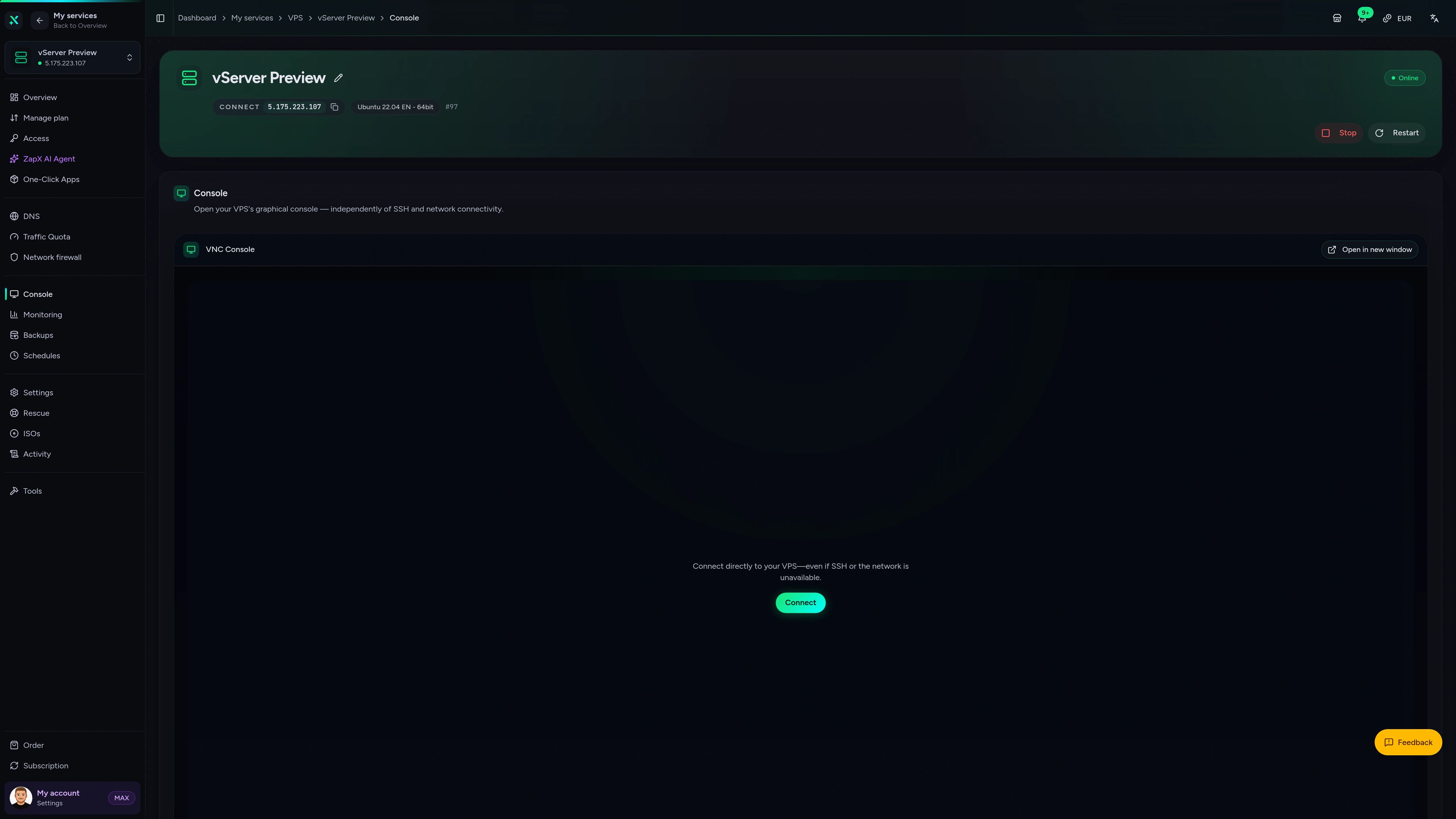
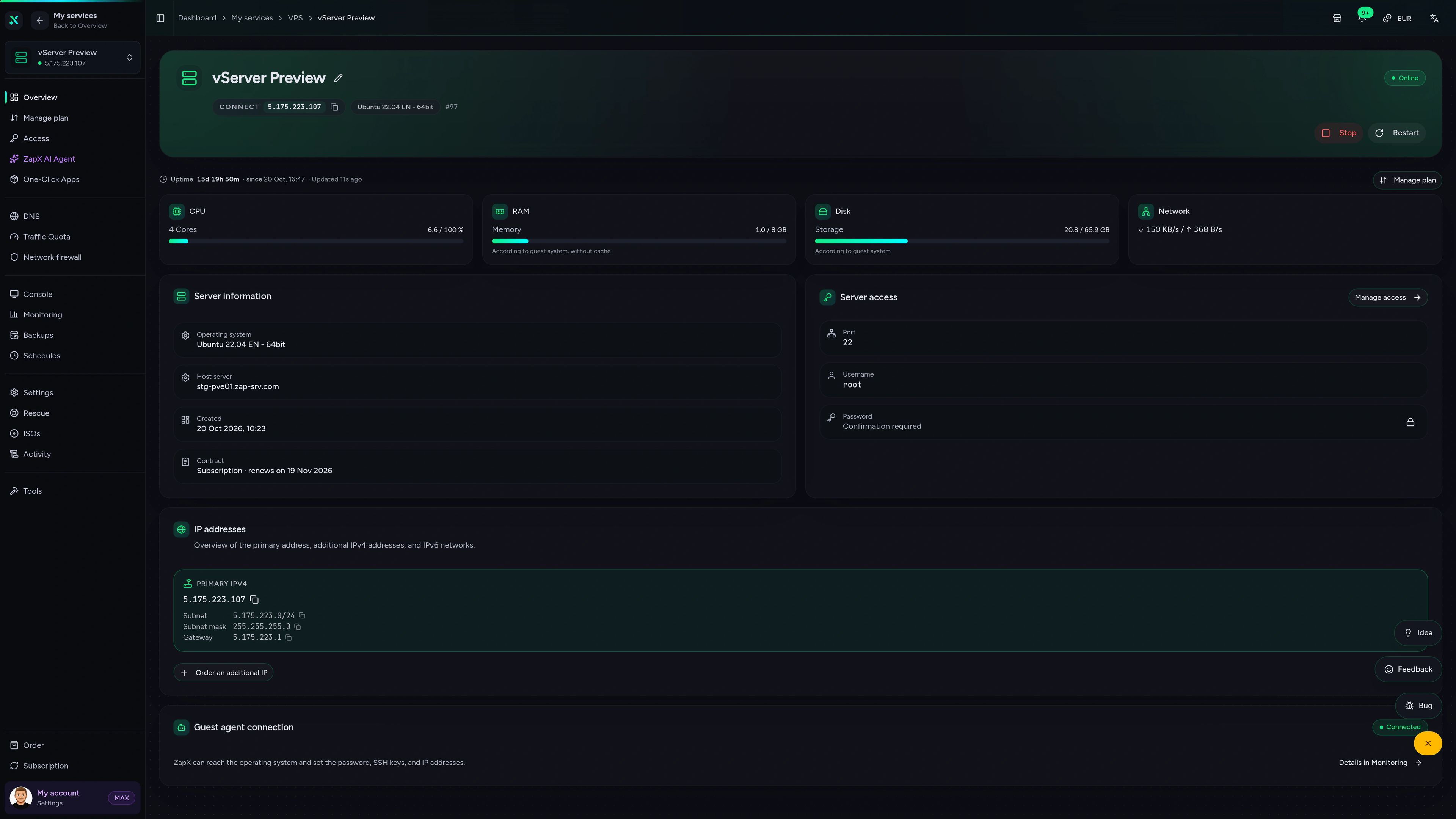
VPS – Console
Open the graphical VNC console of your VPS in the browser, even when SSH or the network is unavailable.
Stuck on your Fear the Night VPS? Ask the ZapX AI Agent.
The ZapX AI Agent explains administrator tasks, firewall rules and resource usage in plain language and shows you the next safe step for your VPS.
The ZapX AI Agent is part of ZapX Pass. It advises and explains; you stay in control of every change on your VPS.
Explore ZapX PassZapX AI Agent
panel.zap-hosting.com
Benchmark
Measured VPS data instead of marketing numbers: see how CPU, storage and network compare with typical VPS providers.
High-performance VPS, CPU model depends on the location
Typical VPS plans without a published host CPU
confirmed 2026-07-01
Use cases
How groups run Fear the Night on their own VPS
From a small friend group to scheduled survival nights: your VPS runs the Fear the Night server, set up in one click via the Gameserver Installer.
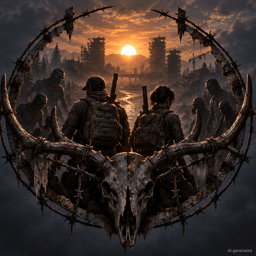
Ready for the next night?
Keep your Fear the Night world online 24/7.
ZapX appComing soon
Keep an eye on your VPS from your phone.
Check whether your Fear the Night VPS is online, see its load and react quickly when your group reports a problem, even when you're away from your desk.
Impressionen
Fear the Night Screenshots
A glimpse into the game world—its atmosphere, exploration, and the moments your community will experience on the server.
Start your Fear the Night VPS tonight.
Host your own VPS, set up the Fear the Night server with one click via the Gameserver Installer and invite your group, no home PC needed.
Install a Game Server with one click. No risk. Cancel anytime.