
 Root VPS for Post Scriptum & Squad 44
Post Scriptum (Squad 44) VPS hosting
Run your own Squad 44 dedicated server with root access, DDoS protection and locations in Europe & America near your community.
Or try 3 days from €1.31Pick the 3-day term at checkout · renews every 3 days · cancel anytime
Packages 1–3 of 9
 Your project. Your setup.
Configure yourself
Your project. Your setup.
No package fits? Choose your CPU, RAM and storage—you only pay for the package you put together.
Powerful CPUs
1 Gbit/s uplink included
up to 5 Gbit/s as an add-on
100 Gbit/s host network
Juniper Firewall
DDoS protection
 Visa
 Mastercard
 American Express
 PayPal
 Google Pay
 Apple Pay
 Klarna
 Amazon Pay
Post Scriptum on your own VPS
What is a Post Scriptum VPS?
A Post Scriptum VPS gives your clan its own dedicated server for Post Scriptum, the WWII shooter renamed Squad 44 in December 2023: a KVM VPS with full root access, DDoS protection and locations in Europe and America.
Unlike a managed game server, nothing is locked down: you choose the OS, admin tools, mods and Workshop maps, and can run a Discord bot or clan website on the same machine.

Why a VPS
Everything your clan's server runs on.
A KVM VPS with root access, Backups and locations in Europe and America: the base your Post Scriptum or Squad 44 server runs on.
Isolated KVM performance
You pay for the package you choose: each VPS runs isolated under KVM on powerful server CPUs with fast NVMe storage.
Root access under your control
You decide who gets in: full root access via SSH or browser console, plus SSH keys and firewall rules for your admin team.
Daily auto-backup
Your mod-heavy setup gets a safety net: a system Backup runs daily, and restores or manual Backups are available with ZapX Pass.
Upgrade as your clan grows
More players or a longer mod list? Add CPU, RAM or storage through the configurator instead of moving to a new server.
Locations in Europe and America
Your players connect to a server near them: choose from locations in Europe and America, and latency follows the location you pick.
Ready in 60 seconds
Order now and plan tonight's op: your VPS is provisioned automatically and ready with root access within 60 seconds.
 Setup
Your Post Scriptum server with full root access.
On your own VPS, you set up your Post Scriptum server yourself with full root access. The guide in the Help Center helps you along. Prefer some help? With ZapX Pass, the ZapX AI Agent helps you with the setup.
Set it up yourself with root access
Root access
- 1Connect to your VPS via SSH or RDP
- 2Install the Post Scriptum server with the guide in the Help Center
You install the Post Scriptum server yourself and keep full control over files, mods and settings.
Together with the ZapX AI Agent
ZapX PassDescribe your goal in the chat: the ZapX AI Agent supports you step by step with the setup. Available with ZapX Pass.
Locations in Europe and America
Your VPS. Your location.
4 data centers in Europe and America — choose the location closest to your community.
Europe

America

Reviews
What customers say about ZAP-Hosting
Real feedback on support and setup.

Great Service & User Experience
I had applied for partnership at ZAPX and the process and user panel is absolutely fire and very much friendly. Apart from that i have been using their VPS machine for quite a while and it has been great with almost no downtime.

 ZAP-HostingReply

great prices, good specs
the interface was great, migration was flawless and the interface is very user friendly. support team was very helpful aswell
 ZAP-HostingReply
I've been with them for a few years
I've been with them for a few years, and they're one of the best. The lifetime servers have really helped me, and now they've added auto-backup. 10/10!
 ZAP-HostingReply

FAQ
Frequently asked questions about Post Scriptum
Answers to the most important questions before you start.
How much does a Post Scriptum VPS cost?
Live shop prices based on package, term and location.
The price depends on the VPS package, term and location you choose. Current prices are shown live in the packages above and in the shop. Longer terms of 90, 180 or 365 days lower the monthly price. Terms are flexible, and with ZapX Pass the VPS is also available as Lifetime.
- Live prices in the shop
- Discounts for longer terms
- Lifetime option with ZapX Pass
What's the difference between a Post Scriptum VPS and a managed game server?
VPS means full control, a managed server means the quickest start.
A managed game server comes preconfigured and runs only the game through a game panel. A VPS is your own machine with full root access: you pick the OS, admin tools, mods and scripts, and can host a Discord bot or clan site next to the game. Choose the VPS for full control over your Post Scriptum server.
- Root access on the VPS
- Several services on one machine
- Managed server for a hands-off start
Where can I rent a VPS to host my own Post Scriptum (Squad 44) dedicated server, and what specs do I need?
Right here — sized to your player count and mods.
ZAP-Hosting rents KVM VPS packages you can use for your own Post Scriptum dedicated server. The game has been called Squad 44 since December 2023, so both names mean the same server. There is no one-size-fits-all spec: plan CPU and RAM around your player count, mod list and extra tools such as a Discord bot, and upgrade through the configurator if you need more.
- Same server for Post Scriptum and Squad 44
- Size by players, mods and tools
- Upgrade later via the configurator
How quickly is my Post Scriptum VPS ready?
Usually within 60 seconds of your order.
Your VPS is provisioned automatically after your order and is usually ready within 60 seconds. Root access is available right away in the ZapX panel, so you can start preparing your server the same evening.
- Automatic provisioning
- Root access right away
Which server locations can I choose for my Post Scriptum VPS?
Locations in Europe and America — pick the one closest to your players.
ZAP-Hosting offers VPS locations in Europe and America, so you can pick the data center closest to your community. Your latency depends on that choice. Many North American groups start with Ashburn, Dallas or Los Angeles.
- Locations in Europe and America
- Choose by where your players are
Is my Post Scriptum VPS protected against DDoS attacks?
Yes — DDoS protection is included on every VPS.
Yes. Every VPS includes DDoS protection that filters attack traffic before it reaches your server, so a running match stays playable even if someone targets your IP. Learn more about DDoS protection
- Included with every VPS
- Filters attacks before they hit your server
How do I get the Post Scriptum dedicated server running on my VPS?
Full root access, with AI help when you need it.
Your VPS comes with full root access via SSH or the browser console. Experienced admins can set up the Post Scriptum dedicated server from Steam's free server files, and the ZapX AI Agent from ZapX Pass explains ports and firewall rules along the way. Connect to your VPS via SSH
- Root via SSH or browser console
- AI help with ports and firewall
- Managed server as zero-setup option
Are Backups included with my Post Scriptum VPS?
Daily system Backup included, restore with ZapX Pass.
Yes. A system Backup of your VPS is created automatically every day. To restore it or to create your own manual Backups, for example before a big mod update, you need ZapX Pass. How Backups work
- Automatic daily Backup
- Restore and manual Backups with ZapX Pass
Still have questions?
Contact SupportZAPX Dashboard
Manage your VPS in the ZapX panel.
Root console, Backups and live statistics for your Post Scriptum VPS in one browser panel.
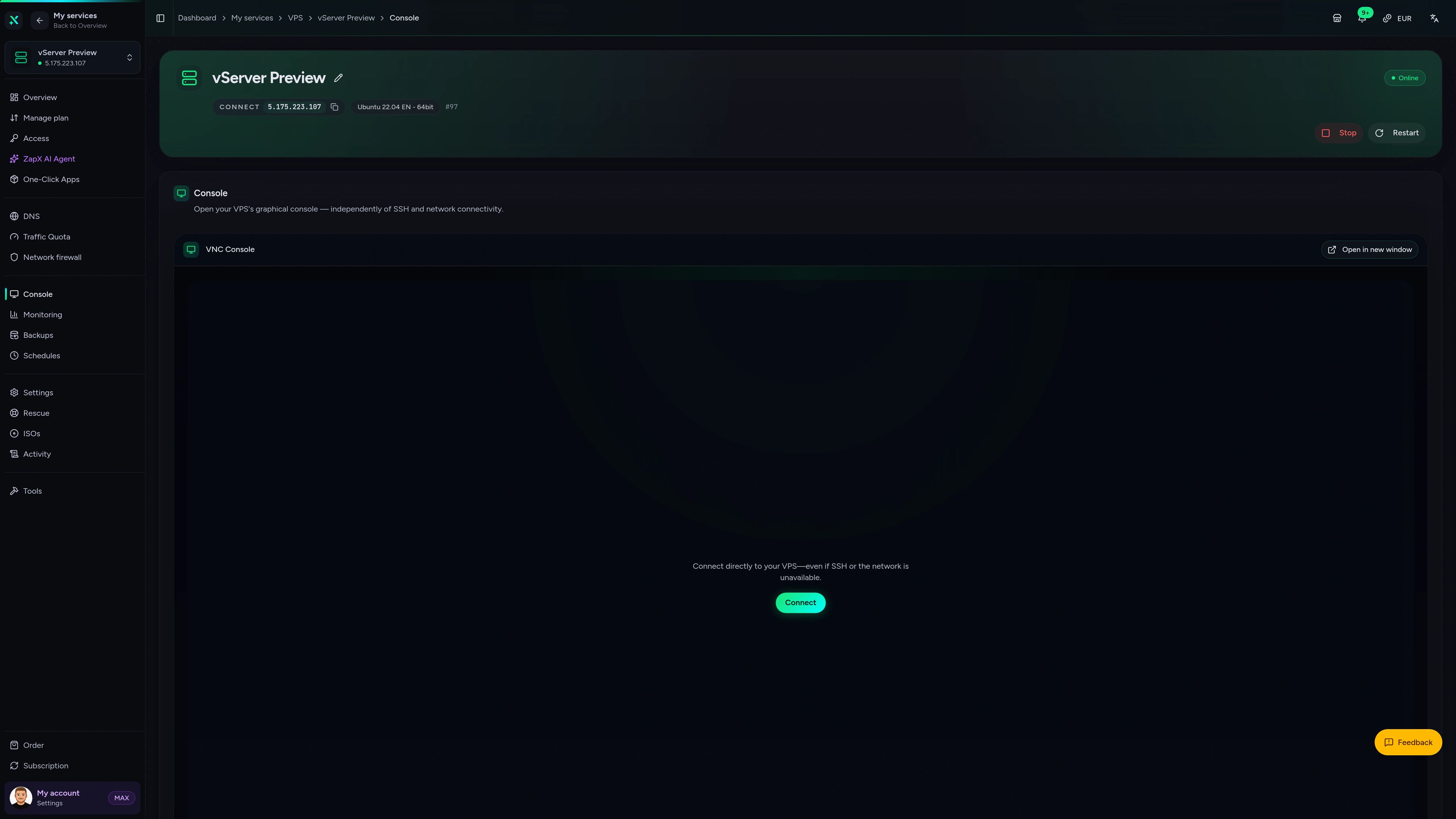
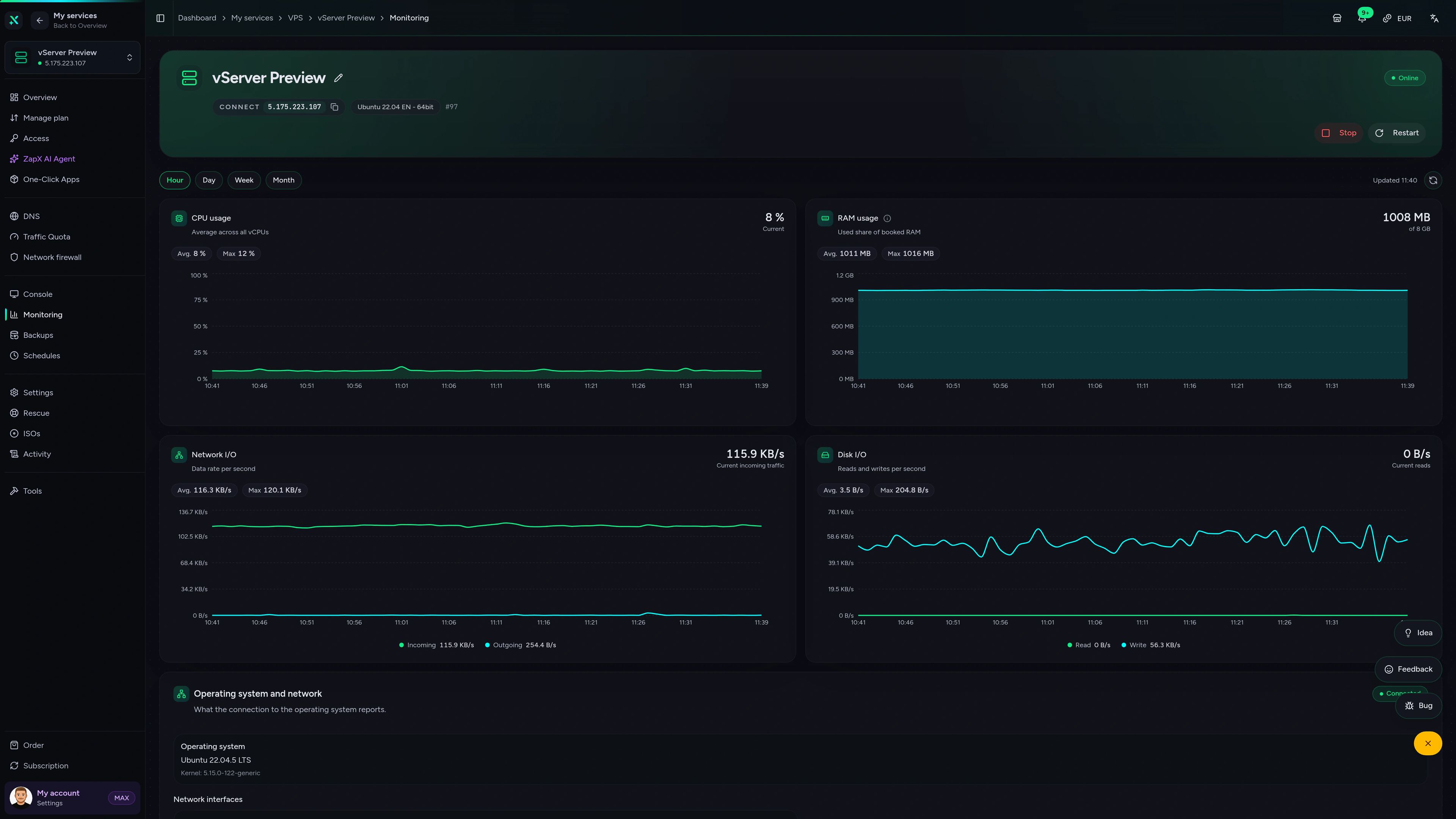
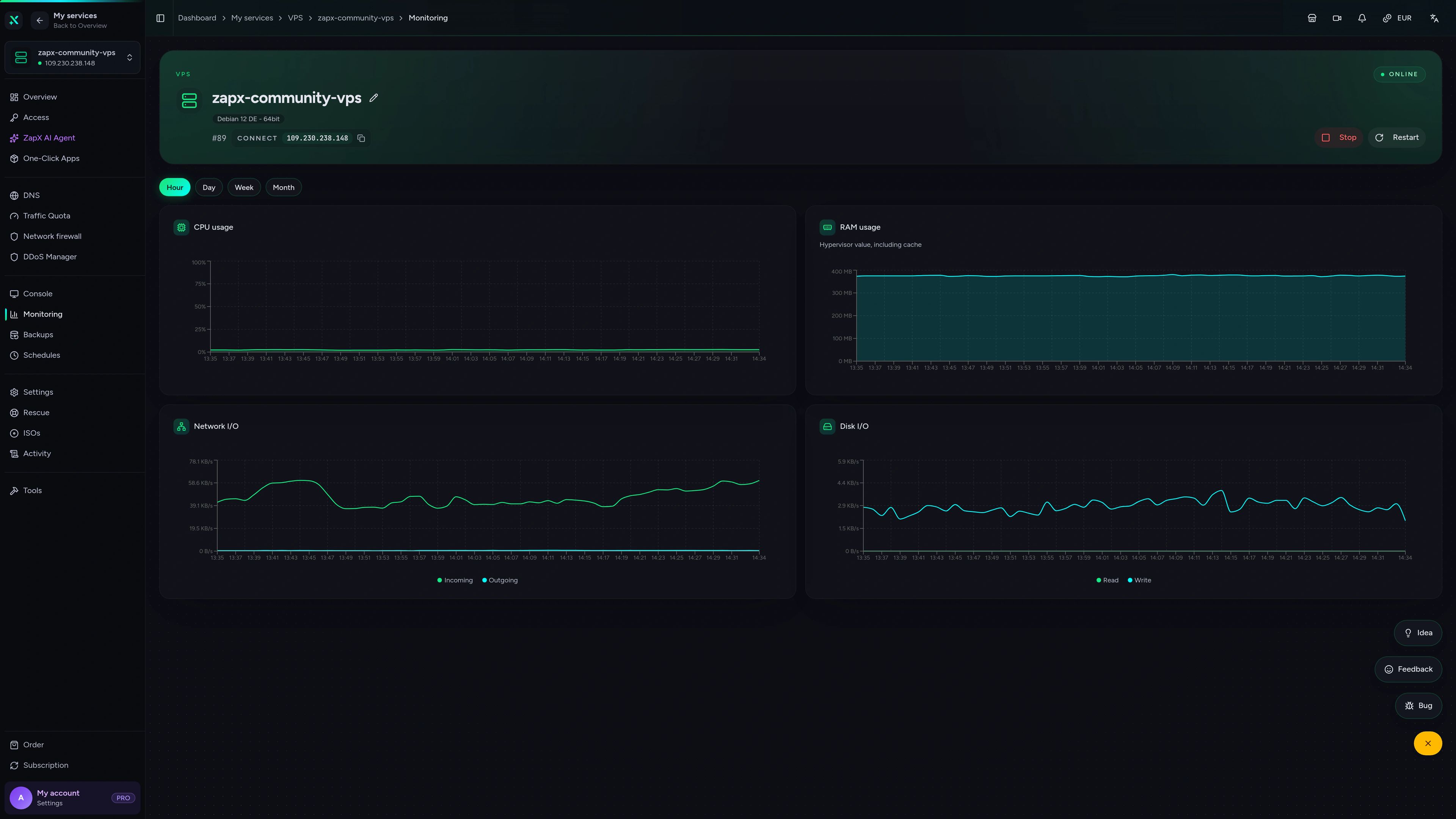
VPS – Console
Open the graphical VNC console of your VPS in the browser, even when SSH or the network is unavailable.
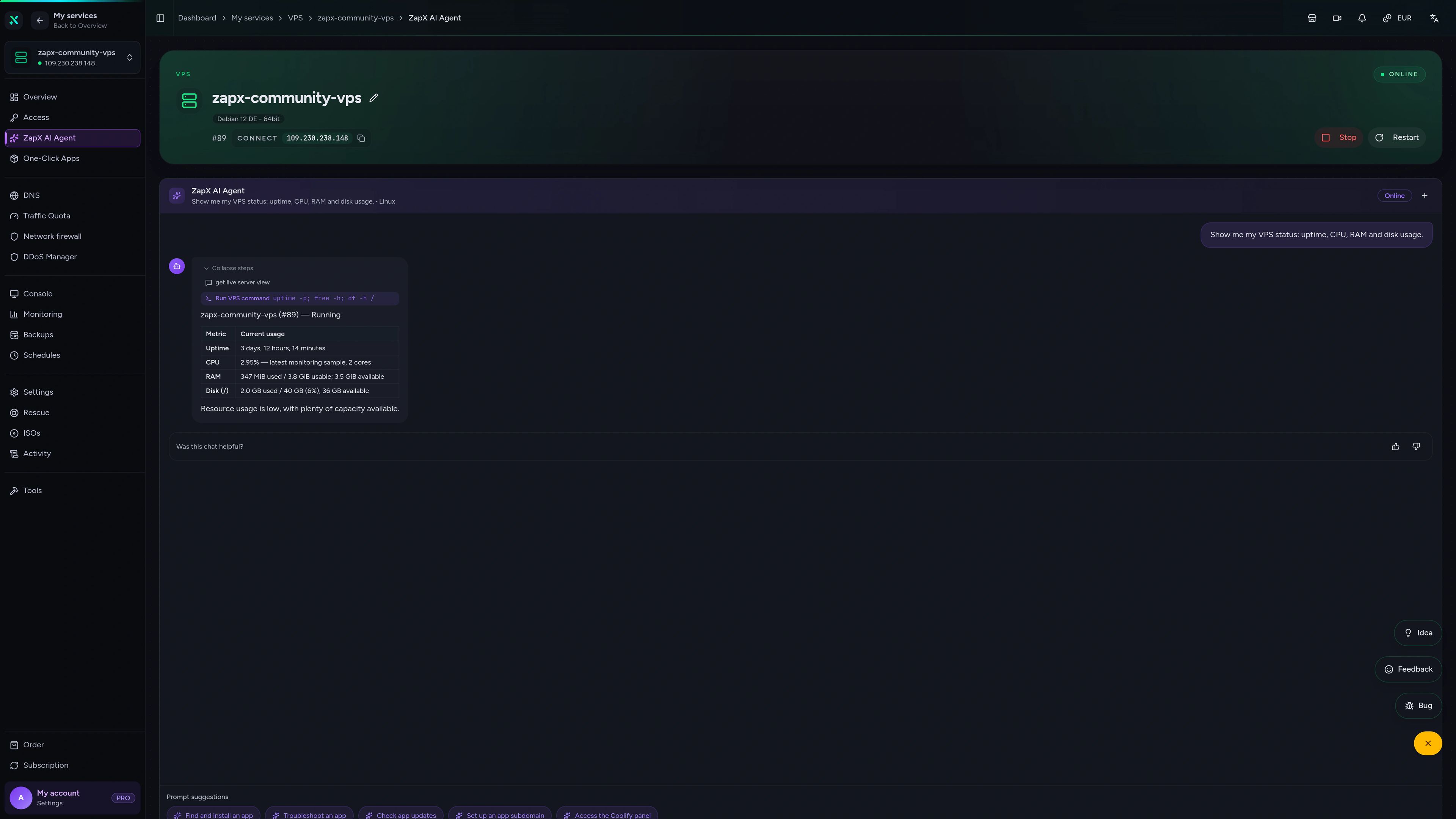
Ask about your VPS. Get clear next steps.
The ZapX AI Agent knows your VPS context and explains firewall rules, resource usage and logs, so running your Post Scriptum server means fewer forum threads to dig through.
The ZapX AI Agent is part of ZapX Pass and works account-wide on all supported services, including your VPS.
See ZapX PassZapX AI Agent
panel.zap-hosting.com
Measured performance
Live-measured VPS data for CPU, storage and network, compared with what's typical on the market, so you know what your Post Scriptum server runs on.
High-performance VPS, CPU model depends on the location
Typical VPS plans without a published host CPU
confirmed 2026-07-01
Typical Post Scriptum setups
What clans run on their Post Scriptum VPS.
Each setup runs on your own VPS with full root access, so the server, mods and tools around it follow your clan's rules.

Your own Post Scriptum server
Ready to deploy your Post Scriptum VPS?
ZapX appComing soon
Your VPS in your pocket.
Check on your Post Scriptum VPS between matches: status, resources and restarts right from your phone.
Impressionen
Post Scriptum Screenshots
A glimpse into the game world—its atmosphere, exploration, and the moments your community will experience on the server.
Ready to host your own Post Scriptum server?
Get a KVM VPS with full root access, DDoS protection and locations in Europe and America for your Post Scriptum or Squad 44 community.
Full root access. No risk. Cancel anytime.