
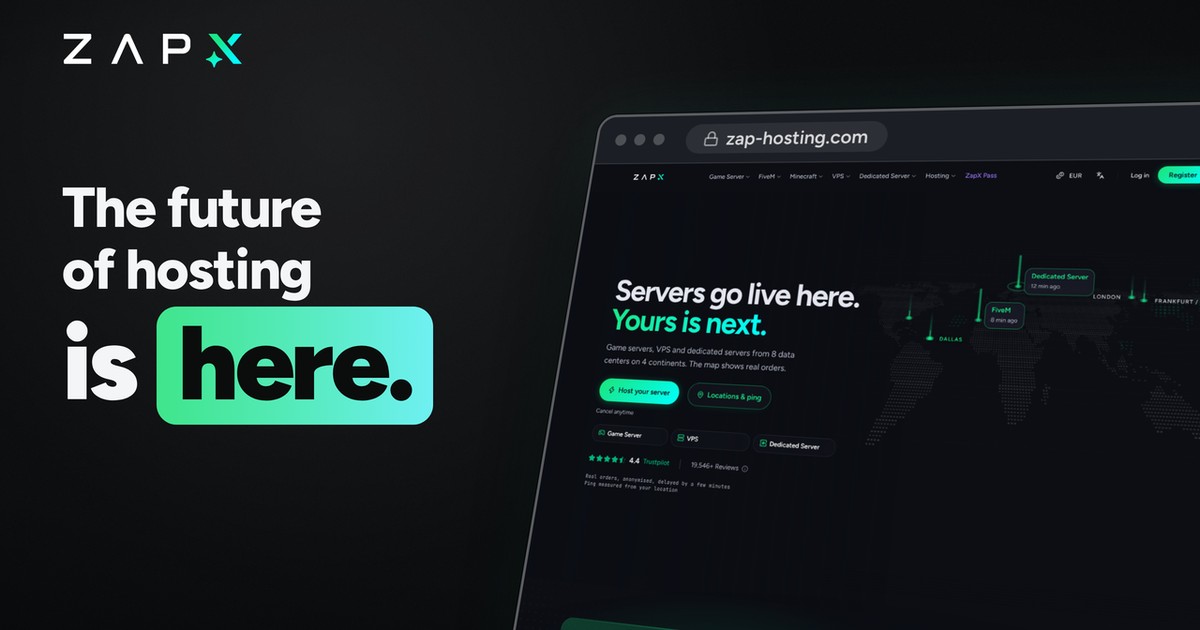
Since November 11, zap-hosting.com runs on ZapX, our completely rebuilt panel. Game servers, VPS, dedicated servers, TeamSpeak, Discord bots and domains now live in one place, with AI built right into the panel. The video shows you what's new in one minute:

- Game servers: more than 70 games, online in under 60 seconds. Unlimited slots: you pay for RAM, CPU and storage, not for player slots. Modpacks install with one click.
- VPS: root access, NVMe, Linux or Windows and more than 755 one-click apps such as Nextcloud, n8n or Plex. Add more power whenever you need it.
- ZapX AI Agent: ask it when a config acts up, or hand over recurring tasks. You approve every change to your server first.
- ZapX Maker: describe what you need in chat. The Maker builds Minecraft plugins and mods, FiveM resources or Discord bots and installs them with one click.
- Backups and snapshots: if an update goes wrong, restore a backup. VPS also get snapshots.
- DDoS protection: included with every product. In Frankfurt/Eygelshoven, Ashburn, Dallas and Los Angeles, PletX also filters up to 4 Tbit/s and catches attacks at the application level too.
- Locations: 8 data centers on 4 continents: Frankfurt/Eygelshoven, London, Ashburn, Dallas, Los Angeles, Montreal, Singapore and Sydney.
- MCP and API: connect Claude, ChatGPT, Cursor or Gemini to your account and manage your servers right in chat.
- Lifetime: buy a server once instead of renting it, with no activity checks.
- App: the ZapX app for iOS and Android is coming soon.
AI Agent, Maker, MCP, snapshots, more backup slots and Lifetime are part of the ZapX Pass, a subscription for your whole account from €4.99 per 30 days.
This is the question we get most right now, so here's the honest answer:
- Your Lifetime server stays paid for. You're not renting it again.
- In the Classic Panel, it keeps running as before, with no Pass and no extra cost.
- In ZapX, a Lifetime server needs an active ZapX Pass with a free Lifetime slot. Plus covers 2 Lifetime servers, Pro 8 and Max unlimited. The Pass covers your whole account, not a single server.
- The Pass pays for what costs money every month, such as AI compute, backup storage, the app and integrations. In return, ZapX has no activity checks.
- There's no one-time Lifetime Pass, because exactly these costs come back every month.
All details, cost examples and the rules for Lifetime Dedicated Servers are in Lifetime Behind a Paywall? Our Honest Answer.
Do you have servers in our previous customer panel (Classic Panel)? They keep running there on the same terms, you don't have to do anything. New features, however, only come to ZapX. Here's how to move:
- Wait for your invitation. We're opening the move step by step, server by server. When yours is ready, you'll get an email and see a notice in the Classic Panel.
- Sign in at zap-hosting.com. Servers from the Classic Panel are marked “Legacy”. If servers are missing, check under Settings → Account whether your previous customer account is linked.
- Click “Start migration” on the server. The assistant shows you what applies first: the new price from the next billing period for rented servers, the Pass you need for Lifetime servers. Nothing moves without your confirmation.
- Done. For VPS, the handover takes about a minute and the server keeps running, IP addresses and data stay the same. Time you've already paid for comes with you.
The move is final, you can't go back to the Classic Panel afterwards. You'll find all details for your server type in the Help Center, for example for rented VPS and Lifetime VPS.
Take a look around ZapX and tell us in the comments what you like and what's missing. We read every comment.
Follow ZapX news on our channels:




 Preferred source on Google






Discussion
Comments
We'd love to hear your thoughts. Comments appear after a brief review.
No comments yet. Be the first to comment!