
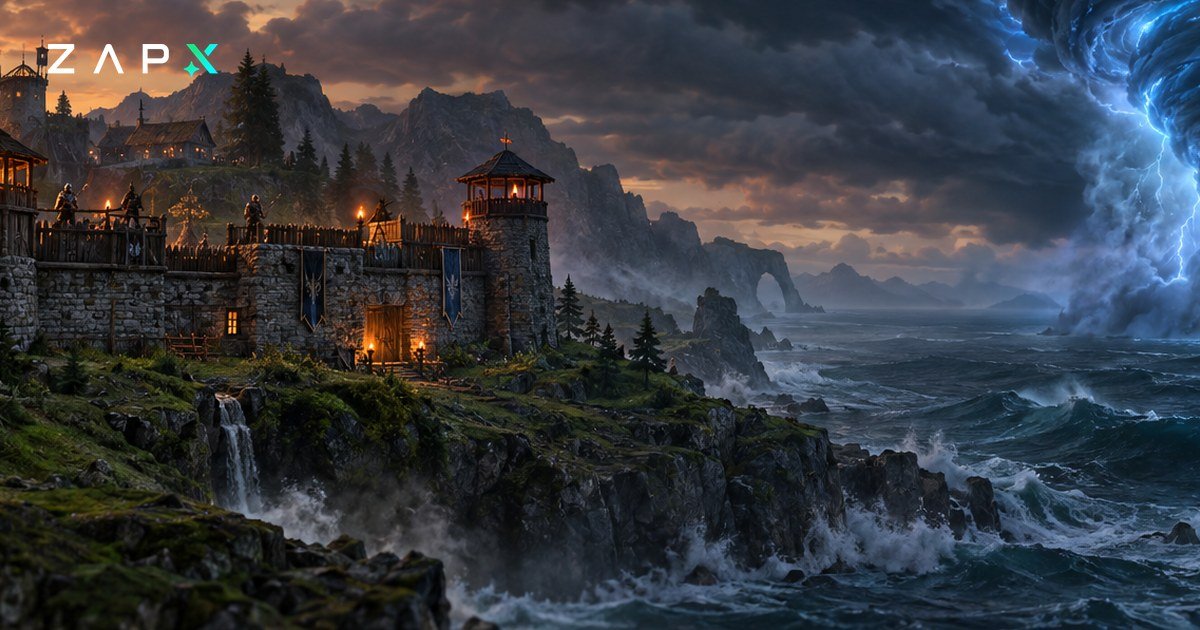
Stormforge, the open-world survival crafting game from Roboto Games, has been in Steam Early Access since November 10, 2026. Since November 13, 2026, you can run a Stormforge dedicated server at ZAP-Hosting. Your group's world stays online even when the player who usually hosts is offline.
Stormforge is a co-op survival game for PC, sold through Steam. You gather resources, craft gear and build a base while magical storms move across a procedurally generated world. Each storm works like a dungeon in the open world. Tornadoes guard it, along with lightning, toxic clouds and fire.
According to the Steam page, the Early Access version includes:
- Biomes: three, called Whispering Vale, Howling Woods and Ember Canyons
- Bosses: three, and beating them unlocks classes
- Classes: five (Warrior, Ranger, Mage, Forager, Villager) with more than 100 skills
- Sailing: boats take you to other islands
Roboto Games expects Early Access to last about a year. The plans for 1.0 include a mountain biome with its own boss, new storm types and new classes. The studio says the timeline can get shorter or longer depending on community feedback.
Without a dedicated server, the world lives on one player's PC, and when that PC is off, nobody can play. On its official site, Roboto Games describes a dedicated server as a machine that runs only the world. That way your group can join whenever they want.
The studio has released an official dedicated server tool on Steam, and the Stormforge EULA covers dedicated servers and hosting. At ZAP-Hosting, we run that server for you, so nobody has to leave their own PC on around the clock.
You change these settings in the ZAP web interface:
| Setting | Good to know |
|---|---|
| Server name, password | The password keeps the world private to your group |
| Max players | Sets the player limit for your world |
| World name, world seed | Only take effect when a new world is created |
| Combat difficulty, enemy health | Control how hard fights are |
| Death penalty, durability loss | Control what dying and gear wear cost you |
| Resource rate | Changes how many resources you get |
| Moving storms difficulty | Changes how dangerous the roaming storms are |
| Pause when empty | The world pauses while nobody is online |
According to Roboto, a world hosted on a dedicated server can't be adjusted through the menu inside the game. You make those changes in the web interface instead. If you want a different seed, plan for a fresh world.
The game saves automatically every 60 seconds while players are online, and again whenever a player disconnects. When you stop or restart the server, it shuts down cleanly. A daily automatic backup of your world is included, and before big Early Access patches an extra backup is still a good idea.
- Copy the address: the IP and port are shown in the ZAP web interface.
- Connect in the game: paste the address after selecting Join a Game in Stormforge.
- Enter the password: if you set one, share it with your group.
According to Roboto, everyone needs the same game version as the server. After a patch, update the server in the ZapX panel and restart it so server and game client match. If a friend still can't connect, check whether Steam has finished updating their game.
You can order a Stormforge server at ZAP-Hosting now. If your group also plays other games, our game server overview lists all of them.
- Stormforge on Steam (Roboto Games)
- Official Stormforge website and FAQ (Roboto Games)
- Stormforge comes to Steam Early Access in November (WorthPlaying)
- Stormforge enters Steam Early Access (Gamesfinity)

 Preferred source on Google