 Staxel server hosting on your own VPS
Staxel VPS hosting
Your Staxel village online 24/7: set up your server yourself with admin access, NVMe and locations in Europe & America.
 Google
Or try 3 days from €1.31Pick the 3-day term at checkout · renews every 3 days · cancel anytime
 Your project. Your setup.
Configure yourself
Your project. Your setup.
No package fits? Choose your CPU, RAM and storage—you only pay for the package you put together.
1 Gbit/s uplink included
up to 5 Gbit/s as an add-on
100 Gbit/s host network
Juniper Firewall
DDoS protection
 Visa
 Mastercard
 American Express
 PayPal
 Google Pay
 Apple Pay
 Klarna
 Amazon Pay


Staxel server hosting
What is a Staxel VPS?
Your farm village stays open even when your gaming PC is off: a Staxel VPS is your own always-on virtual server with full administrator access, running the Staxel Dedicated Server for you and your friends.
You set up the Staxel server yourself with full administrator access and help from a guide in the Help Center. Unlike a managed game server, the VPS stays fully yours: configs, mods and world files are all in your hands.
Choose a location close to your players, bring your existing world along and let friends drop by whenever they have time.
Why a Staxel VPS
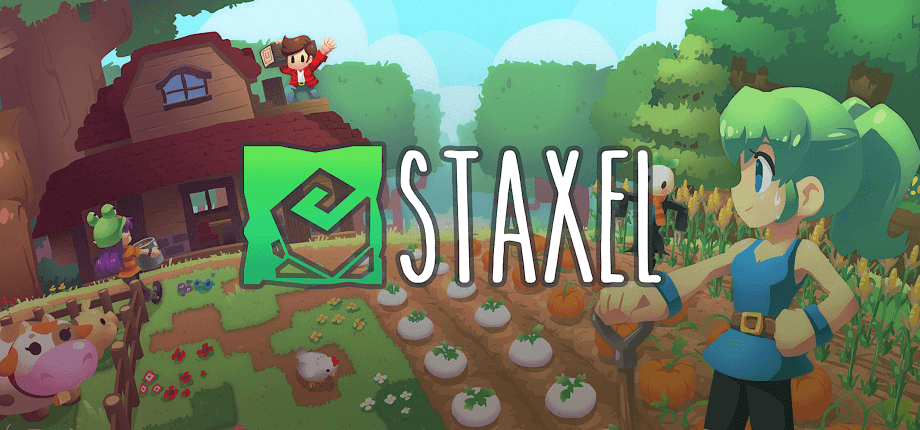
Staxel server hosting built for your farm village
Your own VPS with admin access, Staxel setup in your hands and the room to grow with your group and your mods.
Set up Staxel yourself
Set up the Staxel server yourself on your VPS with full administrator access, supported by a guide in the Help Center.
Always online, no host PC needed
Friends can drop by anytime, even when you're offline, because the Staxel server runs on your VPS's own CPU and RAM, not on your gaming PC.
Move your existing world
Keep every field, house and festival you've built: upload your existing Staxel save to the VPS and continue right where you left off.
Daily system Backup included
Your progress is better protected: a daily automatic system Backup is included, and own Backups plus restore come with ZapX Pass.
Room for a growing village
More friends or a longer mod list? Move to a larger VPS package whenever your Staxel village needs more RAM or CPU.
Locations in Europe and America
Friends connect over a short route: choose the location closest to most of your players when you order your VPS.
 Setup
Your Staxel server with full administrator access.
Set up your Staxel server yourself on your own VPS with full administrator access. The Help Center guide shows you how. Prefer some help? With ZapX Pass, the ZapX AI Agent helps you set it up.
Set it up yourself with administrator access
Administrator access
- 1Connect to your VPS via Remote Desktop (RDP)
- 2Install the Staxel server with the guide in the Help Center
You install the Staxel server yourself and keep full control over files, mods and settings.
Together with the ZapX AI Agent
ZapX PassDescribe your goal in the chat: the ZapX AI Agent supports you step by step with the setup. Available with ZapX Pass.
Locations in Europe and America
Your VPS. Your location.
4 data centers in Europe and America — choose the location closest to your community.
Europe

America

Reviews
What customers say about ZAP-Hosting
Real feedback on support and setup.
very reliable service, simple to understand, and for a great price. really a no brainer

 ZAP-HostingReply
Zap has been a great experience for myself thus far. Easy interface to learn and it makes sense. Having all the tools I need to run my server with short and informative documentation that helped me tremendously. As a adamant gamer, zap has made having my own server fun, easy, and affordable. Thank you Zap!
 ZAP-HostingReply


I have used ZAP-Hosting for VPS services. The ordering process is straightforward, and the support team responds to customer inquiries. I hope to continue using their services and have a smooth experience in the future.
 ZAP-HostingReply


FAQ
Frequently asked questions about Staxel
Answers to the most important questions before you start.
How much does Staxel server hosting cost?
The price depends on the VPS package, term and location you choose. All current prices are shown live in the pricing section and the shop, so you see exactly what you pay before ordering. Longer terms come with a discount, and the Lifetime option lets you buy once with ZapX Pass.
- Live prices per package and term
- Discounts on longer terms
- Lifetime option with ZapX Pass
What is the difference between a Staxel VPS and a managed game server?
With a Staxel VPS, you run the game on your own virtual server instead of a managed game server: you get full administrator access, and you set up the Staxel server yourself. You keep full control over configs, mods and world files, and you can use the VPS for other projects too. VPS basics in the Help Center
- Your own VPS, not a shared game panel
- Full admin access to every file
- Full control
How do I set up a Staxel dedicated server on my VPS?
Once your VPS is ready, you set up the Staxel dedicated server yourself with full administrator access. A guide in the Help Center helps with setup. Share the server address with your friends and you're ready to farm together.
- Full control
- No command line needed
- Share your server address and play
How many players can join my Staxel server?
A VPS isn't sold in player slots, so your village isn't tied to a fixed slot package. How many friends can farm together depends on your package's RAM and CPU, the size of your world and the mods you use. Start with a package that fits your group and move to a larger one when your village grows.
- Capacity depends on RAM and CPU
- Mods and world size matter too
- Upgrade when your village grows
Which server locations can I choose?
Your VPS is available at locations in Europe and America: Ashburn, Dallas, Los Angeles and FFM/Eygelshoven. Pick the location closest to most of your players when you order, so the connection to your Staxel village stays short for everyone.
- Ashburn, Dallas and Los Angeles
- FFM/Eygelshoven
- Choose the location when you order
Which terms are available, and is there a Lifetime option?
You choose between 3 days, 30 days, 90 days, 180 days or 1 year, and longer terms come with a discount. If you'd rather buy once, the Lifetime option for your VPS is available together with ZapX Pass. Rent or Lifetime explained
- Flexible terms
- Discounts on longer terms
- Buy once with Lifetime via ZapX Pass
Can I use Staxel mods and keep my world backed up?
Yes. With full administrator access you manage the server's mods, configs and world files, via Remote Desktop (RDP) or the browser console in the panel. Make sure your friends use matching mod versions. A daily automatic system Backup is included, and own Backups and restore are available with ZapX Pass.
- Admin access to mods, configs and saves
- Daily automatic system Backup included
- Own Backups and restore with ZapX Pass
Is my Staxel server protected against DDoS attacks?
Yes. Every VPS includes DDoS protection, so attacks on your server's IP are filtered before they can disrupt your village. Your Staxel server stays reachable for your friends without any extra setup on your side. DDoS protection in the Help Center
- DDoS protection included with every VPS
- No extra setup needed
Still have questions?
Contact SupportVPS panel
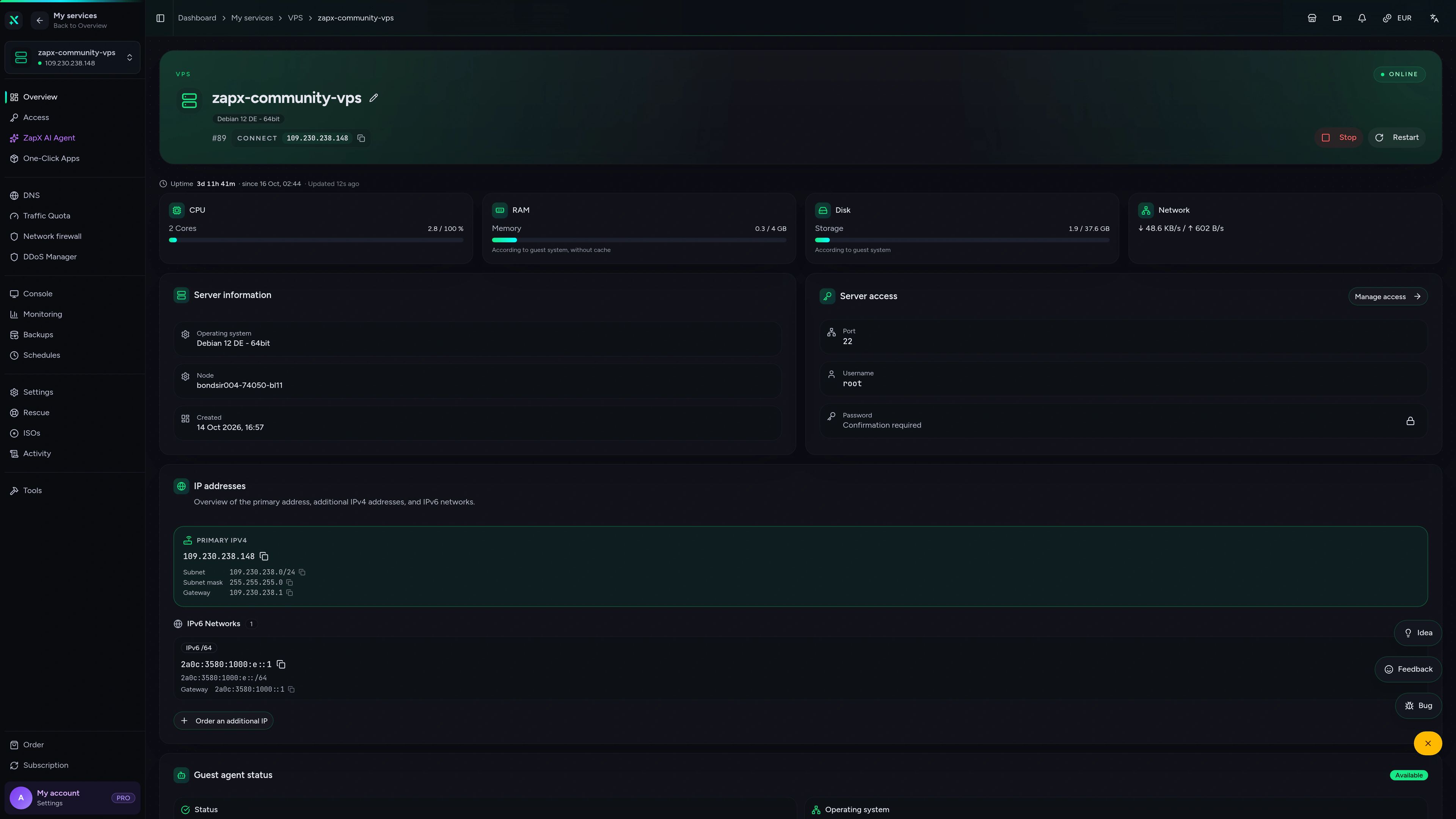
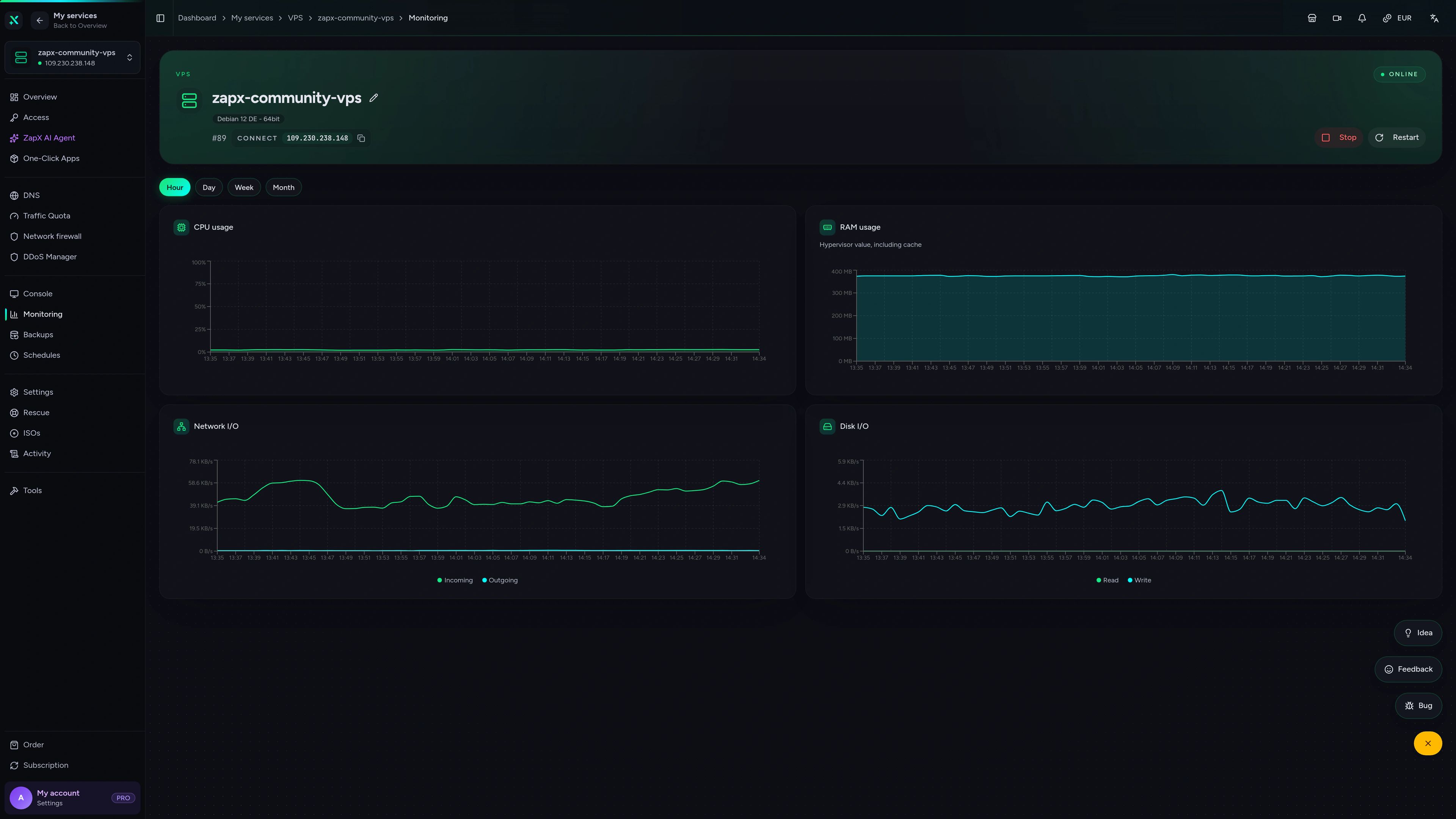
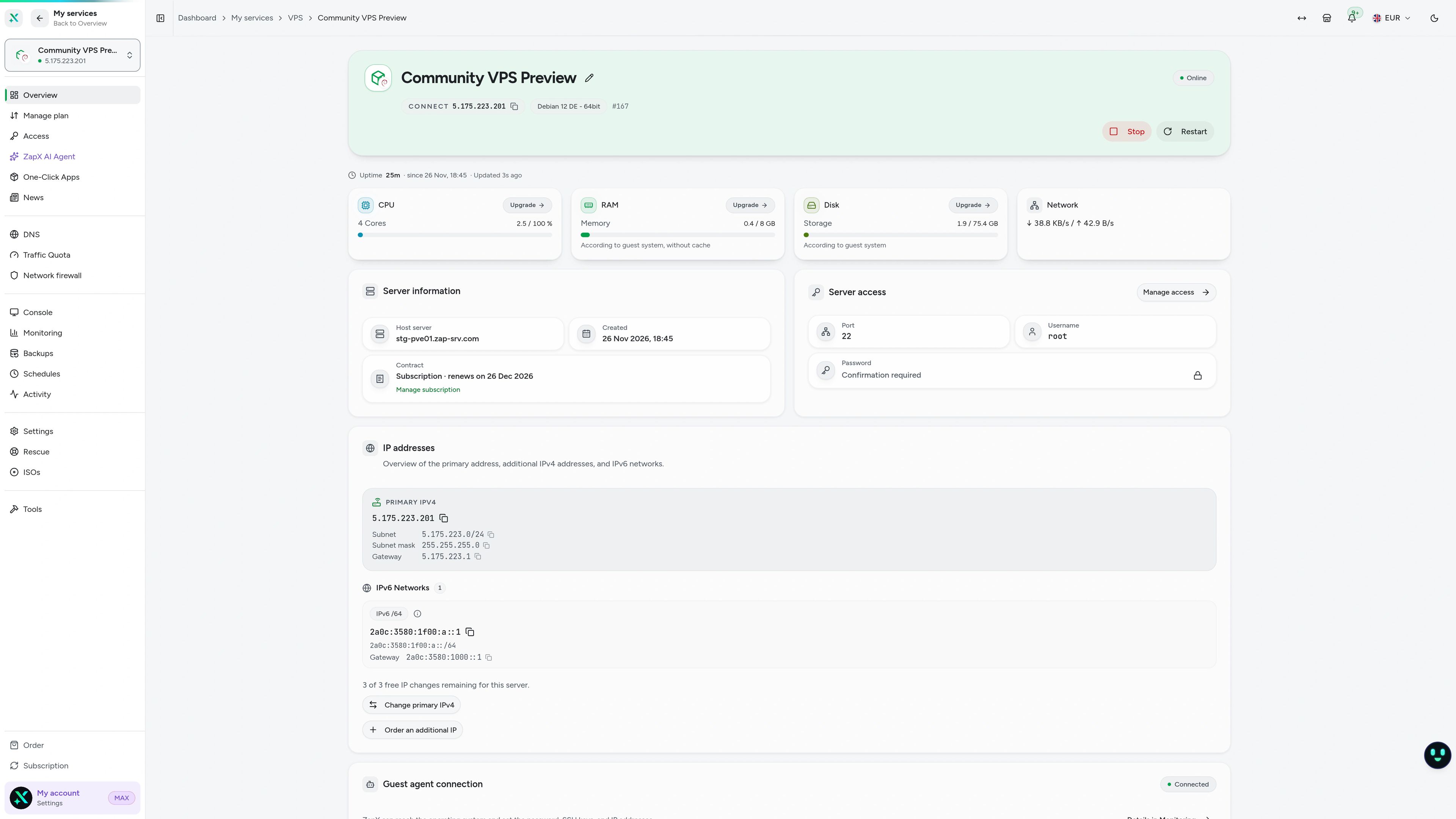
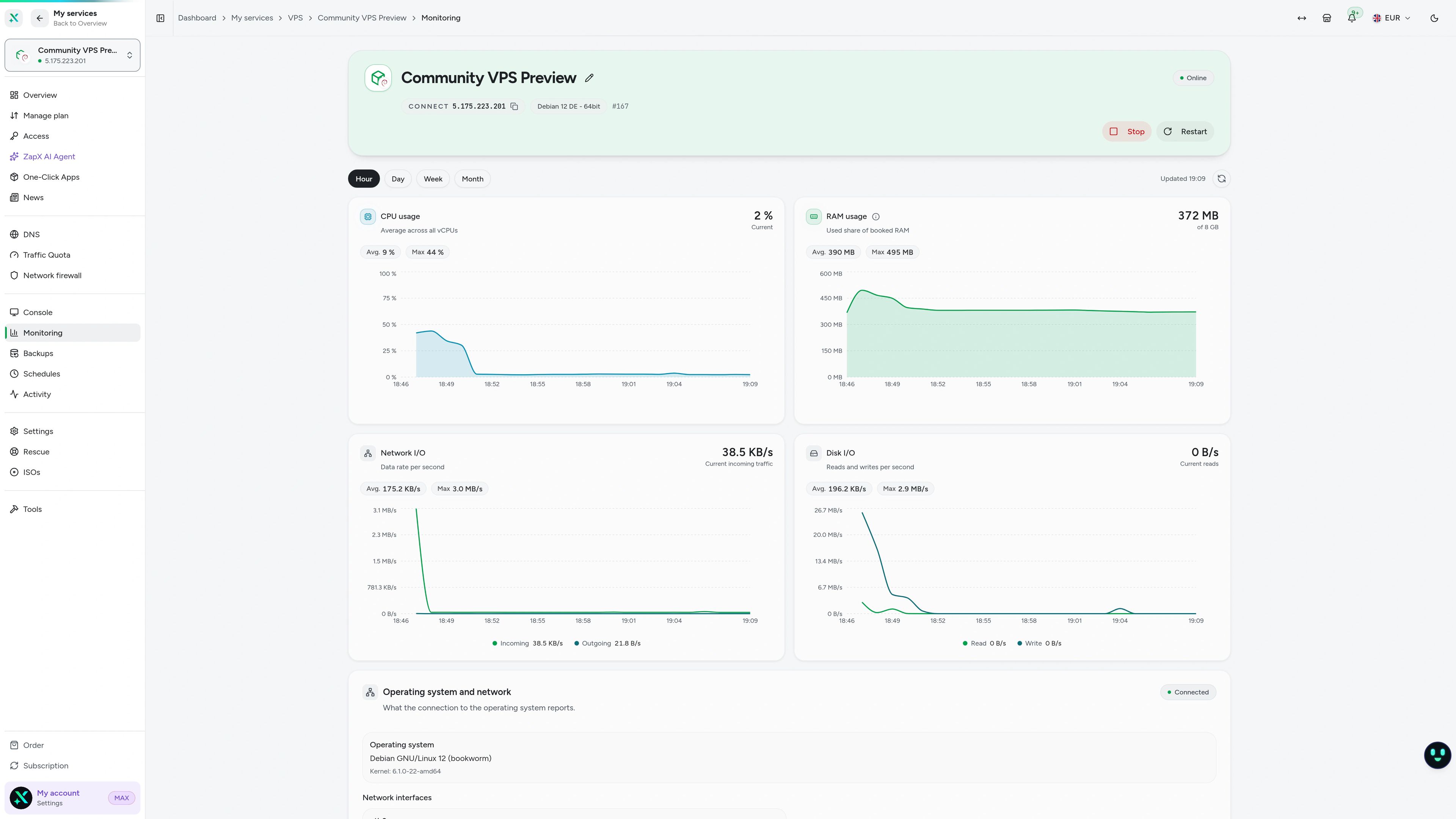
Manage your Staxel VPS in the ZapX panel
Statistics, browser console and DDoS overview for your VPS in one place, so you always know how the server behind your Staxel village is doing.
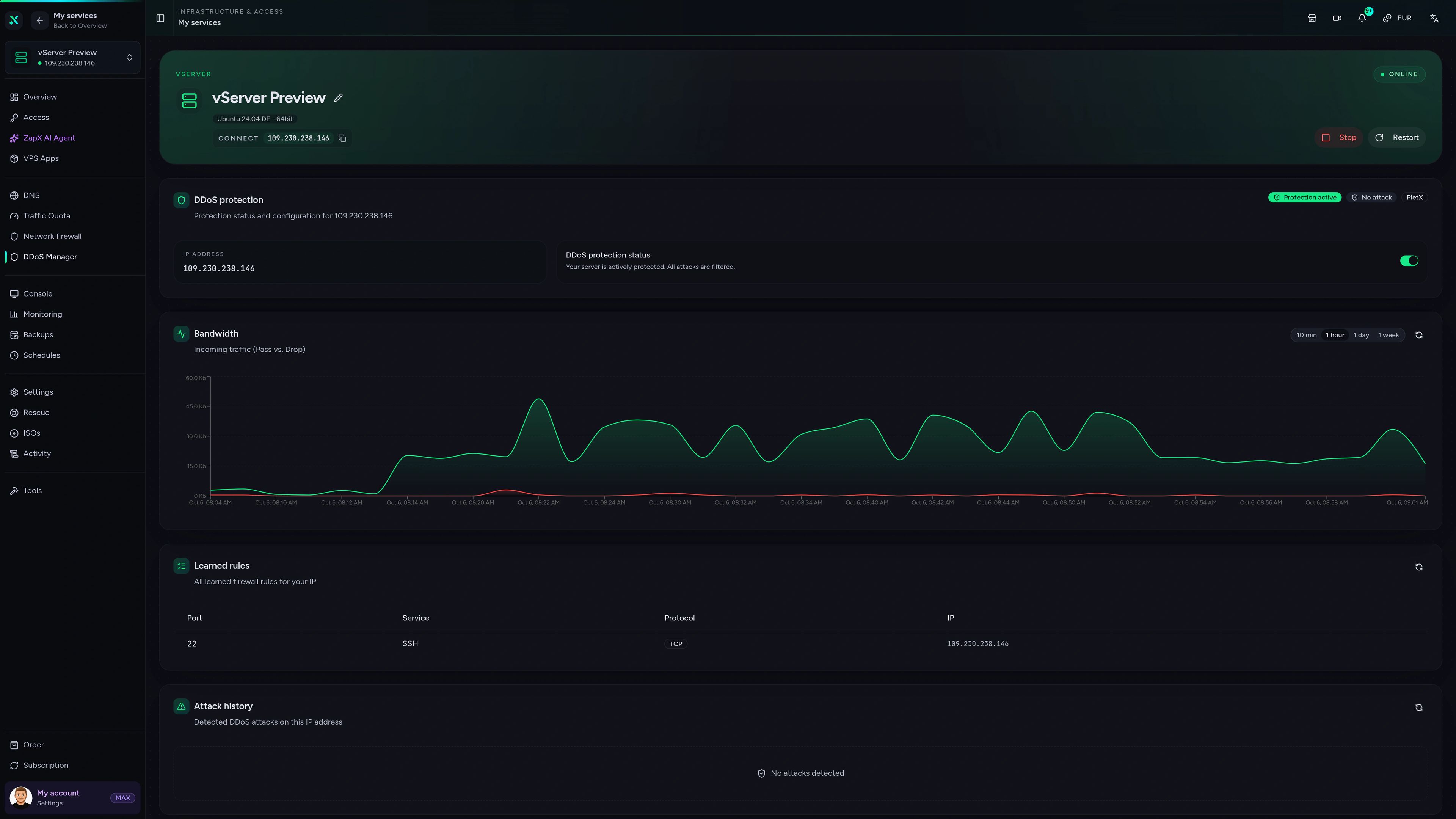
VPS – DDoS Manager
Protection status, incoming traffic (pass vs. drop), learned firewall rules and attack history for your VPS IP in one place.
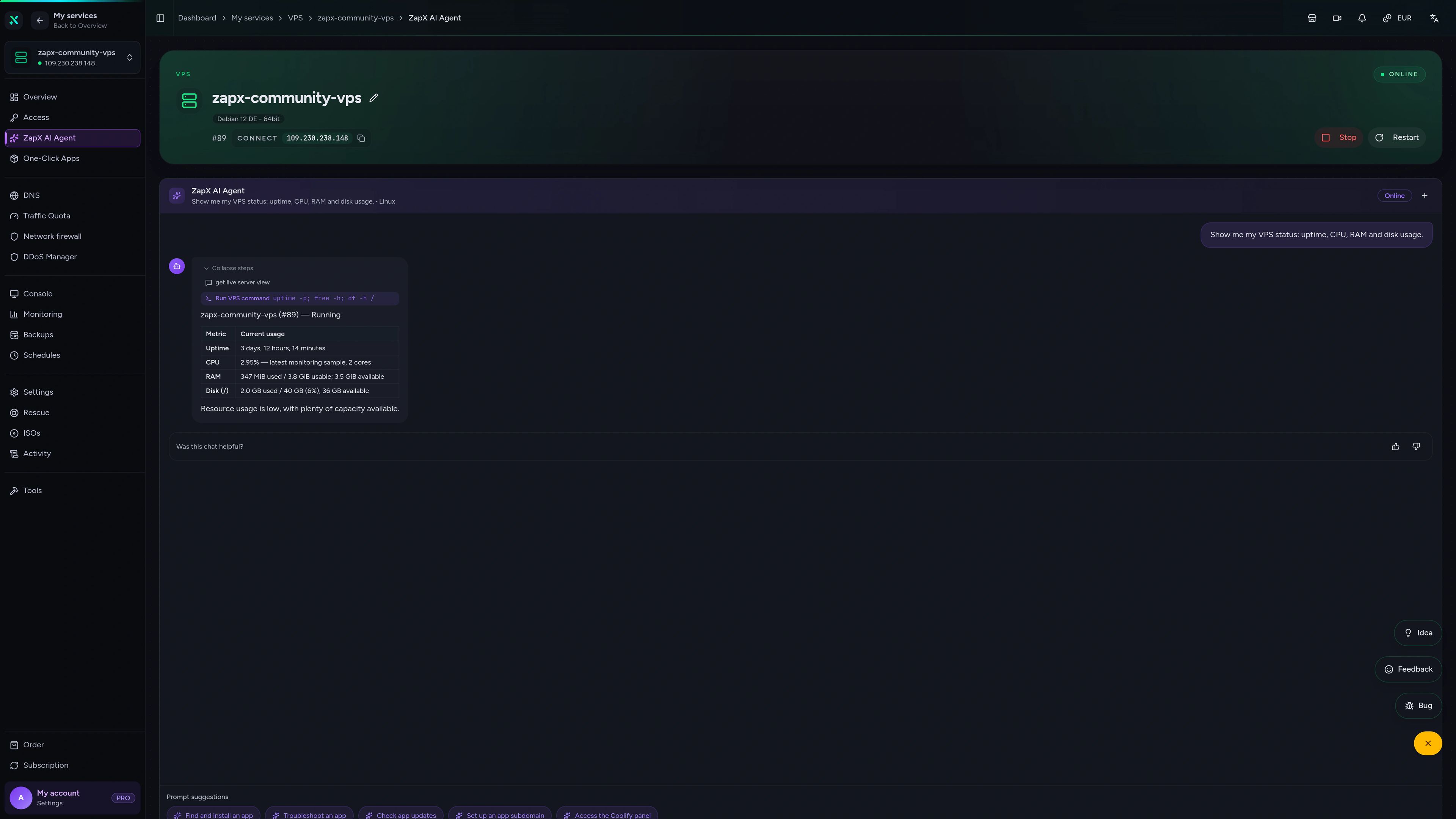
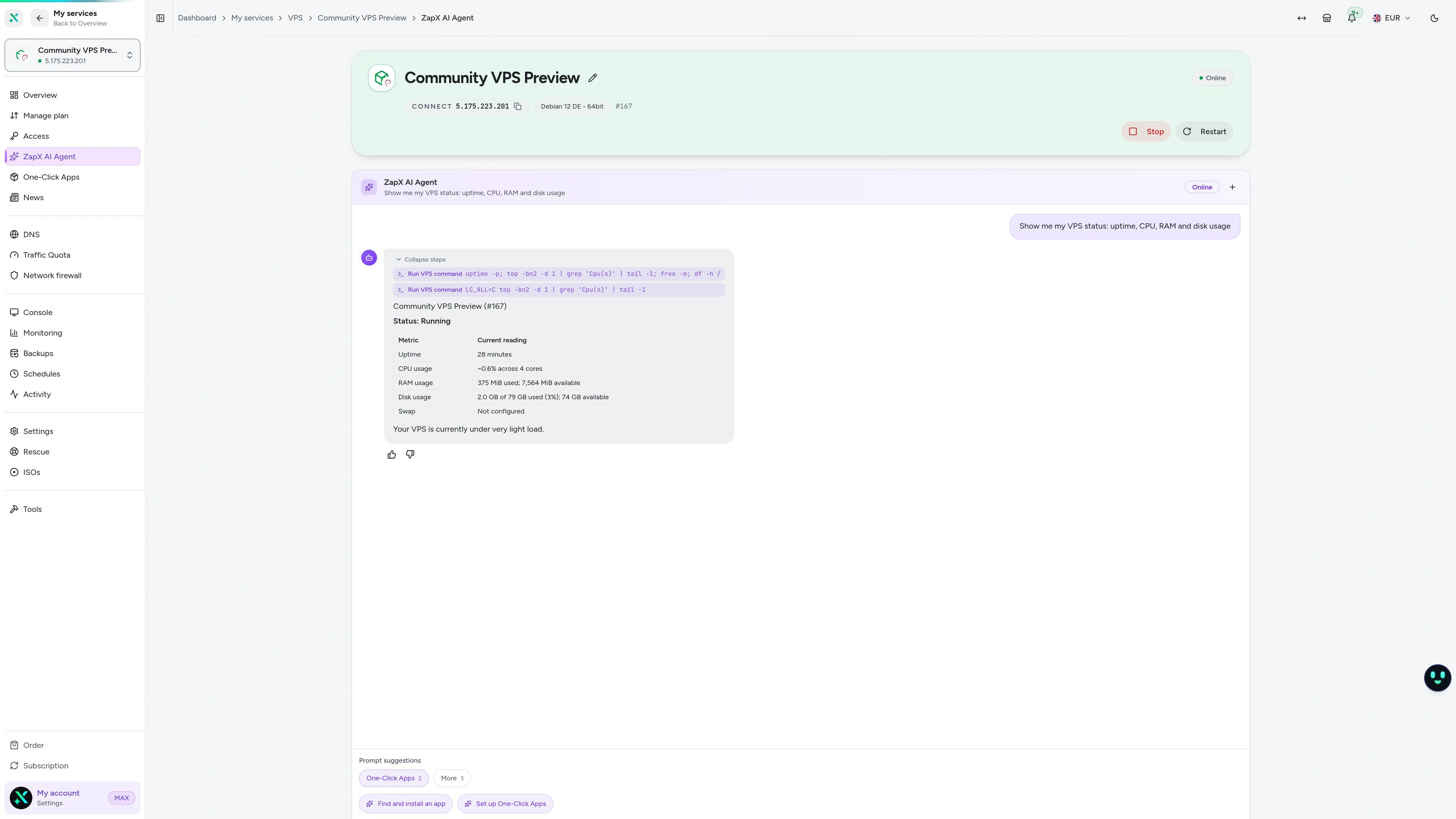
Questions about your Staxel VPS? Ask the ZapX AI Agent
The ZapX AI Agent explains VPS settings, helps you read logs and shows safe next steps for your Staxel server, while you stay in control of every change.
The ZapX AI Agent is part of ZapX Pass, along with own Backups, restore and the Lifetime option for your VPS.
Discover ZapX PassZapX AI Agent
panel.zap-hosting.com
Performance check
Real measured values from our VPS infrastructure, compared with what you can typically expect from other VPS providers.
High-performance VPS, CPU model depends on the location
Typical VPS plans without a published host CPU
confirmed 2026-07-01
Staxel on your own VPS
How groups use their Staxel VPS
From a cozy friend village to a modded farm world: you set up your Staxel server yourself with full administrator access on your own VPS.

Ready to farm together?
Your Staxel village, online 24/7
ZapX appComing soon
Your Staxel VPS in your pocket
Check on the VPS behind your Staxel village from your phone, even when you're far away from your farm.
Impressionen
Staxel Screenshots
A glimpse into the game world—its atmosphere, exploration, and the moments your community will experience on the server.
Bring your Staxel village online today
Rent your own VPS, set up the Staxel server yourself with full administrator access and invite your friends to farm together.
Full administrator access. No risk. Cancel anytime.