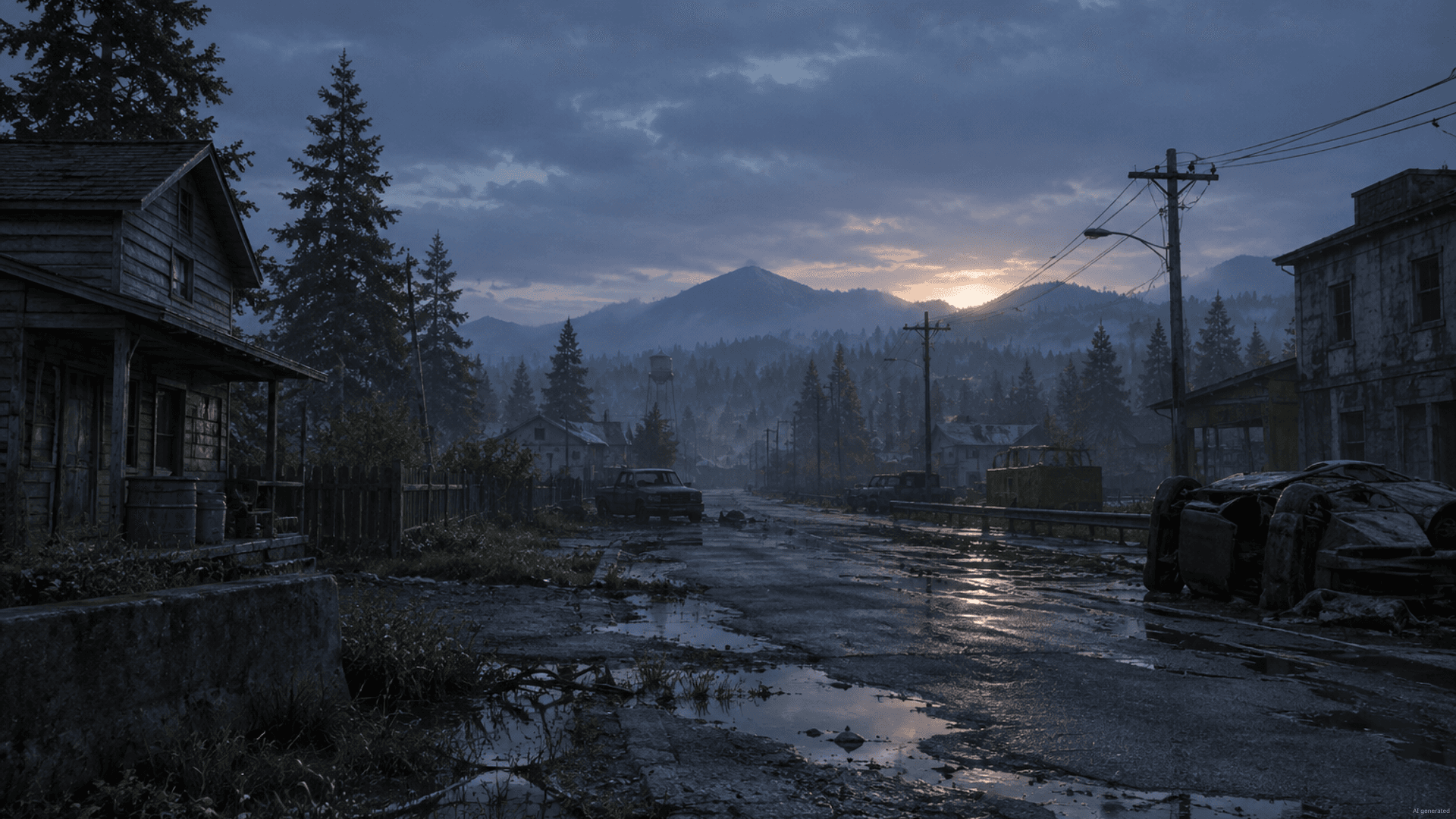
 Your own VPS for No One Survived
No One Survived VPS Hosting
Set up the No One Survived server with one click via Game Server Installer and keep it online 24/7 with admin access.
Or try 3 days from €2.07Pick the 3-day term at checkout · renews every 3 days · cancel anytime
Packages 1–3 of 8
 Your project. Your setup.
Configure yourself
Your project. Your setup.
No package fits? Choose your CPU, RAM and storage—you only pay for the package you put together.
Powerful CPUs
1 Gbit/s uplink included
up to 5 Gbit/s as an add-on
100 Gbit/s host network
Juniper Firewall
DDoS protection
 Visa
 Mastercard
 American Express
 PayPal
 Google Pay
 Apple Pay
 Klarna
 Amazon Pay
No One Survived on your own VPS
What is a No One Survived VPS?
Your friends can join whenever they want, because a No One Survived VPS from ZAP-Hosting keeps the official dedicated server (Steam AppID 2329680) running around the clock on your own KVM virtual server with full administrator access.
You set up the No One Survived server with one click via the Game Server Installer, without any manual install steps. If you have questions about ports, settings or resource usage, the ZapX AI Agent explains them.
game.ini, mods, firewall rules and admin access stay in your hands, and your home connection and IP stay out of the picture.
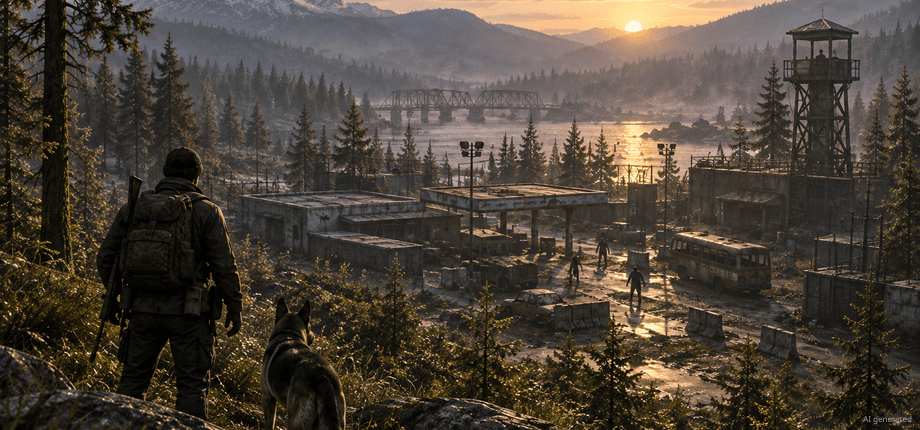
Features
Everything your No One Survived VPS needs
One-click setup via Game Server Installer, admin access and resources that grow with your group, so your co-op world stays online when you log off.
Resources for your world
Your base and the hordes run on the vCores and RAM of your own KVM VPS instead of competing with the host's game client.
Stable connection for every survivor
Friends connect through a data-center uplink instead of your home router. No upload bottleneck, and no home IP shared with the group.
Online the same evening
Your VPS is provisioned automatically after your order, and the Game Server Installer sets up No One Survived with one click.
Backups with ZapX Pass before big changes
A bad mod update no longer costs your base: a daily system Backup is included, and ZapX Pass adds your own Backups and restores.
Scale up as your group grows
More survivors or heavier mods? Increase CPU and RAM in the configurator instead of starting a new world.
Locations in Europe and America
Your group plays on a short route: pick the data center closest to most of your players from locations in Europe and America.
 Setup
Your No One Survived server set up in one click.
With our Game Server Installer, you can set up your No One Survived server on your VPS in one click — no commands or manual work. Prefer some help? With ZapX Pass, the ZapX AI Agent helps you in the chat.
Game Server installer
One click
Select No One Survived in the installer and click Install — the server will be set up automatically.
Together with the ZapX AI Agent
ZapX PassDescribe your goal in the chat: the ZapX AI Agent supports you step by step with the setup. Available with ZapX Pass.
Prefer to set everything up manually?Guide in the Help Center
Locations in Europe and America
Your VPS. Your location.
4 data centers in Europe and America — choose the location closest to your community.
Europe

America

Reviews
What customers say about ZAP-Hosting
Real feedback on support and setup.
Great Service & User Experience
I had applied for partnership at ZAPX and the process and user panel is absolutely fire and very much friendly. Apart from that i have been using their VPS machine for quite a while and it has been great with almost no downtime.

 ZAP-HostingReply

great prices, good specs
the interface was great, migration was flawless and the interface is very user friendly. support team was very helpful aswell
 ZAP-HostingReply
I've been with them for a few years
I've been with them for a few years, and they're one of the best. The lifetime servers have really helped me, and now they've added auto-backup. 10/10!
 ZAP-HostingReply

FAQ
Frequently asked questions about No One Survived
Answers to the most important questions before you start.
What is a No One Survived VPS, and how is it different from game server hosting?
It's your own KVM virtual server with full administrator access, and the No One Survived dedicated server is set up on it with one click via the Game Server Installer. Instead of a locked game panel, you control files, ports and extra tools over Remote Desktop (RDP). Your VPS is provisioned automatically after your order, and ZAP-Hosting handles hardware, network and DDoS protection.
How much does a No One Survived VPS cost?
You pay for the VPS package, not per player slot. Current prices load live in the package cards above and in the configurator. You pick a term that fits your group, with options of 3, 30, 90 or 180 days, or one year. Pricing depends on the package you choose.
Which VPS package do I need for my group, and how much RAM does a No One Survived server need?
It depends on how many survivors play at once and how many mods you run. There is no official RAM figure for the No One Survived server. Plan RAM around the guideline below and watch CPU and RAM in the panel during a session. If the world grows, increase resources in the configurator. As a guideline for the game server: at least 6 GB of RAM, plus headroom for the operating system.
How do my friends join my No One Survived server?
Your friends open the private server list in No One Survived and find your server by its name. Only players who know the server password get in, so your world stays with your crew. If the server doesn't show up, the usual fix is to open the game port in your VPS firewall. Common No One Survived issues
Do I get full admin access to my No One Survived VPS?
Yes. You get full administrator access over Remote Desktop (RDP), so mods, game.ini, admin settings and extra tools are entirely up to you. No One Survived requires Windows, so your VPS runs Windows Server. You can also run other servers or tools on the same machine as long as the resources allow it. Mount an ISO on your VPS
How do I set up the No One Survived dedicated server on my VPS?
You set it up with one click via the Game Server Installer on your VPS, without any manual install steps. Because the server runs on your own VPS with full administrator access, every file and setting stays under your control afterwards. The ZapX AI Agent explains ports, settings and resource usage. Experienced admins can still set up the server by hand if they prefer.
Which location should I pick for my friends?
Choose the data center closest to where most of your group plays. ZAP-Hosting has locations in Europe and America. North American groups often start with Ashburn, Dallas or Los Angeles, and groups elsewhere pick the location nearest to them. You can test the live ping to every location before you order. See all locations in the Help Center
Is the VPS protected against DDoS attacks, and are Backups included?
Yes, every VPS is DDoS-protected. At every VPS location, PletX adds filtering tuned for game traffic. A daily automatic system Backup is included. ZapX Pass adds your own Backups and restores, so you can save your world before risky mod updates. How PletX DDoS protection works
Any more questions?
Contact SupportZAPX Dashboard
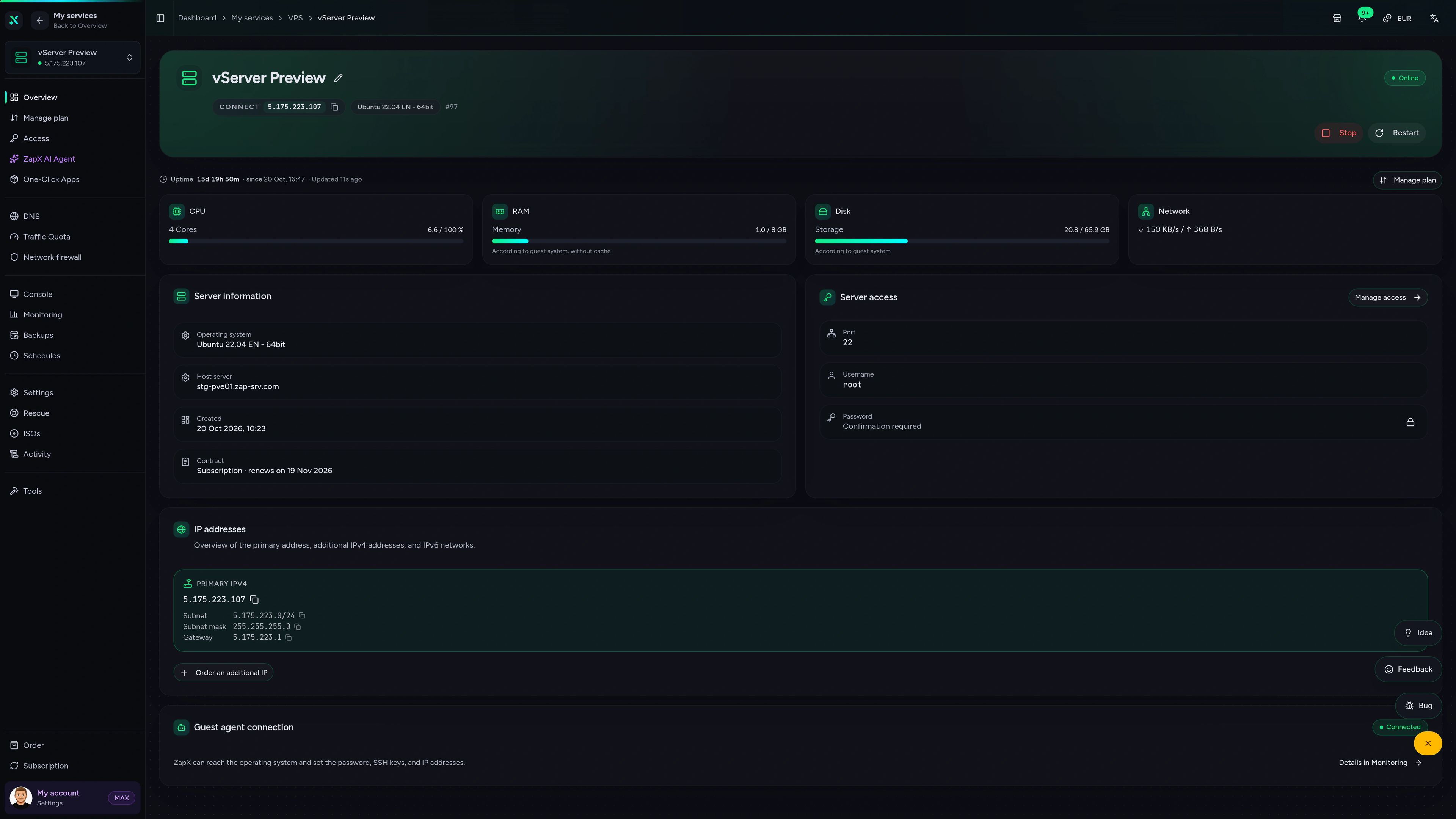
Manage your VPS in the ZapX panel
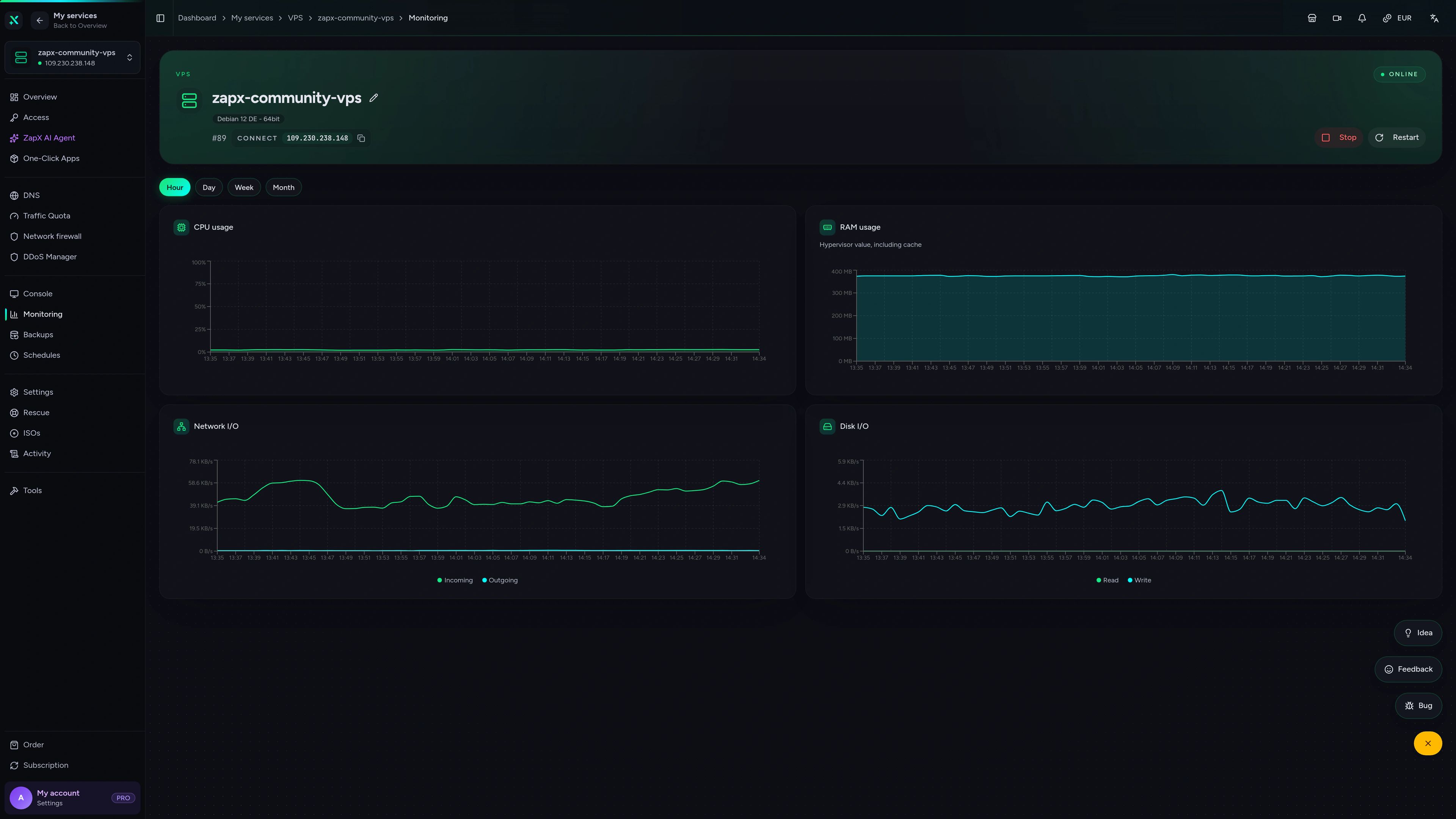
Console access, DDoS overview, resource statistics and Backups for the VPS that runs your No One Survived server, all in one place.
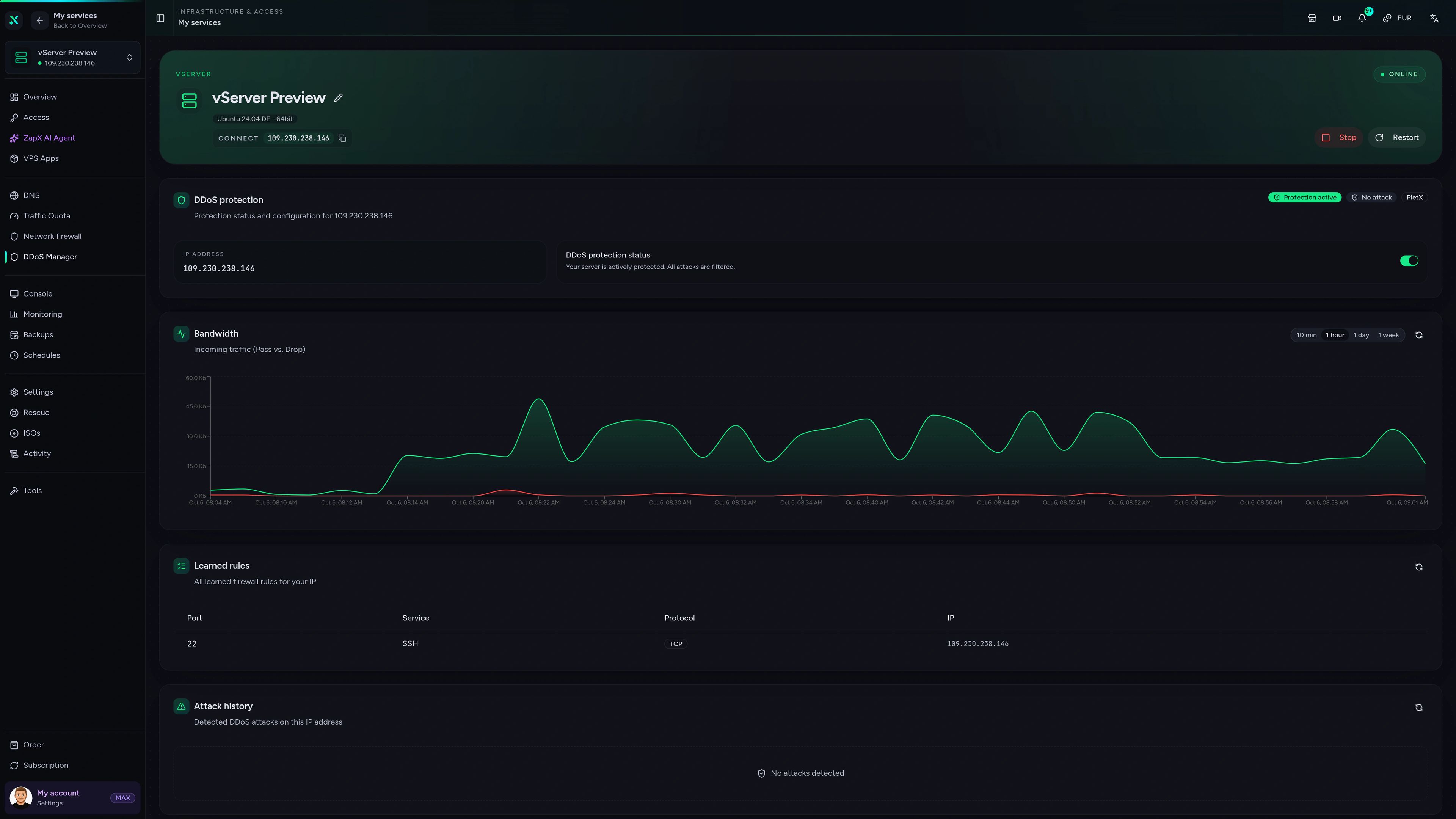
VPS – DDoS Manager
Protection status, incoming traffic (pass vs. drop), learned firewall rules and attack history for your VPS IP in one place.
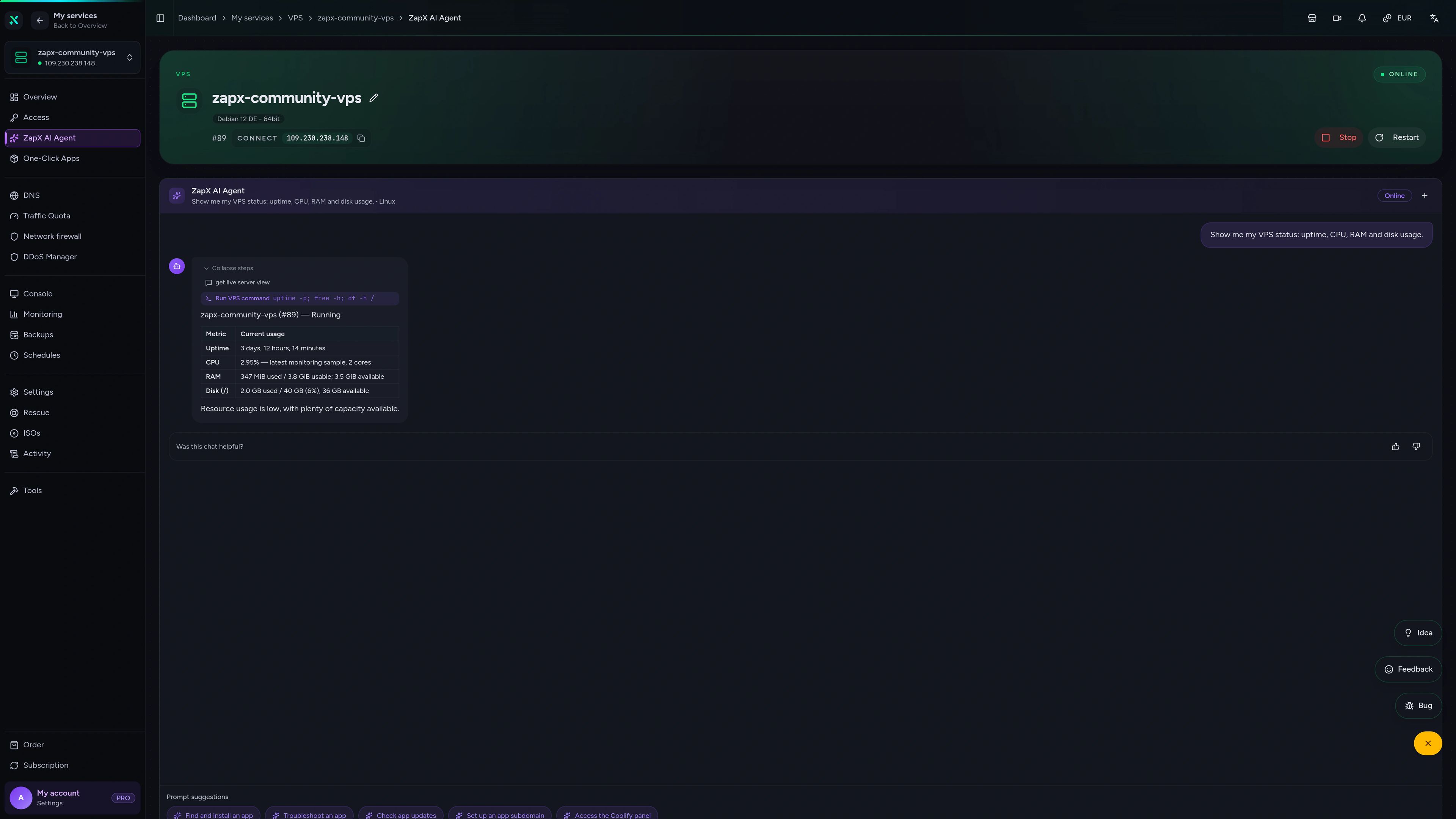
Stuck on your VPS? Ask the ZapX AI Agent.
Get plain-English answers on ports, firewall rules and resource usage after the one-click setup via the Game Server Installer. The ZapX AI Agent explains and suggests, and you stay in control.
The ZapX AI Agent is included with ZapX Pass. It advises and explains, and every change on your VPS stays your decision.
Get ZapX PassZapX AI Agent
panel.zap-hosting.com
Benchmark
Real benchmark data from our VPS infrastructure shows how the machine behind your No One Survived server compares with typical providers.
High-performance VPS, CPU model depends on the location
Typical VPS plans without a published host CPU
confirmed 2026-07-01
Use cases
How groups run No One Survived on their own VPS
From a small friend group to a modded co-op world: setups people run on their own No One Survived VPS, set up with one click via the Game Server Installer.

Ready for co-op?
Keep your No One Survived world online around the clock.
ZapX appComing soon
Your No One Survived VPS, always at hand.
Check status and resources of your VPS from your phone while your group plans the next supply run.
Impressionen
No One Survived Screenshots
A glimpse into the game world—its atmosphere, exploration, and the moments your community will experience on the server.
Ready to host your No One Survived VPS?
Pick a VPS package, set up the No One Survived server with one click via the Game Server Installer and keep your world online when you log off.
Install a Game Server with one click. No risk. Cancel anytime.