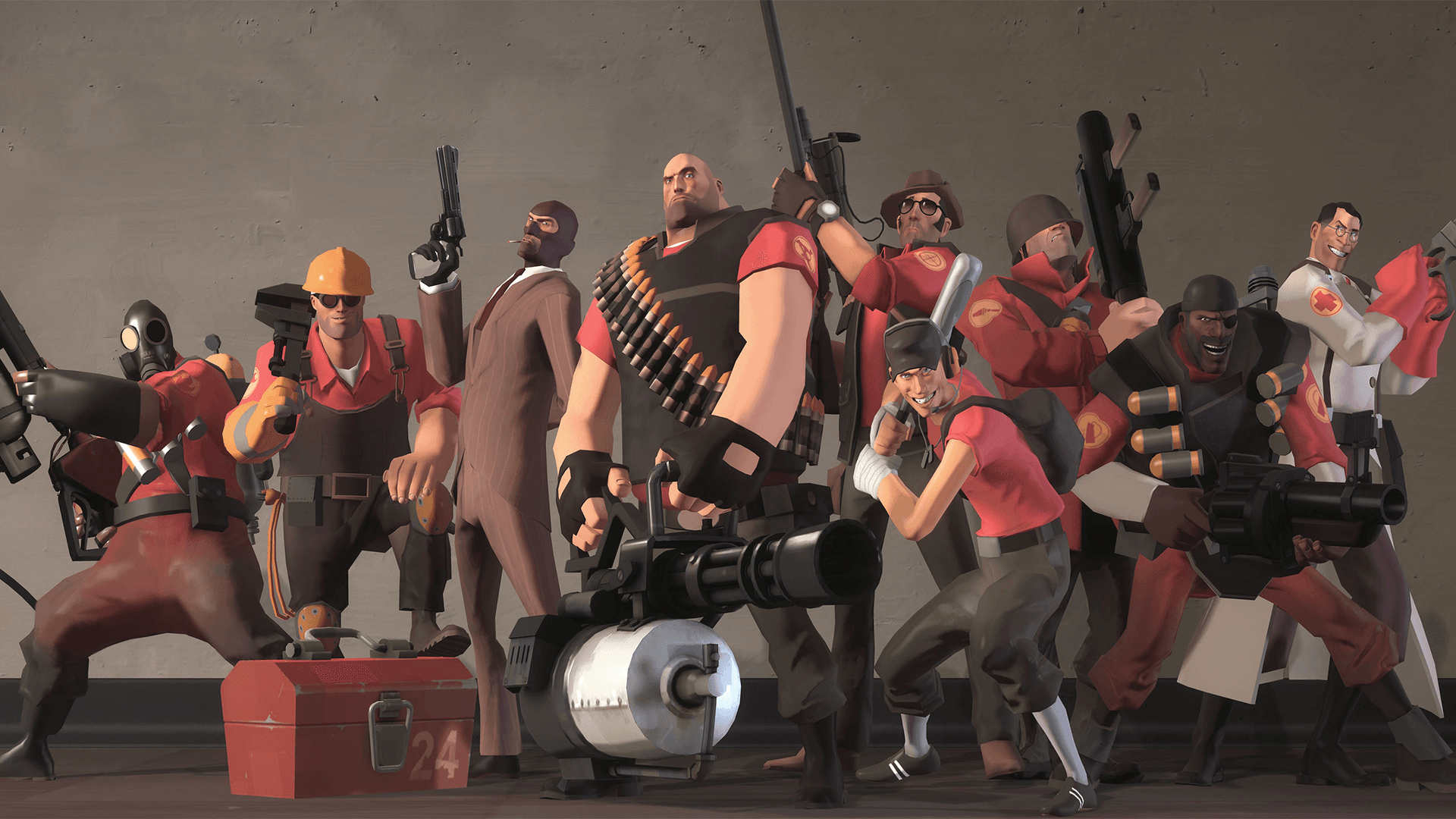
 Team Fortress 2
 Server Status: Is TF2 down right now?
Here you can see the current Team Fortress 2 player count on Steam and its history in 15-minute intervals, along with Valve’s latest official announcements and links to official channels. Free, no sign-up required, and not affiliated with Valve.
Built by Florian Galz
Tired of someone else’s rules? Start your own TF2 server.
Players currently online (Steam)
89,778
-9.2% compared with the same time yesterday.
As of 29 Nov 2026, 01:53 UTC
24-hour peak
114,084
7-day peak
114,084
Highest reading
114,084
Player count over the last 7 days
Peak for each time interval, measured every 15 minutes since 27 Nov 2026.
Latest official Steam announcements
All announcements26 Nov 2026, 02:57 UTC
An update to Team Fortress 2 has been released. The update will be applied automatically when you restart Team Fortress 2. The major changes include: Fixed clients not respawning when killed
26 Nov 2026, 01:58 UTC
An update to Team Fortress 2 has been released. The update will be applied automatically when you restart Team Fortress 2. The major changes include: For mod developers: Updated Rubikon
23 Nov 2026, 22:36 UTC
An update to Team Fortress 2 has been released. The update will be applied automatically when you restart Team Fortress 2. The major changes include: Security and stability improvements
21 Nov 2026, 21:16 UTC
For the past few years, the Jump Fortress crew have hosted rocket and sticky jumping tournaments, and they're proud to announce their very own charity event in support of Doctors Without Borders! Jump4Charity will take …
18 Nov 2026, 21:17 UTC
(Image Credit: Goiaba, GUTOBAK, and MrLego) · Mercenaries, get ready for LBTF2's ULTITRIO Season 1 to be LIVE ON LEGÃOTV, the home of South American Team Fortress 2! The Brazilian League of Team Fortress 2 (Liga …
30 Oct 2026, 23:19 UTC
An update to Team Fortress 2 has been released. The update will be applied automatically when you restart Team Fortress 2. The major changes include: Updated cp_wildcat_event to fix missing model for Spies disguised as …
Excerpts in the original language of the announcement (English). Source: Steam announcements from Valve.
Official channels
Where Valve announces maintenance and outages
There is no official status page for Team Fortress 2. Valve operates these channels itself, as of 26.11.2026. Sites such as steamstat.us are unofficial.
- @TeamFortress on X
Valve’s official TF2 account (linked from teamfortress.com) for announcements and updates.
- teamfortress.com
Valve’s official Team Fortress 2 website and blog, with updates and events.
- Steam news for Team Fortress 2
Valve’s official announcements and patch notes, directly on Steam.
- Team Fortress 2 Steam Community Hub
Official Steam Community forum for TF2, with player discussions.
- Steam Help: Network Issues
Valve's troubleshooting guide for connection problems with Steam and Valve games.
- Official Team Fortress Wiki
Official TF2 wiki with all patch notes and guides for running your own server.
Troubleshooting
Official TF2 error messages and what you can do
Only announcements from official Valve sources. If Valve does not provide a solution, we say so.
| Report | Meaning | Solution |
|---|---|---|
| The server you are playing on has lost connection to the item server | The server you are playing on has lost its connection to Valve’s item server. According to Valve’s patch notes from 20.07.2012, an inventory transfer error was a common cause, which Valve fixed at the time.Solution: Valve does not provide a specific solution. Try connecting again later or choose another server. | Valve does not provide a specific solution. Try connecting again later or choose another server.Source |
| Disconnected by VAC: You cannot play on secure servers | Third-party software is interfering with the game or Steam. Modified game files, custom textures, or skin changers can also trigger this message.Solution: Close or remove such programs (Valve mentions Cheat Engine, DLL injectors, hypervisors, and Steam idlers, among others), restart your PC, and verify the game files in Steam. If necessary, repair the Steam service, reset boot settings (bcdedit), and check system files (sfc /scannow). | Close or remove such programs (Valve mentions Cheat Engine, DLL injectors, hypervisors, and Steam idlers, among others), restart your PC, and verify the game files in Steam. If necessary, repair the Steam service, reset boot settings (bcdedit), and check system files (sfc /scannow).Source |
| Connection failed after 4 retries | Your game could not reach the server after four connection attempts.Solution: Valve does not provide a TF2-specific solution. Steam’s network troubleshooting advice recommends checking Steam’s status, testing your router and firewall, and closing background programs that may interfere. | Valve does not provide a TF2-specific solution. Steam’s network troubleshooting advice recommends checking Steam’s status, testing your router and firewall, and closing background programs that may interfere.Source |
Features
What the Server Status checks for you
Figures and announcements from official sources in one place, so you don't have to search Steam threads.
Live player count from Steam
The count comes directly from the official Steam API and updates every minute while the page is open.
Our own player count history
We take our own measurements every 15 minutes, so you can see daily patterns, dips and peak player counts over the last 7 days.
Official announcements
The latest announcements from Valve on Steam, with server and outage notices highlighted.
All official channels
Where Valve reports outages and maintenance, with direct links so you don’t have to search.
No guesswork
We only show what Steam and Valve publish themselves, and make it clear when there’s no official status page.
No sign-up required
No account, no download, and no ads in the tool. Just open the page and check.
How it works
How to check whether TF2 is having issues
Three quick checks, no account or download required.
Step 1
Check player count
The count above shows how many players are online right now and how it has changed since yesterday.
Step 2
Check announcements
If Valve posts a server notice, it appears in the list with a timestamp. Click it to open the notice on Steam.
Step 3
Open official channels
For real-time updates, you’ll find Valve’s official channels below the tool.
Discover more
More tools
CS2 Server Status
NewLive Counter-Strike 2 player count on Steam with historical data, official updates from Valve, Valve service status and help with official error messages.
Built by Florian Galz
Server Configuration Generator
Describe server.cfg to ZapX AI Agent in your own words or set the options in the form — with a live preview for your Team Fortress 2 server.
Built by Florian Galz
Rust Server Status
NewLive Rust player count on Steam with a history chart, official Facepunch announcements, Force Wipe information, and help with official EAC and startup errors.
Built by Florian Galz
Game Server Status
Live status of Fortnite, Rocket League, Fall Guys, Epic Games Store, Discord, Twitch and Cloudflare from their official status pages, including services, outages and maintenance.
Built by Dimitri Heissler
Was this tool helpful?
Your feedback helps us prioritize and improve content.
FAQ
Frequently asked questions about TF2 Server Status
Quick answers about outages, item servers, updates, VAC messages, and your own TF2 server.
Is TF2 down right now?
Valve does not provide an official status page for Team Fortress 2. Here you can see the current Steam player count and Valve’s latest official announcements. A sudden, sharp drop in player count may indicate a widespread outage. Also check @TeamFortress on X and the Steam news for TF2.
Are the TF2 item servers down?
Valve does not provide a public status indicator for the item servers that handle your backpack and items. This page therefore cannot tell you whether they are currently reachable. If a server loses its connection, TF2 displays the message “The server you are playing on has lost connection to the item server”. Any updates from Valve about this appear in the Steam news for TF2.
Why can’t I join servers after an update?
After a Valve update, servers must install the new version too. Until the operator updates the server, your game version will not match the server version. Valve publishes each update as “Team Fortress 2 Update Released” in Steam news, for example on 23.11.2026 and 26.11.2026. Operators update their servers through SteamCMD.
How many people are playing Team Fortress 2 right now?
The live player count above comes directly from Steam and is saved to the history every 15 minutes. On 26.11.2026, around 103,000 people were playing at the same time. According to Steam Charts, the all-time peak was 253,225 concurrent players in July 2023 (as of 26.11.2026).
Is there an official TF2 status page?
No, Team Fortress 2 does not have its own status page. You can find official updates from Valve in the Steam news for TF2, on teamfortress.com, and from @TeamFortress on X. Sites such as steamstat.us are unofficial and are not operated by Valve.
What does TF2 Server Status show?
This page shows the current Team Fortress 2 player count on Steam, a history in 15-minute intervals, and Valve’s latest official announcements. It does not show whether individual servers are online or offline. Valve does not provide a public status page for that.
Are there official TF2 servers?
Yes. In Casual and Competitive modes, Valve’s matchmaking sends you to nearby servers. There are also community servers you can find through the server browser. Their operators set the maps, game mode, and rules themselves.
What does “Disconnected by VAC: You cannot play on secure servers” mean?
According to Steam Support, third-party software is interfering with your game or Steam. Modified game files or textures are also common causes. Remove such programs, restart your PC, and verify the game files in Steam. If that does not help, Valve recommends repairing the Steam service.
Why doesn’t my TF2 server appear in the server browser?
According to the official TF2 wiki, a server needs a valid Steam Game Server Login Token (GSLT) to appear in the server browser. Also set sv_lan 0 and open the game port, UDP 27015 by default. Our guides show you how to create and add a token. TF2: Create a GSLTTF2: Common issues
Can I rent my own TF2 server?
Yes, you can rent your own Team Fortress 2 server from ZAP-Hosting. Valve provides the dedicated server through SteamCMD under app ID 232250. This lets you set the maps, game mode, and rules yourself, independently of matchmaking.
Still have questions?
Contact SupportPlay Team Fortress 2 by your own rules
With your own server at ZAP-Hosting, you choose the maps, game mode, and settings. Your server has DDoS protection.
No setup. No risk. Online in 60 seconds.
Looking for more tools? View all TF2 toolsNot affiliated with Valve. Team Fortress is a trademark of Valve Corporation.