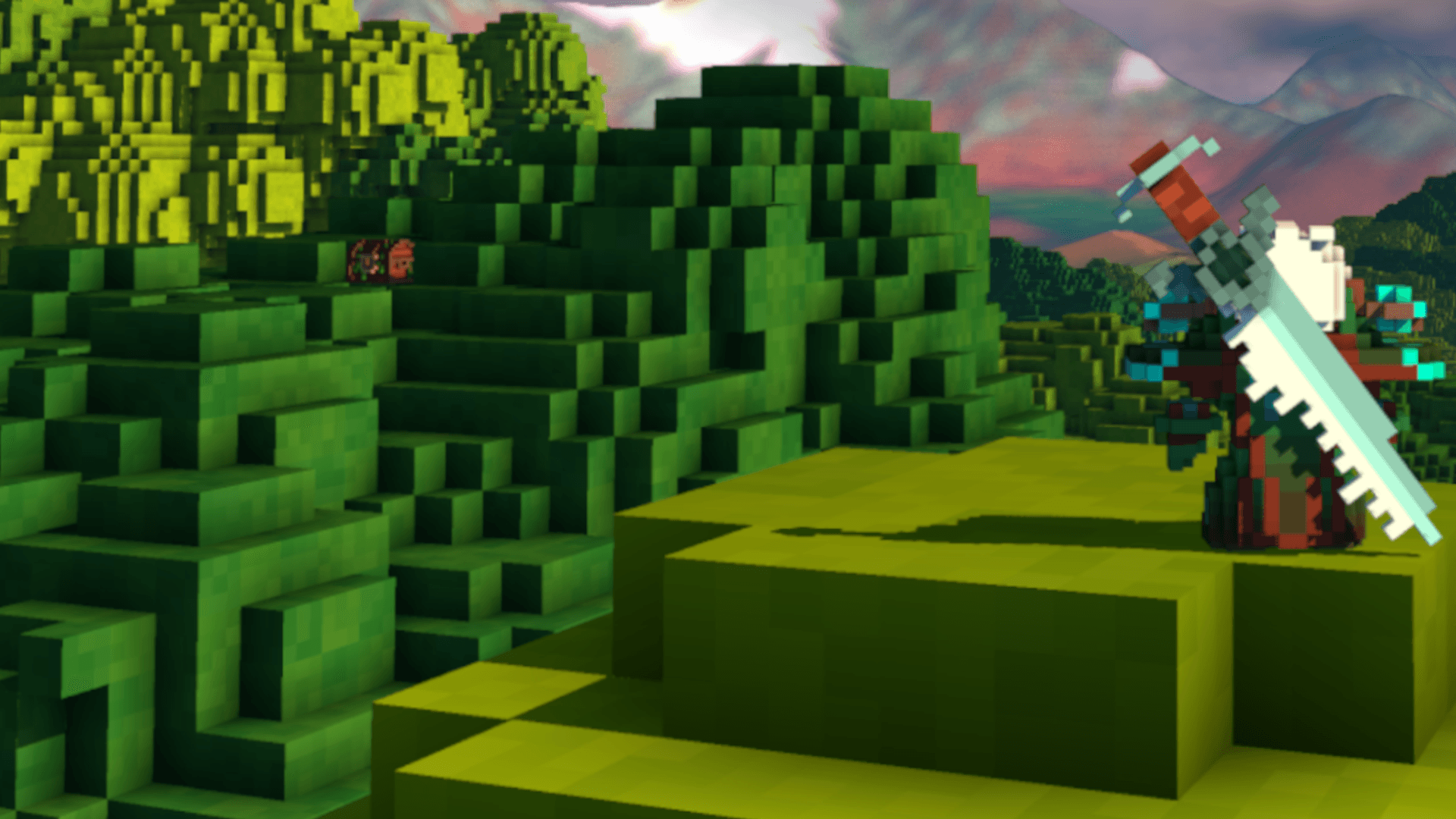
 Self-hosted Veloren server
Veloren VPS hosting.
Your own KVM VPS with root access – Veloren server set up in one click via Gameserver Installer, locations in Europe & America.
Or try 3 days from €1.31Pick the 3-day term at checkout · renews every 3 days · cancel anytime
Packages 1–3 of 9
 Your project. Your setup.
Configure yourself
Your project. Your setup.
No package fits? Choose your CPU, RAM and storage—you only pay for the package you put together.
Powerful CPUs
1 Gbit/s uplink included
up to 5 Gbit/s as an add-on
100 Gbit/s host network
Juniper Firewall
DDoS protection
 Visa
 Mastercard
 American Express
 PayPal
 Google Pay
 Apple Pay
 Klarna
 Amazon Pay
Veloren VPS hosting
What is a Veloren VPS?
Veloren VPS hosting means your voxel world stays online 24/7 on your own virtual server with full root access – the Veloren server is set up with one click via our Gameserver Installer.
Your friends can join any time, even when your own PC is off – no port forwarding and no home network exposed. Because the whole VPS is yours instead of a managed game panel, you decide on builds, server settings, admins and the whitelist, and can run a Discord bot or a website alongside it.

Features
Everything your Veloren server needs on a VPS
Root access, one-click setup and room to grow – the essentials for a self-hosted Veloren dedicated server in one package.
Veloren server set up with one click
Your world is ready fast: the Gameserver Installer sets up the Veloren server on your VPS with one click, no manual install steps.
Full root access and console
You keep full control: use the server console for admin commands, edit every config file and decide when updates land.
Admins, moderators and whitelist
Only the people you invite get in: assign admin roles, keep a whitelist and ban troublemakers from your Veloren world.
Daily system Backup included
Your progress has a safety net: a daily automatic system Backup is included, and own Backups plus restore come with the ZapX Pass.
Locations in Europe and America
Your players get a short route to the world: choose the data center closest to your group when you order the VPS.
Room to grow with your world
When your group grows or the explored map gets bigger, increase RAM and CPU resources.
 Setup
Your Veloren server set up in one click.
With our Game Server Installer, you can set up your Veloren server on your VPS in one click — no commands or manual work. Prefer some help? With ZapX Pass, the ZapX AI Agent helps you in the chat.
Game Server installer
One click
Select Veloren in the installer and click Install — the server will be set up automatically.
Together with the ZapX AI Agent
ZapX PassDescribe your goal in the chat: the ZapX AI Agent supports you step by step with the setup. Available with ZapX Pass.
Prefer to set everything up manually?Guide in the Help Center
Locations in Europe and America
Your VPS. Your location.
4 data centers in Europe and America — choose the location closest to your community.
Europe

America

Reviews
What customers say about ZAP-Hosting
Real feedback on support and setup.
great prices, good specs
the interface was great, migration was flawless and the interface is very user friendly. support team was very helpful aswell

 ZAP-HostingReply
I've been with them for a few years
I've been with them for a few years, and they're one of the best. The lifetime servers have really helped me, and now they've added auto-backup. 10/10!
 ZAP-HostingReply


FAQ
Frequently asked questions about Veloren
Answers to the most important questions before you start.
Why choose a VPS for Veloren?
Pick a VPS if you want the whole machine: root access, your choice of weekly or nightly builds, full file access and room for extra services. A managed game server is built around a fixed panel. This page is about your own Veloren VPS – the Veloren server is set up with one click via the Gameserver Installer, and everything after that is under your control.
- Root access instead of a fixed game panel
- Run a Discord bot or website next to Veloren
- Choose which Veloren build runs and when to update
How do I install the Veloren server on my VPS?
You don't need a manual install: after ordering, the Gameserver Installer sets up the Veloren server on your VPS with one click. Then share your server address with your friends and they join from the multiplayer menu of the Veloren client. If you're an experienced admin, you can also manage server files and configs by hand, since you have root access.
- One-click setup via the Gameserver Installer
- Friends join via your VPS address
- No port forwarding on your home router
How much does a Veloren VPS cost?
The price depends on the VPS package, term and location you choose. Current prices are shown live in the packages section and in the shop. Terms are 3, 30, 90 or 180 days, or one year, and longer terms lower the monthly price.
- Live prices straight from the shop
- Terms: 3, 30, 90, 180 days or one year
- Increase RAM as you grow
Can I buy my Veloren VPS once instead of renting it?
Yes, where it's available for your package: with the Lifetime term you buy your Veloren VPS once instead of renting it. Lifetime requires the ZapX Pass, and the shop shows which VPS packages offer it.
- Buy once with the Lifetime term and an active ZapX Pass
- Requires the ZapX Pass
- Availability per package shown in the shop
How much RAM does a Veloren server need?
It depends on how many players are online, how much of the world has been explored and the view distance you allow. For a small friend group, use the RAM guideline below. If the server gets busier, increase RAM and CPU resources. As a guideline for the game server: at least 4 GB of RAM, plus headroom for the operating system.
- Player count drives RAM and CPU use
- Larger explored worlds need more memory
- Start small and upgrade as you grow
Which server location should I choose for Veloren?
Your VPS is available at locations in Europe and America, including Ashburn, Dallas, Los Angeles and FFM/Eygelshoven. Choose the one closest to most of your players to keep their route to your world short. Many US groups start with Ashburn, Dallas or Los Angeles.
- Pick the location closest to your players
- Ashburn, Dallas, Los Angeles and FFM/Eygelshoven
- Latency depends on a nearby location
Do I get root and SSH access to my Veloren VPS?
Yes. You get full root access, so you can edit every Veloren config file, manage admins and the whitelist, and run additional tools next to the server. You choose the operating system image for the VPS, Windows or Linux, and connect via SSH or RDP to match it. First SSH access in the Help Center
- Full root access to the whole VPS
- Windows or Linux image of your choice
- Connect via SSH or RDP
Are Backups and DDoS protection included for my Veloren VPS?
Yes. Your VPS includes a daily automatic system Backup, and own Backups plus restore are available with the ZapX Pass. DDoS protection is included for your VPS and helps keep attacks away from your Veloren world, so your sessions stay online. How our DDoS protection works
- Daily automatic system Backup included
- Own Backups and restore with the ZapX Pass
- DDoS protection included
Any more questions?
Contact SupportVPS panel
Manage your Veloren VPS in the ZapX panel
Console, Backups, statistics and DDoS manager for your VPS – everything you need to keep your Veloren world running, in one place.
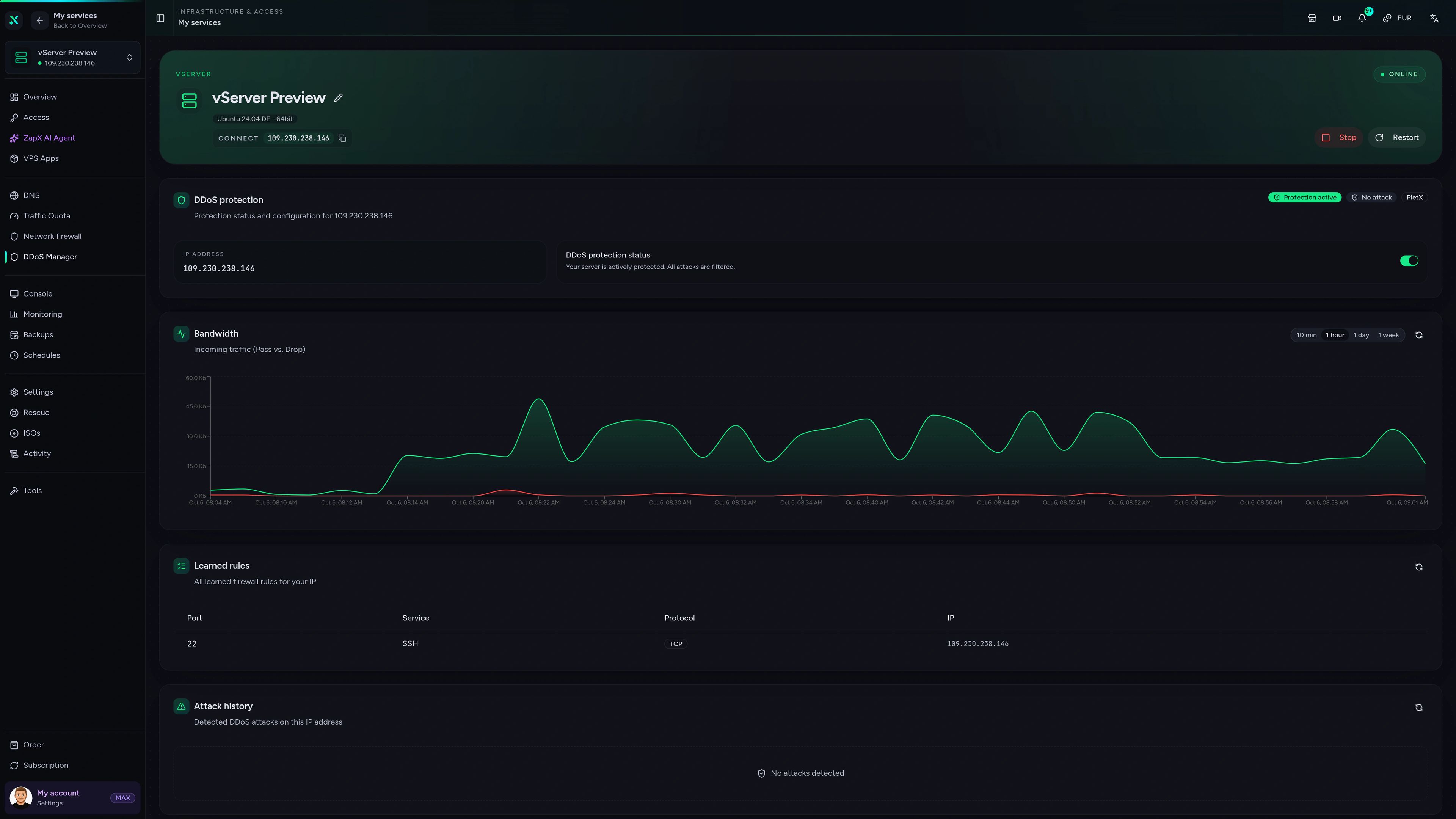
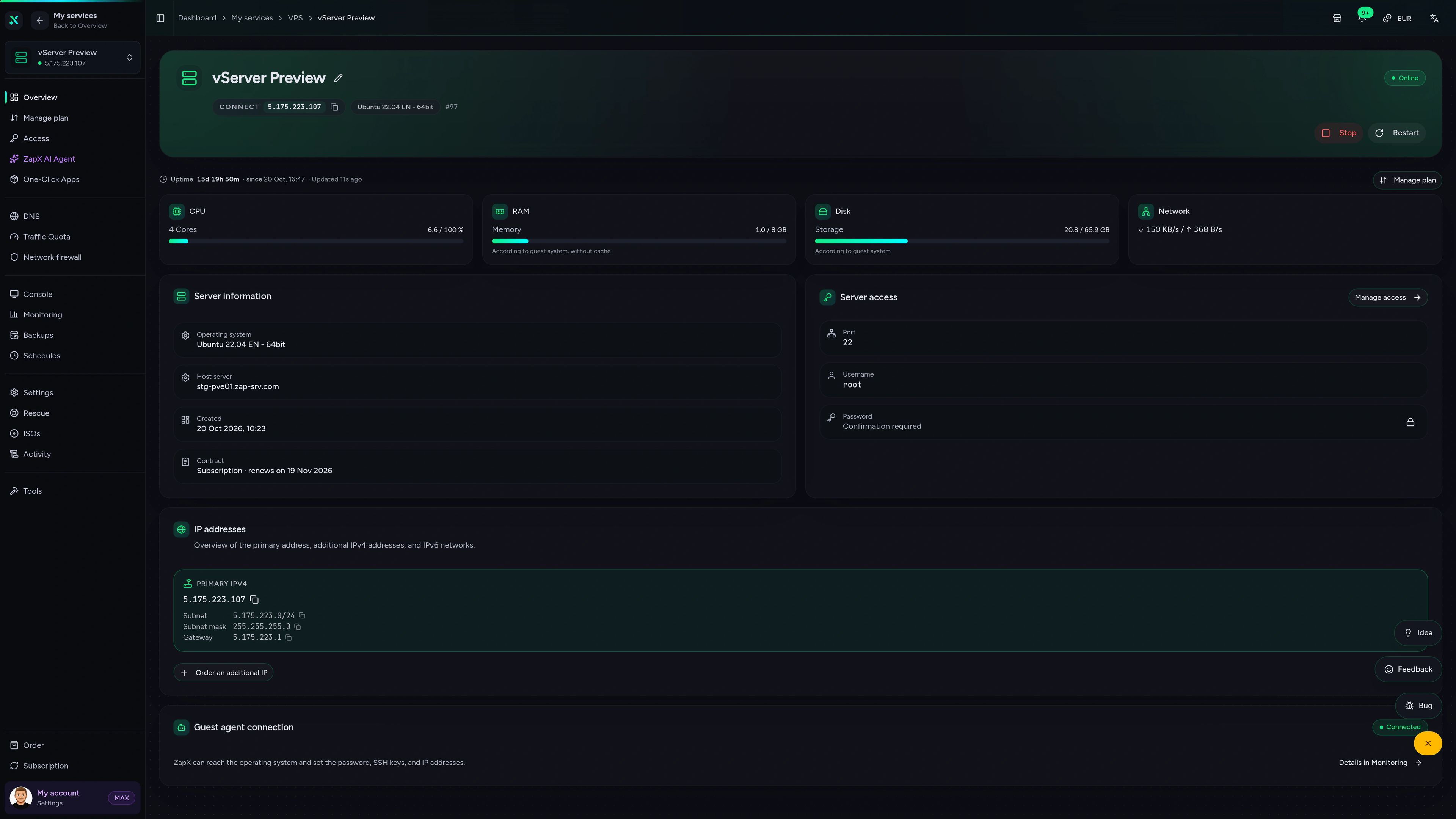
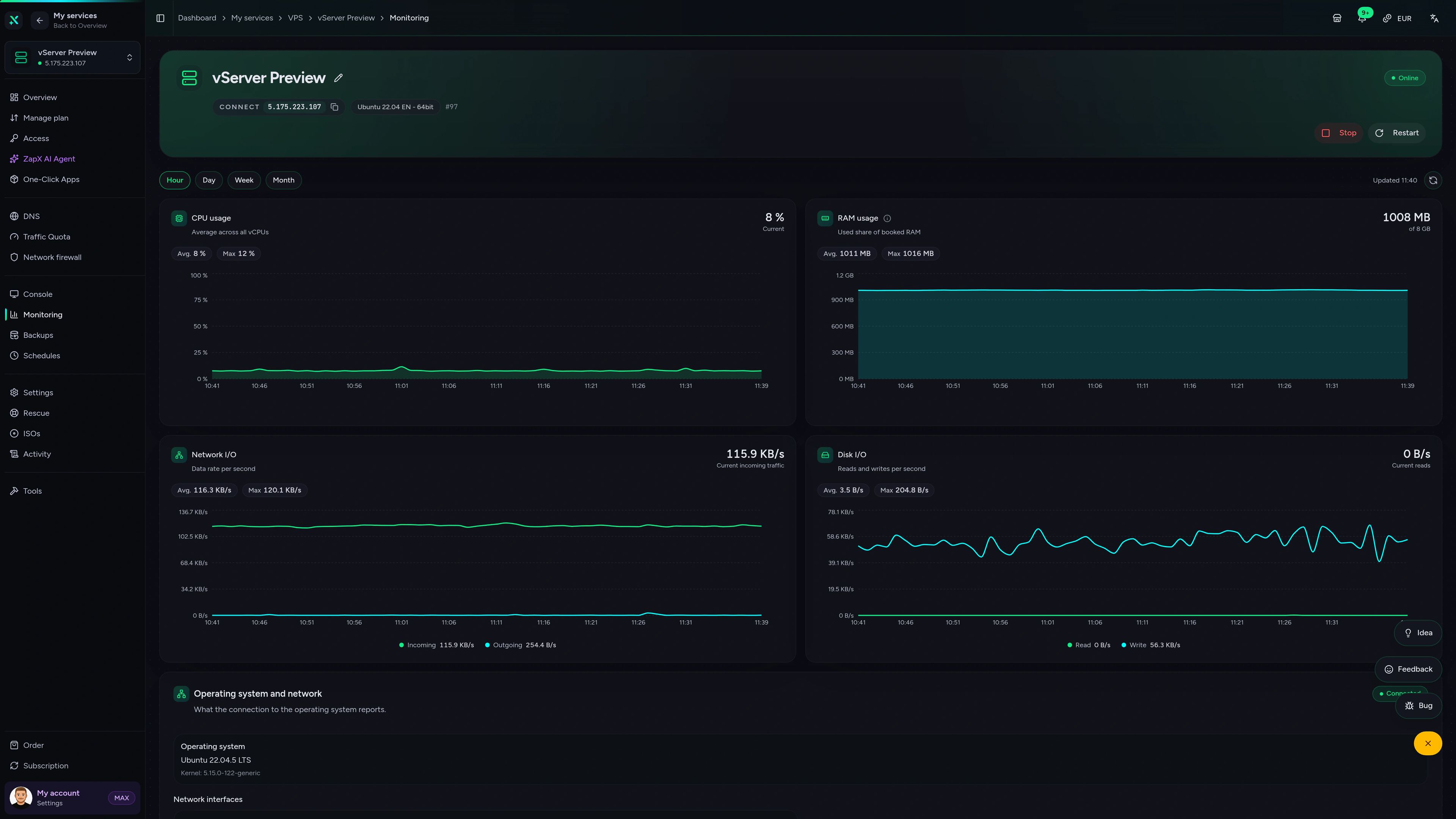
VPS – DDoS Manager
Protection status, incoming traffic (pass vs. drop), learned firewall rules and attack history for your VPS IP in one place.
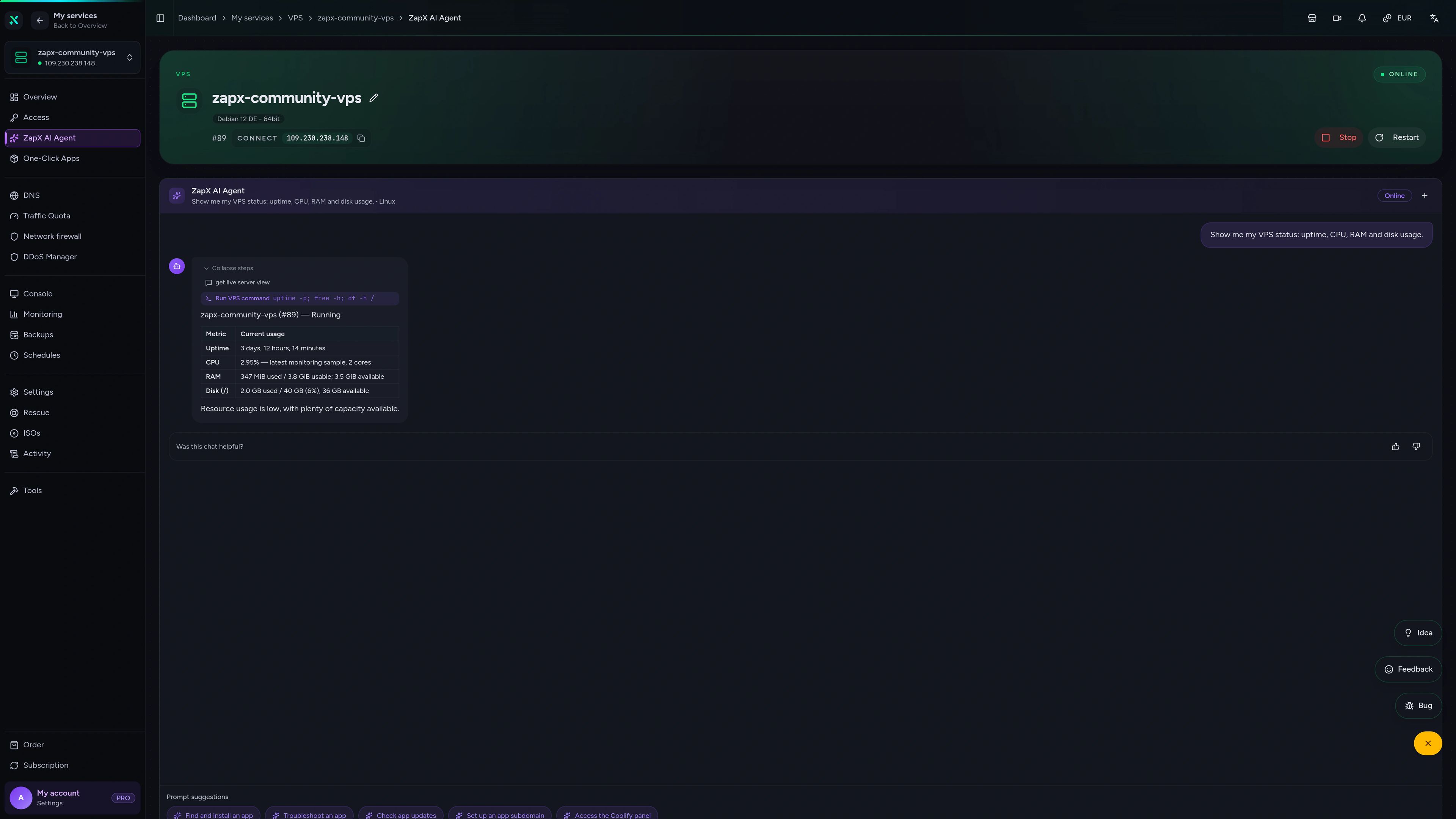
Questions about your Veloren VPS? Ask the ZapX AI Agent
The ZapX AI Agent explains VPS and server topics in plain words and shows you safe next steps for your Veloren world.
The ZapX AI Agent is part of the ZapX Pass and gives advice in the context of your VPS.
Explore ZapX PassZapX AI Agent
panel.zap-hosting.com
Benchmark
Real measurements from our VPS infrastructure compared with typical market values, so you know what your Veloren server runs on.
High-performance VPS, CPU model depends on the location
Typical VPS plans without a published host CPU
confirmed 2026-07-01
Use cases
How groups use their Veloren VPS
From a private co-op world to a community server with events – your own VPS, with the Veloren server set up with one click via the Gameserver Installer.

Ready to play?
Your Veloren world, online around the clock
ZapX appComing soon
Your VPS in your pocket
Keep an eye on your Veloren VPS on the go with the ZapX mobile app – status, resources and quick actions wherever you are.
Impressionen
Veloren Screenshots
A glimpse into the game world—its atmosphere, exploration, and the moments your community will experience on the server.
Start your Veloren VPS today
Rent your own VPS, set up the Veloren server with one click via the Gameserver Installer and invite your friends to a world that stays online 24/7.
Install a Game Server with one click. No risk. Cancel anytime.