
 Sapiens Dedicated Server on your VPS
Sapiens VPS Hosting
Your own VPS with root access, the Sapiens server set up with one click and DDoS protection, at locations in Europe and America.
 Google
Or try 3 days from €1.31Pick the 3-day term at checkout · renews every 3 days · cancel anytime
 Your project. Your setup.
Configure yourself
Your project. Your setup.
No package fits? Choose your CPU, RAM and storage—you only pay for the package you put together.
1 Gbit/s uplink included
up to 5 Gbit/s as an add-on
100 Gbit/s host network
Juniper Firewall
DDoS protection
 Visa
 Mastercard
 American Express
 PayPal
 Google Pay
 Apple Pay
 Klarna
 Amazon Pay


Sapiens VPS explained
What is a Sapiens VPS?
A Sapiens VPS is your own virtual server for the Sapiens Dedicated Server: your tribe's world stays online around the clock, even when the host's PC is switched off. With full root access, the server, its files and its settings belong to you alone.
Getting started is quick: your VPS is online in 60 seconds; then our Game Server Installer sets up the Sapiens server with one click so your group can join the persistent multiplayer world. Experienced admins can still configure everything by hand if they prefer.
Because the VPS is yours, you decide on mods, world settings and update timing, and you can run tools like a Discord bot right next to your Sapiens server.

Features
Run the Sapiens Dedicated Server on your own VPS
Root access, one-click setup and resources that grow with your colony: everything a persistent Sapiens world needs.
Sapiens server with one click
Your tribe can start playing fast: the Game Server Installer sets up the Sapiens server on your Windows VPS with one click.
Online within 60 seconds
Your first evening goes to playing, not waiting: automated provisioning brings your VPS online within 60 seconds of ordering.
Full root access
You decide what runs on the server: full root access via SSH or the browser console puts files, users and updates in your hands.
Daily system Backup
Your world isn't lost after a bad update: a daily system Backup is included, and ZapX Pass adds your own Backups and restore.
Resources for your colony
Your colony gets the RAM and CPU of the tier you choose, with fast NVMe SSD storage for your world saves.
Upgrade as your tribe grows
Choose resources for your friends and add more RAM and CPU when your village or your player group grows.
 Setup
Your Sapiens server set up in one click.
With our Game Server Installer, you can set up your Sapiens server on your VPS in one click — no commands or manual work. Prefer some help? With ZapX Pass, the ZapX AI Agent helps you in the chat.
Game Server installer
One click
Select Sapiens in the installer and click Install — the server will be set up automatically.
Together with the ZapX AI Agent
ZapX PassDescribe your goal in the chat: the ZapX AI Agent supports you step by step with the setup. Available with ZapX Pass.
Prefer to set everything up manually?Guide in the Help Center
Locations in Europe and America
Your VPS. Your location.
4 data centers in Europe and America — choose the location closest to your community.
Europe

America

Reviews
What customers say about ZAP-Hosting
Real feedback on support and setup.
very reliable service, simple to understand, and for a great price. really a no brainer

 ZAP-HostingReply
Zap has been a great experience for myself thus far. Easy interface to learn and it makes sense. Having all the tools I need to run my server with short and informative documentation that helped me tremendously. As a adamant gamer, zap has made having my own server fun, easy, and affordable. Thank you Zap!
 ZAP-HostingReply


I have used ZAP-Hosting for VPS services. The ordering process is straightforward, and the support team responds to customer inquiries. I hope to continue using their services and have a smooth experience in the future.
 ZAP-HostingReply


FAQ
Frequently asked questions about Sapiens
Answers to the most important questions before you start.
What is the difference between a Sapiens VPS and a managed game server?
With a Sapiens VPS you rent your own virtual server with full root access instead of a managed game server. You decide which software runs on it, how the Sapiens server is configured and when it updates. Our Game Server Installer sets up the Sapiens server with one click, and you can connect via SSH or the browser console at any time. How to connect via SSH
- Full root access via SSH or browser console
- Sapiens server set up via the Game Server Installer
- Room for extra tools like a Discord bot
Can I run the Sapiens Dedicated Server on a ZAP-Hosting VPS?
Yes. Once your VPS is ready, our Game Server Installer sets up the Sapiens Dedicated Server with one click, so you don't need to install anything by hand. Thanks to automated provisioning, the VPS is online within 60 seconds of ordering, and your group can join the multiplayer world right after setup.
- Automated provisioning, online within 60 seconds
- One-click setup via the Game Server Installer
- One multiplayer world for your whole tribe
How much does a Sapiens VPS cost per month?
It depends on the package tier you choose: each tier comes with more RAM, CPU and storage, and the pricing section above shows live monthly prices from the shop. You can choose terms of 3, 30, 90 or 180 days or 1 year, with discounts for longer terms, or Lifetime where available. Prices at US locations include a regional adjustment.
- Live prices per package tier
- Discounts for 90, 180 and 365 days
- Lifetime option with ZapX Pass
Which VPS package do I need for my Sapiens server?
That depends on how many people play together, how large your world grows and whether you use mods. A small friend group needs less RAM. If the CPU and RAM graphs show that your colony is reaching the limits, add more resources.
- Small group: less RAM needed
- Large world or mods: plan for more RAM
- Upgrade when your tribe grows
Will my Sapiens world stay online when I log off?
Yes. The Sapiens server runs on your VPS, not on your PC, so the world stays reachable around the clock. Friends can join without waiting for the host, and you don't need to keep your own computer running or open ports on your home router.
- Independent of the host's PC
- Friends can join any time
- No port forwarding at home
Which locations can I choose for my Sapiens VPS?
You can choose from our locations in Europe and America. Pick the one closest to most of your players for the best latency. Many North American groups start with Ashburn, Dallas or Los Angeles. If your tribe is spread out, choose the location that most of your players are closest to.
- Locations in Europe and America
- Choose the one closest to your players
Are Backups included with my Sapiens VPS?
Yes, every VPS includes a daily automatic system Backup. With ZapX Pass you can also create your own Backups, for example before a Sapiens update or a new mod, and restore them when needed. Learn more about Backups
- Daily system Backup included
- Own Backups and restore with ZapX Pass
Is my Sapiens VPS protected against DDoS attacks?
Yes, DDoS protection is included with your VPS. At every location, game traffic is filtered by our PletX protection. This helps keep your Sapiens world reachable even when someone targets it. How our DDoS protection works
- DDoS protection included
- PletX filtering at every location
Still have questions?
Contact SupportZapX Panel
The VPS panel behind your Sapiens server
Console, Backups and live statistics for your VPS in one place, available in any browser.
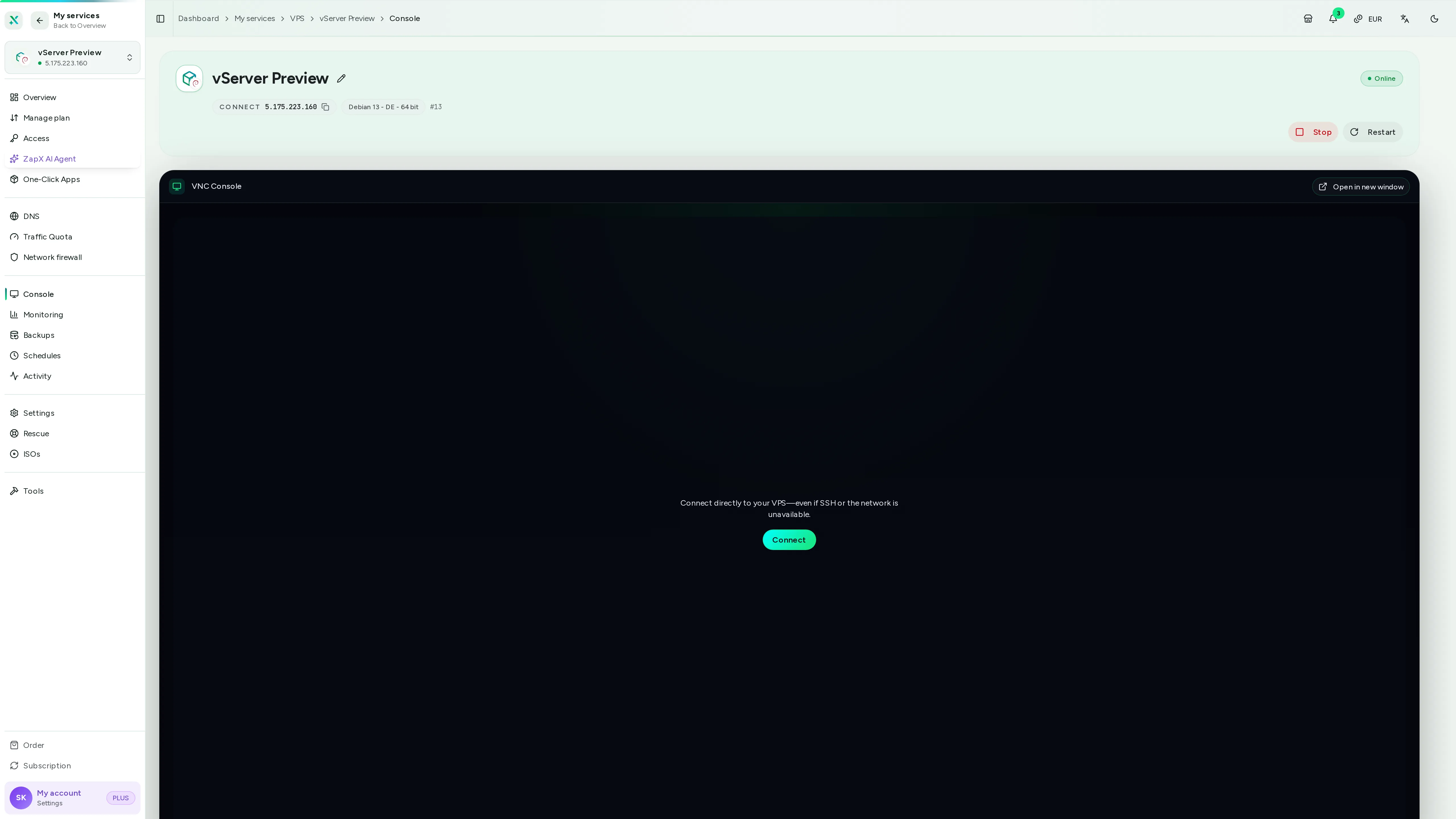
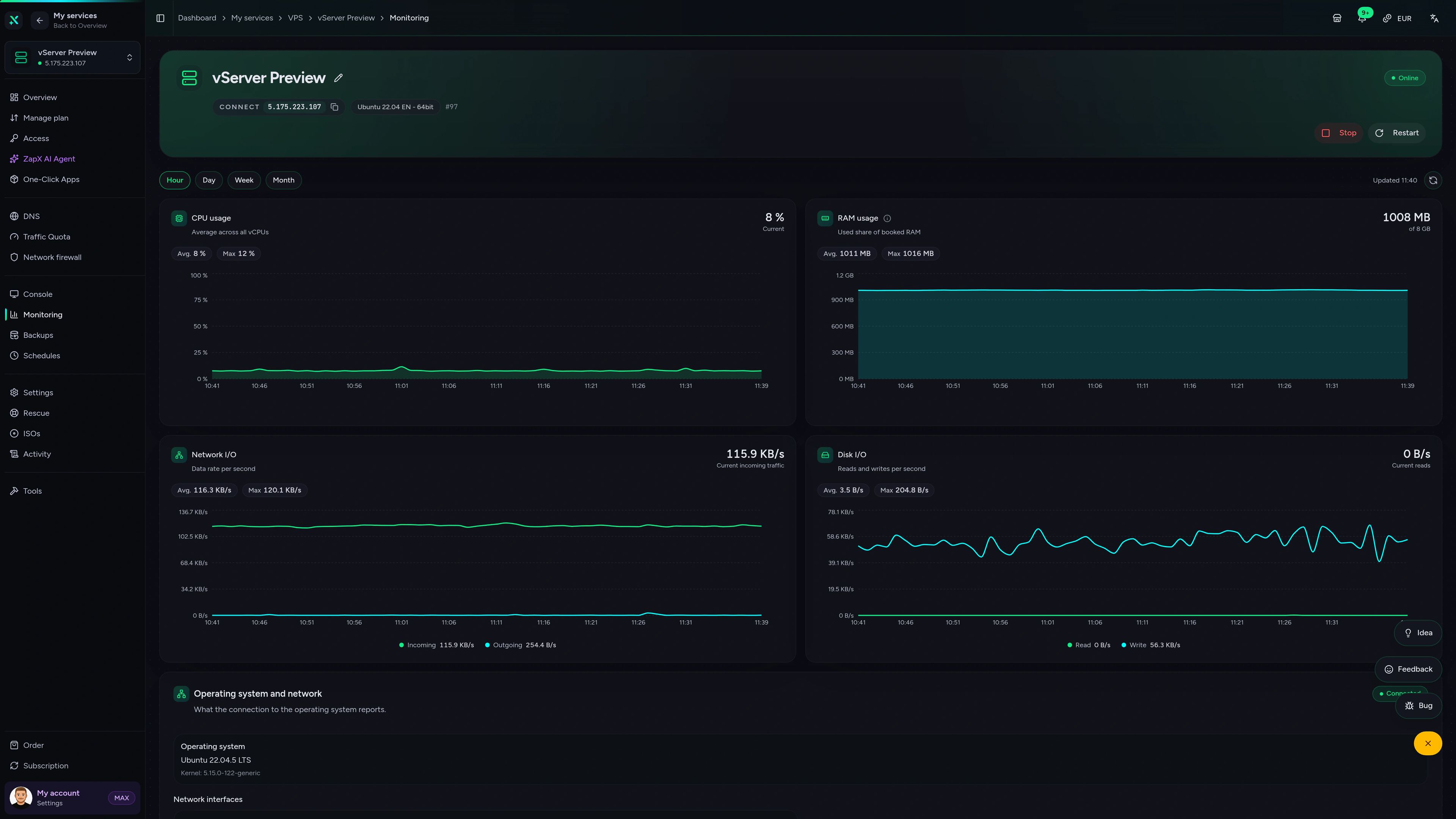
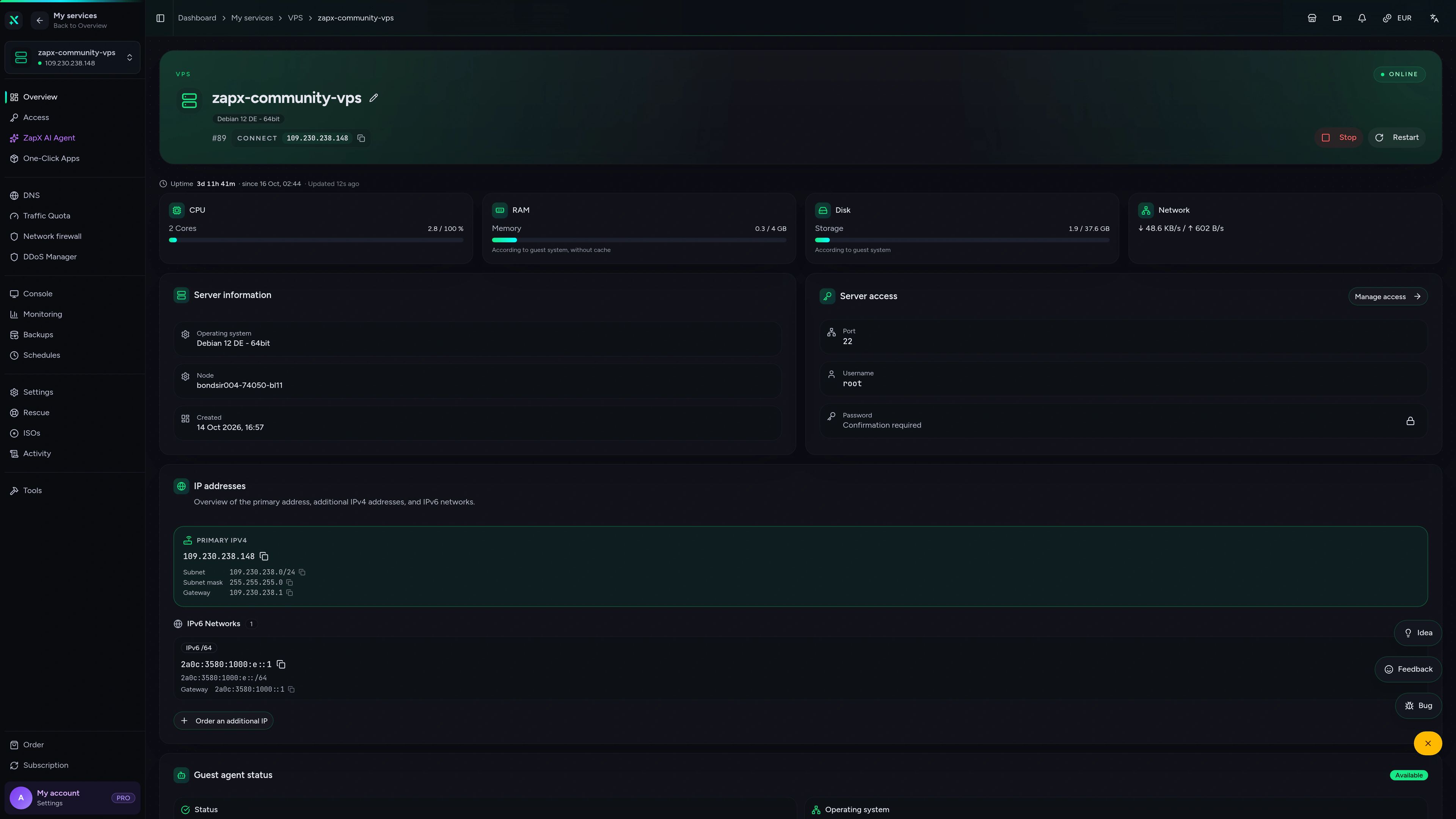
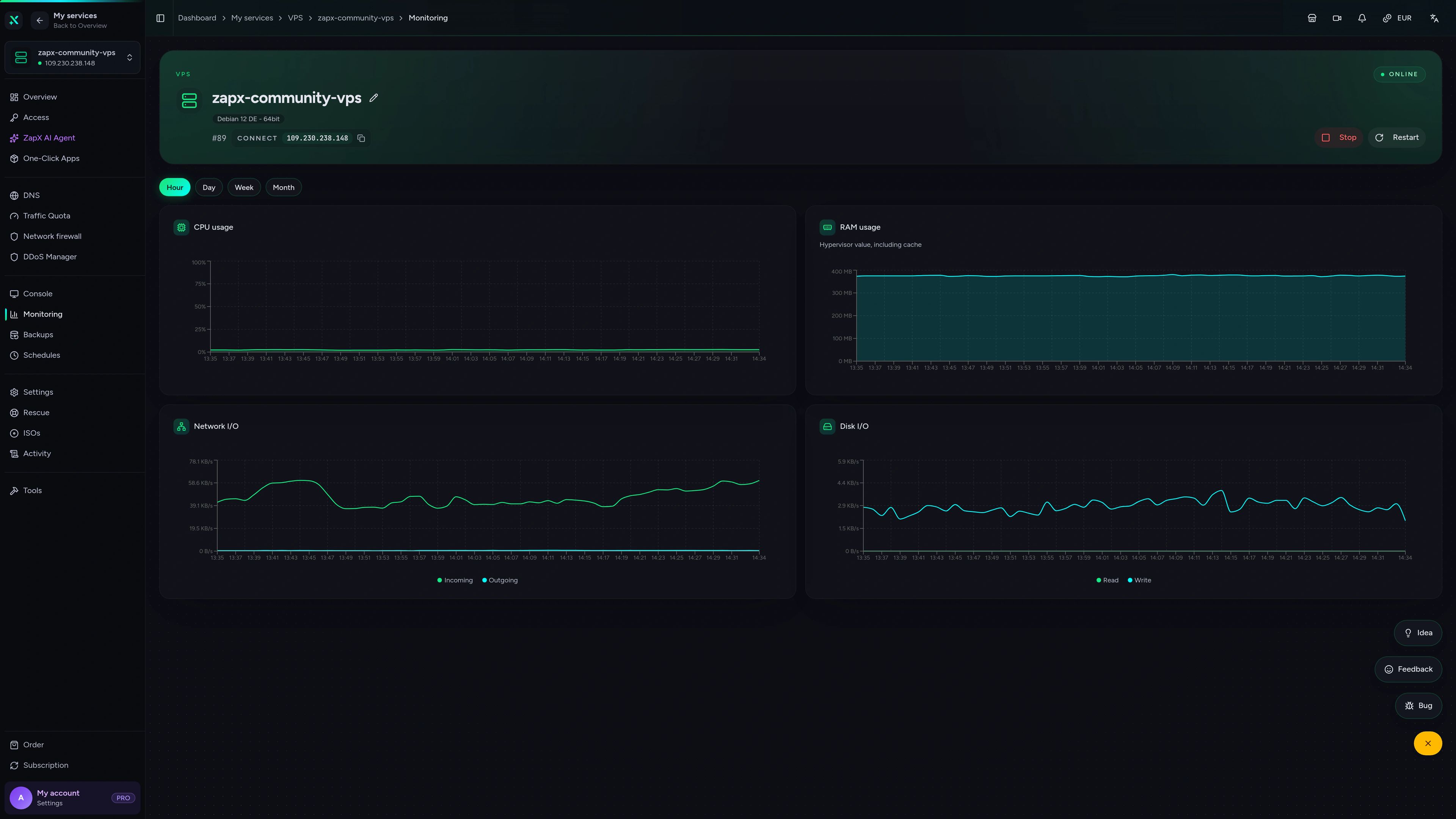
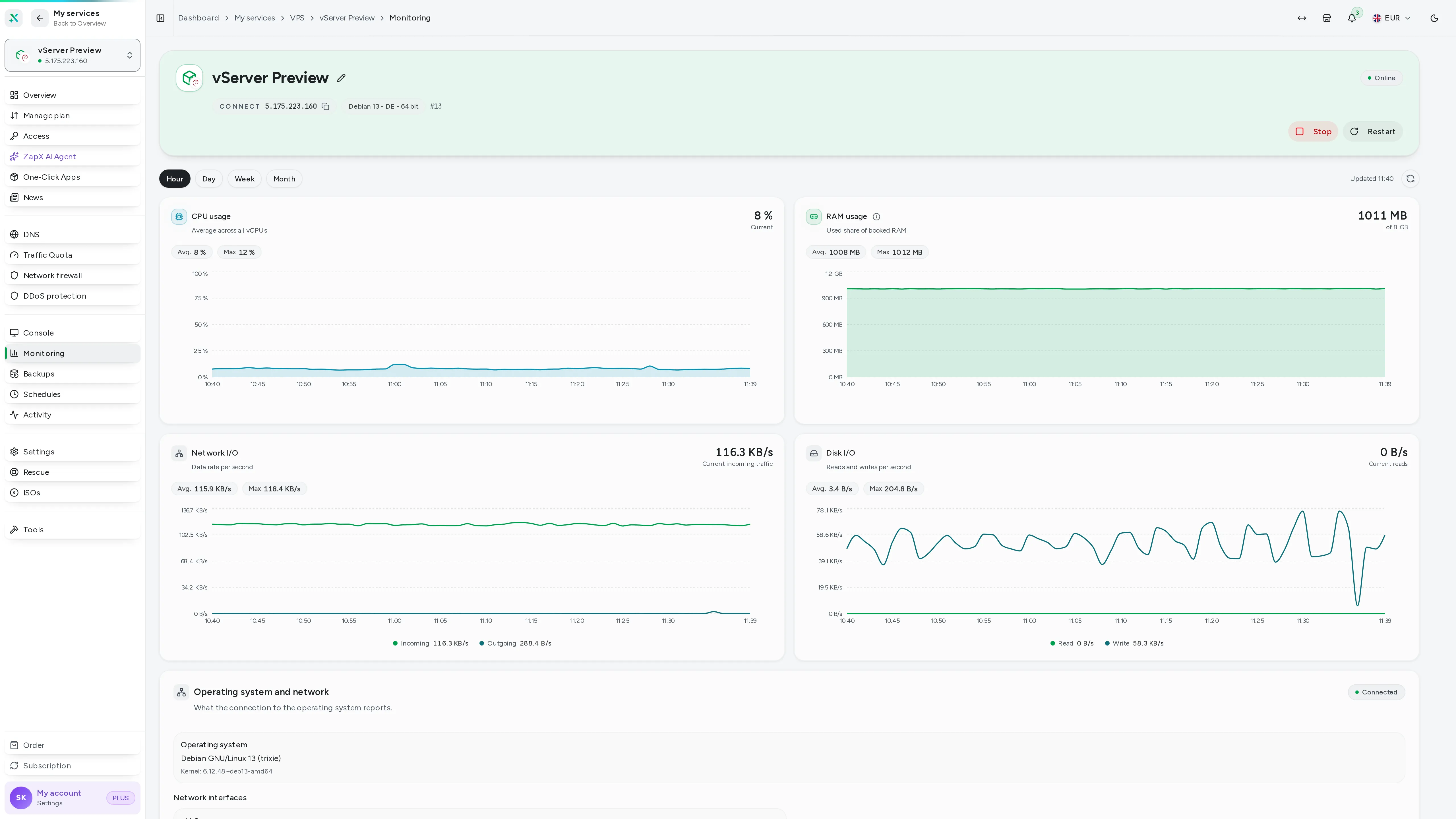
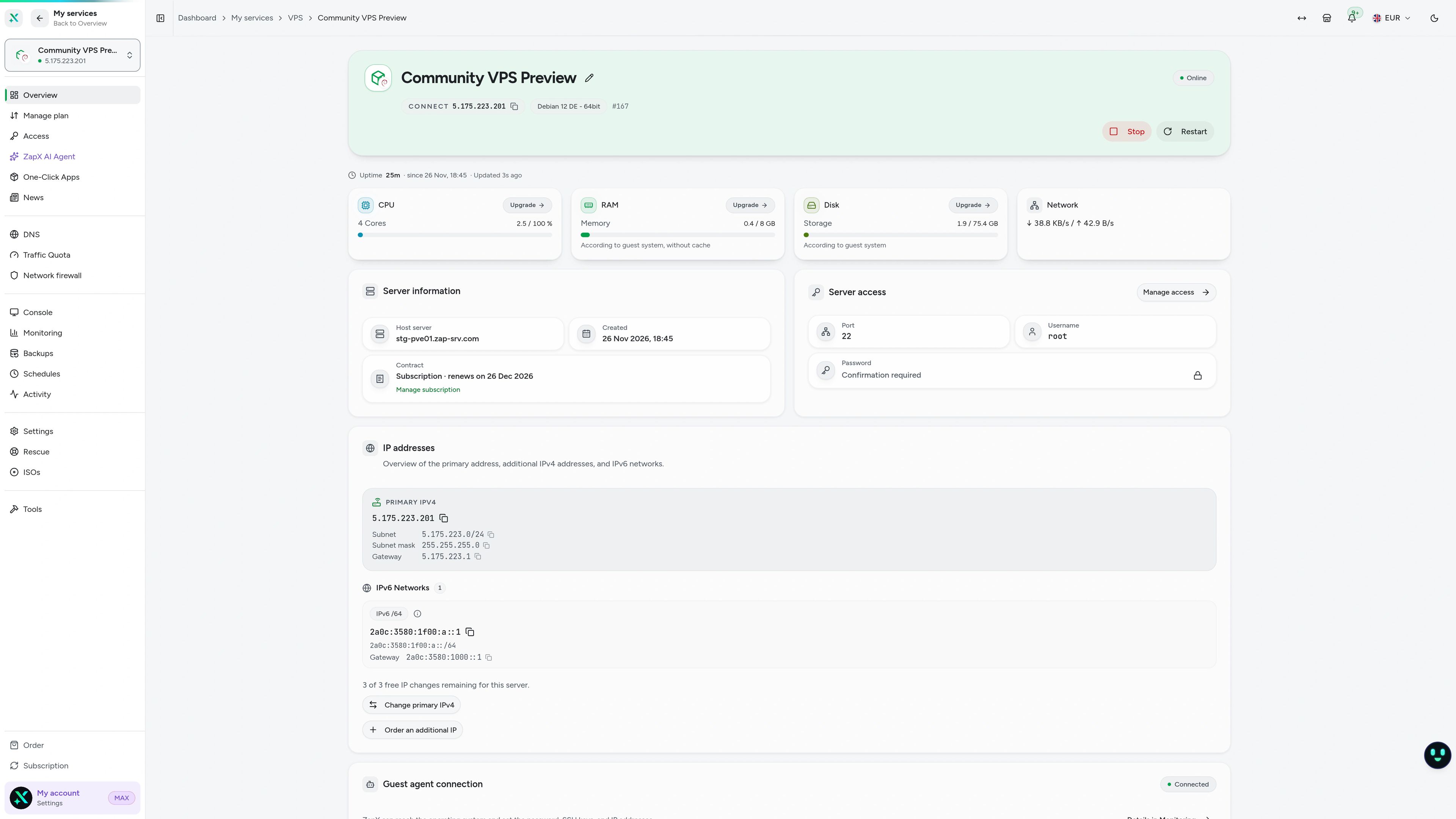
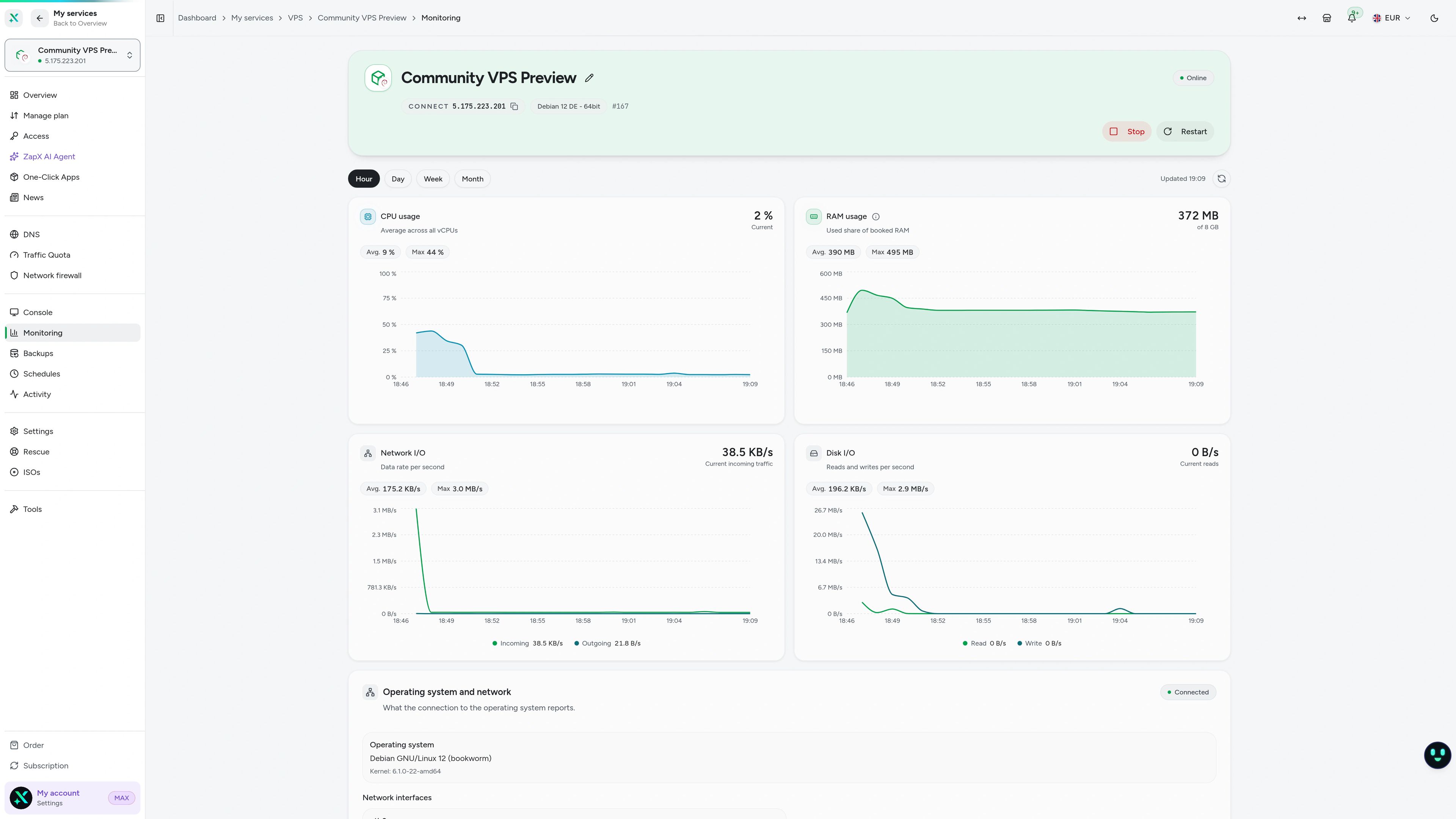
VPS – Console
Open the graphical VNC console of your VPS in the browser, even when SSH or the network is unavailable.
Get help managing your Sapiens VPS Your VPS, clearly explained
The ZapX AI Agent answers questions about your VPS: it explains settings, points out what to check and suggests safe next steps. You stay in control of every change.
The ZapX AI Agent is part of ZapX Pass. It advises and explains, but it never changes your server on its own.
Explore ZapX PassZapX AI Agent
panel.zap-hosting.com
Performance
Real benchmark data from our VPS infrastructure next to typical market values, so you can see what your colony runs on.
High-performance VPS, CPU model depends on the location
Typical VPS plans without a published host CPU
confirmed 2026-07-01
Use cases
How tribes play Sapiens on their own VPS
From a small friend group to a modded world: the Game Server Installer sets up the Sapiens server with one click, and you shape the rest.

Ready for your tribe?
Start your Sapiens world on your own VPS
ZapX appComing soon
Your Sapiens VPS in your pocket
Check on your VPS from your phone with the ZapX app, whether you're on the couch or away from your PC.
Impressionen
Sapiens Screenshots
A glimpse into the game world—its atmosphere, exploration, and the moments your community will experience on the server.
Give your tribe a permanent home
Rent your Sapiens VPS, let the Game Server Installer set up the server with one click and invite your group to a world that stays online.
Install a Game Server with one click. No risk. Cancel anytime.