VPS plan
ZAP Spark
€7.29/ 30 days
- 4 GB RAM
- 2 CPU
- 60 GB NVMe
- 1 Gbit/s Uplink
You decide which services we may enable for analytics, personalization, and external content.
We use cookies and similar technologies on our website to personalize content, embed external media, and better understand how individual areas are used.
Necessary cookies
These entries support essential functions such as security, stability, and form processing.
Optional sections
Your data may be processed with your consent or on the basis of legitimate interests. In the cookie settings, you can reject or explicitly allow each optional category.
Some services process personal data in third countries. By consenting, you also agree to this transfer. You can find more information in our Privacy Policy.
You can reopen and change your selection at any time. · 1.0.2
 Your own server for Beacon co-op
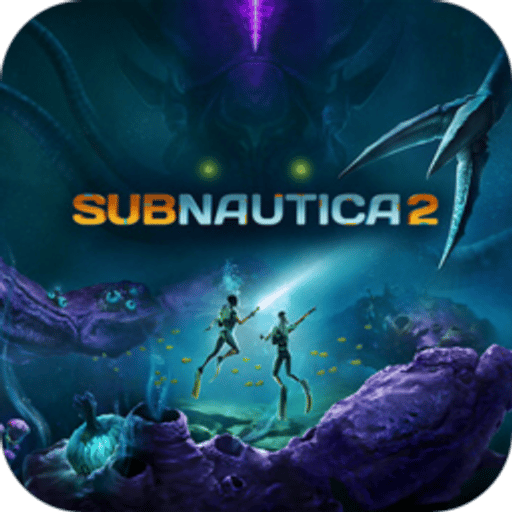
Your Subnautica 2 server set up by you on your own VPS, with full admin access and DDoS protection.
Packages 1–3 of 9
 Your project. Your setup.
Configure yourself
No package fits? Choose your CPU, RAM and storage—you only pay for what your project actually needs.
Powerful CPUs
100 Gbit/s host network
Juniper Firewall
DDoS protection
 Visa
 Mastercard
 American Express
 PayPal
 Google Pay
 Apple Pay
 Klarna
 Amazon Pay
Subnautica 2 Beacon VPS
A Subnautica 2 Beacon VPS from ZAP-Hosting is a KVM virtual server with full administrator access on which you run the community Beacon framework to keep your Subnautica 2 world online 24/7, since the game ships without an official dedicated server.
Your crew no longer depends on one player hosting the session: your Subnautica 2 VPS keeps the world running while you're offline. You set up the Subnautica 2 server yourself on your own VPS, and full administrator access via Remote Desktop (RDP) or the browser console stays yours for configs, mods and Beacon updates.
Beacon is a community project, not an official tool from the developers. Friends join your server via IP and port, and you decide when Beacon and your world get updated.
Features
Admin access, server setup in your hands and resources that grow with your crew.
Set up the Subnautica 2 server yourself on your own VPS with full administrator access and help from a guide in the Help Center.
Bases, vehicles and the whole crew exploring at once stay smooth, because your VPS runs on powerful server CPUs with KVM virtualization.
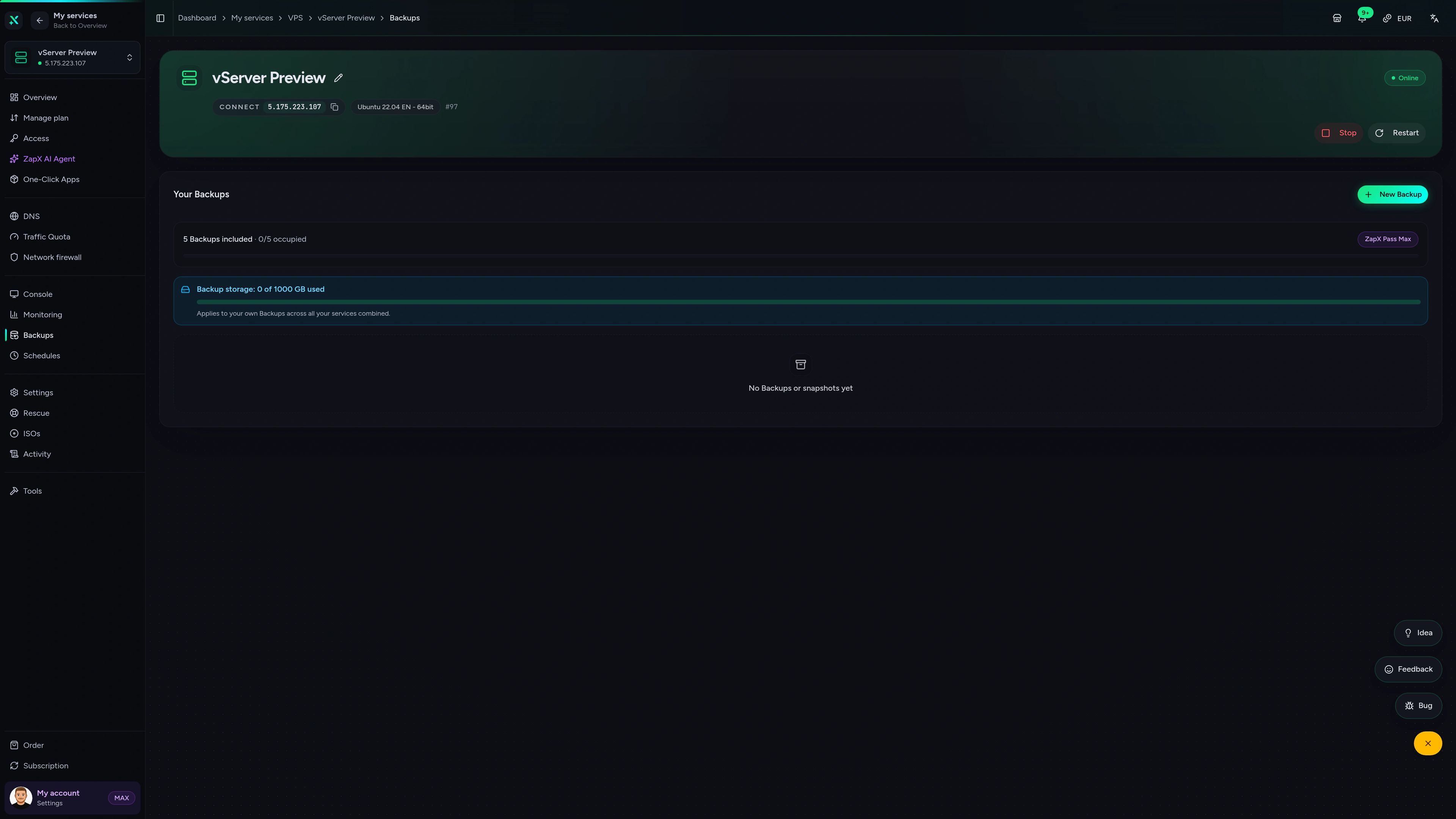
A bad update won't wipe your progress: a daily automatic system Backup is included, own Backups and restores come with ZapX Pass.
Want to continue your co-op run? Upload existing save files via Remote Desktop (RDP), check the Beacon docs for compatibility and back up first.
New friends joining or mods added? Increase CPU and RAM as needed and keep your Subnautica 2 world.
Low ping for everyone when you pick the location closest to your crew: FFM/Eygelshoven, Ashburn, Dallas or Los Angeles.
 Setup
Set up your Subnautica 2 - Beacon server yourself on your own VPS with full administrator access. The Help Center guide shows you how. Prefer some help? With ZapX Pass, the ZapX AI Agent helps you set it up.
You install the Subnautica 2 - Beacon server yourself and keep full control over files, mods and settings.
Describe your goal in the chat: the ZapX AI Agent supports you step by step with the setup. Available with ZapX Pass.
Locations in Europe and America
4 data centers in Europe and America — choose the location closest to your community.

Reviews
Real feedback on support and setup.
FAQ
Answers to the most important questions before you start.
Prices depend on the VPS package, term and location, not player slots. The current prices of all VPS packages are shown live in the package section on this page and come straight from our shop. Choose 3, 30, 90 or 180 days or a year; you can cancel anytime, effective at term end, and where a Lifetime option is shown, you can buy the server once with an active ZapX Pass.
That depends on your group size, how much of the world you've explored and whether you run mods. Small co-op crews should allow resource headroom and keep an eye on CPU and RAM in the panel. If the world starts to feel sluggish, increase resources without rebuilding your server.
Choose the VPS if you want full administrator access, your own Windows Server and control over when Beacon gets updated. Your VPS keeps your world online while you're offline.
You set up the Subnautica 2 server yourself on your own VPS, with a guide in the Help Center to help. You keep full administrator access via Remote Desktop (RDP) or the browser console for configs, mods and updates. To run the community server Beacon, you need your own copy of Subnautica 2. Learn about Remote Desktop (RDP) access in the Help Center
Your VPS comes with Windows Server, with access via Remote Desktop (RDP) or the browser console. Before you order, check the current Beacon documentation for its platform notes. You then set up the Subnautica 2 server yourself with full administrator access.
Yes. Every VPS is covered by ZAP-Hosting's DDoS protection, so attacks on your IP don't knock your crew offline. A daily automatic system Backup is included; creating your own Backups and restoring them is available with ZapX Pass. More about DDoS protection
No. Subnautica 2 ships with host-based co-op multiplayer, but without official dedicated server files. Beacon is a community framework that makes a dedicated Subnautica 2 server possible, and friends join it via IP and port. Because Beacon is not an official tool, a game update can require a Beacon update before everyone can connect again.
Pick the location closest to most of your players: the VPS is available at locations in Europe and America, including FFM/Eygelshoven, Ashburn, Dallas and Los Angeles. Many crews in North America start with Ashburn, Dallas or Los Angeles. If your group is spread out, choose the location in the middle of your players.
Any more questions?
Contact SupportZapX VPS panel
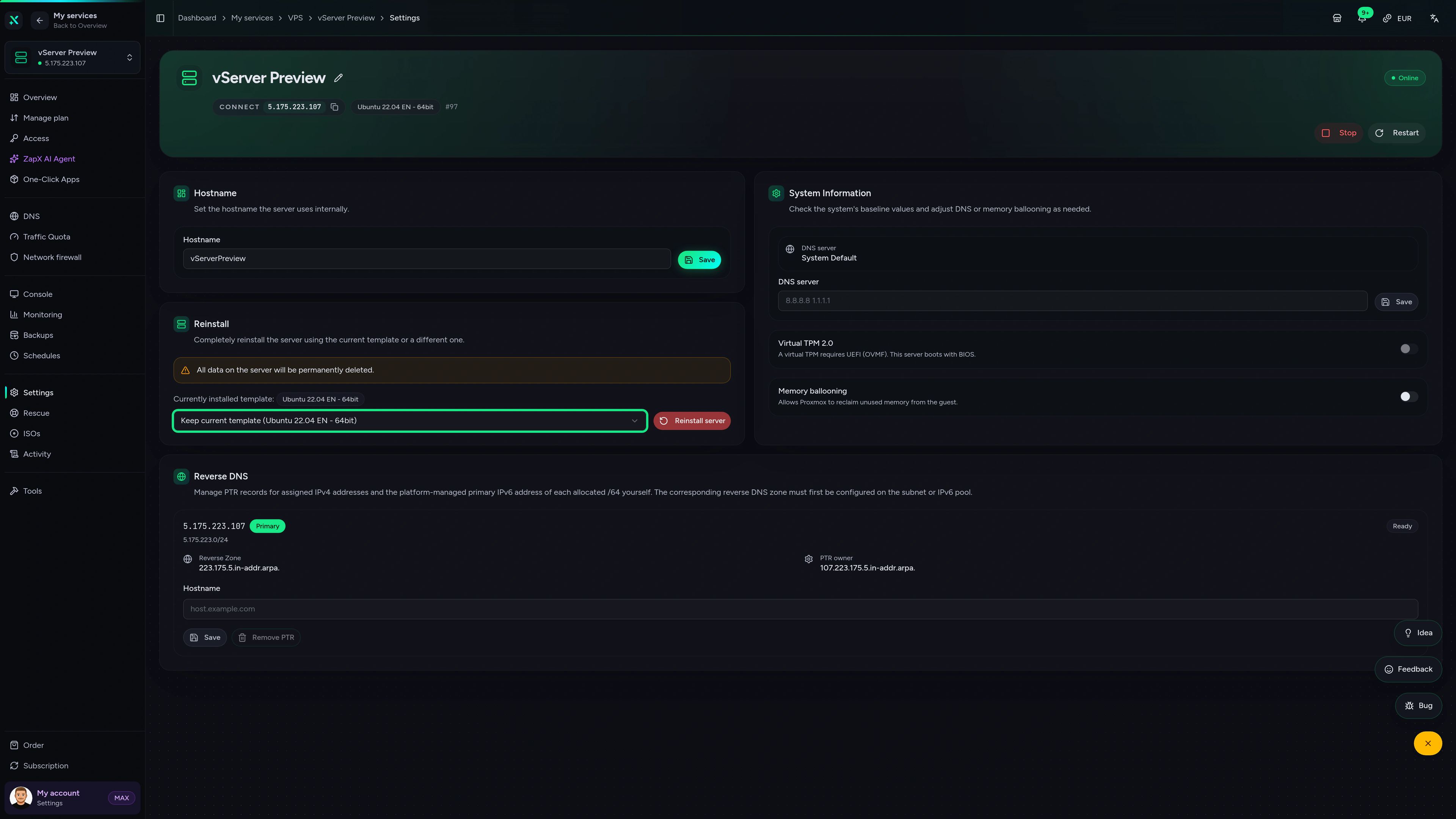
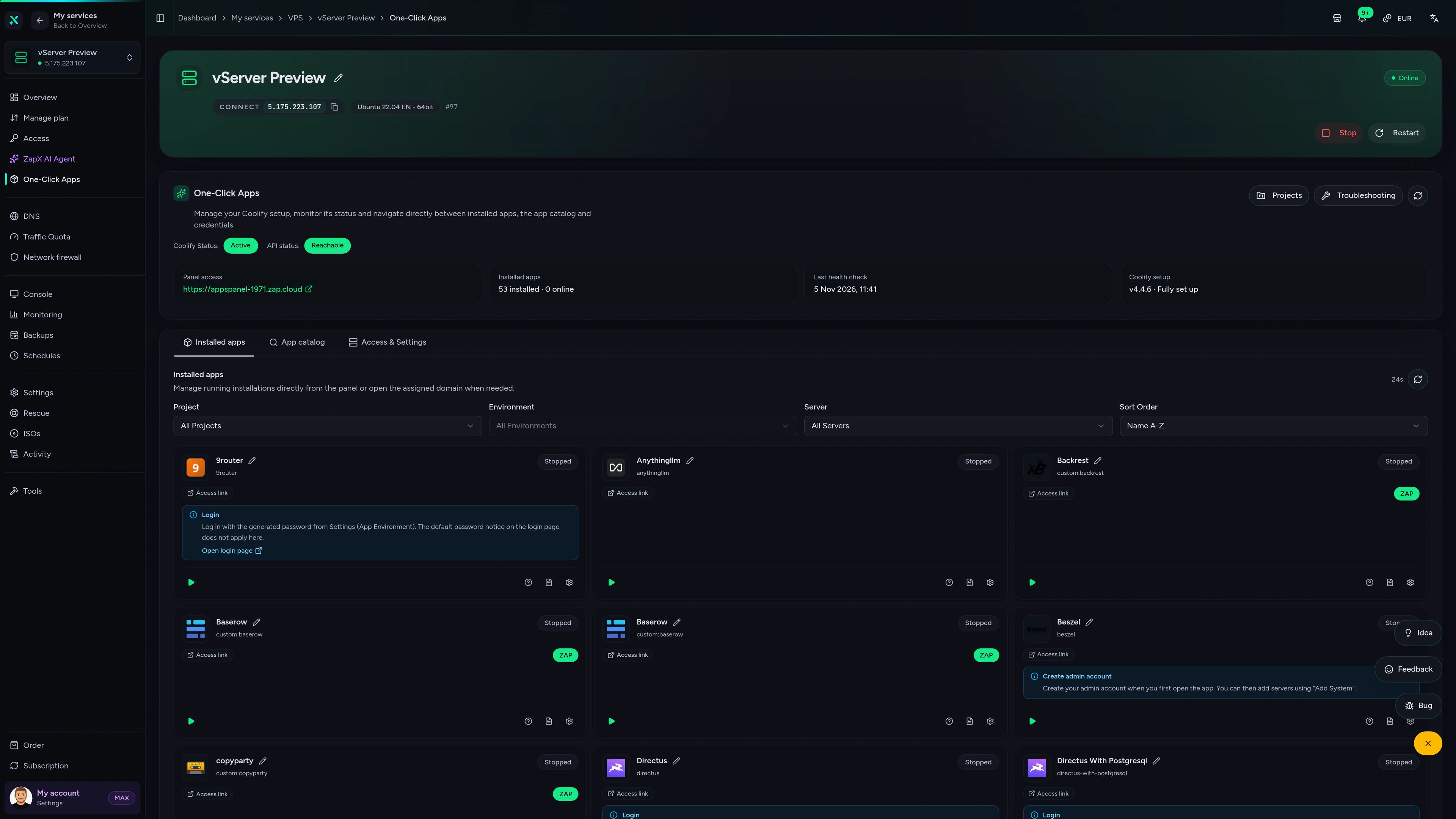
Manage your Subnautica 2 VPS in the ZapX panel: console access, Backups, statistics and DDoS management in one place.
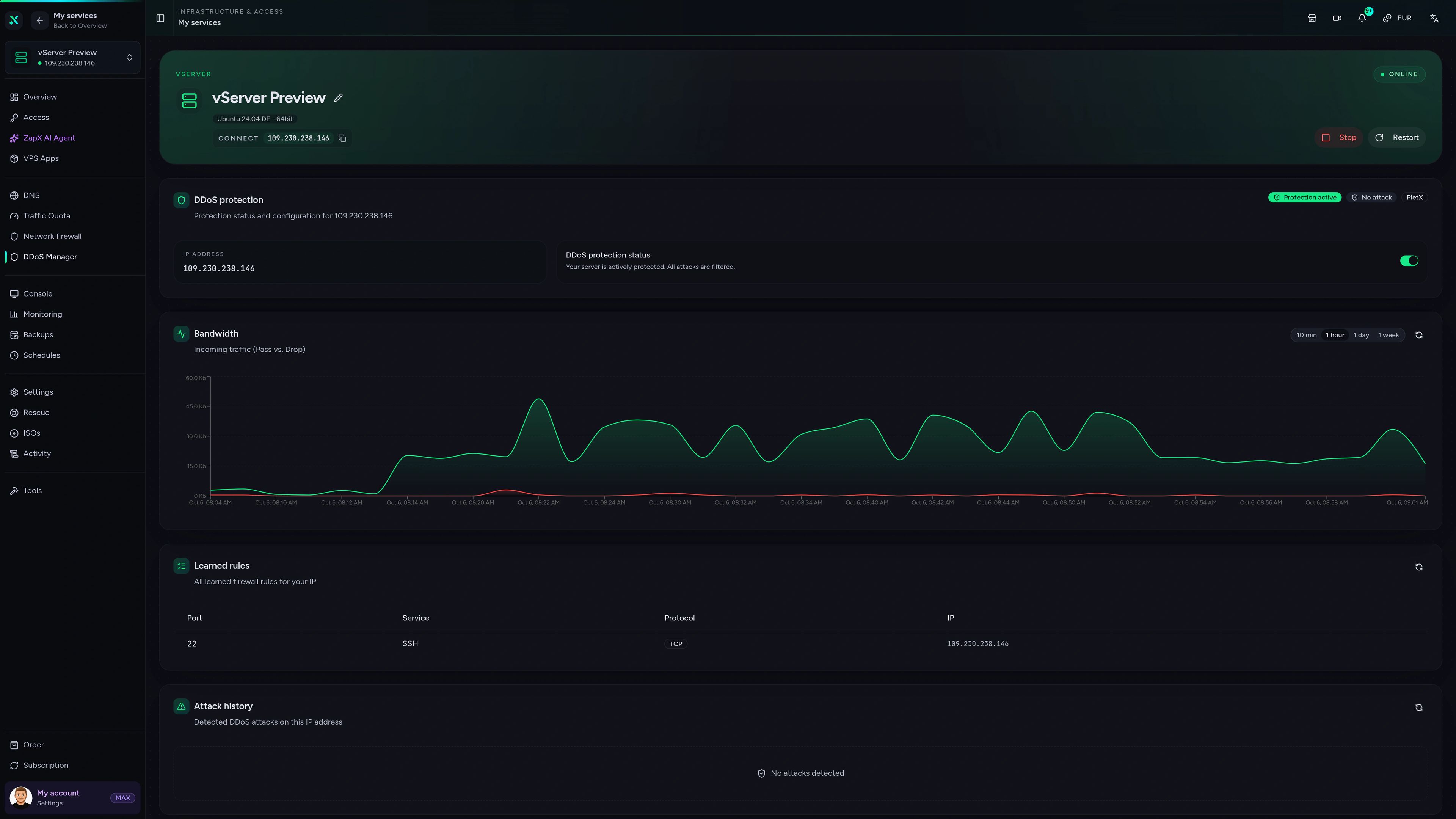
VPS Server – DDoS Manager
DDoS Manager of the VPS server in the ZapX customer panel.
Get clear explanations and safe next steps for administrator access, resources, Backups and Beacon updates on your VPS.
The ZapX AI Agent is part of ZapX Pass. It explains and suggests next steps; every change on your VPS stays in your hands.
Discover ZapX PassZapX AI Agent
panel.zap-hosting.com
Benchmark
Real measurements from our VPS hosts compared with typical market values, so you know what your Subnautica 2 world runs on.
High-performance VPS, CPU model depends on the location
Typical VPS plans without a published host CPU
confirmed 2026-07-01
Use cases
Run the Subnautica 2 server on your own VPS, set it up yourself with full administrator access, and shape it around how your crew plays.
Ready to dive in?
Keep your Subnautica 2 world online 24/7
ZapX appComing soon
Keep an eye on your Subnautica 2 VPS wherever you are, even when you're not at your PC.
Impressionen
A glimpse into the game world—its atmosphere, exploration, and the moments your community will experience on the server.
Full administrator access, DDoS protection and your Subnautica 2 server set up by you on your own VPS.
Full administrator access. No risk. Cancel anytime.
© 2026 ZAP-Hosting GmbH
 Preferred source on Google