
Gameserver plan
ZAP Scout
€10.99/ 30 days
- 4 GB RAM
- 2 CPU
- 30 GB NVMe
- Unlimited Slots
You decide which services we may enable for analytics, personalization, and external content.
We use cookies and similar technologies on our website to personalize content, embed external media, and better understand how individual areas are used.
Necessary cookies
These entries support essential functions such as security, stability, and form processing.
Optional sections
Your data may be processed with your consent or on the basis of legitimate interests. In the cookie settings, you can reject or explicitly allow each optional category.
Some services process personal data in third countries. By consenting, you also agree to this transfer. You can find more information in our Privacy Policy.
You can reopen and change your selection at any time. · 1.0.2
 7D2D server hosting
Dedicated 7D2D server hosting with DDoS protection, no player-slot limit and worldwide locations, online in 60 seconds.
Packages 1–3 of 8
 7-days-to-die
Configure yourself
No package fits? Choose your RAM, CPU and storage—you only pay for the performance your community actually needs.
Powerful CPUs
100 Gbit/s host network
DDoS protection
FTP access
24/7 support
 Visa
 Mastercard
 American Express
 PayPal
 Google Pay
 Apple Pay
 Klarna
 Amazon Pay
About the game
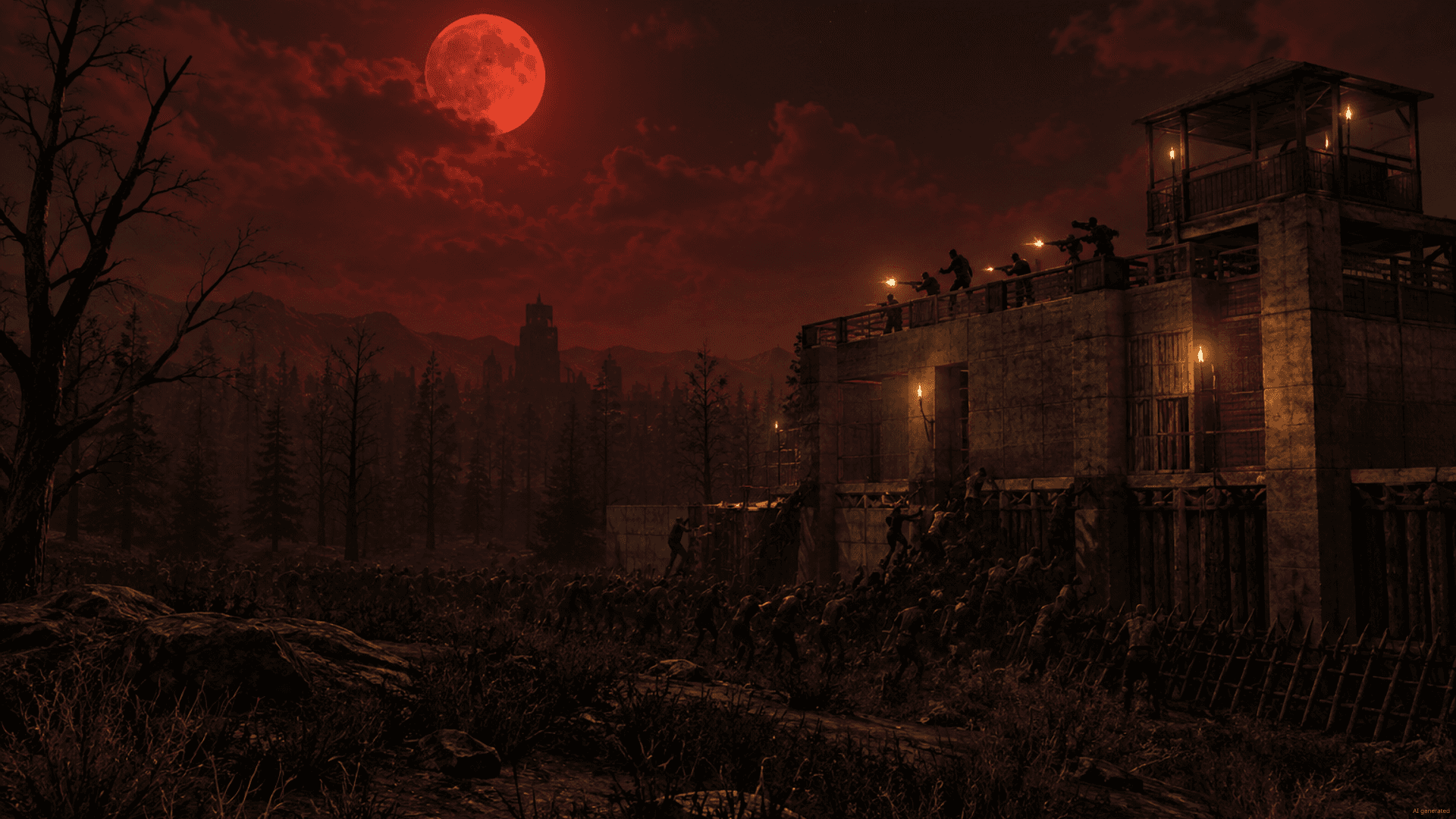
7 Days to Die is an open-world survival game that mixes zombie horror, crafting, mining and base building. By day you scavenge towns, loot POIs and level your skills, and every seventh night a blood moon horde storms your base. A 7 Days to Die server keeps that world running 24/7, so your group can build, raid and survive the horde together, even when the original host is offline.
With your own 7D2D server you set the rules: difficulty, day length, loot respawn and blood moon frequency. You can upload an existing world, add server-side mods or overhauls like Darkness Falls via FTP, and lock things down with a password or whitelist. There is no player-slot limit, so friends can join as your group grows, and you pick the location closest to your players.
Locations worldwide
8 data centers worldwide — choose the location closest to your community.


ZapX Panel
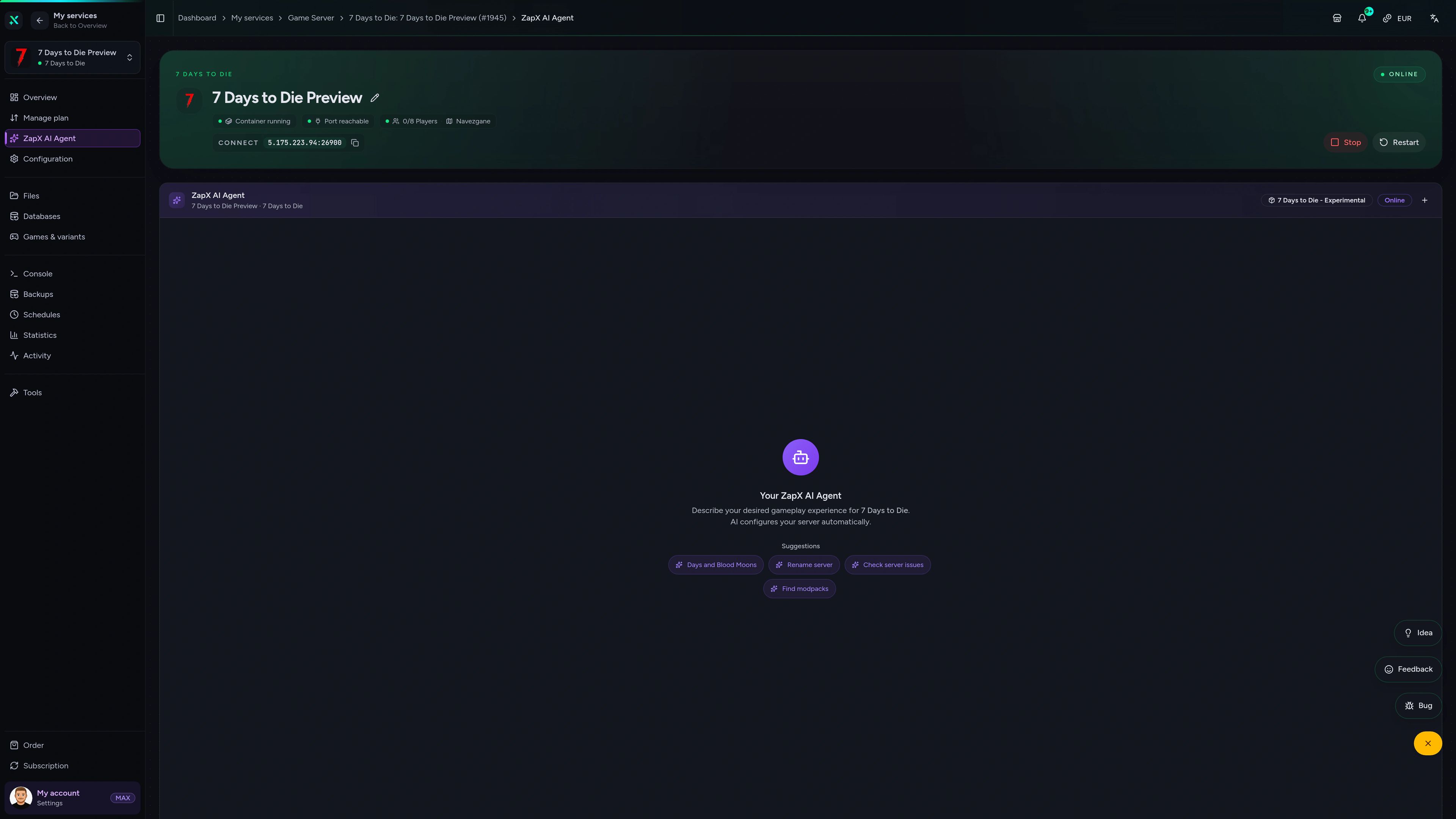
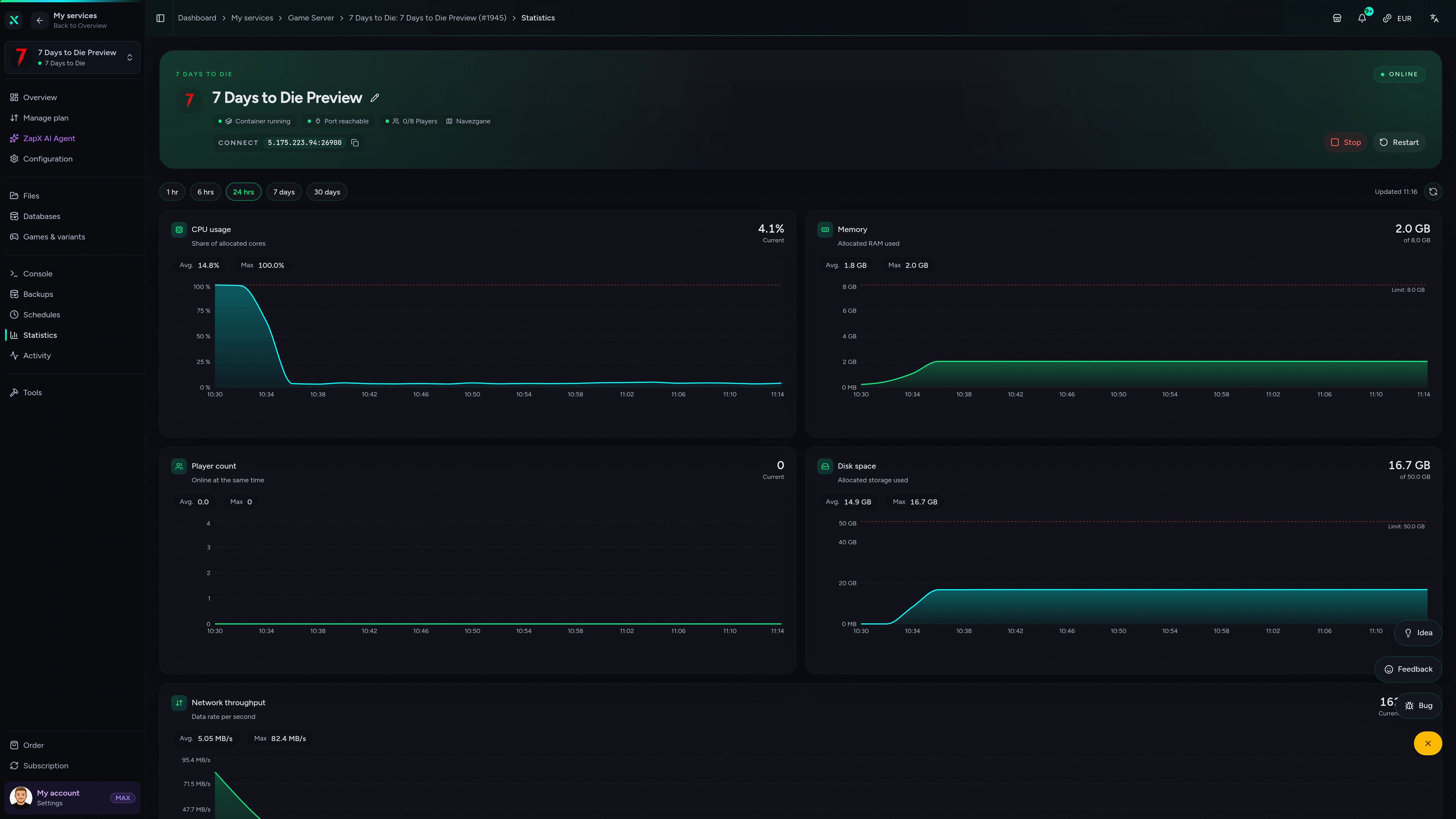
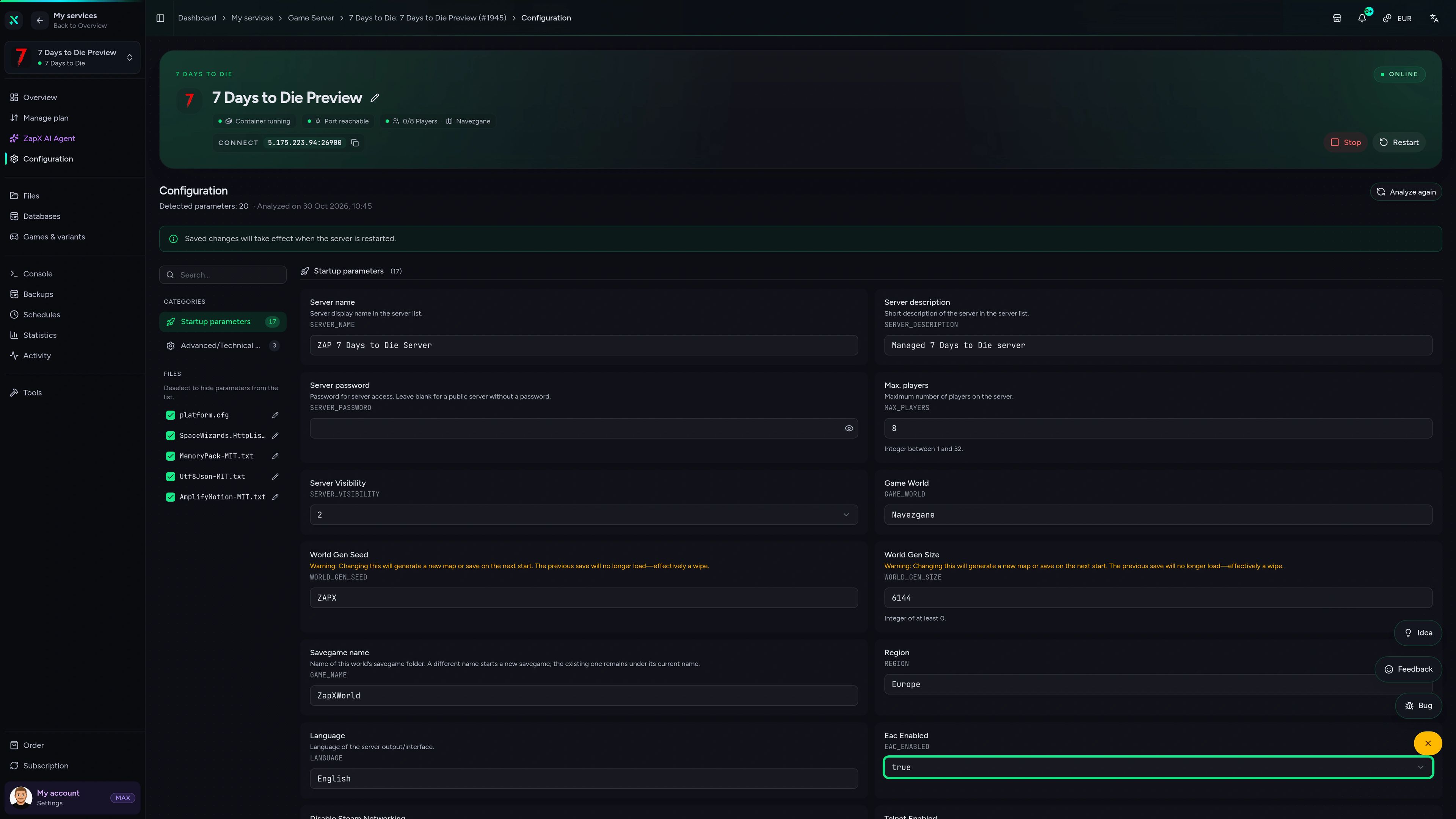
Console, settings, Backups, statistics and DDoS manager in one panel. Manage your 7 Days to Die world from any browser.
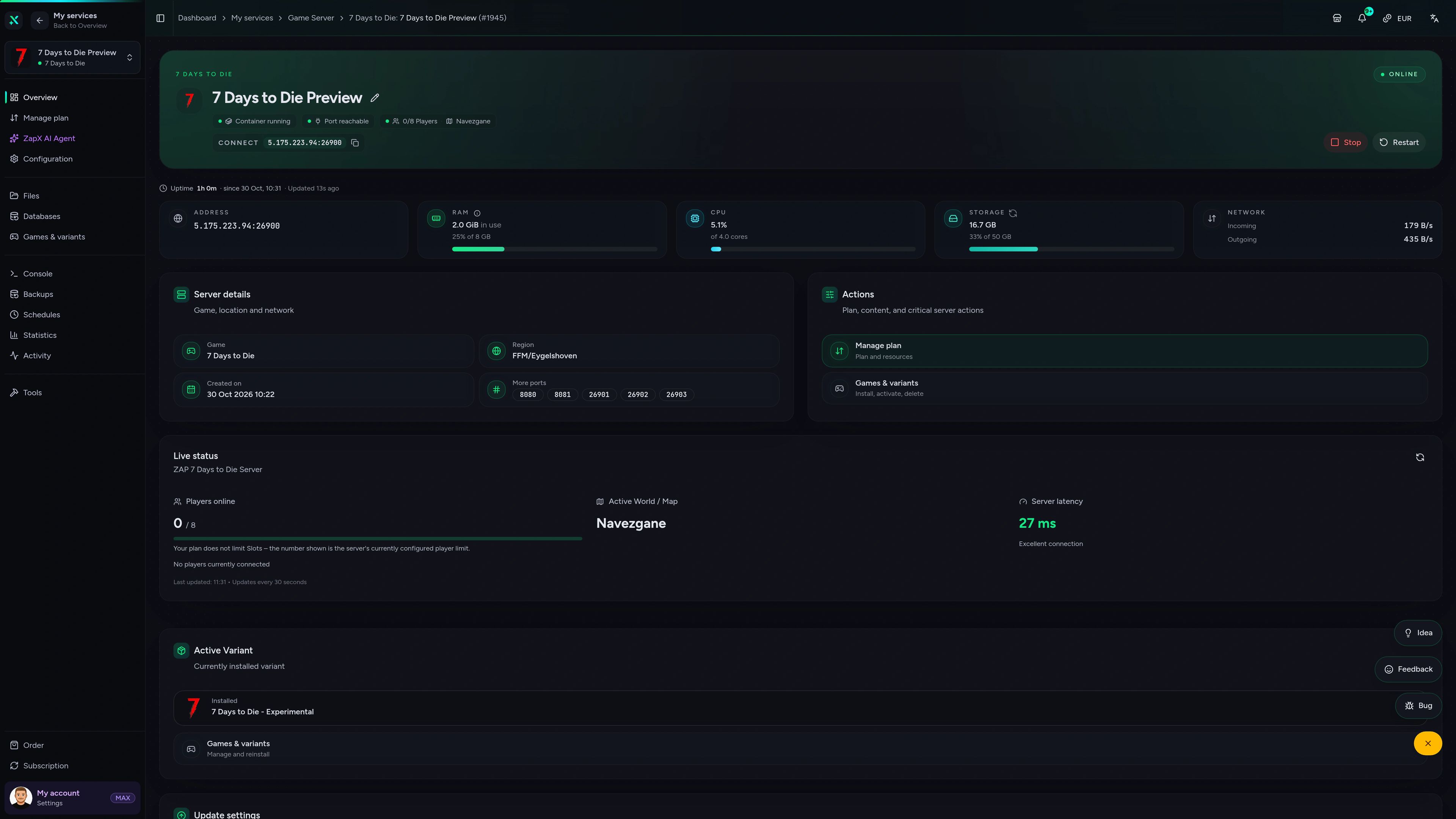
7 Days to Die Game Server – Overview
Overview of the 7 Days to Die game server in the ZapX customer panel.
Benchmark
Measured data on how our game servers handle busy horde nights compared with typical hosting setups.
High-performance VPS, CPU model depends on the location
Typical VPS plans without a published host CPU
confirmed 2026-07-01
Use cases
Co-op PvE, modded overhauls or a mixed PC and console crew: pick the setup that fits your group. No package has a player-slot limit.
Ready for horde night?
Your 7 Days to Die world, online 24/7.
Impressionen
A glimpse into the game world—its atmosphere, exploration, and the moments your community will experience on the server.
No player-slot limit, DDoS protection and full FTP access, online within 60 seconds. Pick your location and invite your group.
No setup. No risk. Online in seconds.
Features
From the first day to horde night 100: the tools your group needs to run a 7 Days to Die world your way.
Bring your whole group. Packages scale by RAM and CPU, not slots.
Your world is ready shortly after ordering because setup runs automatically.
Upload a local or older save and pick up right where your base stands.
Change difficulty, day length, loot and blood moon settings in your browser.
Run admin commands like kick or admin add straight from the panel.
With ZapX Pass, roll back after a griefed base or a horde night that went wrong.
Reviews
Real feedback on support and setup.
FAQ
Answers to the most important questions before you start.
You never pay per player slot; price depends on package, term and location. Pick a package that fits your group, map size and mods. The plan cards above show the current starting price live from the shop. Terms range from 3 days to 1 year, and Lifetime is available with ZapX Pass.
It depends on player count, world size and mods. A small co-op group on a standard map needs less RAM. Larger Random Gen maps, more players and overhaul mods like Darkness Falls need noticeably more memory. Start with the package that matches your group, then check the RAM graph in the panel after your first blood moon. As a guideline: at least 4 GB, 8 GB recommended.
There is no player-slot limit on our game servers. How many survivors play smoothly depends on your RAM/CPU package and the max player setting in serverconfig.xml. Your 7 Days to Die server runs 24/7, so friends can keep playing when you're offline.
Setup is automatic. After payment, your 7D2D server is installed and usually online within 60 seconds. The panel shows the server IP right away, and you can set the server name, password and world settings before inviting your group. How to connect to your server
Yes. You get full file and FTP access, so you can upload server-side mods and overhauls like Darkness Falls, Undead Legacy or War3zuk to the Mods folder. Every player also has to install the overhaul on their own client, in the same version. Modded servers can't use console crossplay. Mod guide in the Help Center
You can run the free 7 Days to Die dedicated server tool from Steam on your own PC. That PC has to stay on 24/7, you have to forward ports 26900–26903, and the server shares your home bandwidth. Renting gives you an always-on, DDoS-protected server with Backups and a web panel. We don't offer free hosting, but terms are flexible.
When you order, you choose from locations worldwide. Pick the one closest to your players for the best ping. Many North American groups start with Ashburn, Dallas or Los Angeles, and every location comes with DDoS protection.
Yes. Your server stays PC-hosted, and Xbox and PlayStation players can join once crossplay is enabled in the server settings. For crossplay, the game requires an unmodded server with EAC enabled and sets its own player limits, so decide early whether your world runs mods or crossplay. Crossplay setup guide
Any more questions?
Contact SupportThe ZapX AI Agent explains settings, mods and crossplay for 7 Days to Die and suggests safe next steps. You decide what changes on your server.
The ZapX AI Agent is included with ZapX Pass. It gives advice and step-by-step guidance, and you stay in control of every change on your server.
Discover ZapX PassZapX AI Agent
panel.zap-hosting.com
ZapX appComing soon
Restart before blood moon, check RAM and players, or kick a griefer from anywhere with the ZapX app.
Discord management
Check status, start, stop, and restart via slash command — without leaving your community Discord.
2 free tools—right in your browser, no sign-up required.
Also available
Switch between your games anytime for free—Minecraft, FiveM, Rust, and more.

Survival & Creative
Vanilla, Modded & Modpacks
Ready in ~2 min

Roleplay
Roleplay server in seconds
One-click installation

Survival
Wipe-ready gameserver
Automatic setup
Also available
Switch between your games anytime for free—Minecraft, FiveM, Rust, and more.
89
Available games
Benefit
We don't artificially limit player Slots. Hardware determines capacity.
Scale based on Mods, scripts, and player load instead of paying for a fixed number of Slots.
© 2026 ZAP-Hosting GmbH
 Preferred source on Google