
Gameserver plan
ZAP Scout
€10.99/ 30 days
- 4 GB RAM
- 2 CPU
- 30 GB NVMe
- Unlimited Slots
You decide which services we may enable for analytics, personalization, and external content.
We use cookies and similar technologies on our website to personalize content, embed external media, and better understand how individual areas are used.
Necessary cookies
These entries support essential functions such as security, stability, and form processing.
Optional sections
Your data may be processed with your consent or on the basis of legitimate interests. In the cookie settings, you can reject or explicitly allow each optional category.
Some services process personal data in third countries. By consenting, you also agree to this transfer. You can find more information in our Privacy Policy.
You can reopen and change your selection at any time. · 1.0.2
 Eco game server hosting
Host an Eco server with unlimited slots, DDoS protection and locations worldwide — online in 60 seconds, flexible term.
Packages 1–3 of 8
 eco-global-survival
Configure yourself
No package fits? Choose your RAM, CPU and storage—you only pay for the performance your community actually needs.
Powerful CPUs
100 Gbit/s host network
DDoS protection
Config generator
24/7 support
 Visa
 Mastercard
 American Express
 PayPal
 Google Pay
 Apple Pay
 Klarna
 Amazon Pay
About the game
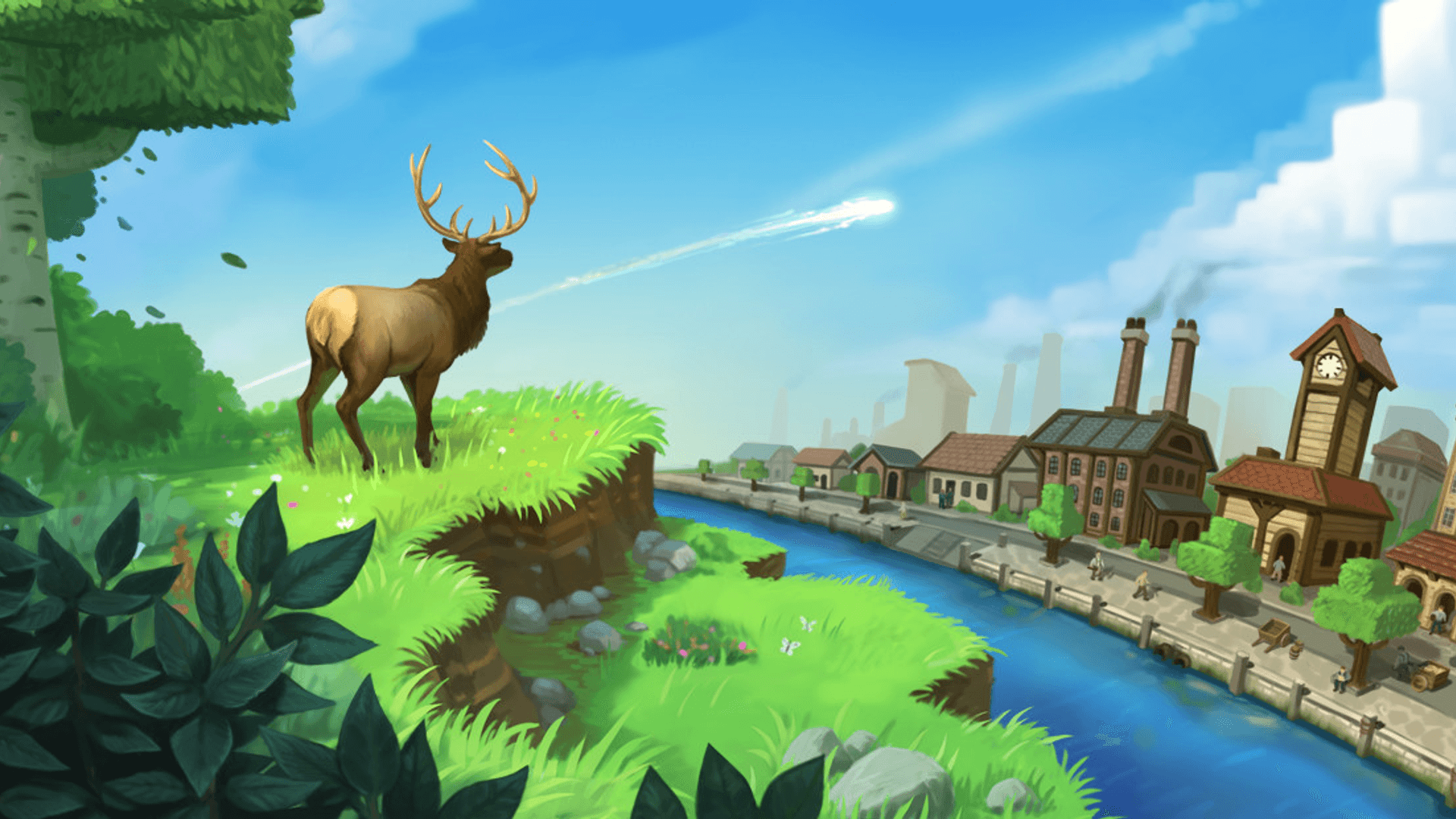
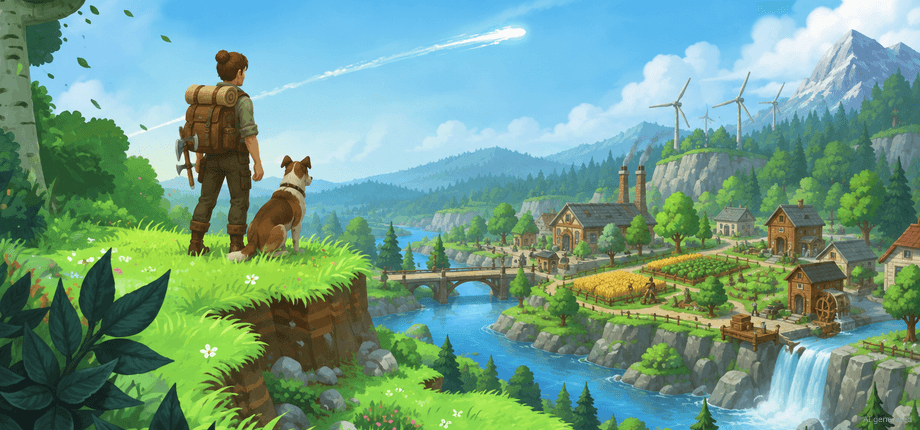
Eco - Global Survival is a multiplayer survival game where your whole community shares one living ecosystem. Players gather, craft and specialize in professions, trade in a player-run economy, pass laws in a shared government and work together to stop a meteor without wrecking the world they depend on. A single world often runs for weeks, so your own Eco server keeps that world, its economy and every law online around the clock, even when the host player logs off.
With your own server you decide who joins and how. Keep the world private behind a password for friends, a class or a guild, or list it publicly in the Eco server browser with a category, description and Discord invite. You can change Network.eco settings like the server name, max connections and RCON without touching files, manage savegames when an experiment goes wrong and pick the server location closest to your players.
Locations worldwide
8 data centers worldwide — choose the location closest to your community.


ZapX Panel
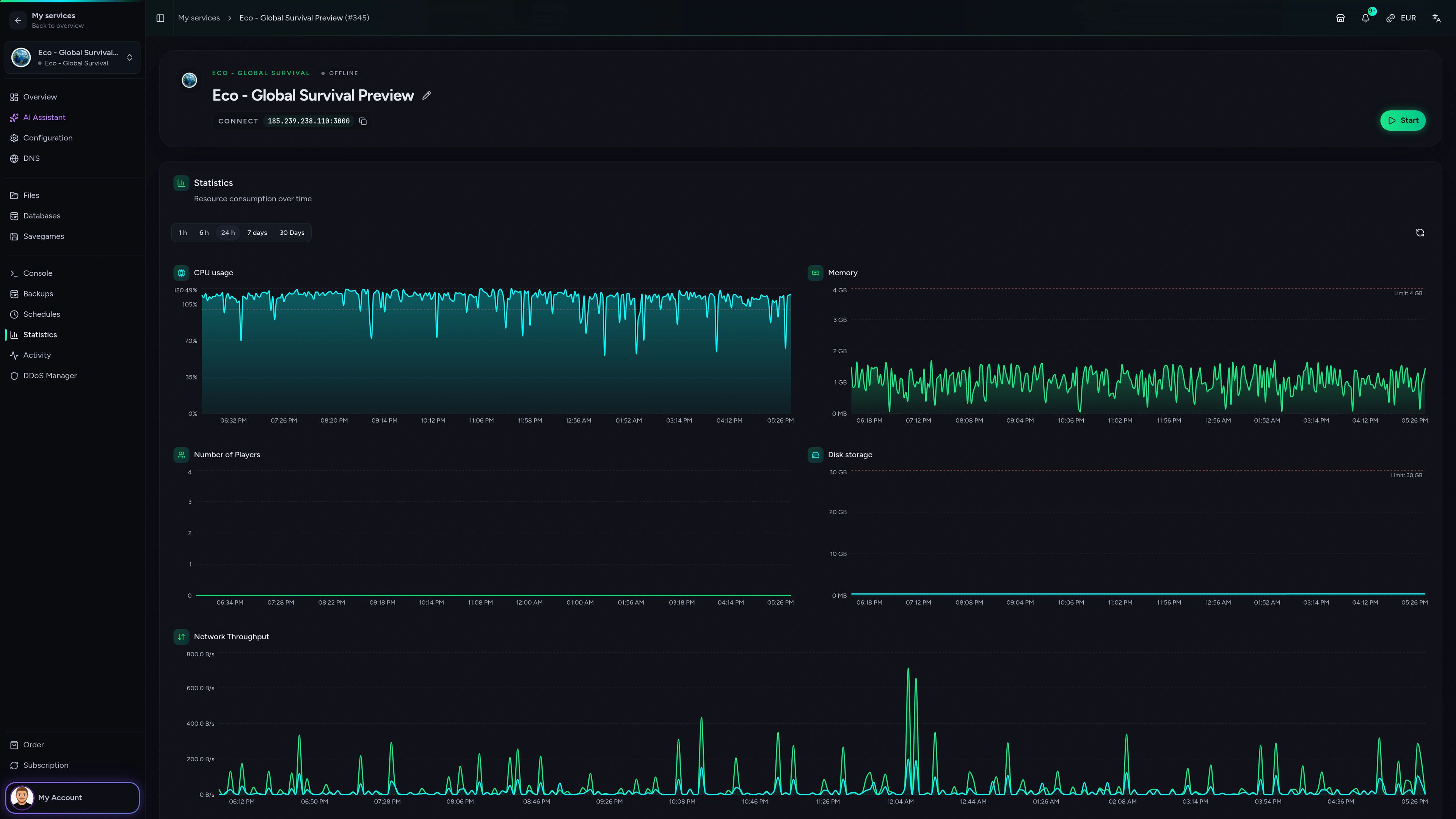
Console, files, savegames and Network.eco settings for your Eco world in one place in your browser, with Backups and schedules available via ZapX Pass.
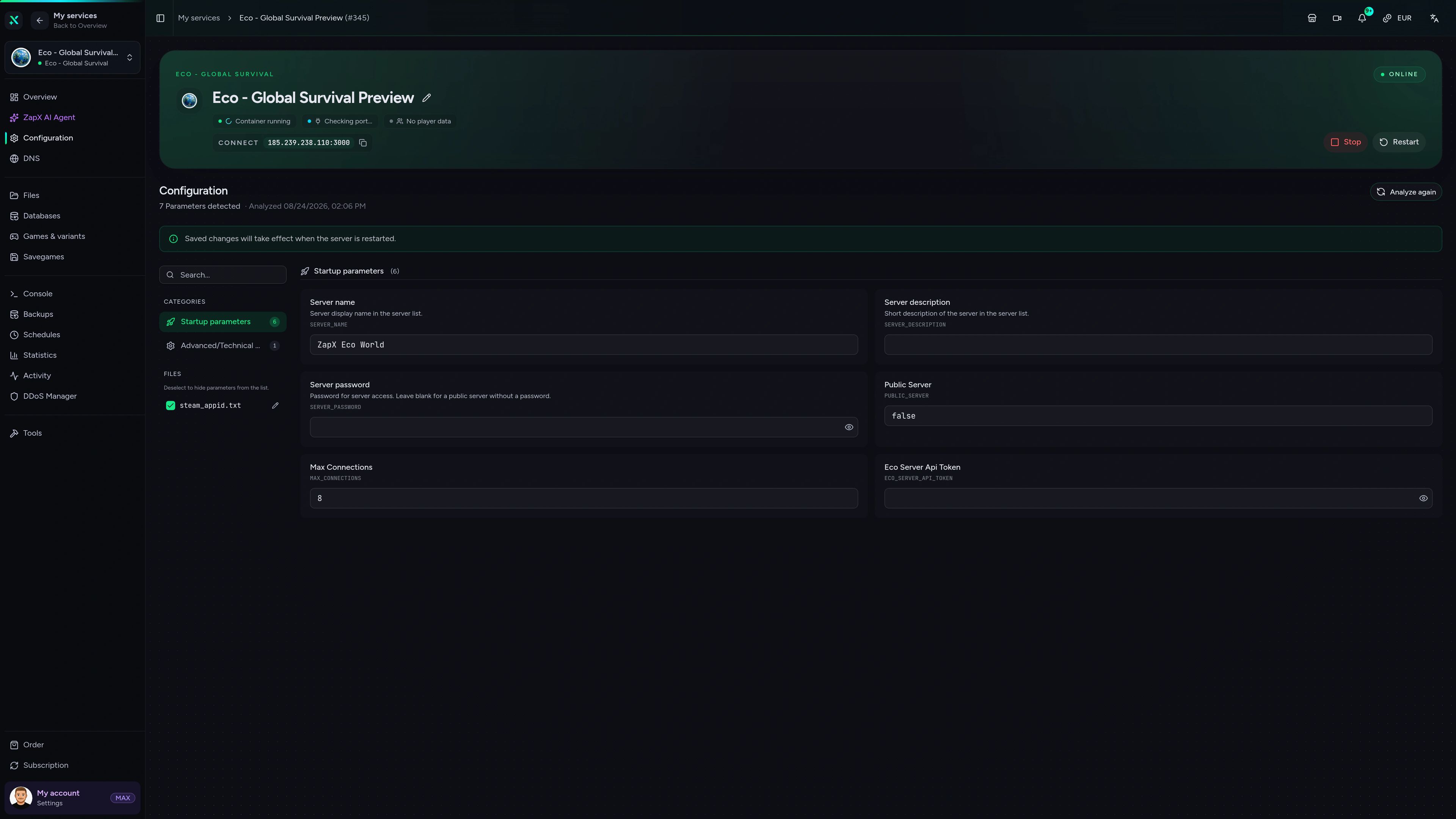
Eco - Global Survival Game Server – Configuration
Configuration of the Eco - Global Survival game server in the ZapX customer panel.
Measured performance
Measured values from our own infrastructure next to typical market offers, so you can judge how your Eco world will run.
High-performance VPS, CPU model depends on the location
Typical VPS plans without a published host CPU
confirmed 2026-07-01
Built for Eco communities
Private settlements, public economies or long meteor runs: set up your Eco server for the way your group plays, with unlimited slots on every package.
Ready when your settlement is
Start your Eco world in 60 seconds.
Impressionen
A glimpse into the game world—its atmosphere, exploration, and the moments your community will experience on the server.
Pick a package, choose a location and invite your community. Your Eco server is online within 60 seconds.
No setup. No risk. Online in seconds.
Built for Eco admins
From Network.eco settings to savegames: the tools Eco admins actually use, ready from the first minute.
Invite your whole settlement: packages scale by RAM and CPU, never by slot count.
Set name, password, listing and slots in your browser and push them to your server.
Players find your world by name, category, description and Discord invite.
Moderate your world remotely as soon as you set an RCON password.
Daily system Backup included; manage and restore Backups with ZapX Pass.
Host your world in the region closest to your players for a smooth connection.
Only for Eco - Global Survival
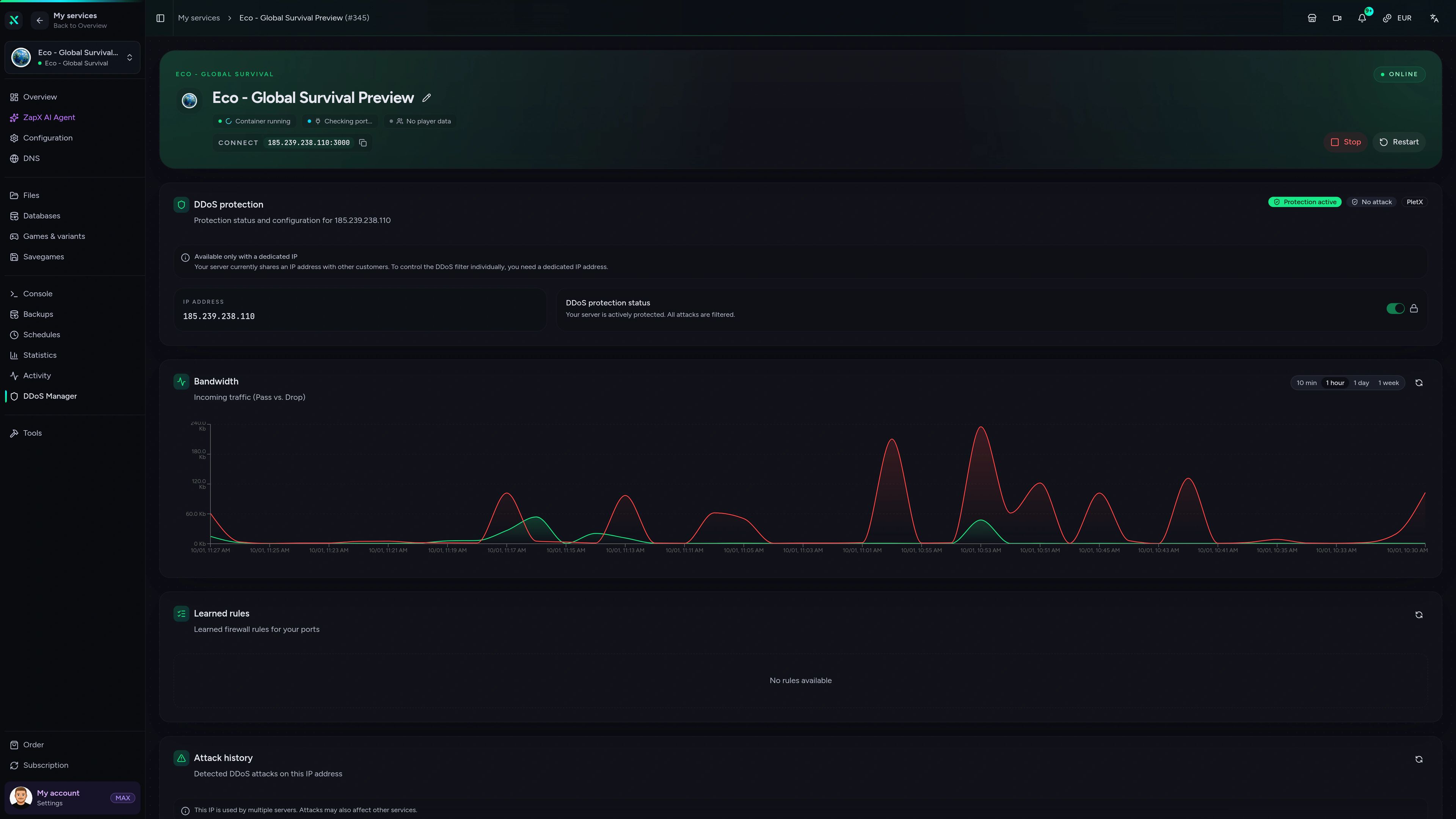
Open Server UI, the game's own web interface, straight from your panel with a single click.
Eco - Global Survival
Get straight to the game's web interface with the Server UI shortcut in your panel.
Reviews
Real feedback on support and setup.
FAQ
Answers to the most important questions before you start.
Choose a RAM/CPU package, pick a server location and term, then complete checkout. Setup is automated, so your Eco server is usually online within 60 seconds. Your panel then shows the IP, the console and your Network.eco settings. First steps in the Help Center
Eco server packages start at €10.99. The price depends on the RAM/CPU package, the term you choose and the location. Current prices load live in the package overview on this page. Every package includes unlimited slots and DDoS protection, and you never pay per player slot.
We don't limit slots. How many players can build smoothly at the same time depends on your package's resources and on the MaxConnections value in Network.eco, where -1 means no limit. Larger worlds and busy economies need more RAM, so start with a package that fits your group and increase RAM as your civilization grows.
You can choose from locations worldwide, so pick the one closest to your players. Many groups in North America start with Ashburn, Dallas or Los Angeles, and locations in other regions are available too. Availability varies by product and location.
Yes. You pick a term of 3, 30, 90, 180 or 365 days and can cancel anytime; cancellation takes effect at the end of the term. For worlds that should run indefinitely, Lifetime gameservers are available with ZapX Pass: buy once and keep your server.
Yes. The Eco config generator covers Network.eco settings like server name, description, password, public listing, MaxConnections, server category, Discord invite and RCON password, and pushes them straight to your server. Keep the world private with a password and whitelist, or turn on public listing to appear in the Eco server browser. Whitelist guide in the Help Center
You can run the Eco Server tool from Steam on your own PC, but your world is only online while that PC stays on and connected. A rented server keeps your world, economy and laws running around the clock without loading your own hardware or setting up ports at home.
Add your SteamID64 or Strange Loop Games account ID to the admin list in your server's user configuration, then restart the server. As an admin you can manage players and the world with in-game commands. The Help Center guide walks you through each step. Admin guide in the Help Center
Any more questions?
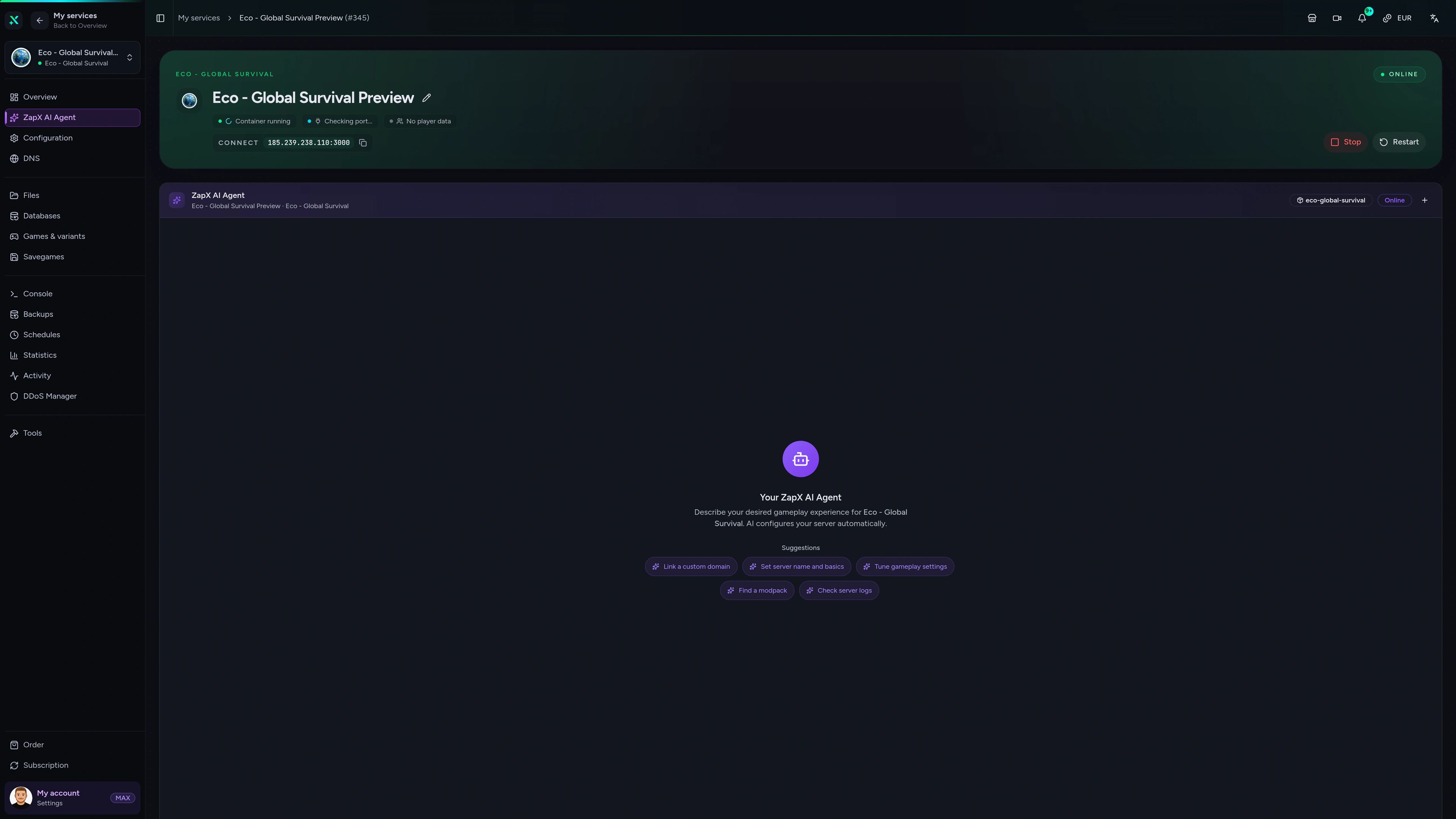
Contact SupportAsk about Network.eco, server browser listing or log errors in plain English. The AI explains and shows next steps, and you decide what changes.
The ZapX AI Agent is available with ZapX Pass. It gives advice and explanations, and every change on your Eco server stays your decision.
Explore ZapX PassZapX AI Agent
panel.zap-hosting.com
ZapX appComing soon
Check status, restart your server or follow the console from the ZapX app, even when you are away from your PC.
Discord management
Check status, start, stop, and restart via slash command — without leaving your community Discord.
1 free tool – right in your browser, no sign-up needed.
Also available
Switch between your games anytime for free—Minecraft, FiveM, Rust, and more.

Survival & Creative
Vanilla, Modded & Modpacks
Ready in ~2 min

Roleplay
Roleplay server in seconds
One-click installation

Survival
Wipe-ready gameserver
Automatic setup
Also available
Switch between your games anytime for free—Minecraft, FiveM, Rust, and more.
89
Available games
Benefit
We don't artificially limit player Slots. Hardware determines capacity.
Scale based on Mods, scripts, and player load instead of paying for a fixed number of Slots.
© 2026 ZAP-Hosting GmbH
 Preferred source on Google