Gameserver plan
ZAP Spawn
€5.99/ 30 days
- 2 GB RAM
- 2 CPU
- 15 GB NVMe
- Unlimited Slots
You decide which services we may enable for analytics, personalization, and external content.
We use cookies and similar technologies on our website to personalize content, embed external media, and better understand how individual areas are used.
Necessary cookies
These entries support essential functions such as security, stability, and form processing.
Optional sections
Your data may be processed with your consent or on the basis of legitimate interests. In the cookie settings, you can reject or explicitly allow each optional category.
Some services process personal data in third countries. By consenting, you also agree to this transfer. You can find more information in our Privacy Policy.
You can reopen and change your selection at any time. · 1.0.2
 Modded Minecraft with Forge
Forge · Forge preinstalled, modpacks in one click, unlimited slots and DDoS protection – online in 60 seconds at locations worldwide.
Packages 1–3 of 9
 minecraft
Configure yourself
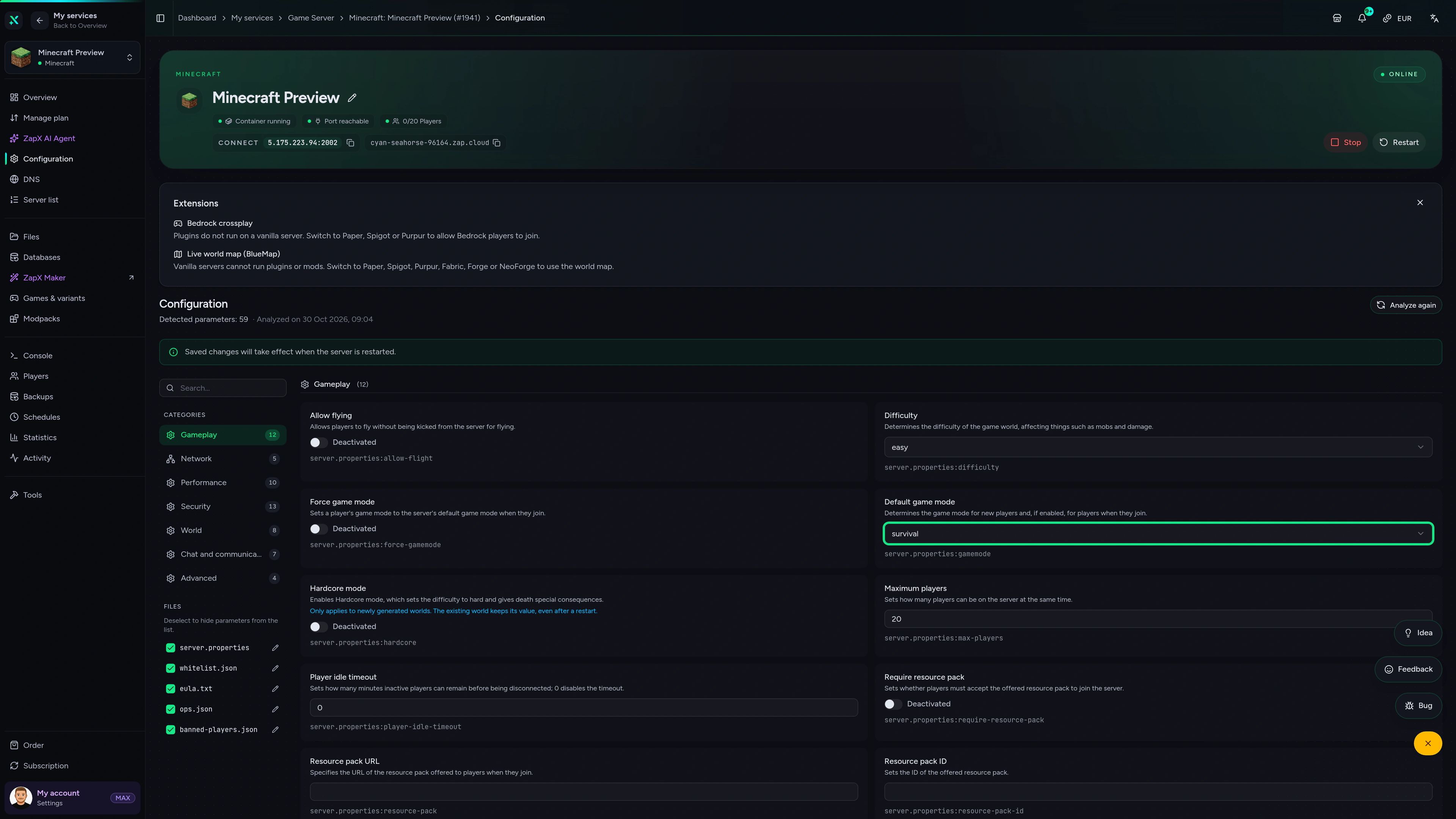
No package fits? Choose your RAM, CPU and storage—you only pay for the performance your community actually needs.
Powerful CPUs
100 Gbit/s host network
DDoS protection
Forge preinstalled
Daily Backup
 Visa
 Mastercard
 American Express
 PayPal
 Google Pay
 Apple Pay
 Klarna
 Amazon Pay
About Forge
Minecraft is the sandbox game where you mine, build and survive in a world that is yours to shape. Forge is the classic mod loader that takes it much further: tech and magic mods, new dimensions, bosses and complete modpacks with hundreds of mods. With Minecraft Forge server hosting, that modded world runs on your own server, so your whole group plays the same pack together – even when your PC is off.
You decide what runs: Forge is set up automatically when you order, modpacks from CurseForge or Modrinth install in one click, and you can upload your own mods and config files whenever you like. Invite as many players as your world can handle, keep a daily automatic Backup as a safety net before mod updates and choose the location closest to your community.

Locations worldwide
8 data centers worldwide — choose the location closest to your community.


ZapX Panel
Watch RAM, CPU and player activity live while your modpack runs, and check Backups, files and DDoS settings in one place.
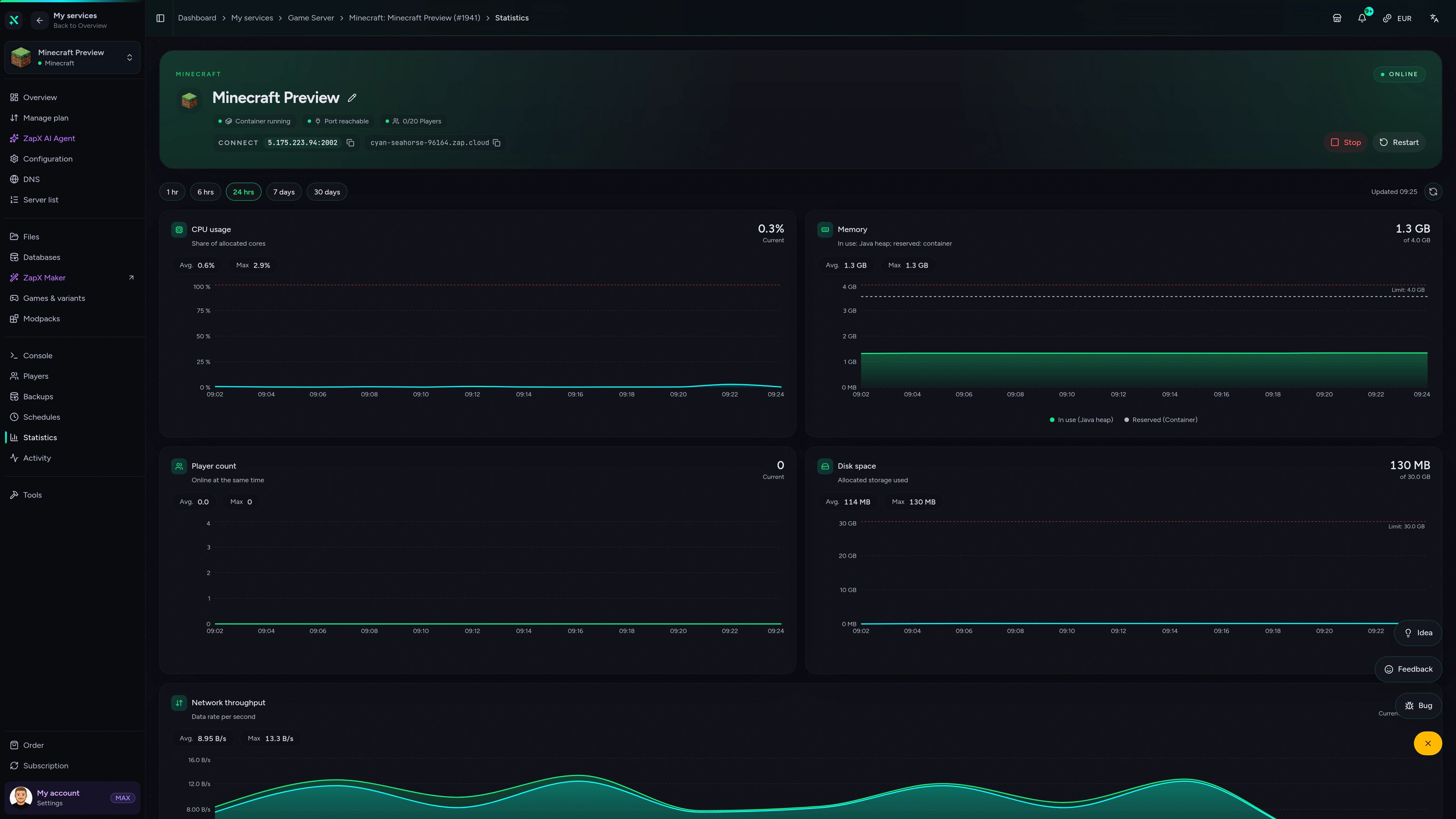
Minecraft Game Server – Statistics
Statistics of the Minecraft game server in the ZapX customer panel.
Benchmark
Measured values from our infrastructure compared with typical market offers – so you can see what your modpack runs on.
High-performance VPS, CPU model depends on the location
Typical VPS plans without a published host CPU
confirmed 2026-07-01
Use cases
From kitchen-sink modpacks to a tight-knit tech survival world: your Forge server runs the pack your group wants, with unlimited slots and mods you control.
Ready for your modpack?
Your Forge world, online in 60 seconds
Impressionen
A glimpse into the game world—its atmosphere, exploration, and the moments your community will experience on the server.
Pick a package, get Forge installed automatically and start playing your favorite modpack with your group in 60 seconds.
No setup. No risk. Online in seconds.
Features
Forge preinstalled, room for big modpacks and the tools to keep your modded world running smoothly.
Bring your whole group – you choose RAM and CPU, never pay per player slot.
Your server starts right after checkout with Forge already set up.
Big packs keep their TPS up on powerful server CPUs and fast SSD storage.
Added more mods? Upgrade RAM and CPU anytime and keep your world.
A safety net before every mod update; own Backups and restore come with ZapX Pass.
Watch Forge load your mods and run server commands right in the browser.
Only for Minecraft
Install modpacks and mods from the panel and manage players in a few clicks.


Minecraft
Search mods, add them in one click and remove them again, right in the panel.
Get full modpacks from Modrinth, CurseForge, Feed the Beast or Technic in one click.
Explore your Forge world in the browser with a BlueMap web map set up in one click.
Kick, ban, op or whitelist players in the panel without typing console commands.
With ZapX Pass, describe a mod in plain language and ZapX Maker builds and deploys it.
Reviews
Real feedback on support and setup.
FAQ
Answers to the most important questions before you start.
Choose a package in the configurator and complete your order. Forge is preselected as the server software and installed automatically, so you skip the manual jar and installer setup. Once the server is online, add mods or a modpack, then connect with the IP and port shown in the panel.
It depends on the modpack. Light packs with a few dozen mods need far less than large tech or kitchen-sink packs with hundreds of mods, and more players and a bigger world add to that. Start with the server RAM your modpack recommends, watch the live statistics and upgrade RAM and CPU anytime without losing your world. As a guideline: at least 2 GB, 4 GB recommended. How to upgrade your game server
Start with enough RAM for your modpack. Every package has unlimited player slots, so you never pay per player; prices depend on package, term and location. You choose a flexible term in the configurator, see the live prices there before you order and can cancel anytime.
Yes. The panel's Modpacks tab installs complete packs from CurseForge, Modrinth, Feed the Beast and Technic in one click, and the mod browser adds single mods from Modrinth and CurseForge. Good to know: CurseForge is a mod platform, Forge is the mod loader – many CurseForge packs run on Forge. A daily automatic Backup is included as a safety net before you update mods. Read the modpack guide
Yes. Forge mods change the game on both sides, so every player needs the same Minecraft version, the same Forge version and the same mods as the server. The easiest way is to install the same modpack version in a launcher such as the CurseForge or Modrinth app. Vanilla clients usually can't join a Forge server that runs content mods. How to connect to your server
You choose from ZAP-Hosting locations worldwide when you order – pick the one closest to you and your players. Many North American groups start with Dallas, Ashburn or Los Angeles, while communities elsewhere simply pick a location in their own region.
Pick the loader your modpack is built for. Forge is the long-standing loader behind a huge library of mods and classic packs. NeoForge is a community fork of Forge that many newer modpacks use, and Fabric is a lightweight loader with its own mod ecosystem. Mods are not interchangeable between loaders, but you can switch the server software in the panel.
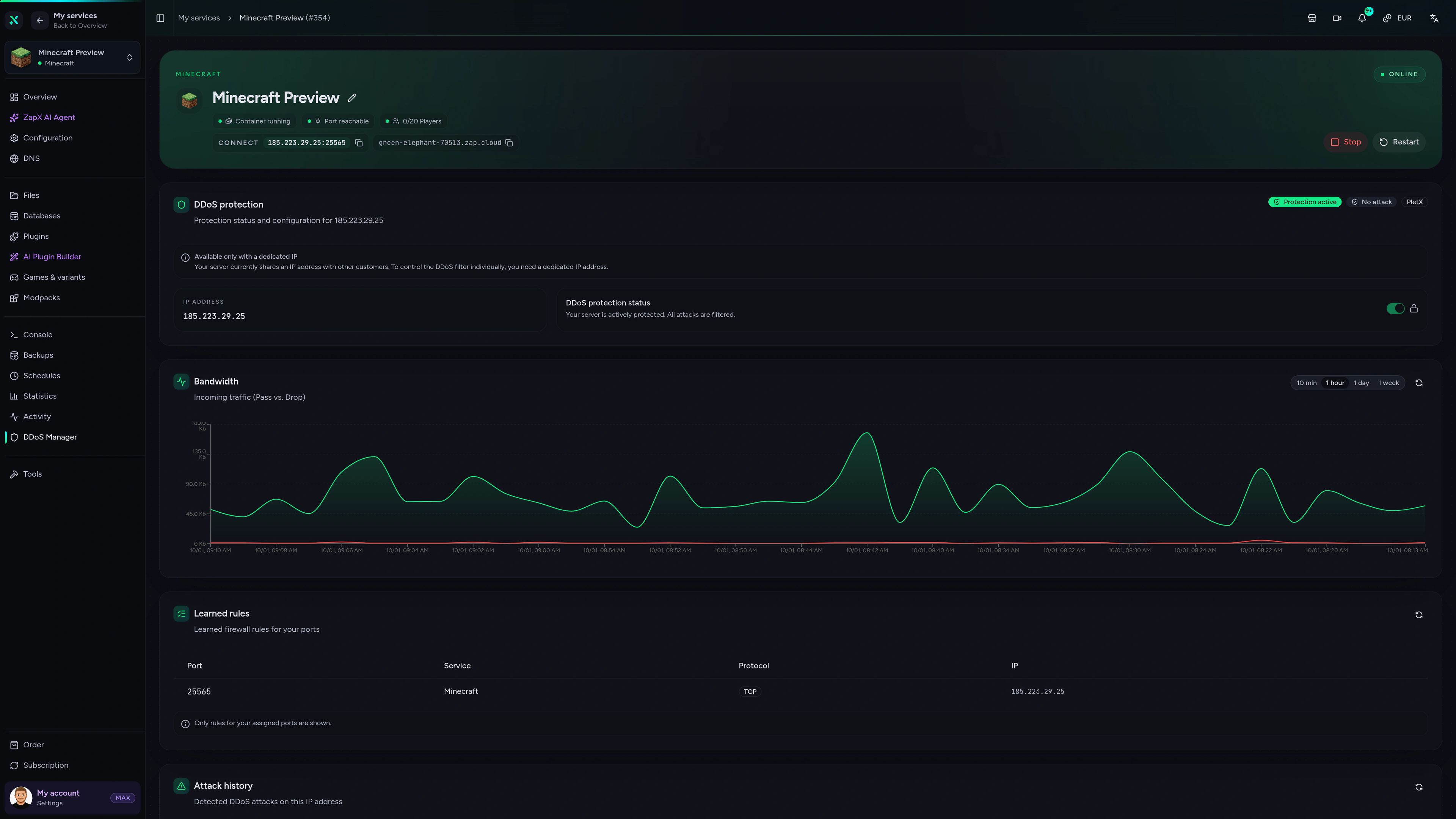
Yes. DDoS protection is included with every package and filters attack traffic before it reaches your server, which helps keep your modded session online when someone targets your server. You don't need to set anything up yourself.
Any more questions?
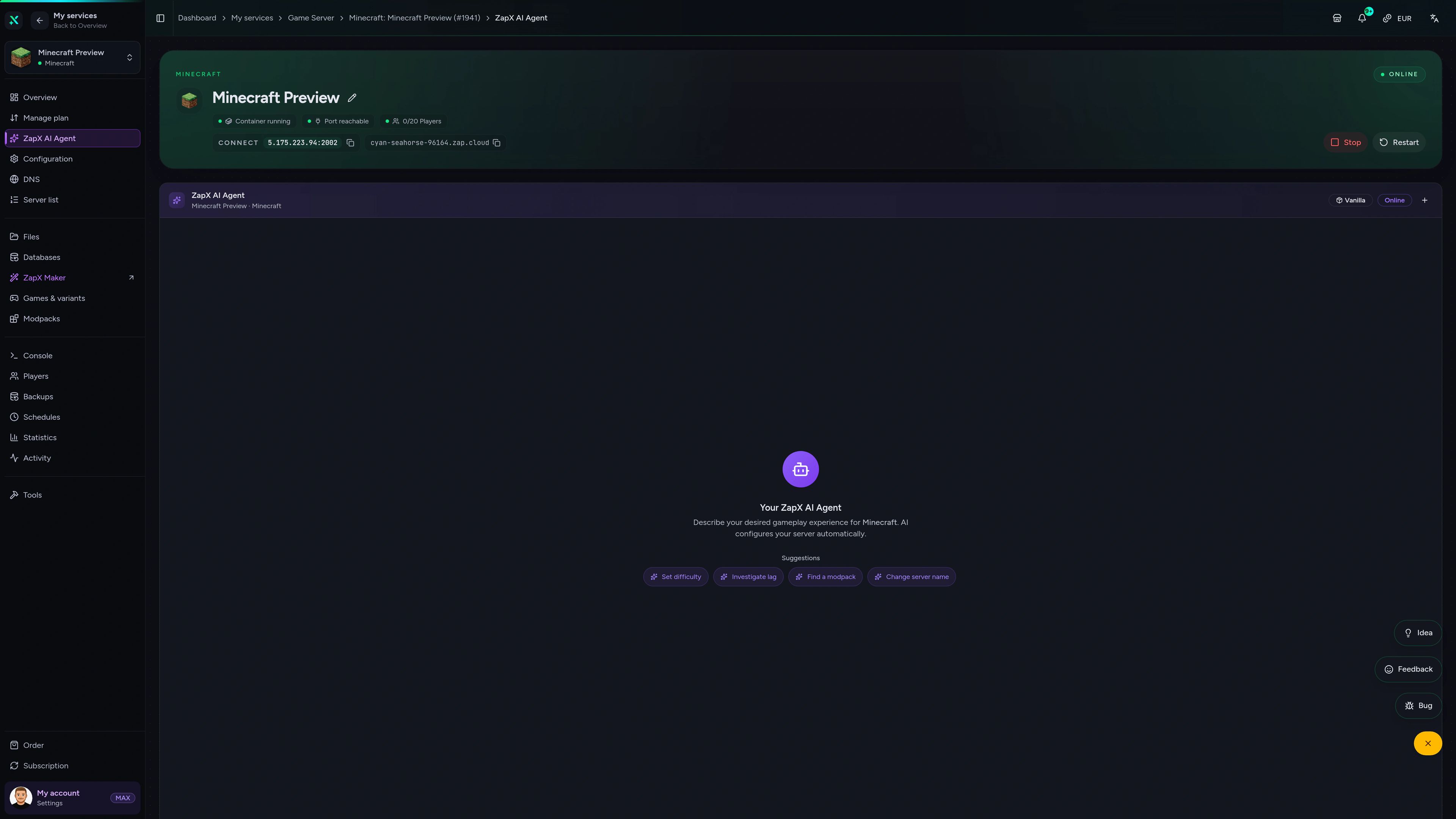
Contact SupportPaste a crash report or describe the problem: the ZapX AI Agent explains what went wrong in your Forge setup and suggests safe next steps it can run after you confirm, or you can apply yourself.
The ZapX AI Agent is part of ZapX Pass and works across every supported service in your account.
View ZapX PassZapX AI Agent
panel.zap-hosting.com
ZapX appComing soon
Keep an eye on your Forge server from your phone – status, resources and quick actions wherever you are.
Discord management
Check status, start, stop, and restart via slash command — without leaving your community Discord.
34 free tools—right in your browser, no sign-up required.
Also available
Popular Minecraft Modpacks — ATM, RLCraft, Pixelmon, and more. See prices in the configurator.
Modpack
ATM10 · Tech
Ready in ~2 min

Modpack
BMC4 · Vanilla+
Ready in ~2 min

Modpack
RLCraft · Hardcore
Ready in ~2 min
Also available
Popular Minecraft Modpacks — ATM, RLCraft, Pixelmon, and more. See prices in the configurator.
116,857
Available modpacks
Benefit
Modrinth & CurseForge packs with instant setup in the Minecraft configurator.
Choose a pack and get started in 60 seconds.
© 2026 ZAP-Hosting GmbH
 Preferred source on Google