
 Counter-Strike 2
CS2 Nades: Smoke, Molotov, Flash & HE Lineups by Map
The Nade Guide shows 292 CS2 nades across 7 maps. Choose a map and landing position, such as the smoke from Tetris to Ticket Booth (Mirage), then copy the ready-made setpos command to go straight to the throw position on your server. Free, no sign-up required, and available right in your browser.
Built by Florian Galz
Lineup found? Practice it on your own CS2 server.
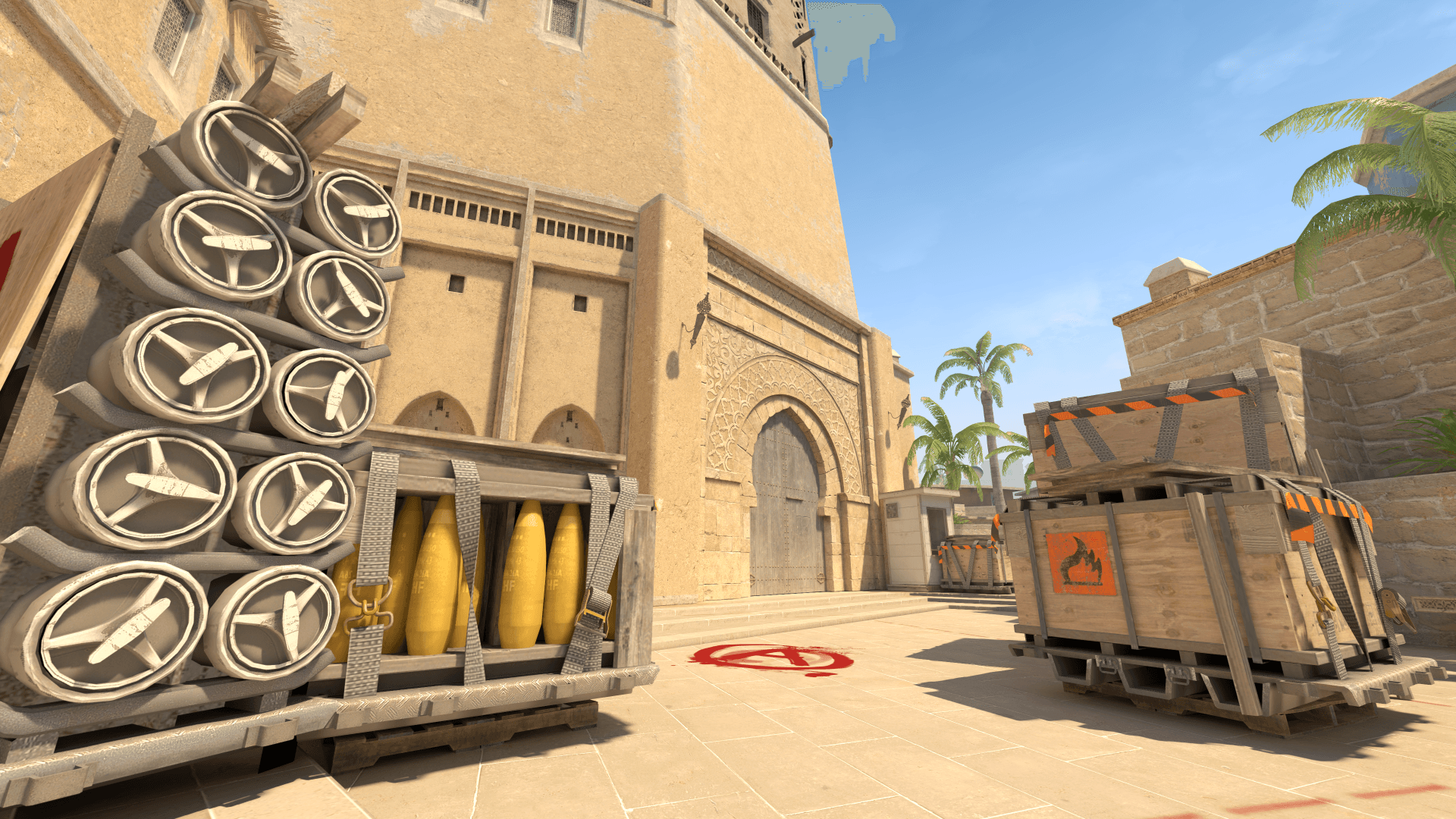
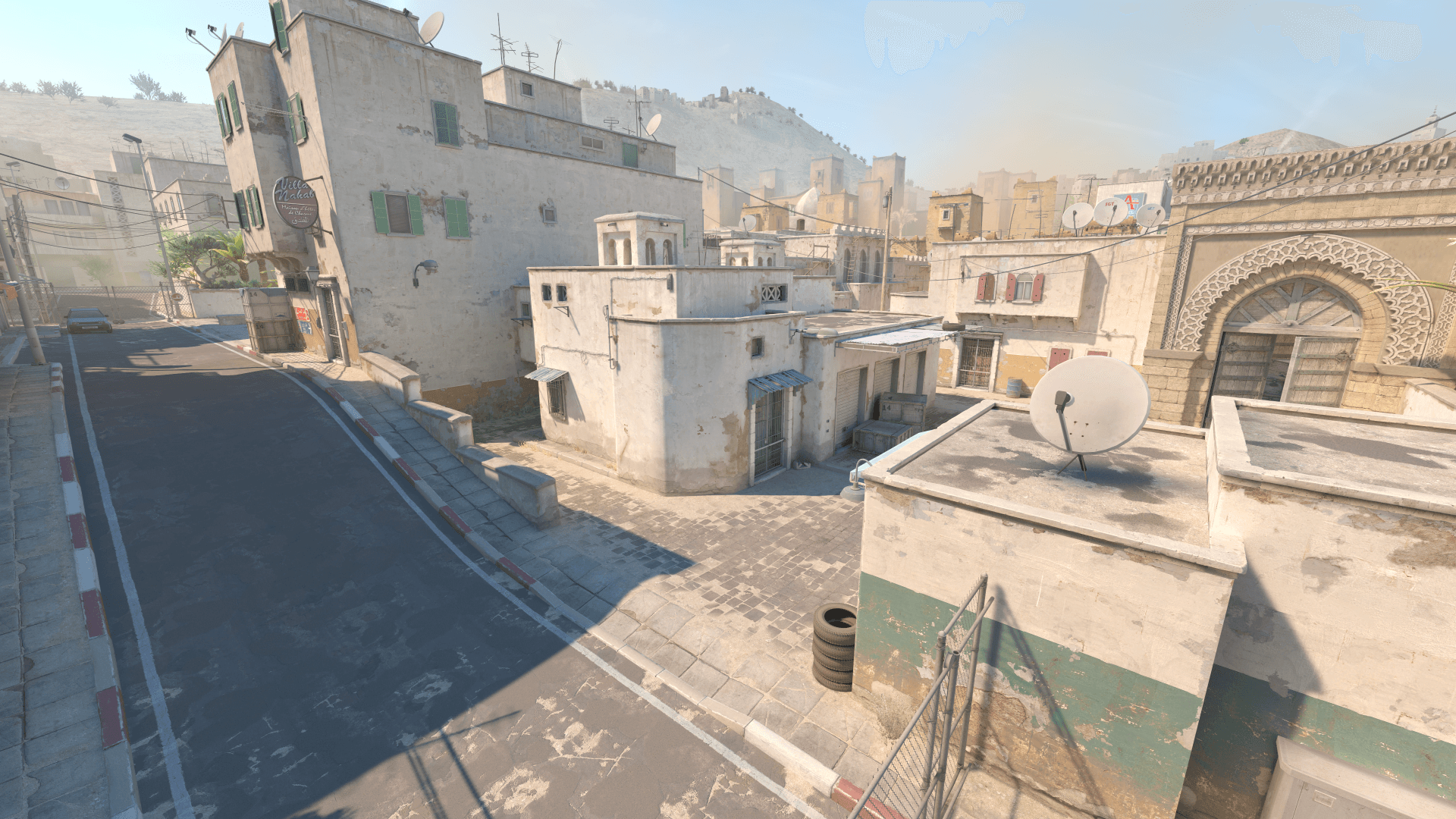
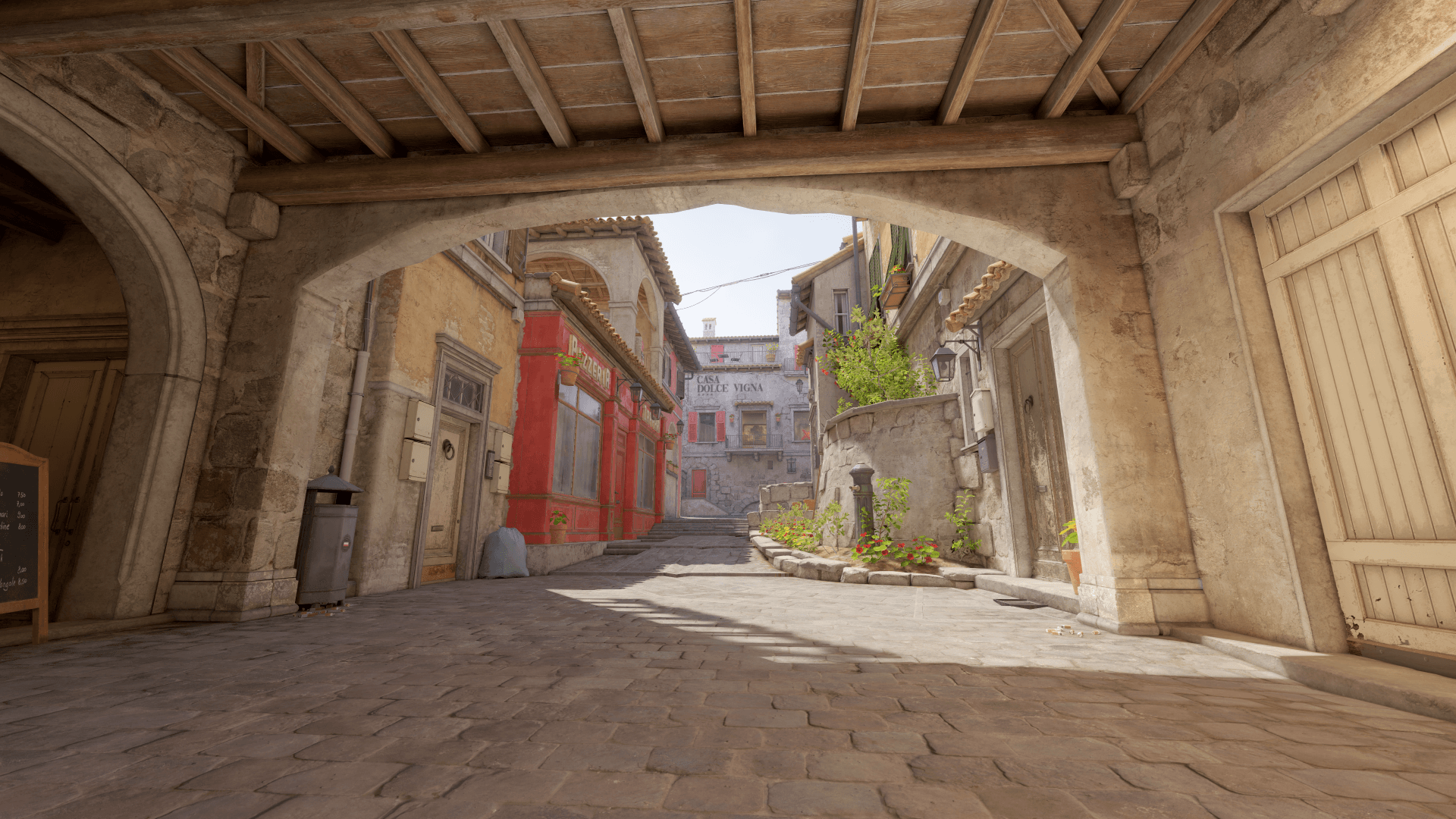
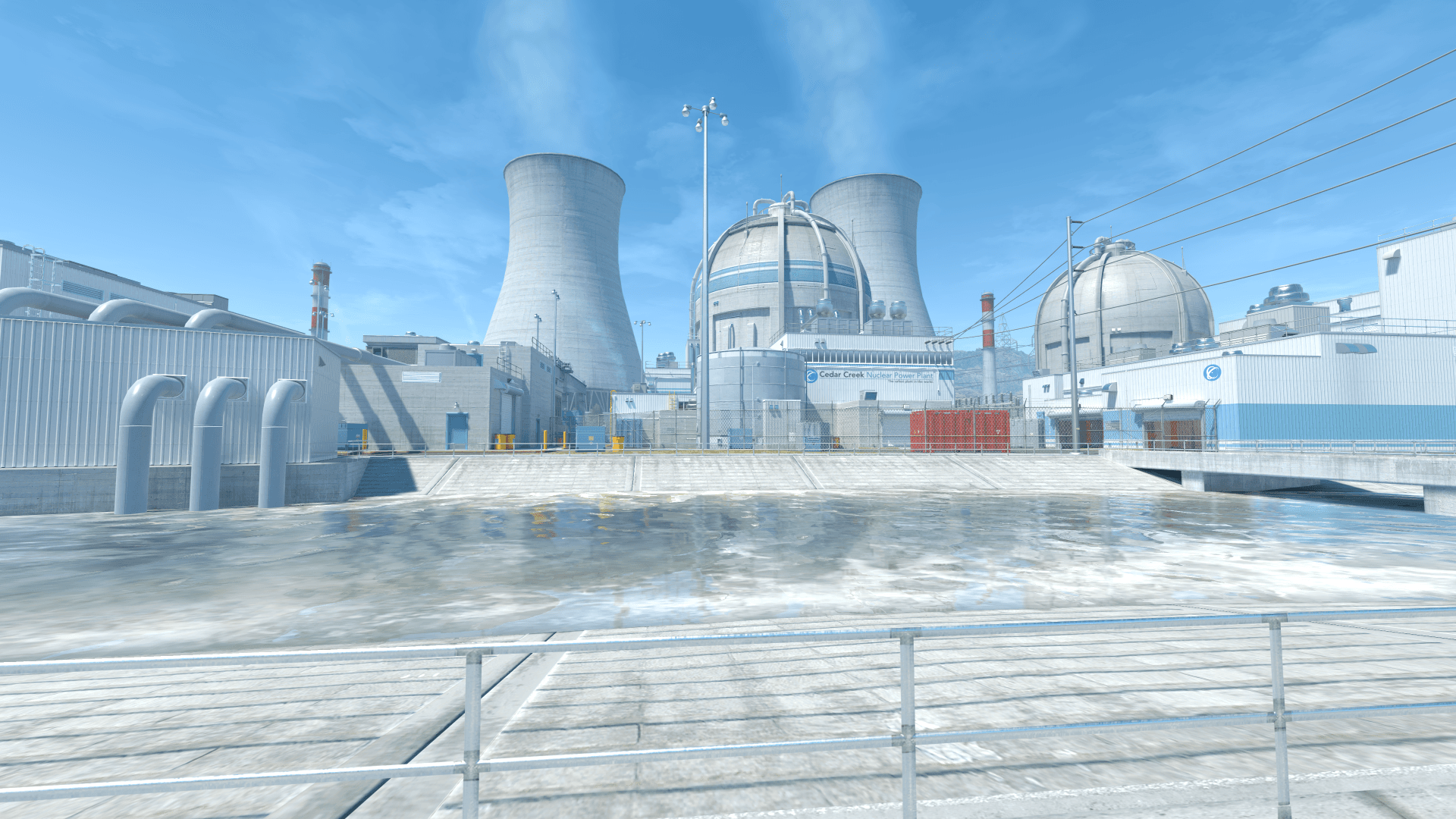
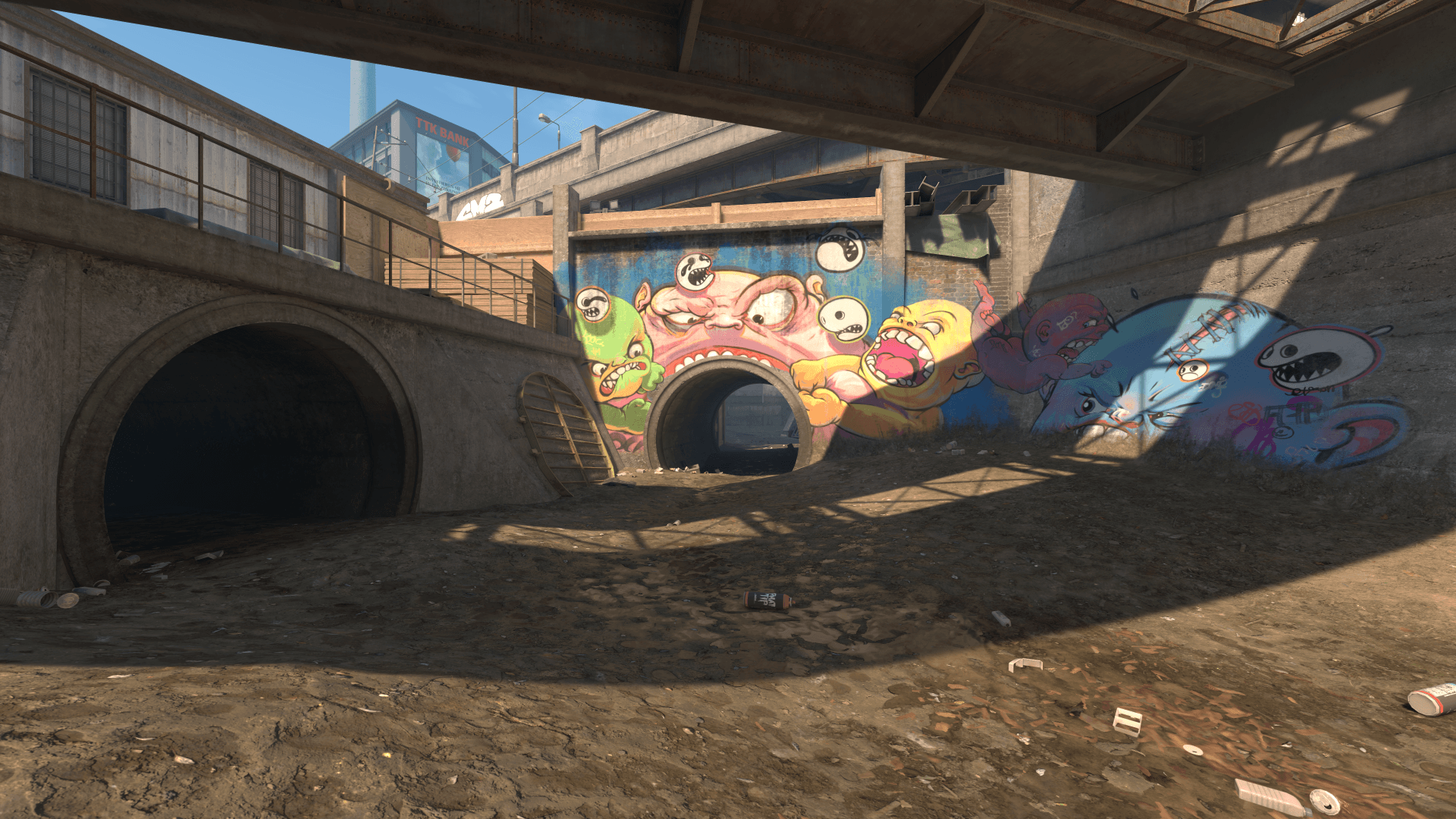
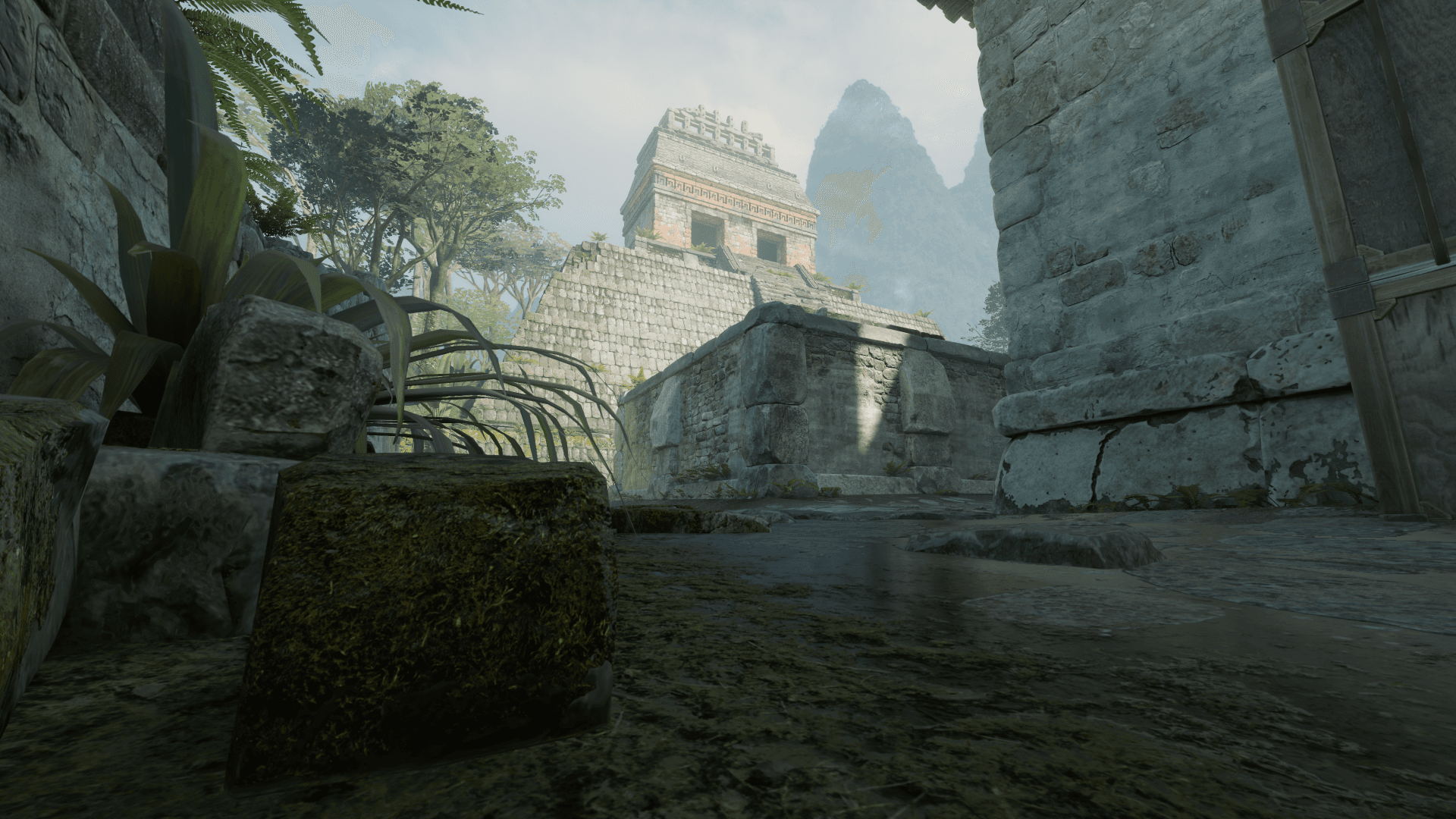
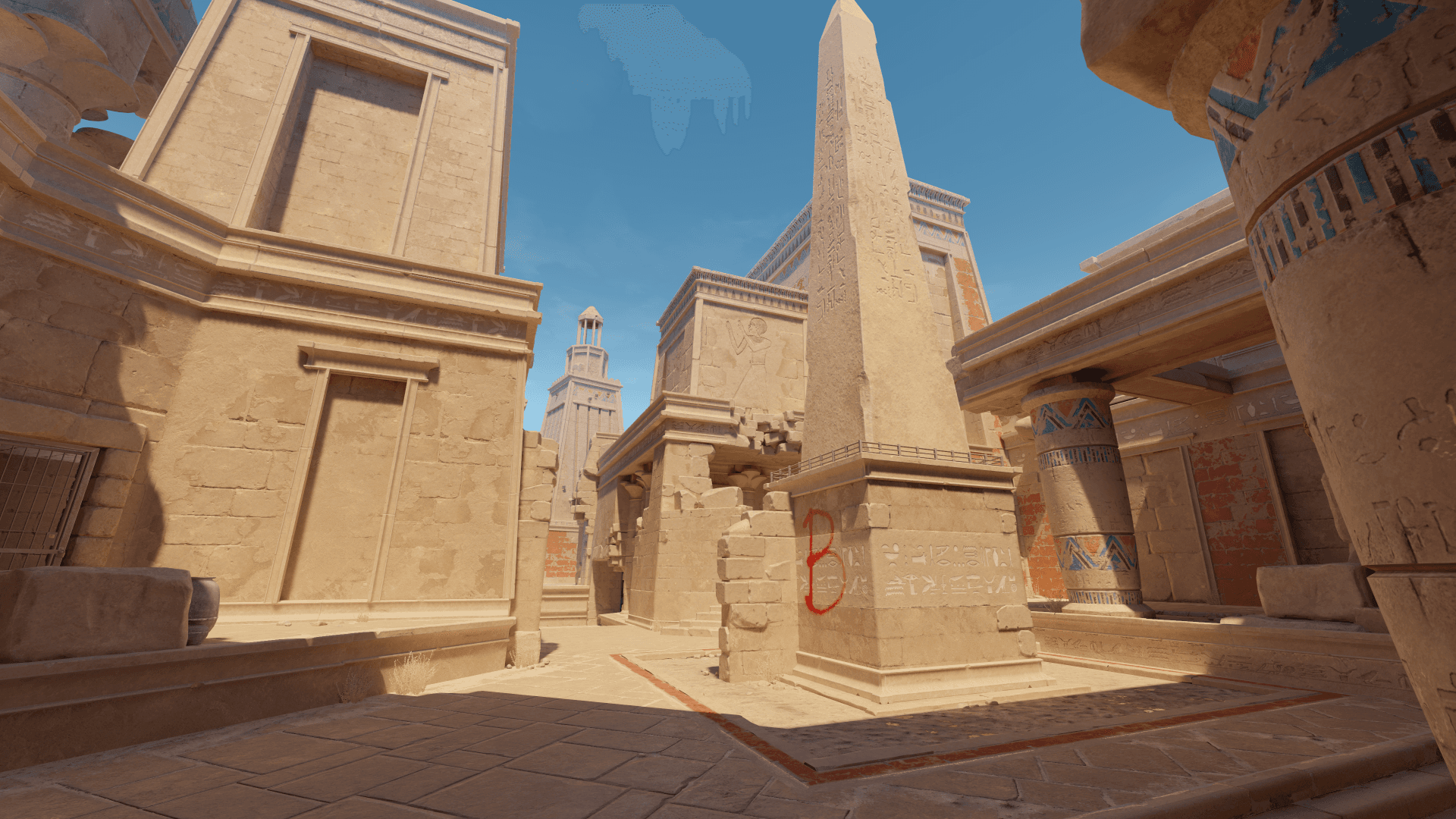
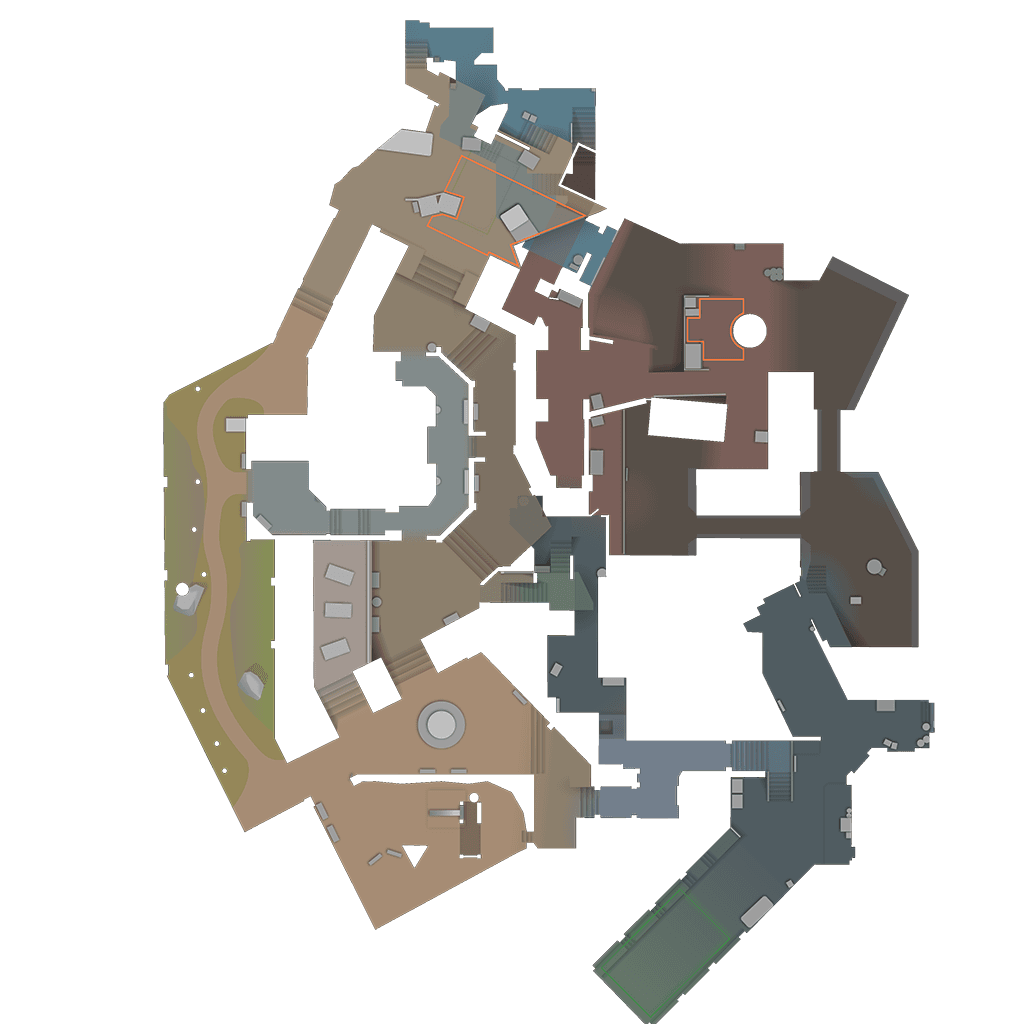
Example result
What a lineup looks like in the Nade Guide
You choose a map and click a target position. The Nade Guide shows the throw technique and the ready-to-use setpos-/setang-command that teleports you to the throw position on your server. The example below is a lineup from the actual dataset; your results depend on the map and target position.
Example · Mirage · Smoke · Tetris → Ticket Booth
Input
- Map
- Mirage
- Grenade and team
- Smoke · Terrorist
- Target position
- Ticket Booth of Tetris
- The pin on the map that you click.
Output
- Console command
- setpos -31.915405 -1418.031250 -104.374969;setang -32.572208 -116.919746 0.000000
- Paste into the console with sv_cheats 1, press Enter, and you’ll be at the throw position.
- setpos: throw position
- setpos -31.915405 -1418.031250 -104.374969
- X, Y, and Z coordinates where you need to stand.
- setang: viewing direction
- setang -32.572208 -116.919746 0.000000
- Pitch, yaw, and roll—pointing exactly where you need to aim.
- Technique · Movement · Precision
- Left · Stationary · Precise
Lineup details
What the Nade Guide shows you for each lineup
Instead of just a list, each lineup gives you the details you need to reproduce the throw and the command that takes you to the right position.
Target positions and throw variations
Pins on the minimap mark where the nade lands. Click a pin to see all throw variations for that position and a zoomed-in map view of it.
Team and nade type
Each lineup specifies its team (Terrorist, Counter-Terrorist, or both teams) and type: smoke, Molotov, flashbang, or HE grenade. You can filter by both at the top of the tool.
Technique: mouse button and jumpthrow
Technique specifies which mouse button to use for the throw: Left, Right, or Both. If Jump follows it, as in Left Jump, you throw while jumping. A jumpthrow bind helps you time each jumpthrow consistently.
Movement and precision
Movement shows whether you throw while standing, walking, running, or crouching (Stationary, Walking, Running, Crouched Stationary, Crouched Walking). Precision tells you how accurately you need to aim: Loose, Precise, or Very Precise.
Airtime as a rough guide
Airtime is a rough guide by nade type, not the measured flight time of an individual lineup: about 2 seconds until a smoke takes effect and around 1.5 seconds for a flashbang or HE grenade to detonate. For Molotovs, the guide is “immediately on impact.”
setpos and setang commands
The console command places you at the throw position (setpos X Y Z) and sets your viewing angle (setang Pitch Yaw Roll), each to six decimal places. The copy button sends it straight to your clipboard.
Guide
How to Practice CS2 Smokes and Nades with the setpos Command
- 1Choose a map at the top of the tool: Mirage, Dust II, Inferno, Nuke, Overpass, Ancient, Anubis.
- 2Filter by team (Terrorist, Counter-Terrorist, or both teams) and nade type (smokes, Molotovs, flashbangs, or HE grenades).
- 3Click a landing position on the minimap—the point where the nade should land.
- 4If there are multiple throw variations, choose the throw position you want and check the technique, movement, precision, and airtime guide.
- 5Use the copy button to copy the console command (setpos …;setang …).
- 6Enable sv_cheats 1 on your own server, open the developer console, paste the command, and press Enter. You are now at the throw position, aiming in the right direction.
- 7Throw the nade using the specified technique. For the next attempt, just paste the command again.
Maps
CS2 Smokes & Lineups by Map
The Nade Guide covers 7 maps. Click a map to open its lineups at the top of the tool. The minimap then shows the landing positions for smokes, Molotovs, flashbangs, and HE grenades.
Mirage
45 lineups12 smokes · 12 Molotovs · 12 flashbangs · 9 HE
Open Mirage lineupsDust II
42 lineups12 smokes · 12 Molotovs · 12 flashbangs · 6 HE
Open Dust II lineupsInferno
40 lineups12 smokes · 12 Molotovs · 9 flashbangs · 7 HE
Open Inferno lineupsNuke
40 lineups11 smokes · 12 Molotovs · 11 flashbangs · 6 HE
Open Nuke lineupsOverpass
42 lineups12 smokes · 12 Molotovs · 11 flashbangs · 7 HE
Open Overpass lineupsAncient
42 lineups12 smokes · 11 Molotovs · 12 flashbangs · 7 HE
Open Ancient lineupsAnubis
41 lineups12 smokes · 12 Molotovs · 10 flashbangs · 7 HE
Open Anubis lineups
Nade Guide + Your Own Server
Test found lineups live immediately
From a lineup in the Nade Guide to your first throw on your own CS2 server.
Order server
Your own CS2 server, where you can set sv_cheats, bots, and round time yourself.
- Full control over sv_cheats
- Ready to use immediately
Connect
Click “Apply to my server” in the Nade Guide: sv_cheats 1 is enabled, and the Steam link takes you to the throw position.
Try in-game
Throw the nade using the specified technique and repeat as often as you like with the setpos command.
Explore more
More CS2 tools for practice and setup
Server Configuration Generator
Describe your server.cfg in your own words using the ZapX AI Agent or set each option manually — with a live preview, download, and direct push to your rented server.
Built by Florian Galz
Crosshair Generator
Adjust style, color, size, gap, thickness, and outline live, then copy the finished console command.
Built by Florian Galz
Launch Options Generator
Build a ready-to-use line of CS2 launch options for Steam—only commands that actually work in CS2, with presets and a live preview.
Built by Florian Galz
Buy-Binds Generator
Configure Full-Buy, Force-Buy, and Eco binds using a form—with automatically combined CT/T scripts and a customizable purchase order.
Built by Thomas Ikemann
FAQ
Frequently asked questions about Nade Guide
CS2 nades, setpos, sv_cheats, and your own server, briefly explained.
A ready-made setpos/setang command for each lineup, plus technique, movement, precision, and a rough airtime guide.
For the smoke from Tetris to Ticket Booth (Mirage), the Nade Guide provides the command setpos -31.915405 -1418.031250 -104.374969;setang -32.572208 -116.919746 0.000000. The setpos part is your throw position (X, Y, Z); the setang part is your viewing angle (Pitch, Yaw, Roll). You also see the team, nade type, technique, movement, precision, and a rough airtime guide. Enter it on your server with sv_cheats 1 enabled to stand exactly at the throw position and aim correctly.
7 maps with smokes, Molotovs, flashbangs, and HE grenades.
There are currently 292 lineups on these maps: Mirage, Dust II, Inferno, Nuke, Overpass, Ancient, Anubis. They include 83 smokes, 83 Molotovs, 77 flashbangs, and 49 HE grenades. Use the filters to narrow them down by team (Terrorist, Counter-Terrorist, or both) and nade type.
Enable sv_cheats 1 on the server, then paste the copied setpos command into the console.
Enable sv_cheats 1 on your own server, open the developer console, paste the copied setpos/setang command, and press Enter. Without sv_cheats 1, the command is ignored. For another attempt, simply paste the same command again.
No, only on a server with sv_cheats 1 enabled.
No. setpos and setang only work when sv_cheats 1 is enabled, which you can only set on your own or a local server. The command is ignored in matchmaking.
You can view lineups and copy commands for free without signing in.
You can browse maps, filter lineups, and copy setpos commands without signing in. You only need to sign in to use “Apply to my server”: the dialog then lists your rented CS2 servers at ZAP-Hosting. If you are not signed in or do not have your own CS2 server, you will instead see a note with a link to sign in or order one.
How to throw, how accurately to aim, and a rough timing guide.
Technique specifies the mouse button: Left, Right, or Both. If Jump follows it, as in Left Jump, you throw while jumping—a jumpthrow. Movement shows whether you throw while standing, walking, running, or crouching, while precision tells you how accurately you need to aim (Loose, Precise, or Very Precise). Airtime is only a rough guide by nade type, such as about 2 seconds until a smoke takes effect, not the measured flight time of an individual lineup.
Enables sv_cheats 1 on your server and connects you directly to the throw position via Steam.
The button sets sv_cheats 1 on your selected, running CS2 server, then opens a Steam link that connects you to the server and teleports you to the throw position. sv_cheats applies to the entire server and all players currently connected, so use a separate practice server rather than an ongoing match. If the automatic connection fails, copy the command from the same dialog and enter it manually.
Fixed coordinates for each map and spot from the tool’s dataset.
Each lineup is an entry in the Nade Guide’s dataset with a fixed throw position and viewing angle for its map and spot. The command is generated from this data to six decimal places so you can reproduce the position exactly.
Any more questions?
Contact SupportHost your own Counter-Strike 2 server in 60 seconds
Full control over sv_cheats, bots, and round time, with DDoS protection included and cancellation at any time.
No setup. No risk. Online in seconds.
Looking for more tools? View all CS2 tools